

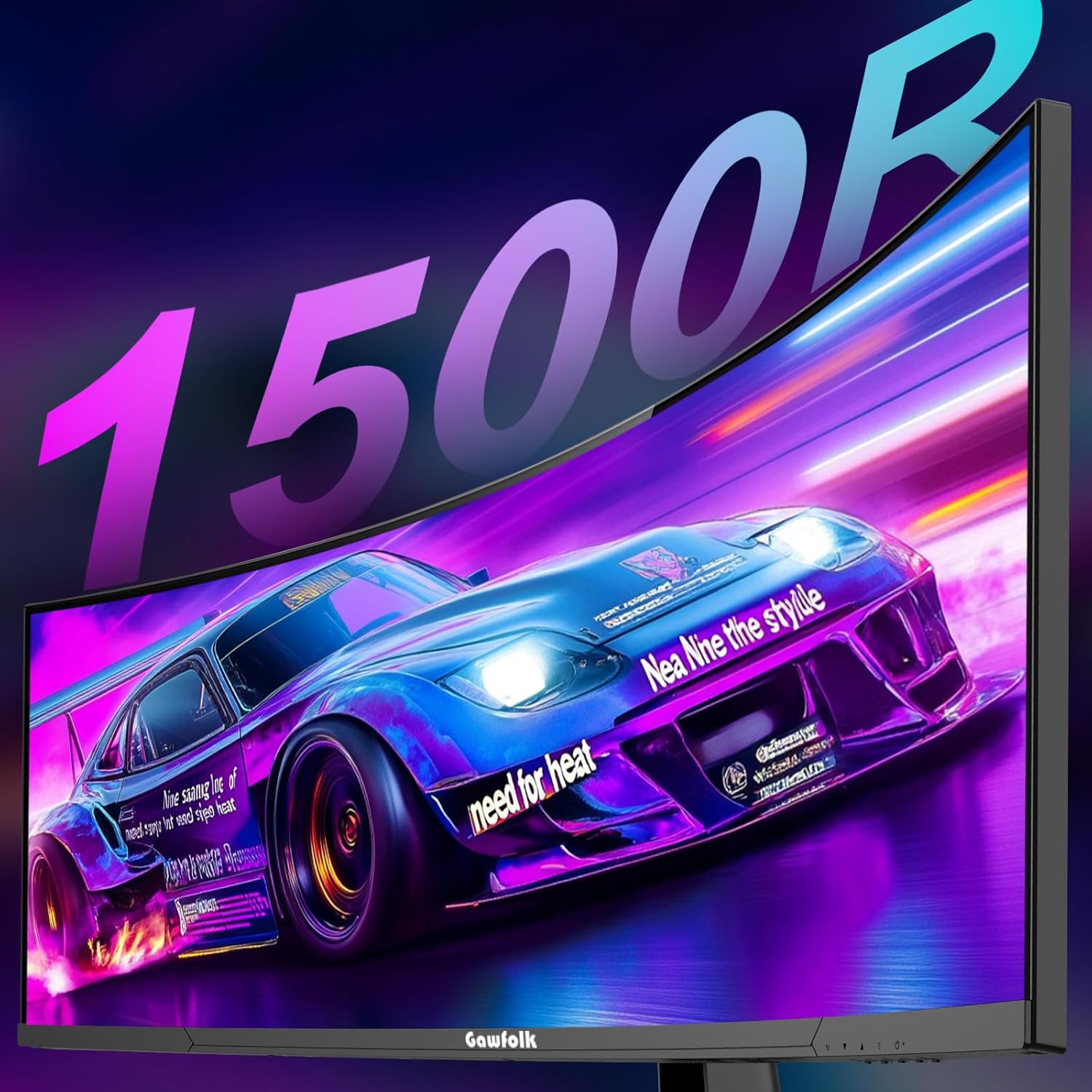
Gawfolk 44.5-inch Dual QHD curved gaming monitor (1500R) with 200Hz, RGB backlight and PBP/PIP
Product description
A monitor built around immersion and speed
If you’re shopping for a big curved gaming monitor, you usually want two things: a more immersive view for long sessions, and enough performance headroom for fast games. The Gawfolk 44.5-inch Dual QHD curved gaming monitor is designed squarely for that kind of use, leaning into a deep 1500R curve and a 200Hz refresh rate.
The pitch here is “feel the screen”. On paper, the 1500R curvature wraps your field of view more than flatter panels, which can make gameplay and films feel less like you’re staring at a flat rectangle. It’s also the sort of setup that can reduce distractions from the edges of your vision—though, naturally, whether it helps your comfort depends on your room setup and viewing distance.
Where it stands out in everyday use
What you’ll notice day to day is the combination of size and form. At 44.5 inches with a 5120x1440 super ultra-wide format, you’re getting a wider workspace than a standard monitor, so it’s not just about gaming. For desk work, it can make multitasking feel easier—think having a game or video on one side while keeping a browser and chat visible without constantly alt-tabbing.
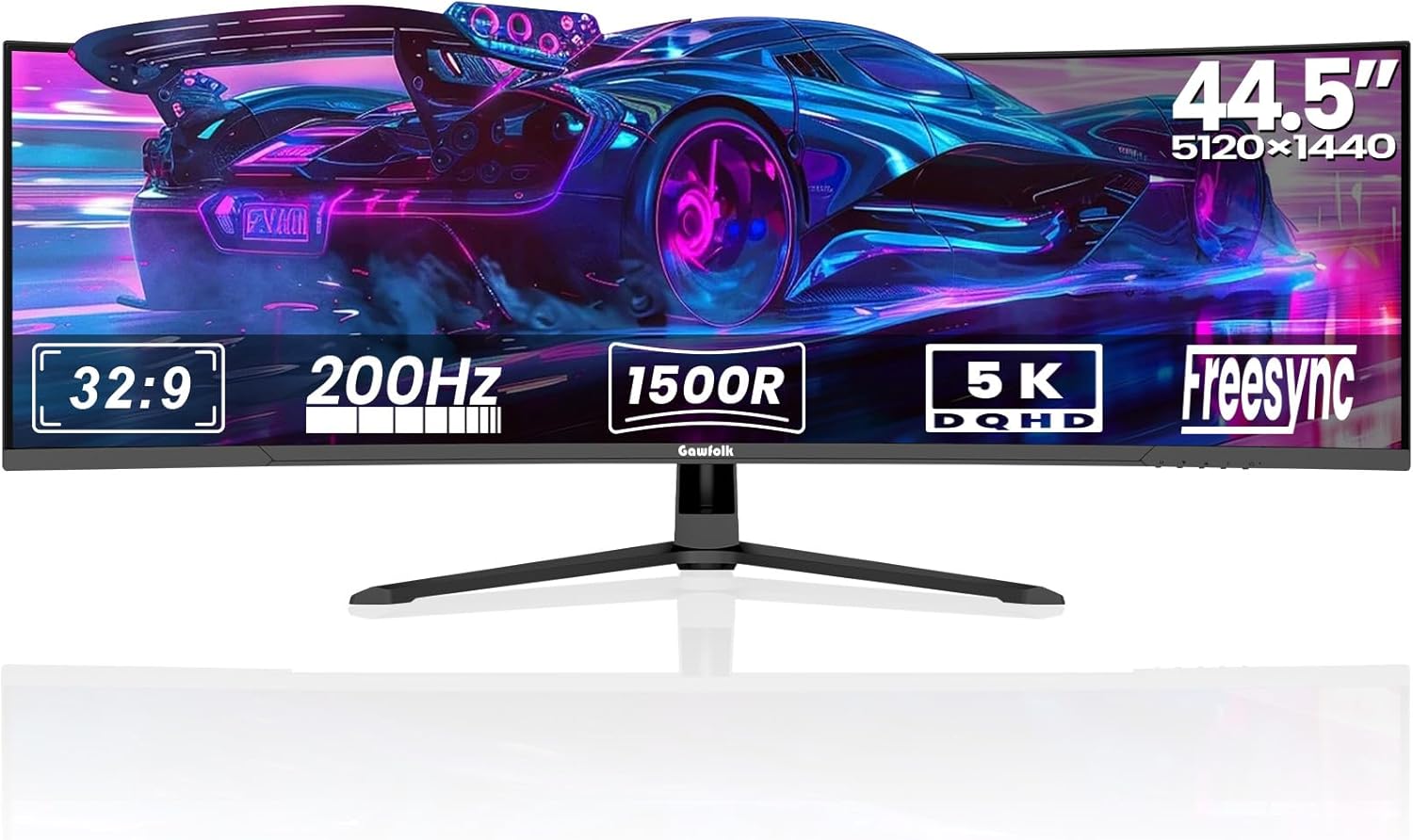
There’s also a practical “watch and control more than one thing” angle thanks to PBP/PIP support. That can be useful when you want to keep a secondary source visible (for example, a console feed alongside your main PC output). The downside is that picture-in-picture and side-by-side modes can involve trade-offs in how sharp or scaled things look, especially depending on what resolution each source is outputting.
Key features that matter when you’re gaming
The headline specs are built for responsiveness and a smooth visual experience: 200Hz and a Dual QHD resolution across a curved super ultra-wide panel.
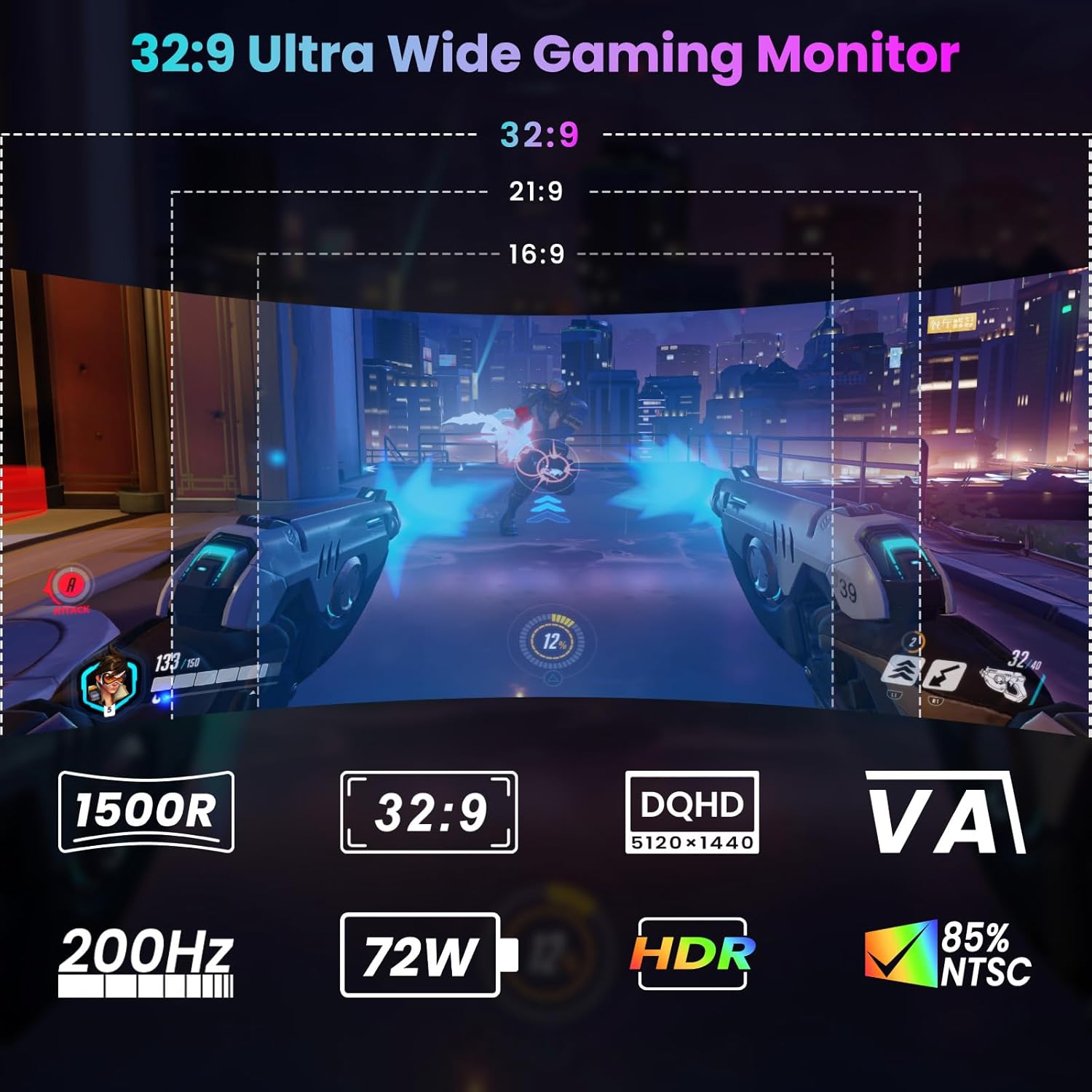
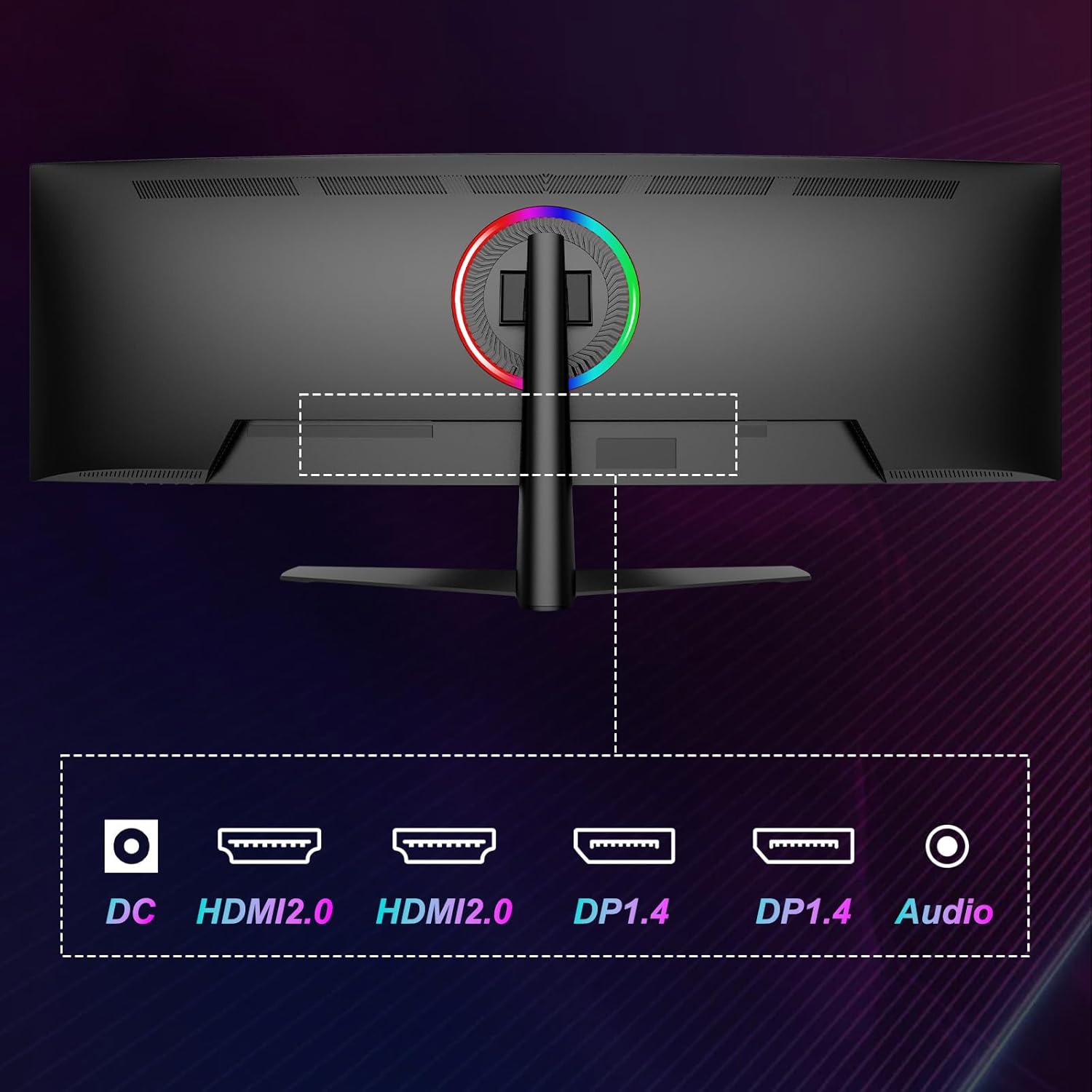
You also get display flexibility via ports and connectivity options. The monitor includes 2x DP 1.4 and 2x HDMI 2.1, which is handy if your setup includes a desktop PC and a console, or if you want to keep more than one device connected without swapping cables.
A further detail that shows it’s aimed at gaming setups is the RGB backlight. It’s not essential to performance, but it can help you match the monitor to the rest of a themed setup.
The essentials (without the fluff)
Here’s what you can reasonably plan your purchase around:
- 44.5-inch curved gaming screen
- 1500R deep curvature for a more wrapped viewing experience
- Dual QHD super ultra-wide resolution at 5120x1440
- 200Hz refresh rate for smoother motion
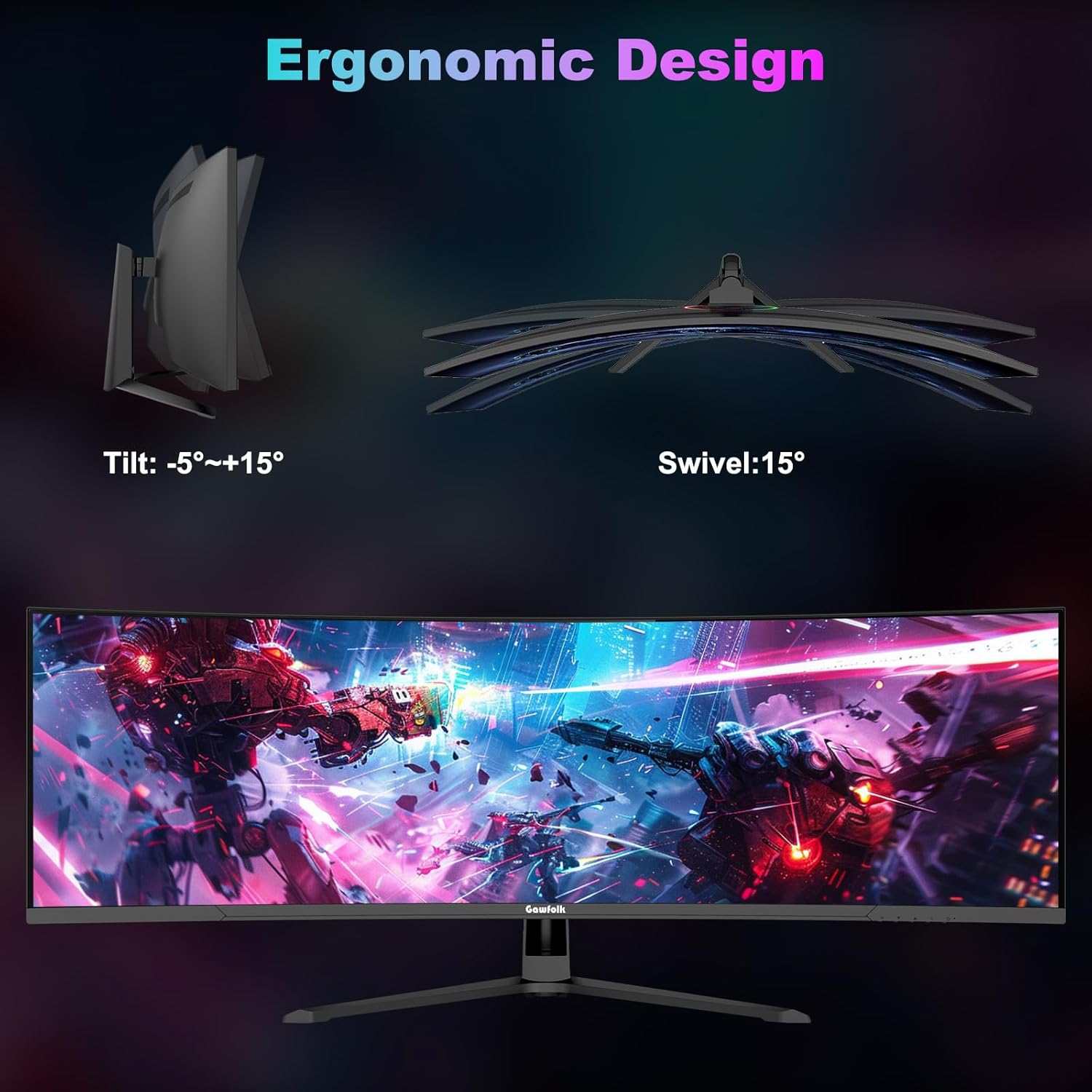
- Height adjustable stand, so you can set a better on-desk position
- RGB backlight for custom desk vibes
- 2x DP 1.4 and 2x HDMI 2.1 for connecting multiple devices
- PBP/PIP support for showing more than one input mode
Tech specs
- Name: Gawfolk 44.5 Inch Dual QHD Curved Gaming Monitor – 200Hz, 5120x1440 Super Ultra-Wide, 1500R, Height Adjustable Stand, RGB Backlight, 2x DP 1.4, 2x HDMI 2.1, PBP/PIP
- Type: Curved gaming monitor
- Size: 44.5-inch
- Format: Super ultra-wide, 5120x1440
- Resolution: 5120x1440
- Refresh rate: 200Hz
- Display: Curved (1500R)
- Display stand: Height adjustable stand
Who it’s for (and when it can feel like overkill)
This monitor makes sense if you want a single-screen “do more” setup. It’s a strong match if you enjoy immersive curved visuals, play games where wider views help situational awareness, and you’d like extra desk space for windows.
It may not be the best match if your viewing space is tight. A 44.5-inch ultra-wide takes up more physical footprint and can be a bit demanding in smaller rooms, and the curve effect relies on getting your seat position roughly right.
You should also consider whether you can drive the resolution and refresh rate you’re buying into. If you’re mostly playing titles that aren’t especially demanding, the 200Hz spec may be great for responsiveness, but if you’re expecting consistent high frame rates in heavier games, you’ll want to be realistic about what your PC or setup can output.
Quick practical scenario
Imagine sitting down for a match after work. With this kind of super ultra-wide layout, you could keep your game centred while your character build or map stays visible in a side region. Then, if you’re switching to a console session later, the 2x HDMI 2.1 connectivity makes it easier to keep everything hooked up. If you want a secondary view for streaming or a second device, PBP/PIP support gives you that option—though you might have to accept minor compromises depending on scaling.
Should you buy it?
Worth buying if you specifically want a big curved super ultra-wide setup with a deep 1500R curve, Dual QHD at 5120x1440, and a 200Hz refresh rate—plus the flexibility of PBP/PIP and multiple inputs (2x DP 1.4, 2x HDMI 2.1). The height adjustable stand is also a practical bonus for getting the monitor aligned to your desk.
Better avoided if you need something compact, or if you’re unsure about whether a 44.5-inch curved display will suit your room distance and seating position. It’s also not the easiest choice if your priority is simple, plug-and-play productivity with no interest in gaming-focused extras.
Mini FAQ
Does the 1500R curve help with comfort?
On paper, 1500R is meant to wrap your view more than flatter screens, which can help reduce strain for some people. In practice, comfort depends heavily on your seating distance, brightness settings and how long you use it.
What is PBP/PIP useful for?
PBP/PIP is useful when you want to run more than one input source at the same time—handy for mixing PC and console, or keeping a second feed visible while you play.
How many connection options does it have?
The monitor includes 2x DP 1.4 and 2x HDMI 2.1, so it supports connecting multiple devices without constant cable swapping.
Is it aimed at gaming only?
It’s clearly built with gaming in mind, but the ultra-wide layout can also suit multitasking and productivity. The key is whether you’ll actually benefit from the extra width.
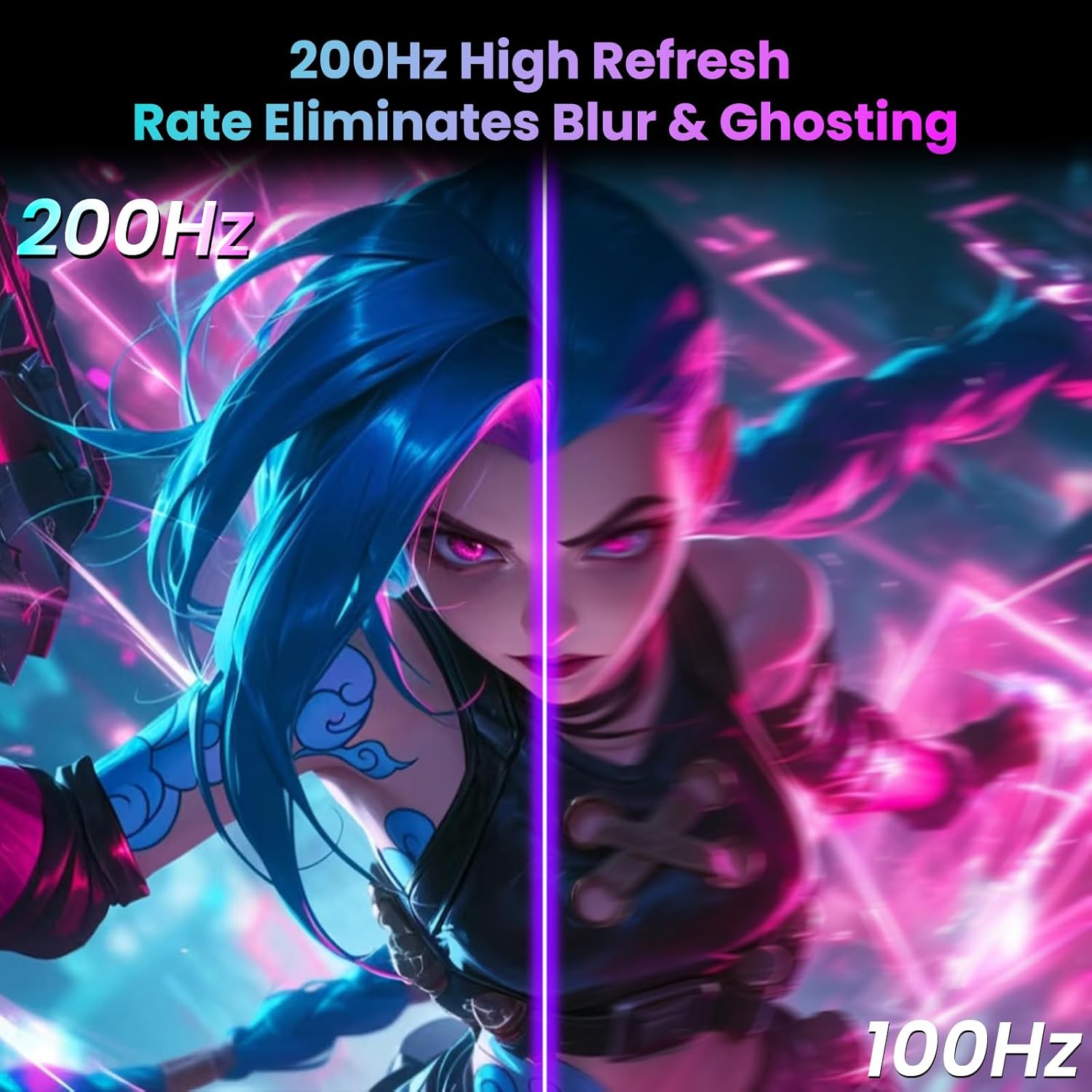
Is 200Hz relevant if I’m not chasing high FPS?
If your setup can’t push high frame rates consistently, the 200Hz benefit may not be fully used. However, you still get responsiveness improvements in supported scenarios—just don’t expect miracles if your hardware output is limited.