

Philips 27M2N3200AM 27 inch FHD Gaming Monitor with 180Hz Fast IPS, Adaptive Sync, HDR10 & height adjustment
Reviews
Price
Product description
The essentials
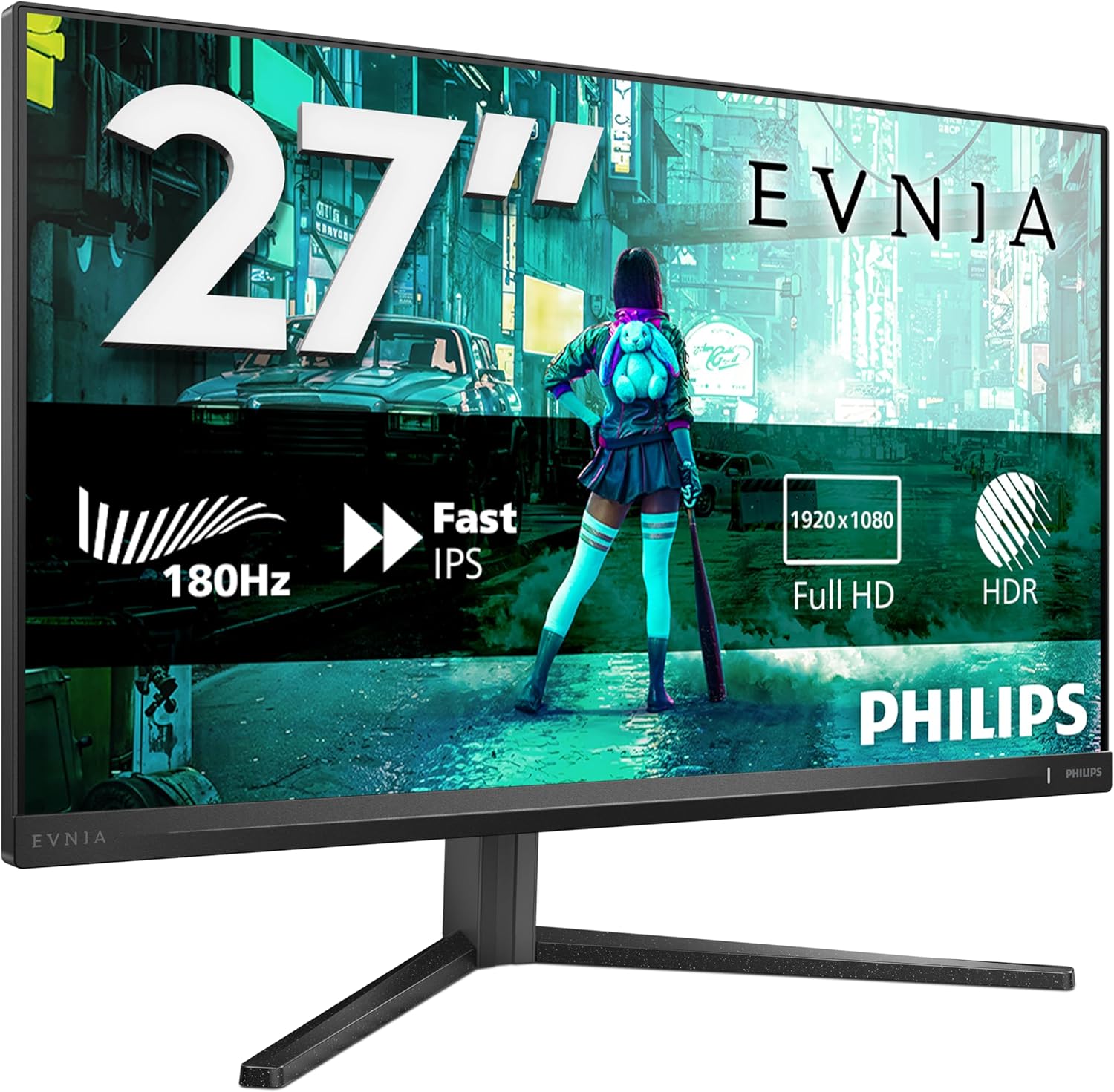
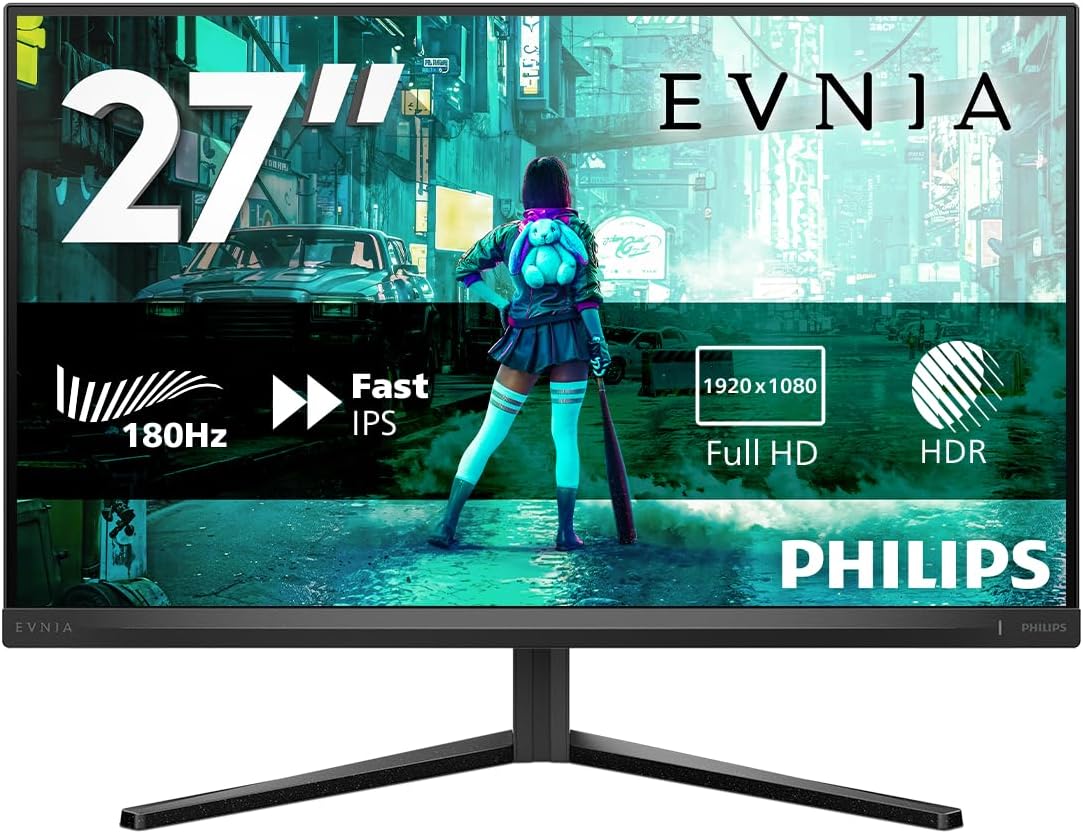
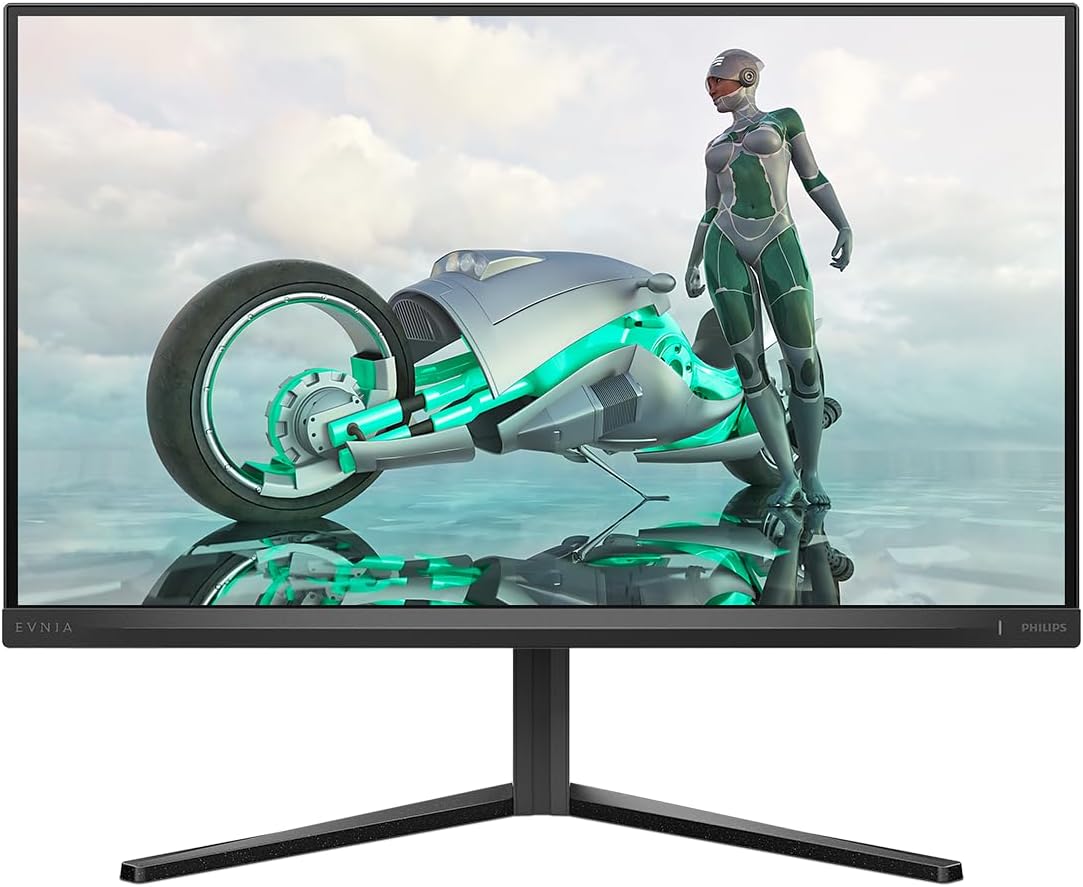
If you’re shopping for a 27 inch gaming monitor that keeps things smooth, responsive, and easy to live with day to day, the Philips 27M2N3200AM is aimed directly at that “fast but usable” sweet spot. It’s a Full HD (1920x1080) 27 inch Fast IPS display with a high refresh rate and adaptive sync support, so on paper it’s built for lighter competitive games as well as everyday desktop use.
It’s not a 4K monitor, and that matters: if you’re chasing extra sharpness for text-heavy work or you prefer higher resolution gaming, FHD can feel a bit limited. But if your priority is motion clarity and smooth gameplay, the spec list here is clearly leaning that way.
Worth noting: the information you’ve provided mentions 180Hz (with Fast IPS) and also references 1ms (MPRT). That combination is often chosen to reduce perceived blur during fast movement, rather than to make the picture “more detailed” like a higher-resolution panel would.
Key takeaways
This monitor’s approach is pretty straightforward: high refresh, fast response for smoother frames, and adaptive sync to help reduce tearing. The inclusion of HDR10 also adds a bit of extra punch for compatible content, though it won’t replace a dedicated HDR-focused display if you’re very sensitive to brightness and contrast.
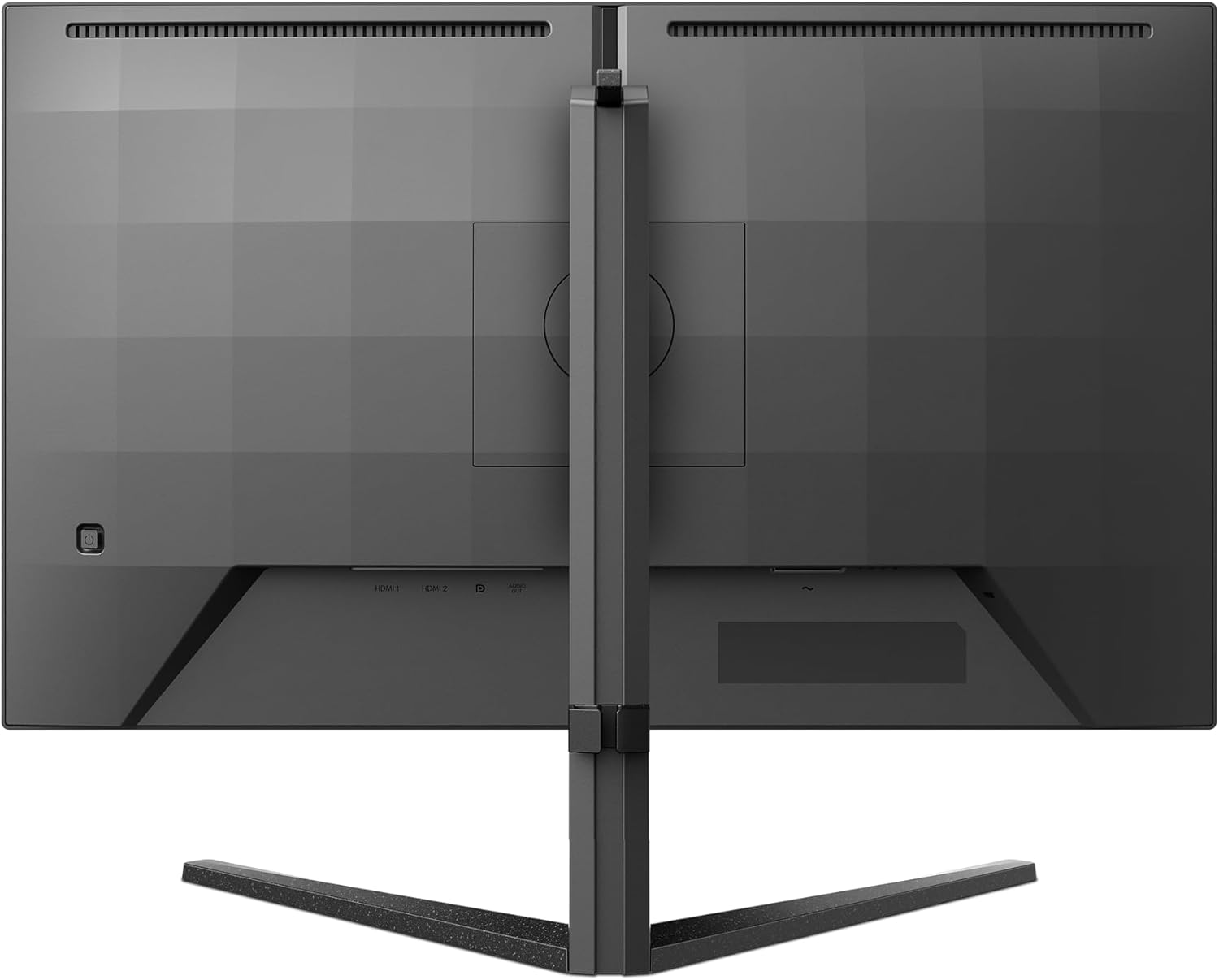
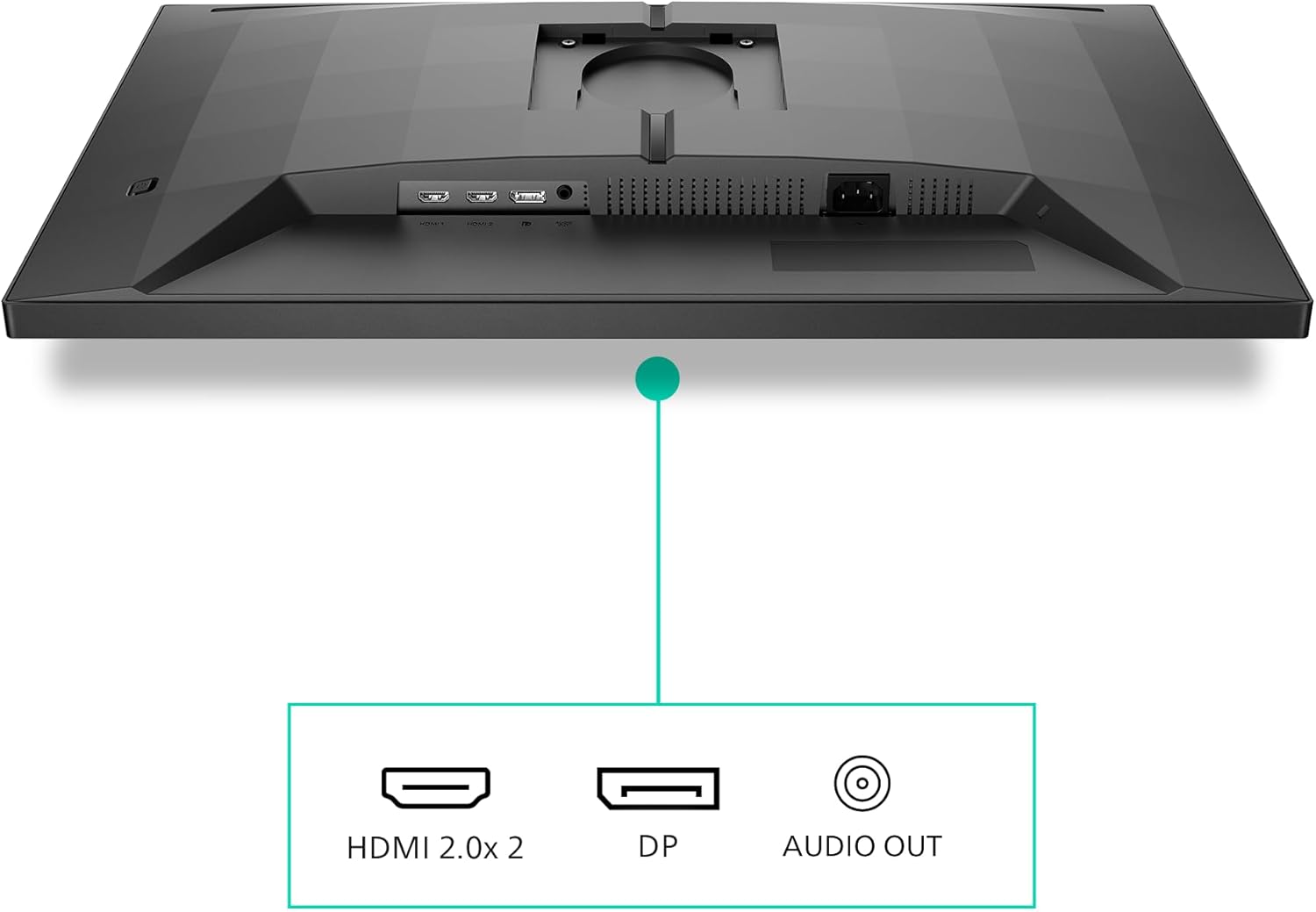
On the connectivity side, you’ve got HDMI 2.0 (2x) and DisplayPort 1.4 (1x). That’s a convenient spread if you plan to use it with more than one device (for example a gaming PC and a console), and it generally makes setup less fiddly.
It also includes built-in speakers, which won’t replace proper external audio, but it’s genuinely handy for quick sessions, casual gaming, or when you don’t want to switch speaker cables on and off.
What stands out in everyday use
The biggest practical difference you’ll notice is the smoothness during movement. With Adaptive Sync, and support described for both AMD FreeSync Premium (tear-free, smooth) and NVIDIA G-SYNC compatibility, this is the sort of monitor you’d choose to keep gameplay feeling steadier when your frame rate isn’t perfectly locked.
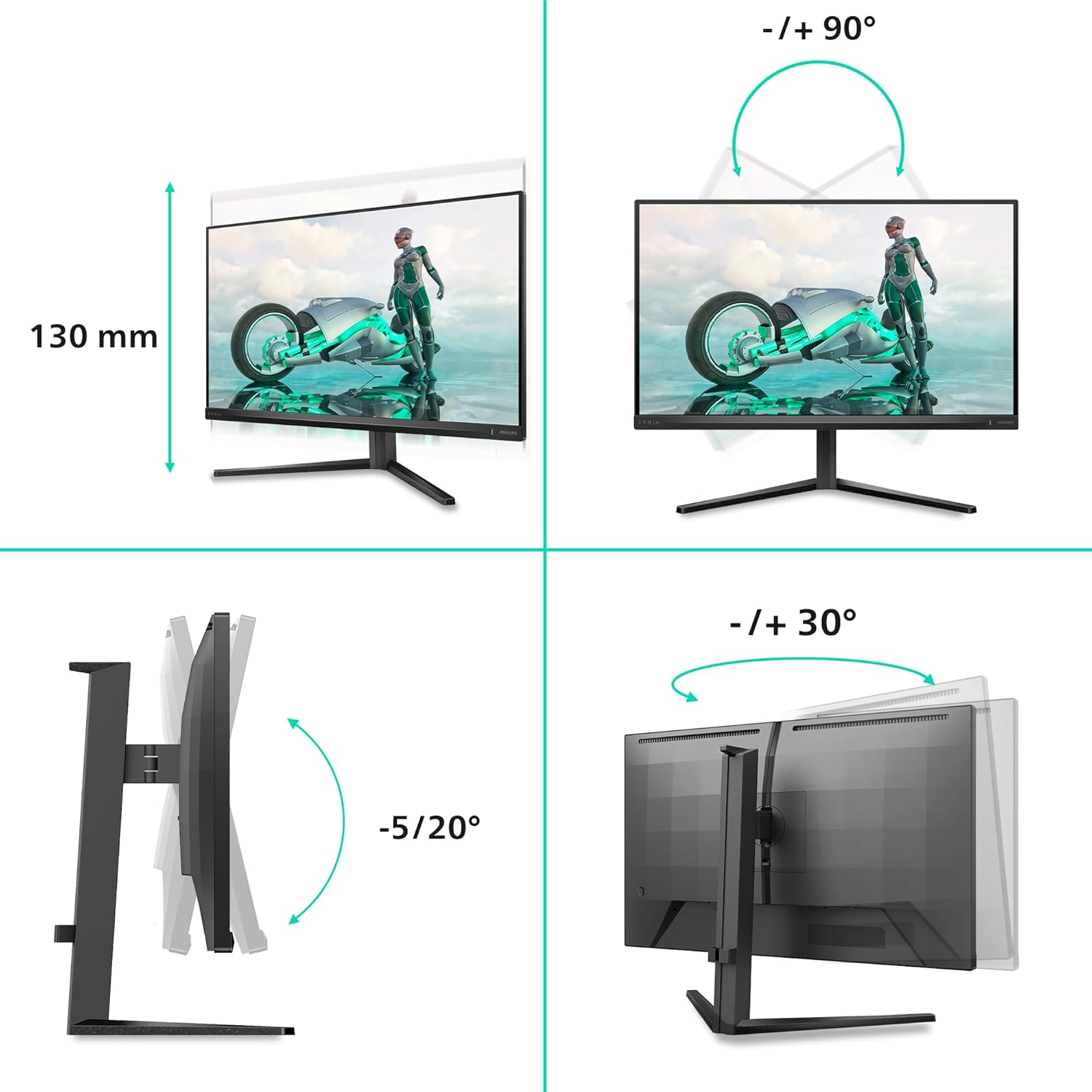
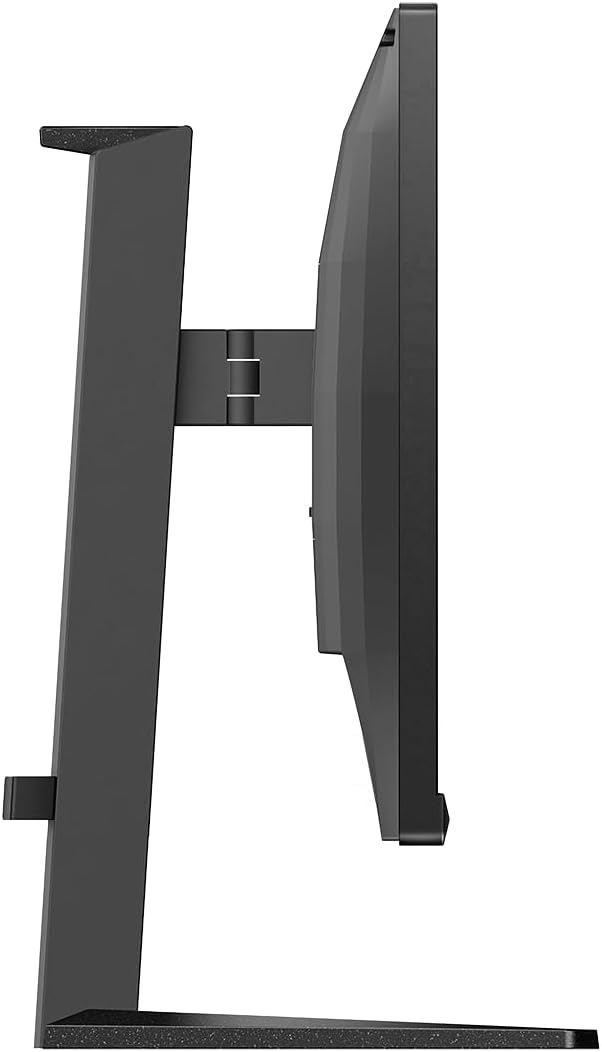
A small but real quality-of-life feature here is the height adjustment. Those games that pull you forward in your chair for longer sessions tend to make posture matter more than people expect. Height adjust won’t solve everything, but it helps you get the screen to a comfortable level without stacking books or using makeshift risers.
Example of use: imagine loading up a fast shooter or a racing game, then quickly switching between a controller session and browsing the web for guides. The mix of a high refresh rate, quick response (MPRT mentioned), and standard desk-friendly ergonomics (height adjustment, plus IPS viewing angles by nature) is exactly what you’d want for that “game, then carry on” routine.
Tech specs
- Name: Philips 27M2N3200AM
- Type: Gaming monitor
- Size: 27 inch
- Resolution: 1920x1080 (FHD)
- Refresh rate: 180Hz
- Panel: Fast IPS LED with wide angle technology
- Response time: 0.5ms MPRT
- Adaptive Sync: AMD FreeSync Premium and G-SYNC compatible
- HDR: HDR10
- Speakers: built-in speakers
- Connectivity: HDMI 2.0 (2x) and DisplayPort 1.4 (1x)
- Colour: dark grey
- Adjustment: height adjustment
Where it shines (and where it may fall short)
If you’re buying for gaming feel—smooth motion, reduced tearing, and a fast panel—the Philips makes sense. The IPS angle technology is also a plus if you sit slightly off-centre or share the screen occasionally.
That said, it’s not the best fit if you specifically want maximum crispness from higher resolution. FHD at 27 inch can look a touch softer than 1440p or 4K, particularly on fine UI text, spreadsheets, or productivity work with lots of small details.
Also, HDR10 is included, but without brightness/contrast details provided, you should keep expectations realistic. HDR on monitors can vary a lot depending on panel performance.
In short: this feels like a value-led gaming monitor choice rather than a premium “display geek” upgrade.
Compatibility & requirements
This monitor supports both HDMI and DisplayPort, including HDMI 2.0 and DisplayPort 1.4. If you’re planning to use Adaptive Sync effectively, it depends quite a lot on your PC/games and whether your graphics setup outputs a compatible signal at a steady enough pace.
If you’re mostly console-focused, it’s still a practical pick thanks to the dual HDMI 2.0 ports, but you’ll want to check that your console output and settings align with the refresh rate features you want to use.
Is it worth it?
You should consider the Philips 27M2N3200AM if you want a 27 inch gaming monitor that prioritises smooth gameplay—high refresh rate, Fast IPS characteristics, and adaptive sync features are at the core of the design. It also offers height adjustment and built-in speakers, which makes it more convenient for everyday desk use than monitors that assume you’ll always use external audio or fixed stands.
You may want to skip it if you need sharper detail for work-heavy tasks, or if you’re expecting HDR to look dramatically better without knowing how strong the panel gets in real-world brightness. It might not be a great match if your budget is better spent on a higher-resolution display for clarity.
It suits buyers who play fast, care about motion smoothness, and want a monitor that’s easy to set up and live with.
Mini FAQ
Does it support tearing reduction for gaming? The product info you’ve provided mentions tear-free, smooth gaming via AMD FreeSync Premium and includes NVIDIA G-SYNC compatibility for smoother gameplay.
Is it good for consoles as well as a gaming PC? With 2x HDMI 2.0 and 1x DisplayPort 1.4, it’s designed to work across common setups, though how well you benefit from the gaming features depends on your device settings.
What’s the purpose of HDR10 here? HDR10 is included for compatible content. How noticeable it is will depend on the content and the monitor’s real-world HDR performance, which isn’t detailed in the information provided.
Are the built-in speakers worth using? They can be convenient for casual use, but they’re best treated as a practical extra rather than a replacement for dedicated speakers/headphones.
Is FHD a deal-breaker at 27 inch? Not automatically. If your priority is smoother motion and competitive gaming feel, FHD can be totally fine. If you’re very sensitive to sharpness for text, you may find FHD less satisfying than higher-resolution options.