


ASUS ProArt Display 5K PA27JCV 27-inch IPS 5K Professional Monitor
Product description
At a glance
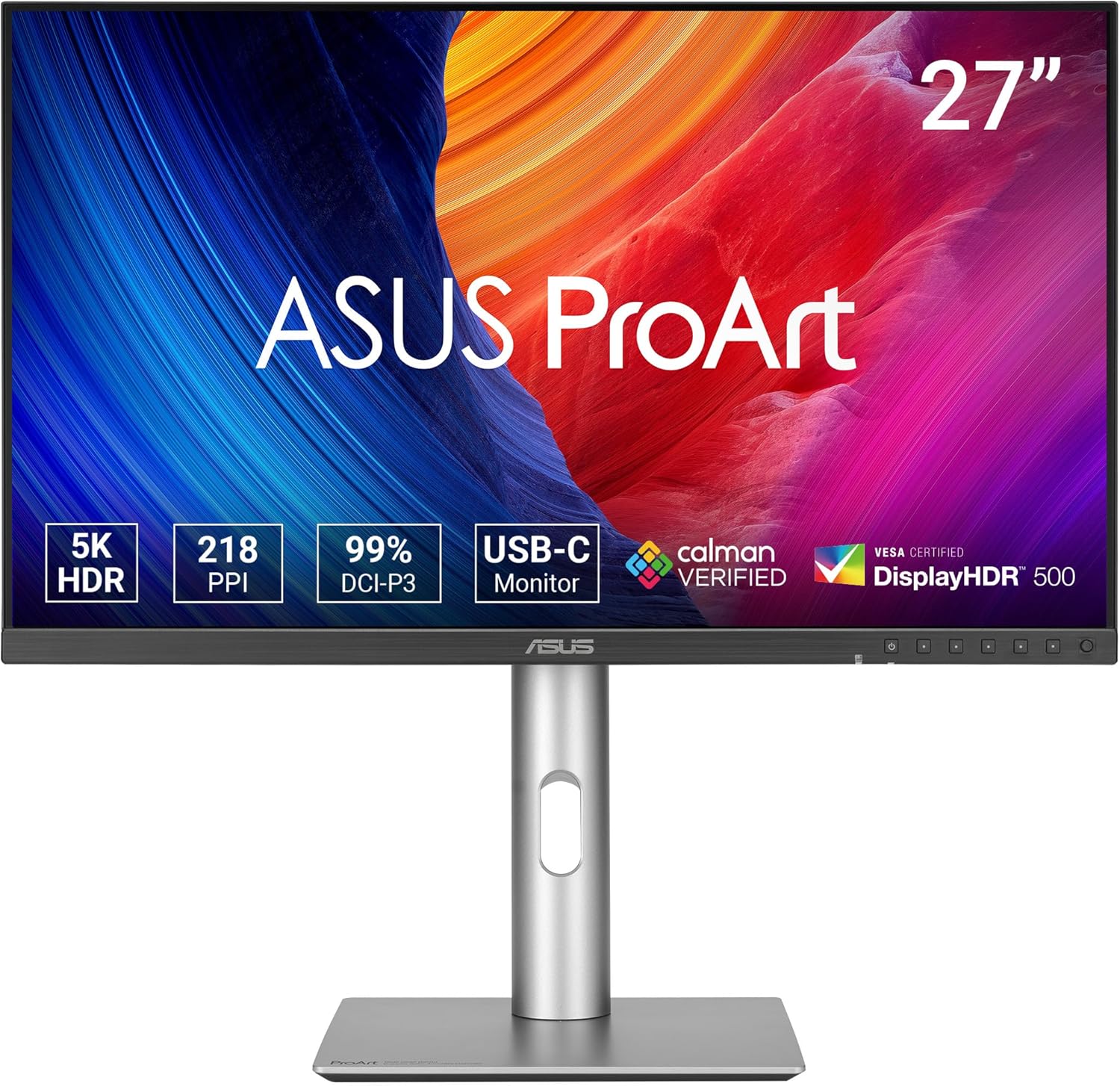
If you’re shopping for a proper colour-focused 27-inch monitor, the ASUS ProArt Display 5K PA27JCV is one of those models that looks built for creators rather than just for browsing. On paper it leans into image accuracy and a high-spec panel: 27-inch 5K (5120 x 2880) with an IPS panel and 99% DCI-P3 colour coverage.
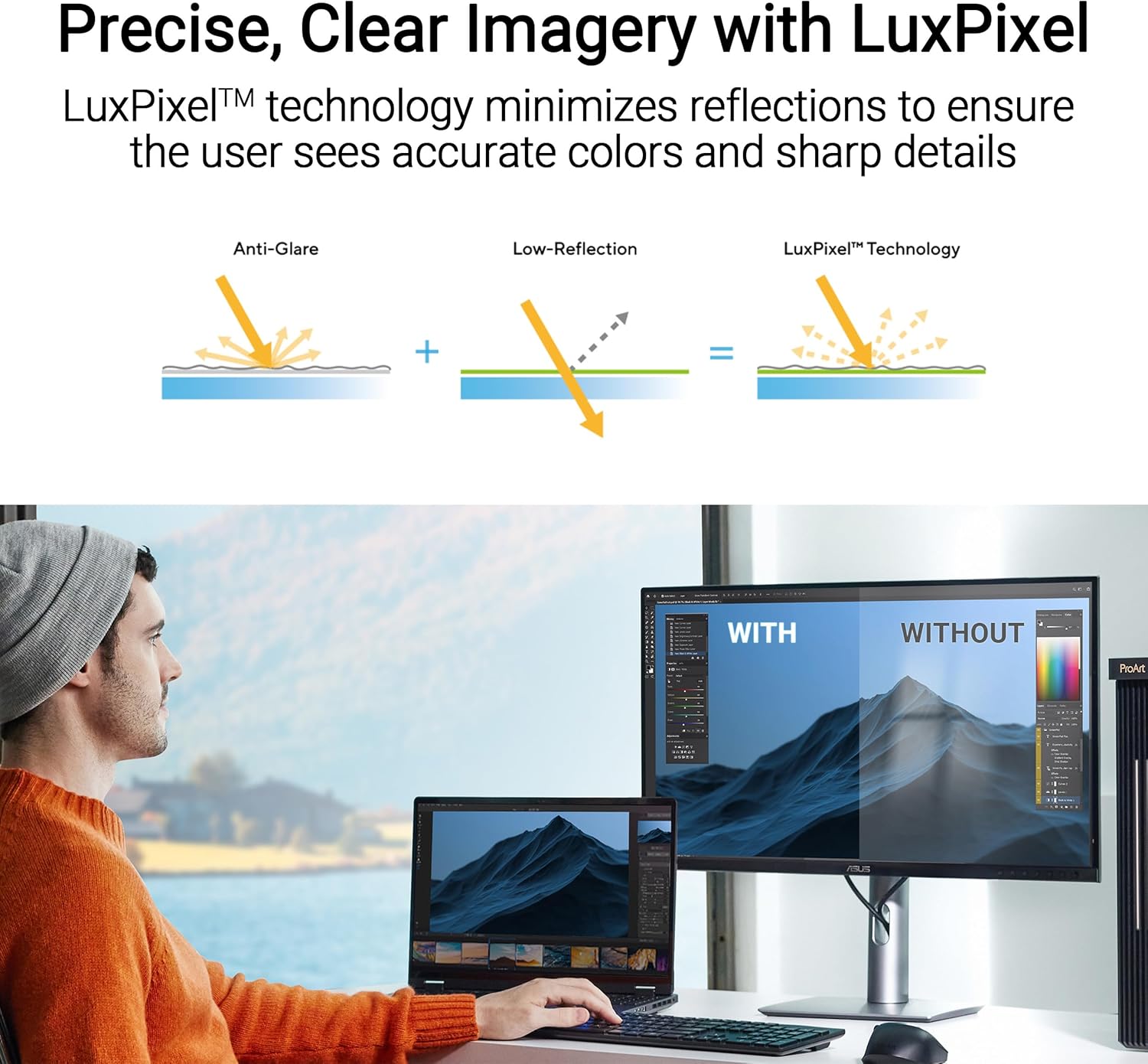
The headline isn’t only the resolution. It’s also the way ASUS positions it with LuxPixel AGLR, Light Sync support, factory calibration with colour accuracy listed as Delta E < 2, and “Calman Verified”. That combination matters if your work involves editing, proofing or any kind of colour-critical workflow where you don’t want to start from scratch.
That said, it’s not perfect for everyone. If you simply want a budget-friendly everyday screen for office tasks and videos, you may find you’re paying for features you won’t use. And if your priority is very specific gaming performance, this ProArt line is generally not about chasing speed specs.
What to know before you buy
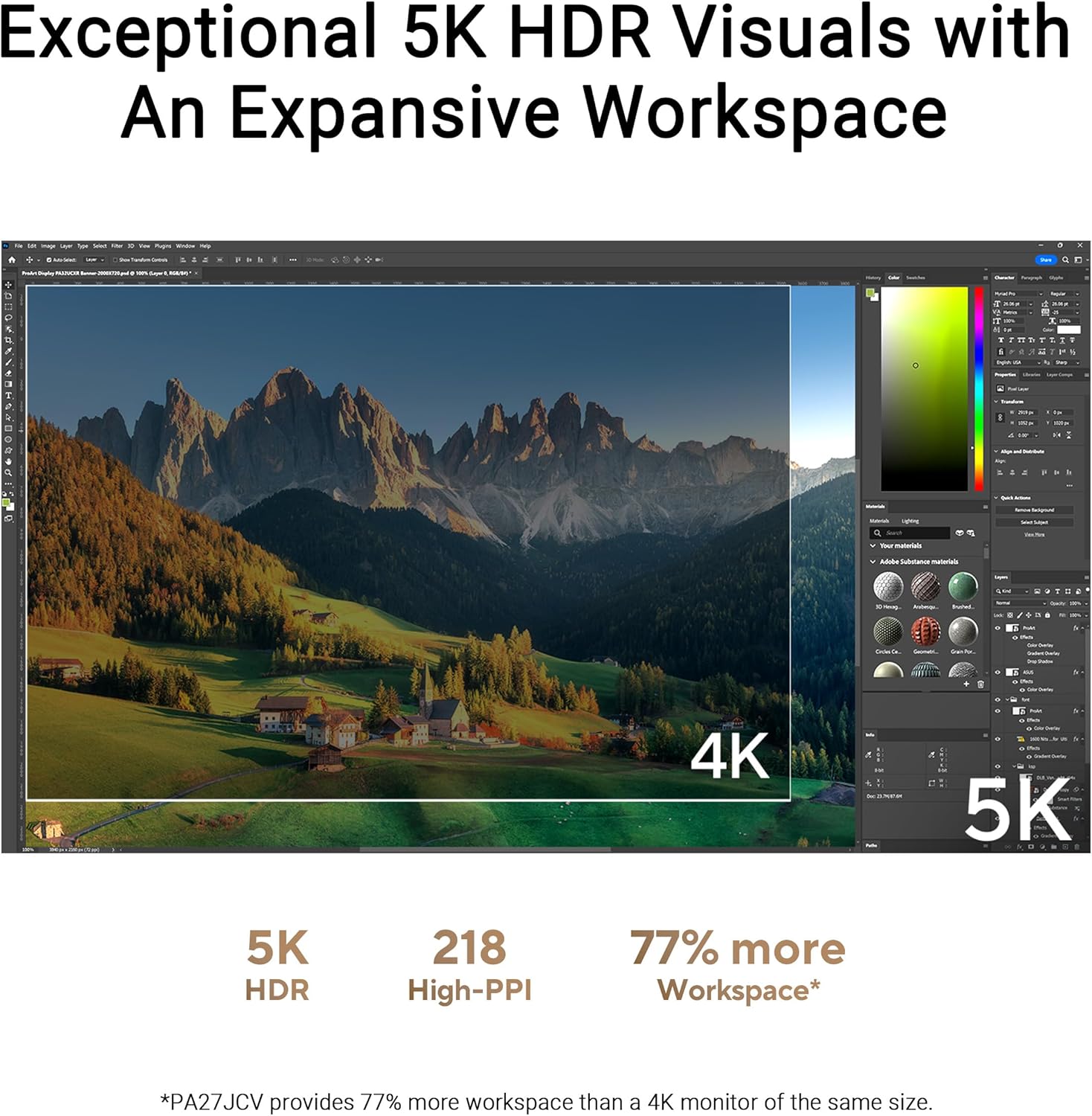
First, the 5K 5120 x 2880 resolution is a big deal for sharpness and workspace. On a 27-inch panel, it tends to suit people who want to fit more timeline, panels or document content on screen without constantly switching windows. It’s also the kind of resolution that can make text look more polished, particularly for design work or detailed photo editing.
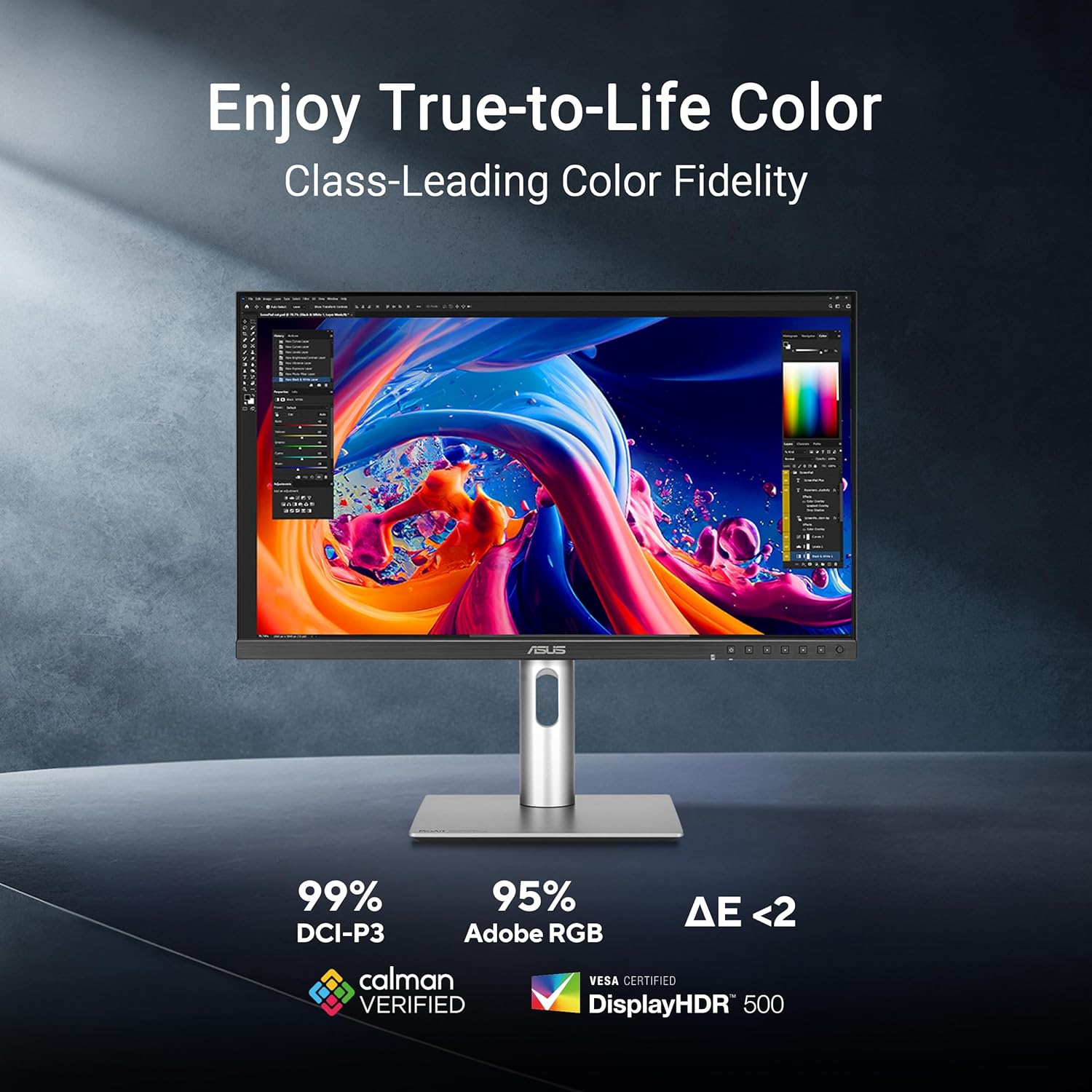
Second, colour performance is clearly a core theme here. The listing states 99% DCI-P3 (and mentions a wide colour gamut), plus factory calibrated colour accuracy with Delta E < 2 and Calman Verified. In practice, this is the difference between “it looks decent” and “it behaves like you can trust it”, especially when you’re judging images against reference targets.
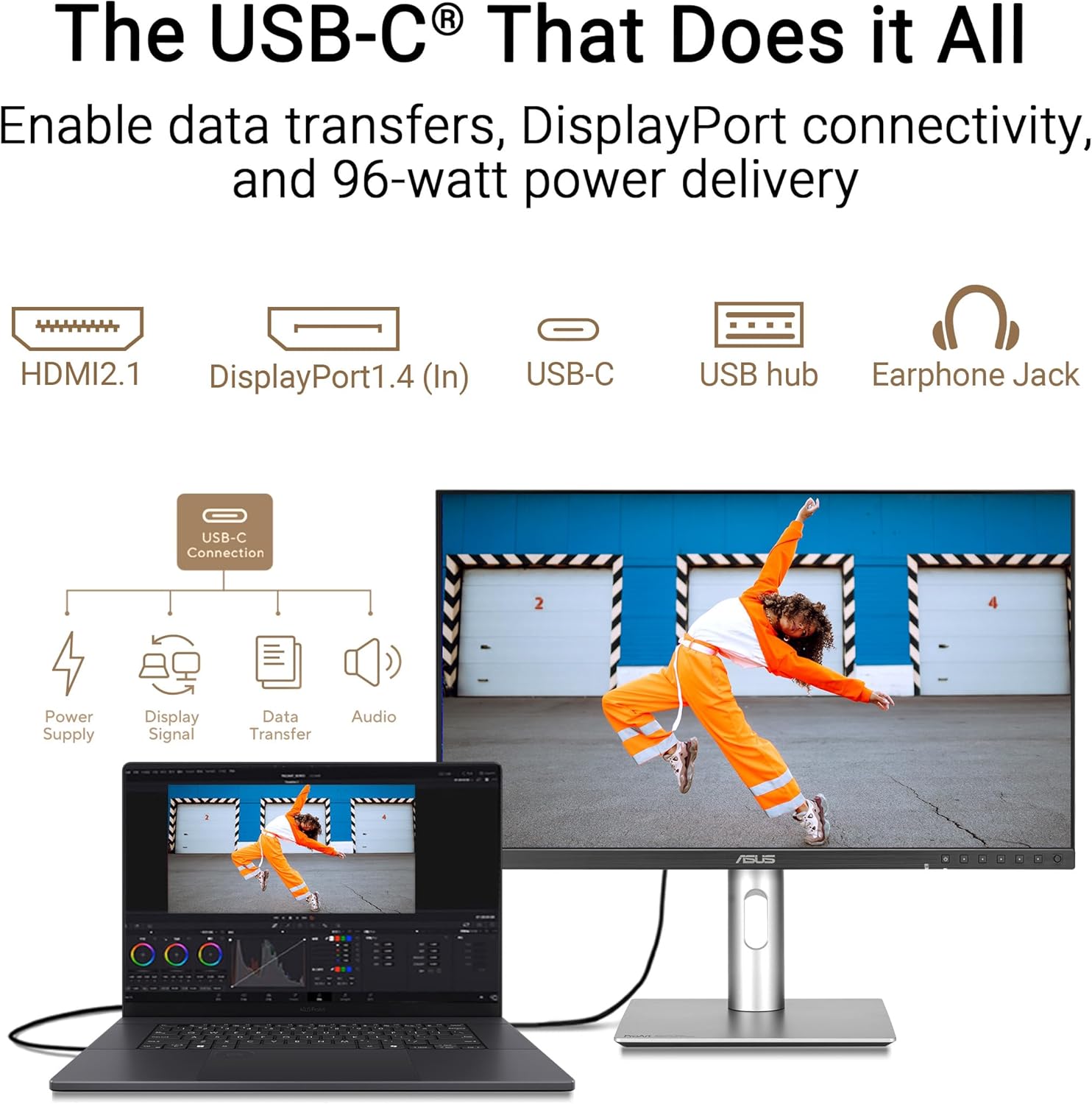
Third, connectivity is handled in a fairly professional way. You get DisplayPort over USB-C with USB-C power delivery rated at 96W, plus DisplayPort and HDMI, and there’s also a USB hub. If you’re working from a desk setup with a laptop dock/USB-C cable, that can simplify your cable management.
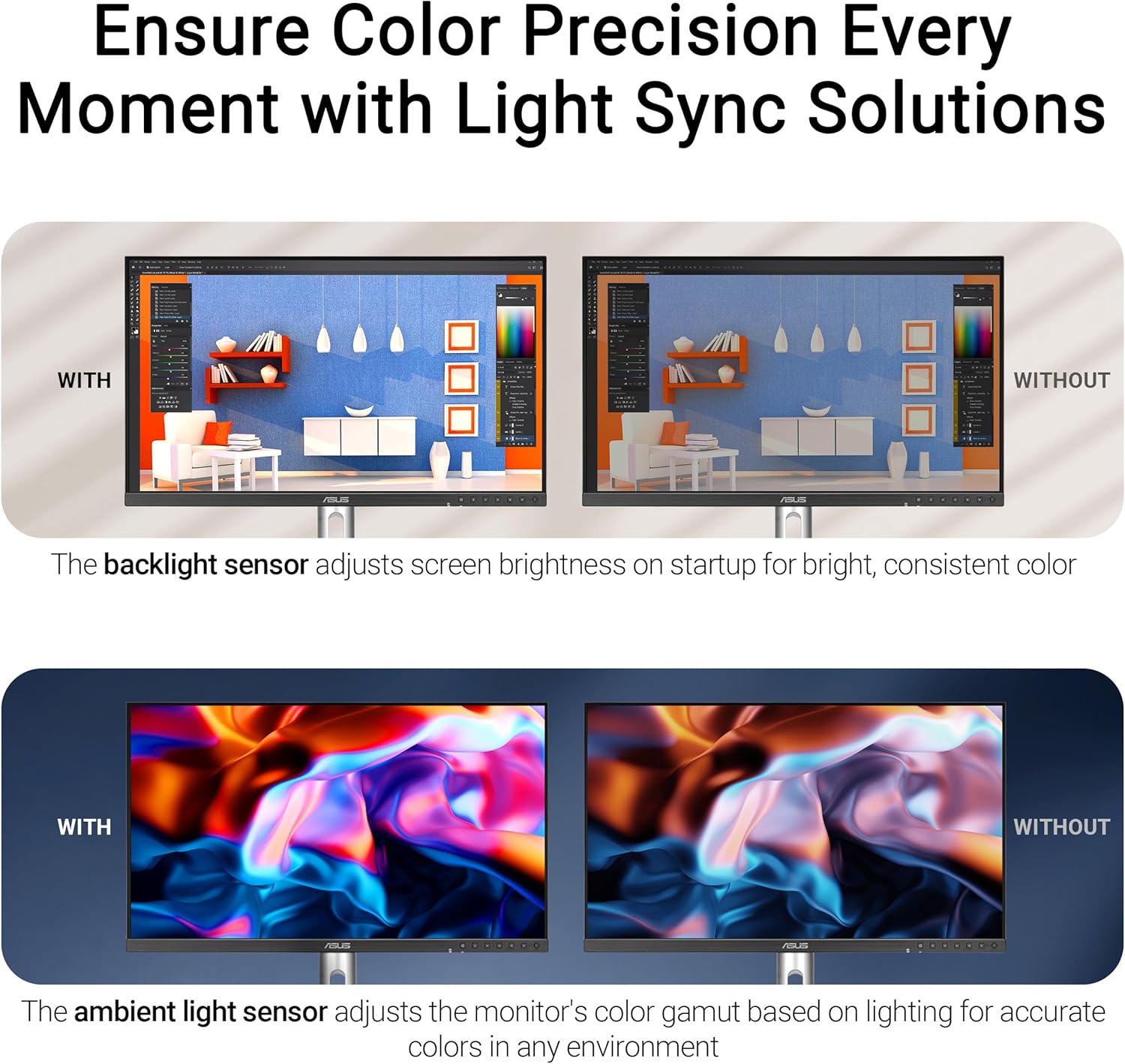
Finally, the monitor includes an Ambient Light Sensor and a backlight sensor, which is aimed at keeping colour performance consistent from the start. It’s a small detail, but it can help if your room lighting changes through the day.
Where it shines for creative work
This monitor’s best fit is when you care about colour and you want a screen that starts closer to accurate out of the box. The stated Delta E < 2 and Calman Verified angle is exactly what you look for if you’re tired of guessing whether your display is “off” and you’d rather spend time editing.
The LuxPixel AGLR and Light Sync support also point to a more visually immersive feature set. That’s the sort of thing you’ll notice when you’re actually sitting in front of the screen for longer sessions, not just testing it for five minutes.
A practical example: imagine you’re grading photos and you’re moving between editing software and a reference image set. If the monitor is factory calibrated and keeps its colour behaviour steady, you’re less likely to end up re-checking and second-guessing your edits. You can focus on creative decisions rather than display calibration anxiety.
Tech specs (only the bits that matter)
- Display type: 27-inch IPS with 178° wide viewing angle
- Resolution: 5K (5120 x 2880)
- Colour coverage: 99% DCI-P3 (wide gamut)
- Colour accuracy: Delta E < 2 (factory calibrated) and Calman Verified
- HDR: VESA DisplayHDR 500
- Lighting features: LuxPixel AGLR and Light Sync support
- Sensors: Ambient light sensor and backlight sensor
- Connectivity: DisplayPort over USB-C with USB-C PD 96W, plus DisplayPort and HDMI
- Other: Built-in Auto KVM for switching between two connected computers using one keyboard and mouse
Who it’s for (and who should be cautious)
It makes sense if you’re a designer, photographer, video editor, or anyone who wants a high-detail screen with credible colour accuracy, plus desk-friendly connectivity. The Auto KVM is a particularly practical touch if you bounce between two laptops or a laptop and desktop while keeping the same keyboard and mouse.
It might not be a great match if you only need a simple monitor for everyday office work or casual media. In those cases, a simpler display can be good value, and you won’t fully benefit from 5K resolution, DCI-P3 coverage, or calibration-focused features.
Also, do take a moment to consider how you’ll power and connect your devices. USB-C PD is listed as 96W, but your laptop’s requirements and your specific cable/setup choices still matter for the “single-cable” convenience to actually land as expected.
Final verdict
The ASUS ProArt Display 5K PA27JCV is worth considering if your work depends on colour accuracy and you want a 5K IPS panel that’s tuned for creators, not just general use. The combination of 99% DCI-P3, Delta E < 2 factory calibration, Calman Verified, and the desk-friendly USB-C (with 96W power delivery) is exactly the type of foundation that can make day-to-day editing feel less stressful.
You may want to skip it if you’re not using colour-critical features or you prefer spending less for a standard 27-inch display. It’s also not the kind of model you should buy on resolution alone if your workflow doesn’t benefit from a high-detail workspace.
Mini FAQ
Is the panel type good for viewing from the side?
It uses an IPS panel with a stated 178° wide viewing angle, which should help keep the image consistent when you’re not looking straight on.
Does it come calibrated or do I need calibration tools?
The listing says factory calibrated with colour accuracy Delta E < 2 and that it’s Calman Verified, so it’s aimed at being accurate straight out of the box.
Can I switch between two computers without changing cables?
Yes. It includes a built-in Auto KVM to switch between two connected laptops/PCs using a single keyboard and mouse.
What does USB-C power delivery mean here?
It supports DisplayPort over USB-C alongside USB-C PD rated at 96W, which can simplify setups where you want one cable for both video and power.
Does it support HDR?
The monitor is listed as VESA DisplayHDR 500, so it includes HDR support aimed at delivering stronger contrast than standard SDR.