

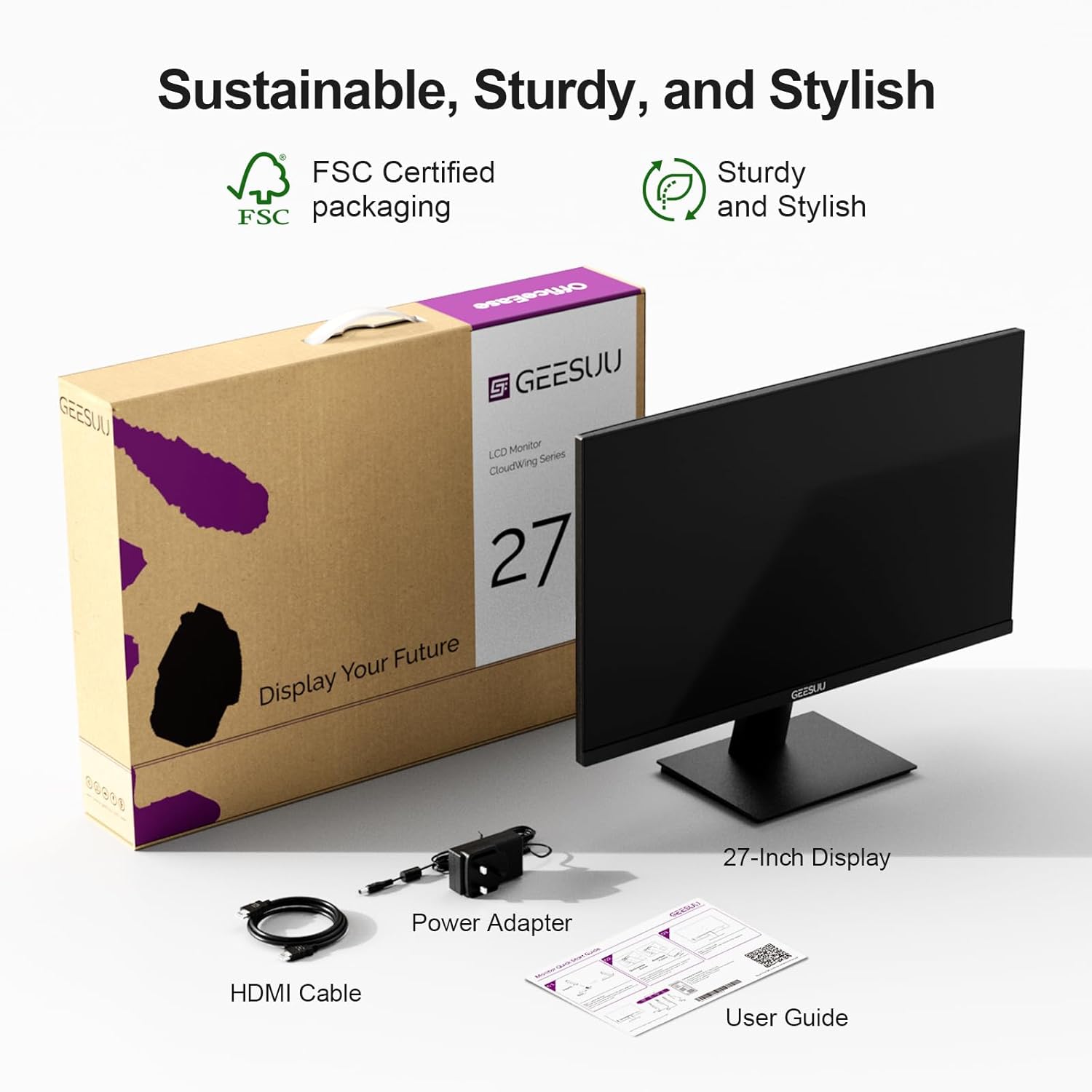
GEESUU 27 Inch 144Hz FHD Gaming Monitor with Eye-Care (HDMI 2.0 & DP 1.2) and 75x75 VESA
Product description
What it is and why people buy it
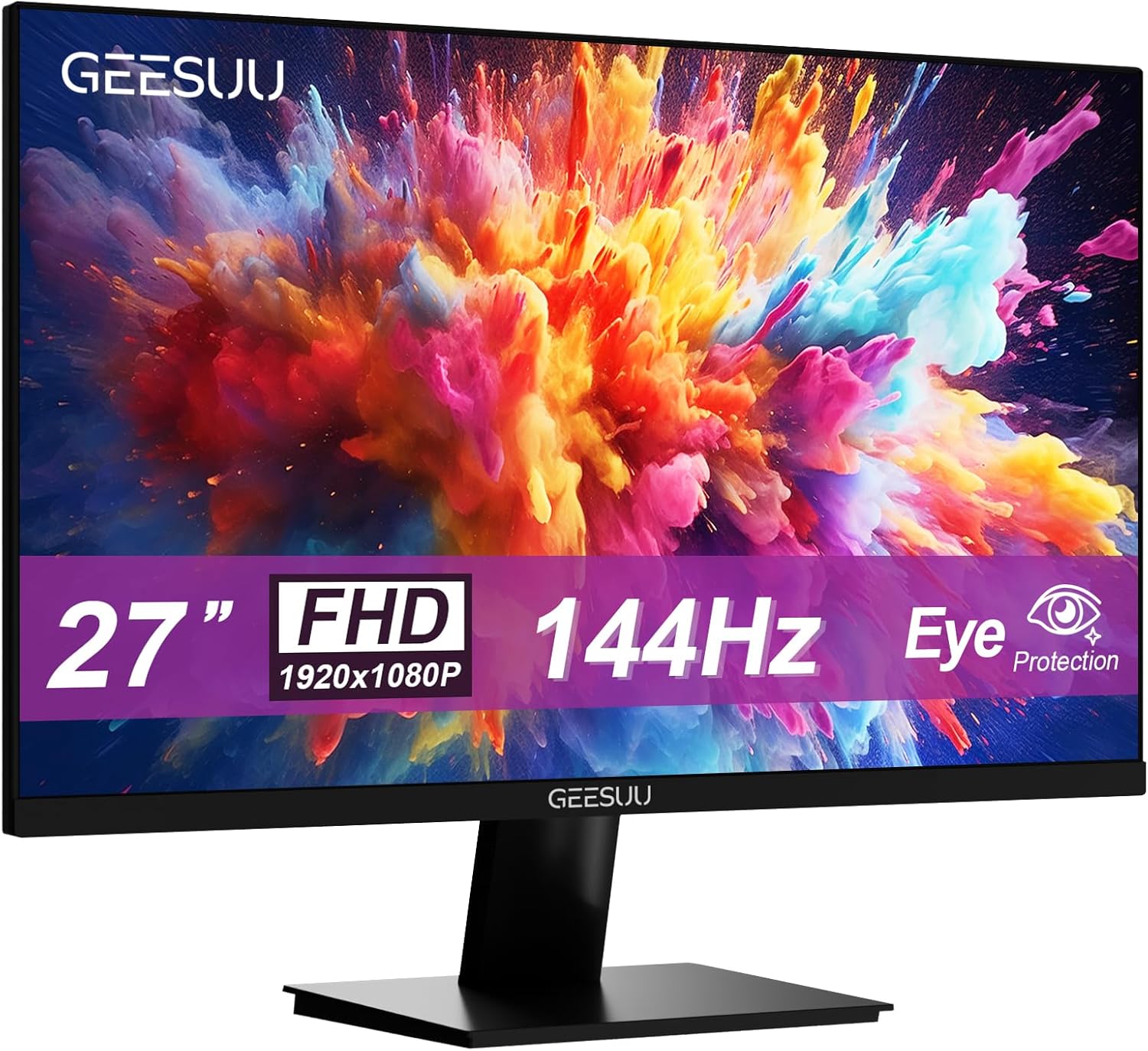
A 27-inch computer monitor aimed at the in-between crowd: you want something that can handle office work without feeling dull, but you also want smoother motion for casual gaming or faster-paced content. The GEESUU 27 Inch Computer Monitor is built around a 144Hz refresh rate and Full HD (1080p), alongside an eye-comfort approach (low blue light and anti-glare).
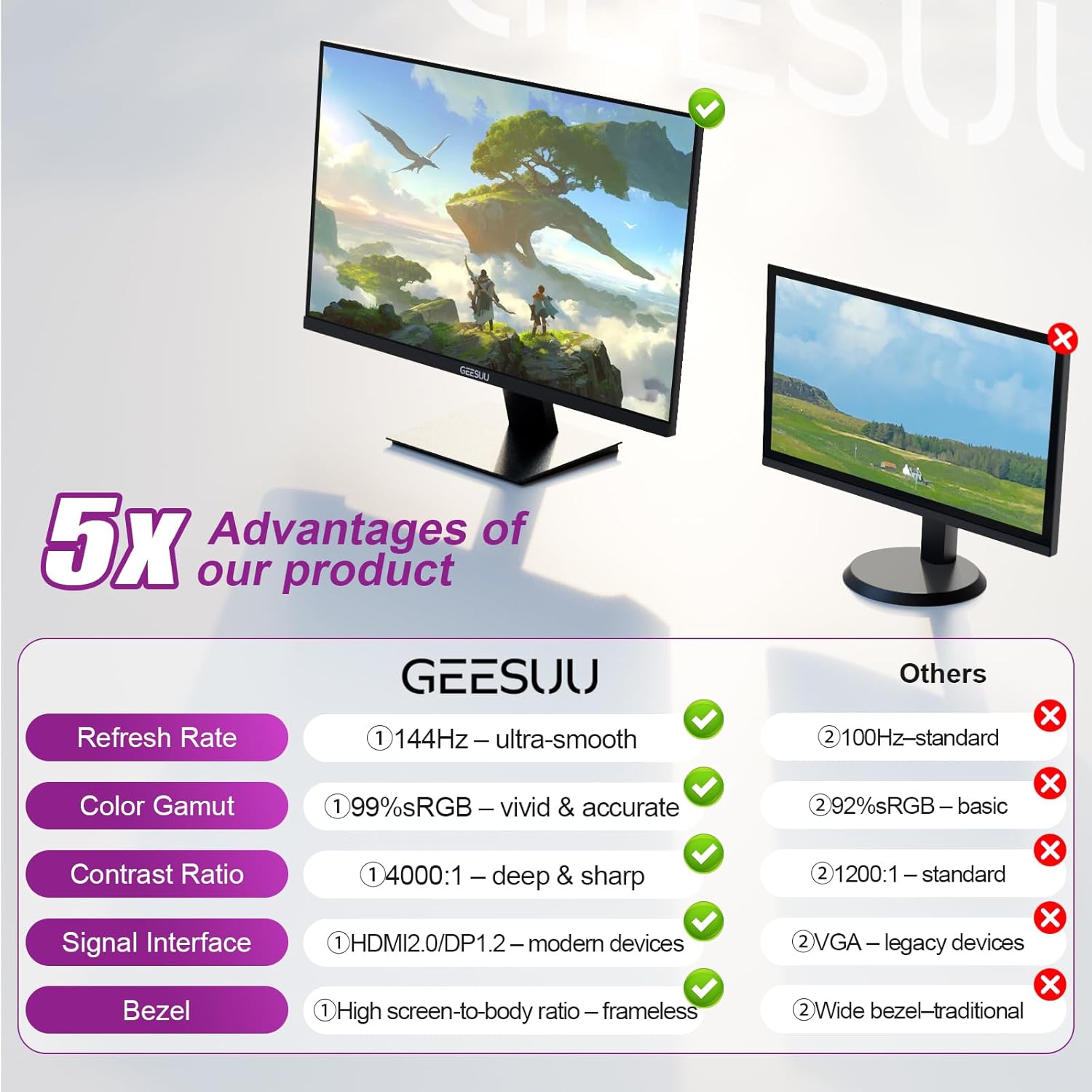
On paper, that combination makes sense if you’re splitting your time between spreadsheets, reports, and everyday browsing, then fancy a bit of gaming after work. The 99% sRGB claim also suggests the brand is thinking about colour accuracy for general use rather than treating this as a purely “speed only” display.
The essentials (key takeaways)
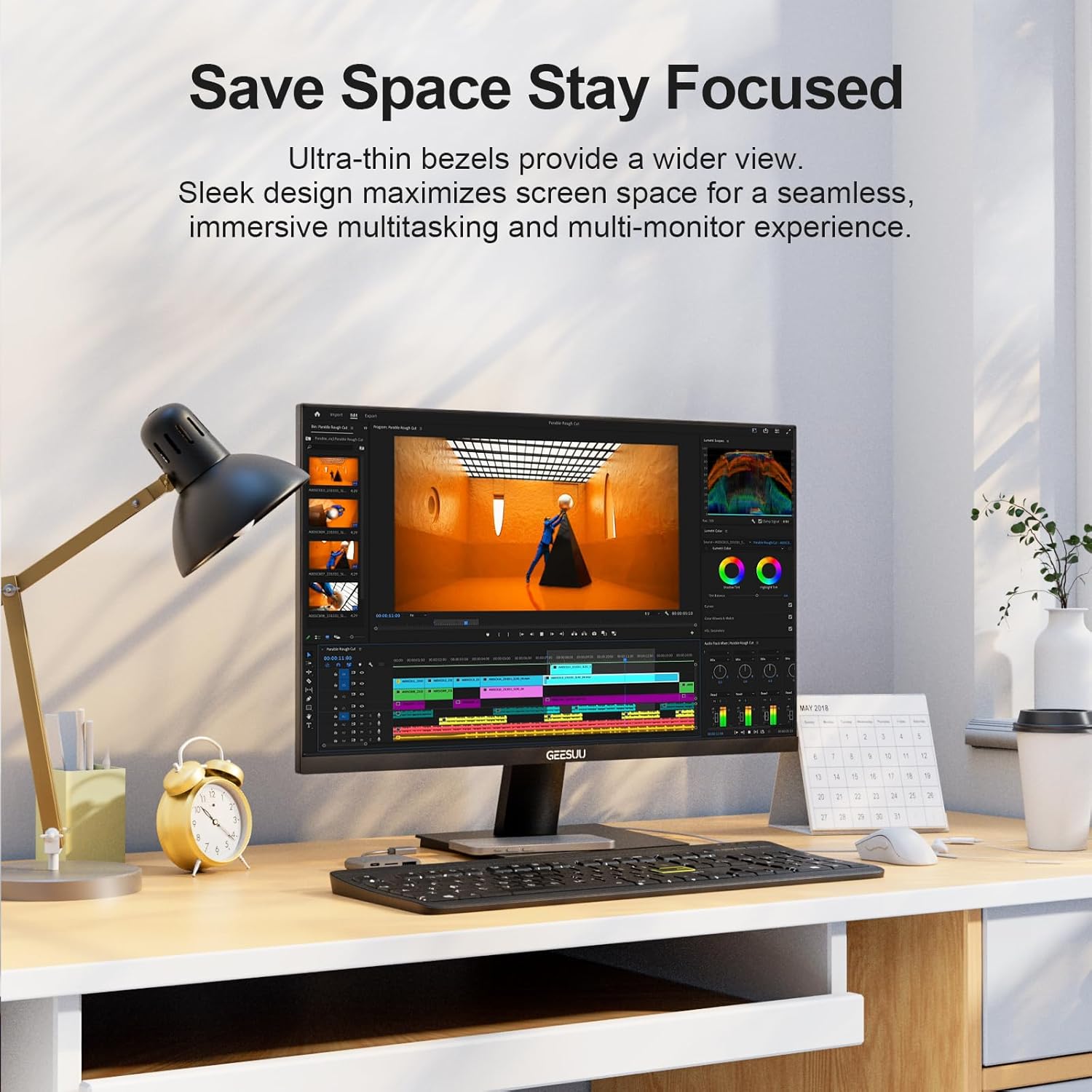
What stands out most here is the mix: 144Hz smoothness, FHD resolution, and an eye-care panel approach. It’s also designed to be practical on a desk, with a slim, space-saving look and “hidden ports” (helpful if you’re sensitive to cable clutter).
A limitation to be aware of: this model doesn’t include built-in speakers. If you need audio, you’ll likely be relying on external speakers or headphones, so don’t assume you’ll get full “plug in and everything works” convenience.
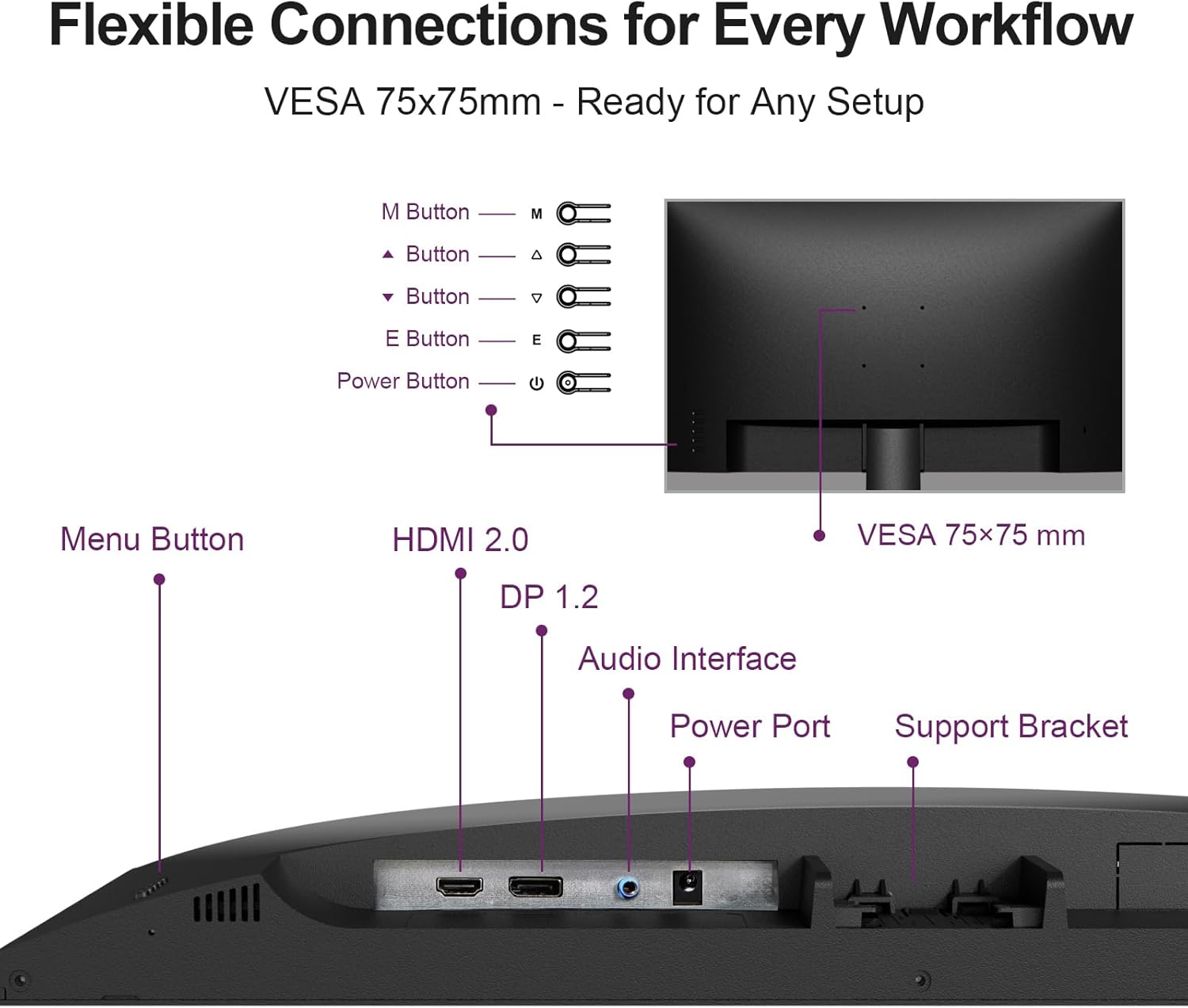
It also uses a VESA 75x75mm mounting option, which is a big deal if you’re trying to tidy up your setup with a monitor arm or a different mounting solution.
Smooth 144Hz performance for the sort of gaming most people actually play
144Hz is where this monitor earns its keep. For day-to-day use, the benefit is usually perceived as smoother scrolling and less “laggy” motion. For gaming, 144Hz can help motion look more fluid—particularly for titles where you’re tracking movement frequently.
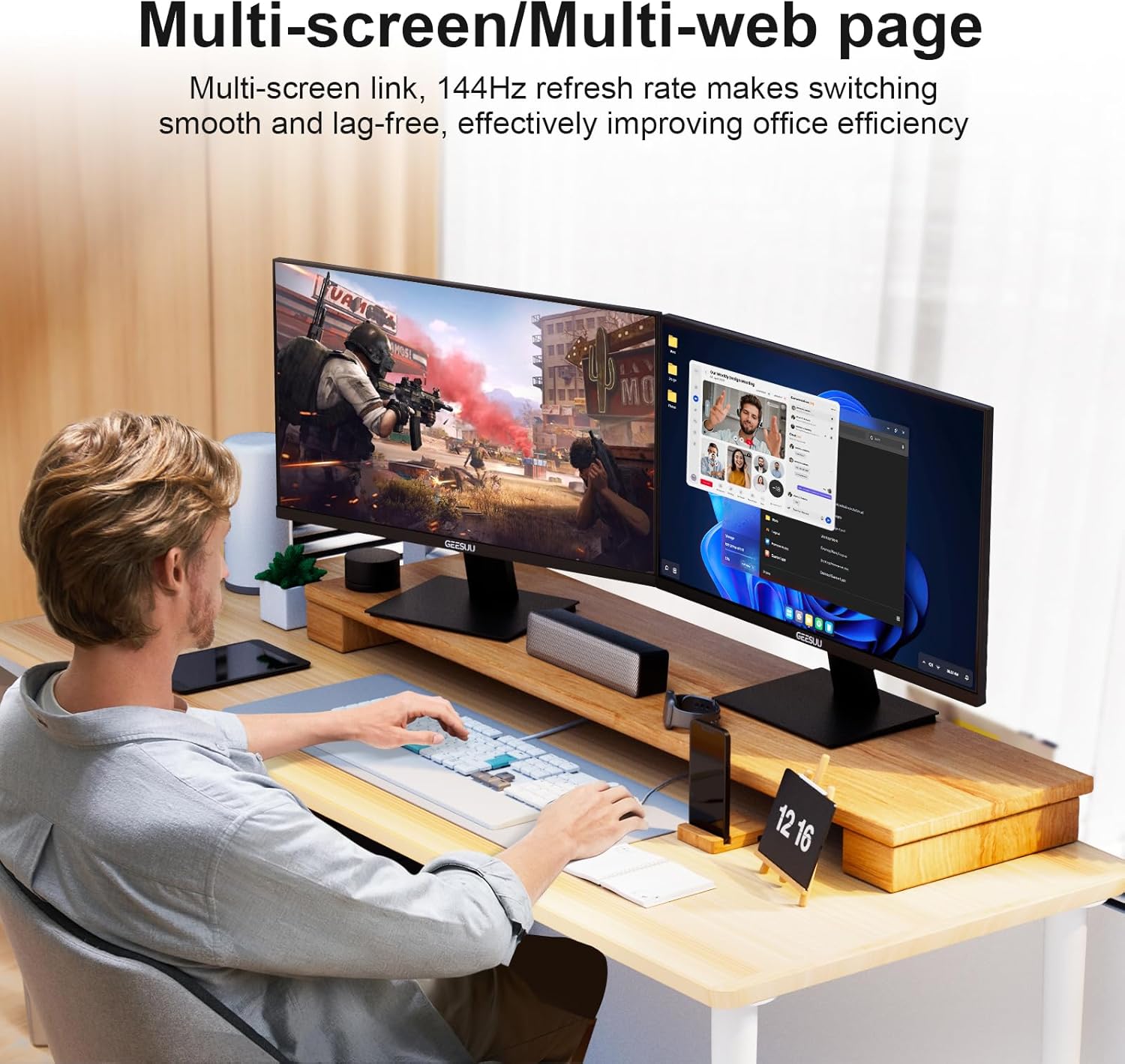
Now, a small reality check: 1080p at 27 inches is workable, but it’s not the same as buying into higher-resolution clarity. If your top priority is ultra-fine detail for productivity (e.g., lots of small text across wide tables), you might find yourself wanting more pixel density than FHD. But if your priority is responsiveness and a comfortable desk size, this fits that middle ground.
Eye comfort features for long sessions (and what to expect)
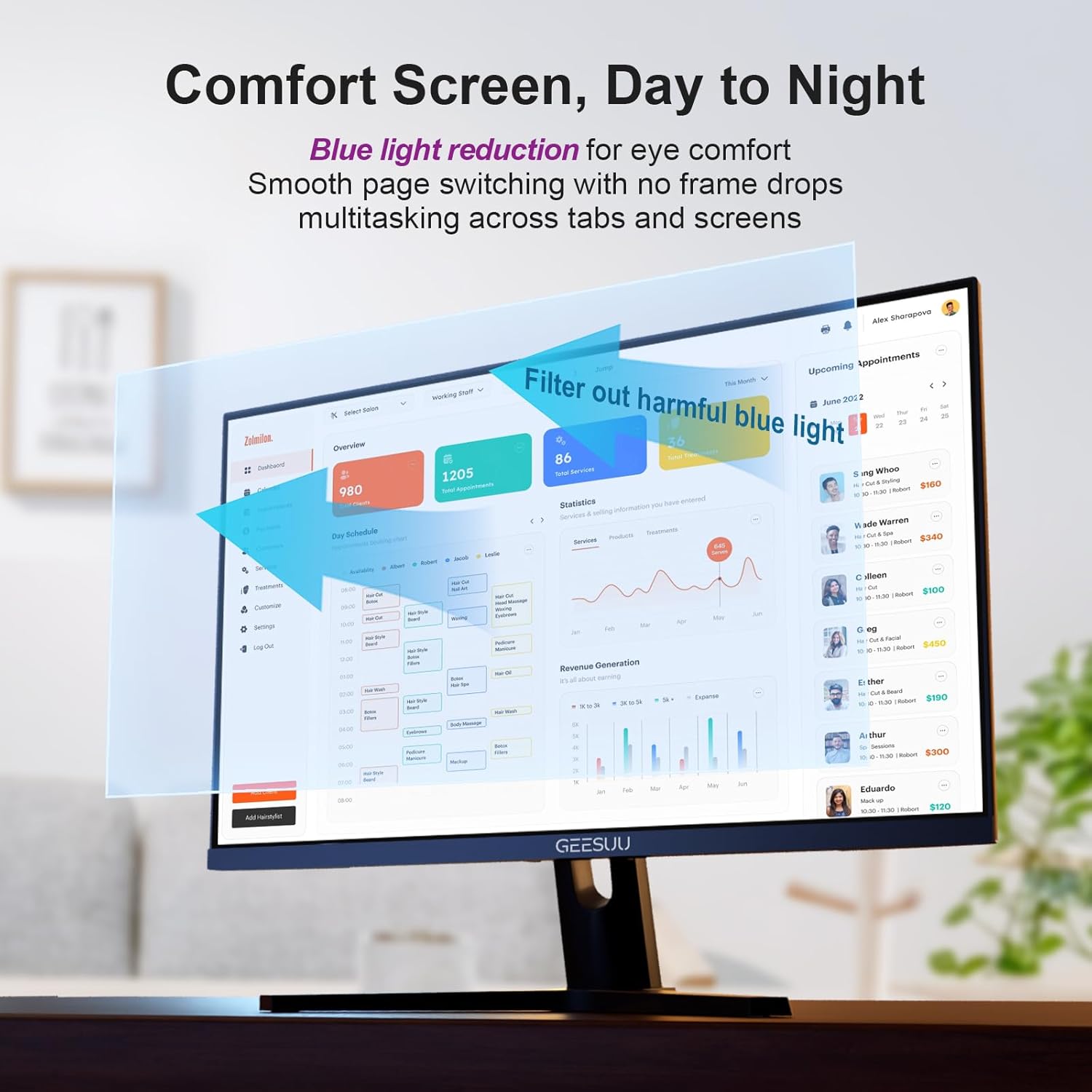
The screen uses an anti-glare VA panel approach and includes low blue light support. The intent is straightforward: reduce eye strain during long sessions in study or work.
It’s not a medical device, of course, but for people who spend hours in front of a screen, it can be a worthwhile feature set—especially if you’ve previously found glare or harsh lighting makes focus harder.
One note to keep in mind: “eye-care” tech generally helps comfort, but how much you notice depends on your room lighting, screen brightness habits, and typical viewing distance.
Ports, connectivity and setup flexibility
GEESUU includes HDMI 2.0 and DisplayPort support (DP 1.2 mentioned in the product name). That’s a solid combination for common setups—think PC plus a secondary device—without forcing you into awkward adapters.
The base is described as square for stability and there’s also tilt adjustment. If you don’t want the monitor standing on the included foot, VESA 75x75mm gives you the flexibility to mount it instead.
For a practical example: imagine you’re working from a shared desk in a study. You could connect your laptop via the available port on your setup, then switch to your PC for gaming later. The “hidden ports” design also helps keep the back of the monitor looking neat, which matters more than people think when you’re swapping cables often.
Where it shines, and where it might fall short
This is a convincing buy if you want: - A 27-inch monitor with 144Hz for smoother motion - Full HD for everyday productivity and casual gaming - Low blue light and anti-glare comfort features for longer working sessions - A 75x75 VESA mount option for a cleaner setup
It may not suit you as well if: - You strongly need built-in speakers (this one doesn’t include them) - You’re aiming for maximum text sharpness and fine detail for dense spreadsheets or design work—FHD at 27 inches may feel a bit limited compared with higher-resolution options - Your priority is strictly professional colour critical work, while 99% sRGB is promising for general accuracy, it still sits more in the “office + casual gaming” lane than high-end colour grading
Tech specs
- Refresh rate: 144Hz
- Response time: 5ms
- Resolution / format: Full HD (1080p)
- Panel type: VA
- Contrast: 4000:1
- Colour coverage: 99% sRGB
- Eye-care features: Low blue light, anti-glare
- Mounting: VESA 75x75mm
- Ports: HDMI 2.0 and DP 1.2
Buying verdict
It’s a good fit if you’re after a 27-inch desk monitor that blends office-ready comfort with smoother motion for casual gaming, and you value eye-care features like low blue light and anti-glare. The VESA 75x75mm option is also a nice bonus if you plan to use a monitor arm or prefer mounting.
You may want to skip it if you need built-in speakers, or if your work demands higher-resolution sharpness for small text. In other words: it’s not trying to be a specialist creative workstation, it’s more of a practical all-rounder for people who want speed and comfort without overcomplicating their setup.
Mini FAQ
Is there built-in sound?
No—this model is described as not including built-in speakers.
Does it support a VESA mount?
Yes, it supports a 75x75mm VESA mount.
What does the 144Hz refresh rate help with?
It’s designed to make motion look smoother, which can be noticeable in gaming and also in general on-screen movement.
Is 99% sRGB meant for colour work?
The 99% sRGB figure points to colour accuracy for everyday tasks. It’s more aligned with office use and general content than niche colour-critical production.
Can it be used for work and study?
Based on its low blue light and anti-glare approach, it’s aimed at long sessions for study or work, alongside gaming and general use.