

Yodoit Yodoit portable monitor 15.6in FHD
Product description
Meet the portable second screen that helps you stay focused when you are working away from your desk. The Yodoit portable monitor is built around a 15.6-inch 1080p FHD IPS display, so you can spread tasks across two screens and multitask with less friction. It is light enough to carry easily, and the built-in stand makes it practical for desks, tables, or shared spaces. Whether you are using a laptop, PC, Mac, or a gaming device, it is a straightforward way to extend your display setup without complicated setup steps 🙂.
The essentials
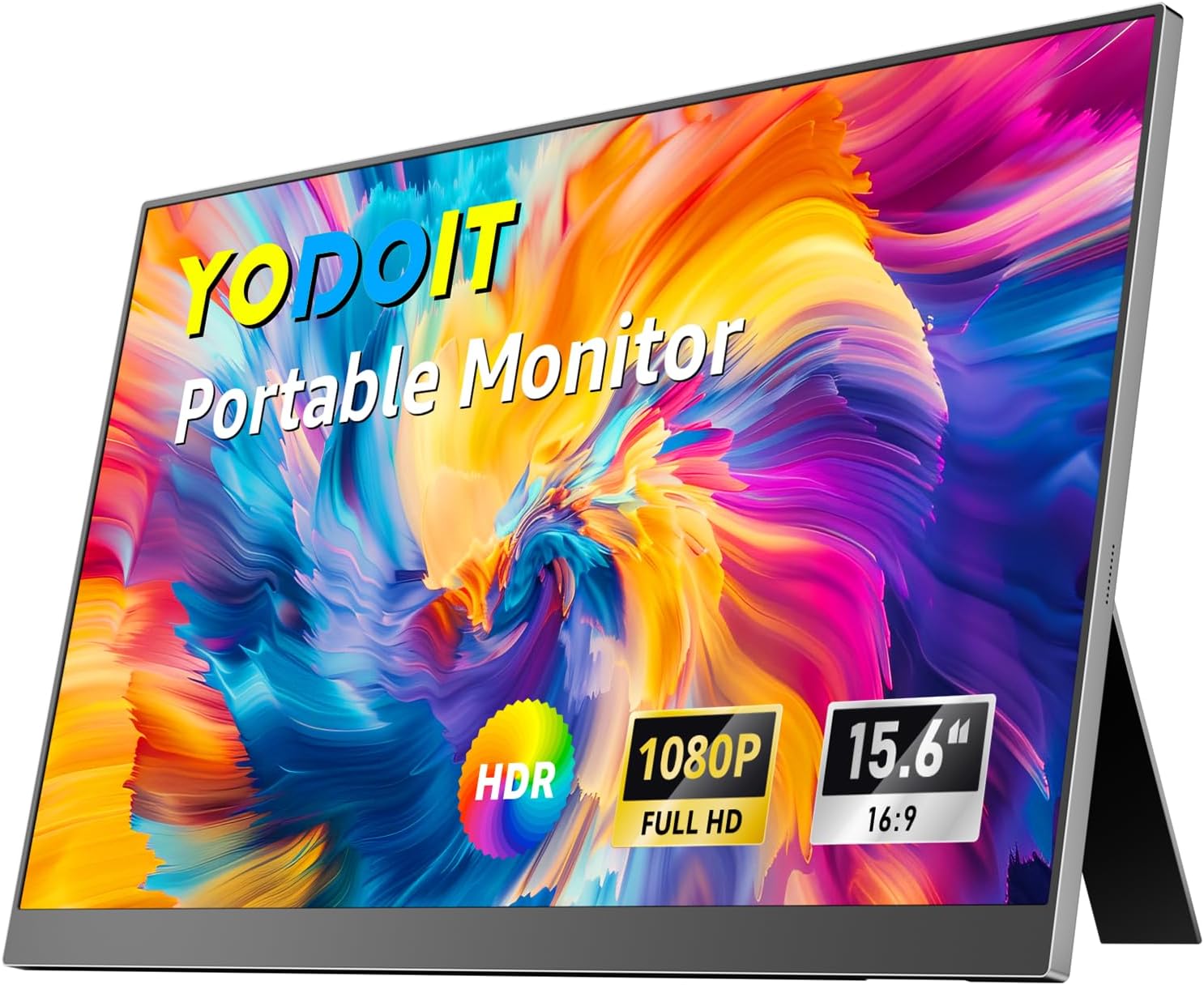
The Yodoit portable monitor is designed to act as a second screen, giving you more room for work and everyday tasks. With a kickstand built in, you can prop it at a comfortable viewing angle without hunting for extra accessories. The screen is a 15.6-inch 1920×1080P FHD IPS panel with a 60Hz refresh rate, and it also includes an anti-glare display for more comfortable viewing in brighter rooms. For many users, the big win is the convenience, because you can bring it along and set it up quickly.
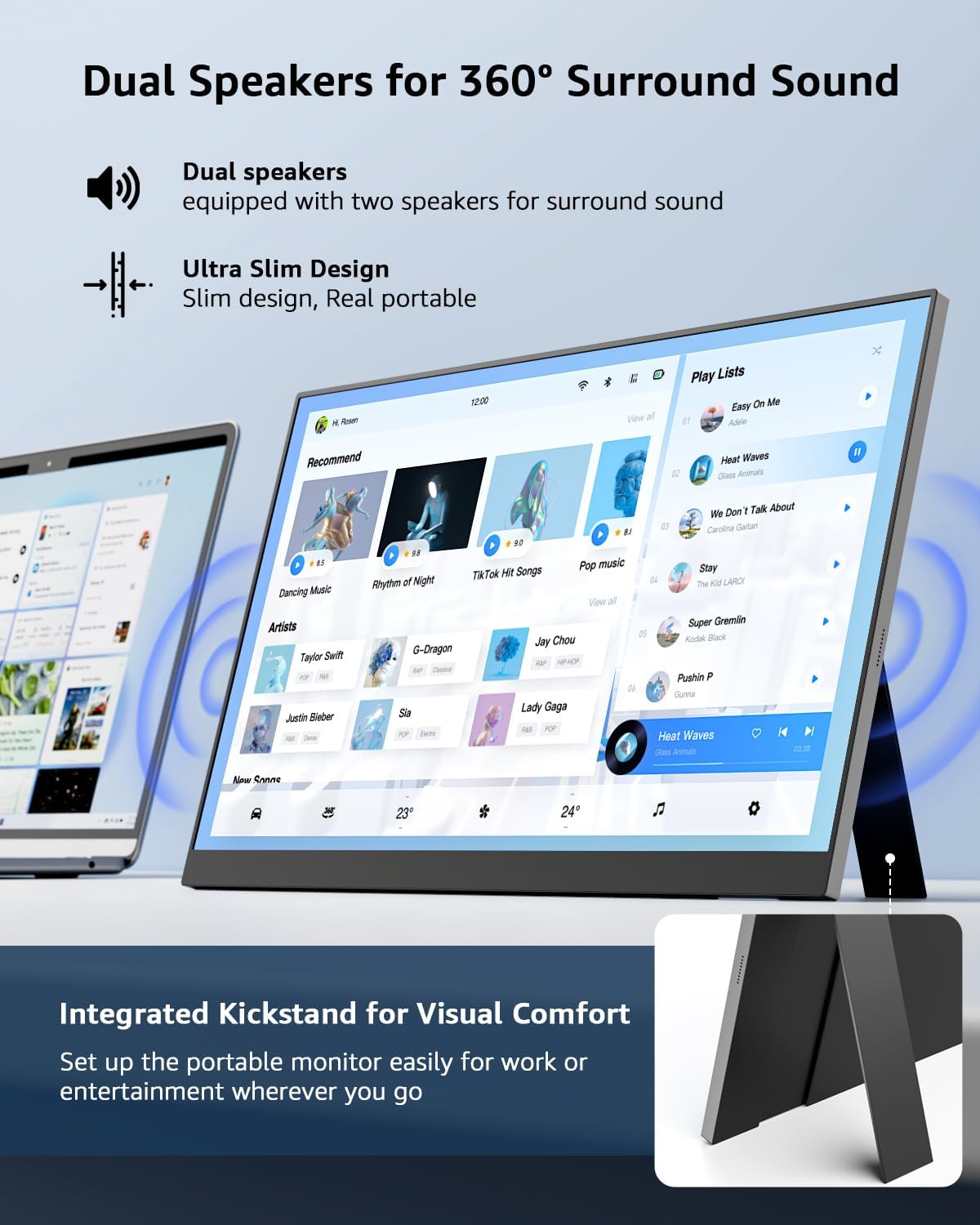
Multitasking becomes easier when you are not constantly switching windows. You can keep reference material on one display and continue your main work on the other, which is helpful for studies, spreadsheets, email, and general productivity. The built-in speakers can also reduce the need to route audio elsewhere for day to day use. Keep in mind that the slim, portable nature of the monitor means it is best used as a secondary display rather than a replacement for a full desktop monitor.
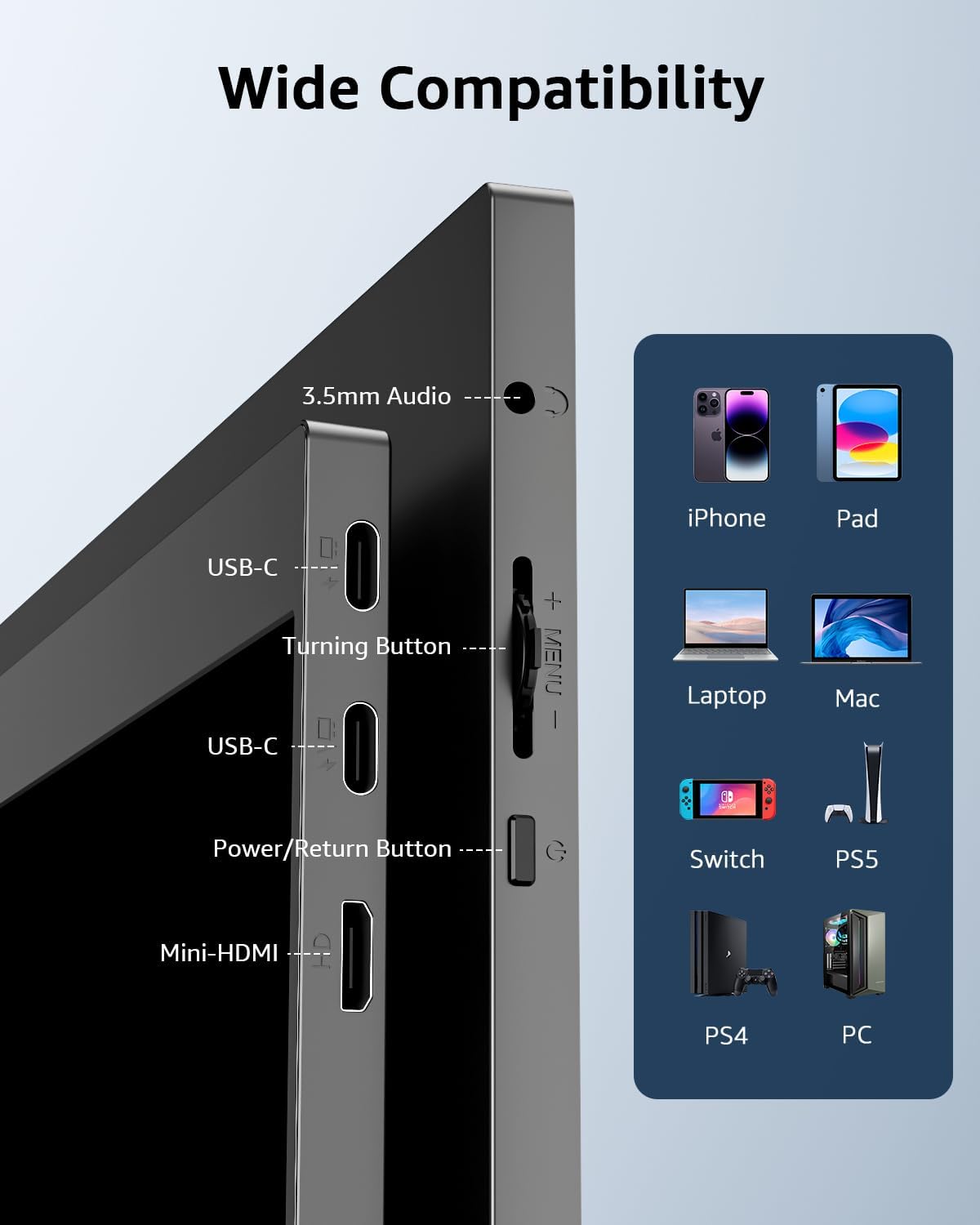
If you want to use it with multiple devices, the connectivity options make it flexible. You can connect via USB-C or through HDMI along with the required power supply combination. Just note that video output from USB-C depends on the type of USB-C port on your device. That is an important detail, because not every USB-C port can carry video signals.
Key features
A major advantage is the plug and play approach, which helps you get started without installing apps or drives. Once connected and powered, the monitor supports a full HD viewing experience for the devices it is compatible with. The included kickstand supports stable positioning so you can work comfortably without wobbling.
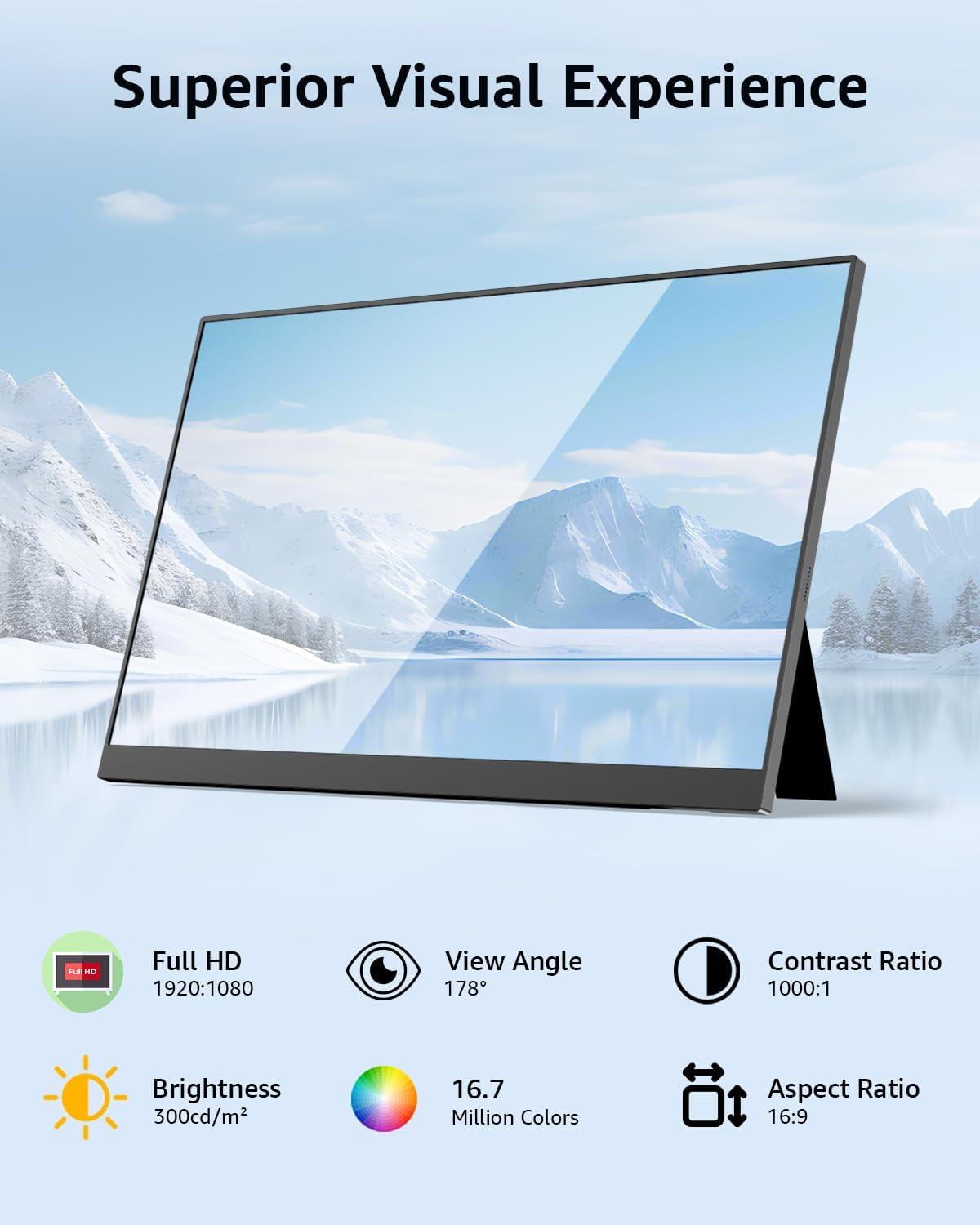
The display delivers a visual experience suited to productive sessions. The IPS panel helps maintain strong screen quality across viewing angles, and the 1080p FHD resolution supports clear text and detailed images. Anti-glare is also included to help reduce reflections, which can matter when you are working near windows or under bright lighting.
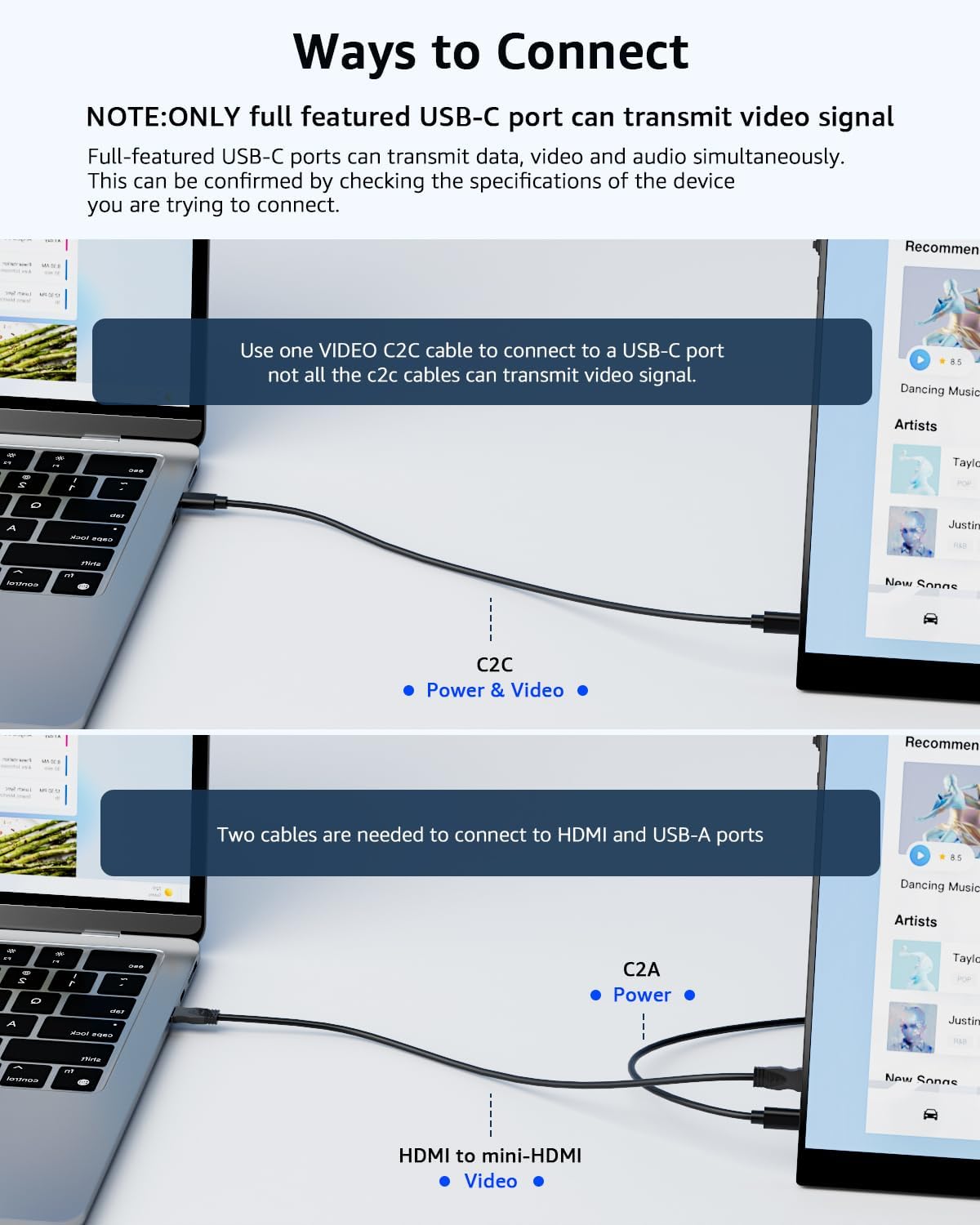
Connectivity is organised around the ports that matter for portable use. There are two USB-C input ports and a mini HDMI input port, and the monitor is intended to work with a wide range of devices such as PCs, Macs, laptops, phones, and gaming devices like Xbox, Switch, and PS4 and PS5. You may also need an HDMI output port when connecting from certain phone models, because some devices require a compatible connection path.
There is one practical limitation worth understanding before you buy. Not all USB-C ports can output video signals, only USB-C ports compatible with DisplayPort Alternate, DP Alt, or HDMI Alternate, HDMI Alt, can transmit video. Similarly, if you connect using the C2C cable route, you may need the special video C2C cable, because not all C2C cables can carry the video signal.
If your device is compatible, it is a simple way to set up a second screen wherever you need it. A USB-C connection can be especially convenient, provided your USB-C port supports video output. When HDMI is required, pairing HDMI with the power supply combination supports full HD viewing.
Tech specs
- Name: Yodoit Portable Monitor
- Type: Portable monitor
- Display: 15.6-inch IPS
- Resolution: 1920×1080P FHD
- Refresh rate: 60Hz
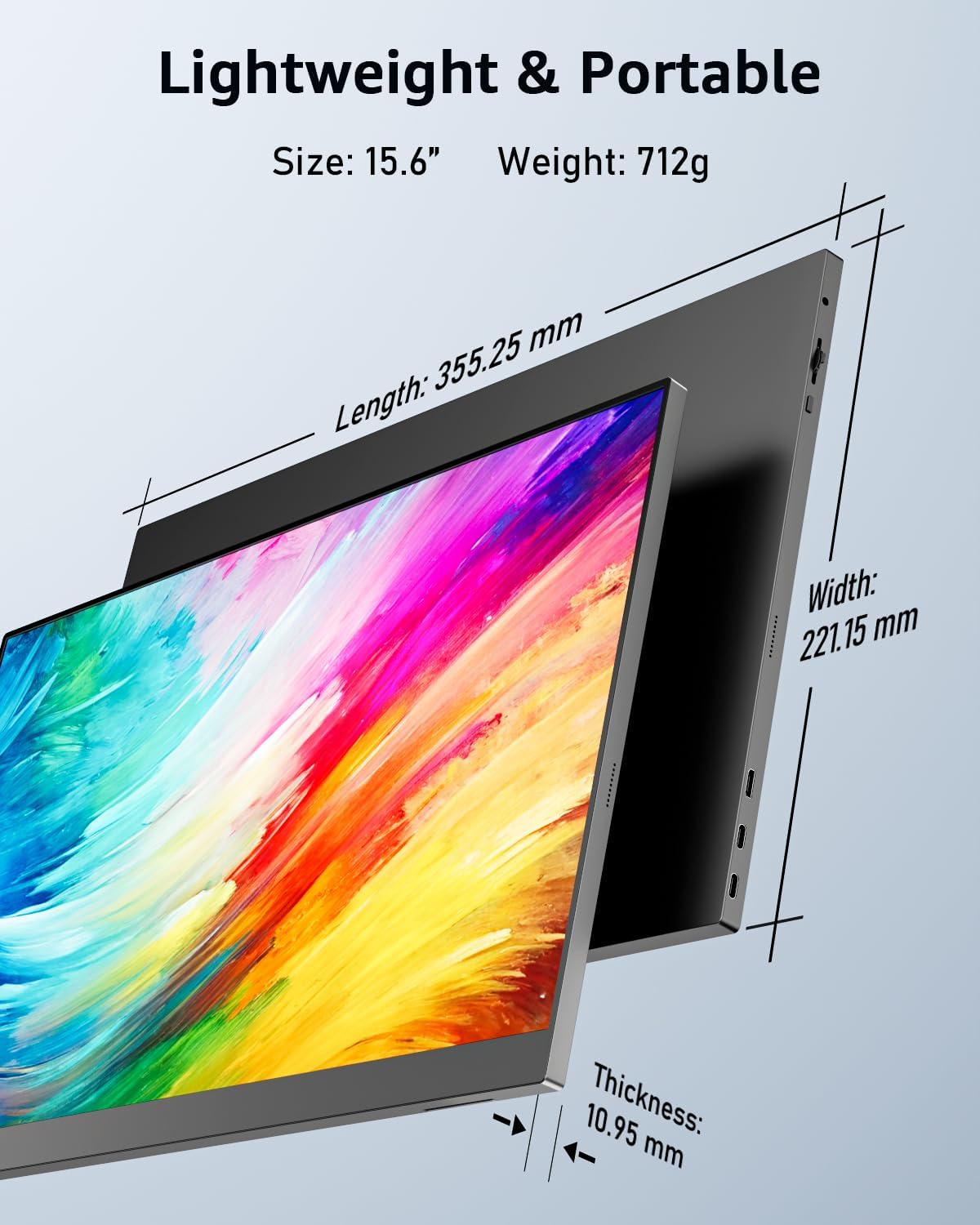
- Weight: 712 g
- Thickness: 10.95 mm
It suits you if
It’s a good fit if you want a lightweight second screen for productivity, studying, or everyday multitasking. It also makes sense if you travel with your laptop and prefer a quick, stand based setup for work in different places 🧠. It may not be a great match if your device has a USB-C port that does not support video output via DP Alt or HDMI Alt, because the monitor needs that compatibility to carry the video signal.
You’ll like it if you want a clear 1080p FHD IPS panel with anti-glare support and built-in speakers for less cable clutter. Worth considering if you regularly switch between devices and want flexible connectivity, including USB-C and HDMI options. It might be better to skip it if you only have non-video capable cables, since the C2C option requires a special video C2C cable for the monitor signal to work properly.