

HP Series 5 23.8" FHD Height Adjust Monitor (524sh) with 100Hz Refresh Rate
Product description
What you’re really buying with the HP Series 5 524sh
The HP Series 5 23.8" FHD Height Adjust Monitor (524sh) is built for everyday productivity where comfort matters as much as the screen. The standout angle here is the height-adjust stand (plus tilt), alongside a generally smooth experience for scrolling thanks to a 100Hz refresh rate.
On paper, it’s the kind of monitor you’d choose when you’re working all day at a desk, want the display to feel comfortable, and also prefer not to fight with basic setup issues like cable clutter and viewing comfort. It’s also reasonably colour-focused for the price tier, with a stated 99 percent sRGB spectrum, which usually appeals if you do light photo work, design tasks, or simply care about natural-looking colours.
That said, it’s important to keep expectations realistic. The specs you’re given point to a solid office and general-use display, not a specialist high-end gaming panel or a professional colour reference monitor.
Key points on the display experience
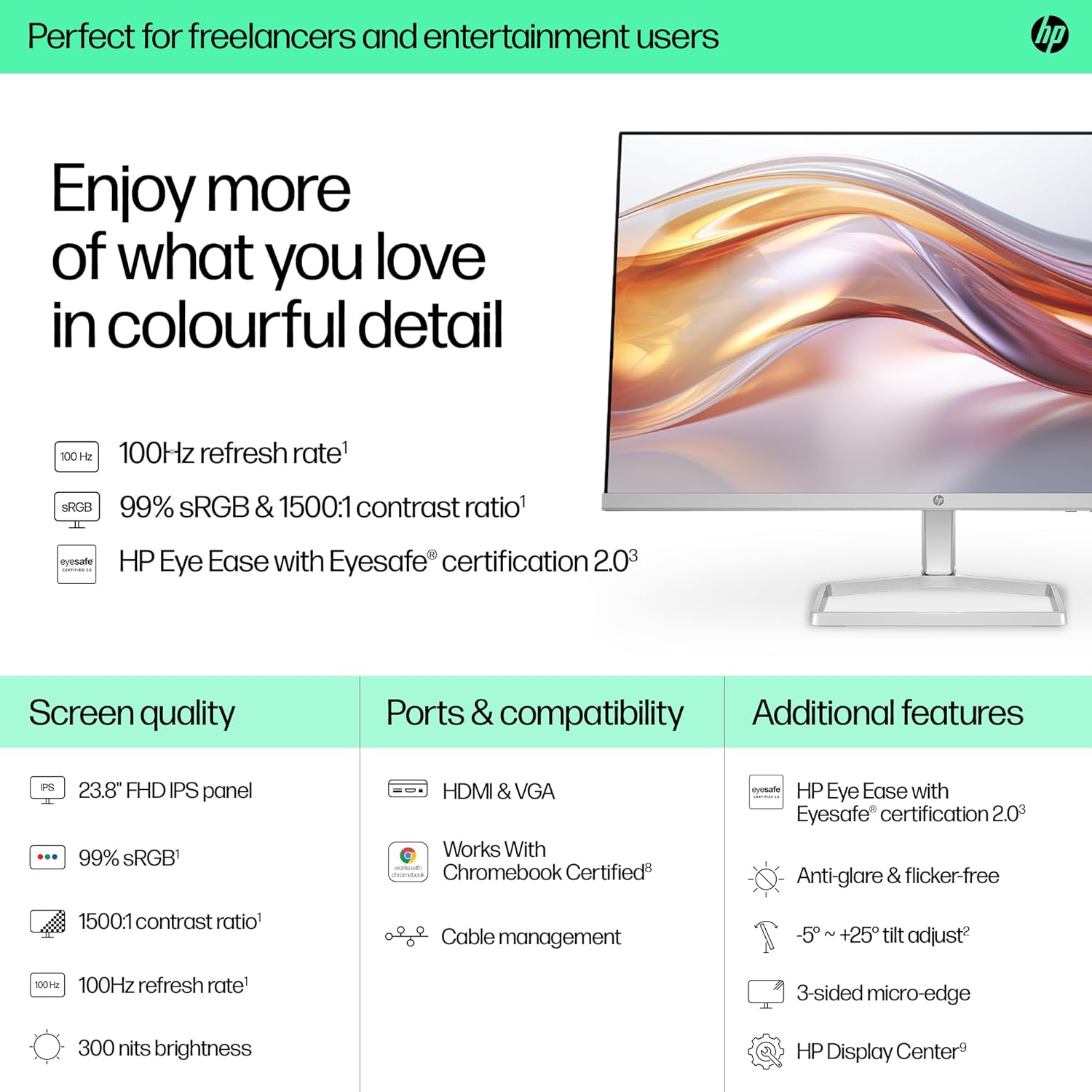
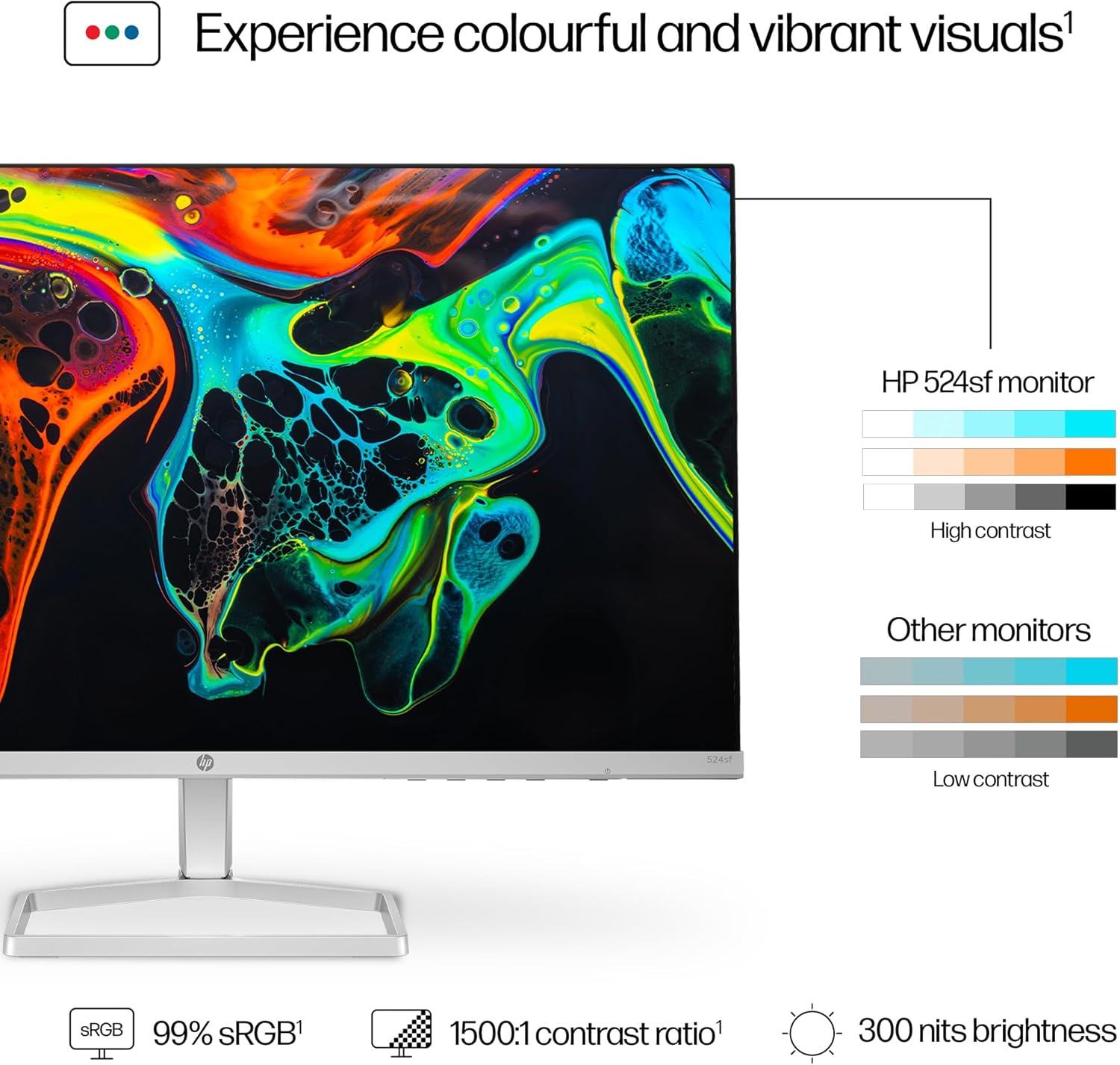
This model is described as offering “life-like colour” with 99 percent sRGB, plus a 1500:1 contrast ratio and 300 nits brightness. In practical terms, that combination is meant to support crisp text, clear UI elements, and colours that don’t look washed out in typical office lighting.
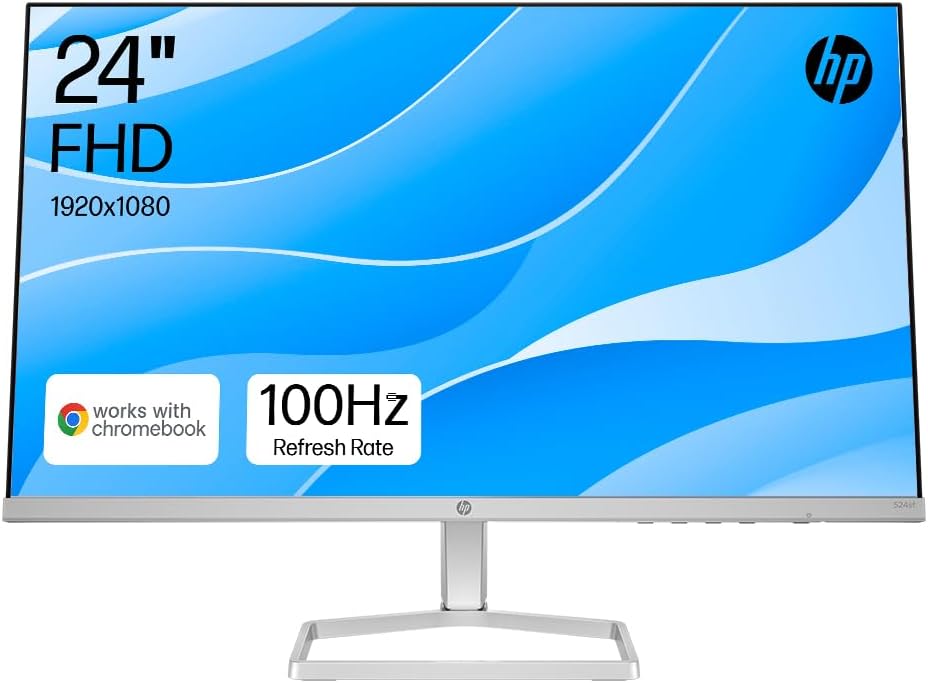
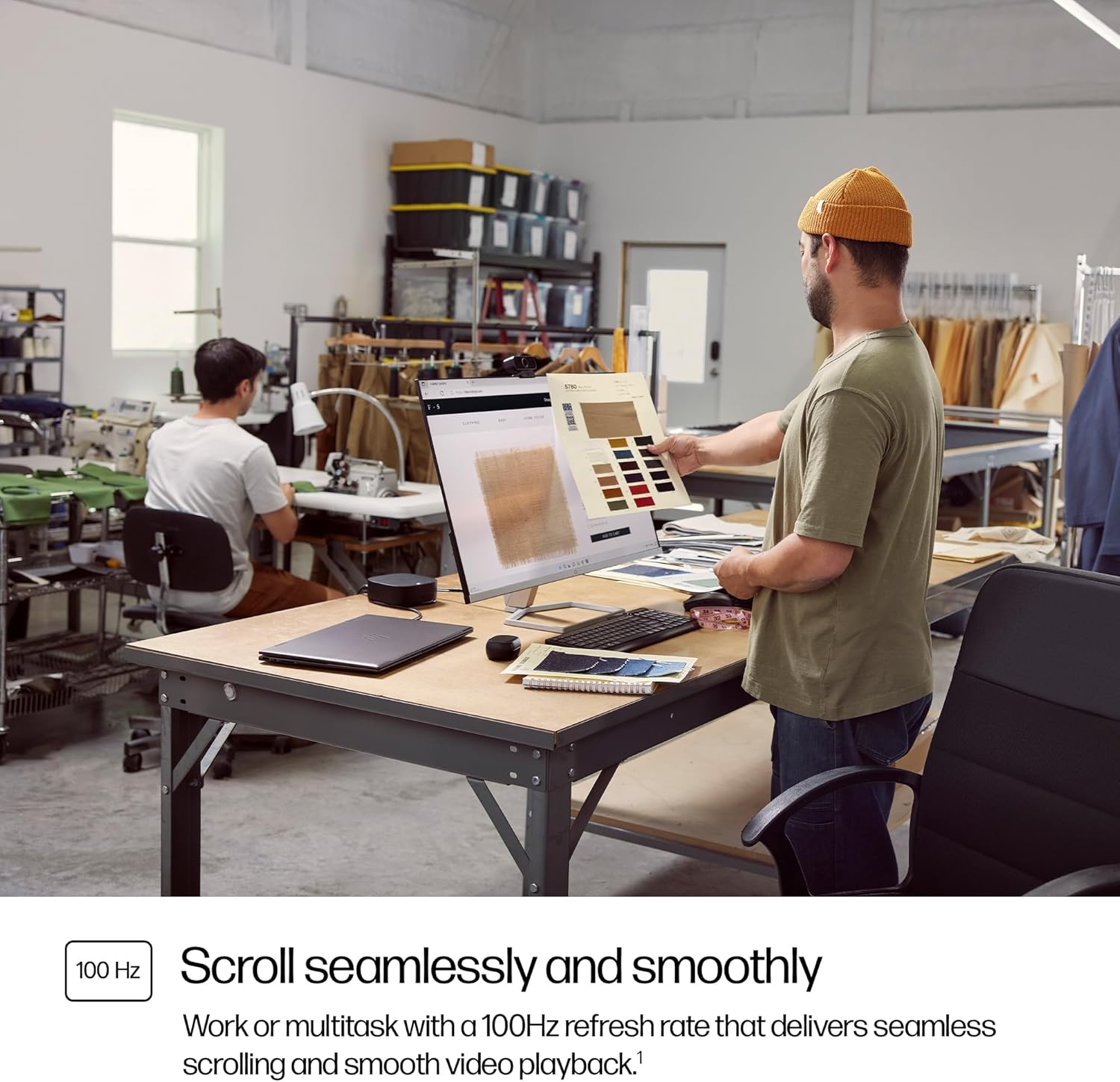
The 100Hz refresh rate is the other big deal for day-to-day use. Even if you’re not gaming, higher refresh rates can make scrolling, mouse movement, and on-screen transitions feel more fluid than the standard 60Hz experience.
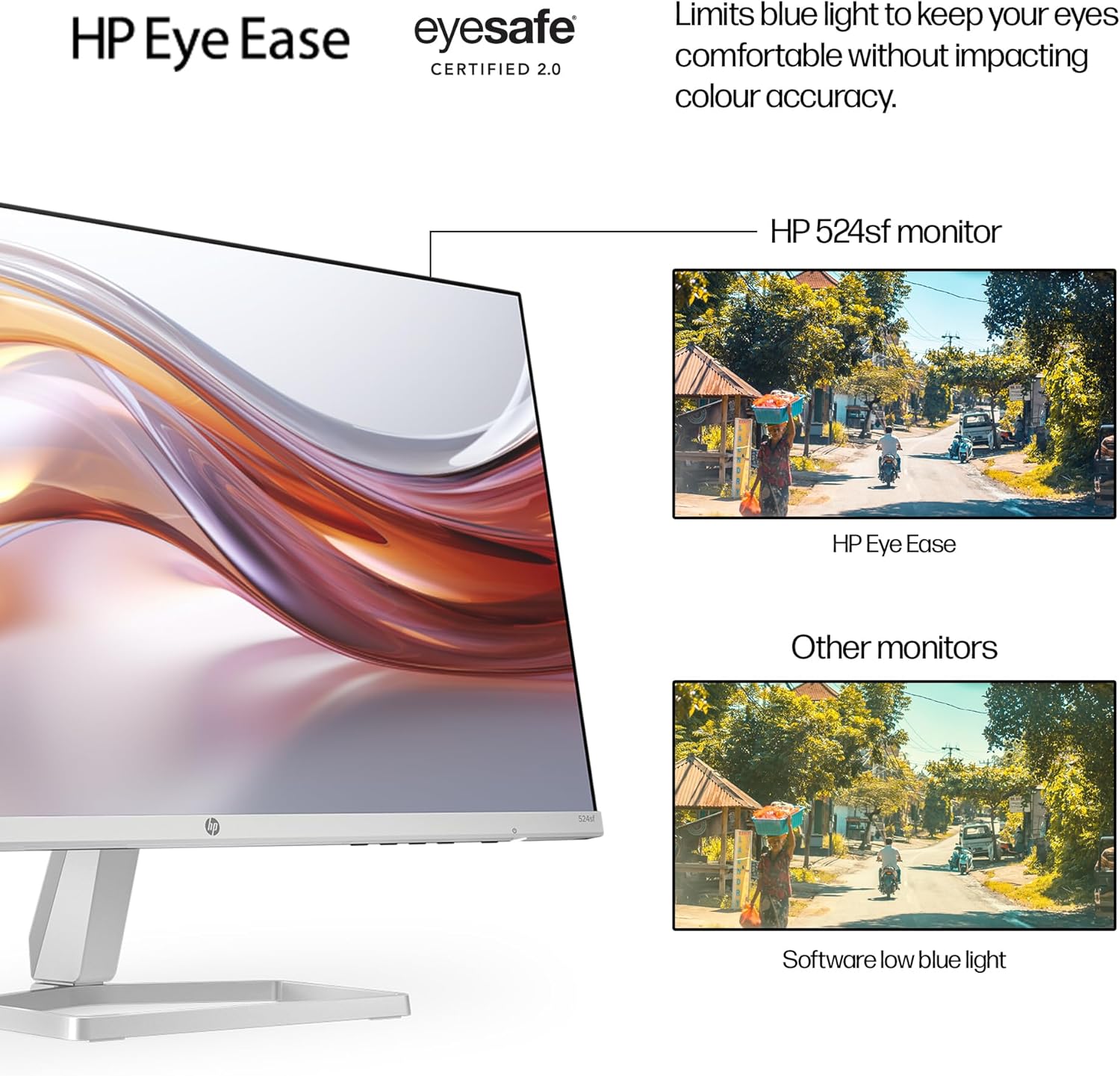
One more comfort feature worth noting is HP Eye Ease with Eyesafe certification, which limits blue light. This is the kind of feature that can feel genuinely useful during long sessions, though it’s also worth remembering that “blue light reduction” can slightly change the look of the display depending on your preferences.
Comfort and ergonomics (where this monitor earns its keep)
The ergonomic setup is one of the reasons the HP Series 5 524sh is easier to live with than a basic fixed stand. You can adjust height and tilt, which helps you bring the screen to a more natural posture—especially if you’re switching between sitting and a slightly different working position throughout the day.
If you’ve ever had a monitor that forces you to hunch forward or keep your neck angled, height adjustment makes a noticeable difference quickly. A micro-scenario: you raise the screen a little, centre it with your eye line, then spend the next hour typing without constantly shifting your posture back and forth. It’s small, but it’s exactly the sort of comfort improvement that can reduce desk fatigue.
Connections and setup: HDMI + VGA
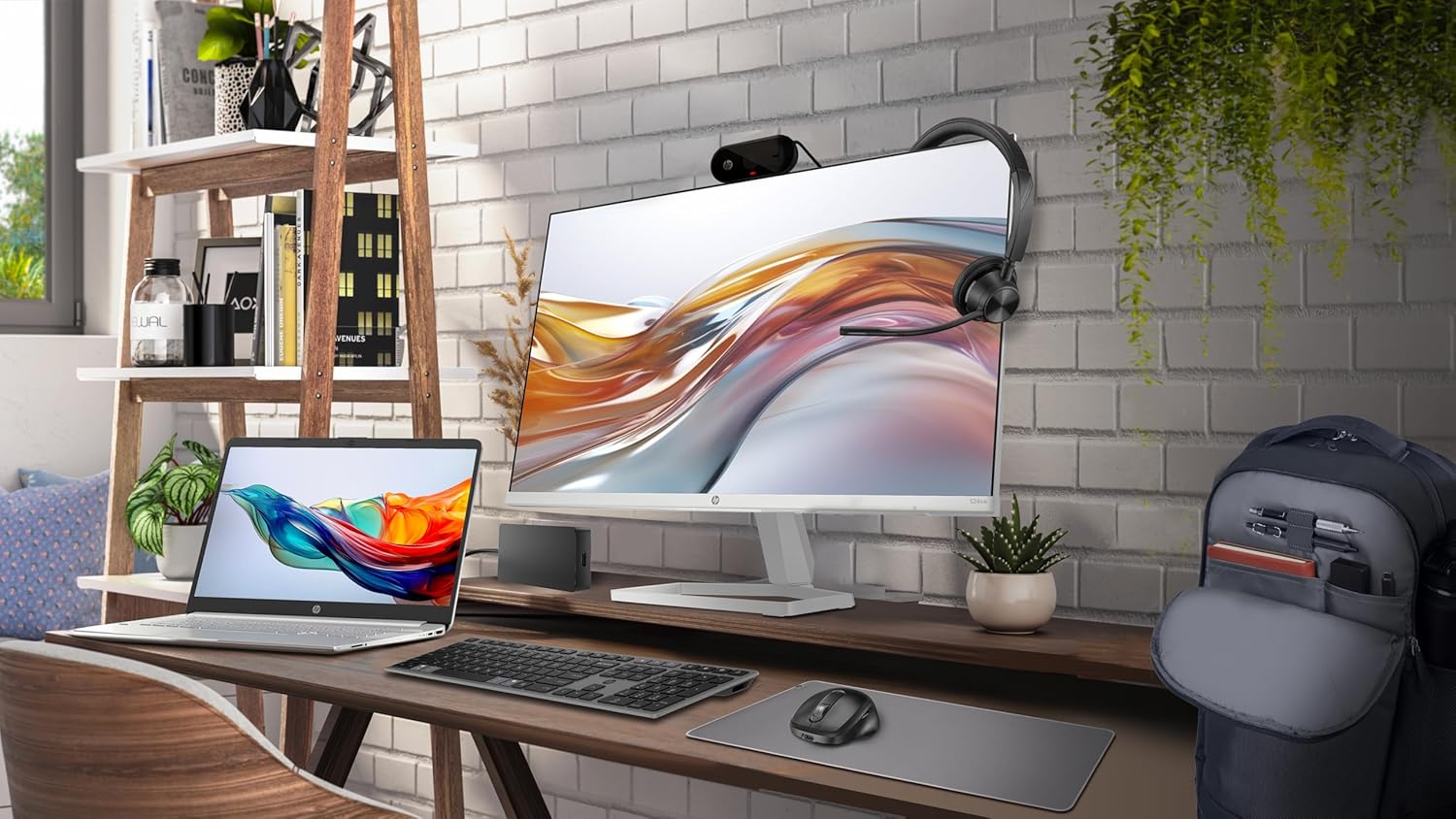
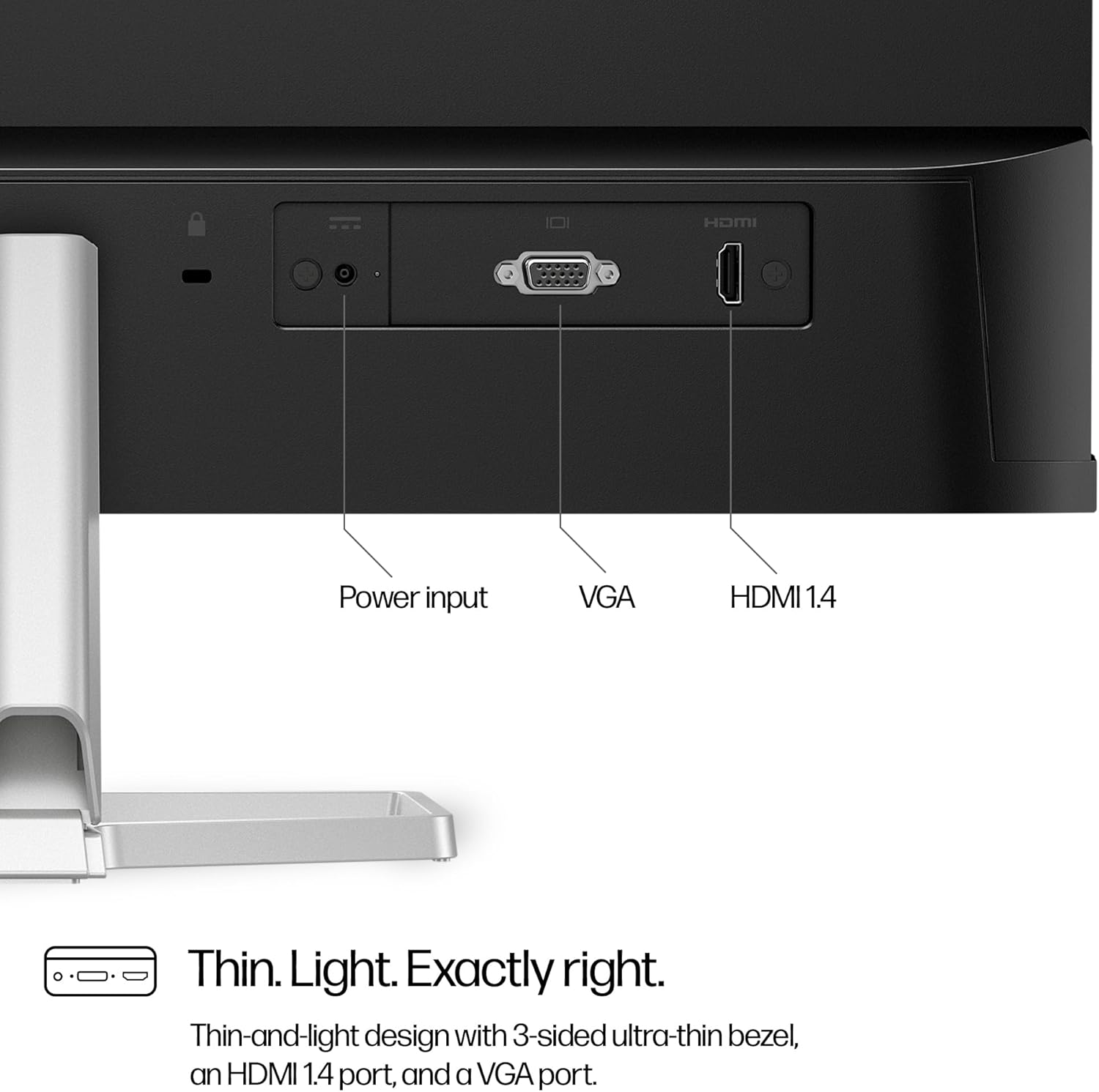
Connectivity is kept practical with HDMI and VGA ports. That gives you flexibility if you’re connecting a modern laptop/PC via HDMI, but you also still have older devices or a secondary setup that might rely on VGA.
It also mentions simplified cable management. While you can’t judge cable routing from specs alone, it’s a sensible inclusion if your goal is a cleaner desk—particularly in multi-device setups where a cluttered base tends to happen fast.
Tech specs (what matters most)
- Name: HP Series 5 23.8" FHD Height Adjust Monitor (524sh)
- Type: Monitor
- Size: 23.8"
- Format: FHD
- Refresh rate: 100Hz
- Contrast ratio: 1500:1
- Brightness: 300 nits
- Colour: 99 percent sRGB spectrum
- Ports: HDMI, VGA
- Ergonomics: Height-and tilt-adjust stand
Sustainability and packaging claims (worth factoring in)
HP positions this line as a more responsible choice. The description states it uses 85 percent recycled materials and includes 5 percent ocean-bound plastics. It also says the packaging is 100 percent sustainably sourced, and that the design is EPEAT Gold Registered and ENERGY STAR Certified.
That’s not something everyone buys for—but if sustainability is part of how you choose electronics, it can genuinely tip the scales. Just be aware that these are claims made in the product description, you may still want to check the documentation or official listings if you need details for reporting or internal procurement.
Who it suits (and who should pause)
It’s a good fit if you want a 23.8" FHD monitor for work and multitasking, where you’ll benefit from a height-adjust setup and a smoother 100Hz experience for scrolling and everyday motion.
It also makes sense if colour consistency for common tasks matters to you. The 99 percent sRGB figure suggests it’s aiming at realistic colour for typical creative or content work—just don’t expect it to behave like a top-tier studio calibration tool based on this information alone.
It might not be the best choice if you’re looking for a premium, ultra-high-end gaming spec set or a specialist display for advanced colour-critical workflows. The listed specs look more like a well-rounded “office + comfort + sensible motion” approach rather than something built to be pushed hard.
Finally, consider where your desk sits in terms of light. With 300 nits brightness, it should work well in typical environments, but if you have very bright direct sunlight in your workspace, you may want to think about screen glare and room lighting.
Best use cases (realistic buying reasons)
If you work from home, run meetings, write documents, and jump between apps all day, the height/tilt stand and Eye Ease feature are the practical reasons to buy. If you do occasional photo edits, browsing, spreadsheets with lots of fine text, or simple design work, the 99 percent sRGB and contrast/brightness combination is there for a reason.
And if your main complaint with older monitors is that everything feels a bit “sluggish” when scrolling or moving windows, the 100Hz refresh rate is the change you’ll notice first.
Final verdict
When it makes sense
It makes sense if you want an everyday 23.8" FHD monitor with an adjustable height-and-tilt stand, 100Hz motion smoothness for day-to-day navigation, and colour aimed at 99 percent sRGB coverage.
When you should avoid it
You may want to skip it if your priority is a specialist gaming or professional colour workflow spec set, or if you’re shopping for a monitor where the provided information doesn’t match your expectations.
Who it’s for
Office workers, home users, and anyone who spends long hours at a desk and values ergonomic setup will likely get the most from this model.
Who should pass
If you only care about basic screen output and don’t need height/tilt adjustment, you could find options that do the job with less focus on comfort features.
Mini FAQ
Does the HP Series 5 524sh support smooth scrolling?
The monitor is listed with a 100Hz refresh rate, which is designed to make scrolling and video motion feel smoother than standard 60Hz displays.
What colour performance does it claim?
It’s described as offering 99 percent sRGB, alongside 1500:1 contrast ratio and 300 nits brightness.
Can I adjust the screen height?
Yes. The stand is described as ergonomically adjustable, with height-and tilt adjustment.
What connections are available?
The specification mentions HDMI and VGA ports.
Does it reduce blue light?
HP Eye Ease with Eyesafe certification is included, with blue light limited to help keep eyes comfortable while working.