

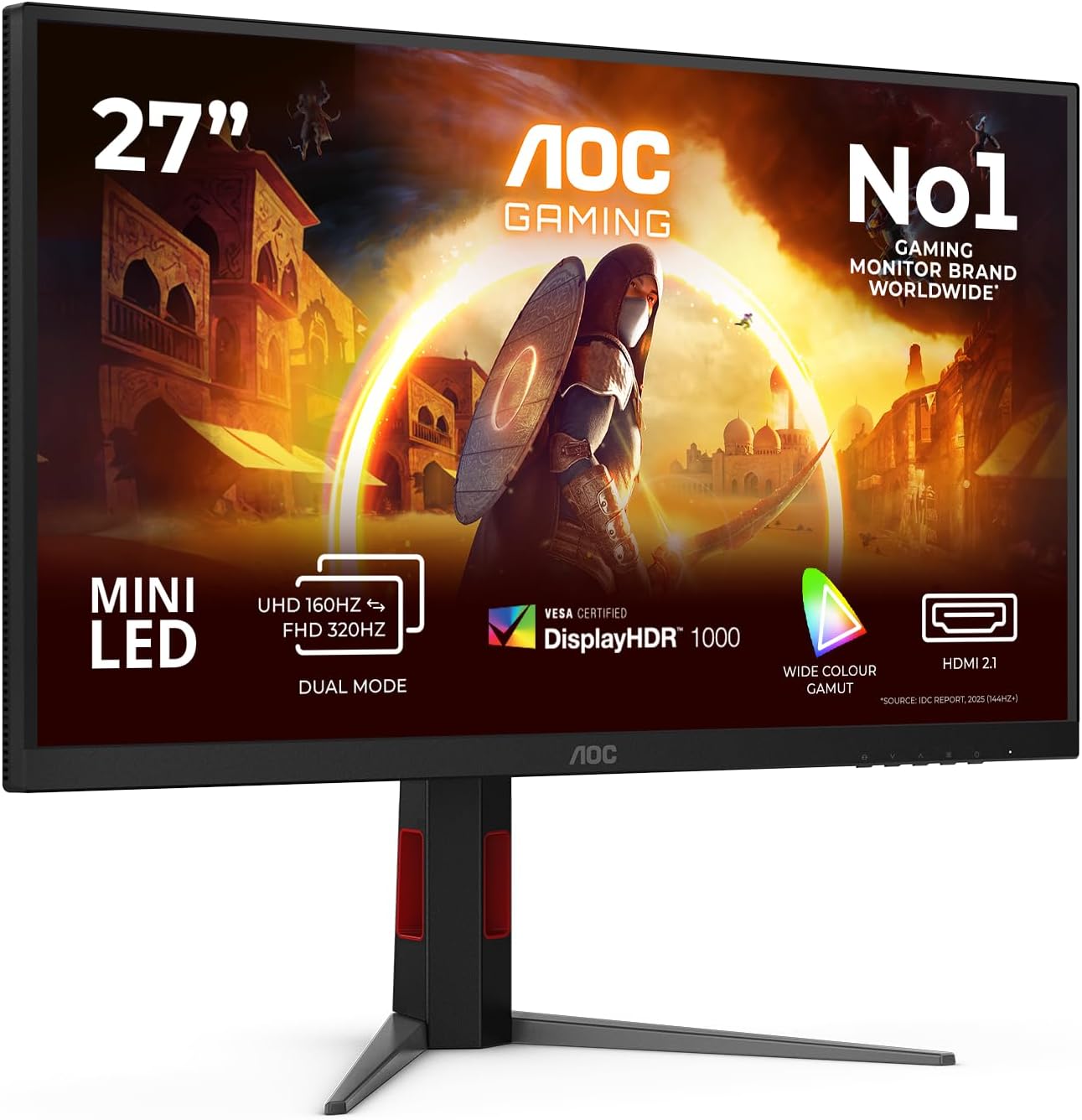
AOC Q27G4XF 27-inch WQHD gaming monitor (180Hz, Fast IPS, HDR10, Adaptive Sync) with height adjustment
Product description
A monitor that’s aimed at fast, smooth gaming
If you’re buying a 27-inch gaming monitor for PC play, the AOC Q27G4XF is clearly pushing for responsiveness rather than just “nice colours”. On paper it combines a 180Hz refresh rate, a Fast IPS panel, and Adaptive Sync features, which should help make motion look steadier and gameplay feel less jittery.
The thing to notice is that this is built for the usual PC gaming routine: you want clean visuals in games, smoother frame-to-refresh matching, and settings that don’t feel like a compromise. It’s not trying to be a cinema-grade HDR display above everything else, but HDR10 support and an emphasis on comfort-minded viewing details are included.
There’s also some practical comfort thinking here, which matters more than people expect if you’re gaming for longer stretches.
What stands out in everyday use
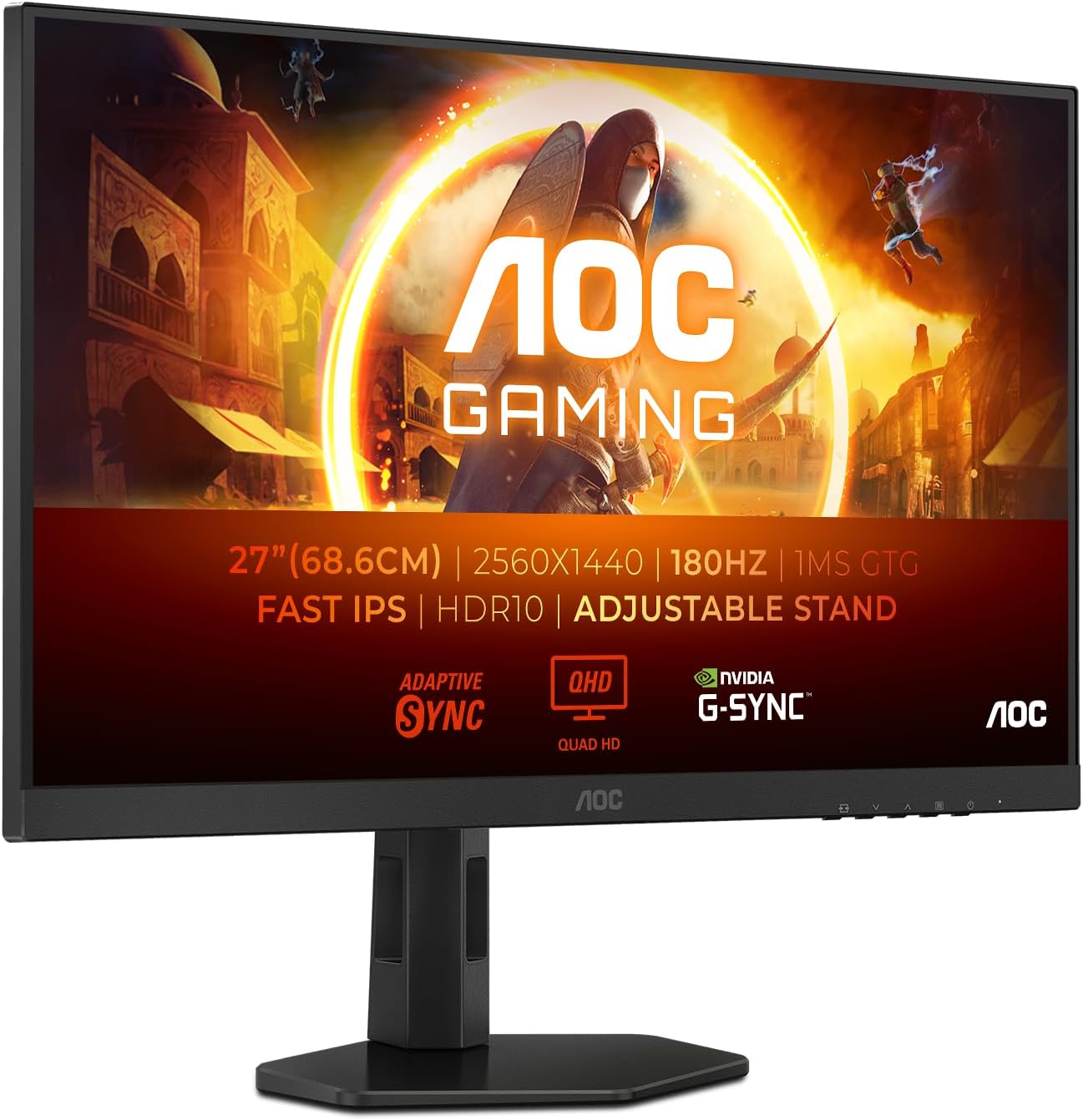
The core experience is “fast” — 180Hz refresh plus a claimed 0.5ms MPRT figure for motion clarity. That pairing is what you’d normally look for when you’re playing titles where quick camera turns and fast movement matter.
On top of that, Adaptive Sync is there to help reduce tearing and stuttering by synchronising the display refresh rate with your graphics card. In plain terms: it’s aimed at keeping gameplay looking consistently smooth when frame rates fluctuate.
A couple of viewing comfort points are also part of the pitch: it’s described as reducing flicker to minimise eye strain during prolonged use, and it reduces blue light emissions to help with comfort. These features won’t replace good breaks, but they can make longer sessions more tolerable.
HDR10 and colour/contrast support (what to expect)
HDR10 support is listed for improved colours and contrast, with the goal of a more vivid viewing experience. That’s useful if you play games that support HDR, or if you simply want the monitor to handle “punchier” scenes better than basic SDR-only setups.
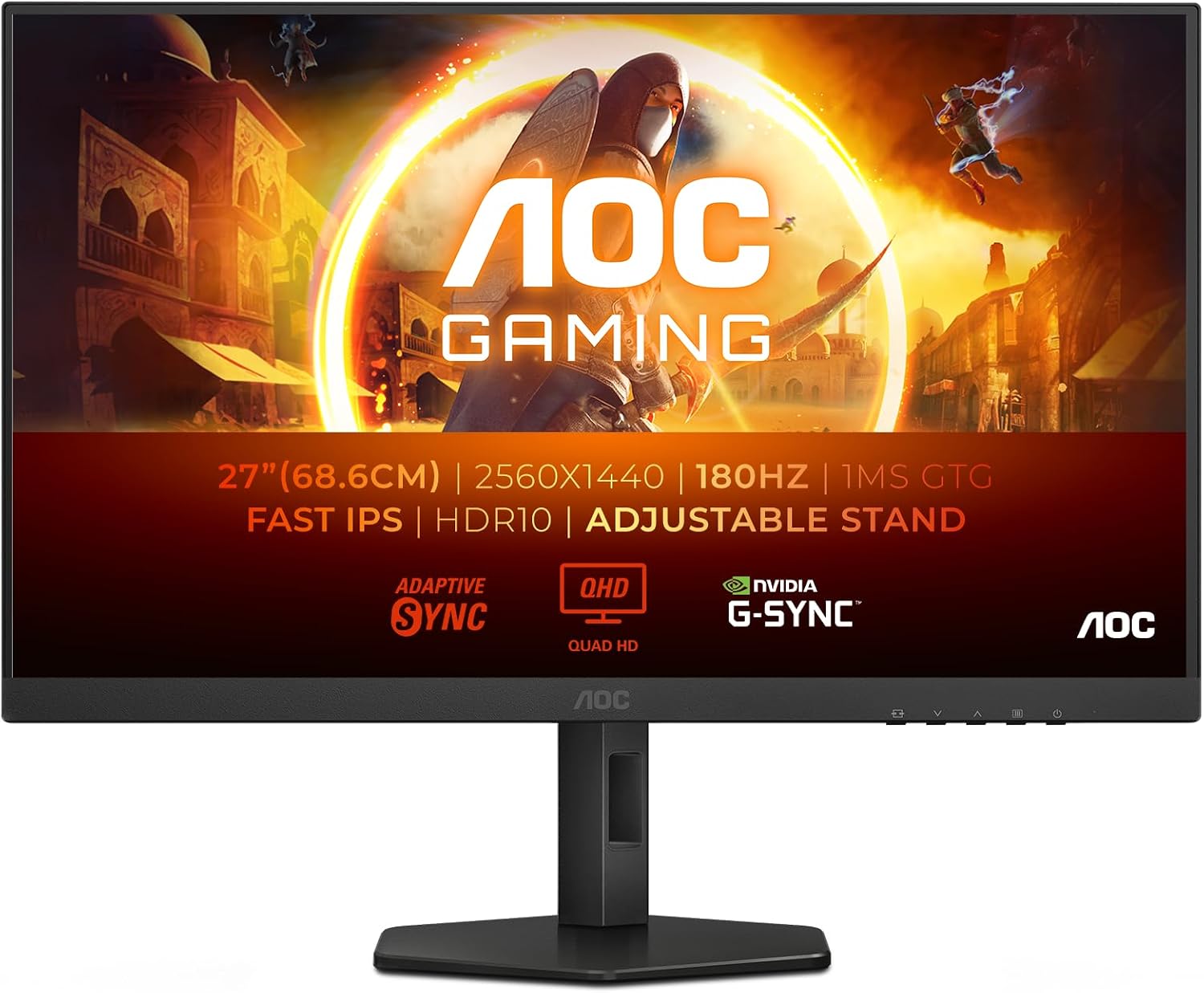
Still, it’s worth keeping expectations realistic. HDR on monitors varies a lot depending on the underlying performance characteristics, and you don’t want to buy solely for HDR claims without checking how it behaves for your specific use.
If your main priority is competitive play at high refresh, HDR is more of a bonus than the main event here.
Connectivity you can work with
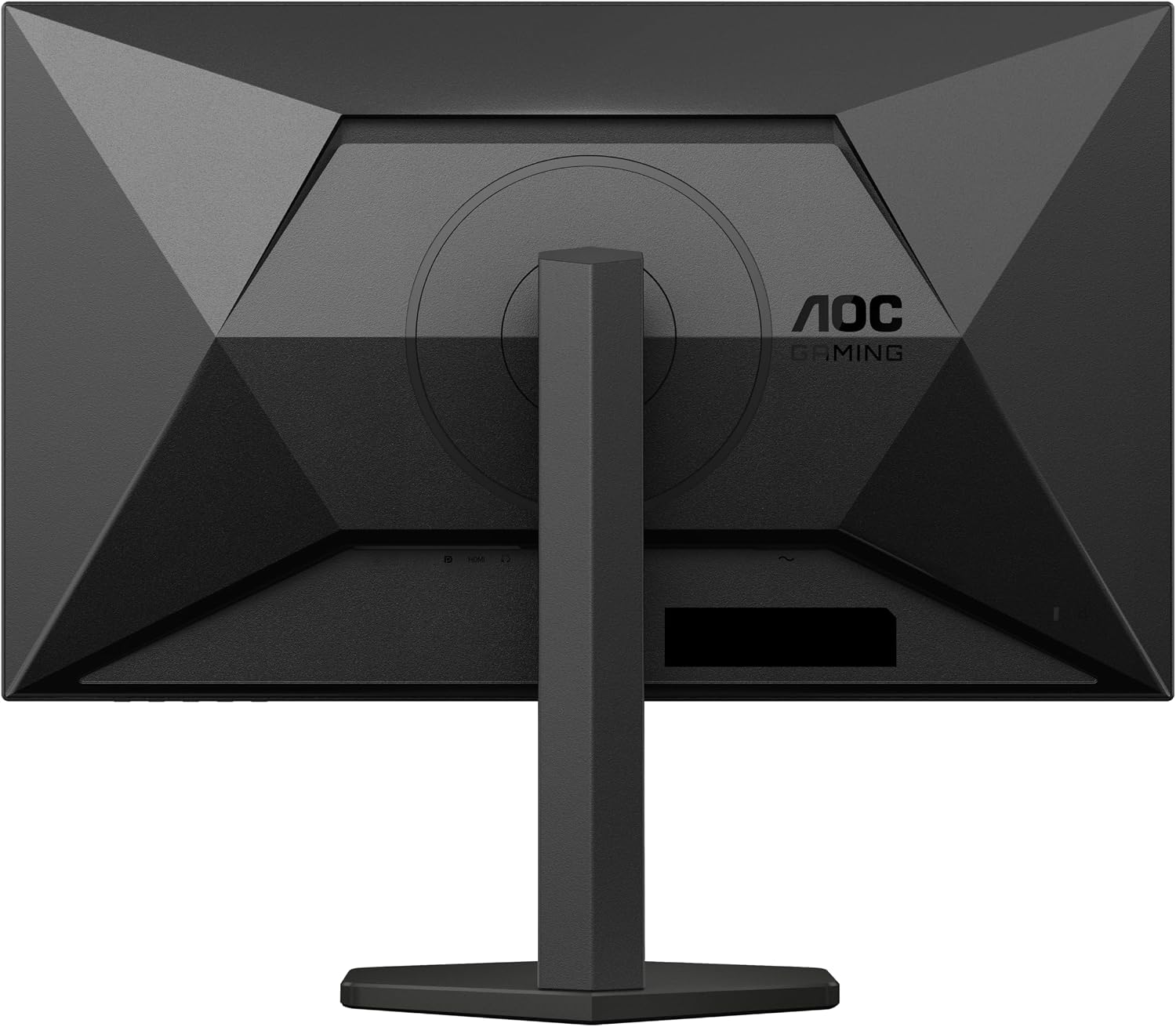
The product listing specifies HDMI 1x 2.0 and DP 1x 1.4. For many desk setups, that’s a workable combination for PC connections.
It also helps to think about what you’re plugging in before you commit. If you expect to run multiple devices at once, you’ll want to be sure you have enough ports and that the devices you’re using fit the listed HDMI/DP options.
Tech summary that matters for gaming
Here are the parts that are directly relevant to how it performs when you’re actually gaming:
- Name: AOC Q27G4XF
- Type: Gaming monitor
- Size: 27 inch
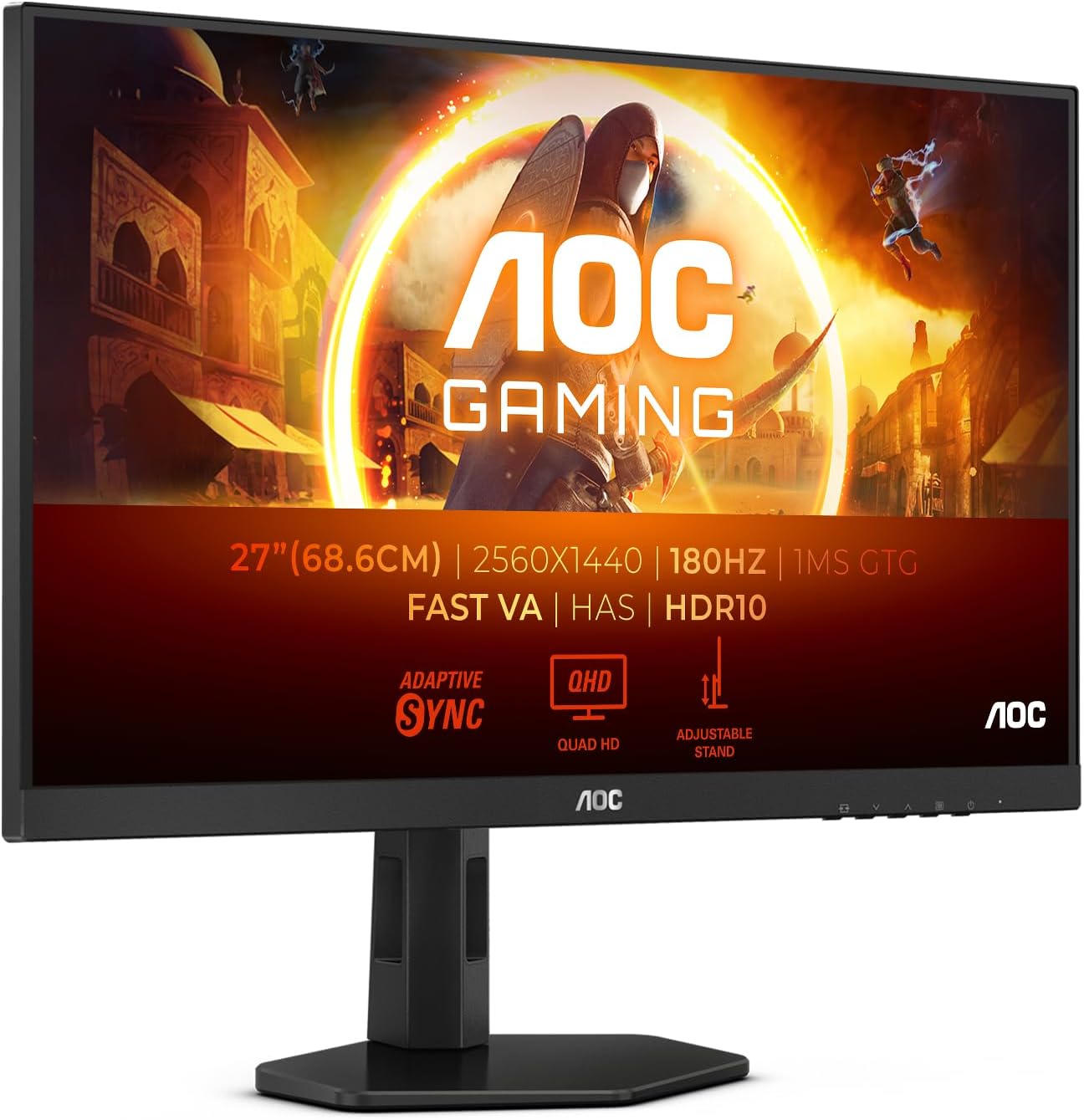
- Resolution: 2560x1440 (WQHD)
- Refresh rate: 180Hz
- Panel: Fast IPS
- MPRT: 0.5ms MPRT
- Adaptive Sync: Adaptive Sync
- HDR: HDR10
- G-Sync: G-Sync Compatible
- Compatibility: AMD FreeSync Premium
- Features mentioned for comfort: reduced flickering and reduced blue light emissions
You’ll be making your decision based on a package: WQHD resolution for detail, IPS for a wider-feeling viewing experience, and high refresh for motion.
Strengths, and where it may not be the best match
It makes sense if you want a 27-inch WQHD gaming monitor with a strong refresh-rate focus, and you care about reducing tearing/stutter with Adaptive Sync. The combination of Fast IPS, 180Hz, and HDR10 support gives it broad appeal across competitive and mixed gaming.
It might not suit you if you’re buying mainly for deep, standout HDR performance, because the listing points more to motion handling and sync features than to any headline brightness or local-dimming capability. It may also feel like overkill if your gaming setup doesn’t regularly reach high frame rates — in that case, you’d be paying for speed you can’t fully use.
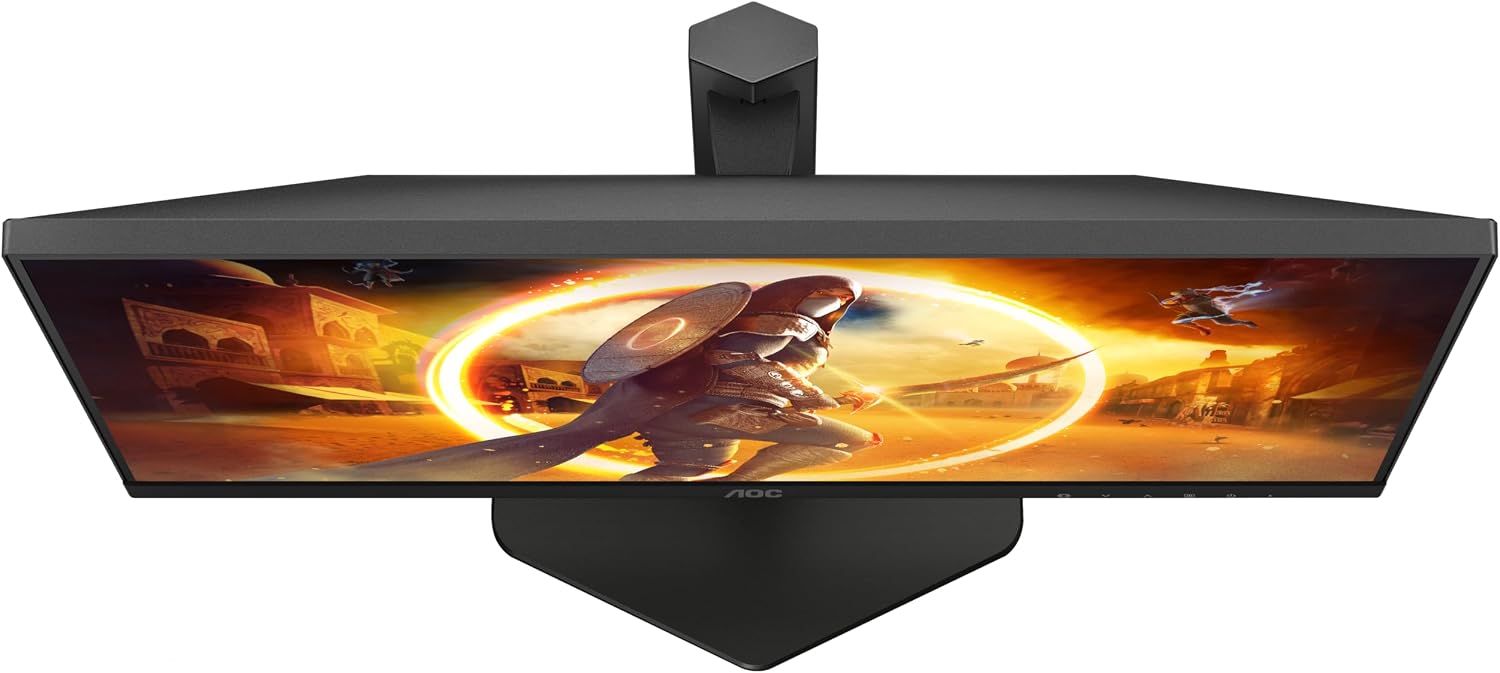
You’ll also want to check the stand setup: height adjustment is included, which is a win for posture, but whether it reaches the range you want depends on your desk and preferred ergonomic position.
Who it’s for (and who should look elsewhere)
It’s a good fit if you’re moving from a basic 60Hz/1080p setup and want a noticeable jump in smoothness and clarity, while keeping WQHD resolution for desktop work and gaming detail. You’ll likely appreciate the comfort-oriented features too if you game for longer sessions.

It might not be the right choice if your top priority is HDR as a “wow” feature, or if you’re on a very budget-focused setup where spending more on refresh rate won’t change what your system can deliver.
Buying verdict
Worth considering if your goal is a responsive 27-inch WQHD gaming monitor with 180Hz performance, Adaptive Sync, and comfort features aimed at long sessions. The height adjustment adds practical usability for everyday desk comfort.
You may want to skip it if you’re hunting for monitor-first HDR impact or you don’t expect to push frame rates high enough to benefit from the high refresh focus.
For many PC gamers, this sits in the “serious mainstream” category: not an extreme niche display, but a spec-led gaming monitor that looks built to reduce common issues like tearing and stutter.
Quick FAQ
Is this monitor good for competitive gaming?
The listed 180Hz refresh rate, Fast IPS panel, and Adaptive Sync are aimed at smooth, responsive gameplay, so it’s designed with competitive use in mind.
Does it support both FreeSync and G-Sync?
It’s described as AMD FreeSync Premium and G-Sync Compatible, so it’s set up for common modern sync workflows.
What does HDR10 add here?
HDR10 is listed to improve colours and contrast for a more vivid experience, but HDR is best treated as a bonus unless your games and setup benefit clearly from it.
What connections are available?
The listing mentions HDMI 1x 2.0 and DP 1x 1.4, so it should suit many PC setups that use those port types.
Is height adjustment included?
Yes, the listing specifies height adjustment, which can help with desk comfort.