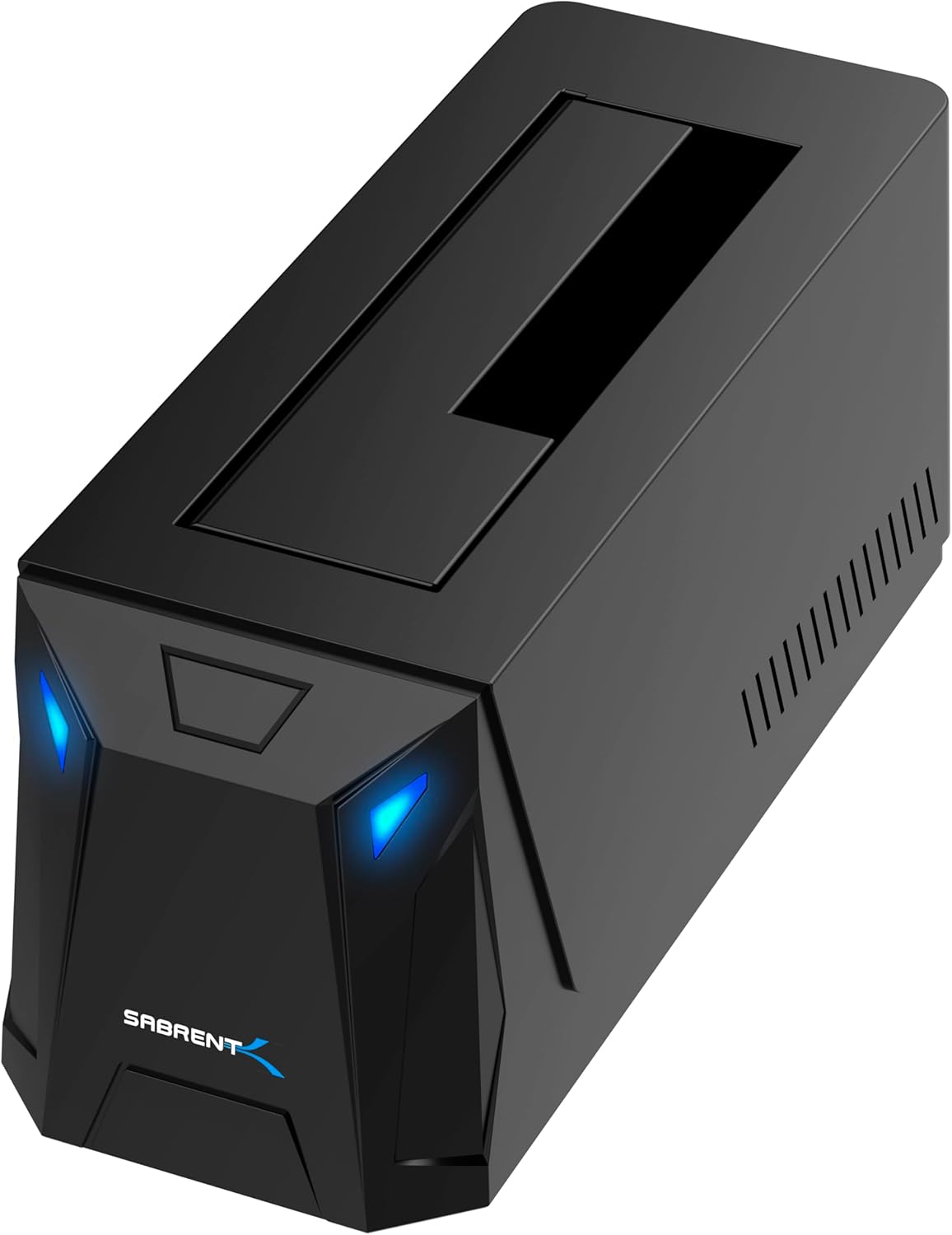
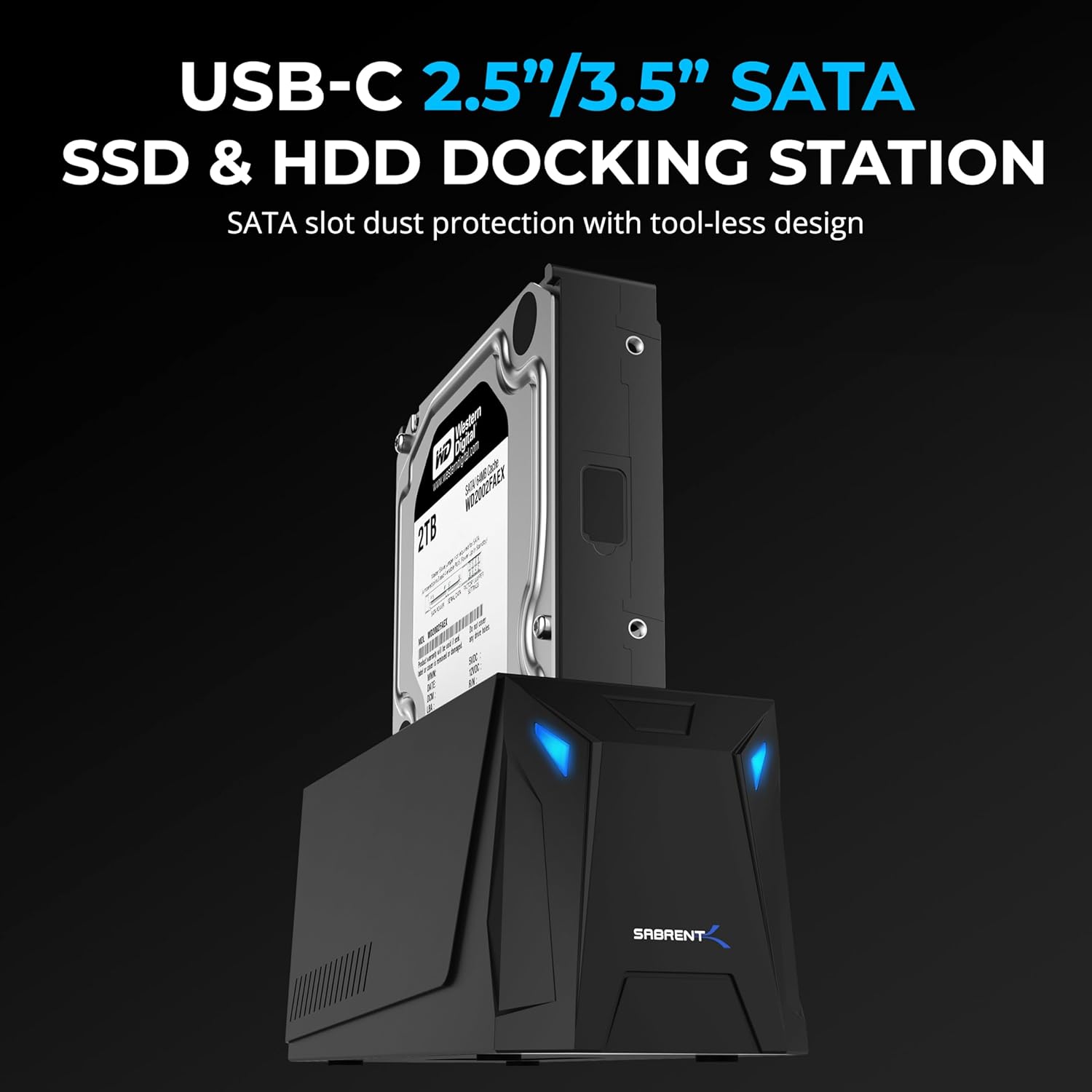
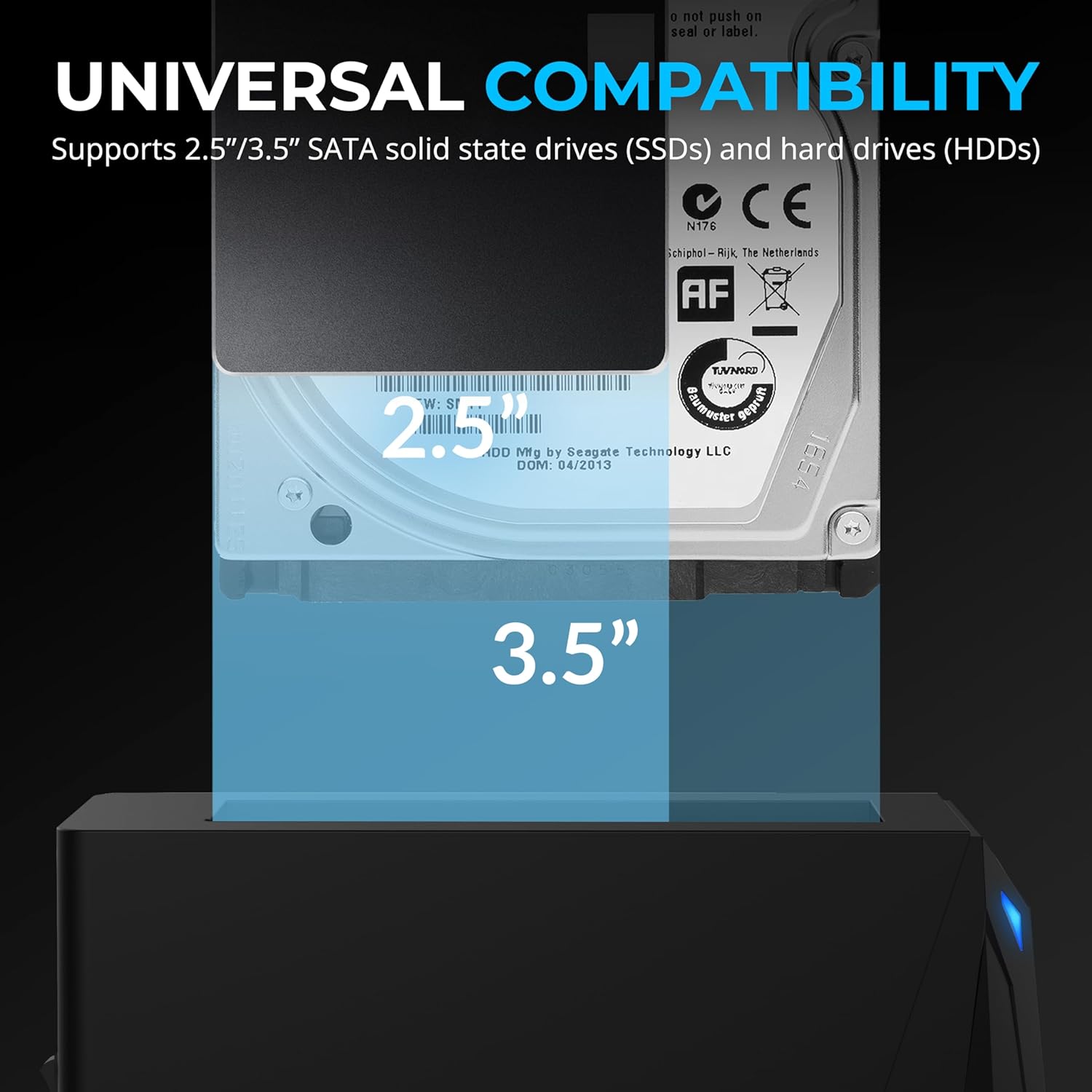
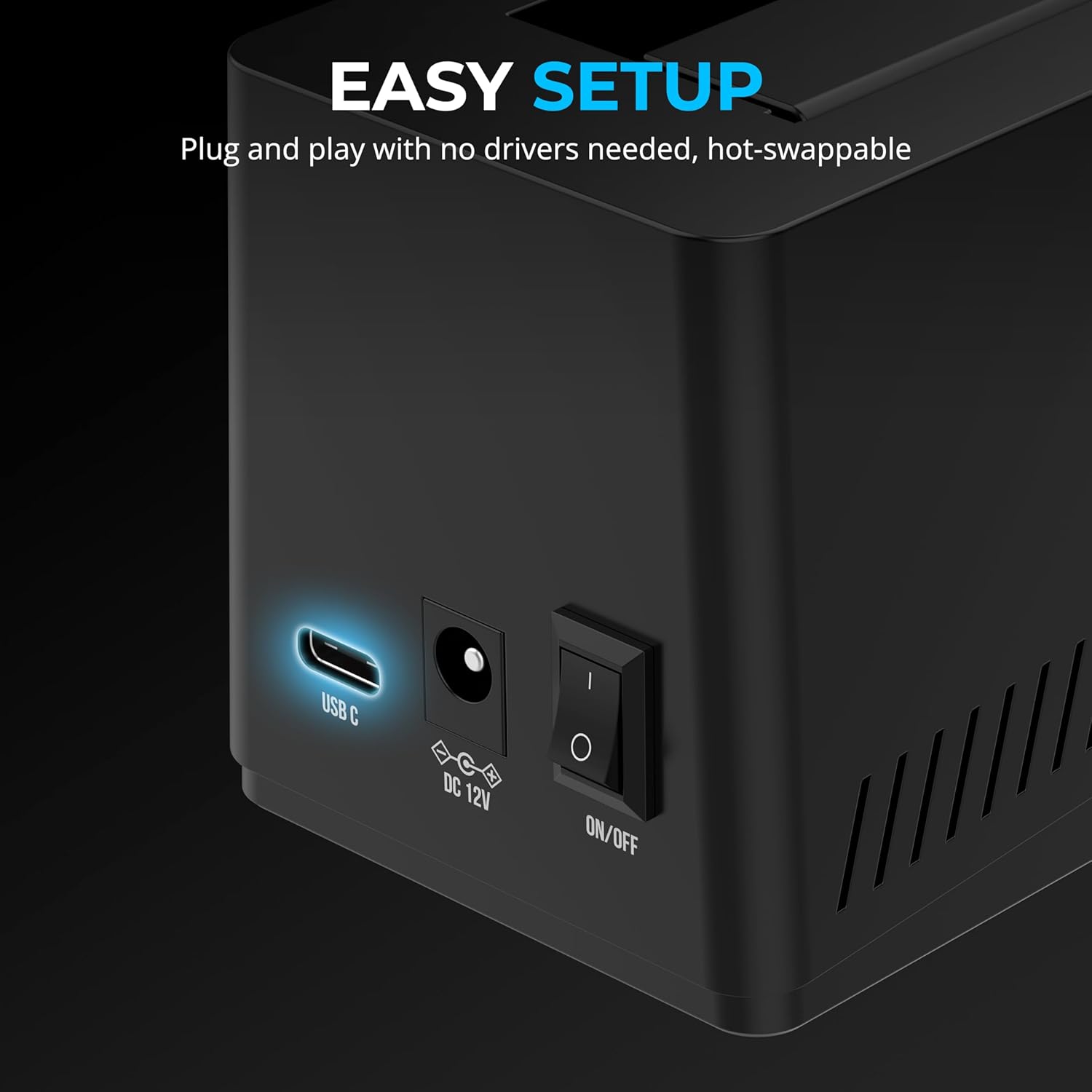
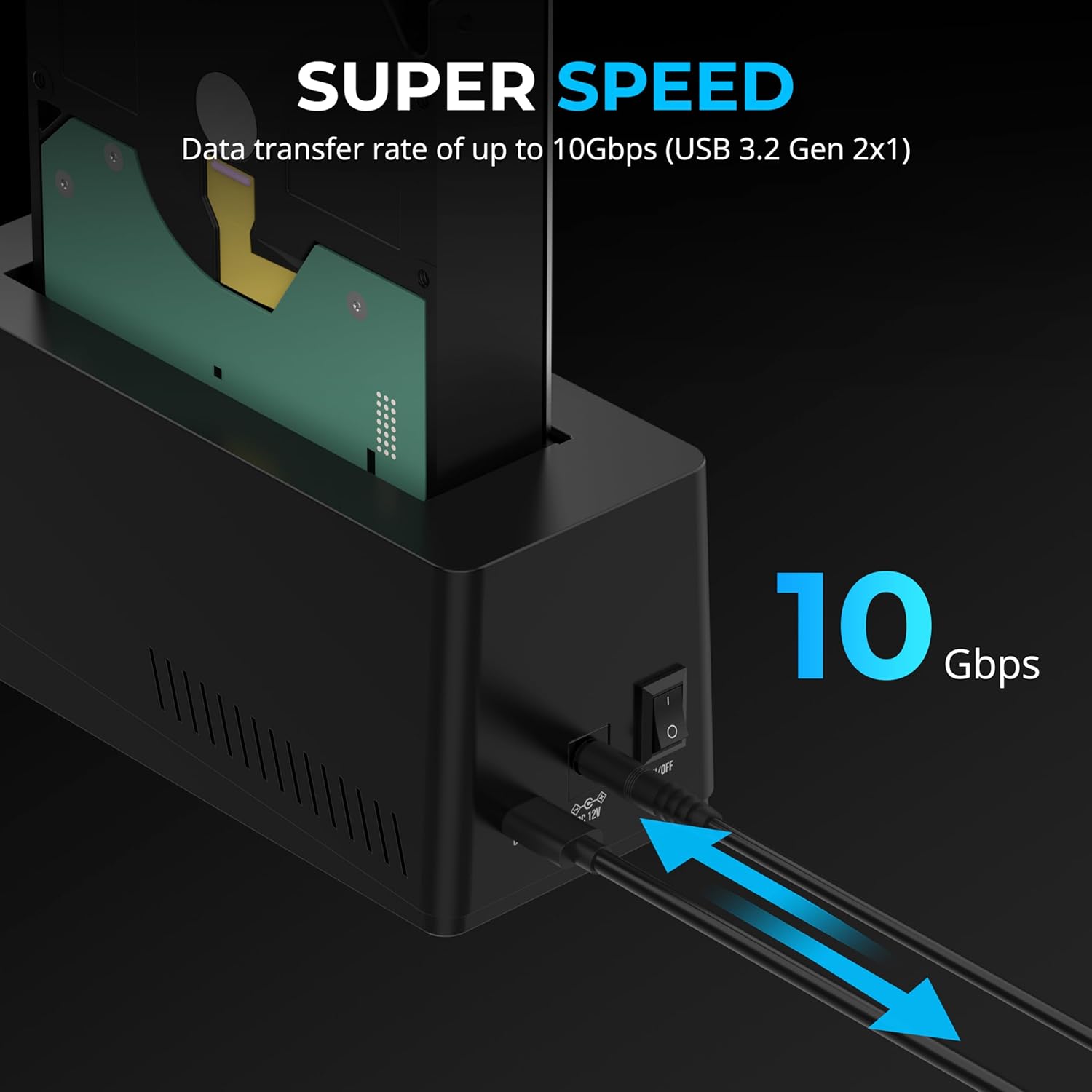
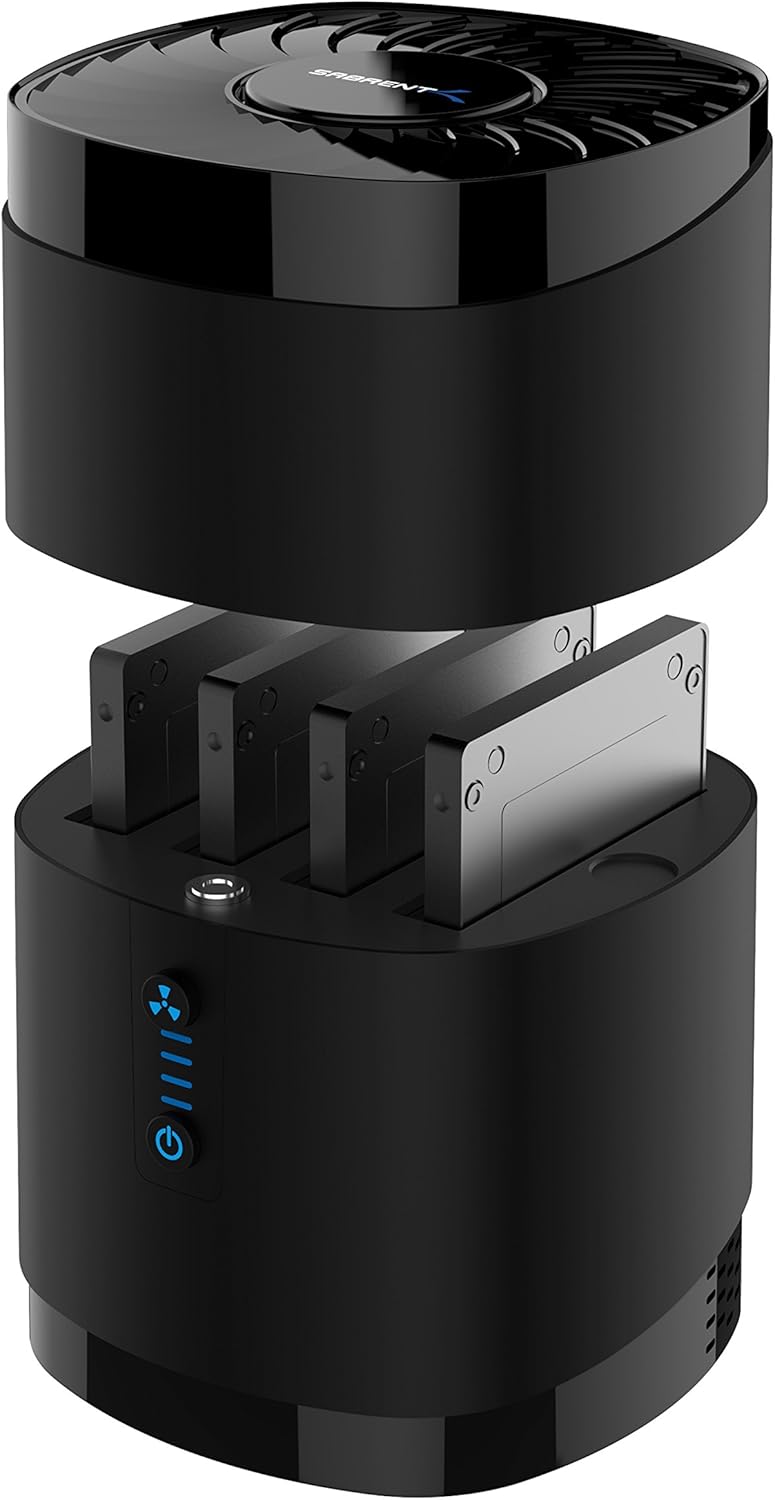
What it is and what it’s for\nThe SABRENT DS-UC1B is a USB-C docking station that accepts both 2.5" and 3.5" SATA SSDs and HDDs. It aims to simplify backups, data transfers, and ongoing storage needs by enabling quick, tool-free drive swaps. The dock ships with a power adaptor to support 3.5" drives, which helps maintain reliability for higher-capacity desktop HDDs. If you’re building a straightforward external storage workflow, this dock can be a practical anchor for quick access to spare drives.\n\n## How it performs on paper\nWith a USB 3.2 Gen 2x1 interface, the unit promises up to 10Gbps transfer speeds when paired with compatible drives and hosts. It’s plug-and-play, meaning no drivers are required for basic operation, and it supports hot-swapping. Compatibility spans a wide range of SATA drives from older SATA-I to newer SATA III, covering common 2.5" and 3.5" formats up to very large capacities (noting the manufacturer’s claim of 20TB and beyond). The inclusion of both USB-A and USB-C cables adds versatility for mixed setups.\n\n## Strengths and potential drawbacks\nWhat stands out is the tool-free design and straightforward drive swapping. The retractable dust cover is a minor convenience for keeping connectors clean during swaps. On the downside, the dock’s performance will still hinge on the capabilities of the drive itself and the host system, real-world speeds may vary with enclosures, cables, and USB port generation. It’s not a performance-focused NAS or internal docking solution, so expect good mid-range speeds rather than sustained high-bandwidth workflows.\n\n## Who it’s for\nThis dock is well-suited for users who regularly back up, archive, or transfer data between multiple SATA drives without fuss. It’s a practical choice for photographers, video editors, students, or anyone who wants a simple external docking station that works with both 2.5" and 3.5" drives and supports large capacities. If you prioritise a clean, tool-free interface and broad compatibility over ultra-fast, fixed-internal setups, this unit fits the bill.\n\n## When it may be less ideal\nIf you rely on very high sustained transfer rates for large file workflows or need integrated RAID features, this dock may feel limited. Also, as a USB-C device, its performance benefits depend on your host’s USB controller and the drive’s own speed. If your setup frequently uses slower USB generations or older hosts, you might not realise the full 10Gbps potential.\n\n## What to check before buying\n- Confirm your drives are SATA (not NVMe) and within 2.5" or 3.5" form factors.\n- Ensure your computer or workstation supports USB-C with USB 3.2 Gen 2x1 to approach the advertised speeds.\n- Consider whether you need hot-swapping and a dust cover as a practical feature for frequent drive changes.\n- If you plan to use very large drives (20TB+), verify compatibility in practice with your intended workload.\n\n## Practical use example\nYou can keep a rotating set of backups: slot in a drive, copy a project folder, then swap for the next drive with minimal downtime. The tool-free design comes in handy for quick swaps during on-site transfers or quick-offline backups between machines.\n\n## Final decision\nIs it worth it? Worth considering if you want a flexible, no-fuss docking station that supports both 2.5" and 3.5" SATA drives, plus large capacities, with simple plug-and-play setup for mixed USB connections. It may not be the best option if your priority is peak, sustained bandwidth or advanced drive management features.\n\n## Quick FAQ\n- Can I use NVMe drives with this dock? No, only SATA SSDs and HDDs are supported.\n- Does it work with Mac and Windows? Yes, it is described as compatible with both.\n- Do I need drivers? No, plug-and-play.\n- What cables are included? Both USB-A to USB-C and USB-C to USB-C cables are provided.