

WAVLINK 4 Monitor Docking Station 140W
Product description
This WAVLINK docking station expands a laptop into a multi‑display workstation, easing multitasking for designers, traders and office users. It supports quad 4K output and delivers up to 130W charging for compatible laptops, making it a practical hub for heavy screen setups and sustained work sessions.
Key points
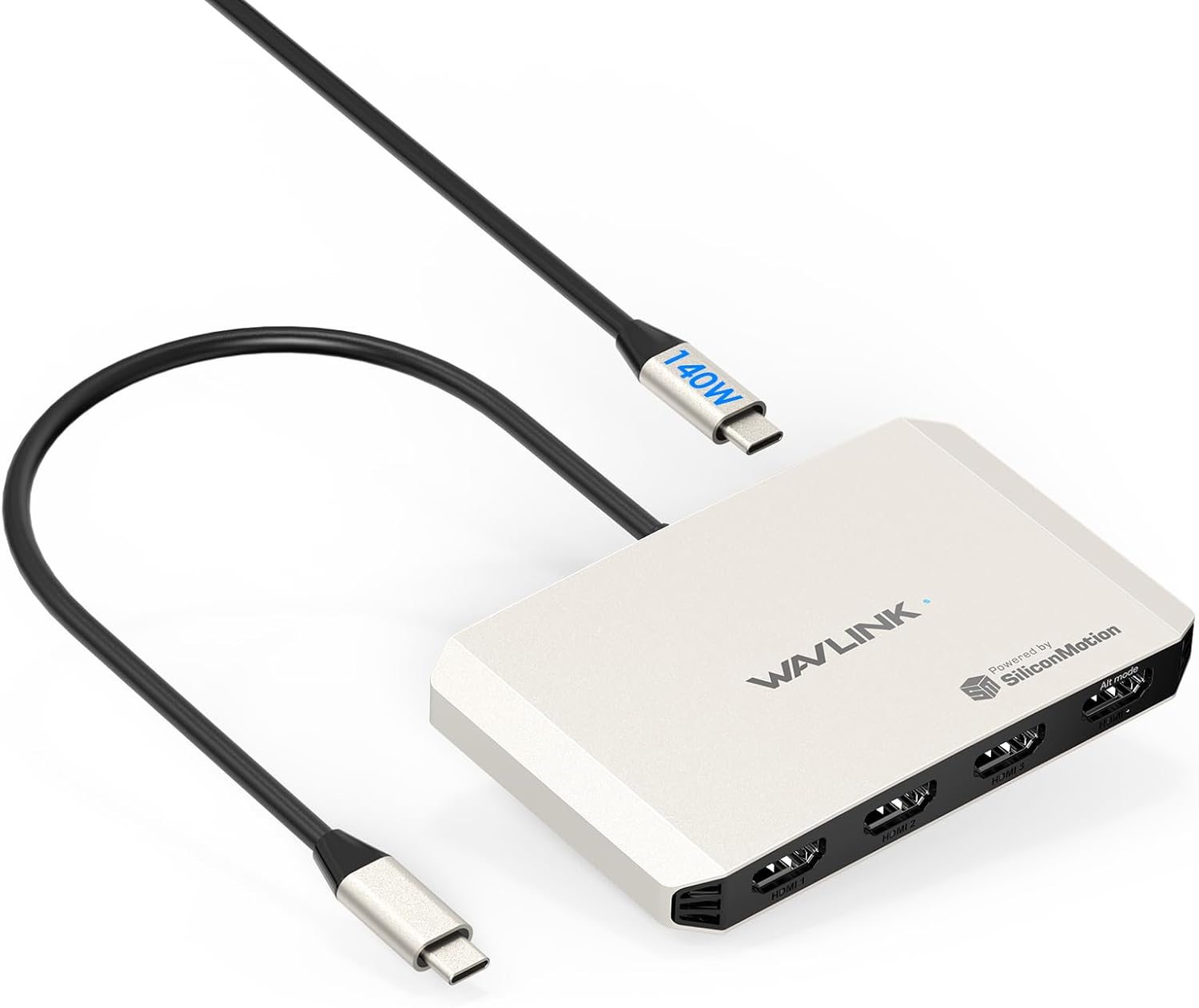
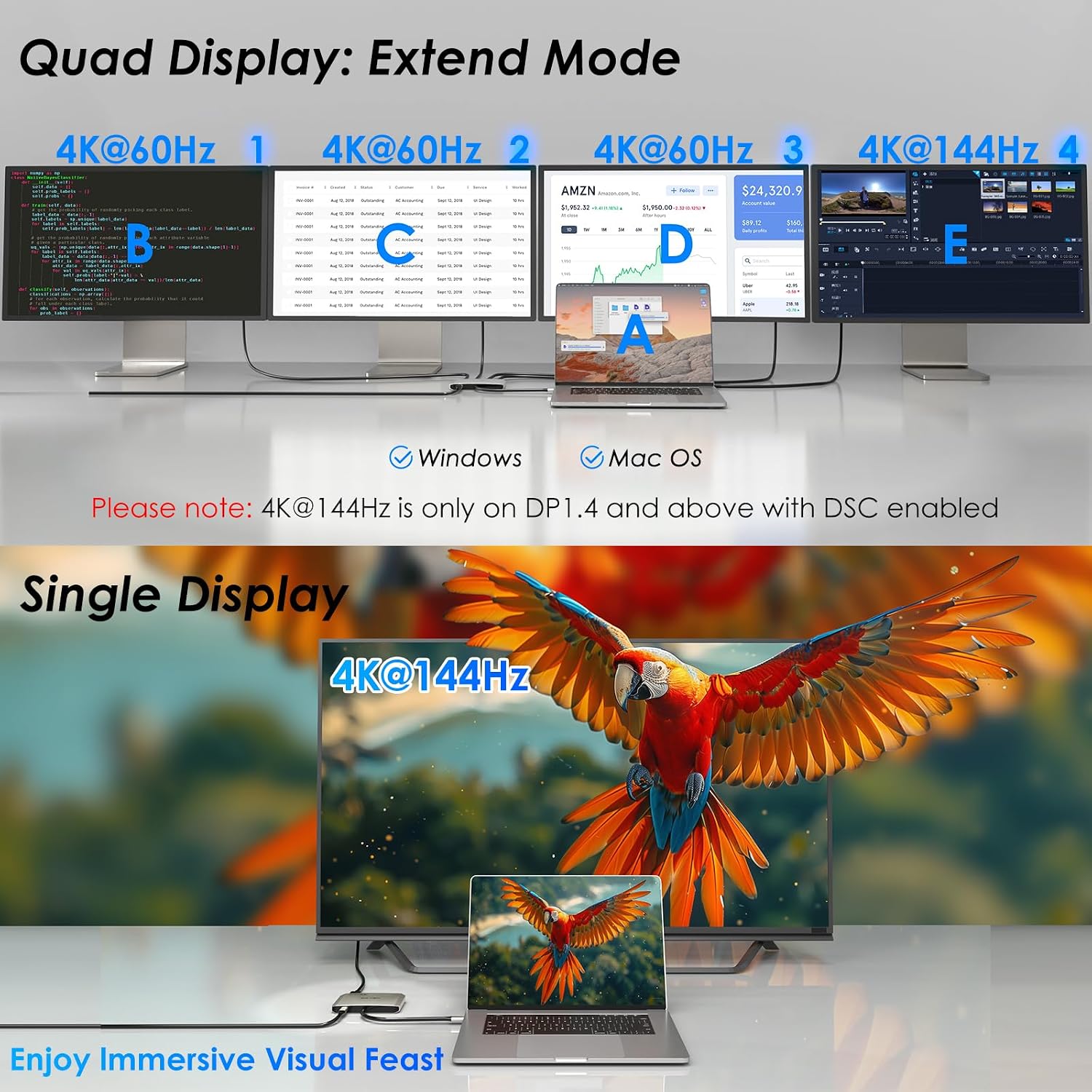
The unit targets users who need multiple high‑resolution screens without relying on costly DisplayLink solutions. It uses an SMI770 chipset that enables macOS M1/M2/M3/M4 systems to drive four distinct displays when the host meets USB3.2 and DP Alt Mode or Thunderbolt requirements. Expect flexible layouts, from a single 4K@144Hz screen to a quad display arrangement with one 4K@144Hz and three 4K@60Hz outputs. Note that a driver download is required and the dock is not compatible with Linux, iPadOS, iOS or Steam Deck.
Technical details
- Name: WAVLINK 4 Monitor Docking Station
- Type: Docking Station
- Display: Quad 4K Output
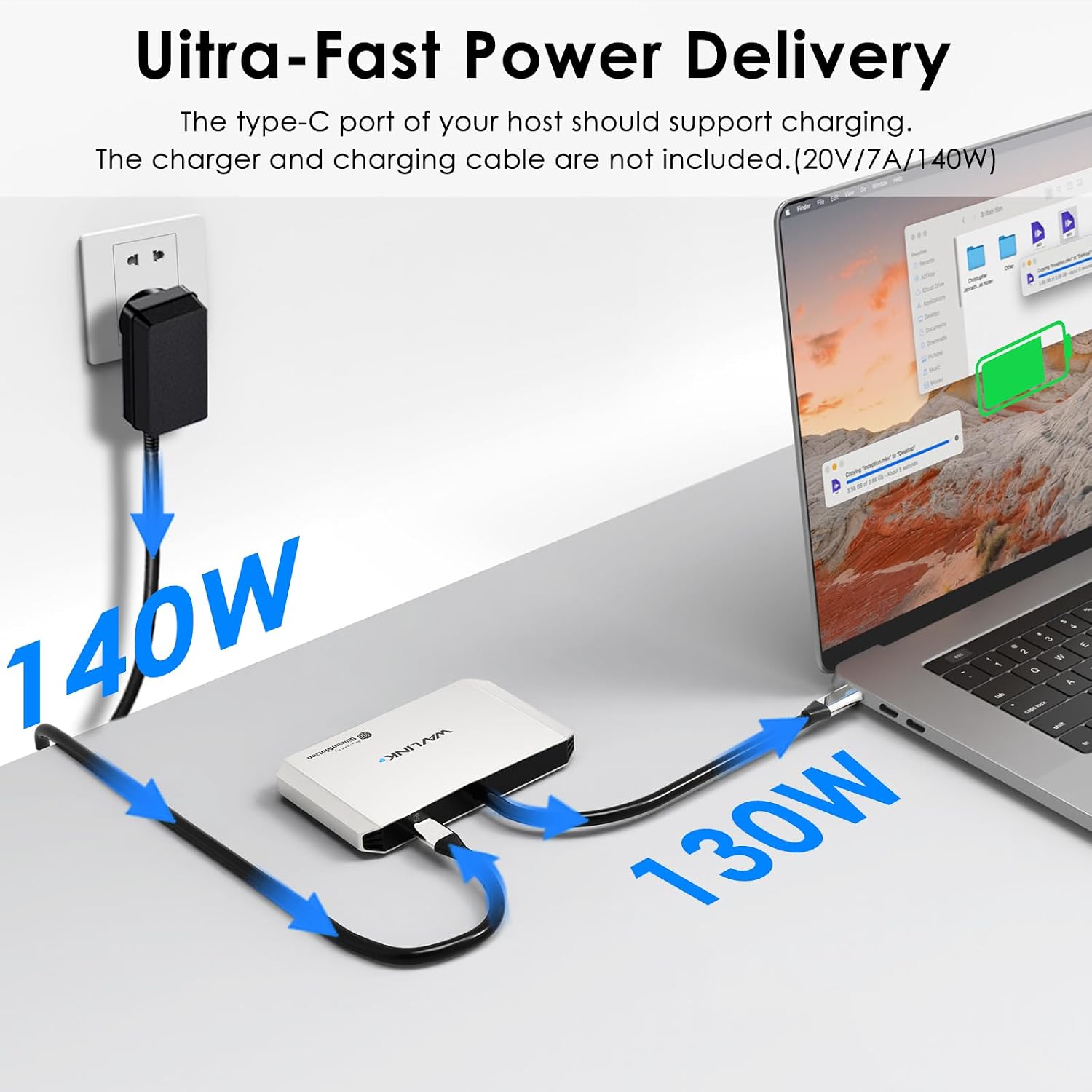
- Battery: 140W PD input, 130W laptop charging
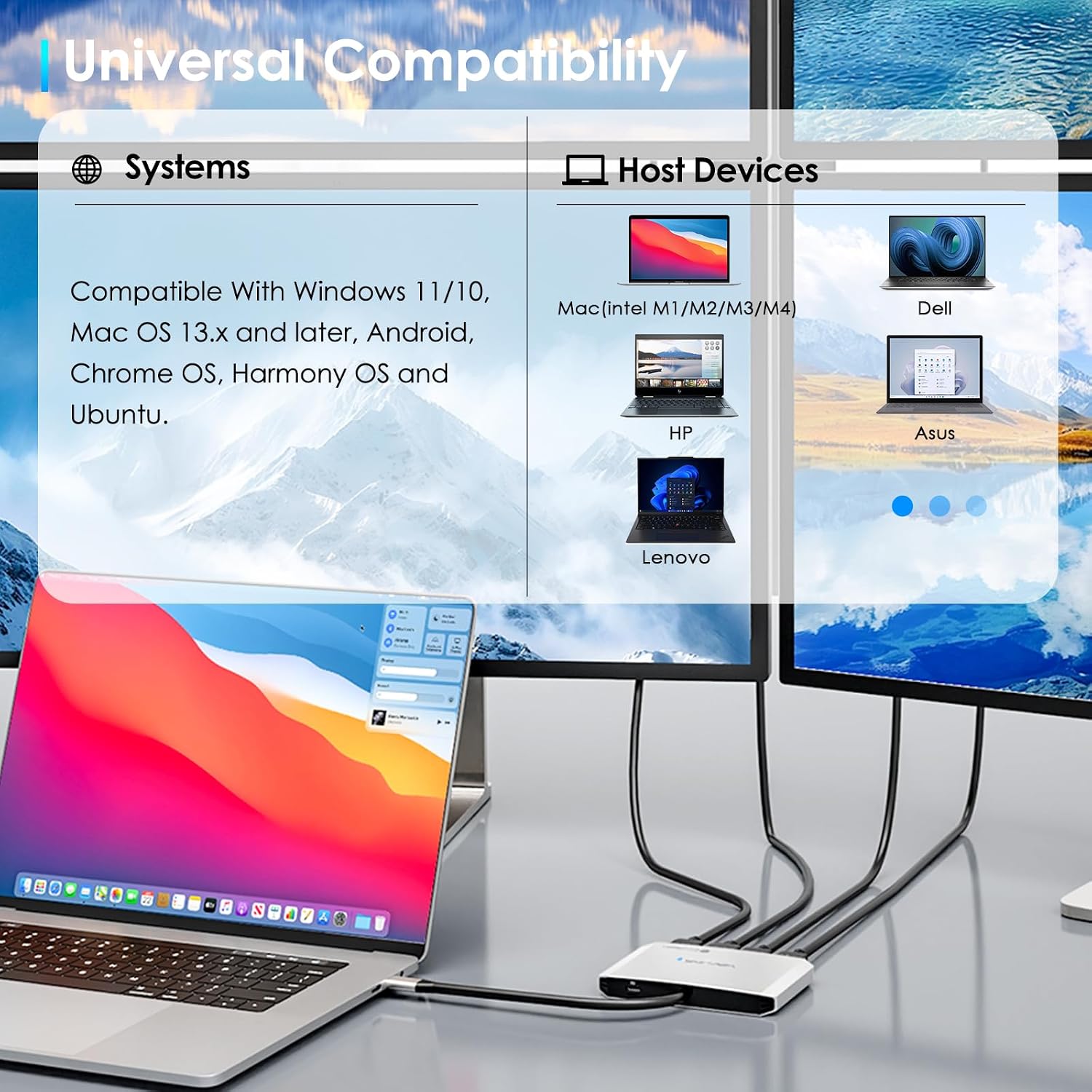
- Compatibility: macOS 13.x and later, Windows 11/10, host USB3.2 required
Where it shines
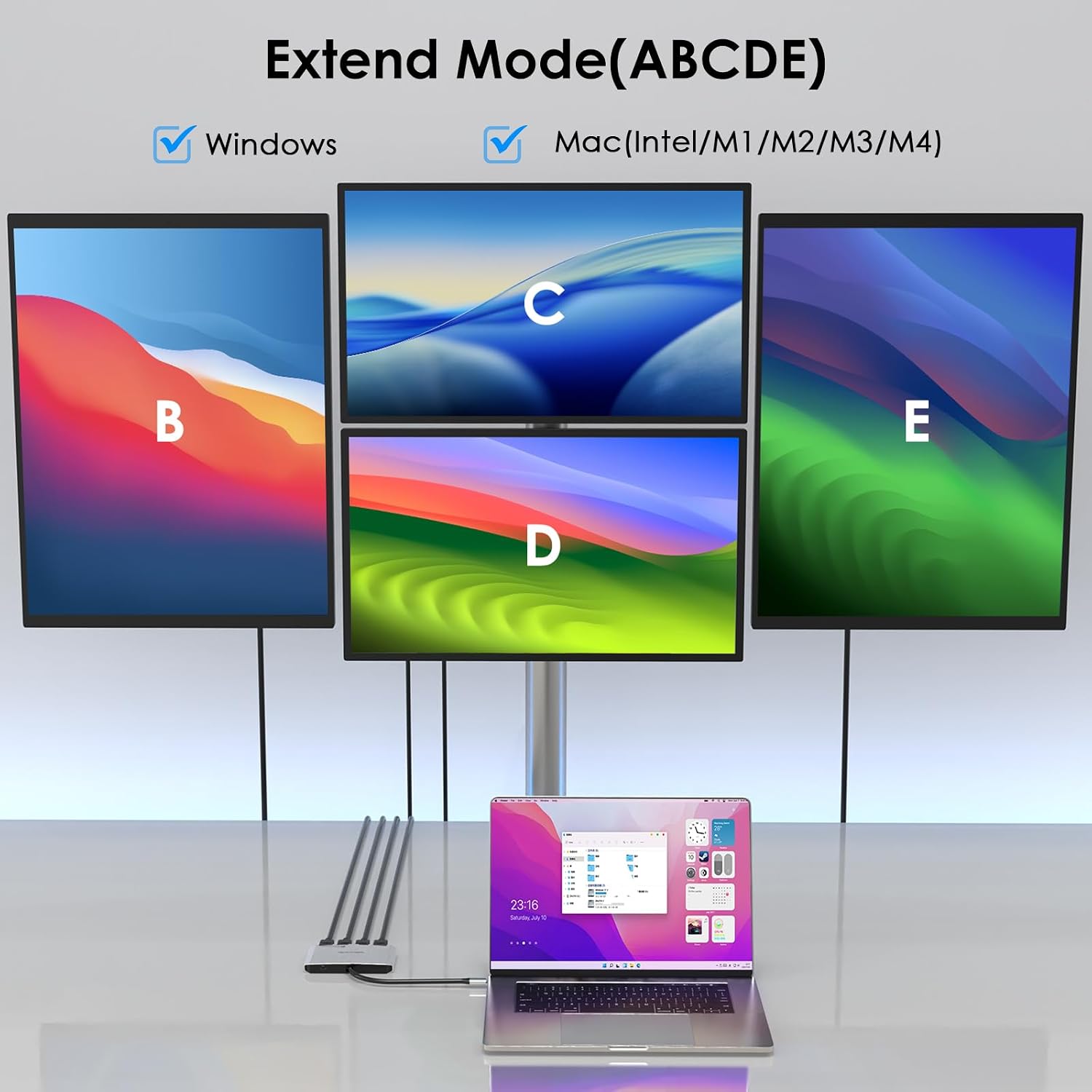
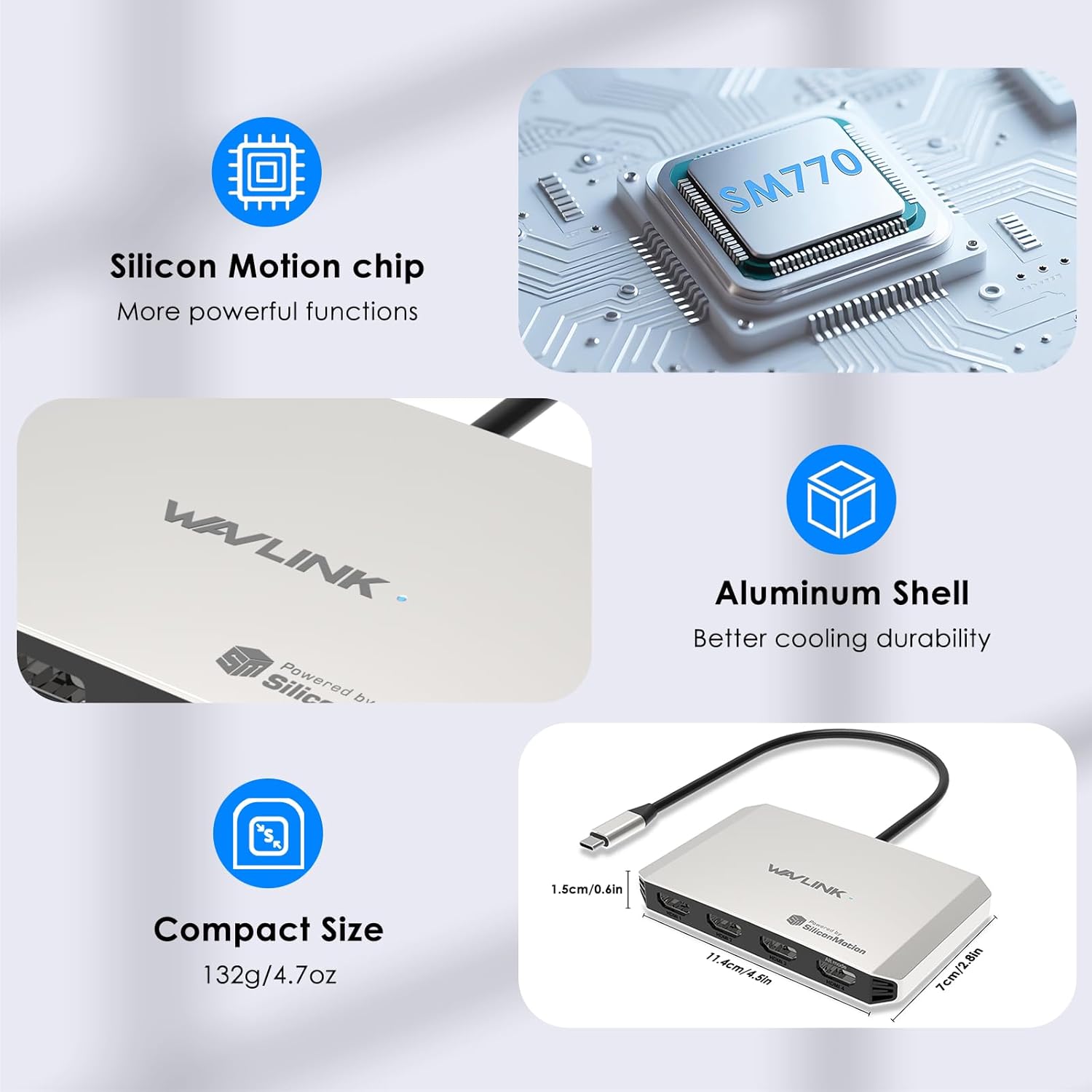
When you need many screens without a tangle of adapters this dock keeps the setup compact and manageable. It suits workflows that combine spreadsheets, browser tabs and creative apps, because each display can run at native 4K resolution. A practical detail is that only HDMI ports marked with the Alt Mode logo can reach 4K@144Hz, so cable and host choice matters.
What it works with
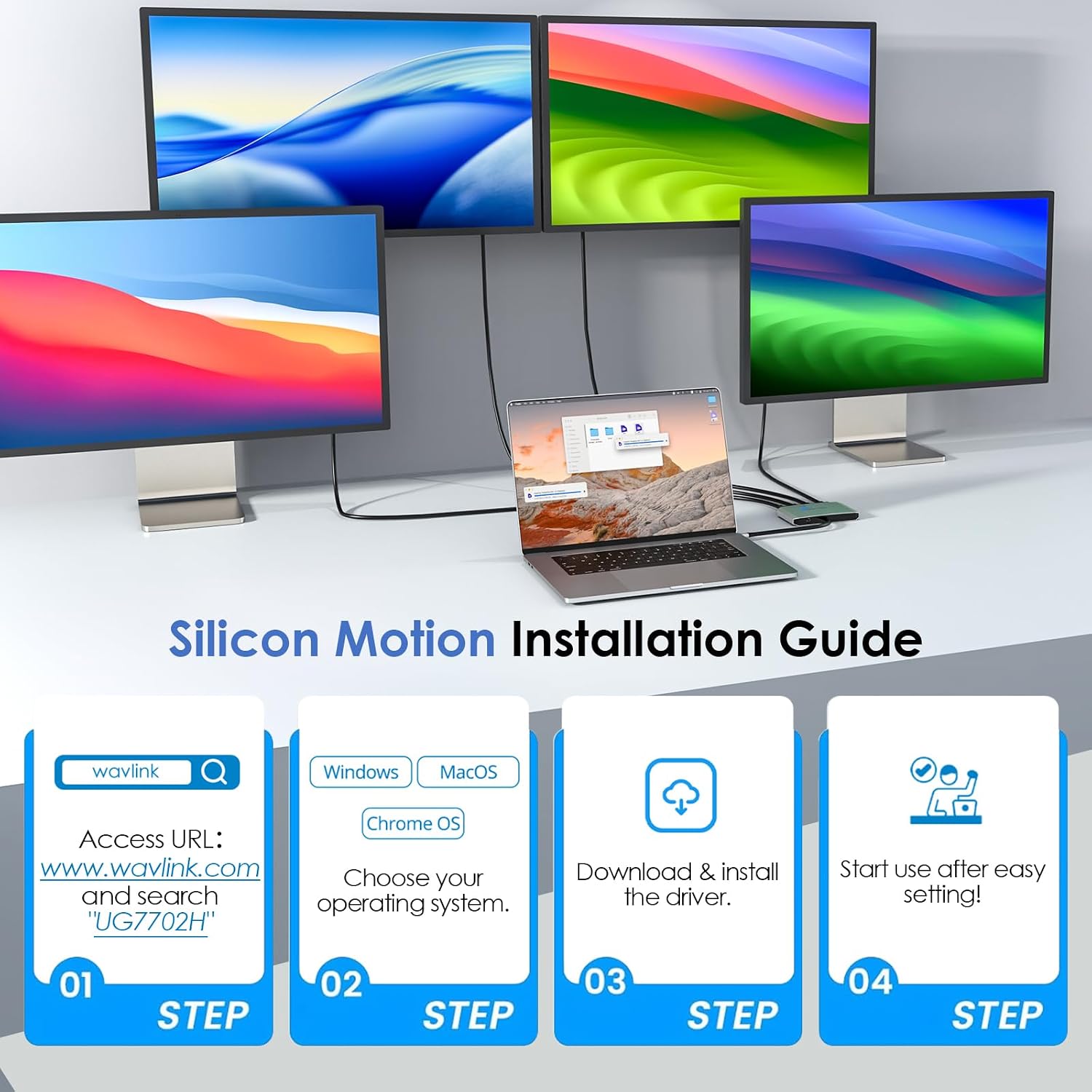
WAVLINK 4 Monitor Docking Station works with USB‑C hosts that support DP Alt Mode or Thunderbolt 3/4/5 and requires USB3.2 on the host for full functionality. For full power delivery use a 20V/7A charger as recommended by the manufacturer, and follow the instruction manual to install the required driver.
Best use cases
This dock fits multi‑monitor desks in finance, creative studios and remote offices where space is limited but screen real estate is essential. It is also useful for users moving between Mac and Windows machines who need consistent connectivity and charging on a single hub. ⚙️