

LENTION USB C hub with 100W PD
Product description
A LENTION USB C hub like this one is a practical way to add more ports to a laptop, tablet, or phone that only has USB-C. It combines HDMI for 4K@60Hz display use, USB connections for everyday accessories, and a USB-C Power Delivery charging port rated up to 100W, so your main device can stay powered while you work. ✅ If you regularly move between desks, travel setups, and presentations, this kind of compact 7 in 1 layout helps keep everything connected in one place.
Key features
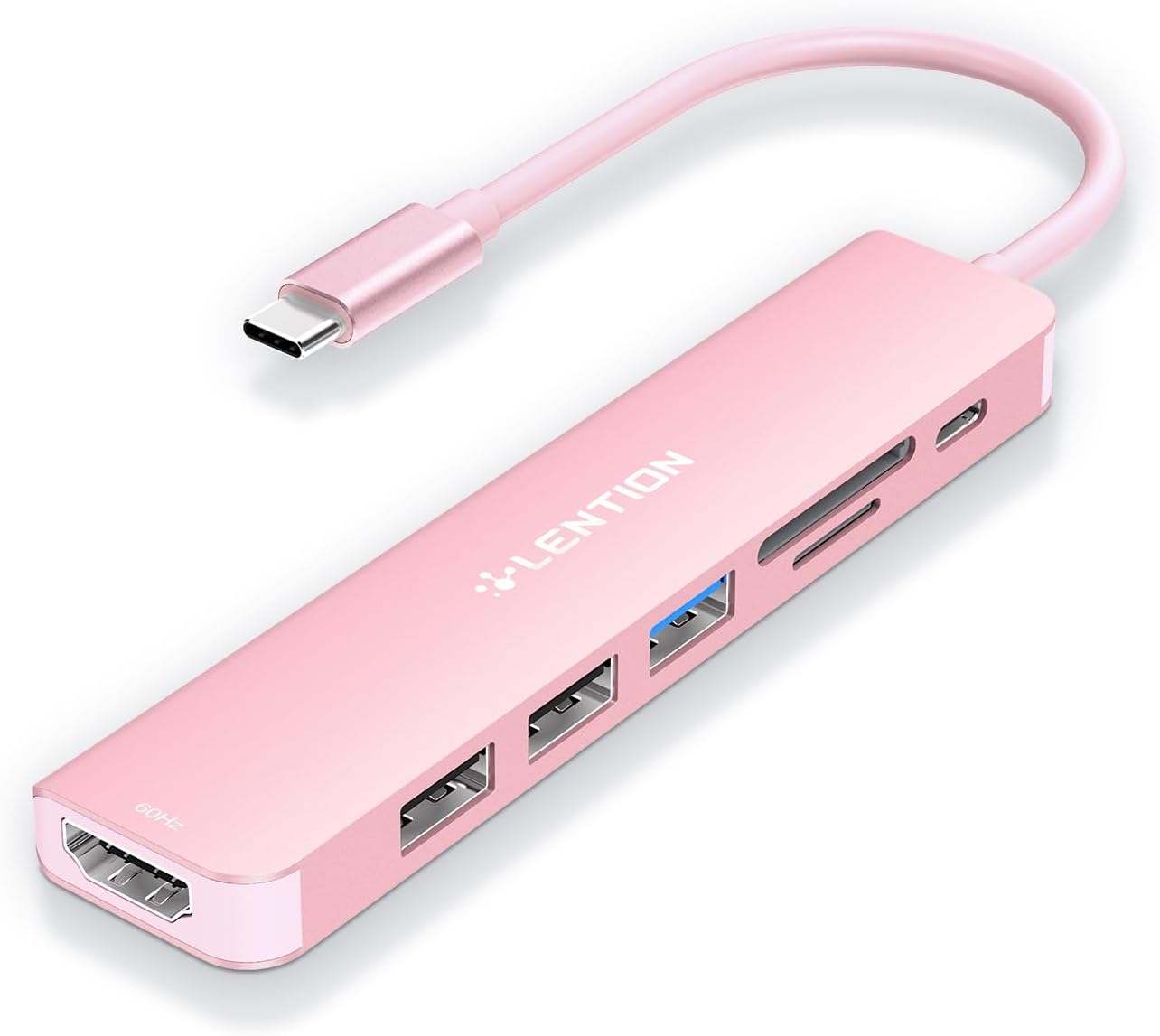
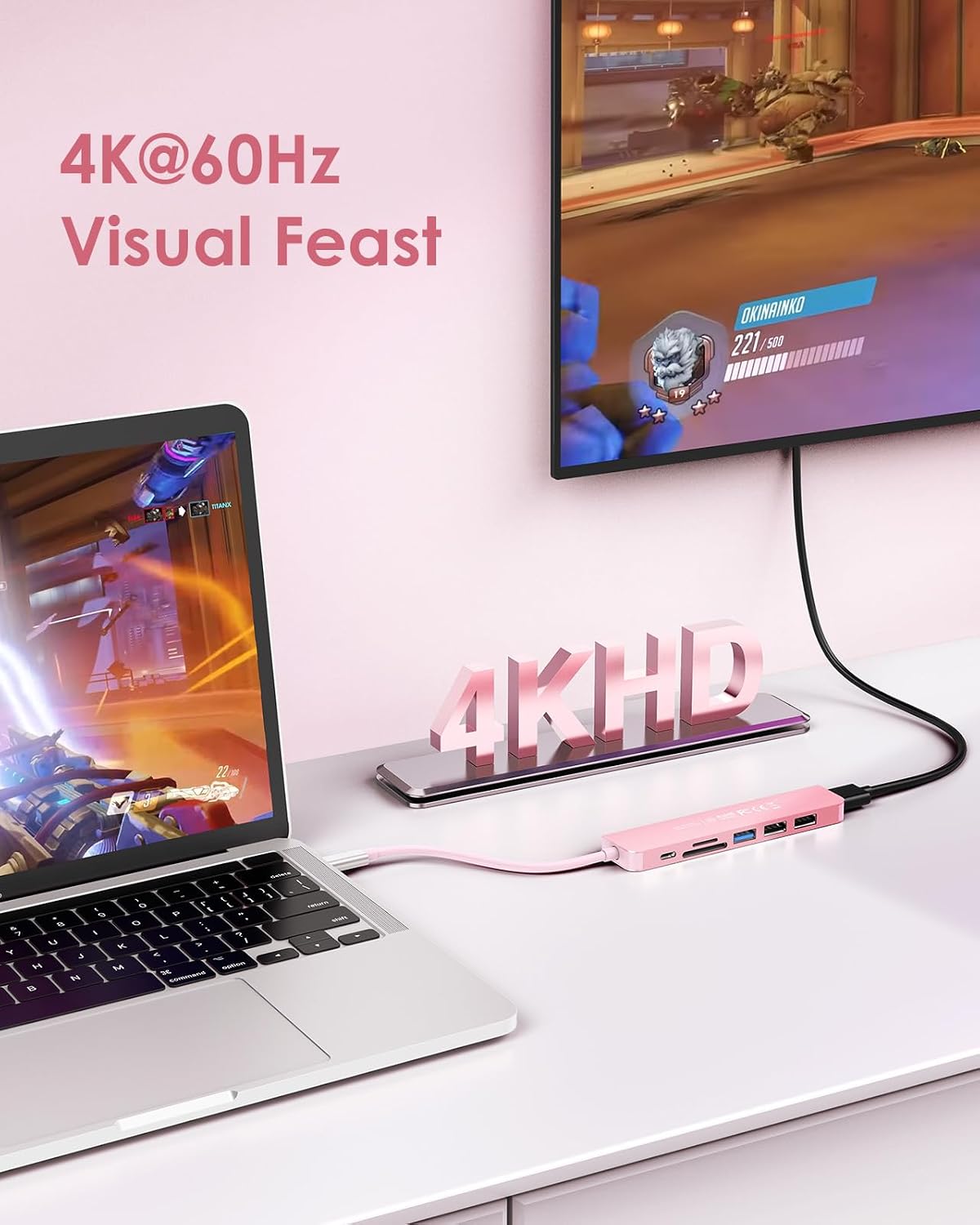
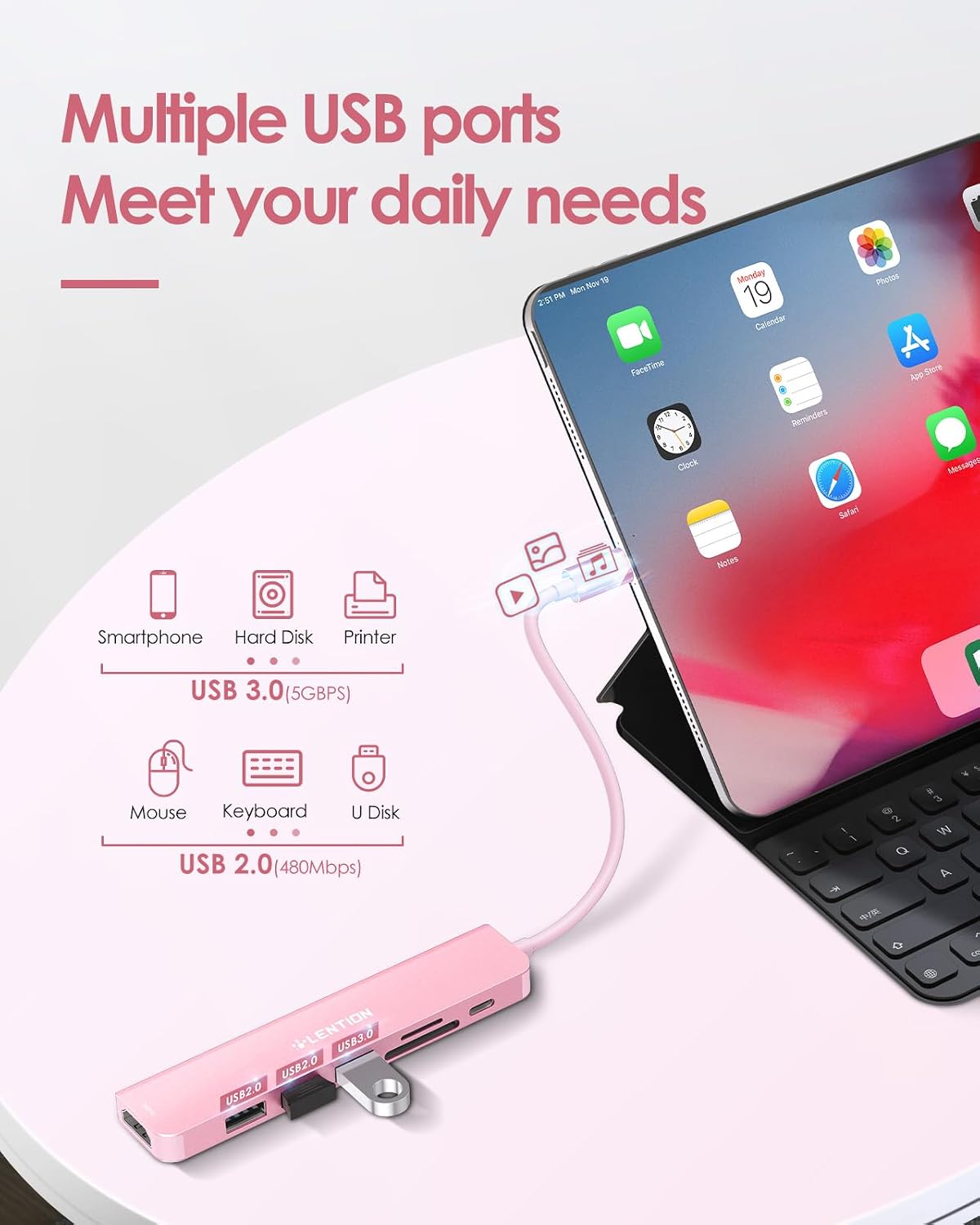
This LENTION USB C hub with 100W PD charging is designed around real day to day needs, extra connectivity plus a display output. You get an HDMI port that supports up to 4K@60Hz, which can be used for mirrored or extended screen setups, subject to your device supporting the required video streaming over USB-C. Alongside that, there is a USB-A 3.0 port for faster data transfers, plus two additional USB-A ports for peripherals.
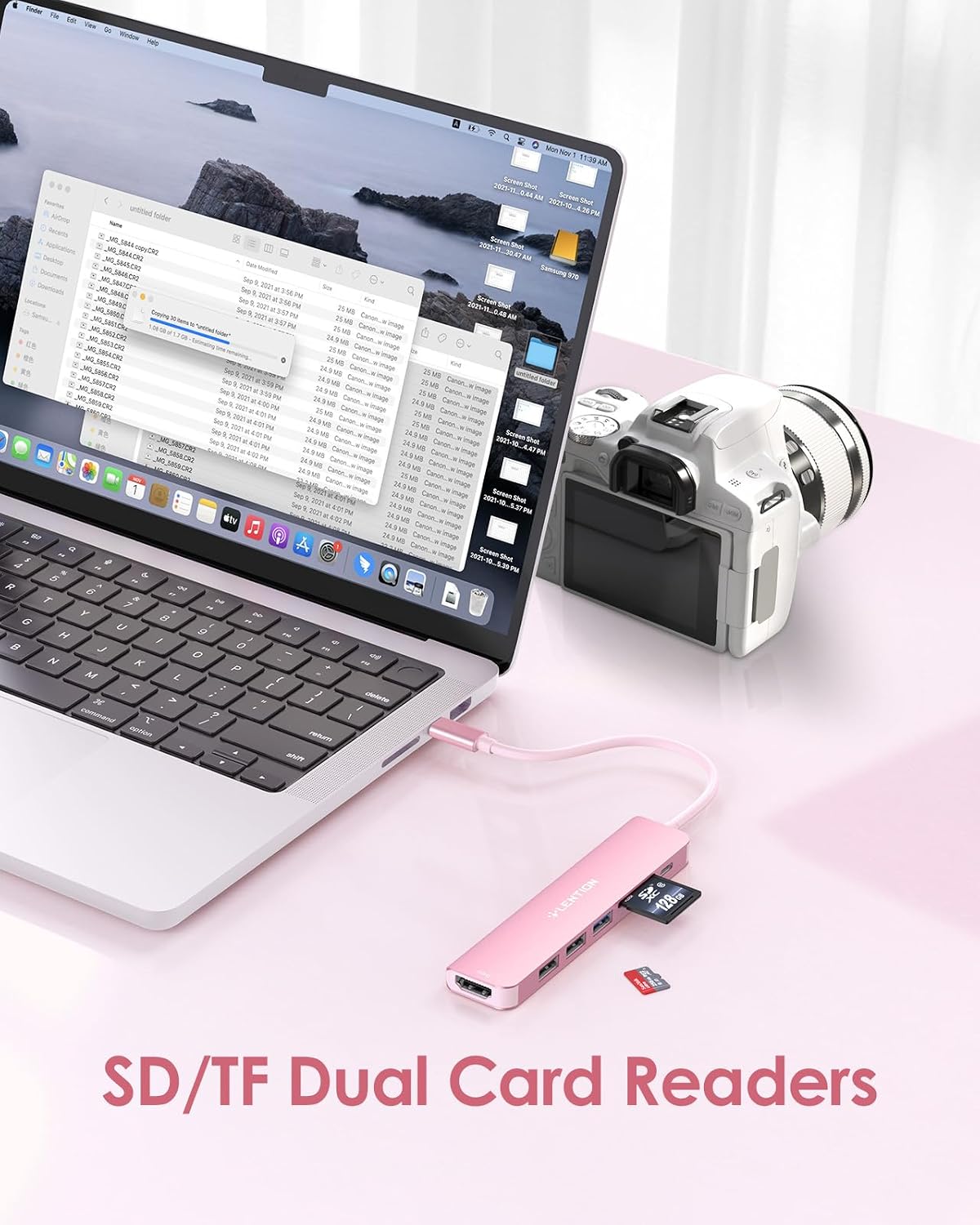
For memory needs, the hub includes an SD and microSD card reader, so you can move photos and videos from cameras, camcorders, and other devices straight to your computer. The main body is made from quality aluminium, giving it a sturdier feel than typical plastic hubs, with helpful heat dissipation during longer use. 😊 There are a couple of important limitations to keep in mind, for example the hub’s HDMI output will only work when the USB-C port on your device supports video streaming.
Tech specs
- Type: USB C hub with HDMI, USB and card reader
- Capacity: SD and microSD support up to 2TB, with read speeds up to 30MB/s in theory
- Resolution: HDMI supports up to 4K@60Hz
- Refresh rate: 60Hz maximum for HDMI output
- Processor: Stable driver adapter included
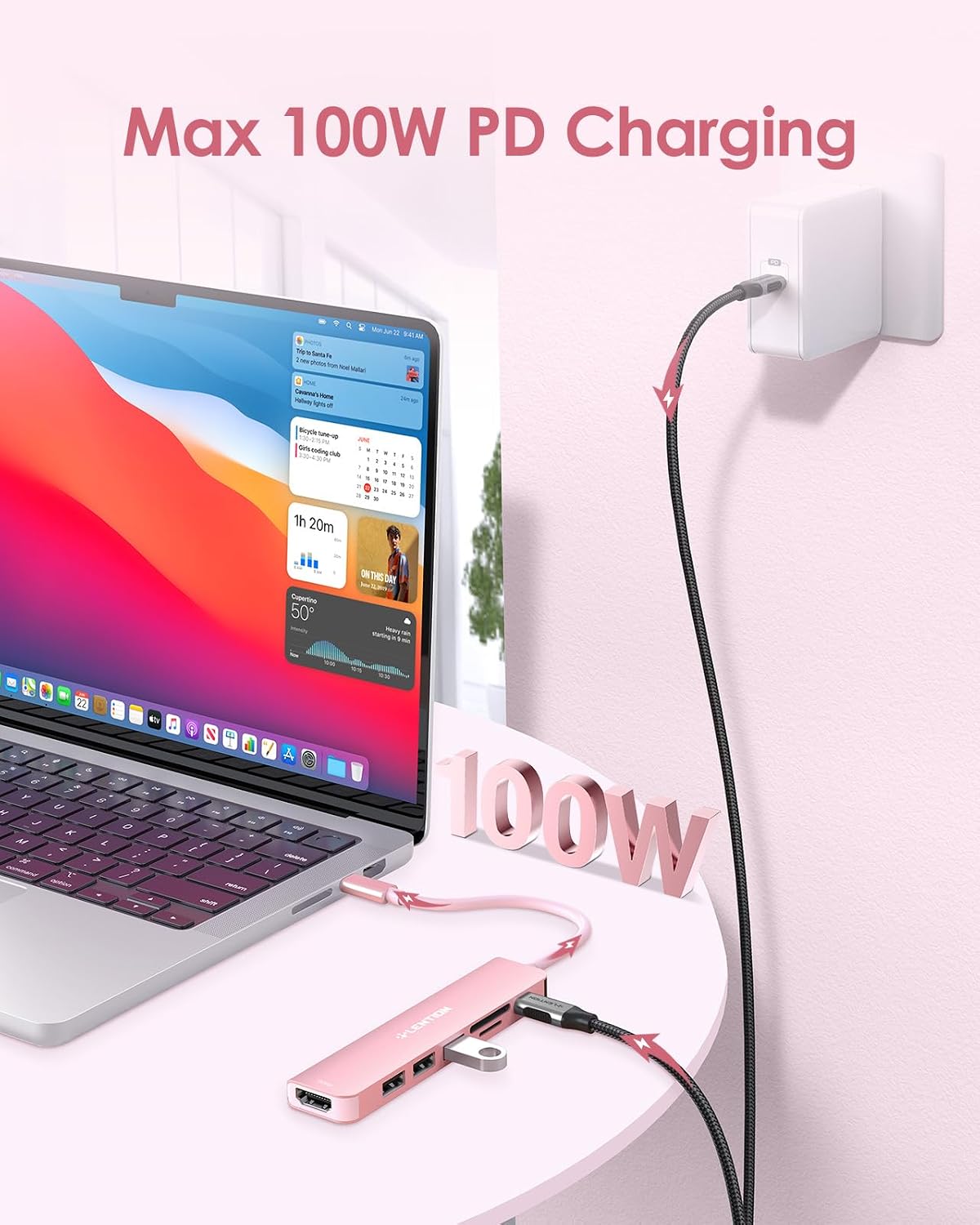
- Power: USB Power Delivery 3.0 up to 100W
- Data transfer: USB-A 3.0 up to 5Gbps
What stands out
One of the biggest advantages here is combining display output and charging in the same hub. With USB-C Power Delivery rated up to 100W, you can power the main device via the hub while using accessories through the USB ports, which is convenient for working with multiple peripherals at once. This helps reduce the need to constantly swap chargers or manage extra cables during a typical day.
It also suits users who care about practical transfer speeds. The USB-A 3.0 port is rated for up to 5Gbps for moving larger files like photos and images more quickly than many basic adapters. If you also rely on SD or microSD cards, the built in reader supports a wide range of formats including SD, SDHC, SDXC, microSD, microSDHC, microSDXC and TF, which makes it flexible across different devices.
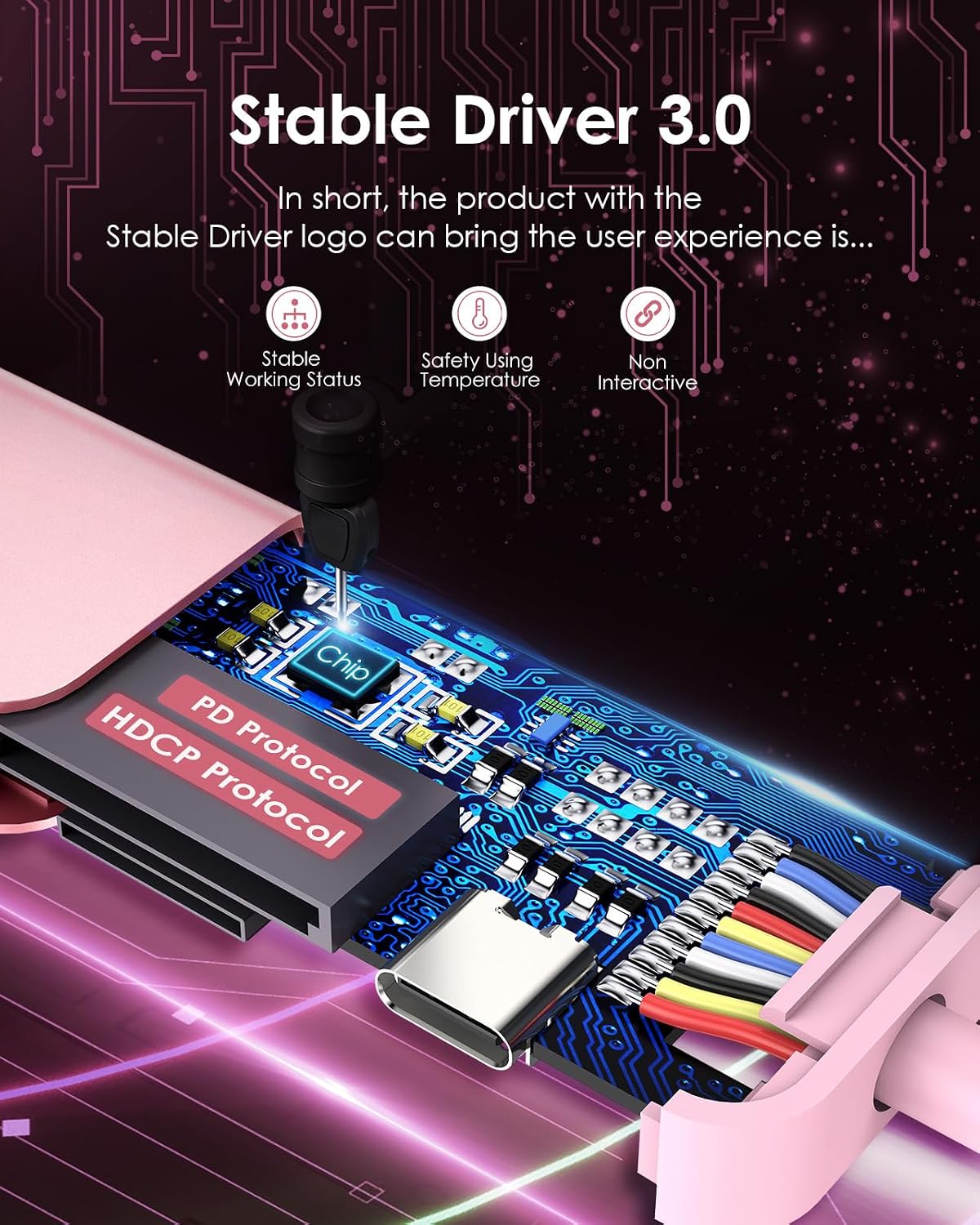
From a build perspective, the aluminium body gives the hub a more premium and resilient feel for transport and desk use. The improved heat dissipation can be especially useful if you keep it connected for longer sessions, like editing content or working across multiple displays. 🙂
It’s not a perfect match for every scenario, and it helps to check compatibility first. The note on HDMI streaming means you’ll want to confirm your device’s USB-C port supports video output via streaming rather than relying on a basic connection. Also, the USB 3.0 port is noted as not compatible with Superdrive.
Who it’s for
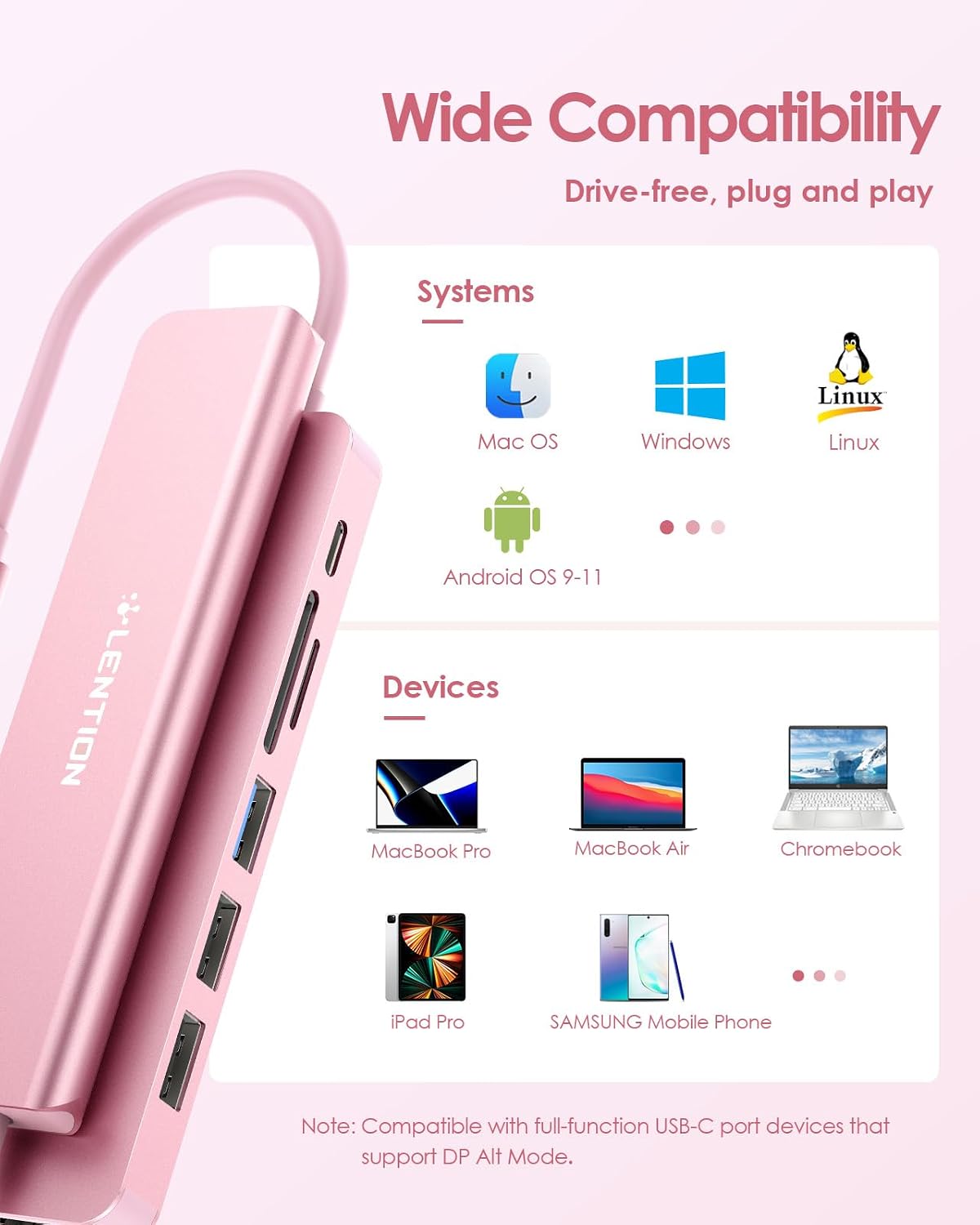
It makes sense if you want a single USB-C hub to cover a common set of desk and travel tasks: external display via HDMI, USB devices for mouse, keyboard or storage, and direct card reading for photos and videos. It’s a strong fit for MacBook Pro and MacBook Air users across the listed ranges, as well as Chromebook setups and a variety of other USB-C or Thunderbolt 3 and 4 devices. For iPhone users, check that your specific setup supports the functions you want to use, since the hub is described for iPhone 17, 16 and 15 models.
You may want to choose a different solution if your laptop or tablet does not support video streaming over USB-C for HDMI, or if you specifically need Superdrive compatibility. Worth considering if your day includes importing media, connecting peripherals, and setting up an extended or mirrored display without carrying multiple separate adapters. In that everyday routine, having charging plus HDMI and multiple USB ports in one compact unit can simplify cable management and keep your workflow steady. 📸