


LG UltraGear OLED GX9s SMART Gaming Monitor 45GX90SA-B review
Product description
What this is and what it’s for
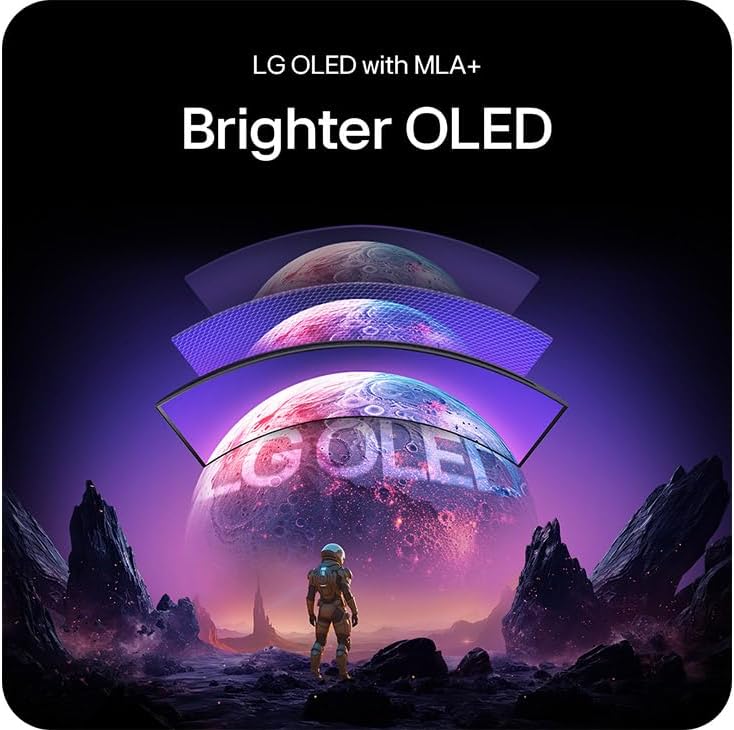
The LG UltraGear GX9s is a 45-inch curved OLED gaming monitor with built-in smart features via webOS. It aims to combine high-end gaming visuals with everyday smart functionality, all in one screen for a clutter-free setup. With WOLED technology and MLA+ processing, it promises rich colours and deep blacks, which helps games look more cinematic without sacrificing performance.
How it performs on paper
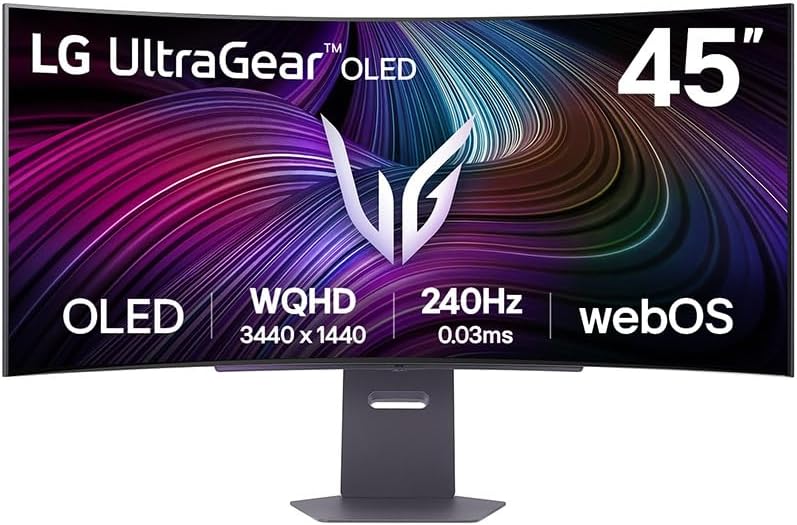
On paper, you’re looking at a 45-inch panel with a 240Hz refresh rate and 0.03ms (GtG) response time, which should translate to smooth motion and reduced blur in fast-paced titles. Brightness tops out around DisplayHDR True Black 400, and the screen supports a wide DCI-P3 colour gamut (about 98.5% typ.). The result, in theory, is punchier greens and reds and darker shadows that stay detailed in HDR scenes.
Notable strengths

You’re getting a strong blend of gamer-focused specs and convenience features: a high refresh rate for competitive play, low input lag potential, and adaptive sync technologies including NVIDIA G-SYNC Compatible, AMD FreeSync Premium, and VESA-certified AdaptiveSync to minimise tearing. The inclusion of webOS adds a smart TV-like experience, so you can access apps and potentially use the monitor as a standalone media device when you’re not gaming.
Considerations and limits
No product is perfect, and for a 45-inch OLED, three practical points stand out. First, very large OLED panels can be sensitive to burn-in if static UI elements or bright static images are left on screen for long periods. Second, while 240Hz is excellent for fast games, real-world performance depends on the GPU and game title. Third, the brightness offered by OLED panels, while bright, may differ in real-world HDR rendering compared with LCD HDR monitors, particularly in very bright rooms.
Who this is for
This monitor suits serious gamers who want immersive size, strong colour, and fast response. It’s also attractive for those who want a single device that doubles as a smart display for apps and streaming, reducing the number of devices on the desk. If you prioritise deep blacks and vivid colours with a wide viewing area, this model aligns with that intent.

When it might not be the best choice
If you primarily game in very bright environments, or you’re worried about potential burn-in from static UI elements, you may want to compare with other display technologies or consider more conservative usage patterns. Likewise, if your budget is tight and you don’t need a 45-inch curved display, a smaller or non-OLED option could offer better value per inch.
What to check before buying
- Ensure your graphics setup can consistently drive high frame rates at UWQHD (3440x1440) or the monitor’s native resolution at 240Hz for the best experience.
- Consider room lighting, as OLED contrasts are exceptional but ambient light affects perceived brightness and HDR impact.
- Review the connectivity needs: DP 1.4, HDMI 2.1, USB-C and wireless options via Wi‑Fi/Bluetooth—make sure your PC and peripherals align with these ports.
- If you use static UI elements, plan for screen-time rotation or occasional resets to mitigate potential burn-in risk.
How it compares to the context of use


Compared with more traditional gaming monitors, this LG model leans into a premium all-in-one feel: strong image quality, fast response, and built-in smart features that reduce the need for separate streaming devices. If you want a dedicated gaming monitor with high-end visuals and occasional smart TV capabilities, this stands out. If you’re after pure, utilitarian gaming without smart features, a more modest display might be simpler and potentially more affordable.
Practical usage example
Imagine loading a fast-paced shooter on a sunny afternoon with the blinds drawn. The GX9s delivers vivid enemy silhouettes against a deeply contrasted background, with motion staying crisp as you dash across the map. You could switch to a webOS app to catch a quick stream between rounds, then return to gaming without changing screens.
FAQ snapshot
- How does 240Hz feel in practice? It offers smoother motion in fast games, especially when paired with a capable GPU, performance depends on frame delivery in-game.
- Is HDR worth it on OLED at this size? HDR helps with punchier highlights and darker details, but real-world brightness varies with content and room lighting.
- Can I use this as a general living-room display? Yes, thanks to webOS and built‑in speakers, but you’ll want to test long hours of gaming in relation to burn-in risk and comfort.
Is it worth it?
Final verdict: Worth considering if you want a large, immersive OLED gaming experience with smart features and you value deep blacks, vibrant colours, and high refresh rates. It makes sense for a dedicated gaming setup that also functions as a multimedia hub. If your priorities are budget, compact size, or absolute peak brightness in bright rooms, you may want to look elsewhere.