

AOC U27B3A 27-inch 4K UHD monitor
Product description
This 27 inch monitor brings UHD detail to desks where space and clarity matter, combining a 3840 x 2160 panel with features for everyday productivity and media playback. It is a good choice for office work, content creation at 4K and watching high-resolution video, while built-in speakers remove the need for external audio for casual use.
Key Points
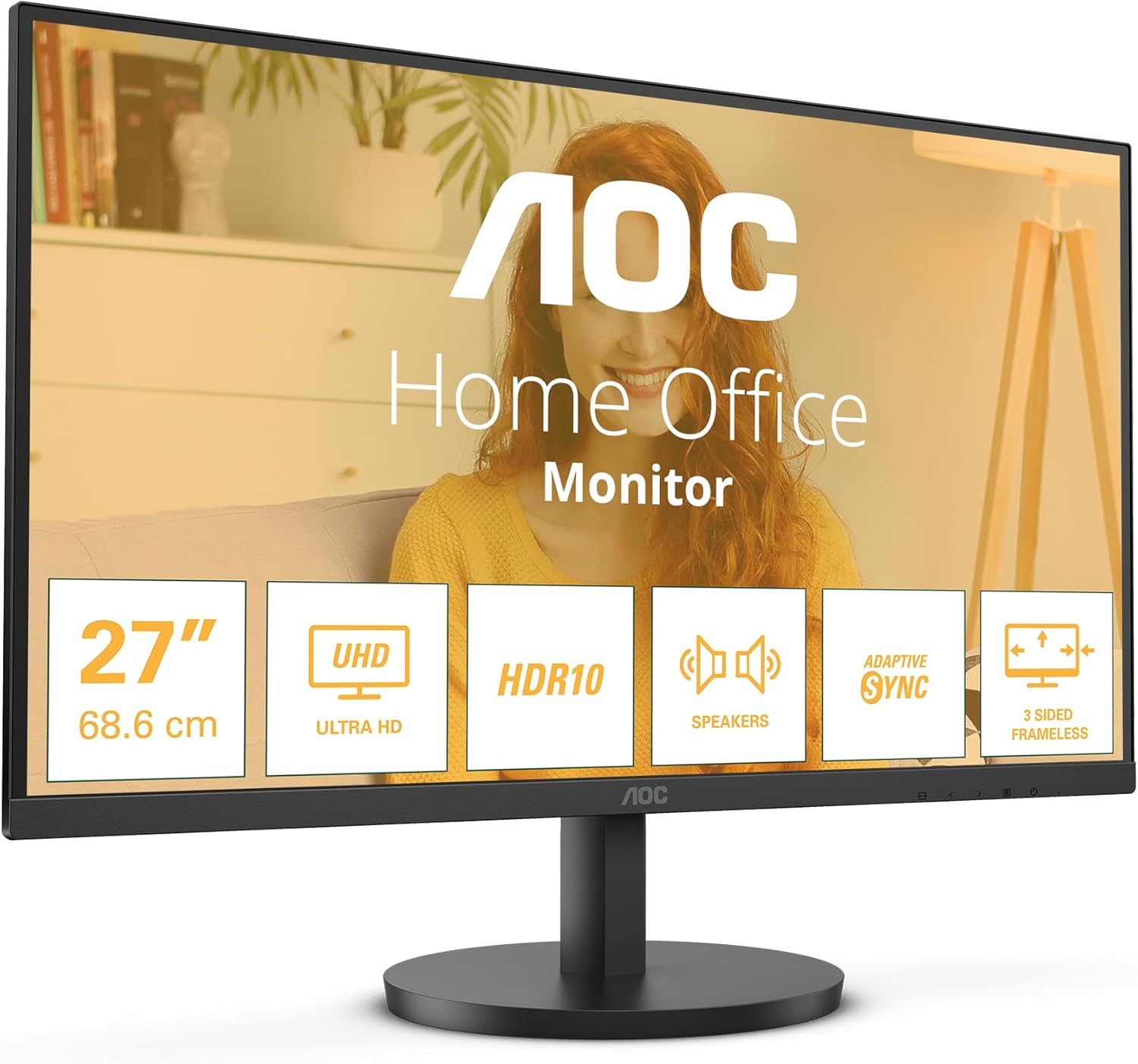
The screen offers UHD 4K resolution for sharper text and more desktop space, which helps when working with multiple windows or editing photos. Colour and viewing angles are steady thanks to its IPS panel, so images remain consistent from different seating positions. HDR10 support adds greater contrast and tone mapping in compatible content, improving perceived depth and colour richness. 🎬
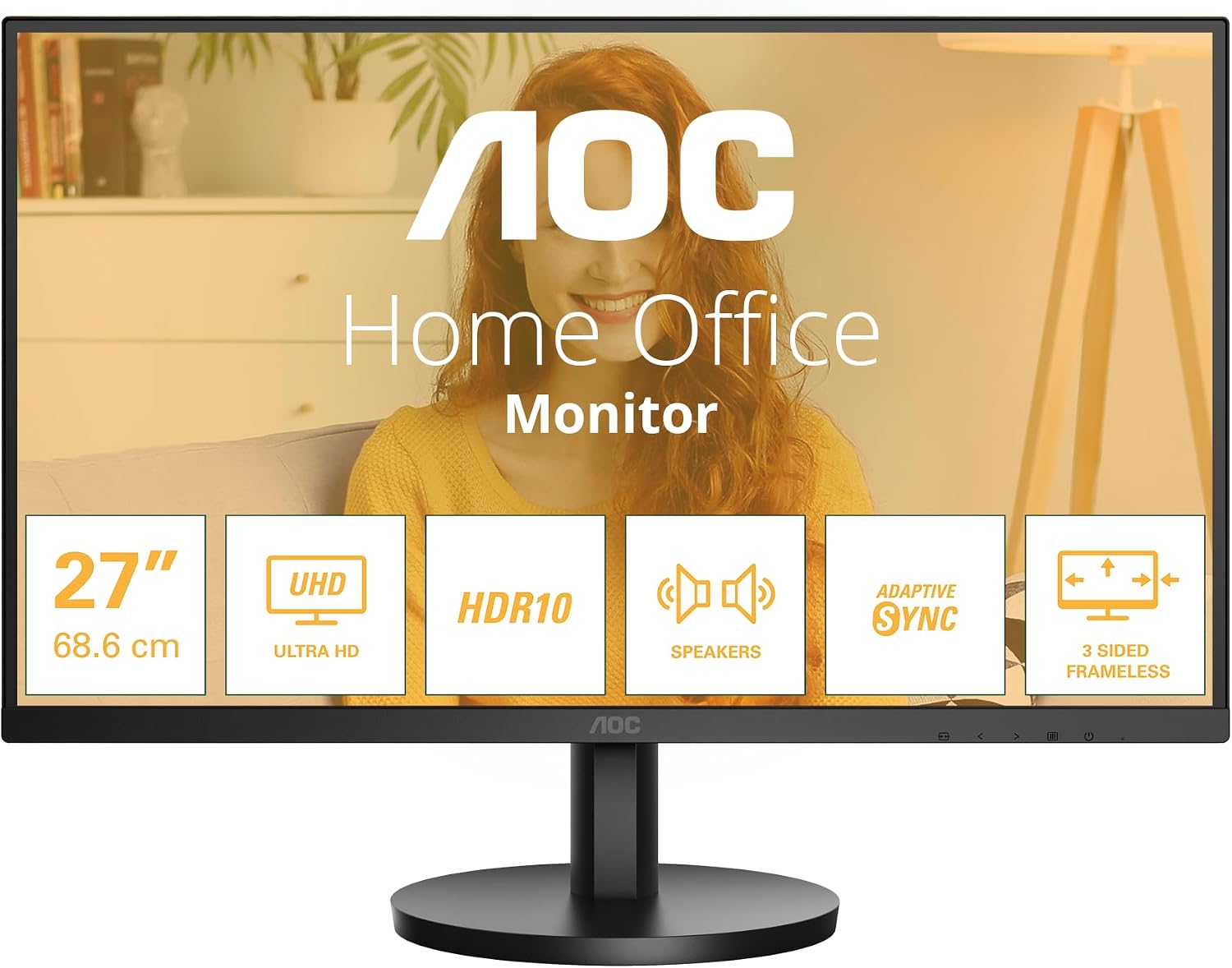
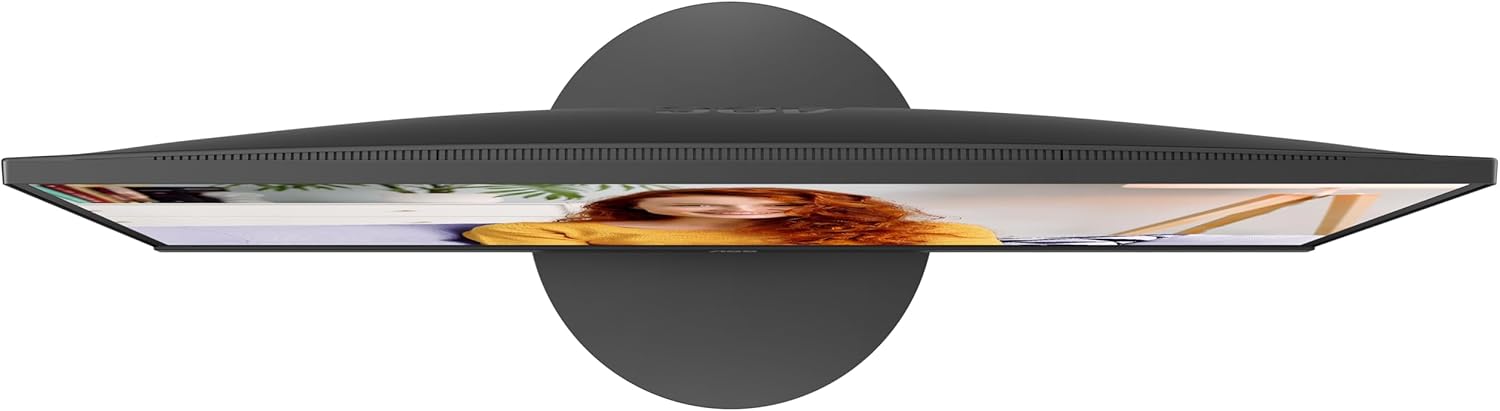
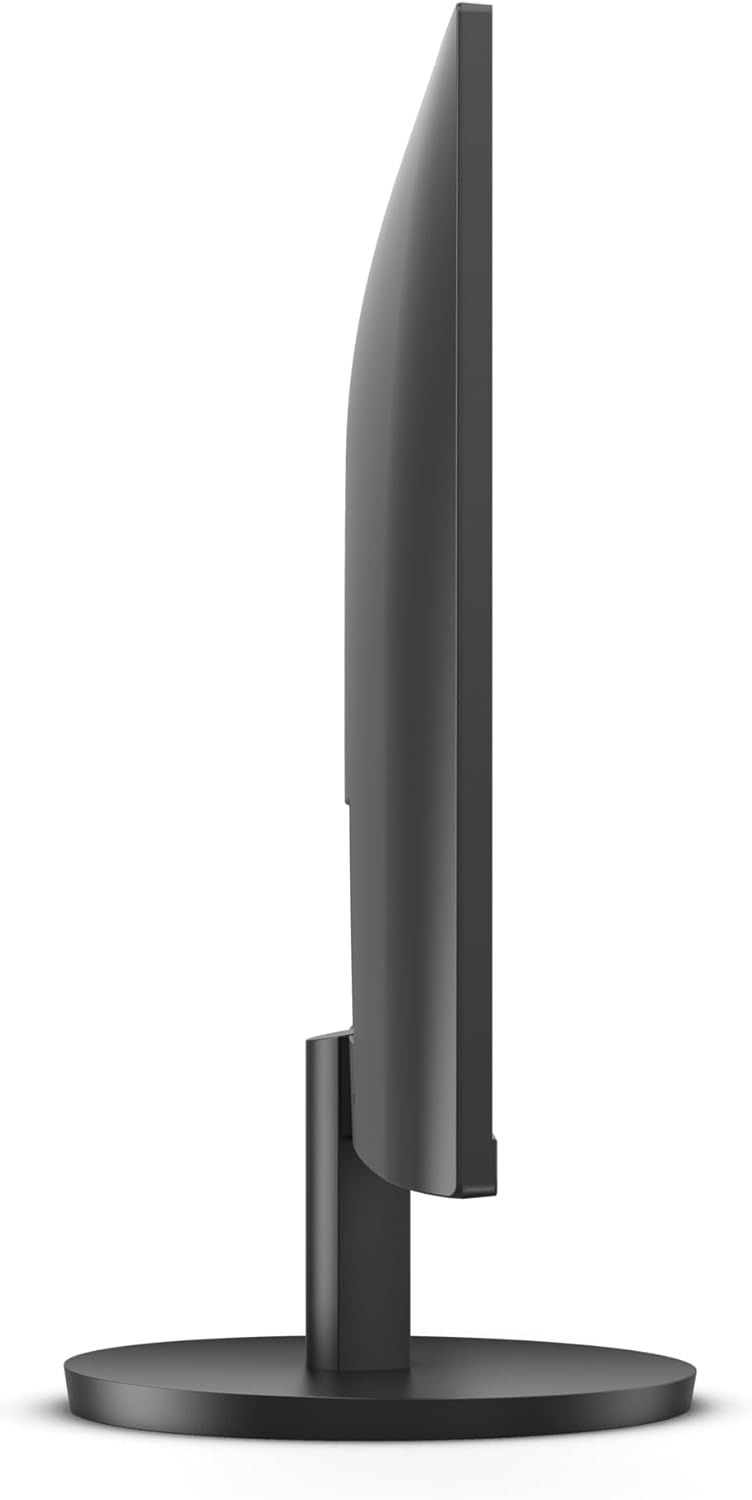
Eye comfort features reduce strain during long sessions. The LowBlue Light mode and FlickerFree technology aim to lower eye fatigue, and Adaptive Sync helps avoid tearing when the frame rate fluctuates during light gaming or video playback. The slim three-sided frameless design makes multi-monitor setups less obtrusive and maximises the visible area on the desk. 🖥️
A practical nuance to consider is the 60 Hz refresh rate and 4 ms response time. This combination is fine for general use, streaming and casual gaming, but may not meet the expectations of competitive gamers who prefer higher refresh rates.
Technical Specifications
- Name: AOC U27B3A
- Screen size: 27 inch
- Resolution: 3840 x 2160 (UHD 4K)
- Panel type: IPS
- Refresh rate: 60 Hz
- Response time: 4 ms
- Brightness: 350 cd/m2 (according to the manufacturer)
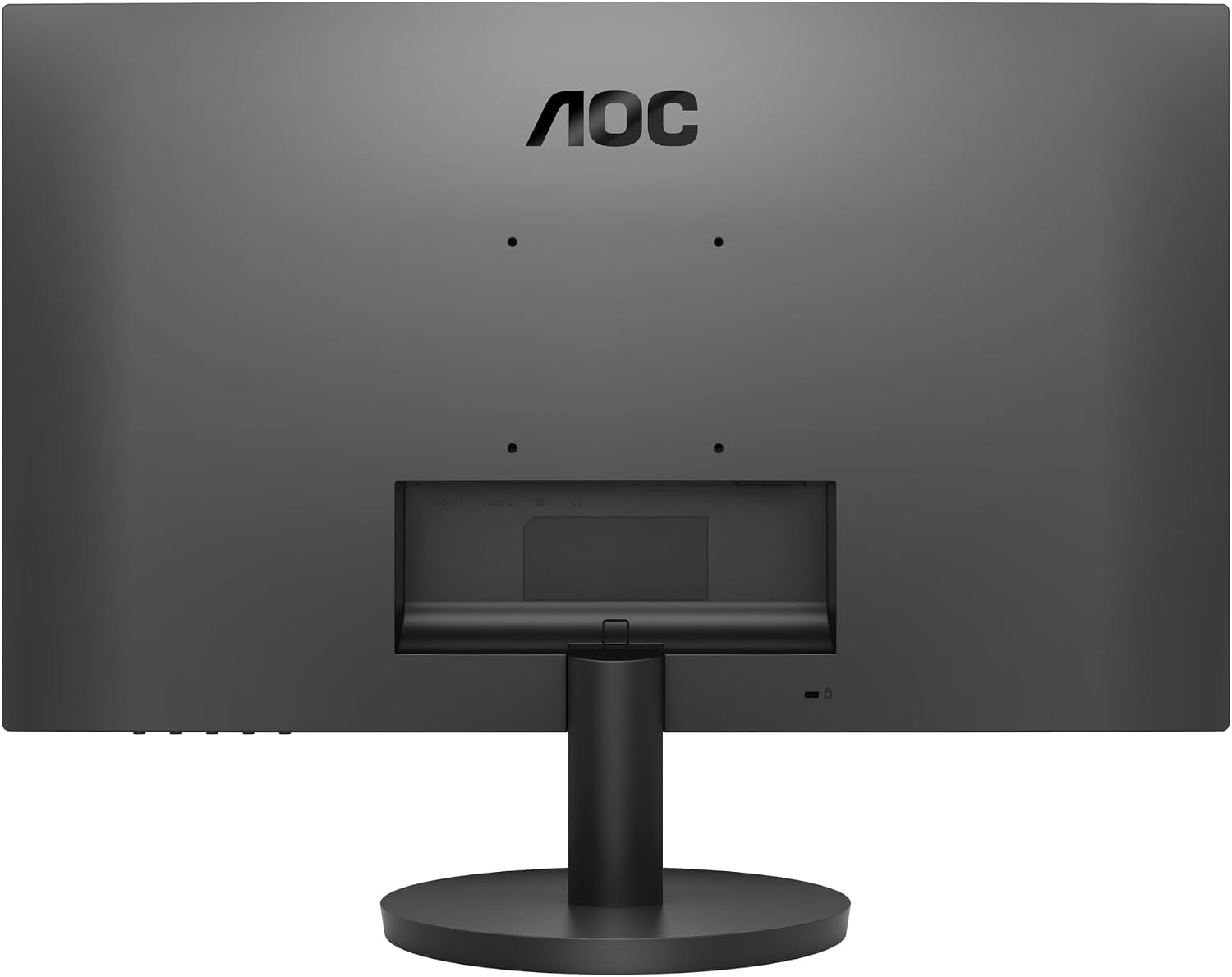
- Ports: HDMI 2.0, DisplayPort 1.4
- Features: HDR10, Adaptive Sync, LowBlue Light, FlickerFree, 3 side frameless
- Audio: Built-in speakers
Practical Tips
Place the monitor at eye level to reduce neck strain and make the most of its IPS viewing angles. For photo editing, allow a brief warm-up time so the panel reaches stable colour output. If you plan to use multiple displays, the frameless edges minimise visible bezel gaps and create a more continuous image. For longer sessions, enable the LowBlue Light setting and FlickerFree mode to help lessen visual fatigue. 🎨