

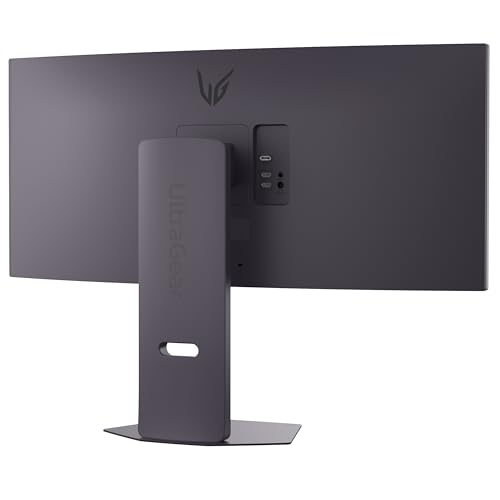
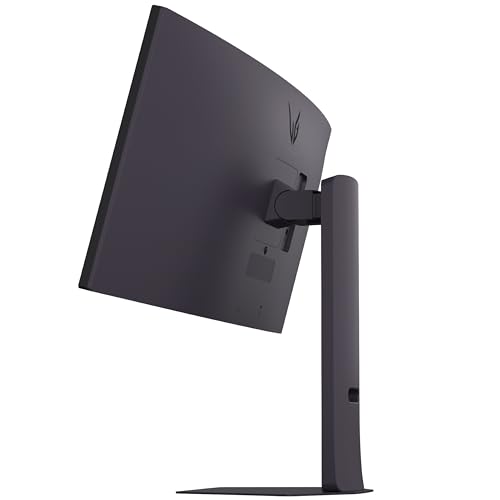
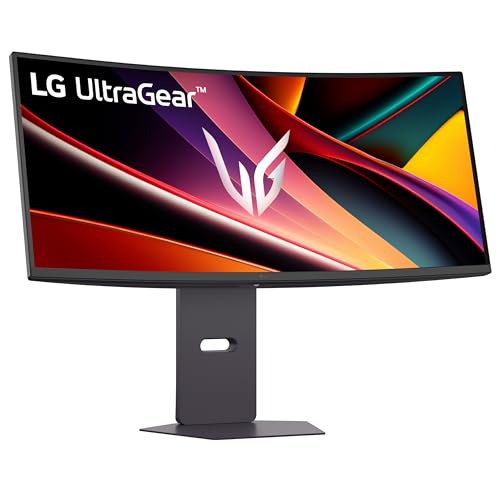
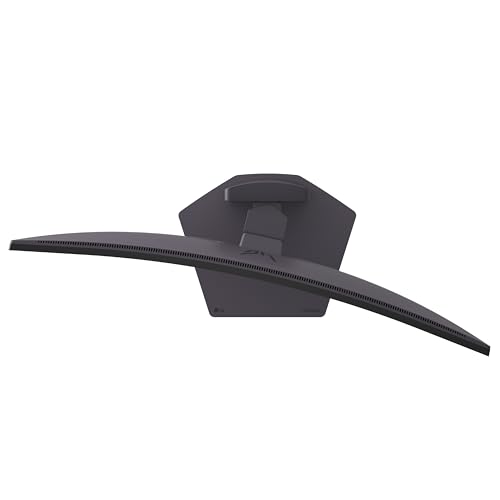
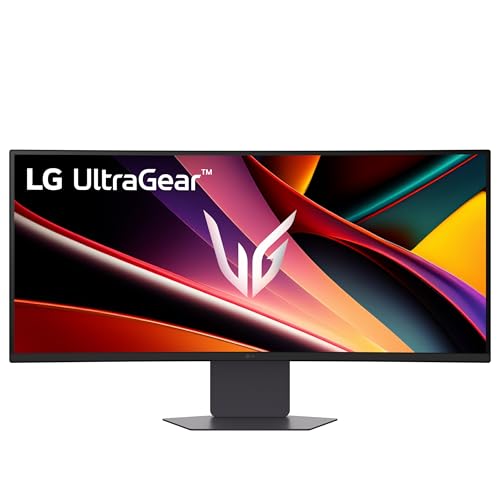
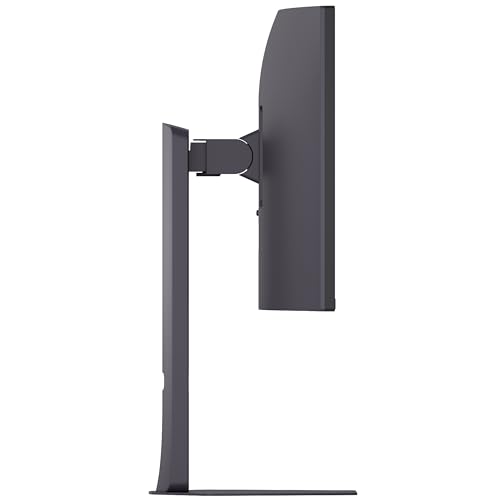
LG UltraGear G6 34G60ZA-B: 34-inch Curved UWQHD Gaming Monitor
Product description
Overview and what it’s for
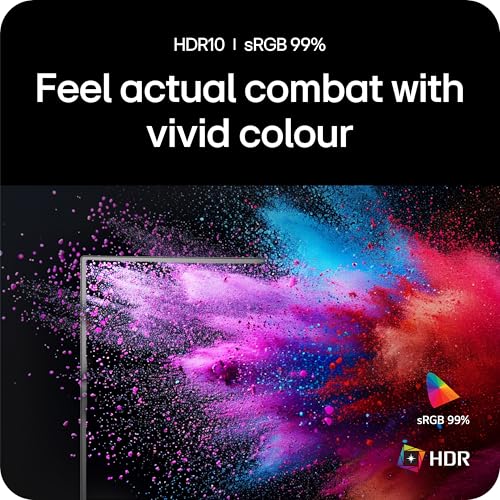
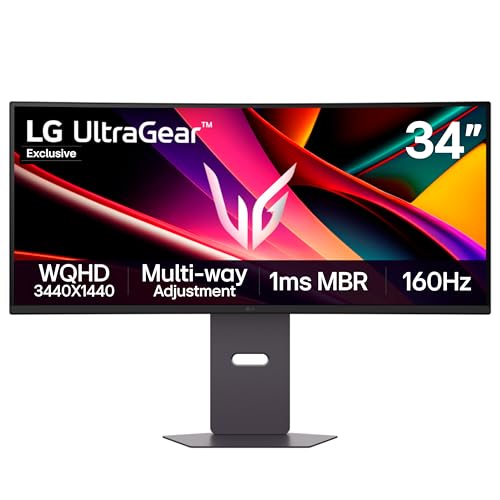
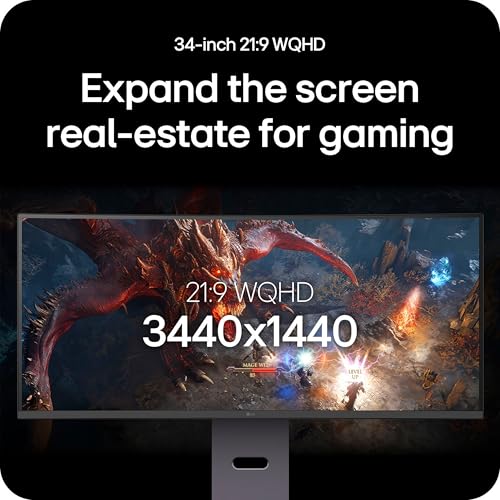
The LG UltraGear G6 (34G60ZA-B) is a 34-inch curved gaming monitor built around a UWQHD (3440x1440) panel. It’s aimed at players who want a wider field of view than a standard 16:9 screen and a responsive experience for fast-paced titles. On paper, the combination of a 160Hz refresh rate, 1ms MBR (Motion Blur Reduction) and 5ms GtG (grey-to-grey) promises smooth visuals with reduced motion blur. It also covers HDR10 and 99% of the sRGB colour space, which supports brighter highlights and more accurate colours for immersive scenes.
Who it’s for
If you prioritise fluid gameplay and an expansive image for shooters, racing sims or large-scale RPGs, this monitor can feel notably more engaging than smaller or lower-refresh screens. The curved 34-inch format can help you stay immersed while still leaving room for multiple on-screen elements. It’s a sensible choice for a mid-to-upper tier gaming setup where space and a wider view are valued, rather than for those chasing the absolute peak in any single spec.
Strengths and what stands out
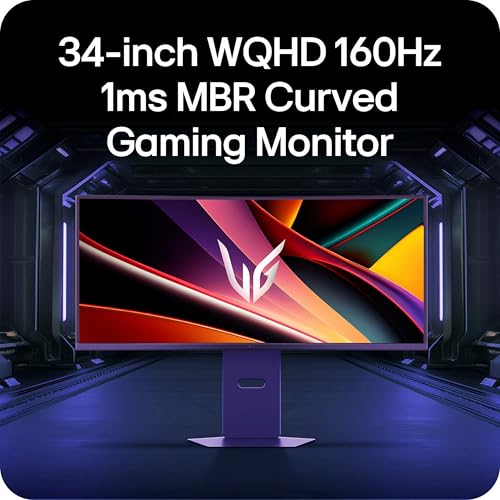
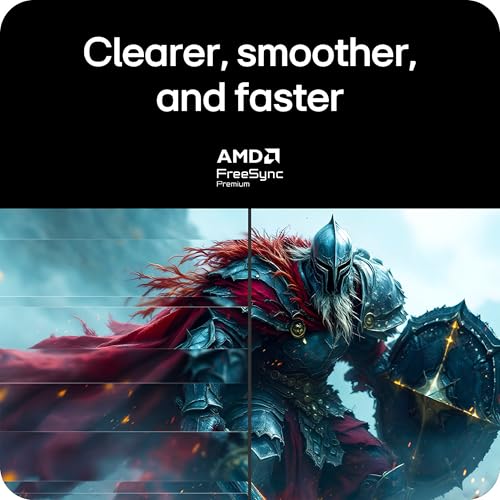
On the positive side, the 160Hz refresh rate and 1ms MBR address motion clarity, which matters in competitive or action-heavy titles. HDR10 support and broad colour coverage can contribute to richer visuals when the game and the scene align with those capabilities. FreeSync Premium helps minimise tearing and stutter, contributing to a steadier feel during high-speed gameplay. The larger 34-inch canvas also offers more peripheral awareness, which some players find advantageous.
Limitations and caveats
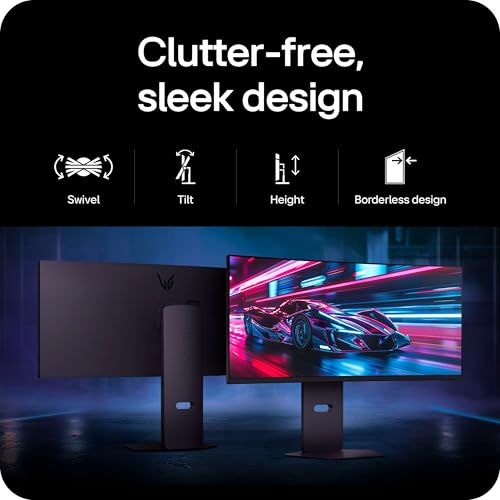
It isn’t a perfect all-rounder. The panel is VA, which often results in high contrast but potential viewing-angle shifts or colour shifting when viewed off-axis. The 5ms GtG is respectable but not class-leading for the most demanding esports setups, and some players may notice a difference compared with faster panels. While the screen is sizeable and immersive, it can consume quite a bit of desk space and may require a sturdy stand or mounting solution to keep it at a comfortable eye level. Also, as a model branded for Amazon, it’s important to verify which retailers or bundles are available in your region and whether extra features like built-in speakers justify choosing this unit over alternatives with different speaker quality or a different stand design.

Practical use cases and everyday decisions
For a gamer who sits a comfortable distance from the screen, the 34-inch curved format is well-suited to RPGs and wide-scenario games where you want to see more of the field ahead without turning your head excessively. If you play fast shooters, the 160Hz refresh rate will help with fluid motion, but you might also compare it against faster or brighter options depending on how precise you need response times to be. If you value colour accuracy for media or creative work in addition to gaming, the HDR10 support and 99% sRGB coverage provide a reasonable baseline, though professional-grade colour work would demand more exacting hardware.

What to check before you buy
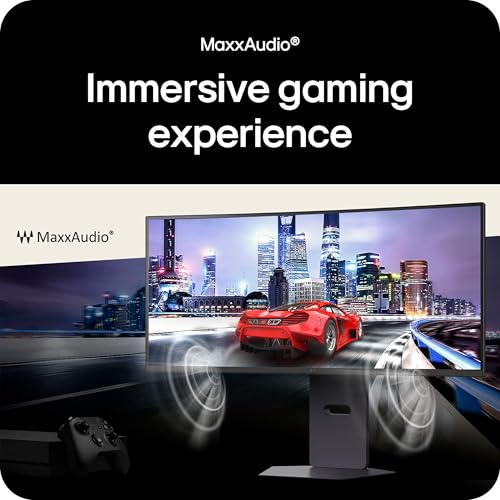
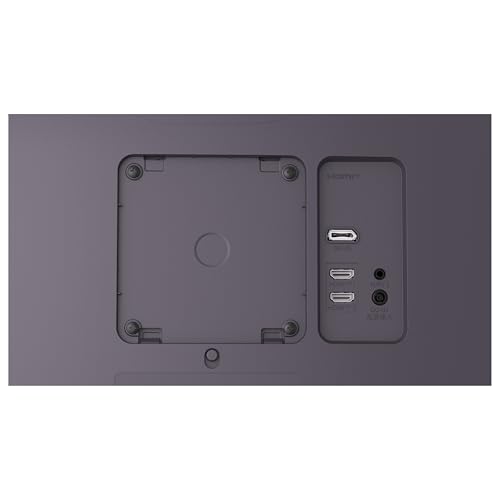
Consider whether your current graphics card can reliably push high frame rates at 3440x1440, especially in demanding titles. Ensure you have the right cables (HDMI and DisplayPort sont included in the connectivity options) and a display stand or mount that suits your desk depth and mounting preferences. If you’re after a more compact or alternative aspect, you may want to weigh this against a smaller 16:9 or even a different ultrawide option with a faster panel. The built-in speakers offer convenience but may not replace dedicated audio, factor in your audio setup if sound quality matters.
How it compares in approach to alternatives
This monitor aligns with those who want an immersive, widescreen gaming experience without stepping into ultra-high-end price brackets. If your priority is absolute pixel density or the fastest possible response times, you might find other models with different panel types or higher raw response times more appealing. For many players, the balance of 34-inch UWQHD, 160Hz, FreeSync Premium and HDR10 offers a compelling middle ground between immersion and practicality, especially for titles where wide field of view contributes to situational awareness.
Decision time: Should you buy it?
It’s worth considering if you value a wider gaming view and solid overall performance at a sensible price point, and you don’t mind a sizeable screen that needs adequate desk space and a capable GPU. It may not be the top choice for you if you demand the absolute fastest possible response times or if you require highly precise colour-critical work beyond gaming. If you prioritise a straightforward, immersive setup with built-in speakers and broad compatibility, this LG UltraGear model could be a pragmatic fit.
Quick FAQ
- Does the monitor support FreeSync Premium? Yes, it includes FreeSync Premium for smoother motion.
- Is HDR10 available on this model? Yes, HDR10 is supported, aiding contrast and colour range on compatible content.
- Can I use it with a standard PC setup via HDMI or DisplayPort? Yes, it offers both HDMI and DisplayPort connections for versatility.
- How much desk space will it need? Being 34 inches diagonally and curved, it typically requires a substantial desk surface and a sturdy stand or arm.
- Is built-in audio reliable? The monitor includes speakers, but for serious audio quality you may still want external speakers or headphones.