

KOORUI 27-inch QHD curved gaming monitor (180Hz, 1500R, VA, FreeSync/Adaptive-Sync)
Product description
The essentials
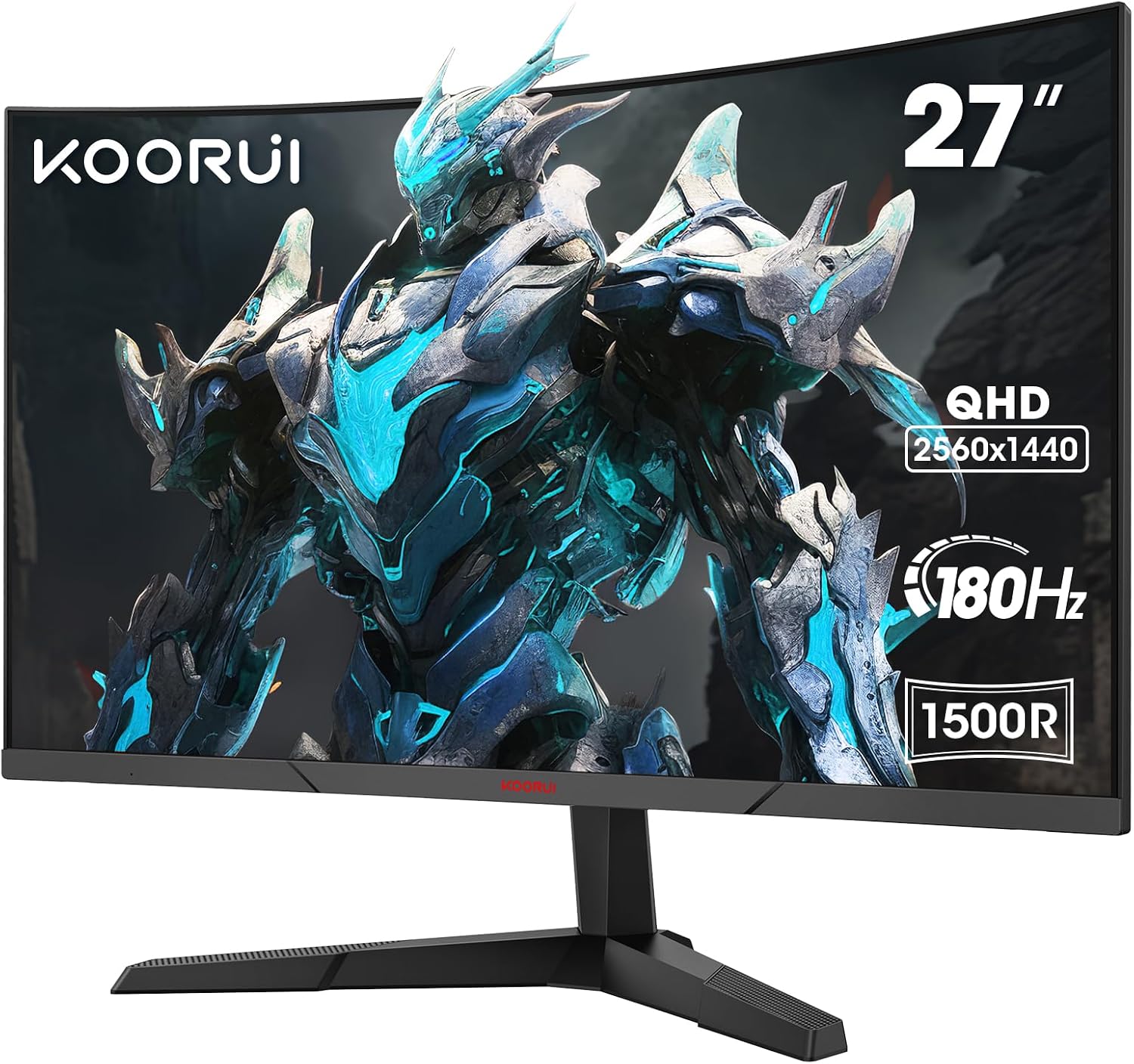
If you want a 27-inch curved monitor that feels more immersive in games without stepping into the very top end, this KOORUI QHD curved model is worth a proper look. On paper, it mixes a 2560x1440 QHD resolution, a 180Hz refresh rate, and a 1500R curve to make fast scenes feel less “flat” and more engaging.
The idea here is straightforward: smoother motion for gaming, less visual strain for longer sessions, and sensible ways to connect and tweak settings. It’s also built around a VA panel with a claimed 178° ultra-wide viewing angle, plus “flicker-free” and “blue light-free” eye-care features.
That said, it’s not perfect for everyone. VA panels can be polarising depending on your lighting and the way you sit relative to the screen, and you’ll want to double-check whether your setup needs anything more specific than HDMI/DisplayPort.
What you’ll notice in use
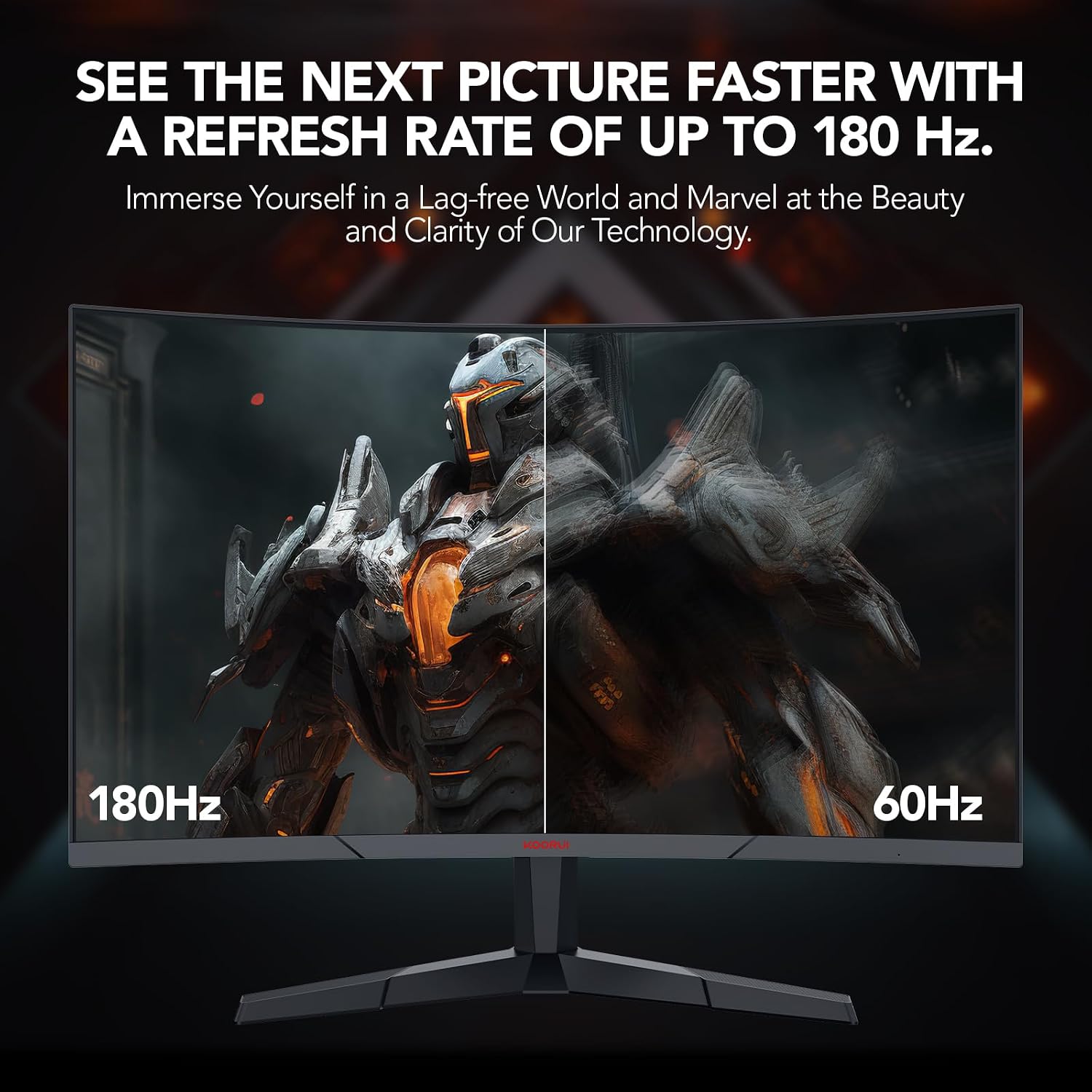
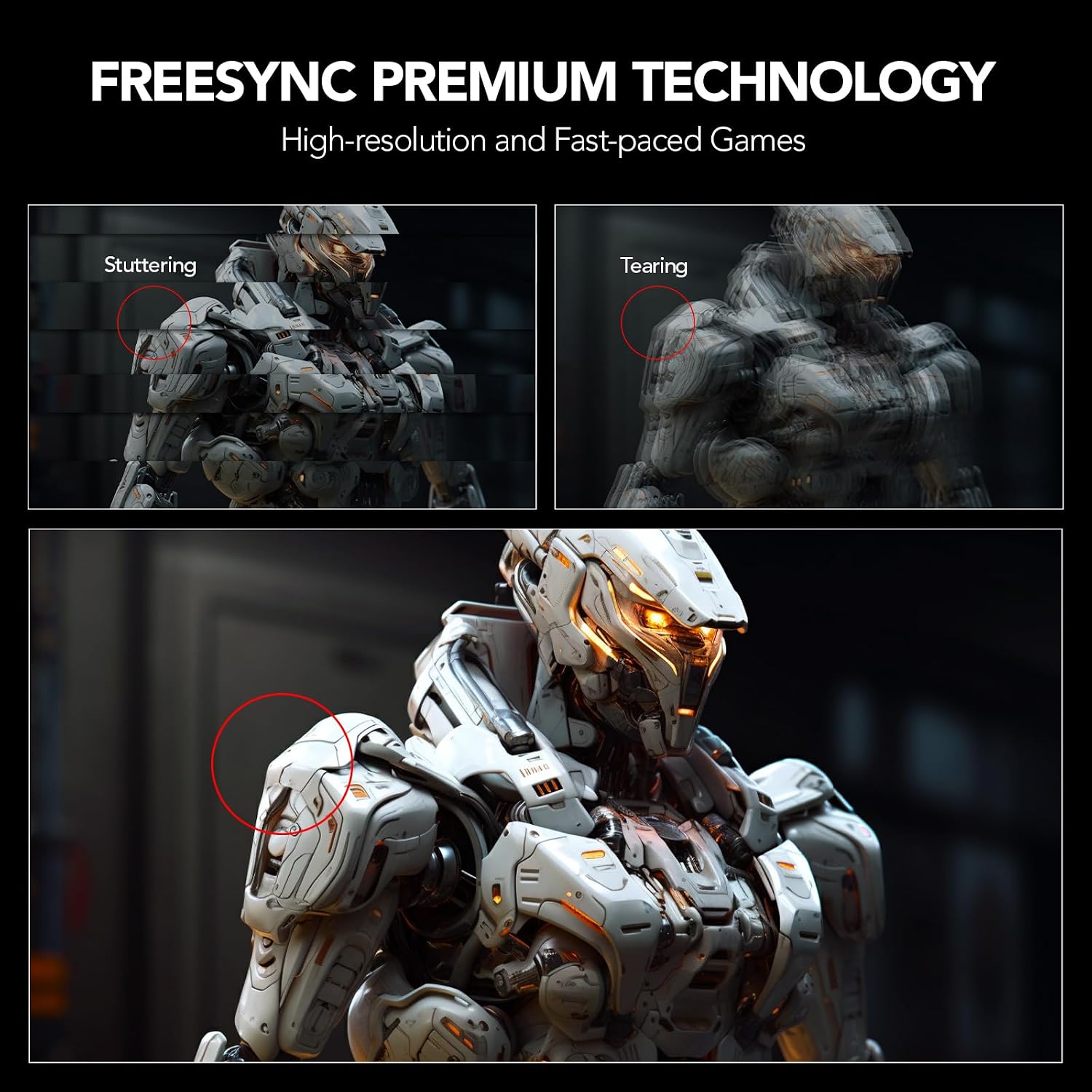
Once you’re gaming, the 180Hz refresh rate is the headline that makes the biggest difference when your PC can keep up. Motion can look noticeably smoother than standard 60Hz screens, and pairing that with Adaptive-Sync/FreeSync support is the main reason it’s geared towards tear-free play.
The 1500R curvature is another “feel” factor. A 1500R curve sits in the more immersive/closer-to-the-action territory, so you get a wraparound sensation rather than a subtle bend. For something practical: imagine playing a first-person shooter campaign where you track targets across the screen—curvature tends to help the viewing experience feel more consistent, especially if you spend long stretches in one seating position.
KOORUI also includes an OSD menu and “game OSD” style modes (notably FPS/RPG). If you like adjusting in-game visuals rather than living with defaults, that’s likely to be a plus.
Key features that matter for gaming
A few elements stand out as genuinely purchase-relevant rather than just marketing:
- QHD 2560x1440 (16:9) for more detail than standard 1080p, especially if you use the monitor for both gaming and everyday work.
- 180Hz refresh rate plus Adaptive-Sync/FreeSync support, aimed at reducing tearing and freezing.
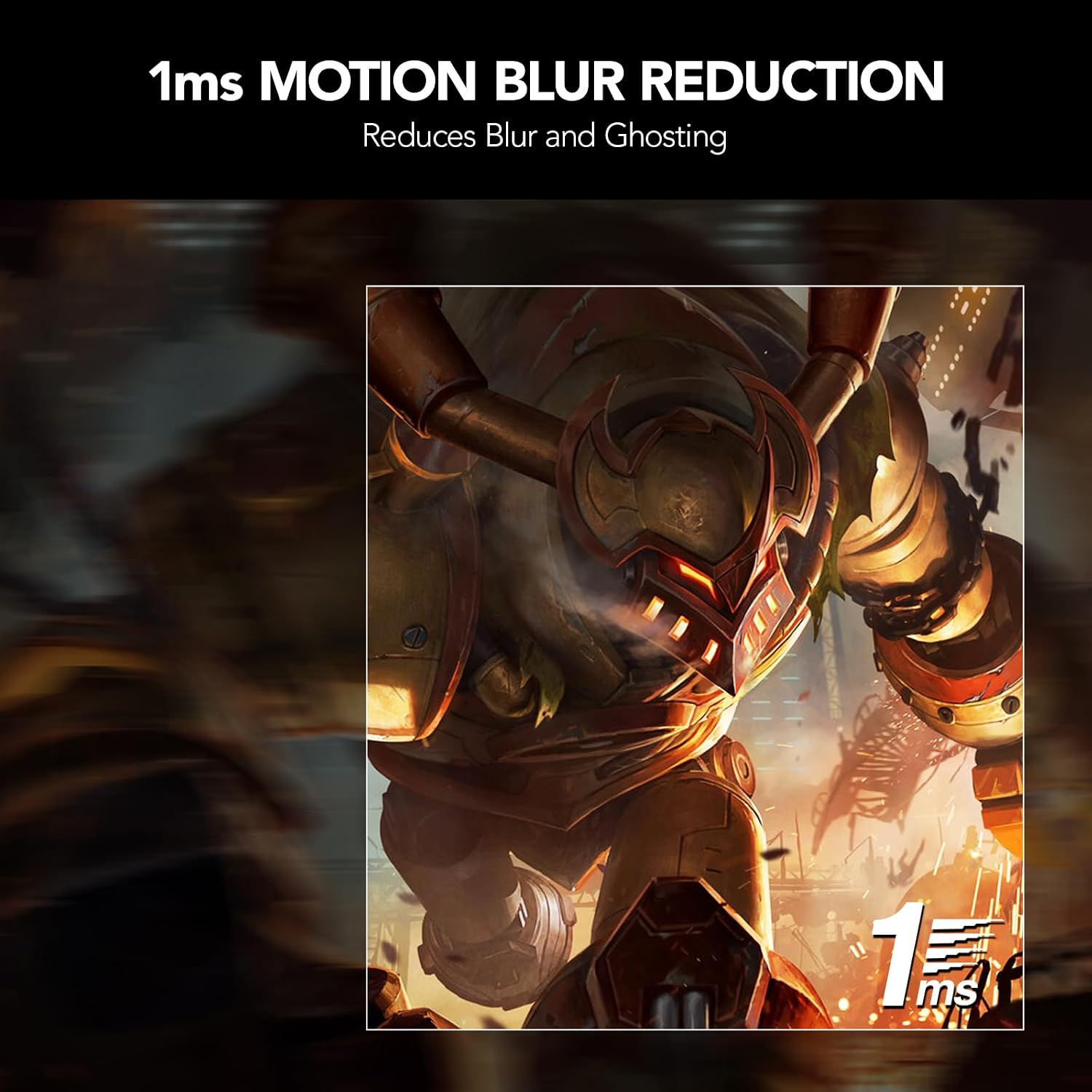
- 1ms MPRT response speed is included in the spec, which is intended to help with fast-paced motion.
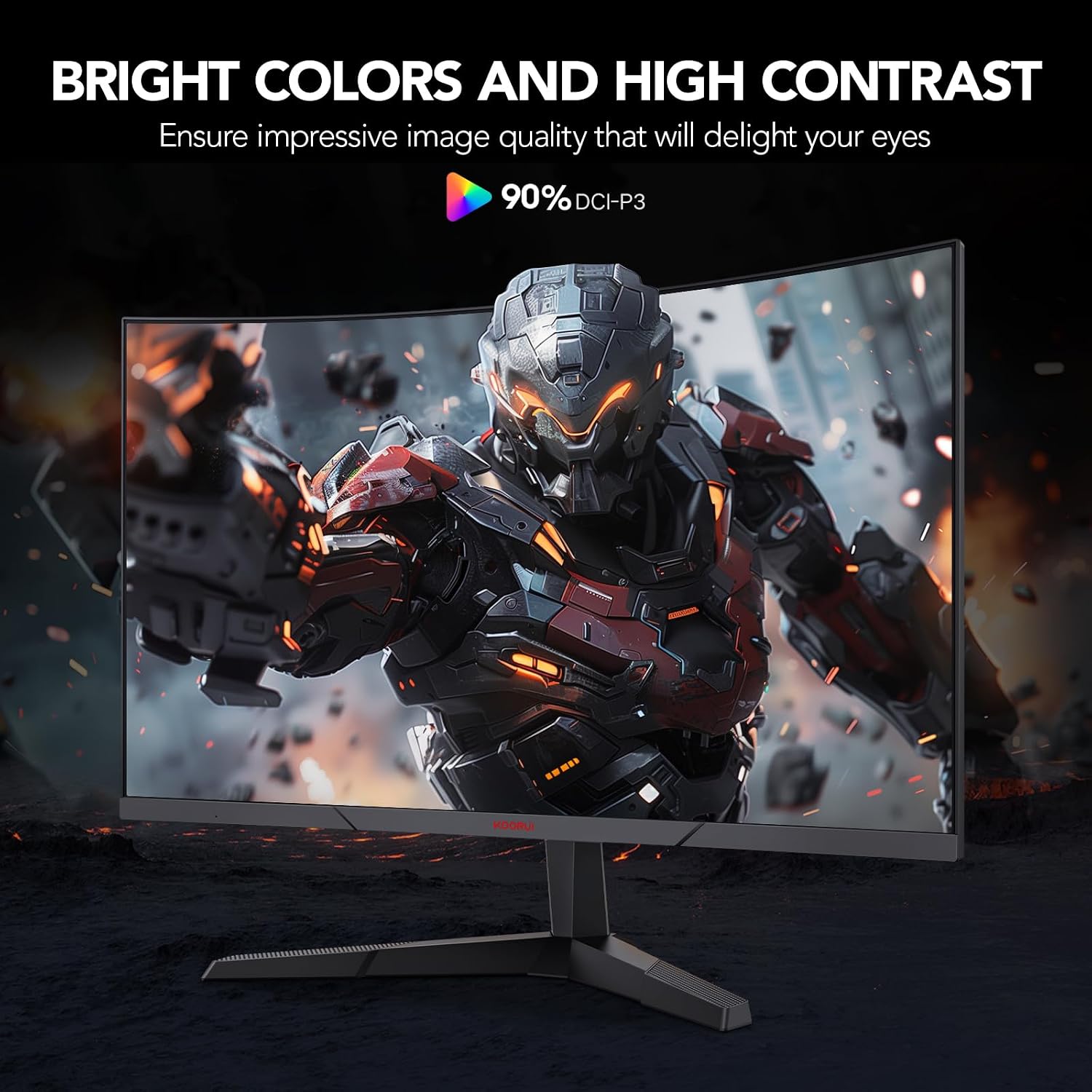
- VA panel with ultra-wide angle (178°) and claimed strong colour coverage (85% DCI-P3), plus a 20 million:1 dynamic contrast ratio and 16.7 million colours.
- Eye-care additions like flicker-free and blue light-free modes, plus a -5 to 15 degree tilt adjustment to help reduce fatigue.
There’s also a narrow bezel design (2mm) which, in day-to-day use, can make the screen look less boxed-in when you’re focused.
Tech summary
Product specs (as stated)
- Type: Gaming monitor
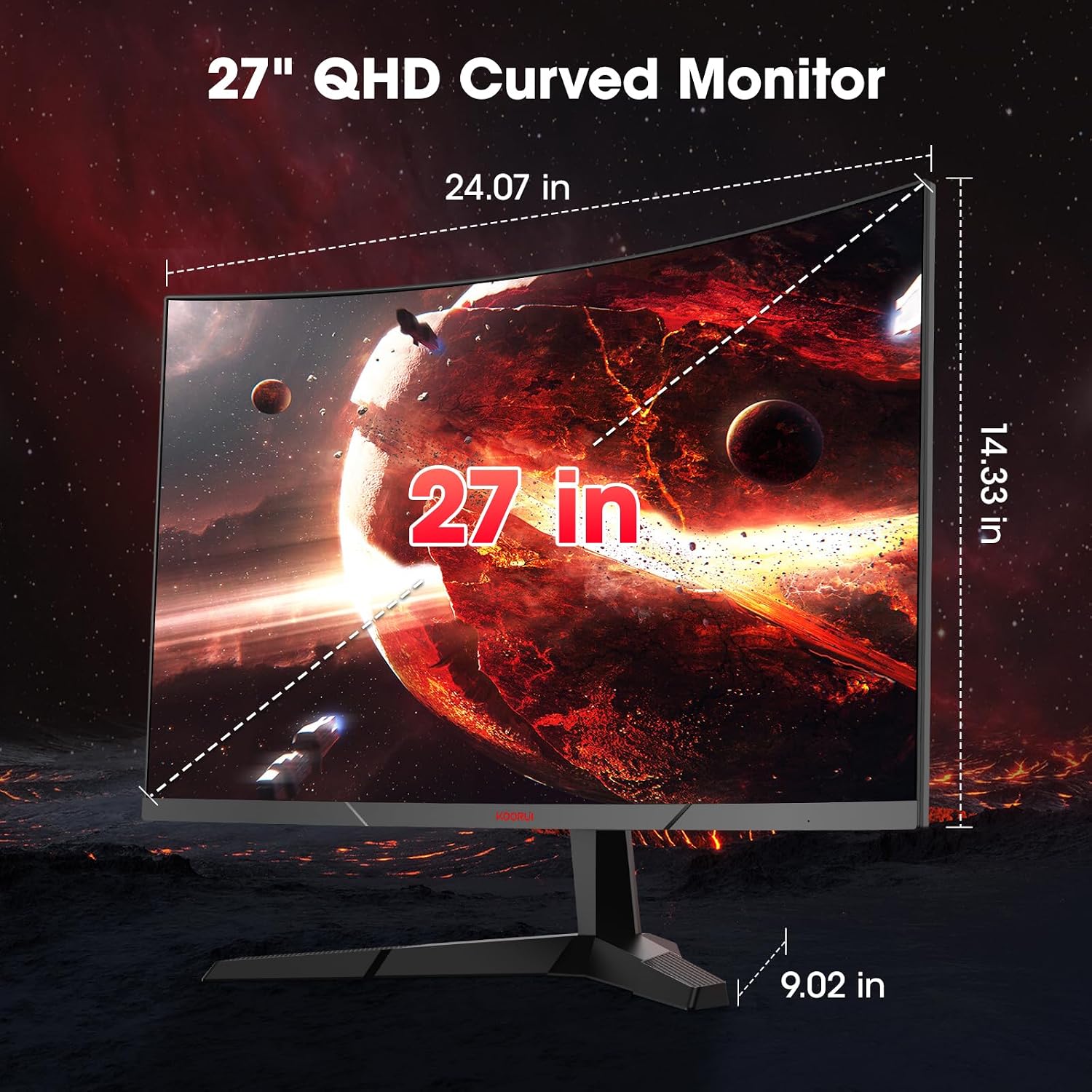
- Screen size & ratio: 27-inch, 16:9
- Resolution (QHD): 2560x1440
- Curvature: 1500R
- Panel type: VA
- Refresh rate: up to 180Hz
- Response speed: 1ms MPRT
- Adaptive sync: AMD FreeSync / Adaptive-Sync support (as described)
- Viewing angle: 178° (ultra-wide angle)
- Contrast (dynamic): 20 million:1
- Colour & gamut: 85% DCI-P3, 16.7 million colours (maximum)
- OSD: new OSD menu mentioned
- Tilt adjustment: -5 to 15 degrees
- Ports/inputs: HDMI (1.4+ and 2.0 mentioned) and DisplayPort (1.2 mentioned)
- Extras/connectivity: audio output interface, includes a 1.5m DP cable mentioned
- VESA: compatible
- Colour/gaming modes: includes game OSD with modes such as FPS/RPG, also mentions black equaliser and backlight adjustment
Where it shines, and where it may fall short
This monitor looks best suited to players who want QHD detail + high refresh rate + a curved, immersive layout, while also caring about comfort features like flicker-free and blue light-free.
It may not be the best choice if you’re extremely sensitive to VA viewing-angle shifts in your specific room setup, or if you’re after a more premium feature set than what’s listed here. Also, if you primarily care about cinematic content rather than competitive motion, you might find other priorities more important than refresh rate.
Setup, compatibility & what to double-check
The connectivity support is fairly broad: HDMI (1.4+ and 2.0) and DisplayPort (1.2) are listed, and it’s described as connectable to devices such as laptops and consoles, alongside audio output.
Before buying, it’s worth checking: - Whether your device outputs through HDMI or DisplayPort (so you can use the port type you have). - Whether VESA compatibility matters for your desk—if you plan to mount it, confirm the mount you have is compatible. - Your seating position and lighting, because VA panels can behave differently depending on viewing angle.
If you’re aiming for the smoothest experience, you’ll also want to consider whether your system can realistically drive QHD at high refresh rates.
Mini FAQ
Questions people usually ask

Is this monitor good for competitive gaming? It’s designed for fast-paced play thanks to 180Hz refresh rate and FreeSync/Adaptive-Sync support, plus a quick response spec and game modes like FPS/RPG.
Will the 1500R curve be too much? It’s a noticeable curve (not subtle), so if you sit very off-centre or dislike strong curvature, it might not suit you.
Does it include eye-care features? Yes, it’s described as flicker-free and blue light-free to reduce eye strain for longer sessions.
Can I adjust the monitor comfortably? It includes tilt adjustment (-5 to 15 degrees). If you need more movement than tilt, you’d want to plan around VESA mounting.
What connections does it offer? Inputs mentioned are HDMI (1.4+ and 2.0) and DisplayPort (1.2), with an audio output interface.
Is it worth it?
If you want a 27-inch curved QHD gaming monitor with a high refresh rate and a comfort-focused approach (flicker-free/blue light-free plus tilt), this KOORUI makes sense on a value-for-money basis. The 180Hz + Adaptive-Sync/FreeSync combination is the core reason to consider it, especially if you play titles where tearing and stutter are distracting.
You should probably skip it if you’re very picky about panel behaviour from different angles, or if your setup requires features not mentioned here. For most people buying in this kind of spec bracket, it’s the sort of monitor that can feel like a meaningful step up—provided your PC can make good use of QHD at higher refresh rates.