

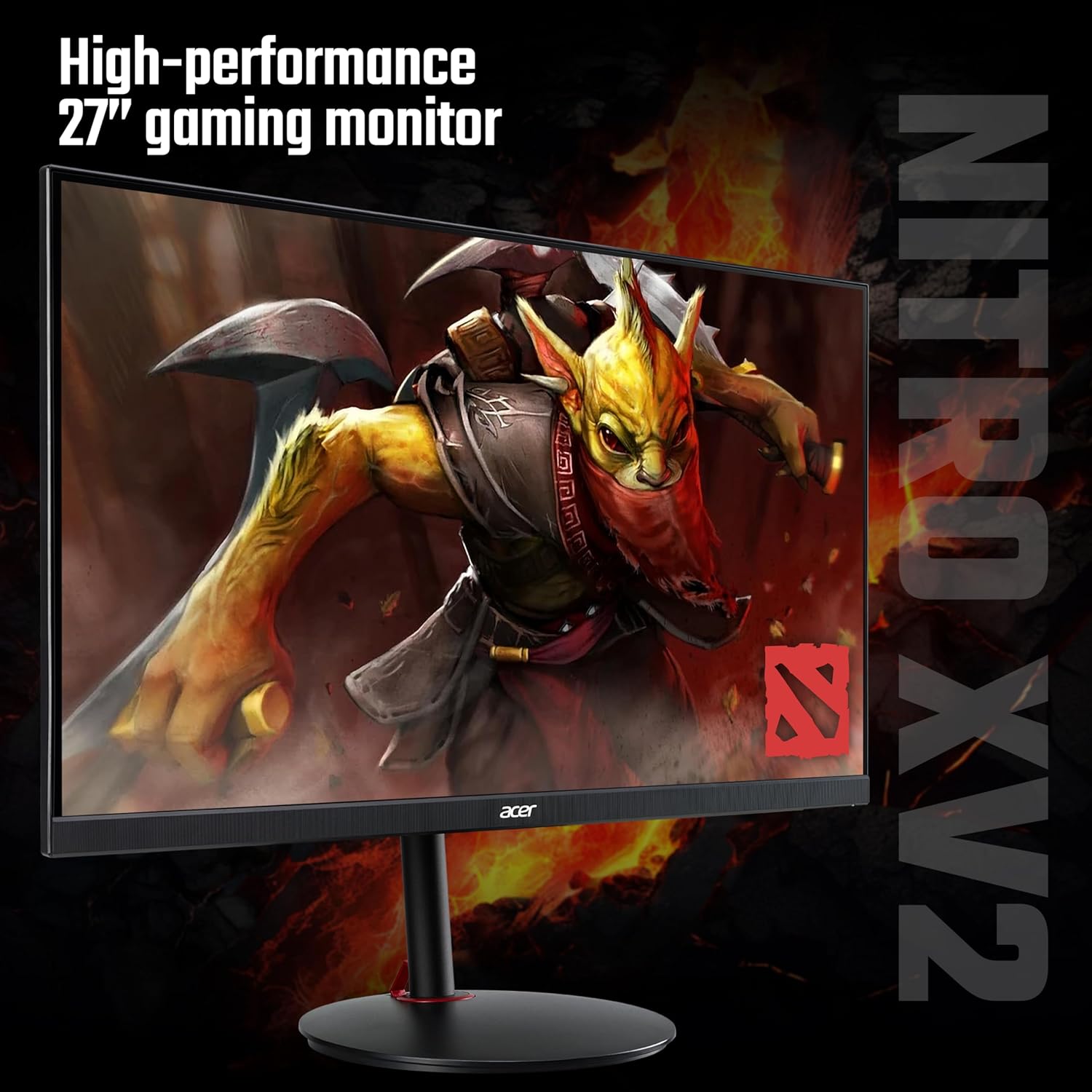
acer Nitro XV272UW2bmiiprfx 27-inch QHD 240Hz gaming monitor
Reviews
Price
Product description
This 27 inch gaming monitor from Acer brings Quad HD resolution and fast motion handling to competitive and immersive play, with a high refresh rate and low response time that favour smooth visuals during fast-paced sessions. It suits desk setups where image clarity and rapid on-screen updates are priorities, according to the manufacturer offering features aimed at gamers and creators alike.
Key Points
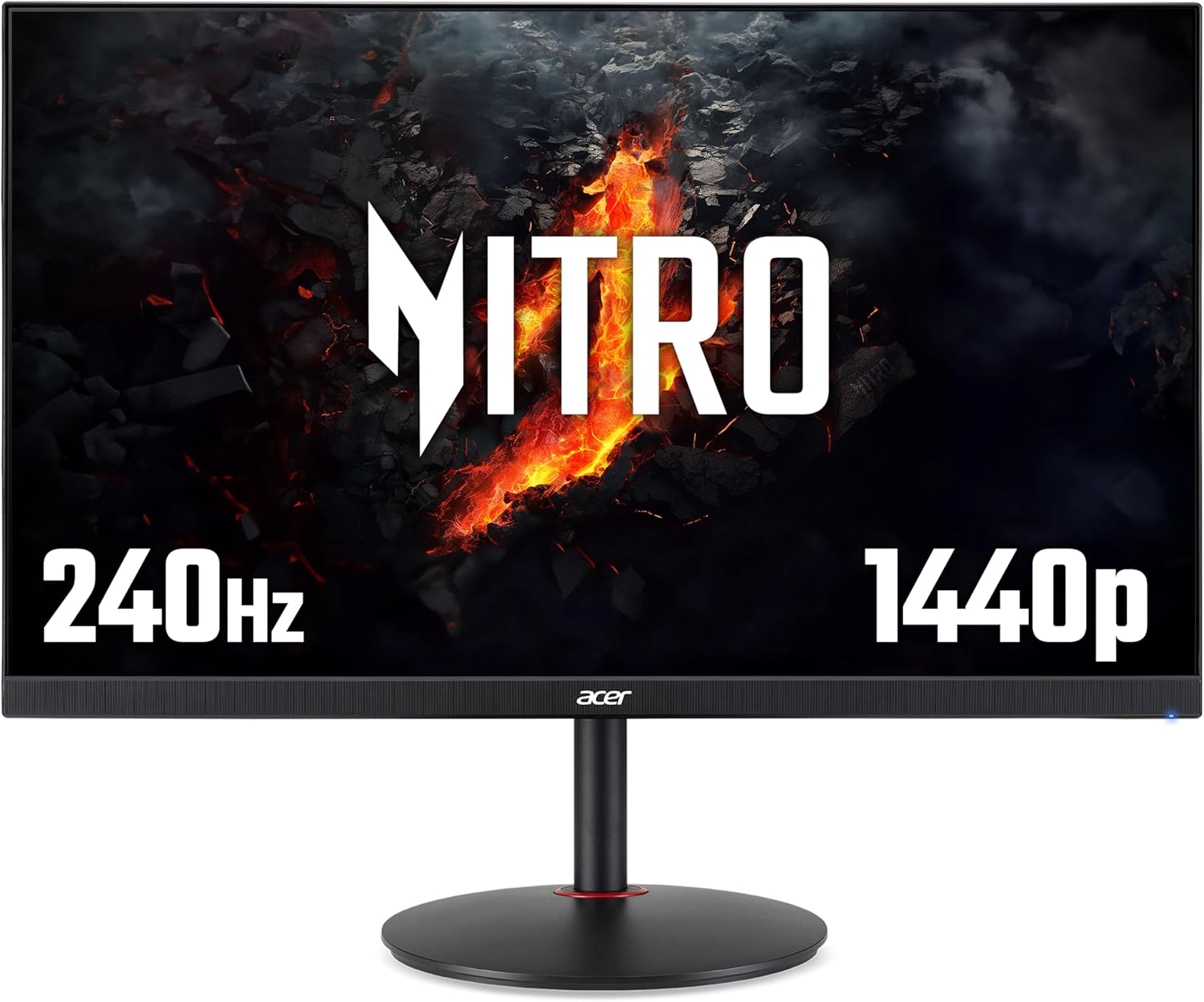
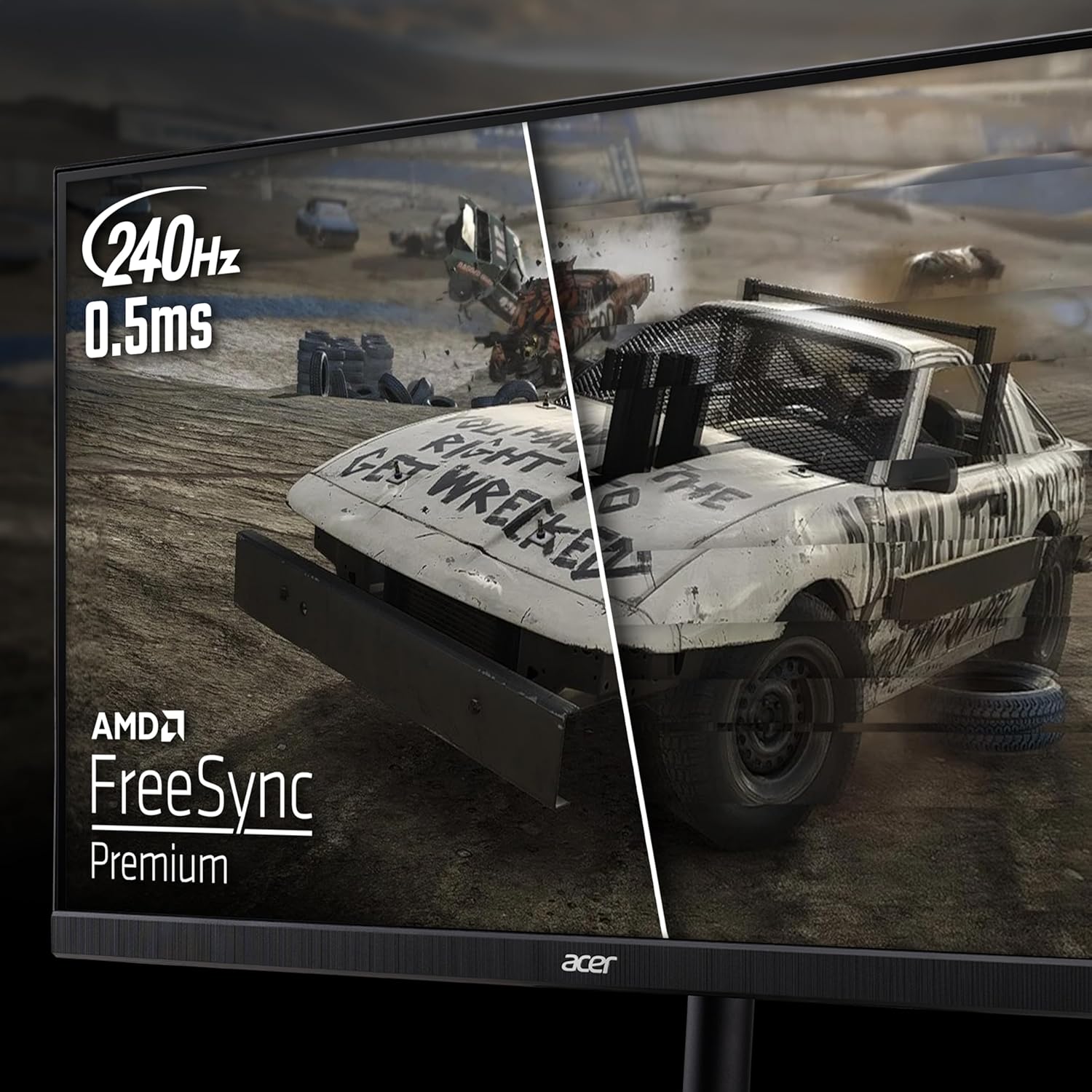
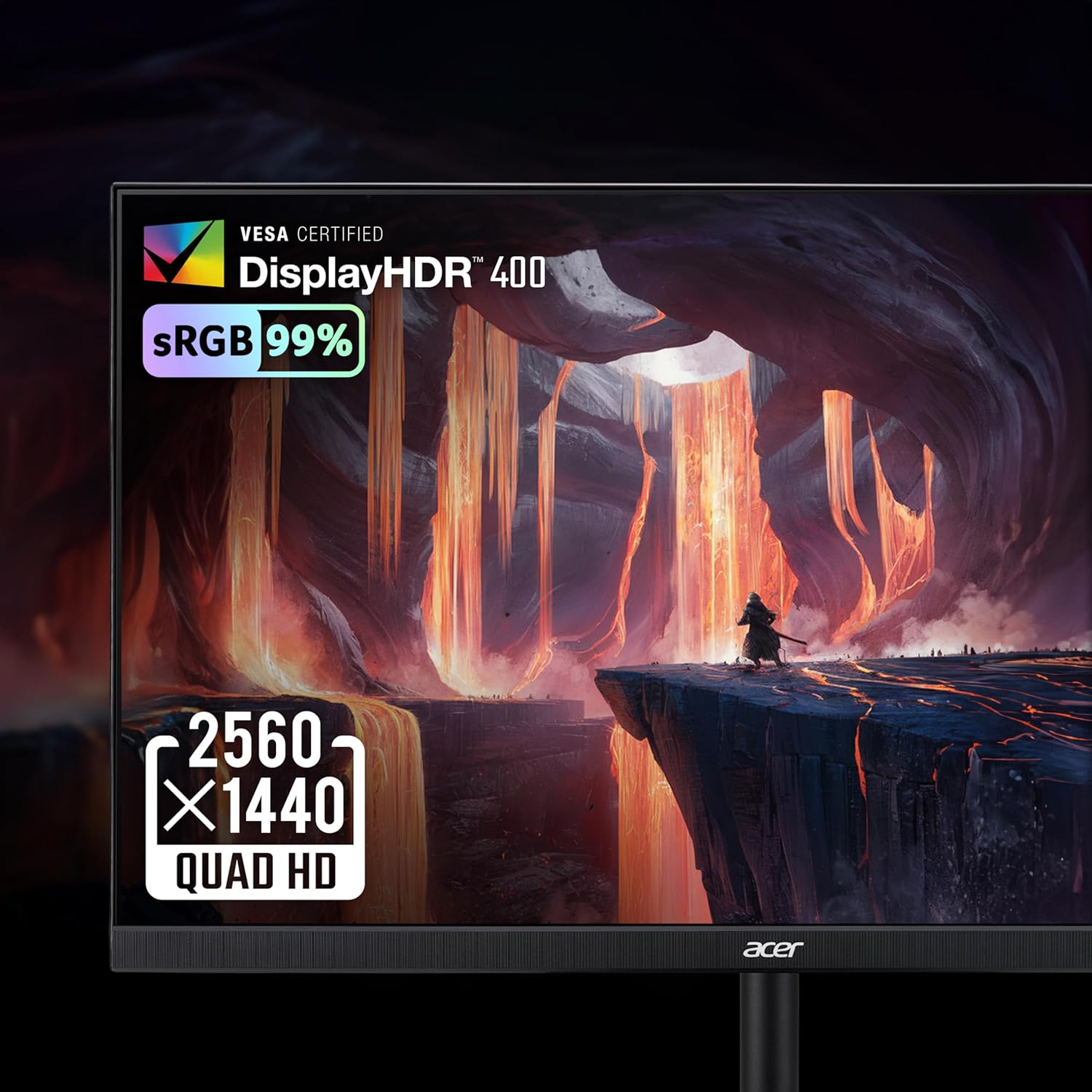
The screen delivers 2560 x 1440 Quad HD for increased detail compared with Full HD, making textures and menus clearer for both gaming and content work. A 240 Hz refresh rate combined with a 0.5 ms response time reduces motion blur and tearing during fast action, which is useful for first-person shooters and racing titles. Adaptive sync is handled through AMD FreeSync Premium to help keep frame delivery consistent with compatible graphics cards. The IPS panel yields wide viewing angles and accurate colours, with a 99% sRGB coverage noted by the manufacturer. Consider that VESA DisplayHDR 400 provides improved contrast and brightness, though it is an entry-level HDR certification.
Technical Specifications
- Name: Acer Nitro XV272UW2bmiiprfx
- Resolution: 2560 x 1440 (Quad HD)
- Refresh rate: 240 Hz
- Response time: 0.5 ms (according to the manufacturer)
- Panel type: IPS, 99% sRGB coverage
Benefits
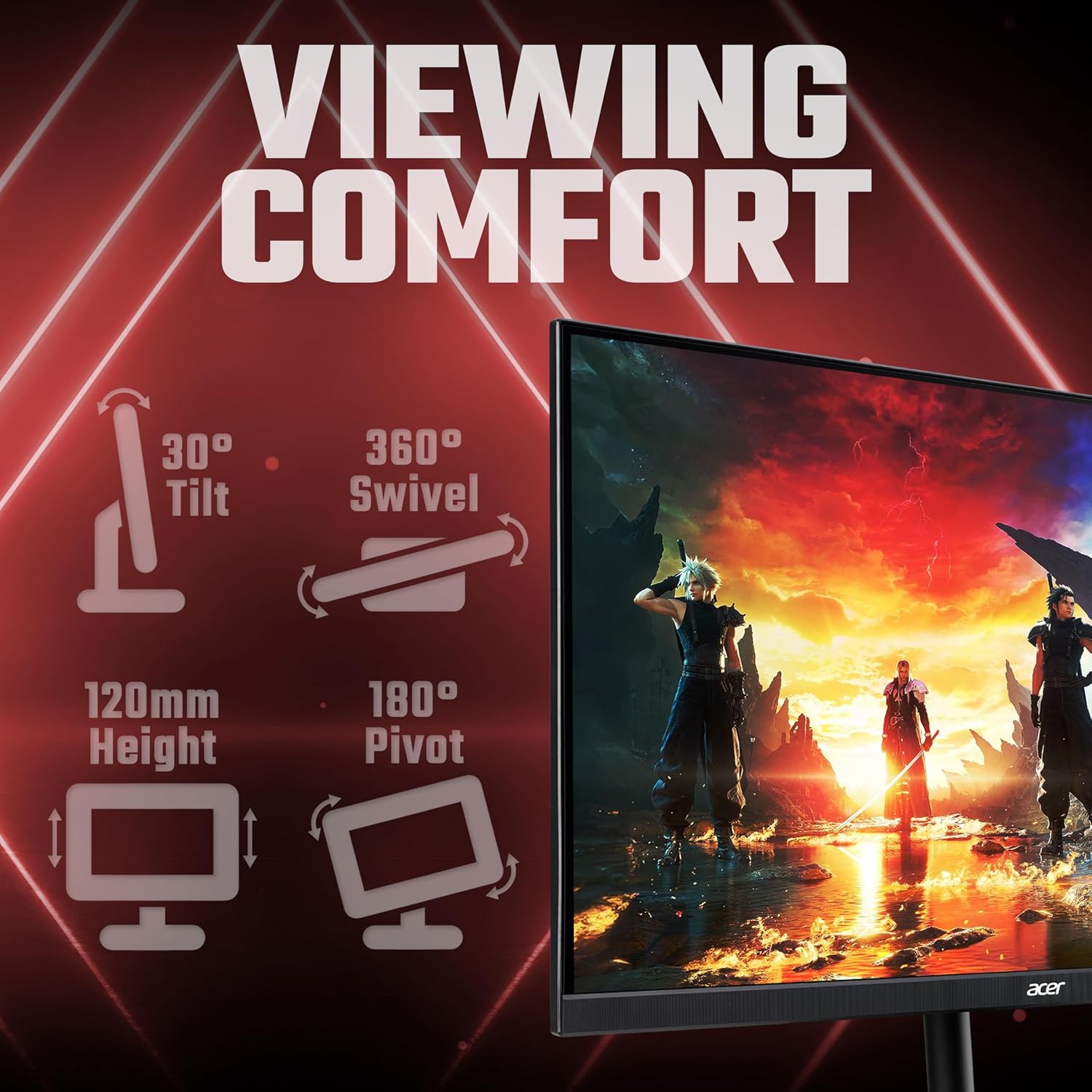
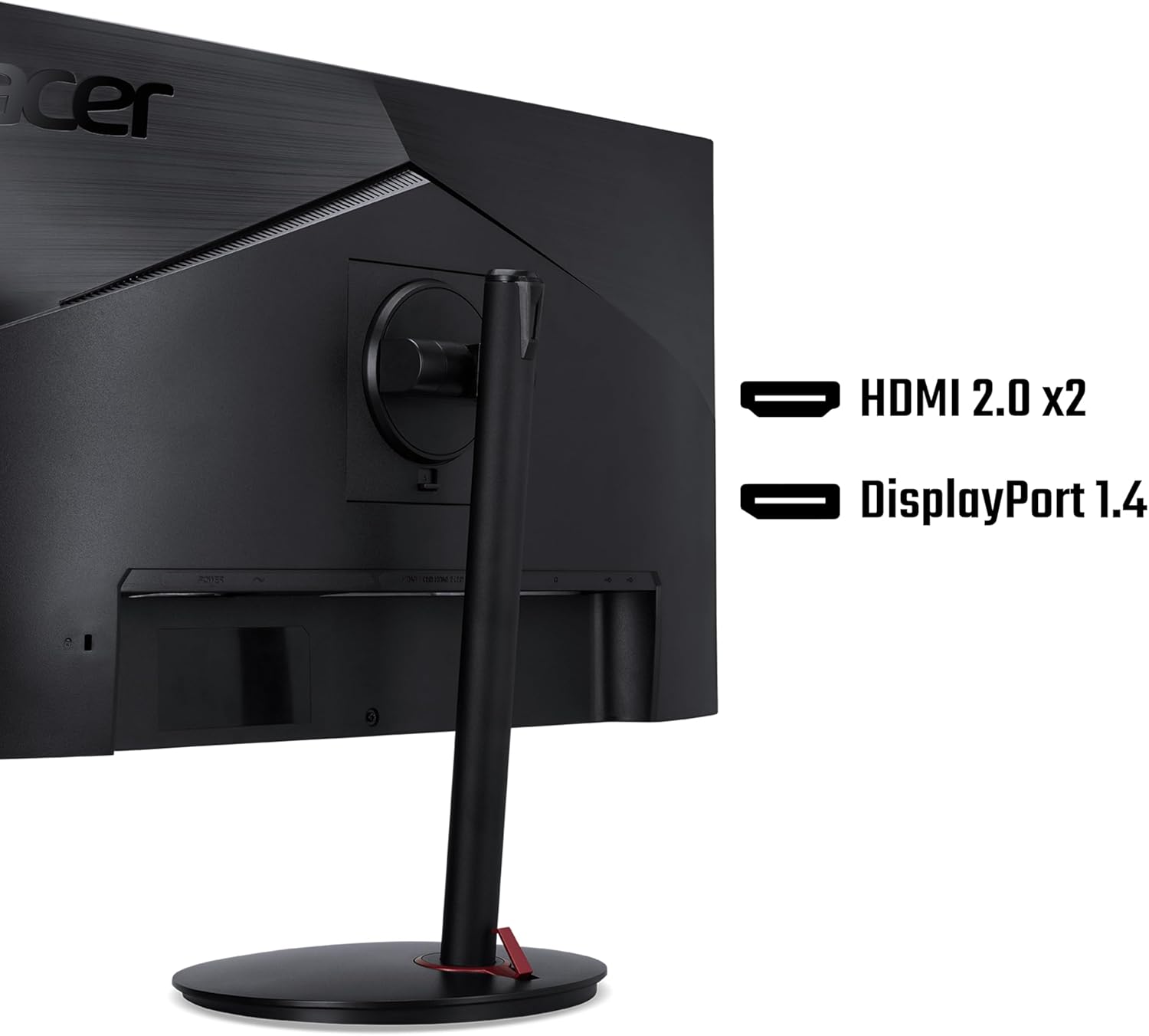
This model helps minimise distracting artefacts during gameplay, so aiming and tracking feel steadier when frame rates are high. Colour fidelity and wide viewing angles make the panel suitable for image editing and streaming setups in addition to gaming. The height-adjustable stand allows quick ergonomic changes, helping you align the display to reduce neck and shoulder strain over long sessions. Ports include HDMI 2.0 and DisplayPort 1.4, giving flexible connectivity for consoles and PCs.
Usage Recommendations
Position the monitor at eye level and use the height adjustment to maintain a neutral neck posture for extended play. For competitive titles, enable the higher refresh rate in your graphics settings and pair the screen with a GPU that supports DisplayPort 1.4 to make the most of 240 Hz. If you prioritise vibrant HDR scenes, test HDR modes with supported games or media to evaluate the DisplayHDR 400 impact, remembering that peak brightness and HDR depth are limited compared with higher HDR tiers. 🎮🖥️