

UPERFECT Portable Monitor 15.6" with NxtLED™ and Eye Comfort—A Practical 2nd Screen
Product description
What this is and what it’s for
The UPERFECT Portable Monitor 15.6" is a compact, plug‑and‑play display intended to act as a second screen for laptops, PCs, phones or gaming consoles. It emphasises eye comfort and colour accuracy, aiming to reduce fatigue during long sessions while offering a bigger canvas for work, notes, or media on the go. On paper, the combination of USB‑C and HDMI inputs supports a range of devices, while the included smart cover doubles as a stand, and a slim profile keeps it portable for travel or desk swapping.
How it’s designed to help you decide
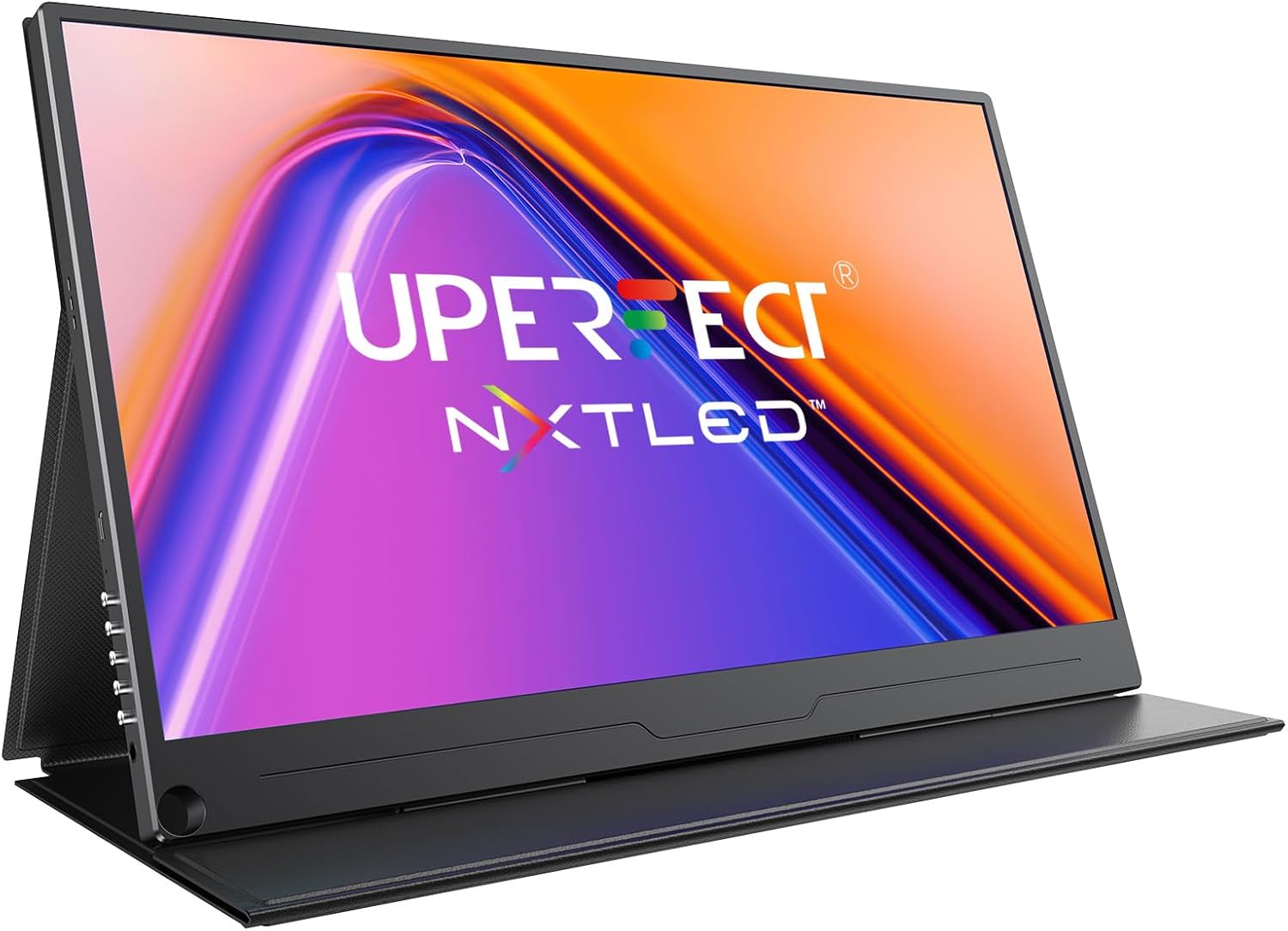
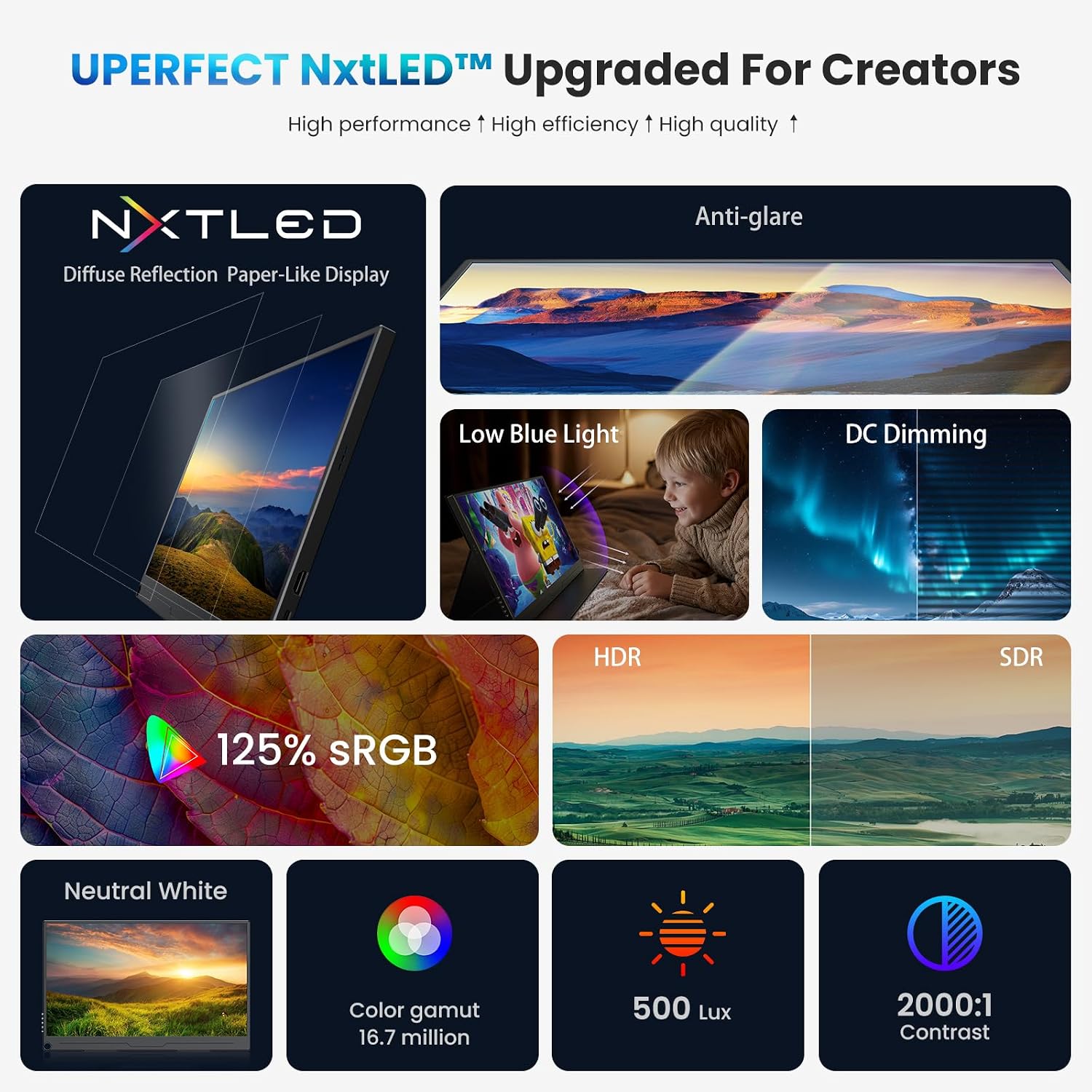
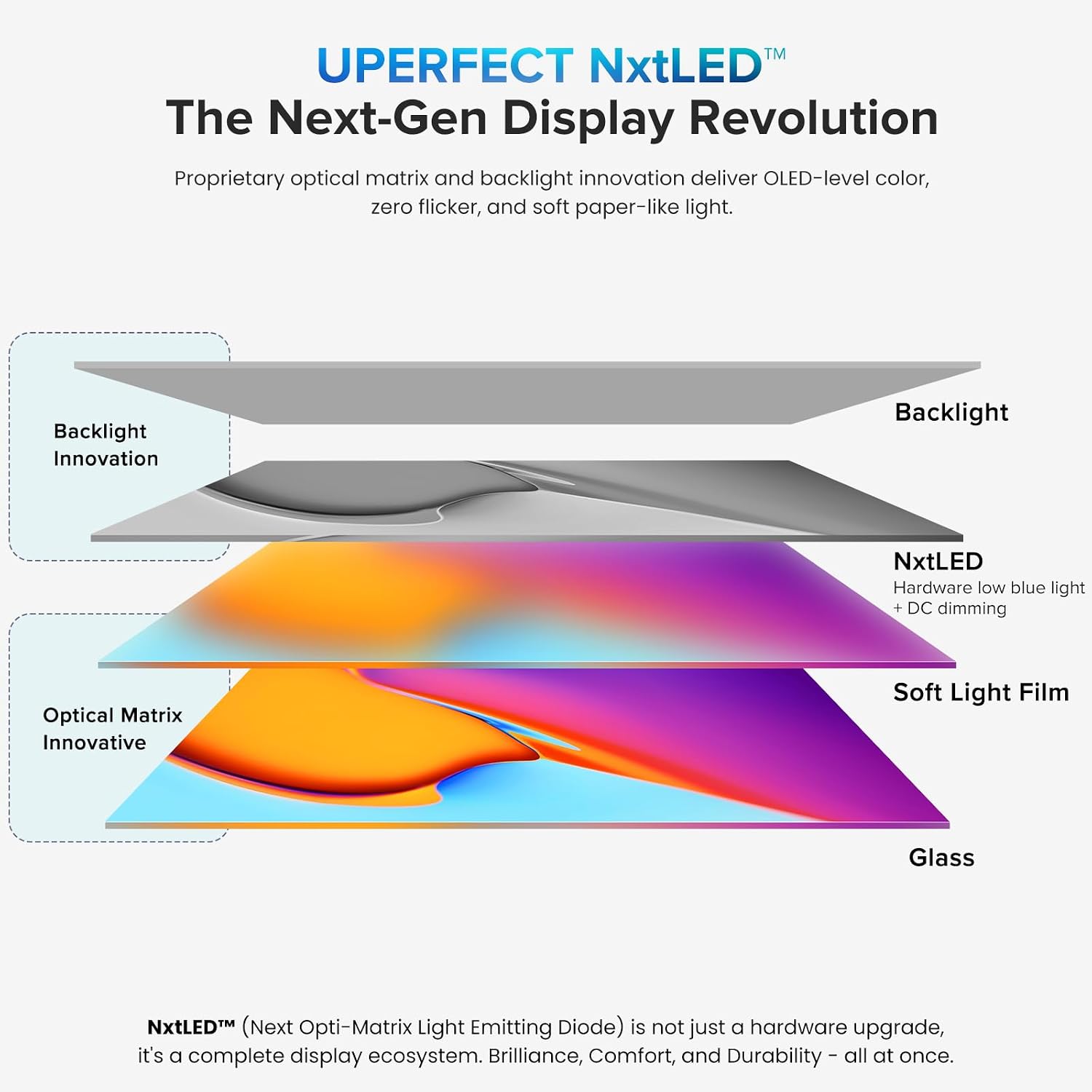
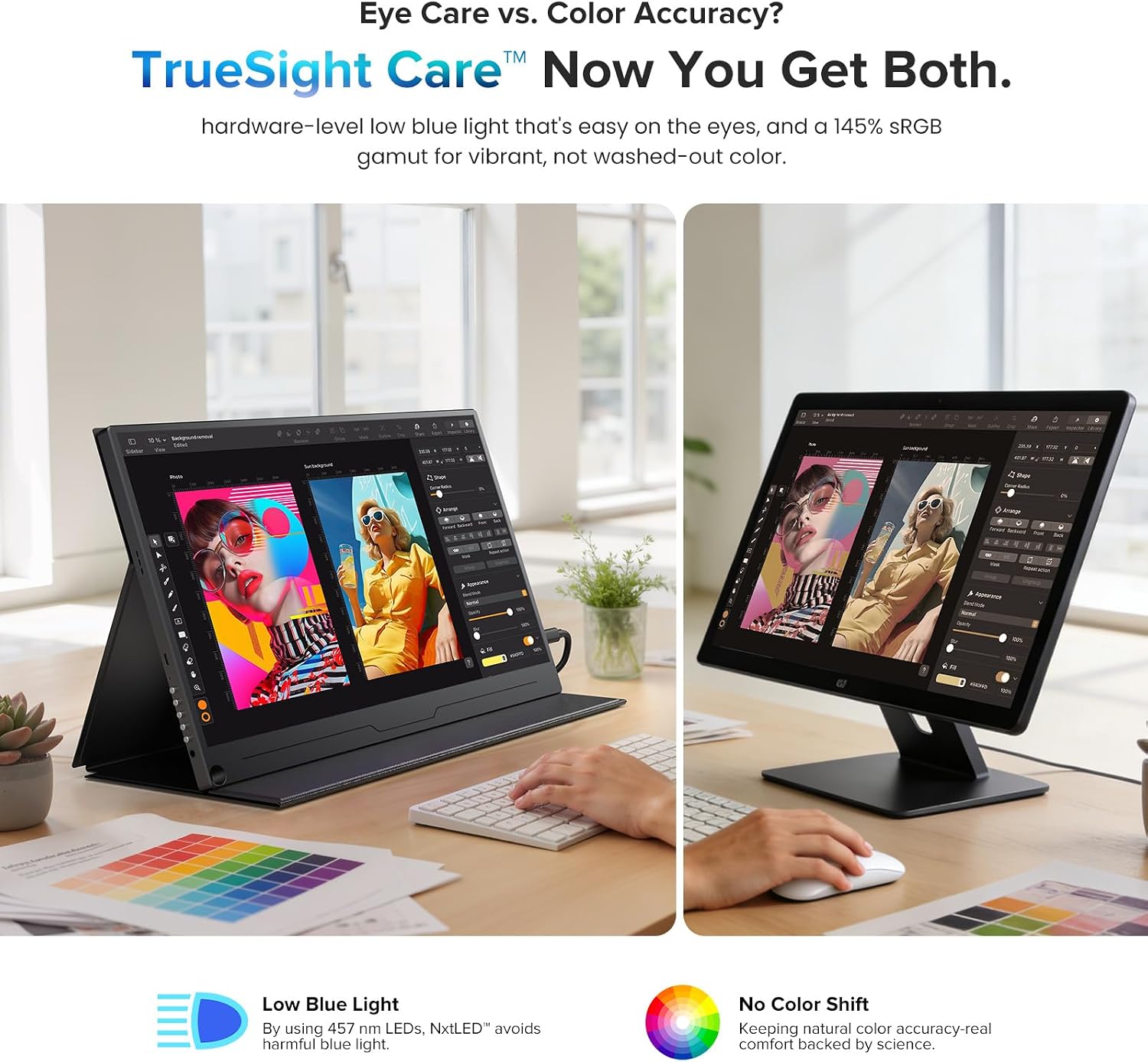
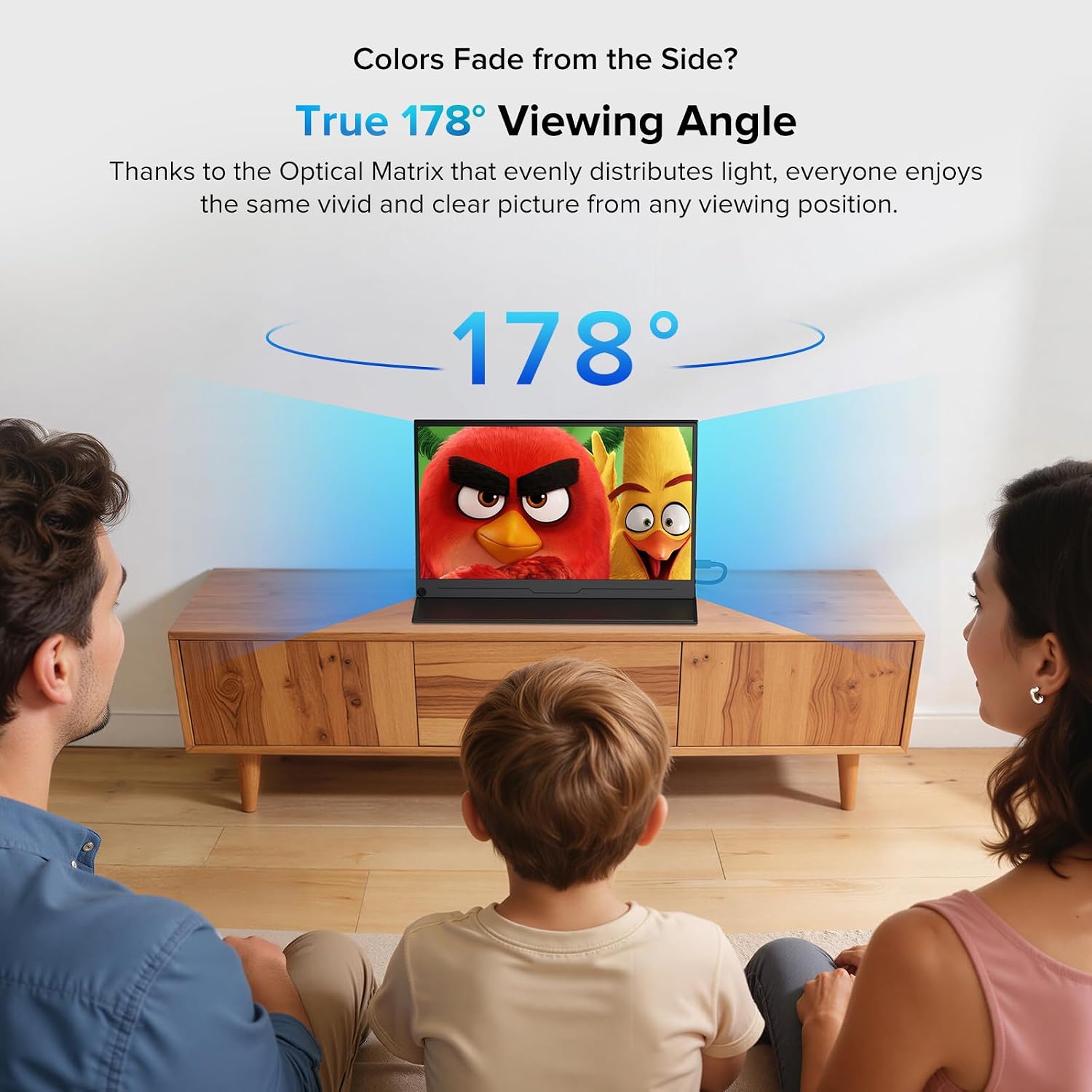
What sets this model apart is UPERFECT’s NxtLED™ technology, described as delivering brighter, clearer images with true colour accuracy and reduced eye strain. The display is marketed as offering OLED‑like colour without burn‑in risk and with an ultra‑wide viewing angle. If you value consistent colour and level brightness when sharing screens or collaborating in different lighting, this approach could be especially appealing.
Pros and what stands out in use
- True 178° viewing angle helps keep image quality consistent for multiple viewers.
- Low blue light with DC flicker‑free dimming addresses comfort during longer sessions.
- Versa connectivity means you can connect via USB‑C or HDMI to a range of devices, often with simple plug‑and‑play usage.
- The 75×75 mm VESA compatibility and magnetic leather case provide practical mounting and protection, plus a portable stand option when you’re on the move.
What might not feel so compelling
- As with most portable LCDs, you may notice that the brightness and contrast are framed within a more compact panel, depending on lighting and content, some users may still prefer a larger or higher‑end display for critical colour work.
- The marketing language highlights OLED‑like colour and long lifespan, but there are no independent tests included, so it’s sensible to temper expectations until you’ve seen real‑world results.
- The experience may depend on the host device’s output capabilities, if you rely on higher refresh rates or very specific colour profiles, you’ll want to verify compatibility and settings from your device.
Who it’s for and when it makes sense
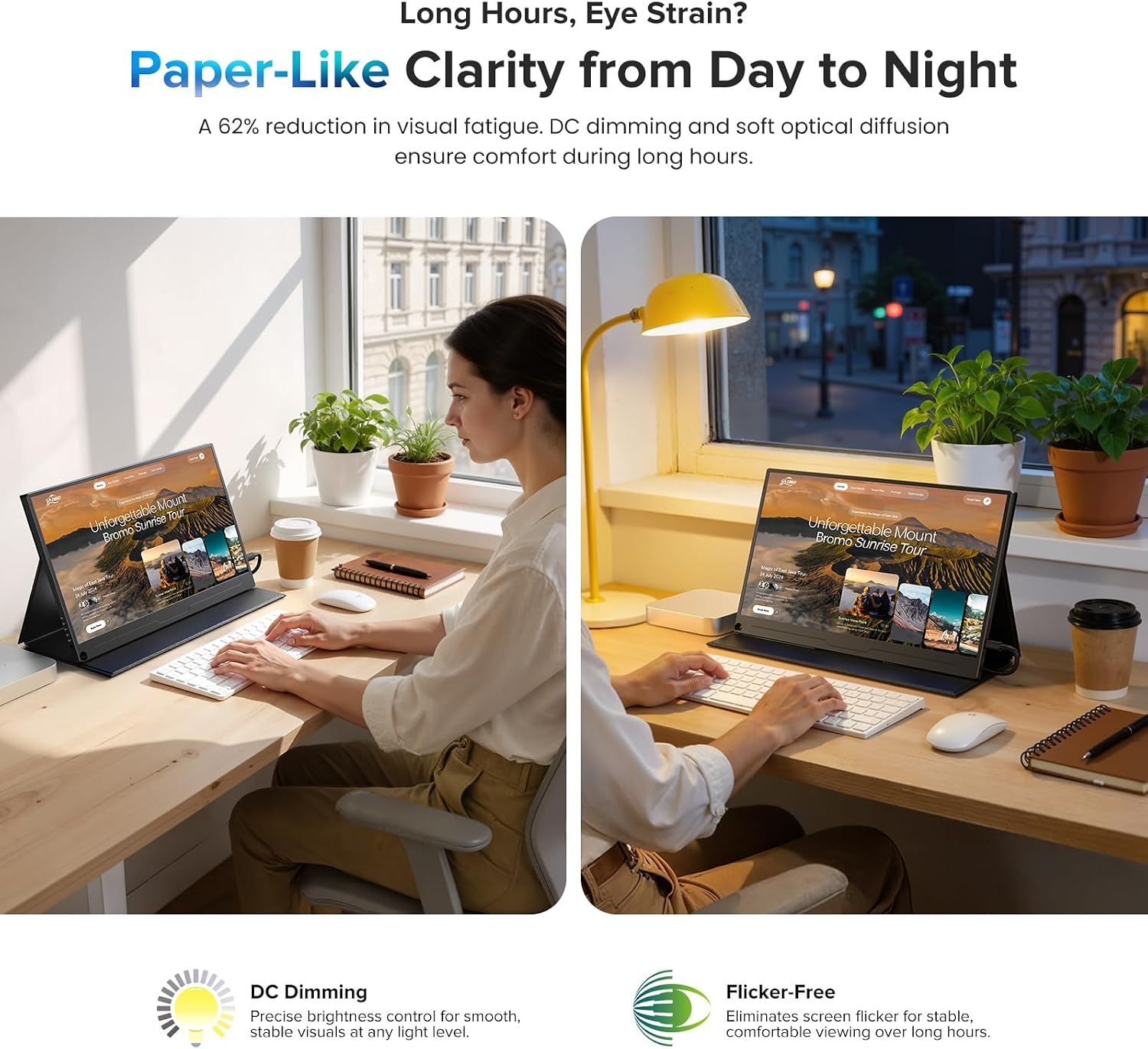
This monitor suits remote workers, students, or casual creators who want extra screen real estate without sacrificing portability. It’s a sensible option if you often work with documents, code, or multi‑tab workflows away from a fixed desk, and you value eye comfort features in a travel companion. It isn’t the best fit if you require professional photo or video colour grading on the go, or if you routinely push high brightness in very bright environments and need a brighter panel for outdoor use.
What to check before buying
- Confirm that your laptop, phone or PC can output via USB‑C or HDMI in the format you expect and that your device can supply adequate power if using USB‑C powered mode.
- Consider how you’ll use it: if you plan to mount it, check the space for VESA compatibility and the stability of the magnetic case as a base. The included stand mode is convenient, but you may want a dedicated desk setup if you’re doing extended tasks.
- Review the exact viewing conditions you expect most often. The wide viewing angle is a plus, but lighting and seating position still influence perceived colour and brightness.
How it compares to the everyday portable approach
For users weighing a second display solution, this model leans into a balance of colour fidelity and portability rather than raw brightness or extreme performance. If you prioritise a lightweight, easy‑to‑set‑up screen for travel or shared workspaces, it offers a practical compromise between mobility and usability. If you need a more serious colour workflow on the move, you may want to explore higher‑end options or dedicated portable calibrations.
What you’ll notice day to day
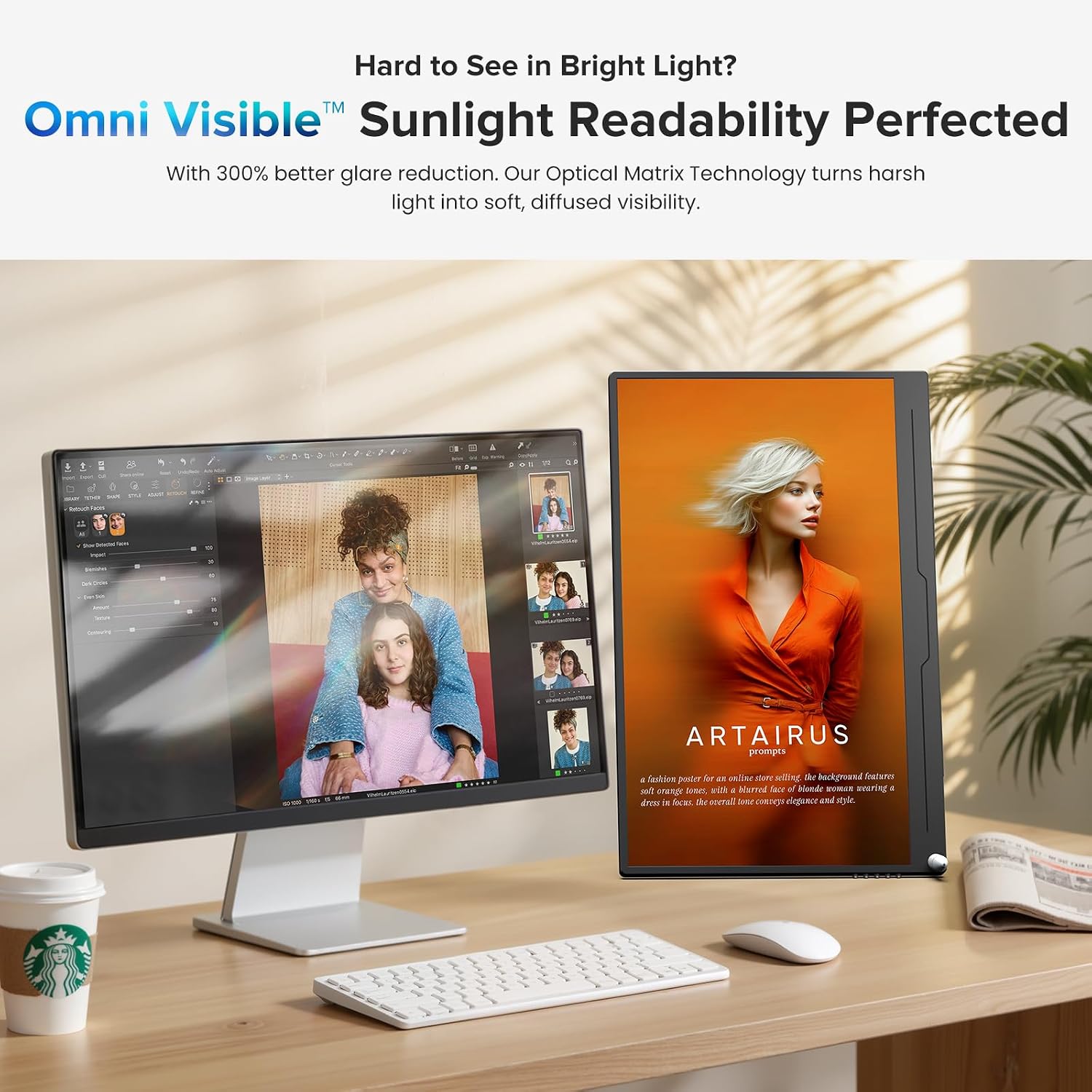
In routine tasks, the extra screen real estate helps with reference materials, email, or chat alongside your main window. The eye‑care features can reduce fatigue during longer sessions, particularly in environments with mixed lighting. The included case and stand system adds convenience when you’re moving between locations.
Quick takeaway and decision moment
Is it worth it?
Worth considering if you want a travel‑friendly second screen with emphasis on eye comfort and broad viewing angles, and you favour a straightforward USB‑C/HDMI setup over a larger, more feature‑dense desktop display.
FAQ
- Does it work with a phone as a source? Yes, via USB‑C or HDMI where supported, subject to device compatibility.
- Can it be used with a desktop PC without a laptop? Yes, as a secondary monitor when connected to USB‑C or HDMI capable outputs.
- Is the case a robust stand for daily use? The magnetic leather case provides a stable stand in most scenarios, but for heavy typing sessions you may prefer a dedicated stand.
Final verdict
This UPERFECT model presents a sensible middle ground for portable multi‑screen use, with a clear emphasis on eye comfort and broad viewing angles. If your priority is convenience and reasonable colour quality on the go, it’s a solid candidate, if you need top‑tier colour accuracy for professional editing away from a proper studio, you may want to benchmark alternatives first.