


KOORUI G2411P 24 inch Gaming Monitor (200Hz, Fast IPS, HDR 400, 1ms) with Adaptive Sync
Reviews
Price
Product description
If you’re shopping for a 24 inch gaming monitor that aims to feel smooth without turning into a complicated setup, the KOORUI G2411P is designed around a straightforward formula: high refresh rate for motion, a gaming-friendly sync approach to reduce tearing, and basic HDR support for a bit more punch.
In day-to-day use, it’s the kind of monitor that can work for both gaming and general screen time, especially if you value quick responsiveness and a modern feature set on a price-conscious basis. That said, it’s not a premium “everything is perfect” panel experience—there are always trade-offs with monitors in this bracket.
What you’re getting and who it’s for
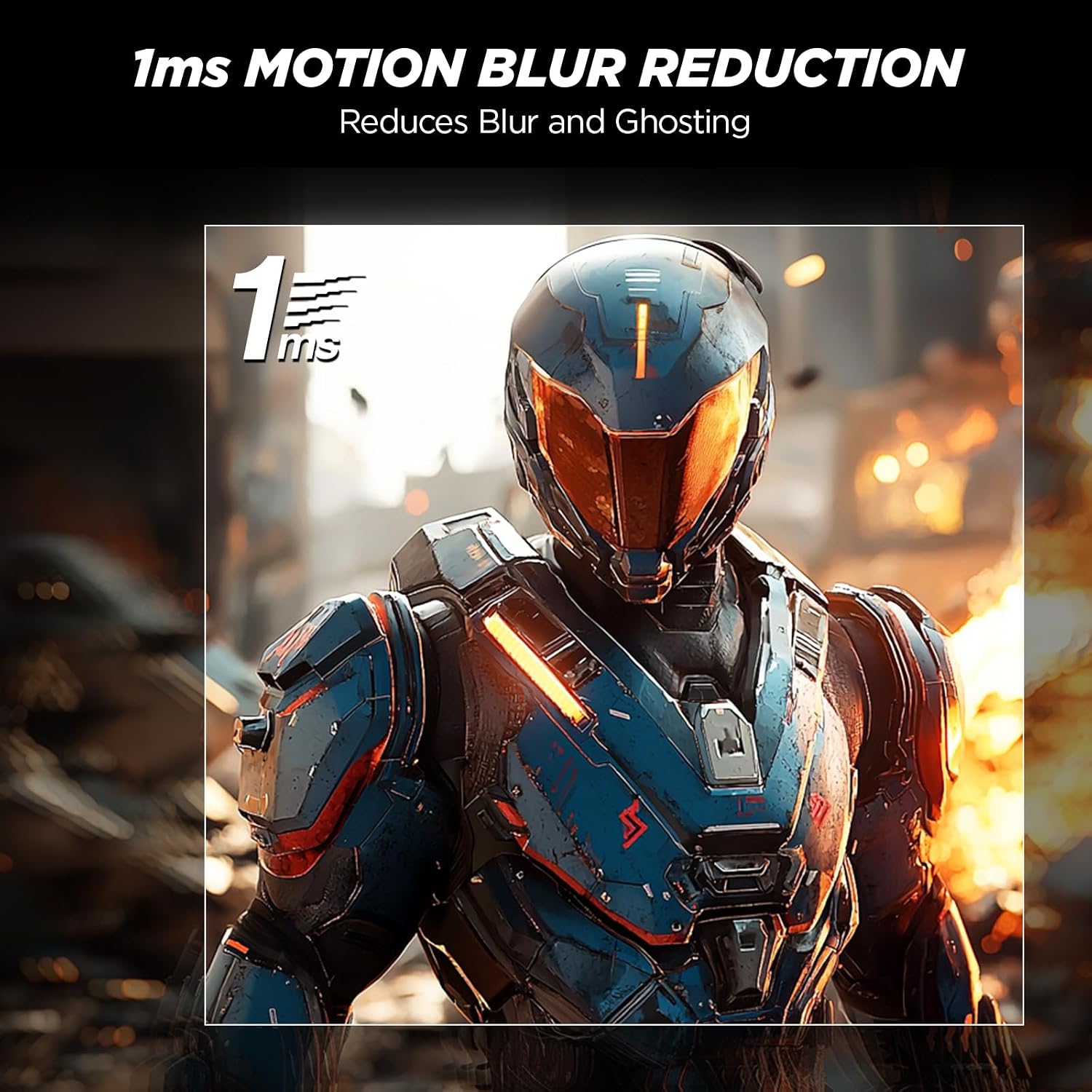
The KOORUI G2411P is a 24 inch Full HD (1080P) gaming monitor built around fast-moving visuals. It’s listed with up to 200Hz refresh rate and a 1ms response time figure, plus Adaptive Sync to help minimise screen tearing and lag during gameplay. On top of that, you get HDR 400 and a claimed 99% sRGB coverage, which matters if you care about reasonably natural colours for entertainment or everyday creative work.
This is a sensible pick if your priority is smooth gameplay on a compact screen. A 24 inch size also tends to suit setups where you want a bit of immersion without crowding your desk.
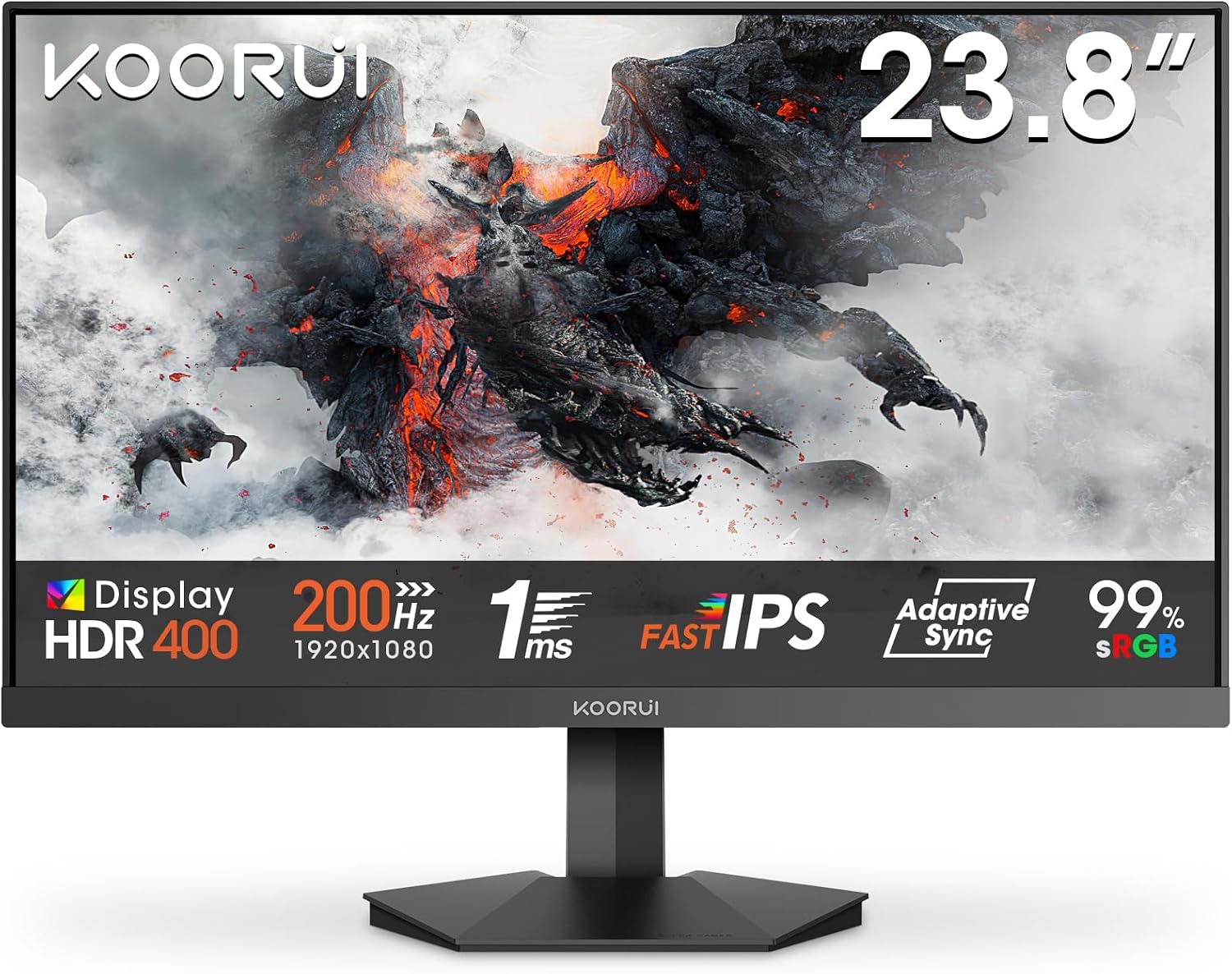
It may be less ideal if you’re chasing a top-tier HDR experience or you’re the type of buyer who expects perfect calibration straight out of the box. HDR 400 sounds great on paper, but HDR performance in real life depends on multiple factors, and this won’t replace a higher-end HDR setup.
Where it shines in games and everyday use
The headline here is motion smoothness. Up to 200Hz is intended for reducing stutter and making fast action scenes feel more fluid, whether you’re playing competitive shooters, racing, or anything where tracking movement matters.
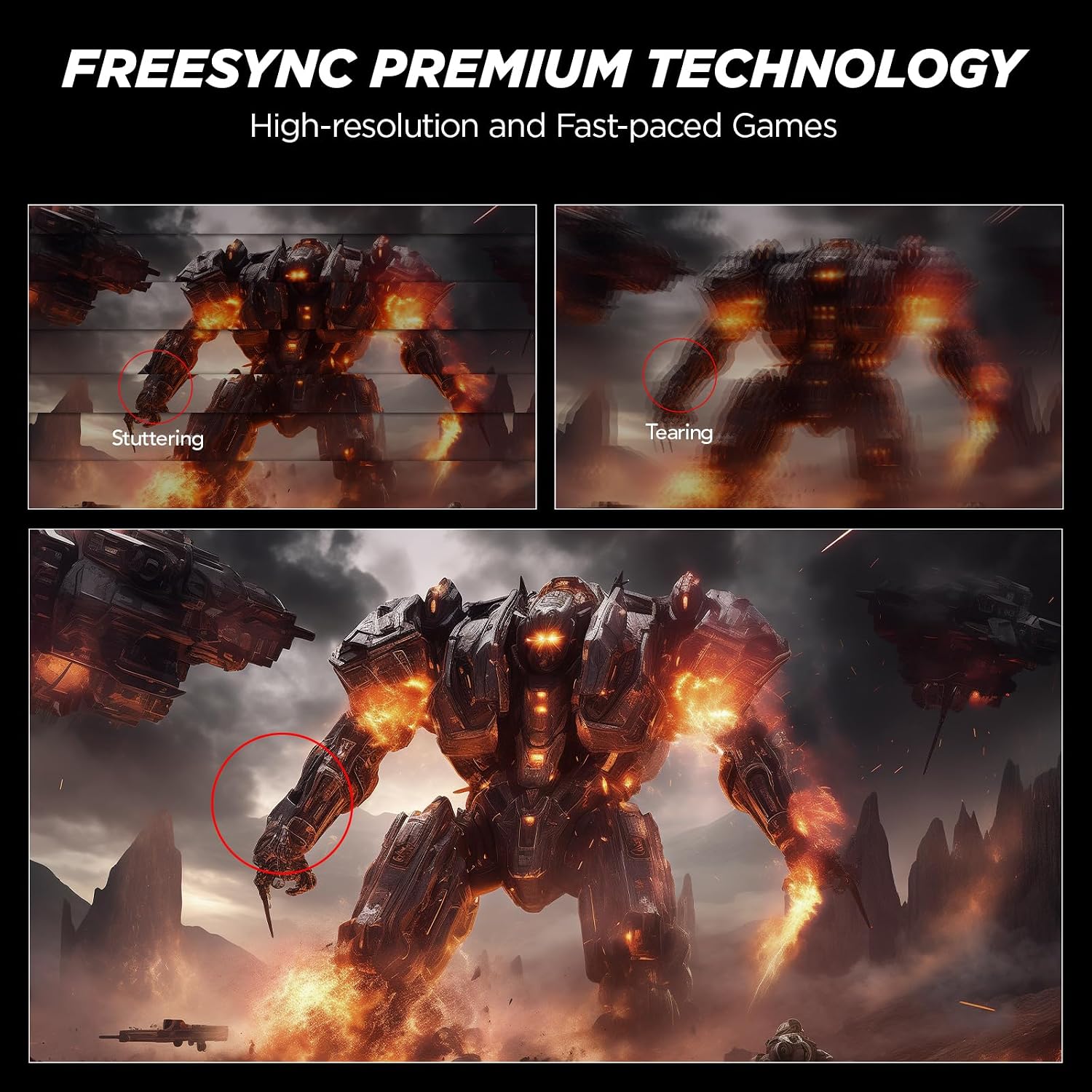
Adaptive Sync is the other big gaming-focused element. The idea is simple: match what the GPU is outputting with the display refresh behaviour to reduce tearing and distracting frame pacing issues. It’s the sort of feature you’ll notice most if you play titles that don’t always hold a locked frame rate.
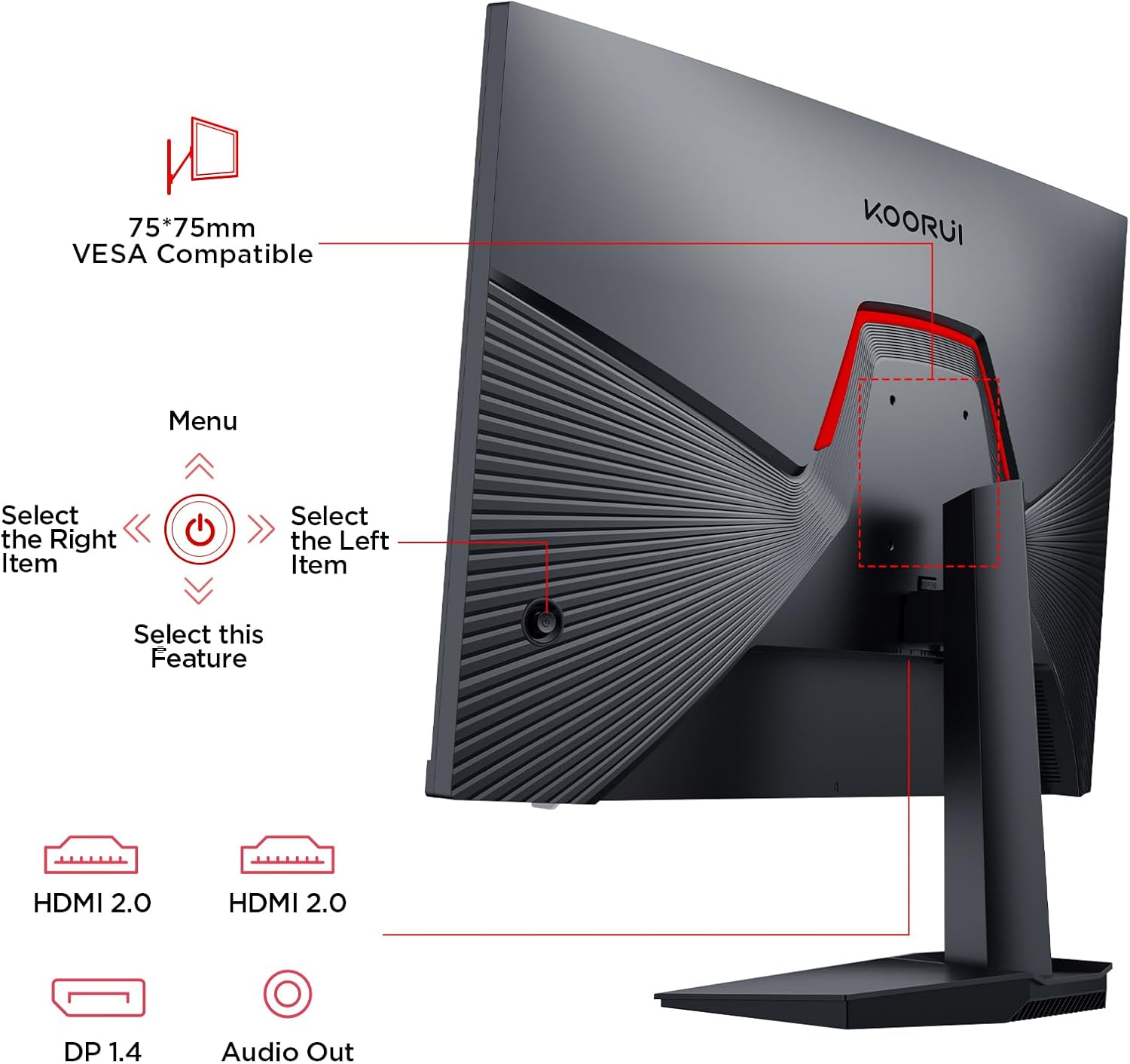
There’s also a “crosshair function” mentioned, aimed at improving precision during gaming sessions. Depending on the game and how you personally prefer aiming aids, it can be handy—or you might ignore it if you already use in-game reticles.
A practical example: if you’re jumping into a fast round in an FPS and you’re running at a higher frame rate than your older 60Hz monitor, the higher refresh should make mouse movements feel less “steppy”. Add Adaptive Sync and you reduce the likelihood of visible tearing when frames fluctuate.
Display and picture notes (HDR 400 + Fast IPS)
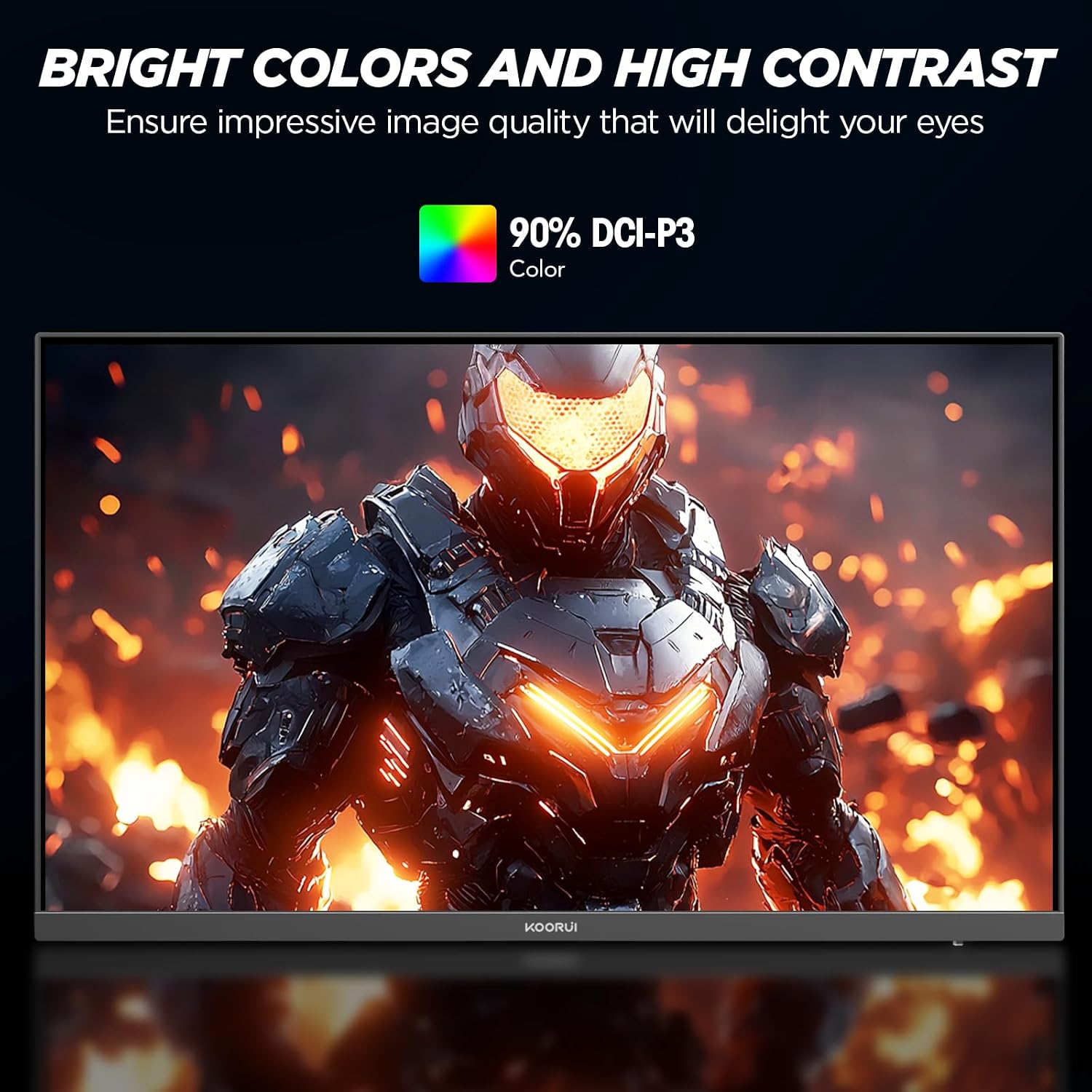
The monitor is described as Fast IPS, with HDR 400 support. On paper, HDR 400 is meant to bring brighter highlights, deeper contrast, and richer colours for a more realistic viewing experience.
Two things to keep in mind. First, “HDR 400” tells you it’s aiming to be a step above basic SDR, but it doesn’t guarantee the kind of HDR punch you’d expect from more expensive displays. Second, how vivid it looks will depend on the room lighting and the content you watch—HDR benefits aren’t equal across all games and videos.
The Fast IPS angle is relevant because IPS-type panels are often chosen for colour and viewing consistency. Pairing that with a claimed 99% sRGB coverage suggests it’s built to look pleasing and reasonably accurate for everyday use.
Connectivity and setup flexibility
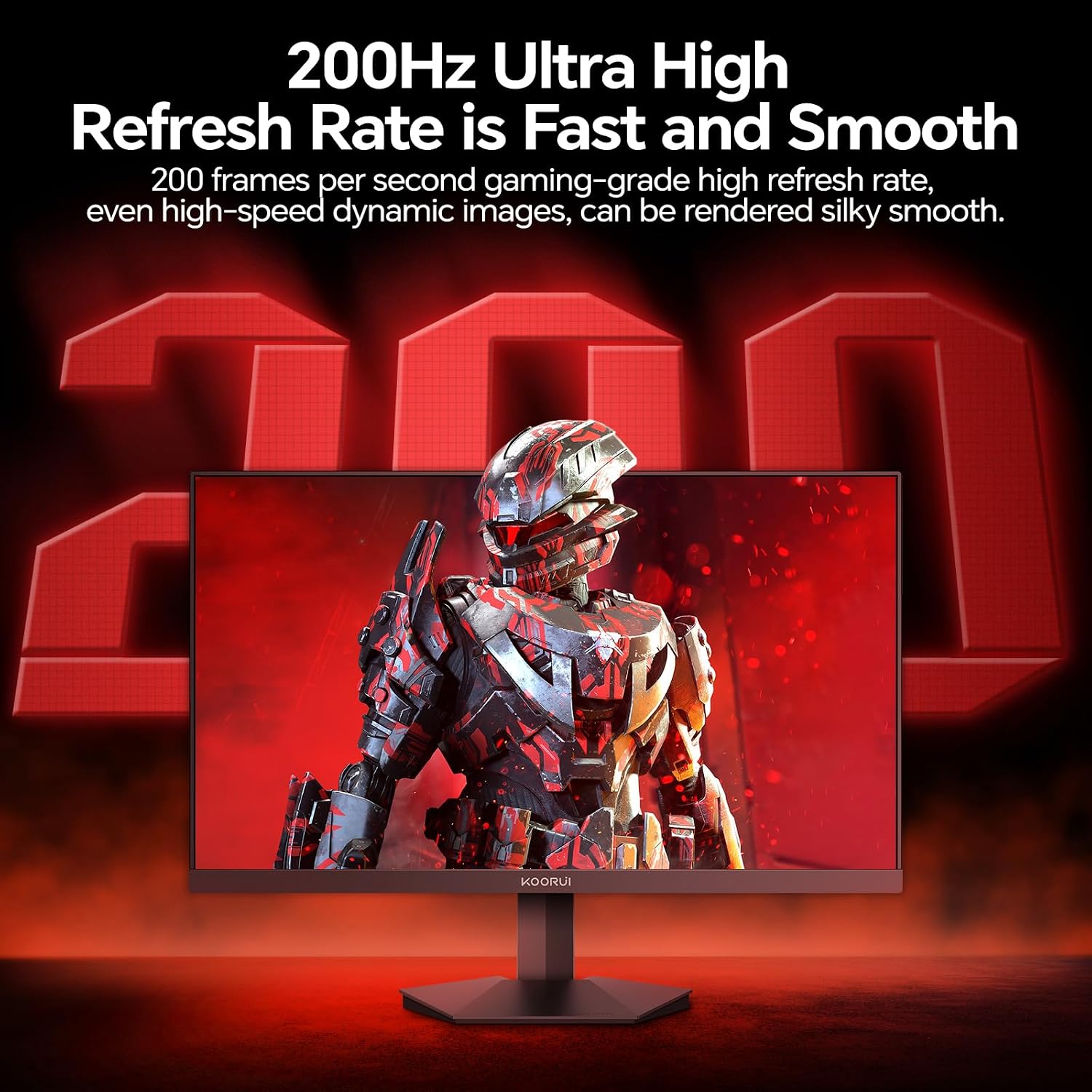
You get HDMI and DP ports, which is useful because it keeps the monitor flexible across common gaming and computing setups. The description specifically mentions connections to Xbox, PS5, PCs, and laptops, with the added convenience of seamless switching between work and gaming.
On the mounting side, it’s VESA mountable at 75×75mm. That’s a practical detail if you prefer using a monitor arm or want to tidy up desk space.
Ergonomics are also covered with a tilt range of -5° to 20°. It’s not full adjustability like some advanced stands, but it should be enough for basic comfort—especially if your desk height and seating position are already well set.
Tech essentials to check before you buy
Before pulling the trigger, it’s worth double-checking a few things that often decide whether a gaming monitor fits your expectations:
- Your target performance: 200Hz matters most if your system can output high frame rates consistently. If your hardware usually sits lower, you’ll still benefit from smoothness, but the “200Hz” advantage may feel less dramatic.
- Resolution choice: this is Full HD (1080P). It’s a great choice for competitive play and for systems that don’t push higher resolutions easily, but if you’re used to sharper 1440P or 4K, you may notice the difference.
- HDR expectations: HDR 400 is a nice extra, but if HDR is your main reason for upgrading, consider whether you’re looking for a more serious HDR experience.
Is it worth it?
It’s a solid pick if you want a 24 inch Full HD gaming monitor that prioritises smooth visuals (up to 200Hz), uses Adaptive Sync to help with tearing/lag, and keeps setup simple with HDMI/DP and VESA mounting.
You may want to skip it if you’re chasing a premium HDR experience above and beyond “better-than-SDR”, or if you know you’ll be disappointed by Full HD sharpness compared with higher-resolution alternatives.
It makes most sense for gamers who care about motion clarity and responsiveness on a compact screen, and for anyone who wants one monitor that can cover both work and play without a fussy setup.
Mini FAQ
Does it support Adaptive Sync?
Yes—Adaptive Sync is included, and it’s intended to help minimise screen tearing and lag.
What ports does the KOORUI G2411P have?
It’s described with HDMI and DP ports for connecting to devices such as gaming consoles and PCs/laptops.
Is HDR 400 real HDR, or just marketing?
It’s presented as HDR 400 to deliver brighter highlights and richer colours compared with standard viewing. Still, real-world HDR impact depends on content and the rest of the system, so it’s worth keeping expectations realistic.
Can it be mounted on a desk arm?
Yes, it’s VESA mountable with a 75×75mm pattern.
Is the 200Hz useful if I don’t always hit high frames?
It can still help with motion smoothness, but the biggest “feel” benefit comes when your setup can consistently push higher frame rates.