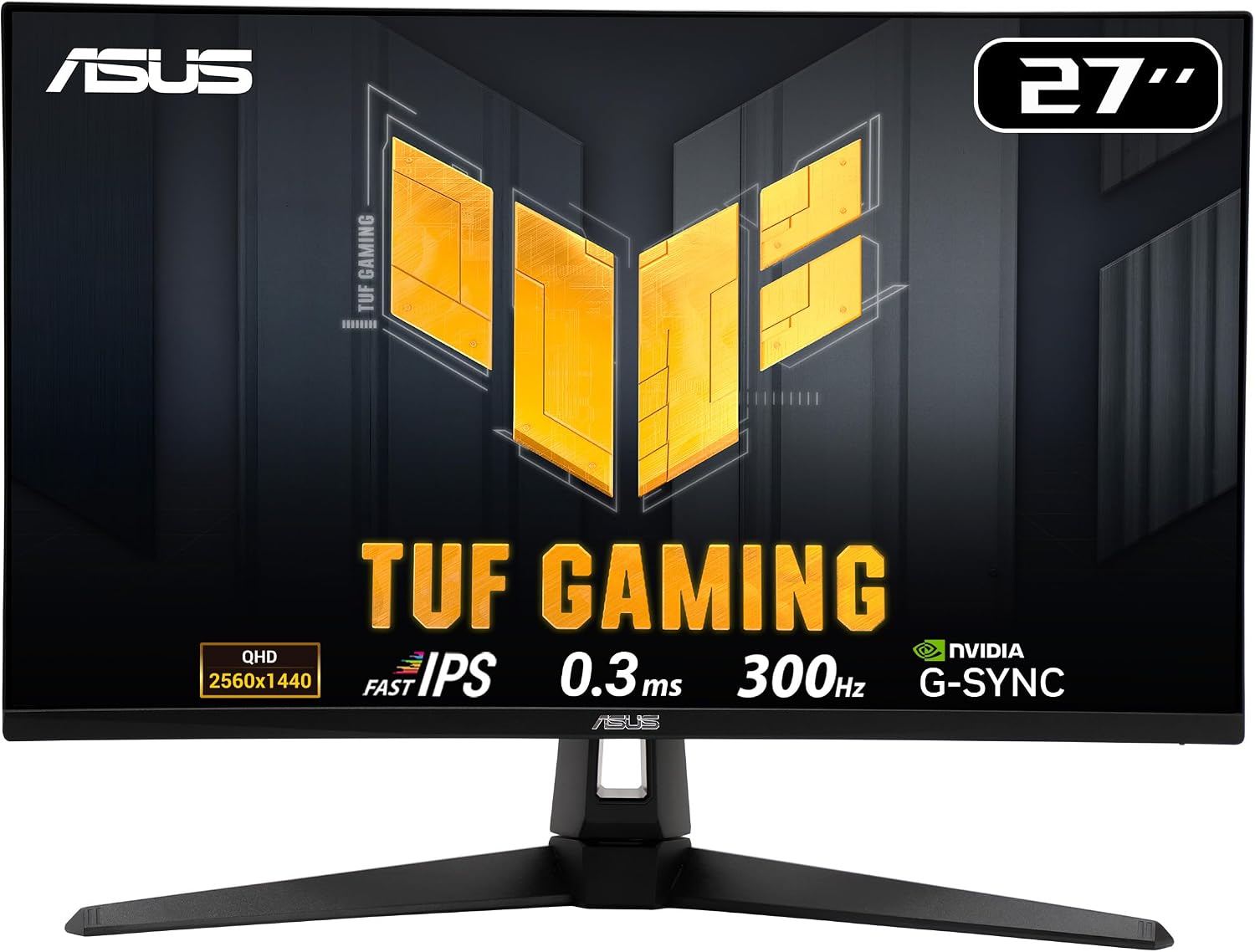
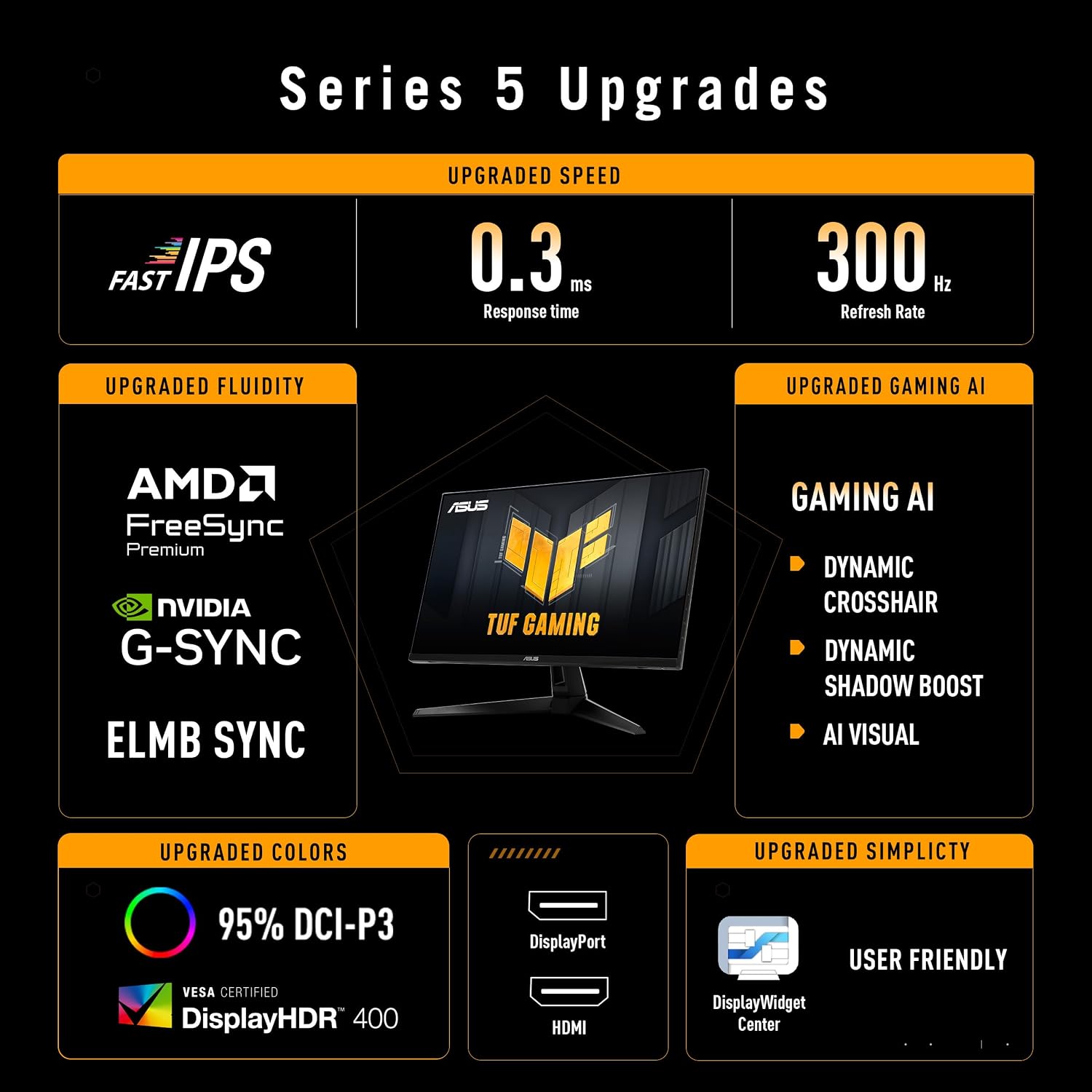
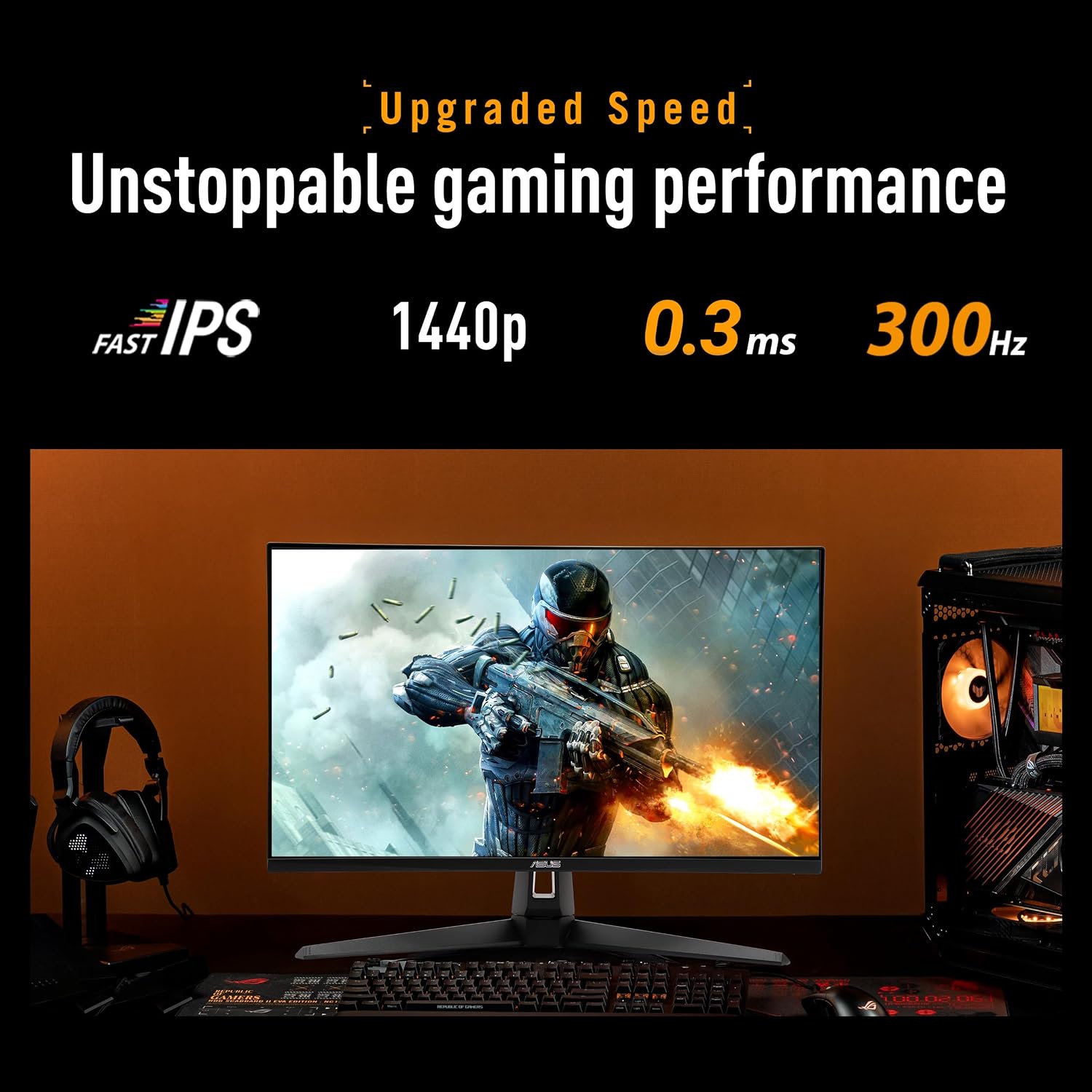
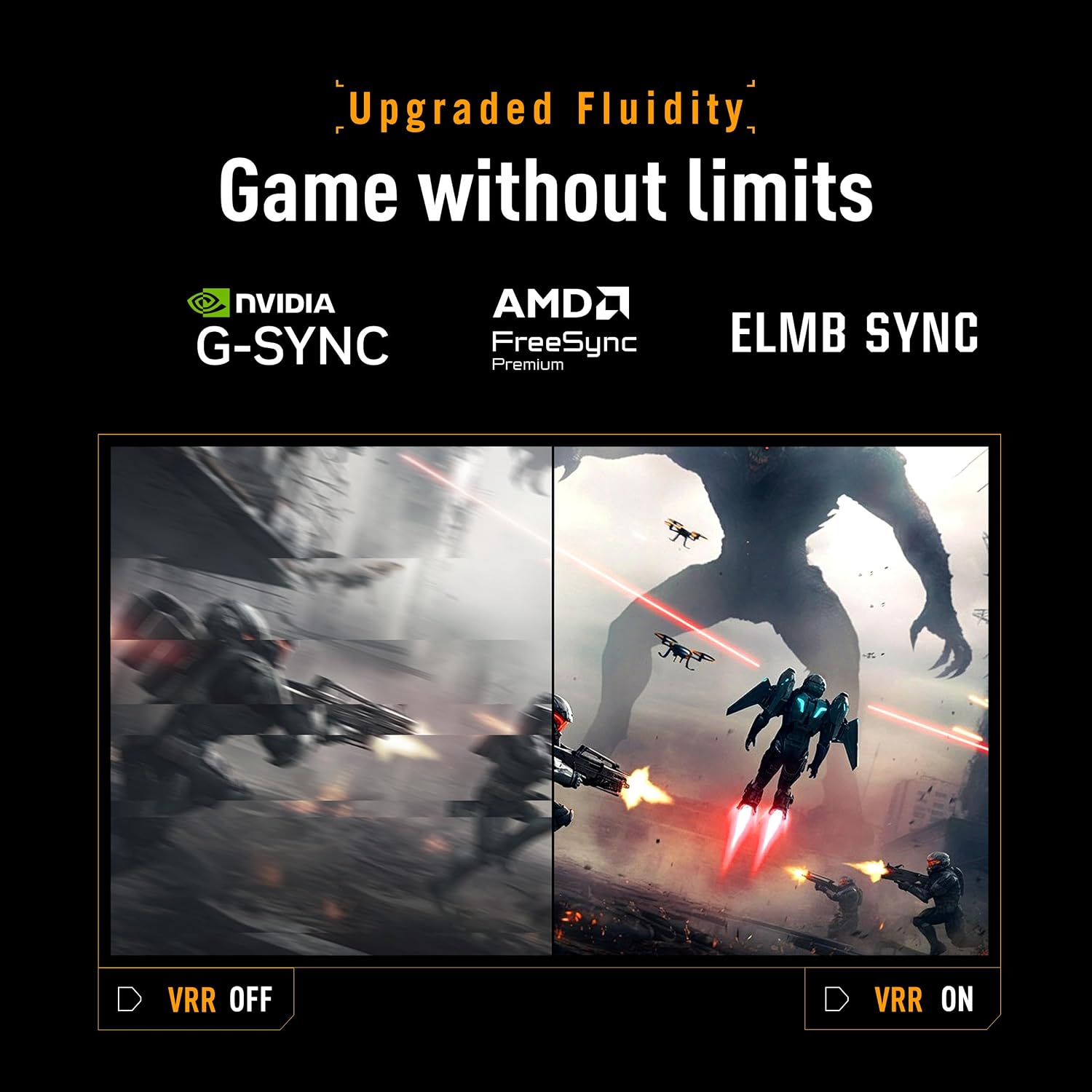
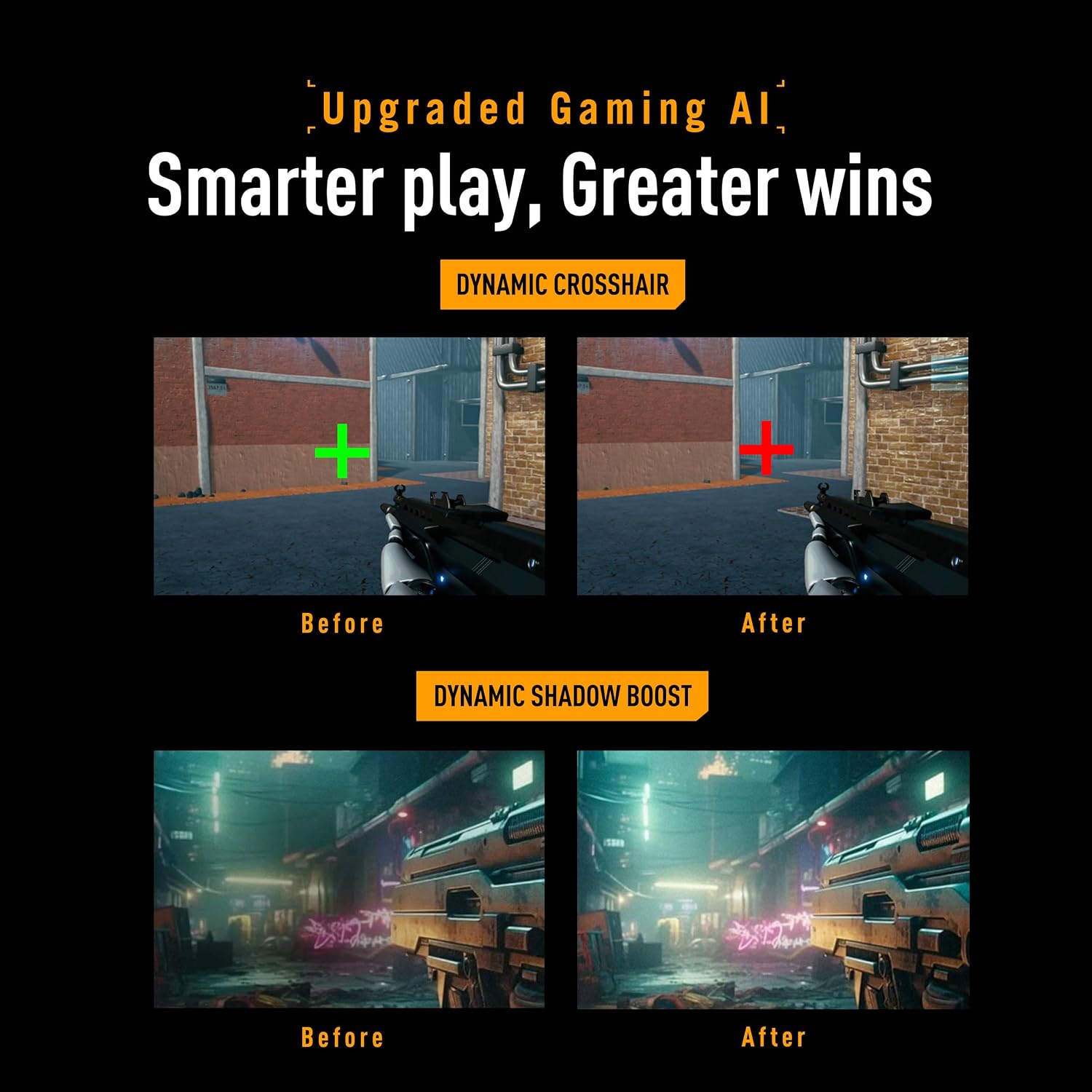
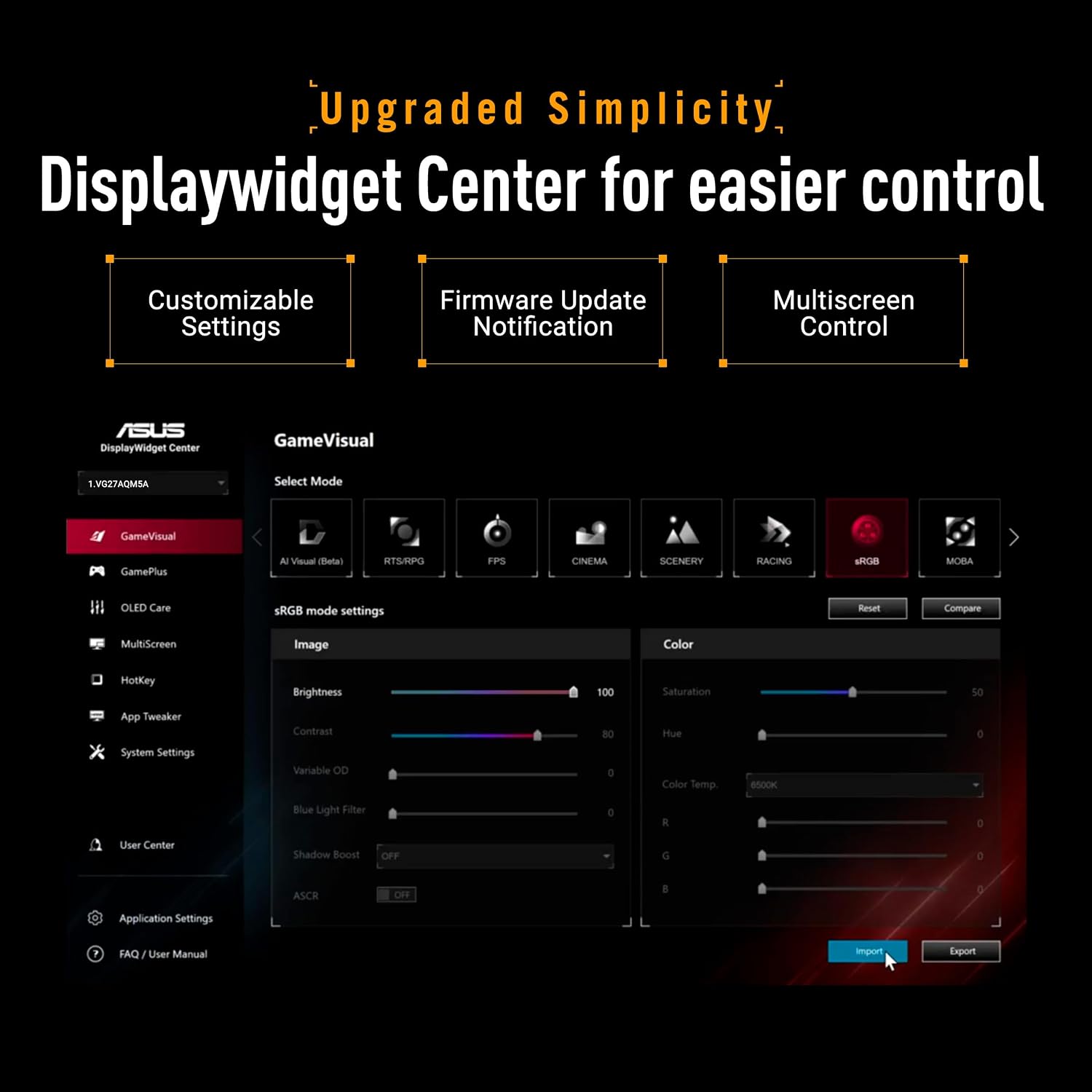
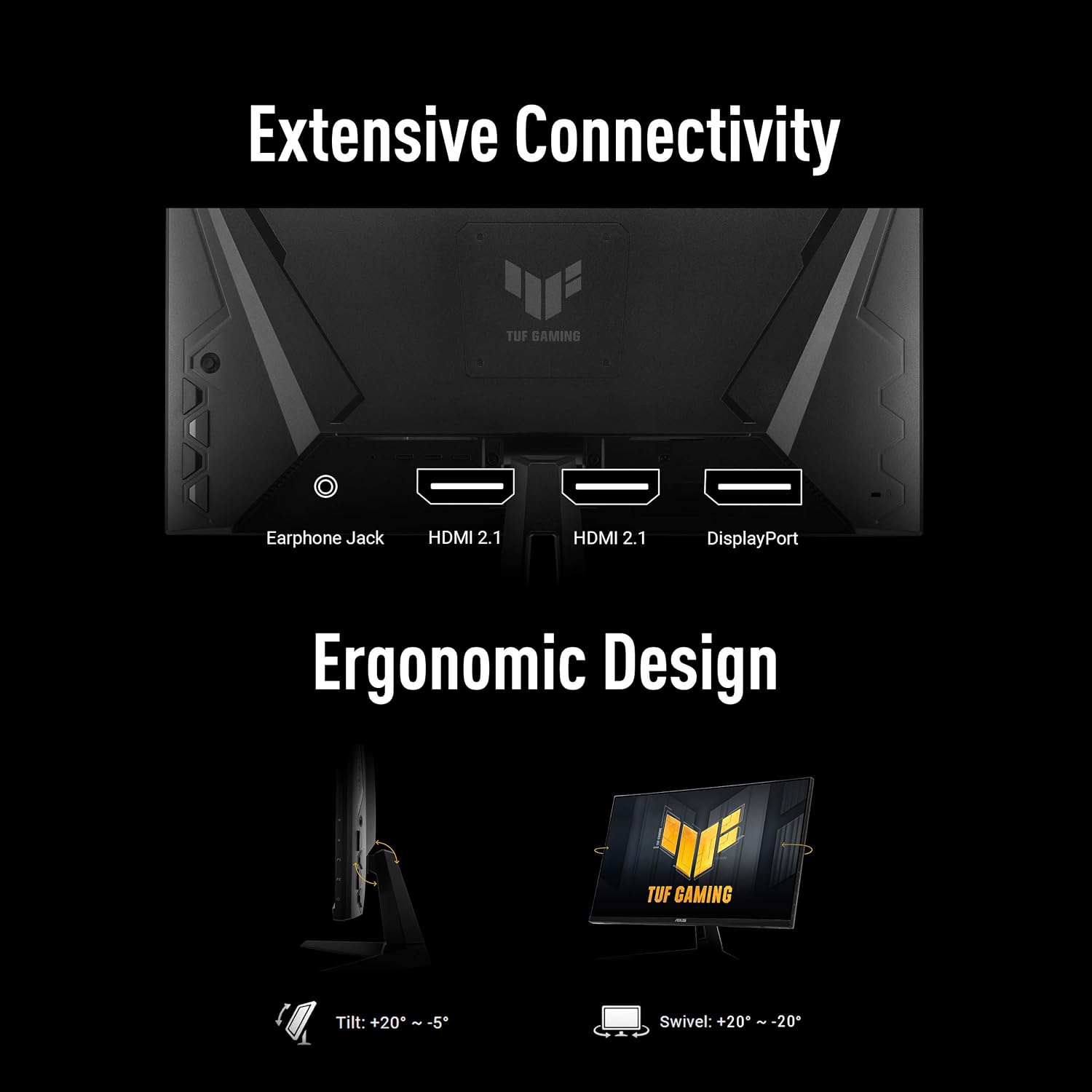
What it is and who it's for\nThe ASUS TUF Gaming VG27AQM5A is a 27-inch gaming monitor in QHD format designed for fast-paced titles and competitive play. If you prioritise high refresh rates and responsive visuals for shooters, racing, or fast action, this model aims to deliver a smooth, fluid experience without sacrificing image clarity.\n\n## Core strengths at a glance\nOn paper, the standout specs are a 27-inch panel with QHD resolution and an impressive 300Hz refresh rate, paired with ASUS Fast IPS to achieve a reported 0.3 ms GTG response time. The combination targets reduced motion blur and improved responsiveness during rapid on-screen action. The display also supports ELMB Sync, enabling simultaneous use of ELMB and VRR technologies to minimise ghosting and tearing, which can be particularly noticeable in high FPS titles. A 95% DCI-P3 colour gamut promises vibrant, cinema-like tones, while built-in stereo speakers offer basic audio without external speakers.\n\n## What stands out in practice\nIf you play fast shooters or eSports titles where every millisecond counts, the 300Hz refresh rate and quick response time are the focal benefits. The ELMB Sync feature is helpful for keeping a sharp image during rapid transitions, assuming your GPU and software support adaptive sync without compromising on image stability. Shadow Boost is designed to reveal detail in dark scenes and brighten overall visibility without blowing out bright areas, which can be useful in grid-based games and darker levels.\n\n## Potential limitations to consider\nNo product is perfect for everyone. While the 300Hz spec is compelling on paper, practical gains depend on your system’s ability to consistently drive high frame rates. Some users may notice diminishing returns beyond certain GPU outputs or prefer higher brightness levels or higher contrast. The inclusion of built-in stereo speakers is convenient, but their sound quality rarely replaces dedicated audio devices for long sessions.\n\n## How it fits different needs\n- For competitive gamers: the high refresh rate and ELMB Sync can help keep visuals smooth and responsive.\n- For immersive single-player experiences: the strong colour coverage (95% DCI-P3) can enhance vibrancy, though lighting and contrast performance will also depend on ambient conditions and panel quality.\n- For mixed use: the DisplayWidget Centre offers in-track adjustments with a mouse, which can simplify setup if you switch between game modes and productivity tasks.\n\n## What to check before buying\nEnsure your graphics card can consistently push high frame rates at QHD to really exploit 300Hz. Consider your desk space and the monitor’s ergonomics if you plan long sessions. If you’re sensitive to motion blur, confirm how ELMB Sync interacts with your preferred games, as some titles may respond differently.\n\n## Practical usage example\nImagine a rapid firefight sprinting across the screen: you’d likely notice smoother transitions and crisper motion with the high refresh rate, while ELMB Sync helps prevent trail artefacts during fast camera pans. In darker maps, Shadow Boost could help you spot enemies lurking in shadows without washing out highlights in bright scenes.\n\n## Quick comparison in context\nIn the market for high-refresh, fast-IPS panels, this monitor sits between mid-range gaming displays and more premium configurations that might offer higher brightness or additional features. It appeals to gamers who want a strong combination of fast response, good colour reproduction, and useful on-monitor tuning tools without stepping into ultra-high-price territory.\n\n## Decision time\n### Is it worth it?\nWorth considering if you prioritise a 27-inch QHD gaming experience with fast response and reduced motion blur, and you want practical on-device controls. If your setup already relies on a capable GPU to sustain very high frame rates, this monitor can be a sensible upgrade. However, if you’re not chasing ultra-fast competitive play or if you value absolute brightness and HDR capabilities, you might prefer alternatives that emphasise those aspects.\n\n## FAQ (practical answers)\n- Can ELMB Sync be used with any game? It’s designed to reduce motion blur, but compatibility and results can vary by title and GPU driver configuration.\n- Do built-in speakers replace a proper sound system? They’re practical for quick audio needs but generally won’t match dedicated speakers or headphones.\n- Is 300Hz overkill for casual gaming? For fast shooters and competitive play, the extra smoothness is beneficial, for slower genres, the difference may be less noticeable.\n