

JSAUX FlipGo Pro 16" Dual Portable Monitors (2.5K) – Dual-screen IPS laptop extender with DisplayLink
Reviews
Price
Product description
What it is and the problem it solves
JSAUX FlipGo Pro is a 16-inch dual portable monitor setup designed to turn a single laptop connection into two screen space on the go. If you regularly work between a desk and travel, or you find one screen just doesn’t cut it for coding, spreadsheets, or document-heavy tasks, this kind of portable dual-screen can make your workflow feel a lot less cramped.
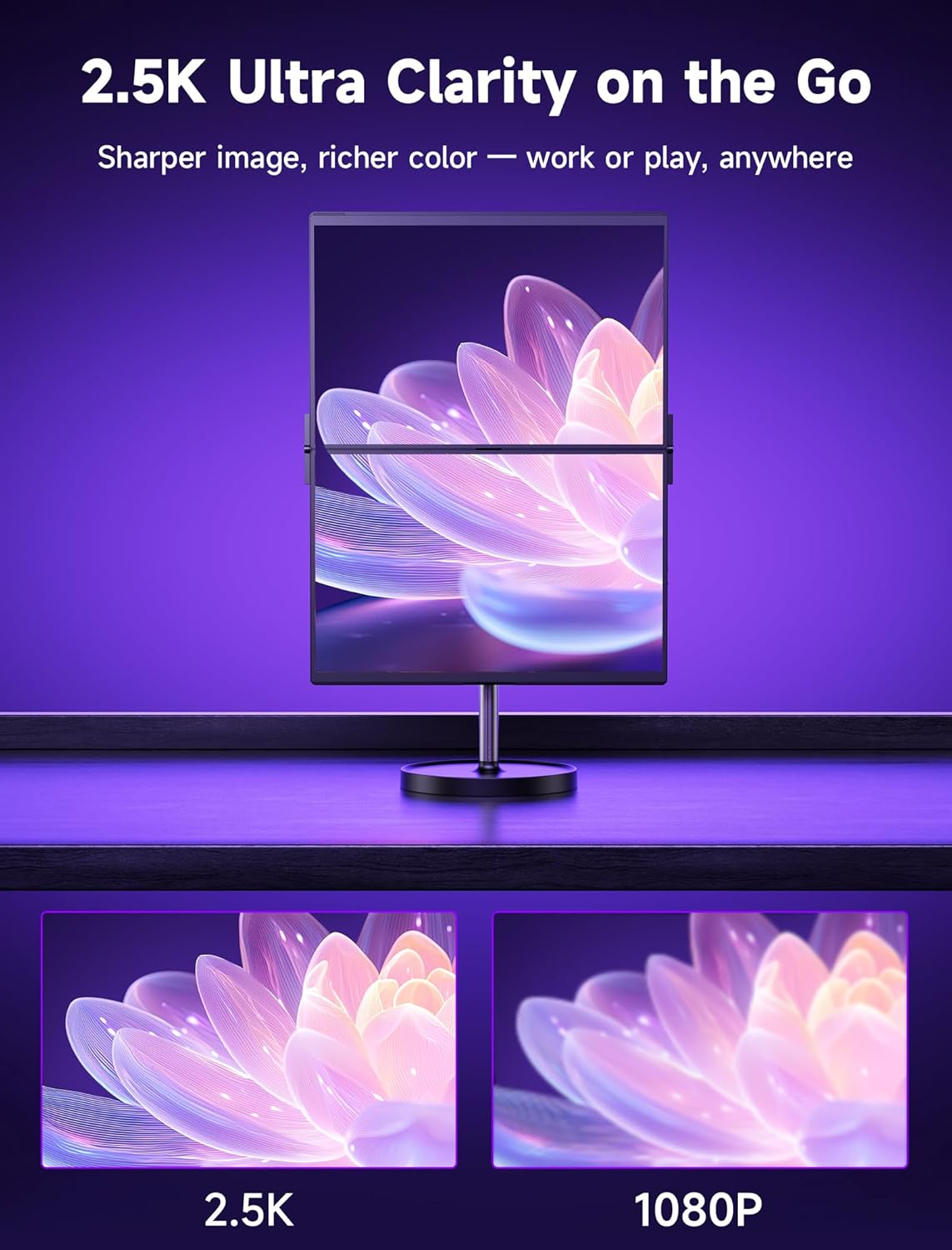
On paper, the appeal is straightforward: two separate 2.5K displays, plus DisplayLink support for a smoother dual-screen experience through a single cable. The “flip” side of the name also points to a travel-friendly concept—something you can pack and relocate without needing a full desktop monitor station.
There are trade-offs to be aware of. Portable dual monitors can never fully replace a proper desktop multi-monitor setup for graphics-heavy work, and you’ll still want to think about brightness comfort and how much desk space you truly have.
The essentials (key features that matter day to day)
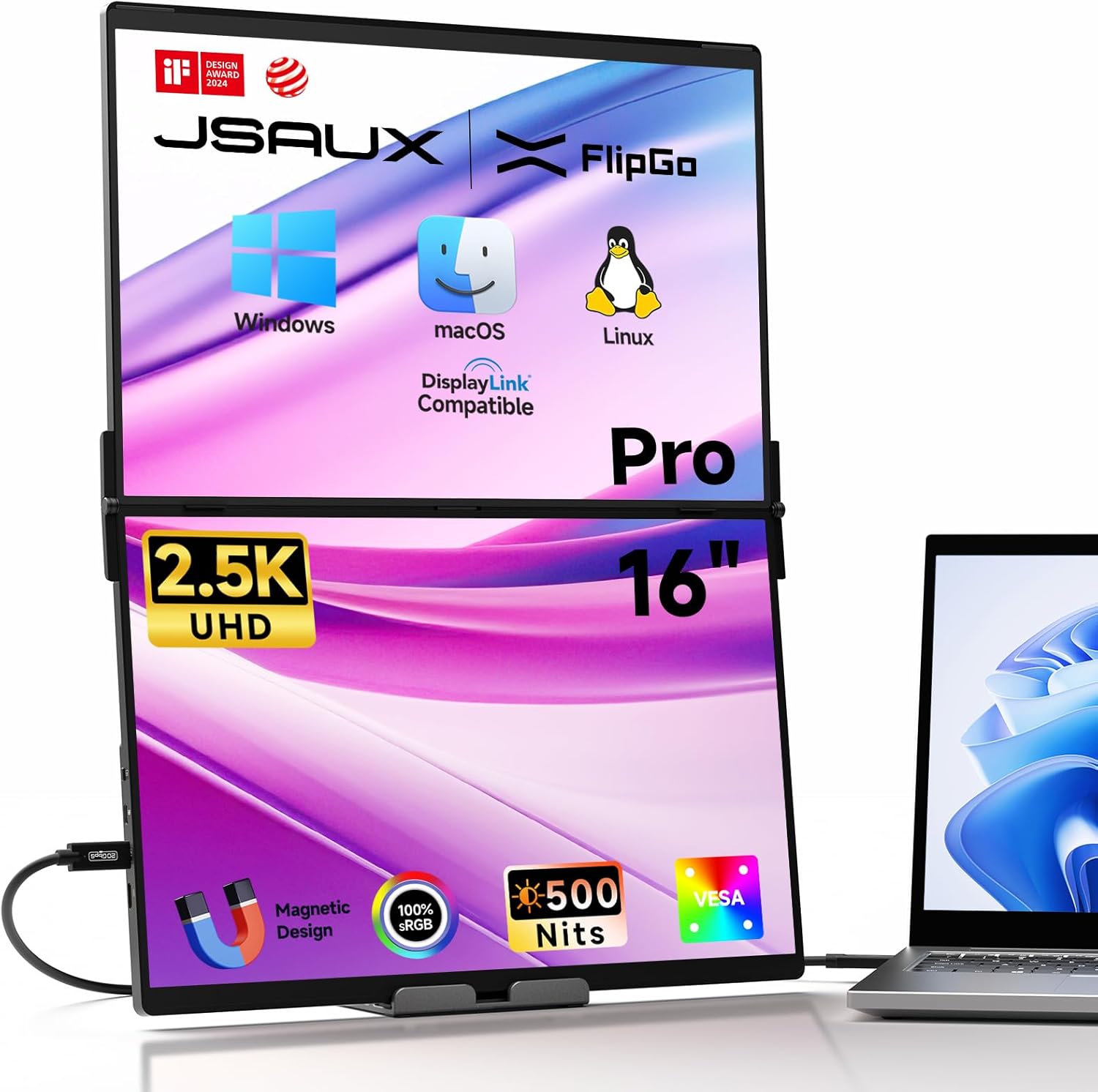
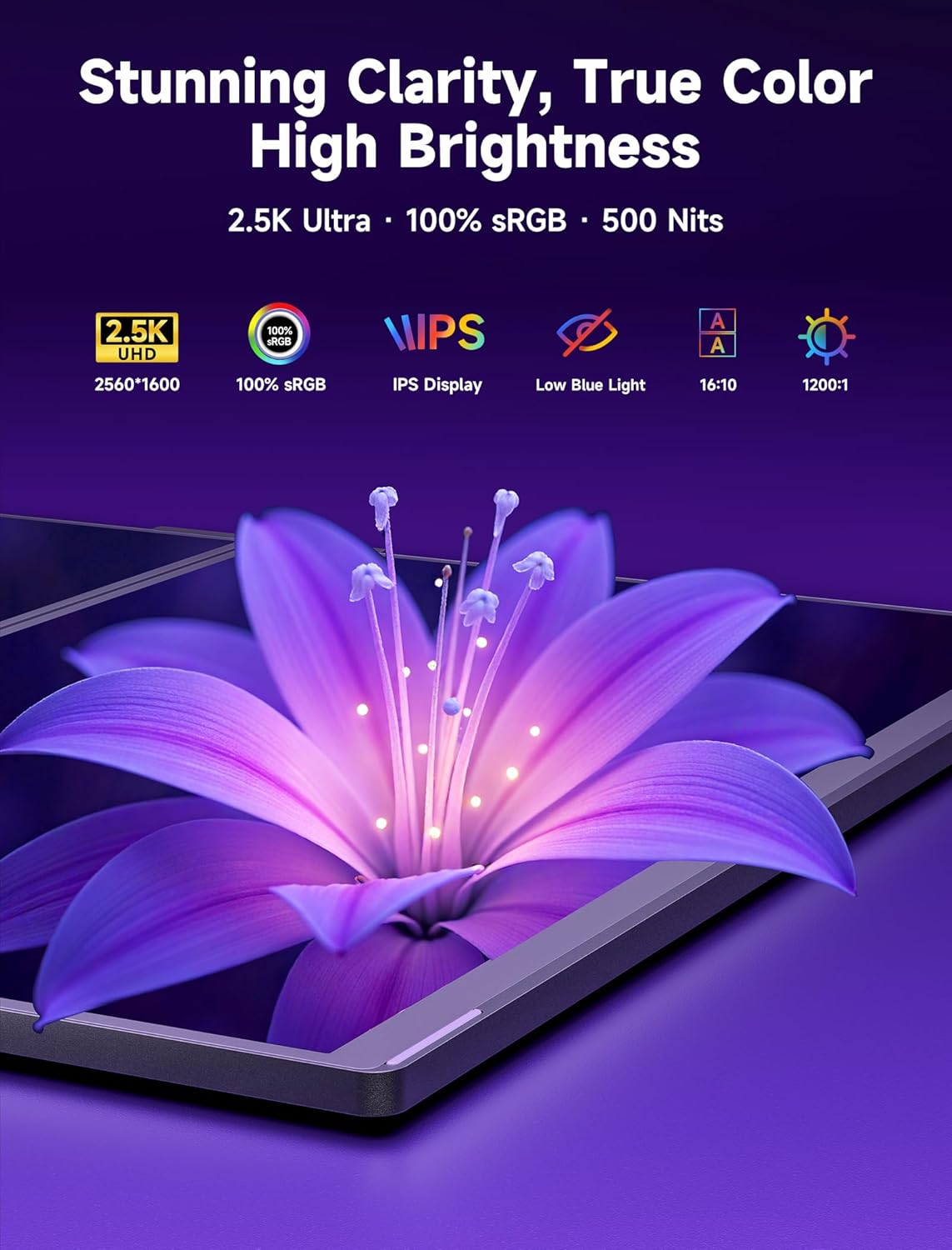
The FlipGo Pro focuses on a usable, office-friendly visual experience. It includes two 2.5K displays with a 16:10 aspect ratio and a stated 100% sRGB colour gamut, which is useful if you care about colour staying reasonably consistent for everyday tasks. It’s also described with flicker-free technology and low blue light, aimed at reducing eye strain during longer sessions.
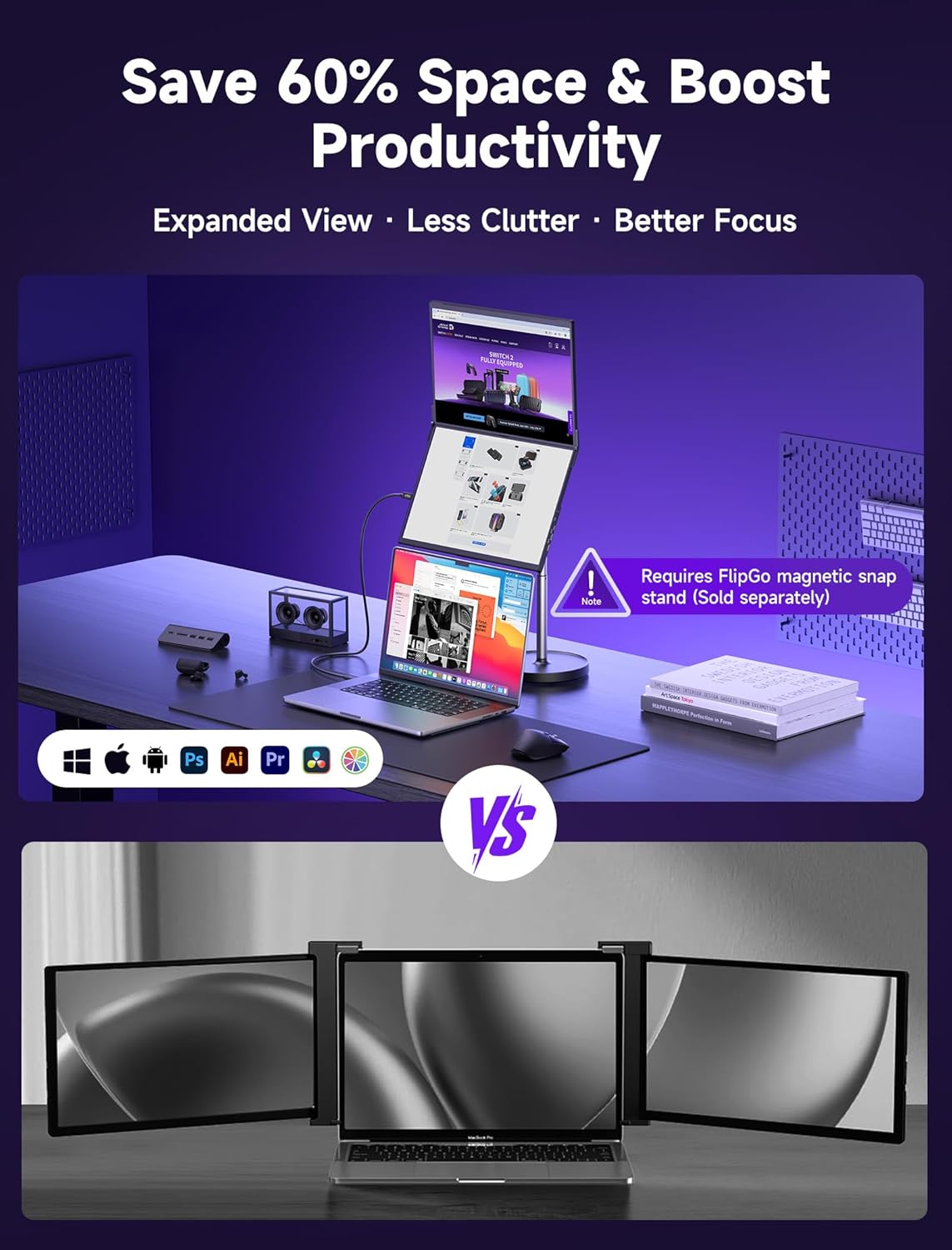
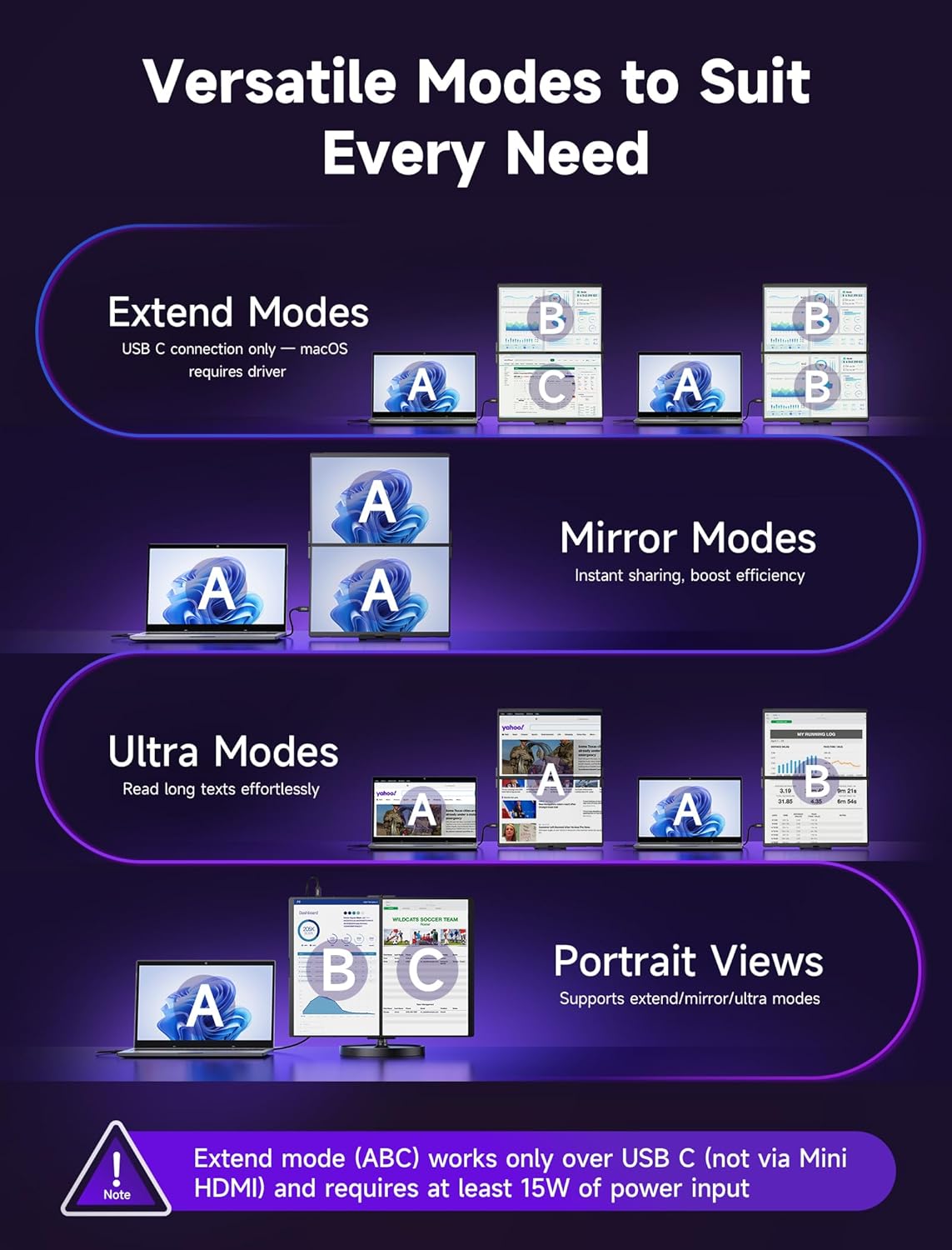
For multi-tasking, it offers three display modes: “Ultra Views”, “Stacked Views”, and “Portrait Views”. Those modes are the kind of detail that matters if you switch between work styles—wide layouts for reference material, overlapping windows when you’re comparing things, or side-by-side views for tasks that benefit from keeping two sources visible at once.
One practical detail is the note about the mini HDMI port: it’s only described as supporting Ultra Views and Stacked Views. So if you’re relying on all three modes via that port, you’ll want to check how your setup uses connections.
Connectivity, cables and charging approach
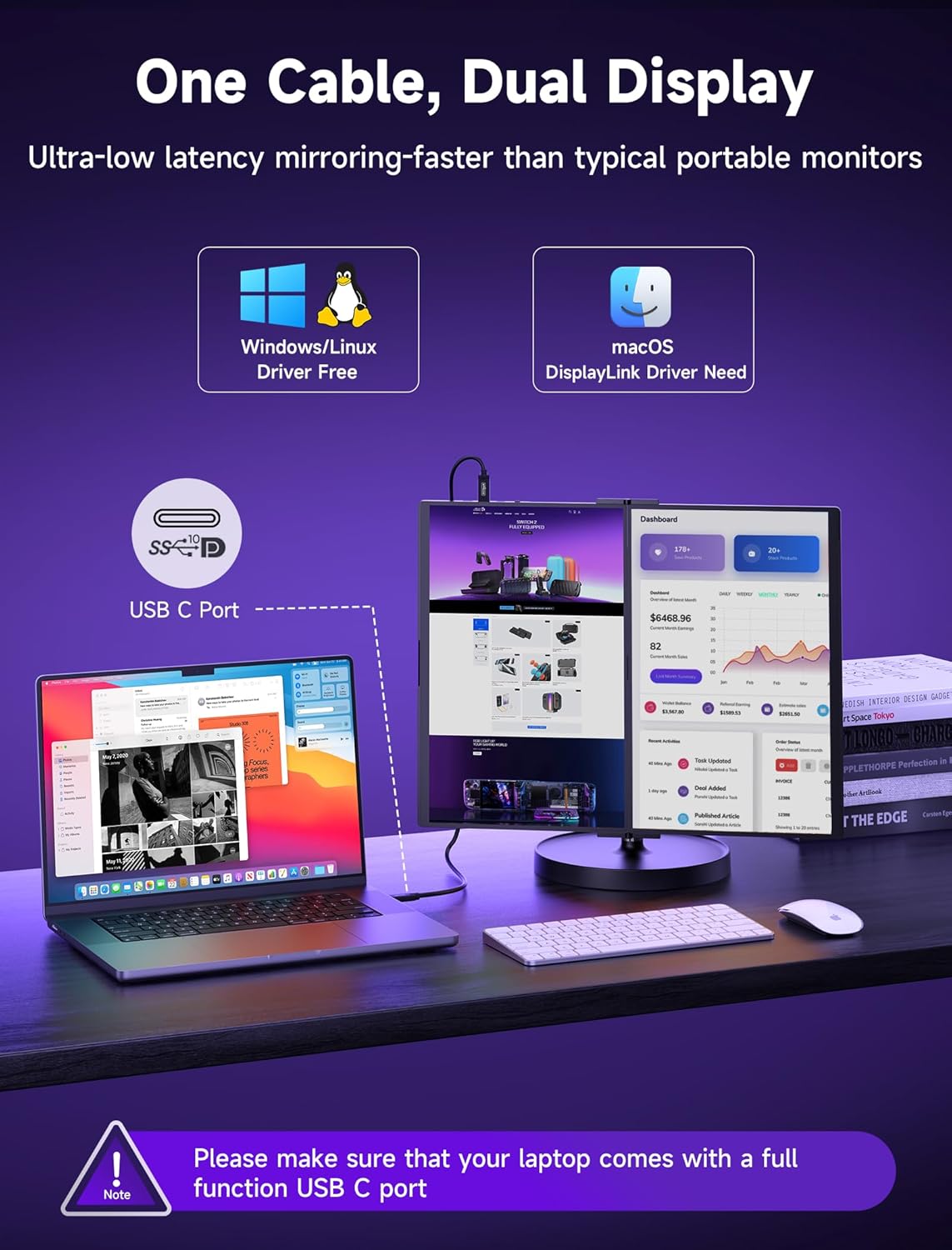
If you want less cable clutter, the single-cable idea is a big part of the design. The monitor is described as running on a single USB C cable to power the dual-screen connection for Windows/macOS systems.
It also includes a charging pass-through concept: the monitor can power your laptop via the Type C port when connected to a power source of 65W or more. In plain terms, that can help reduce the number of separate chargers you’re carrying—especially when travelling with a compact laptop power setup.
It’s worth setting expectations: charging behaviour depends on your laptop and the power delivery conditions, and the entry doesn’t spell out every scenario. So it’s smart to double-check your laptop’s charging requirements and whether your power source truly meets the stated 65W-or-more condition.
Ports and built-in hub for common add-ons
This portable monitor extender includes a built-in hub. The entry lists: USB Type C display port, USB Type C power port, mini HDMI port, and two USB 2.0 ports, plus multi-function buttons.
This is handy for everyday peripherals—things like a mouse dongle or a basic USB accessory—so you’re not constantly hunting for extra ports on your laptop. That said, USB 2.0 is more suitable for low-bandwidth devices (rather than fast storage), so consider your typical gear.
Magnetic attachment and stands (what you’ll actually notice)
The back of the FlipGo Pro uses a magnetic design intended for attaching stands and accessories. It’s described as having four N52 magnet sets to help with portability and stability.
There’s also a note about stands: a portable stand is included, while magnetic stands are sold separately. If you’re expecting a specific stand configuration, it’s worth confirming what comes in the box versus what you may need to purchase separately.
In use, the magnetic approach can be convenient—especially when setting up and packing down repeatedly for work trips. Still, magnets can be sensitive to placement and how you handle the unit in transit, so treat it like a precision accessory rather than a bare-bones screen.
Who it suits, and who should think twice
It suits you if you want a travel-oriented dual-screen setup for productivity tasks—programming, business work, multi-window research, and general day-to-day office use—while keeping the setup portable and powered through a single main connection.
It may not be the best choice if you’re expecting a “desktop replacement” experience for demanding graphics work, or if you need absolute flexibility with all display modes through every port option. Also, if you’re very sensitive to brightness in mixed lighting, note that brightness is stated at 500 nits, which should be workable for many typical environments but isn’t the highest tier for very bright rooms.
Tech specs
- Name: JSAUX FlipGo Pro 16" Dual Portable Monitors
- Type: Portable dual-screen monitor extender for laptops
- Display: Dual 2.5K displays
- Aspect ratio: 16:10
- Colour gamut: 100% sRGB
- Brightness: 500 nits
- Contrast ratio: 1200:1
- Technology: Flicker-free, low blue light
- Display modes: Ultra Views, Stacked Views, Portrait Views
- Connectivity: DisplayLink, single USB C cable (Windows/macOS systems)
- Ports listed: USB Type C display port, USB Type C power port, mini HDMI port, two USB 2.0 ports
- Magnetic design: N52 magnet sets, magnetic attachment for stands/accessories
- Stand notes: Portable stand included, magnetic stands sold separately
- Award mention: iF Design Award 2024 and Red Dot Design Award
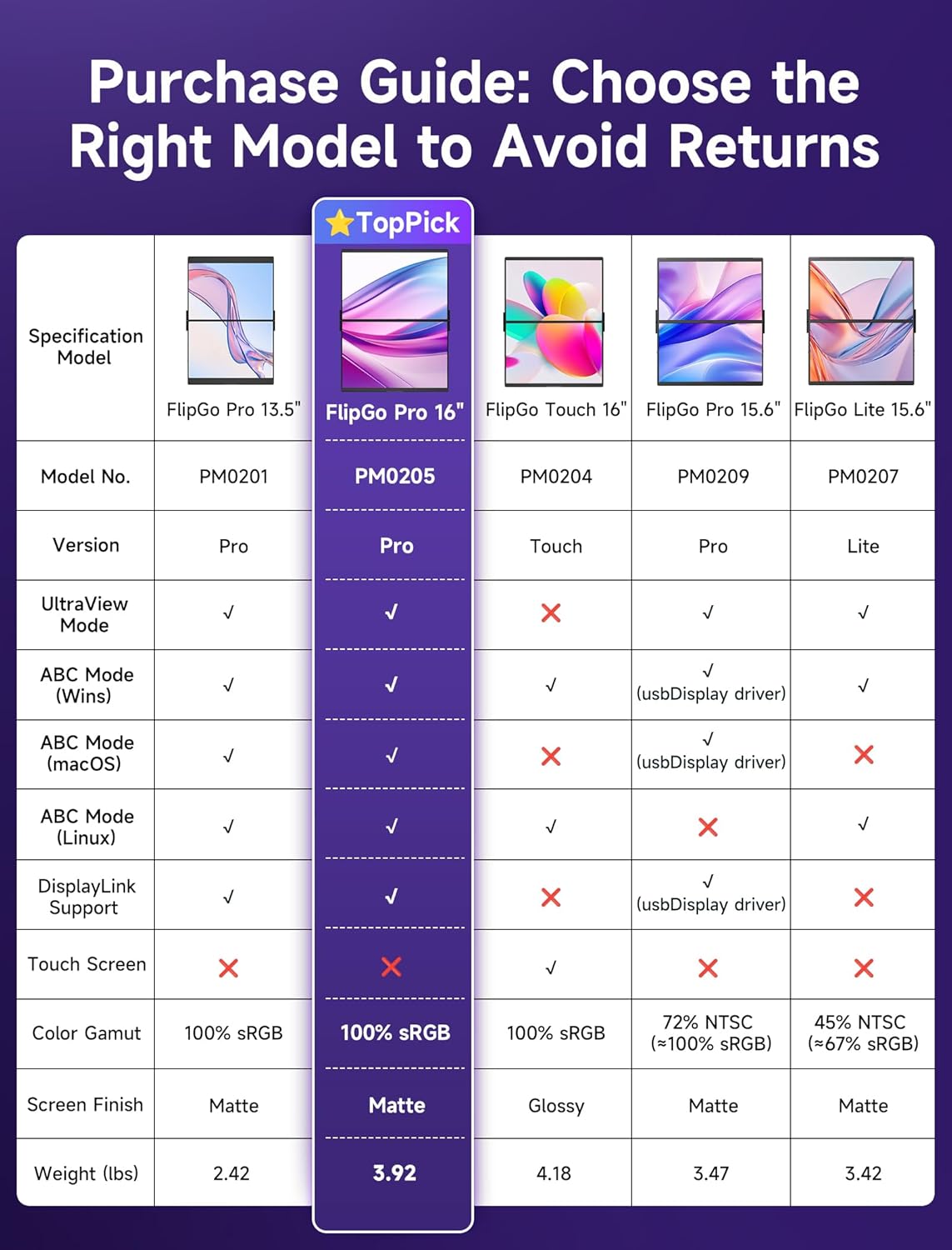
- Model guide note: FlipGo series includes PM0201, PM0204, PM0205, PM0207, PM0209 (choose by your needs)
Is it worth it?
Worth considering if you want two 2.5K screens in a laptop-friendly format, and you value having a single-cable setup with DisplayLink plus multiple display modes for different kinds of multitasking.
It might not be a great match if you mainly need one simple extra screen, or if your setup depends on using the mini HDMI port for every mode. You’ll also want to be realistic about portability vs. a full desktop workstation, and make sure the power and charging pass-through idea lines up with how you travel and what power source you carry.
Quick FAQ
FAQ
Does it work with Windows and macOS?
The entry states support for Windows and macOS systems.
Do I need more than one cable for dual-screen output?
The description says it requires just a single USB C cable to light up two screens for Windows/macOS.
Can it charge my laptop?
It’s described as able to power your laptop via the Type C port when connected to a power source of 65W or more, which may help extend battery life, depending on your setup.
Are all stands included?
A portable stand is included, but magnetic stands are sold separately.
Will all display modes work through mini HDMI?
The entry specifically notes that the mini HDMI port supports only Ultra Views and Stacked Views.