


Dell 24 Monitor SE2426HS review: solid everyday display with fast 144Hz IPS
Reviews
Price
Product description
What it is and the need it serves
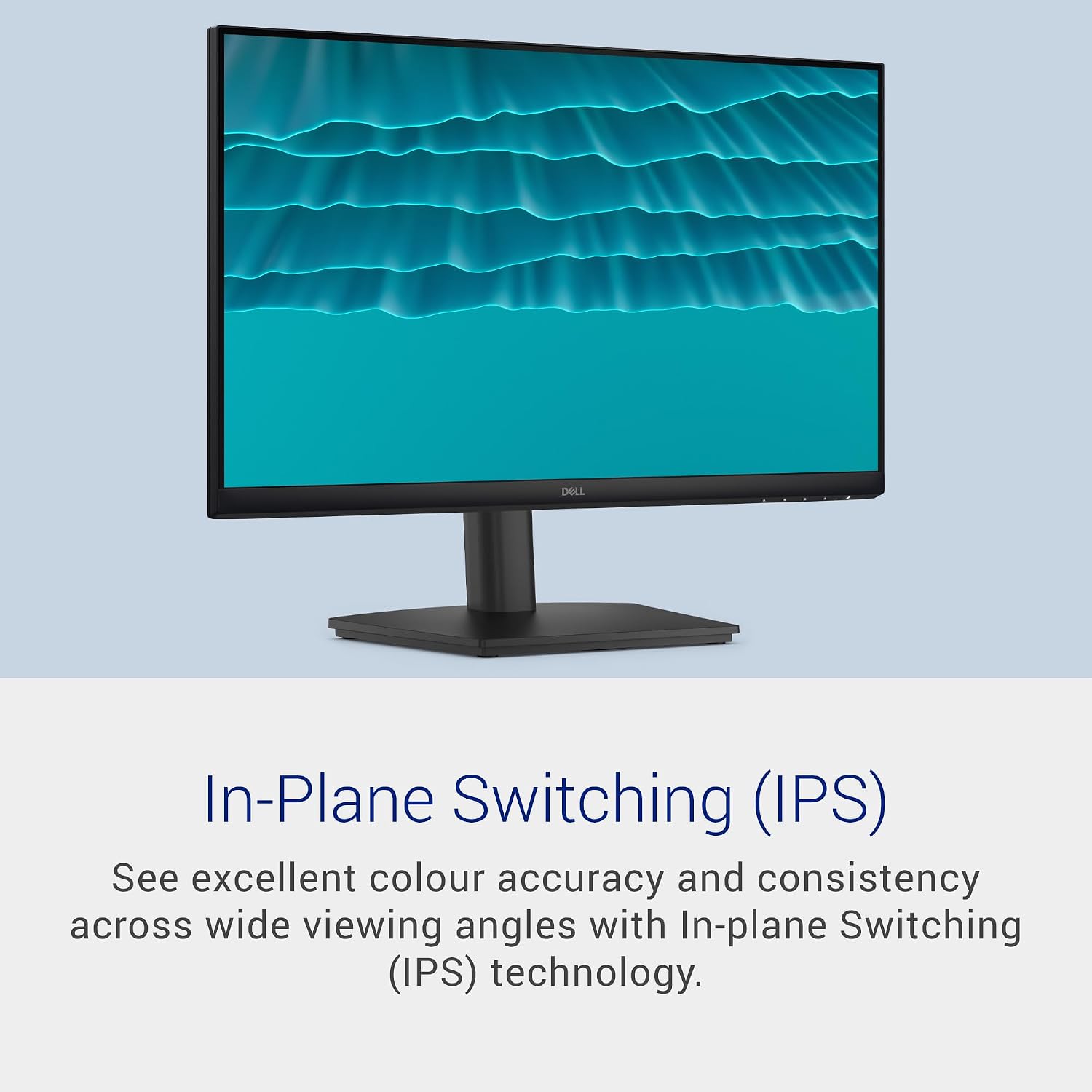
The Dell 24 Monitor SE2426HS is a 24-inch Full HD display designed for everyday use with a focus on smooth motion and comfortable viewing. It combines an IPS panel for accurate colours with a 144Hz refresh rate and a 1ms MPRT response time, making it a more responsive option for casual gaming and fast-paced content compared with standard 60Hz screens. The stand is height-adjustable and tiltable, and the monitor supports VESA mounting, which helps you tailor your setup whether you’re at home or in a small office.
On paper, what stands out
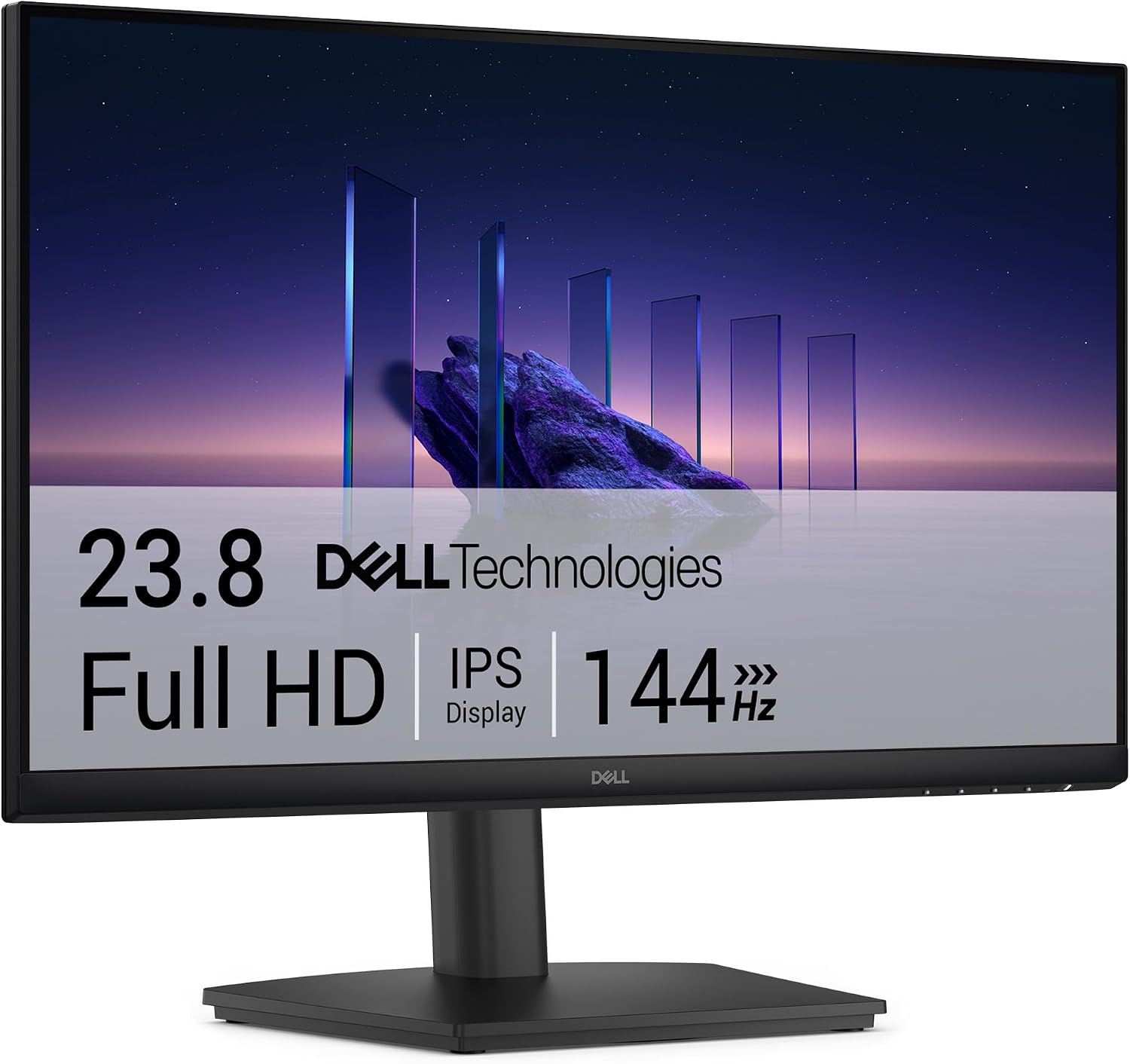
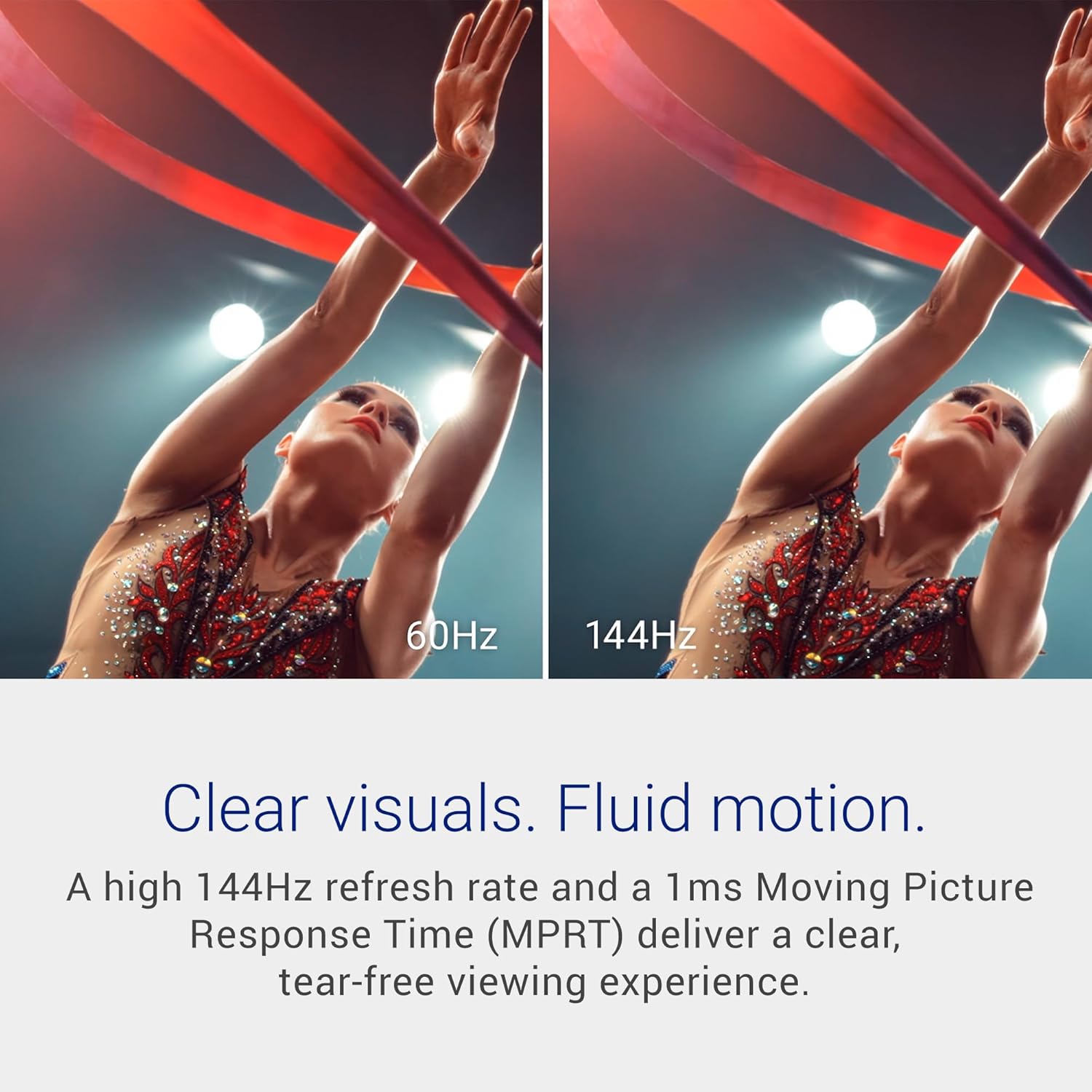
For many buyers, the combination of IPS colour fidelity and a higher refresh rate is what catches the eye. The SE2426HS includes AMD FreeSync to reduce tearing and stuttering, which can improve the feel of motion when watching streams or playing lighter titles. TÜV Rheinland-certified eye comfort with ComfortView Plus seeks to reduce blue light exposure without sacrificing colour accuracy, a practical bonus for long sessions.
Pros and what makes it work in real life
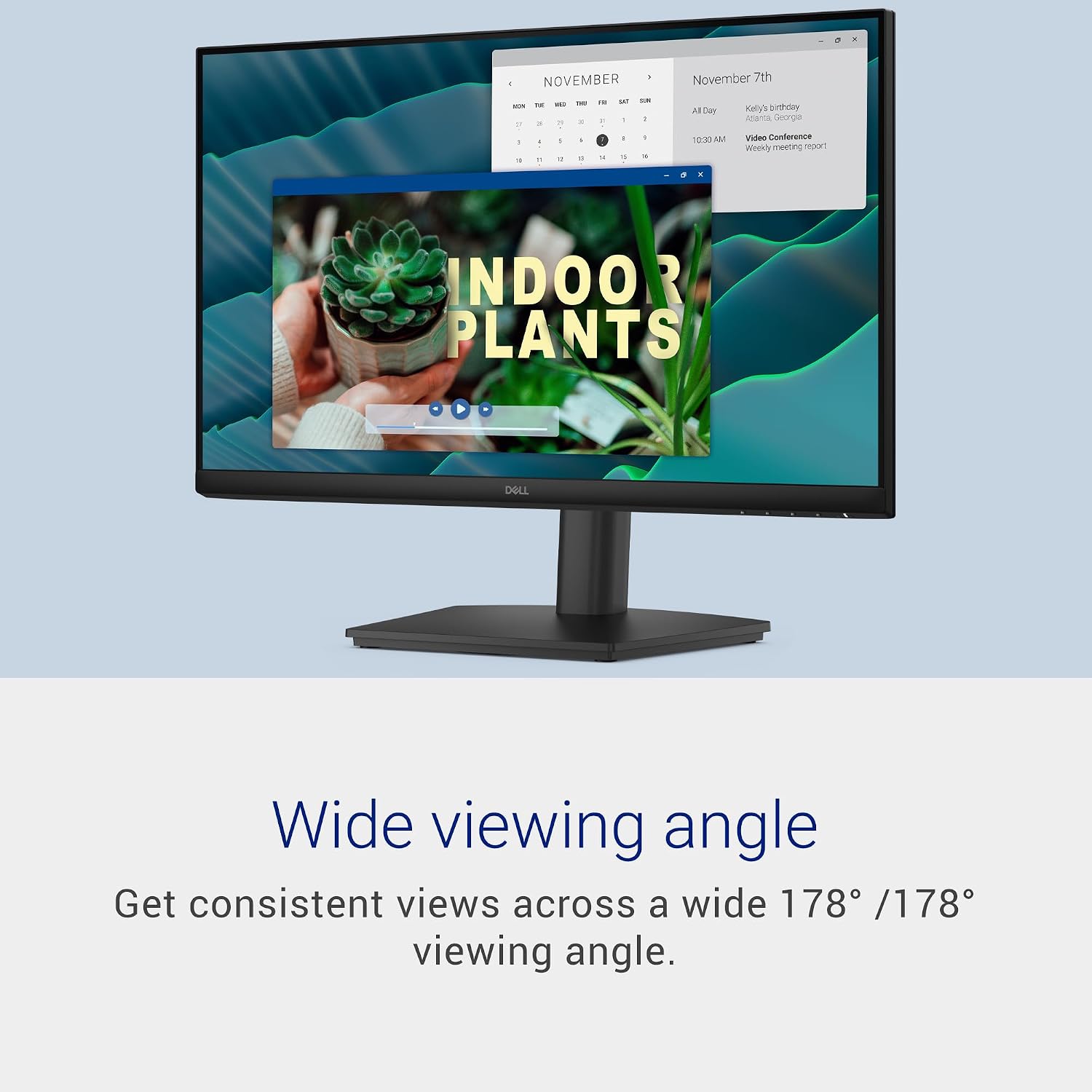
- IPS panel promises wide viewing angles and decent colour consistency, useful when sharing the screen or working with multiple documents.
- 144Hz refresh rate paired with 1ms MPRT can deliver smoother motion in fast-paced tasks and casual gaming.
- Eye comfort features provide a more forgiving screen for late shifts or afternoon sessions.
- Flexible mounting options: height adjustment, tilt, and VESA compatibility enable ergonomic alignment and desk organisation.
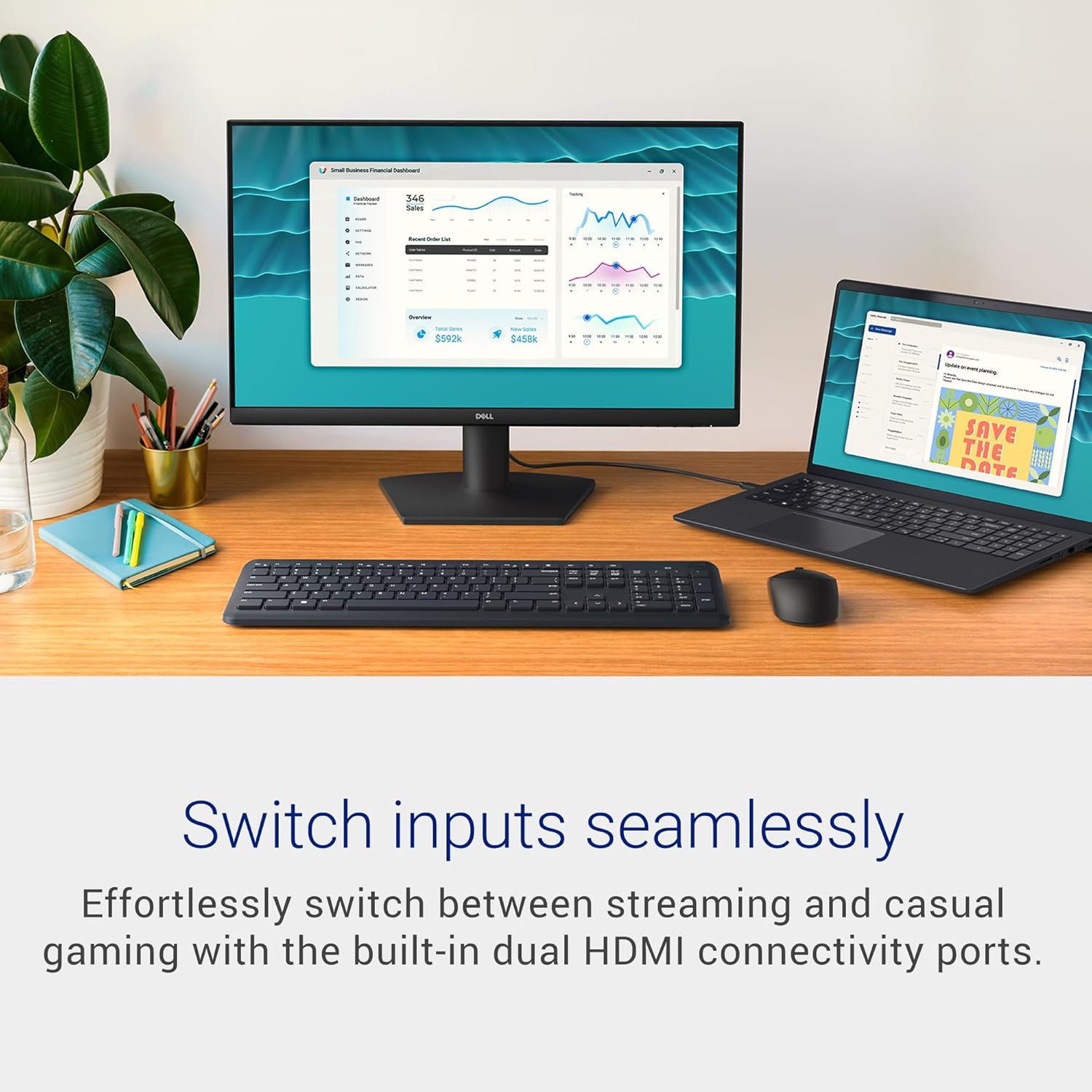
- Practical connectivity: two HDMI ports simplify switching between devices like a PC and a console or laptop.
- The manufacturer backs it with a 3-year warranty, which adds peace of mind for a budget-friendly purchase.
Cons or limitations to consider
- It remains a Full HD 1080p display, so you won’t gain extra detail beyond this resolution even at 24 inches, higher resolutions justify pricier options if you require sharper text or more screen real estate.
- While 144Hz is stimulating, the real advantage depends on your hardware and the types of tasks you run. If most use is office work or streaming, the benefit may be less noticeable than in competitive gaming.
- The set-up assumes you can make use of both HDMI ports, if your setup relies on alternate inputs, you may need adaptors.
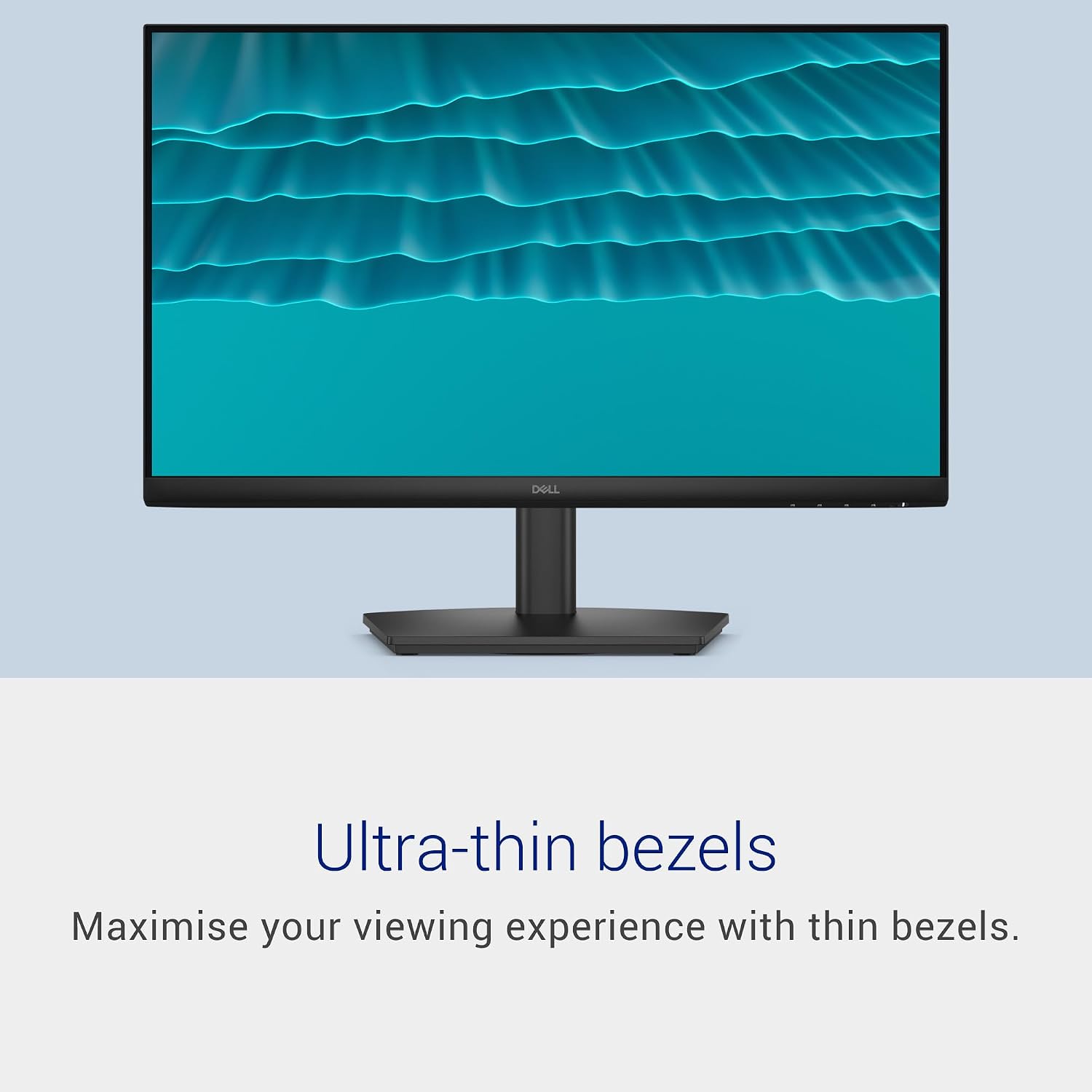
- The aesthetic is functional rather than premium, and the bezels are slim but not edge-to-edge premium in feel.
Who it’s for
This screen is well-suited to casual gamers who want smoother motion and better colours than a budget 60Hz panel, mixed-use users who need comfortable viewing for long sessions, and anyone setting up a compact desk with flexible mounting needs. If you value ergonomic adjustability, decent colour accuracy, and a processor-free plug‑and‑play experience, this monitor fits that brief.
Who it isn’t ideal for
If your primary priority is ultra-high resolution or colour-critical work (like professional photo or video editing), a higher-resolution panel or better calibration options may be preferable. Those chasing the latest HDR performance or a more premium build might also look elsewhere. And if you require a broad selection of ports beyond HDMI, this model’s connectivity is modest by today’s standards.
When does it make sense to buy
If you prioritise a balance of cost, motion clarity, and ergonomics for everyday tasks or light gaming, the SE2426HS provides a practical set of features. It’s particularly sensible if you want a screen that adapts to different work or living spaces thanks to height adjustability and VESA support, while keeping a straightforward, reliable interface.
What to check before buying
- Confirm your graphics card and cables can exploit 144Hz at 1080p to ensure you don’t miss out on the higher refresh rate.
- Consider your desk height and whether you’ll benefit from the full range of the stand’s adjustability.
- If colour accuracy matters for you, plan for basic calibration after setup to get a comfortable starting point.
Practical example of use
Imagine a typical home office where you switch between coding, spreadsheets, and weekend game streams. You’ll appreciate the IPS colours when editing photos or creating graphics in your spare time, and the 144Hz refresh helps keep motion smooth during a fast-paced game or quick video cuts.
How this compares to the buying approach
This monitor sits in a pragmatic corner of the market: more capable than entry-level 60Hz displays, but without the premium price tag of higher-resolution or higher-end gaming panels. If your aim is to upgrade from a basic office screen without jumping to high-end hardware, it’s a sensible middle ground.
Final decision
Should you buy it? It makes sense if you want a versatile 24-inch monitor with decent all-round performance, adjustable ergonomics, and reliable warranty support for everyday use and casual gaming. It may not be the best option if you need ultra-high-resolution text clarity, extensive ports, or top-tier HDR.
Quick FAQ
- Do you need a high-end GPU to enjoy 144Hz on this monitor? Not necessarily, you’ll benefit most if your system can sustain higher frame rates, but you’ll still see smoother motion with compatible content.
- Is the eye comfort feature worth it for long work sessions? For many users, yes, as it aims to reduce blue light without compromising colour, though individual perception varies.
- Can I mount it on a wall or arm? Yes, thanks to VESA 100x100mm compatibility, provided you have a compatible wall mount or arm.