

PHILIPS 34E1C5600AM 34-Inch Curved UW-QHD Monitor
Product description
What this monitor is and what it’s for
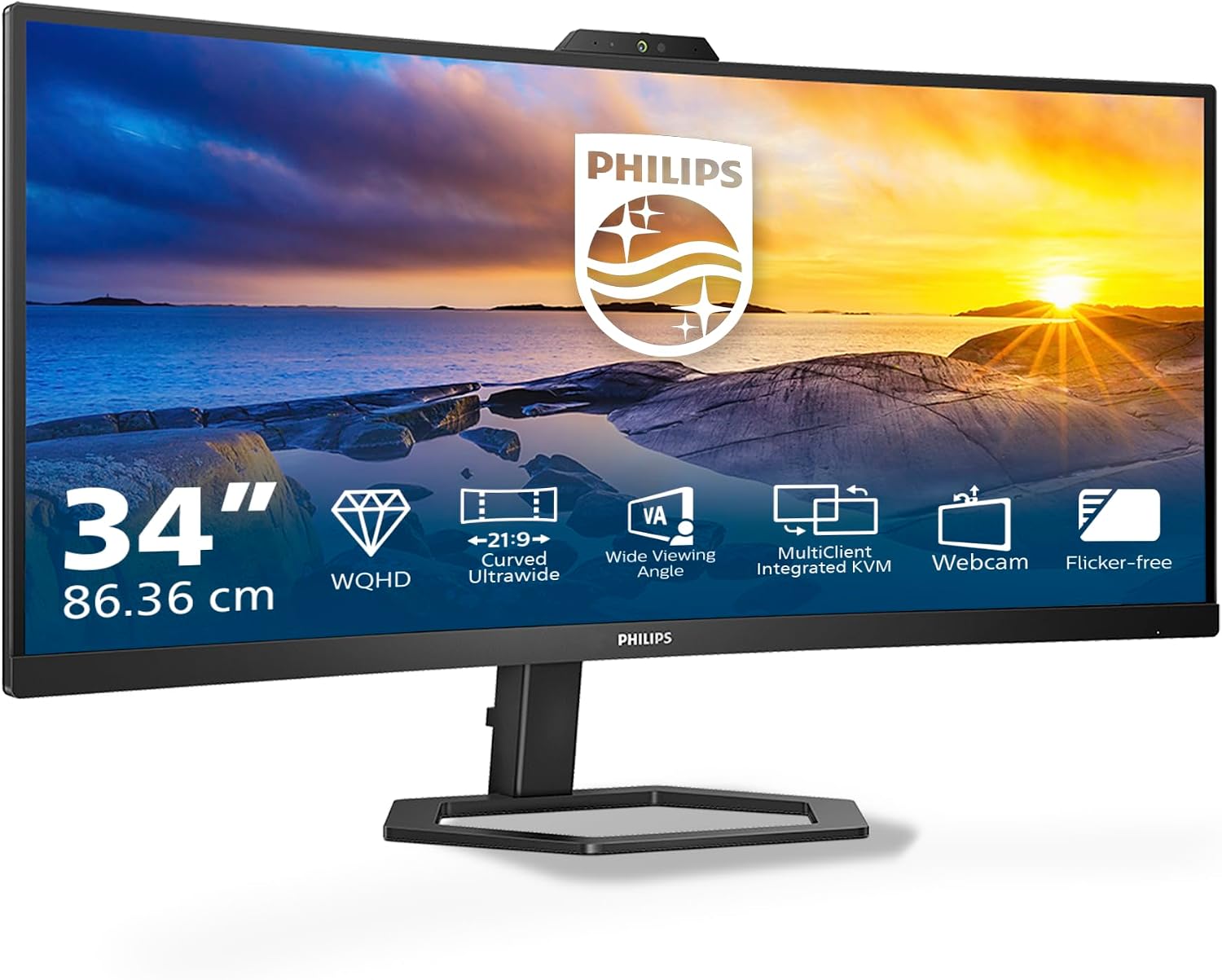
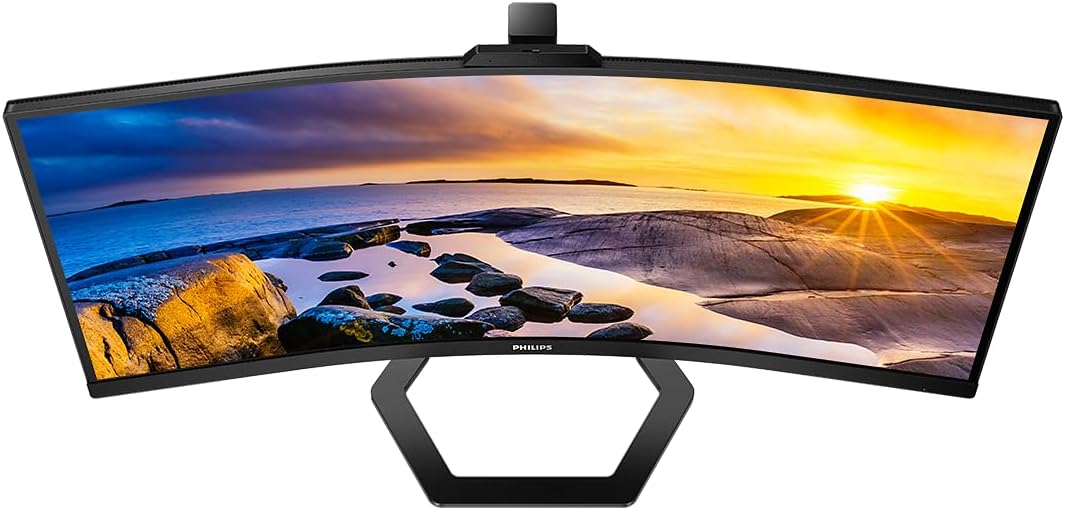
The Philips 34E1C5600AM is a 34-inch curved monitor designed for desktop setups that blend work and multimedia. With UW-QHD resolution (3440x1440) on a VA panel, it aims to deliver wide screen real estate and immersive viewing for productivity tasks, creative work and casual entertainment. The built‑in webcam with a noise‑cancelling microphone targets collaboration needs, while the built‑in stereo speakers offer basic multimedia playback without extra hardware. A key feature is MultiView, which allows dual connection and viewing at the same time, helping you keep reference material on one screen while you work on the other. The LowBlue mode and flicker‑free design are included to reduce eye strain during long sessions. On paper, it’s a practical, all‑in‑one display for a modern desk setup.
What to know about the design and ergonomics
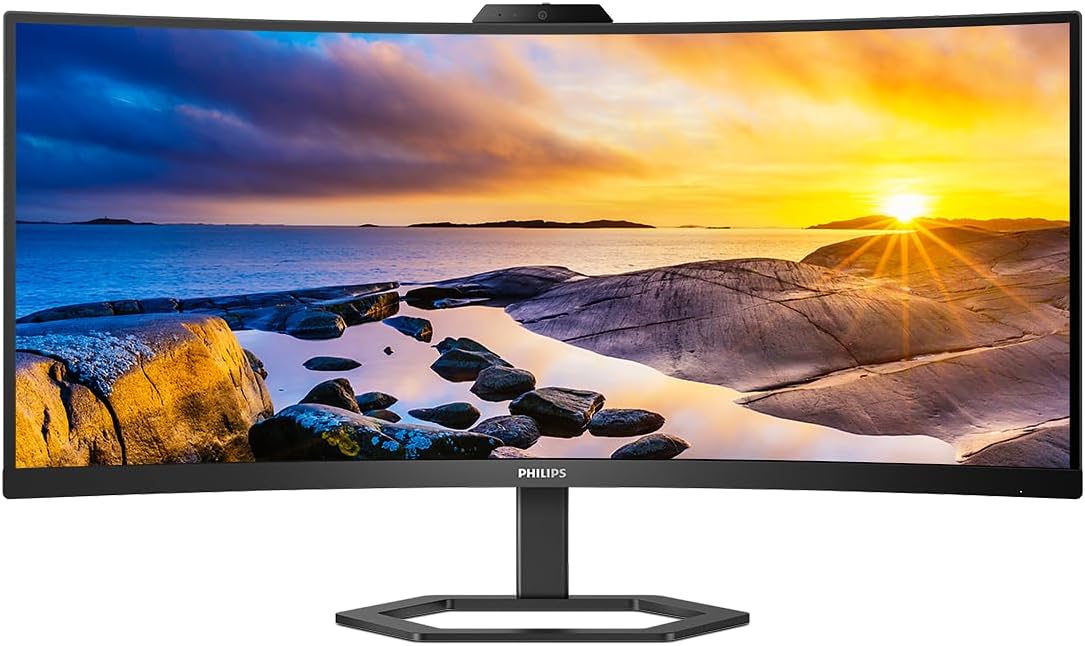
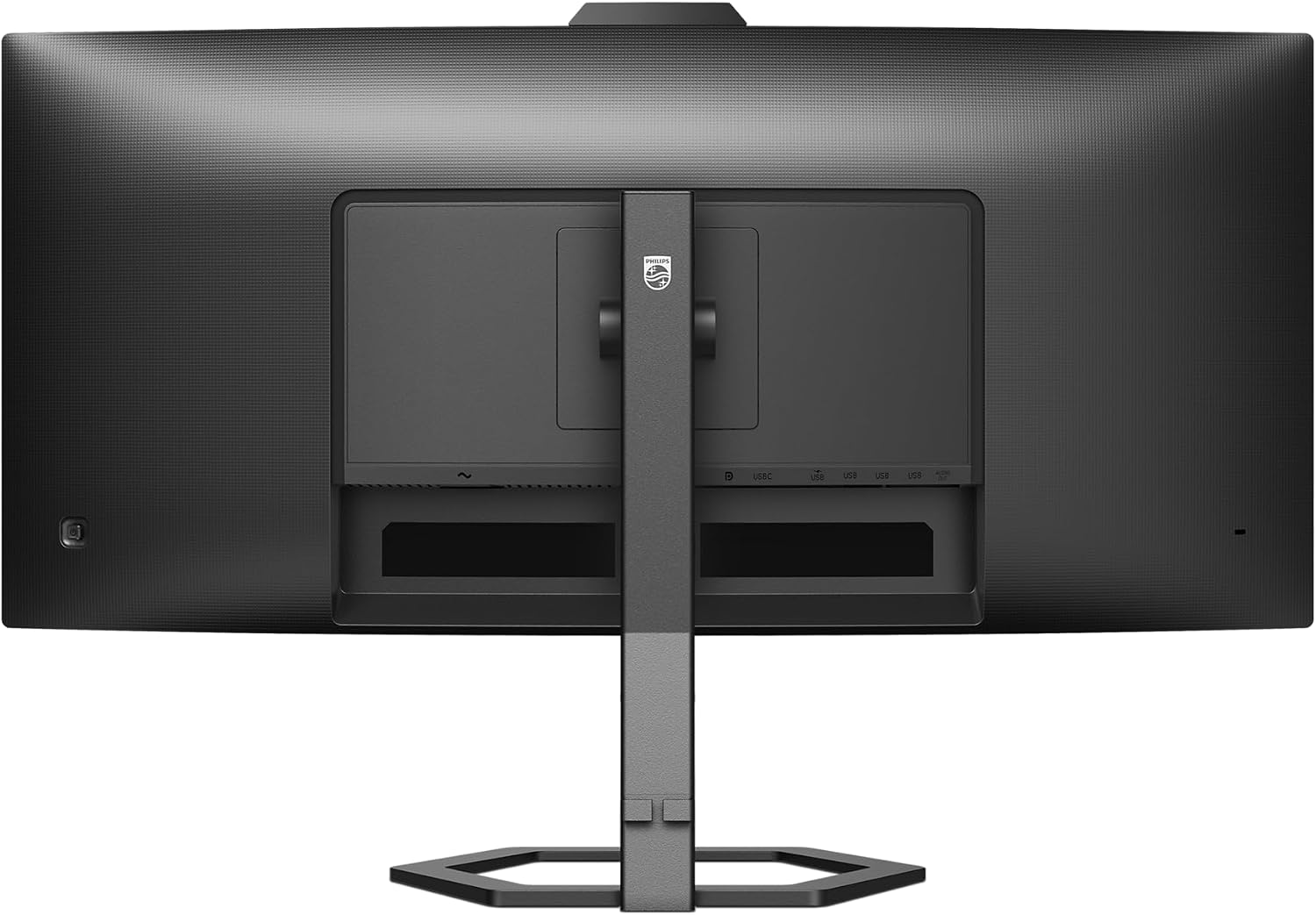
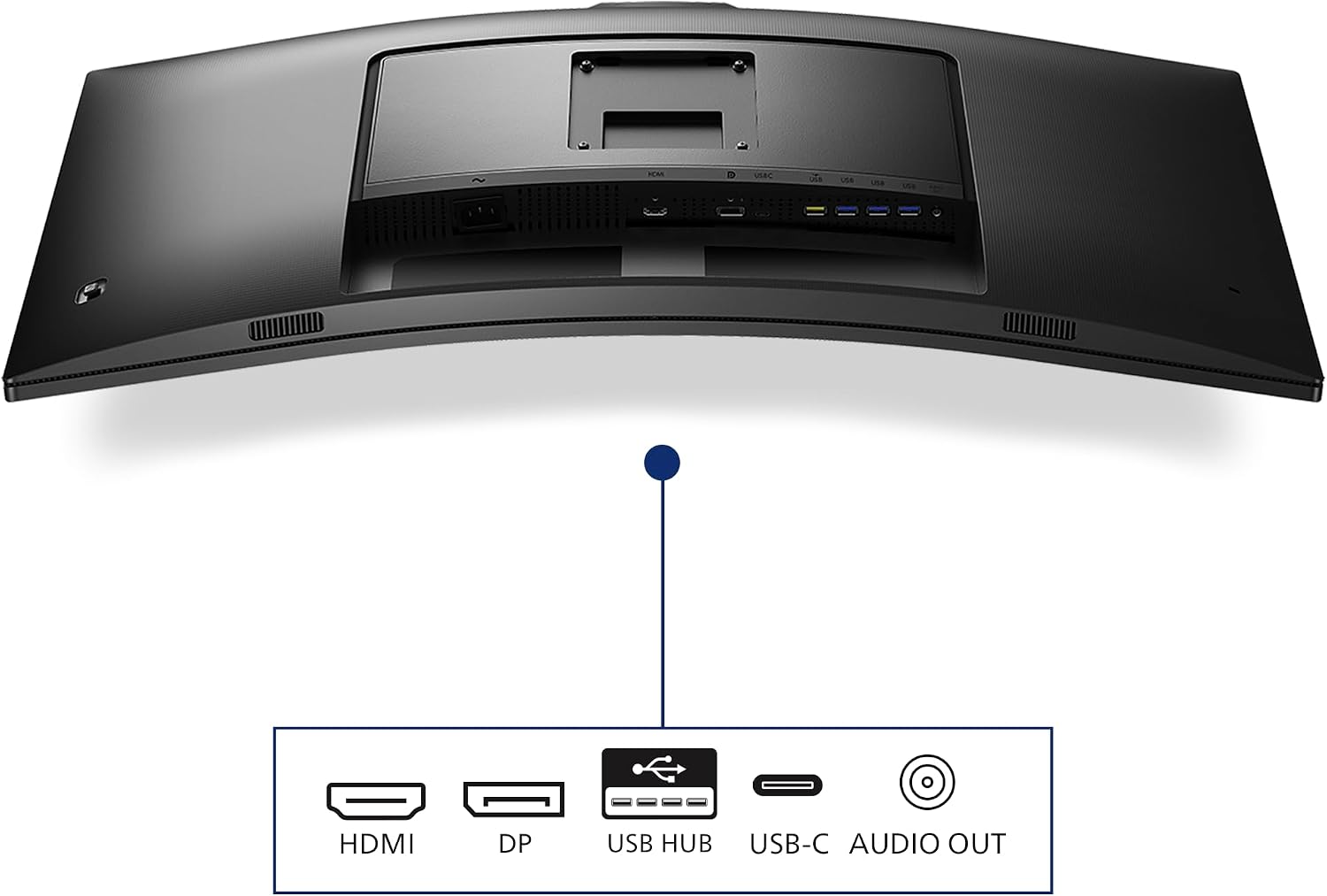
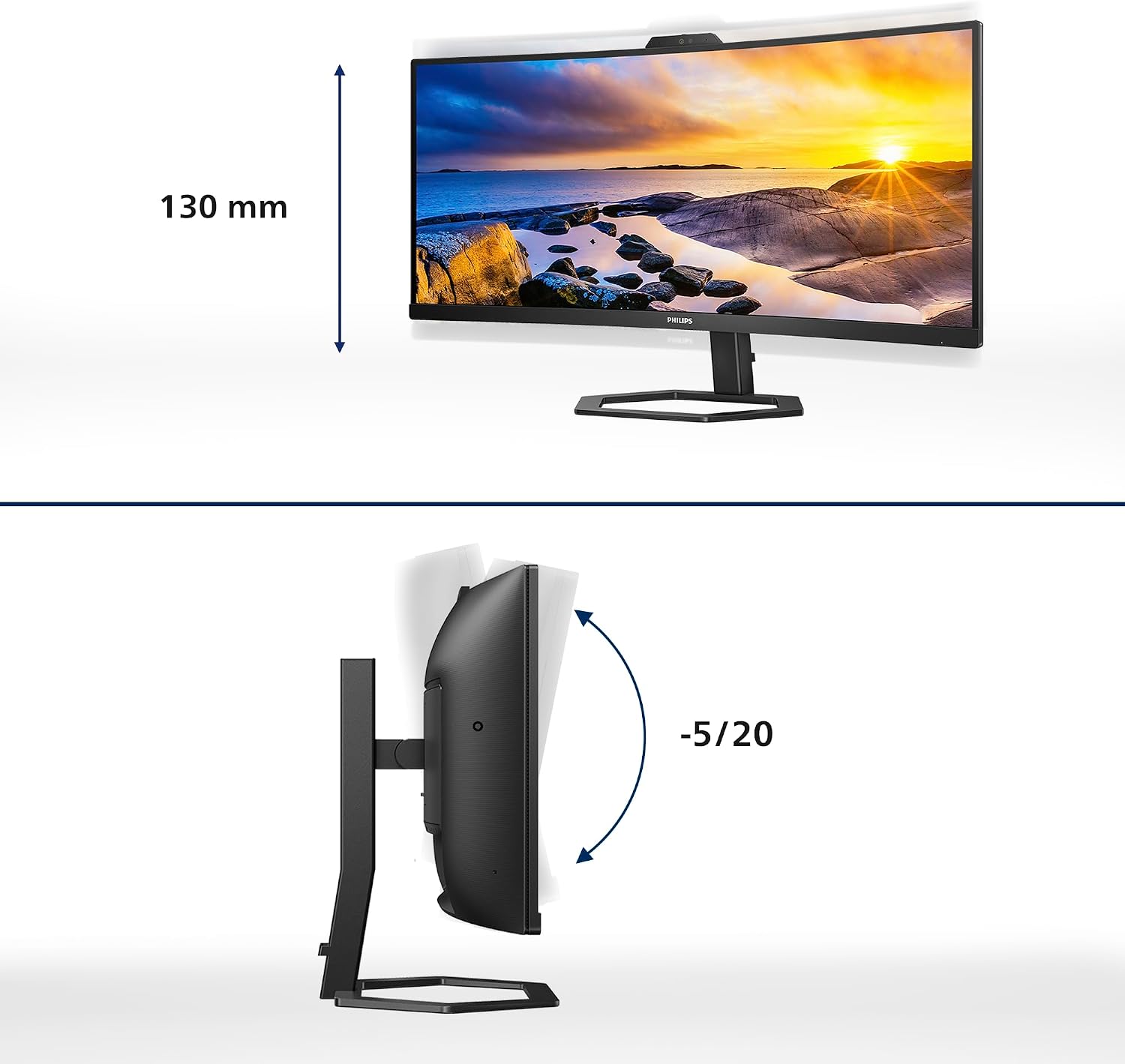
The curved 34‑inch panel is paired with a height‑adjustable stand, which should help align the screen to your eye level for comfort. The curved form is aimed at drawing you into the content, which can be convenient for immersive tasks but may take some getting used to in productivity workflows. Connectivity includes HDMI 2.0 and DisplayPort 1.2 for flexible video inputs, plus a USB hub to keep peripherals organised. The inclusion of a built‑in webcam and speakers means fewer accessories, though you may still want external audio or a different webcam depending on your needs.
What stands out day to day
On the practical side, the monitor supports FreeSync for smoother frame delivery in compatible content, which is a sensible feature if you dabble in games or video editing where fluid motion matters. The 4 ms GTG response time is reasonable for general use and light gaming. The combination of a wide 21:9 canvas and the on‑screen multi‑view capability means you can organise information sources, documents and chat windows without constantly switching windows.
Potential limits and who it suits
If you prioritise pixel density for very fine detail or absolute peak brightness, you may notice that UW‑QHD on a 34‑inch curved panel is a trade‑off compared with smaller, higher‑pixel screens. The built‑in webcam and speakers are convenient, but they’re unlikely to beat a dedicated USB microphone or external speakers for top‑tier audio quality. This model seems best suited to users who want a single, versatile display for work with occasional media tasks, or for those who value a built‑in collaboration setup without investing in multiple devices.
When it makes sense to buy
Consider this monitor if you want a large, immersive screen for multitasking, with the convenience of a built‑in webcam and speakers and a flexible dual‑input workflow through MultiView. It can be a good fit for home offices, conference setups, or creative tasks that benefit from wide real estate and a cohesive peripheral layout on the desk.
When you might want to look elsewhere
It may not be the best option if you need the sharpest possible text rendering at small sizes, or if you require a brighter panel for sunlit rooms. If your workflow depends on top‑tier audio or microphone quality, you could prefer a separate webcam and speakers. If a pure 16:9 display is essential, a different aspect ratio might be preferable.
What to review before buying
Check compatibility with your computer’s outputs (HDMI 2.0 or DP 1.2) and ensure your GPU can drive UW‑QHD at 100 Hz, if you plan to take advantage of the higher refresh rate. Consider whether the built‑in webcam meets your collaboration needs or if you’ll rely on a dedicated conferencing solution. Also, think about desk space for a 34‑inch curved panel and whether height adjustment matches your seating posture.
Practical usage example
Imagine you’re working on a long report while referencing data from a spreadsheet on a second window. With MultiView you can keep both tasks visible, reducing window switching. When a team call arrives, the built‑in webcam handles the meeting so you don’t need a separate device. If you’re editing video or photos, the wide canvas helps you lay out timelines and palettes side by side.
The verdict
Is it worth it? Worth considering if you want a single, adaptable display that blends collaboration features with productivity and multimedia. It sits more in the middle ground than at the high end, so it’s a sensible option for buyers prioritising value-for-money and desk‑space efficiency over specialist feature creep. If your priorities include meticulous text clarity or top‑tier audio, you may prefer alternatives that focus on those aspects instead.
FAQ
- How does MultiView work here? It enables dual connection and viewing at the same time, useful for keeping reference data accessible while you work.
- Are the built‑in speakers adequate? They cover basic multimedia use, but you’ll likely opt for external audio for richer sound.
- What’s the panel type and its impact? The VA panel offers good contrast and wide viewing angles for this size, with the caveat that peak brightness figures aren’t provided here.