

iiyama XB3270QSU-B1 32in QHD IPS monitor with 100Hz and height-adjust stand
Product description
What this monitor is for
The iiyama XB3270QSU-B1 is a 31.5-inch desktop monitor built around a simple idea: QHD clarity with a smooth 100Hz refresh, paired with an IPS panel for consistent viewing. On paper it’s aimed at everyday screen time as much as it is at more demanding sessions—work, browsing, and content—where 1080p can feel a bit limiting and you want a larger, sharper display.
Because it also includes height adjustment (HAS) and built-in speakers, it’s the sort of screen you can live with day-to-day without constantly reaching for external audio or standing the monitor on whatever spacer you find. That convenience is often what makes mid-range monitors genuinely “worth it”, even when the tech specs look broadly similar across the category.
Key features that matter in daily use
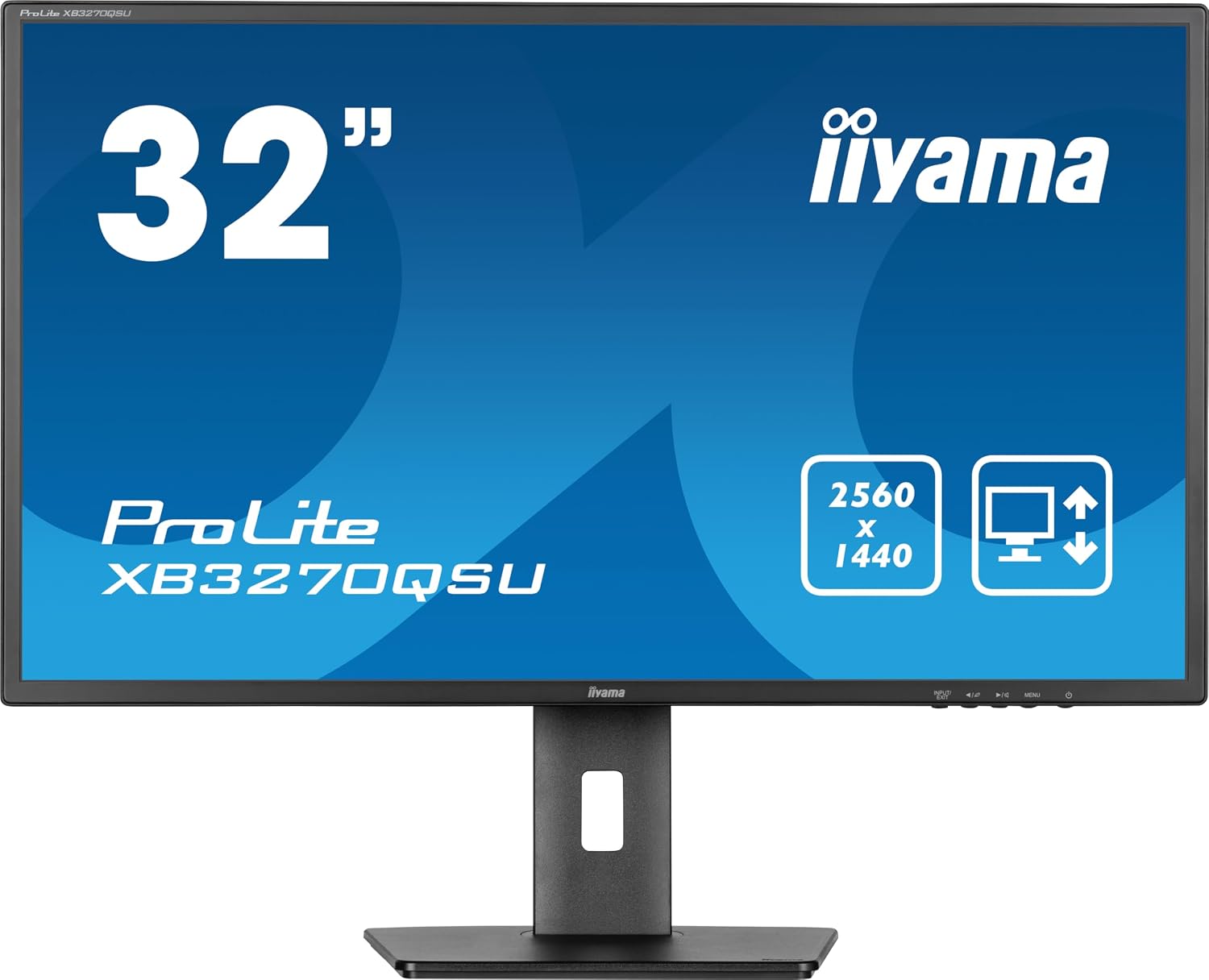
What you’ll notice first is the 2560x1440 QHD resolution on a 32-inch panel. At this size, QHD tends to give you more usable space than 1080p without forcing you into scaling gymnastics. It’s the kind of upgrade that can make spreadsheets, documents, and side-by-side windows feel more manageable.
The IPS panel is another real-world plus. IPS is usually chosen for predictable colour and viewing angles, so if you sit slightly off-centre—or you have someone else looking at the screen occasionally—the picture quality tends to hold up.
The 100Hz refresh rate (with a 3ms response time stated) is there for smoother motion than standard 60Hz models. It won’t turn it into a specialist esports monitor, but it can make desktop scrolling and fast-moving scenes feel less “juddery”. If you’re doing regular gaming or high-motion video, it’s a sensible inclusion.
Connections and built-in audio (why it’s not just a “screen”)
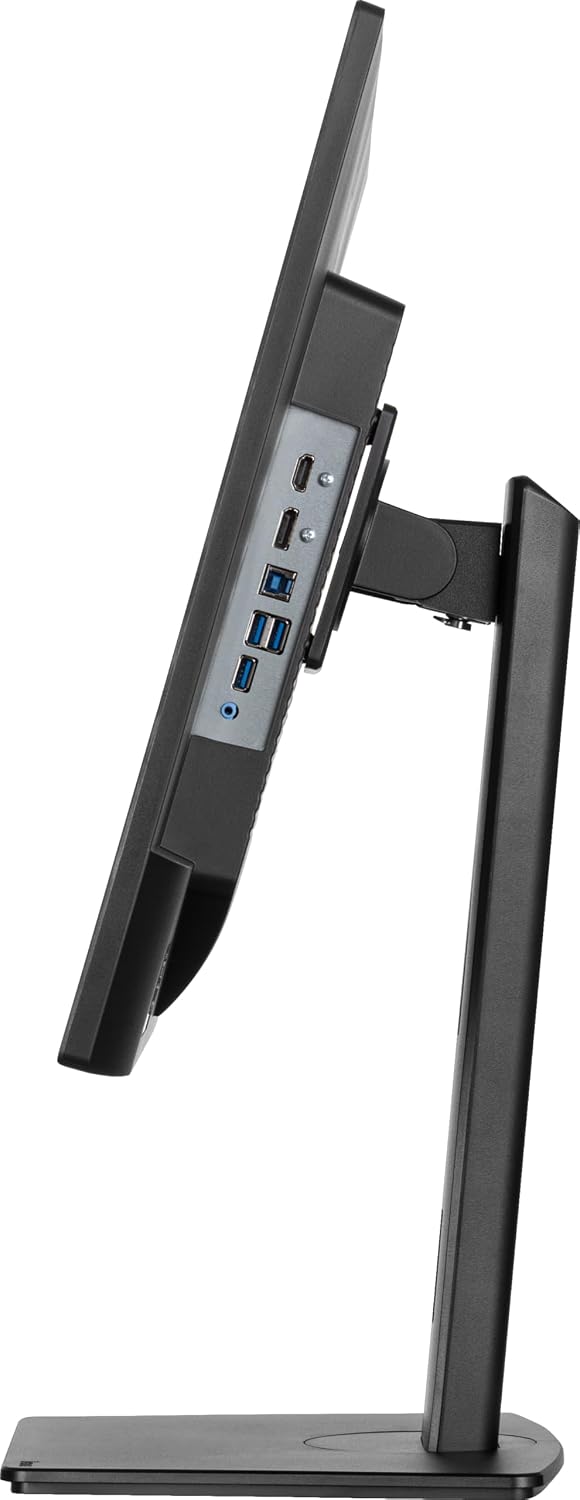
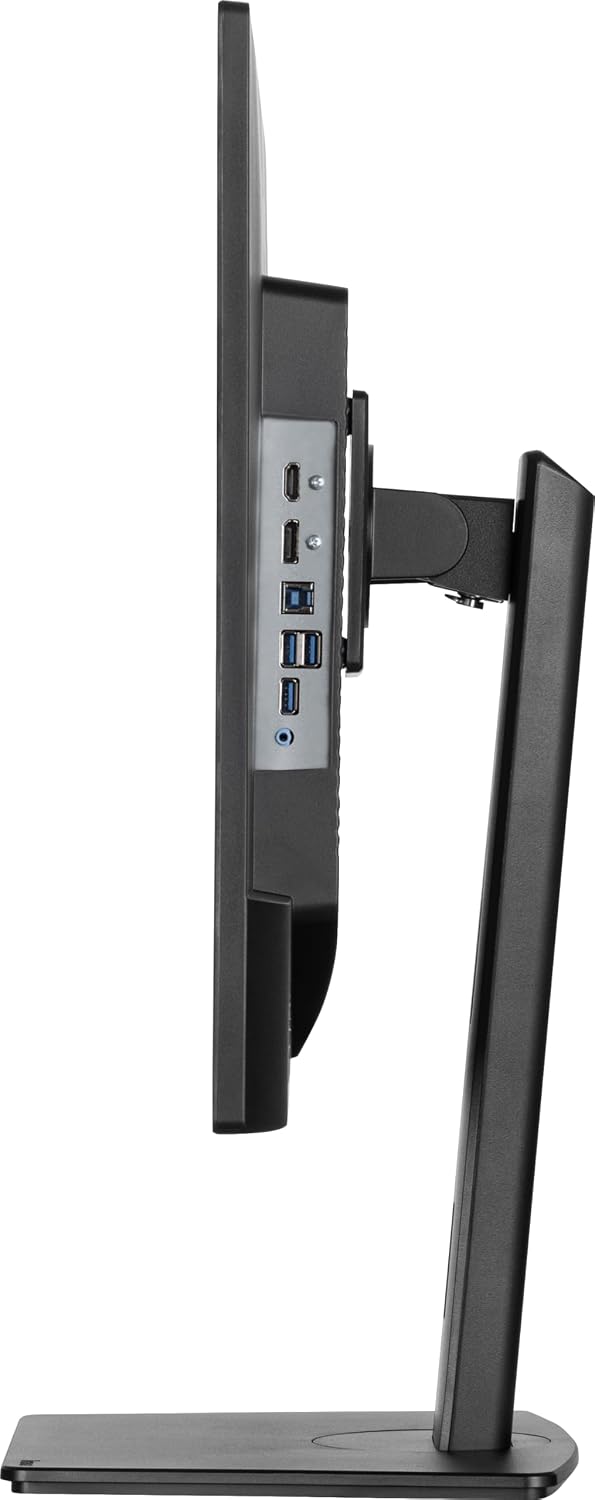
The XB3270QSU-B1 comes with HDMI and DisplayPort plus USB. That combo matters if you switch between devices (for example, a PC and a separate source) and want fewer cable rearrangements. The USB port can also be handy depending on how you plan to use accessories, even if you should check exactly what you intend to connect.
There are also built-in speakers. This is one of those features that’s easy to ignore when you’re browsing specs, but you’ll actually appreciate it when you’re setting up a desk quickly, watching something while sharing your headphones, or just want “good enough” audio without turning your speaker setup into a project.
What to know before you buy
It’s worth being a touch cautious about expectations: the iiyama XB3270QSU-B1 is described as an IPS desktop monitor with 100Hz and QHD, but the information provided doesn’t confirm things like adaptive sync support or the exact audio quality. If you’re very sensitive to gaming responsiveness details, or you care deeply about specific picture tuning features, you may want to double-check the monitor’s supported standards and settings on the listing before committing.
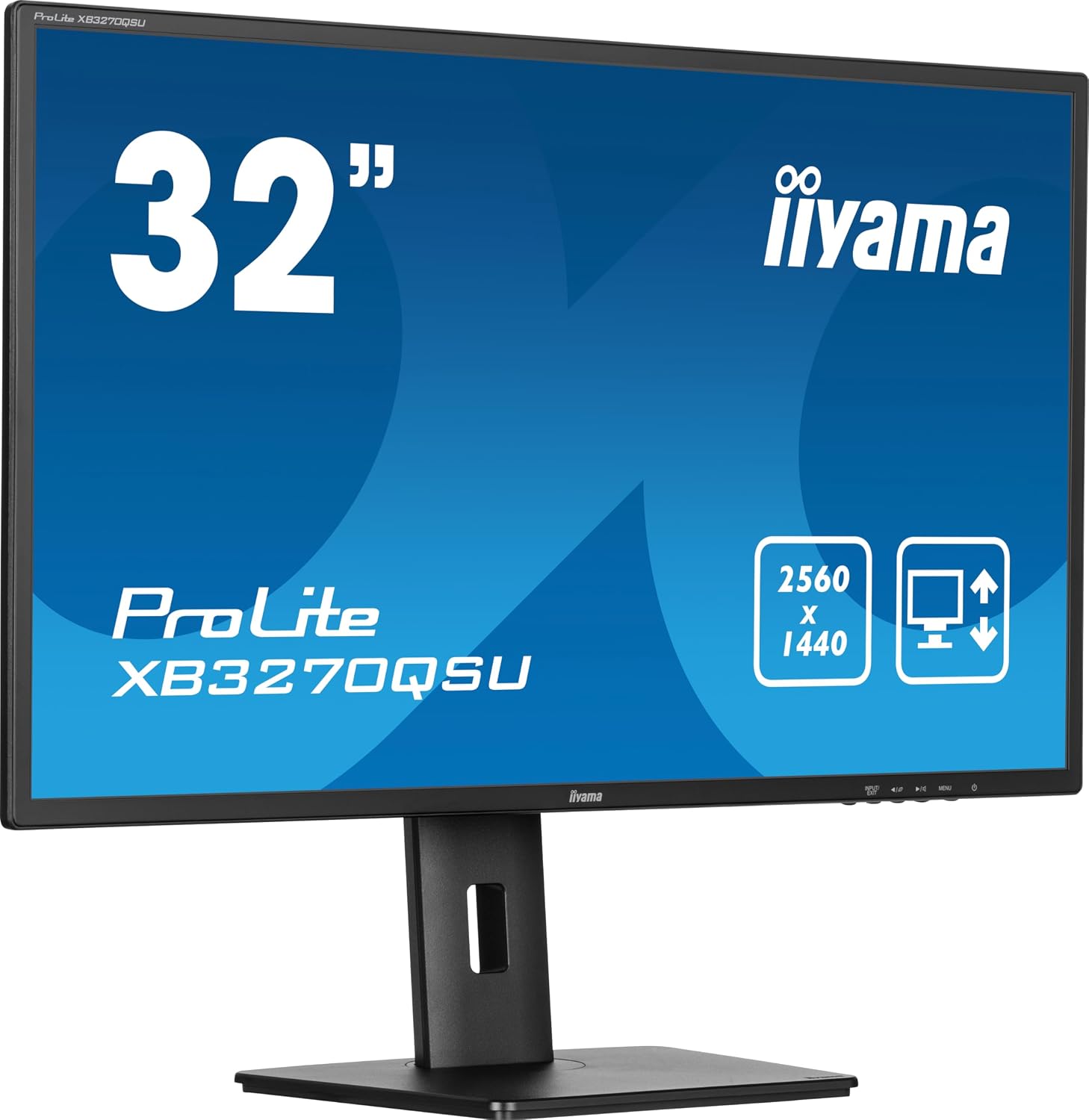
Also, while the monitor is height adjustable, a 32-inch screen can dominate smaller desks. Measure your workspace and check your preferred viewing distance — it’s not perfect if your setup is cramped.
Who it suits (and who might want to look elsewhere)
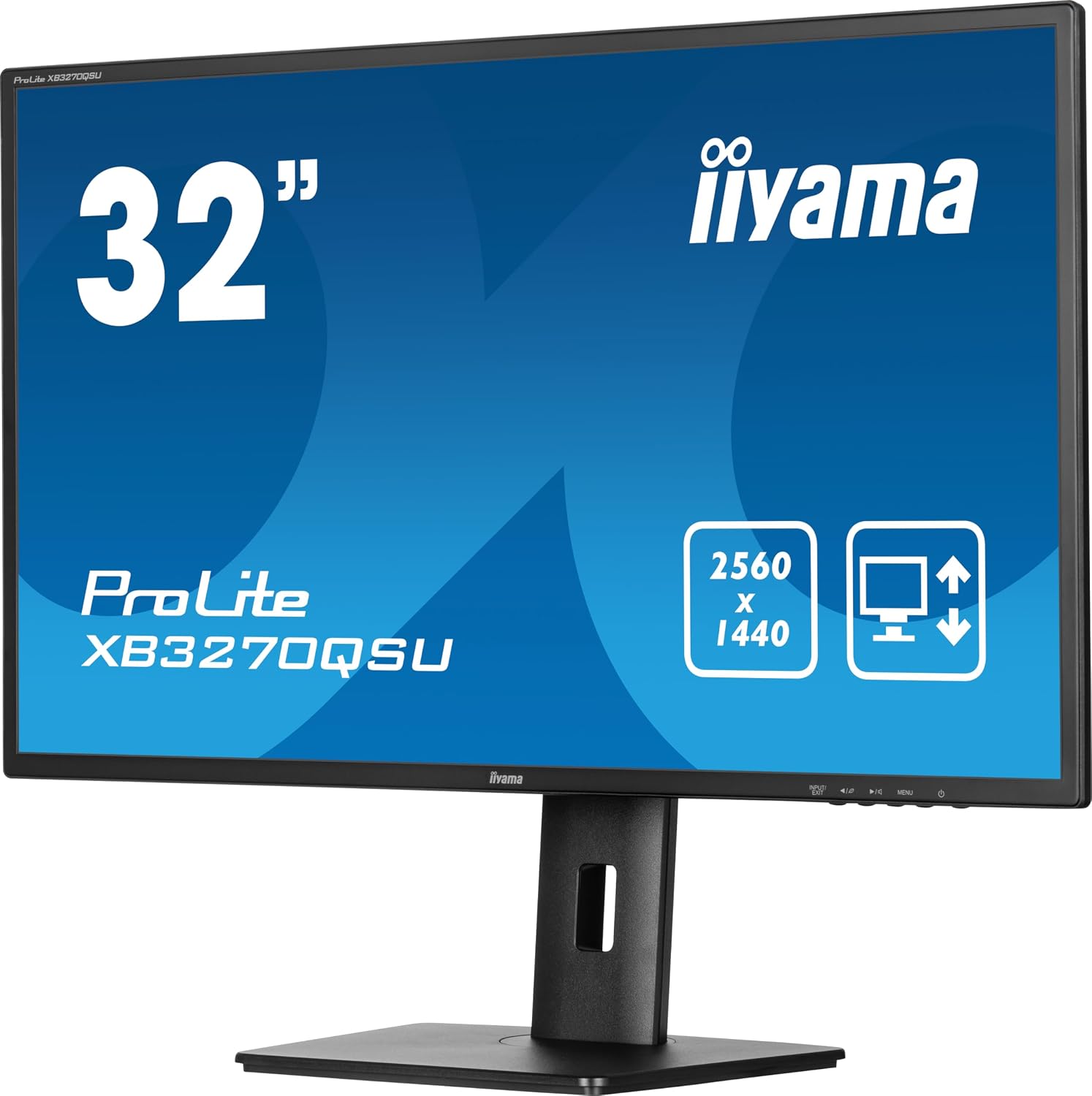
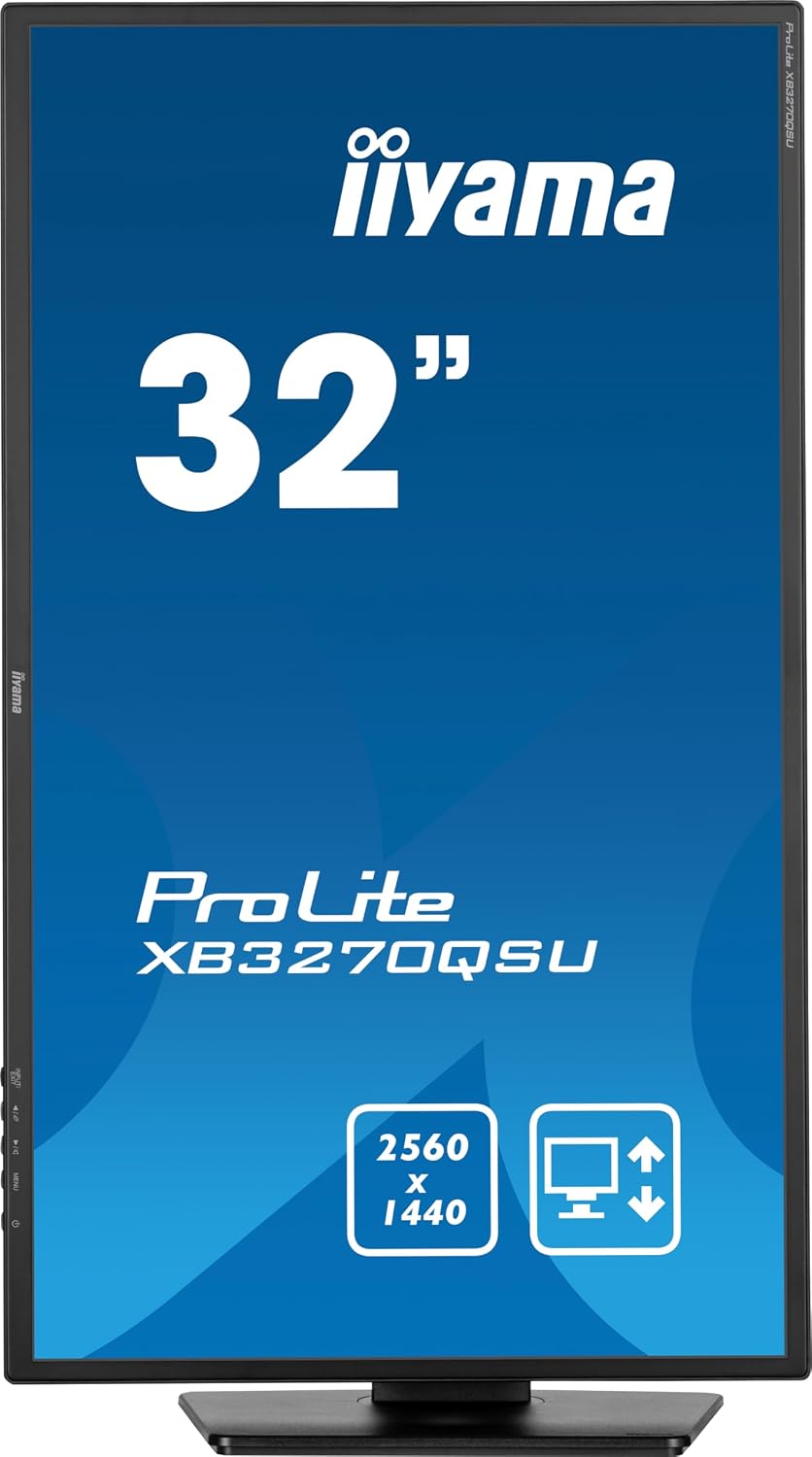
It makes sense if you want a larger QHD IPS display for mixed use: productivity during the day, plus smoother motion for media and occasional gaming in the evening. The height-adjust stand is also a strong practical touch if you care about ergonomics and don’t want to fix your posture with a non-adjustable monitor.
You may want to skip it if you’re mainly chasing the fastest, most competitive gaming performance, or if you prefer a smaller screen size for desk comfort. And if you already have a high-end audio setup, the built-in speakers might not be a deciding factor.
Should you buy it?
Buy it if you’re after a 32-inch QHD IPS monitor with a 100Hz refresh rate, height adjustment, and HDMI/DP connectivity plus USB and speakers for everyday convenience. It’s a good match for people who want one main display that covers work and entertainment without constantly swapping peripherals.
Don’t buy it if your desk is tight, or if you need specific advanced gaming features that aren’t confirmed in the available details. In that case, it may be smarter to shortlist monitors where the gaming tech support is stated clearly.
Mini FAQ
How does the 100Hz refresh rate feel for everyday use?
With 100Hz on board, motion tends to look smoother than typical 60Hz screens for things like scrolling, cursor movement, and fast scene changes. For very competitive gaming, you may still want to verify additional gaming features, but for general smoothness it’s a solid upgrade.
Is QHD on a 32-inch monitor noticeably sharper than 1080p?
Yes, QHD at this size generally gives you more detail and more usable on-screen space. It’s the sort of jump that helps with multi-window work and keeps text and layout looking more defined.
Do I need external speakers for this monitor?
Not necessarily. The monitor includes speakers, which are useful for casual listening or quick setup. If you’re serious about audio, external speakers or headphones may still be your preference.
What connections does it offer?
The listing notes HDMI and DisplayPort, plus USB. If your setup relies on those ports, it should fit the way you already connect devices—just double-check which devices you plan to plug in.