

LG UltraGear Curved Gaming Monitor 32GS60QC — 32-inch, 1440p, 180Hz
Product description
What it is and who it’s for
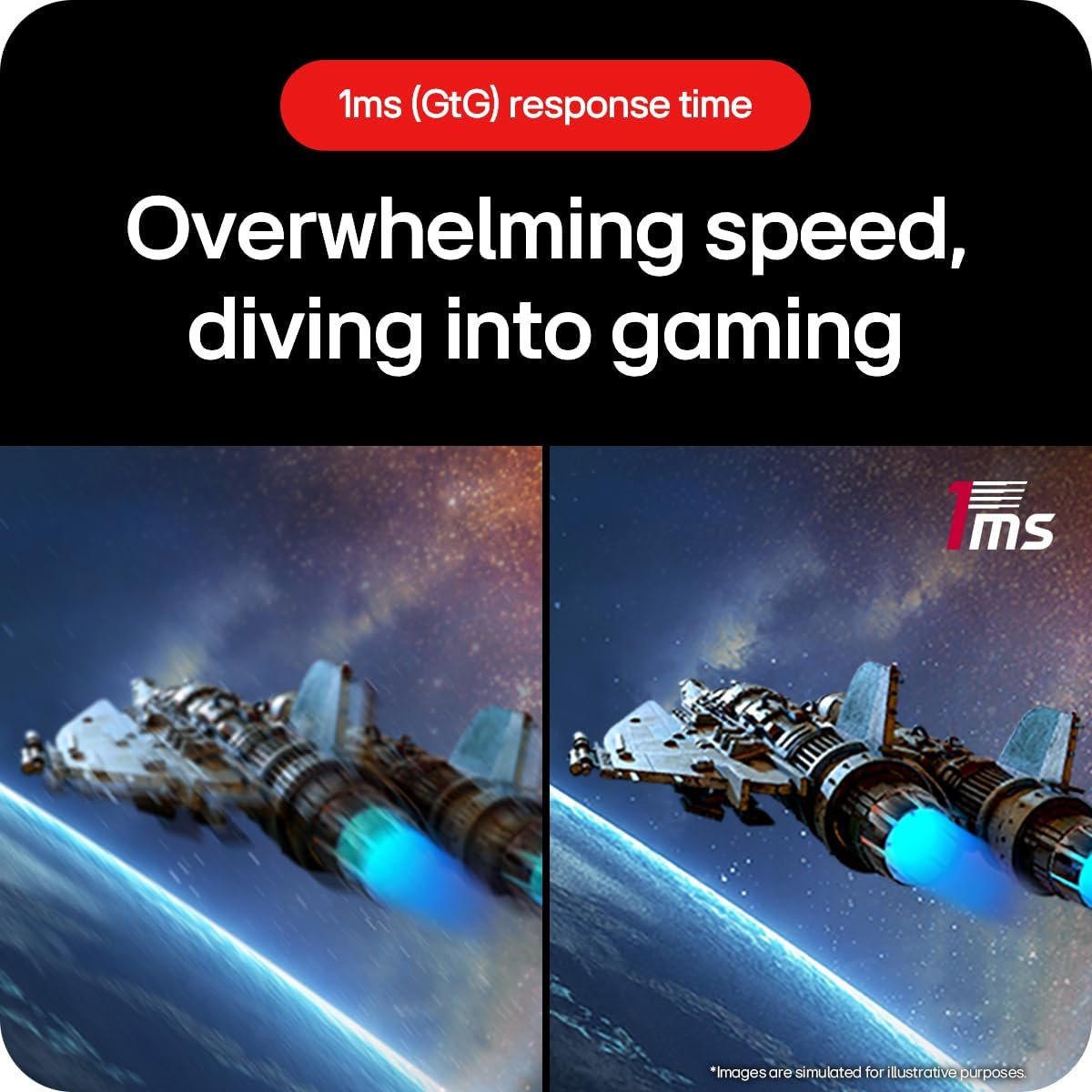
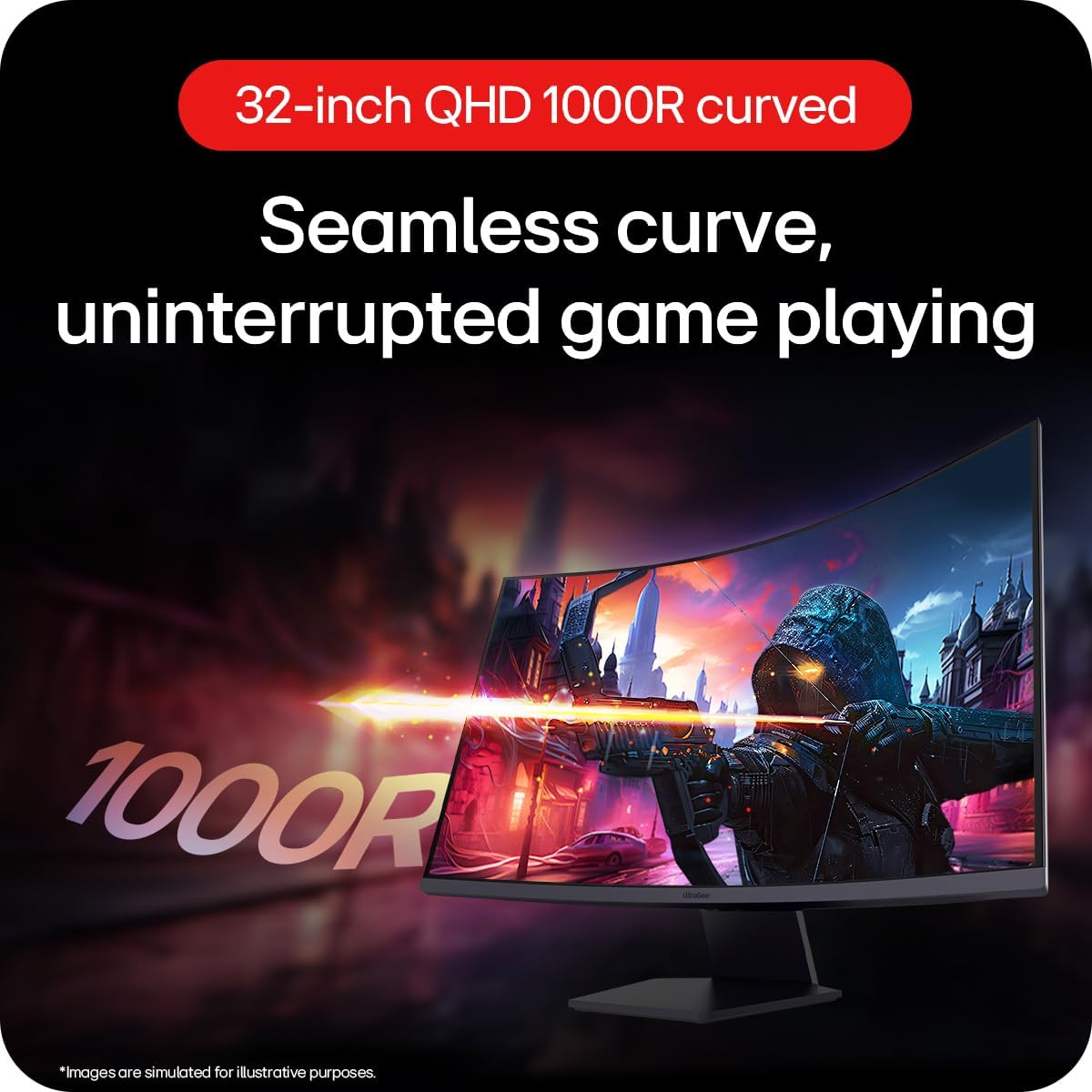
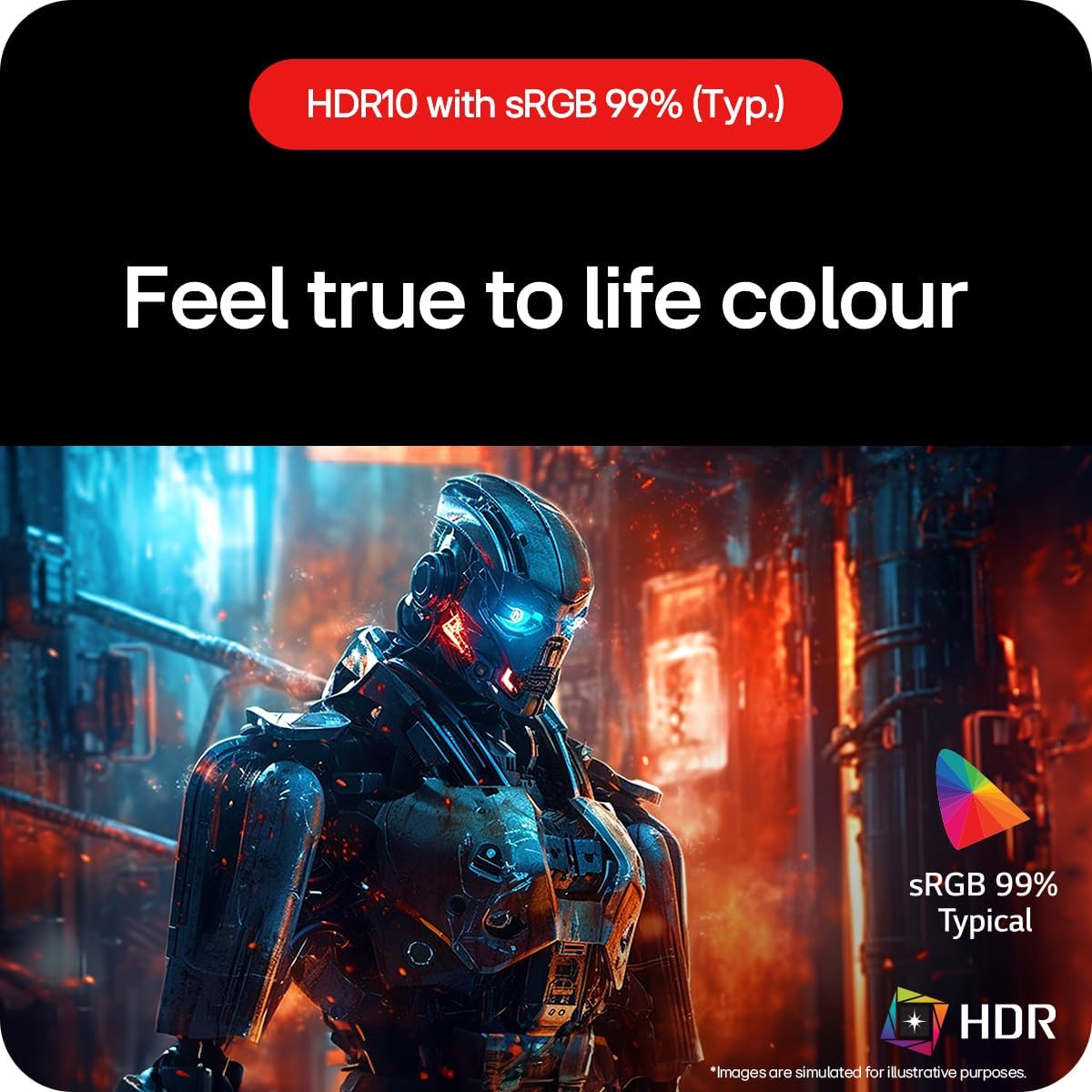
The LG UltraGear 32GS60QC is a 32-inch curved gaming monitor built to deliver smoother, more responsive visuals for fast-paced titles. With a 1440p resolution, a 180Hz refresh rate and a 1ms (GtG) response time, it’s aimed at gamers who value fluidity and clarity above all. The VA panel supports HDR10 and a broad colour gamut (sRGB 99% Typ.), helping games look more vibrant while keeping tones realistic. If you prioritise tear-free gameplay and a comfortable, immersive viewing experience, this model is worth considering.
What stands out on paper
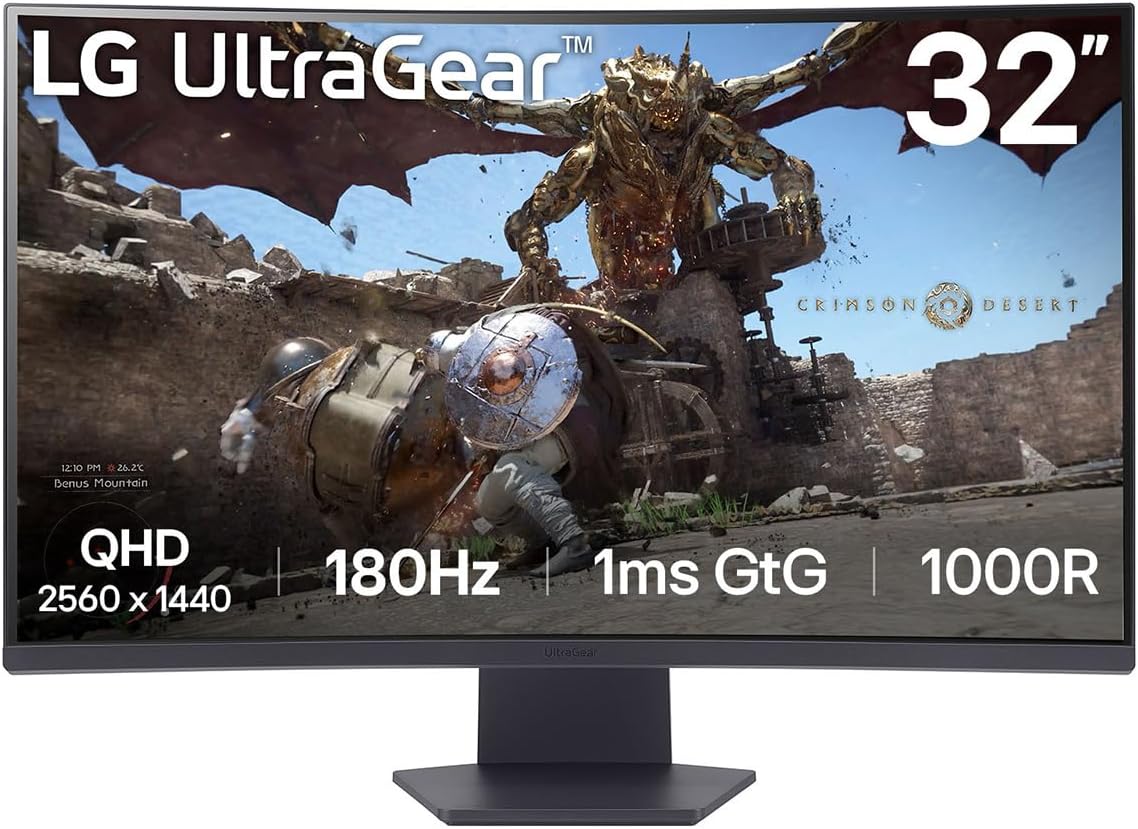
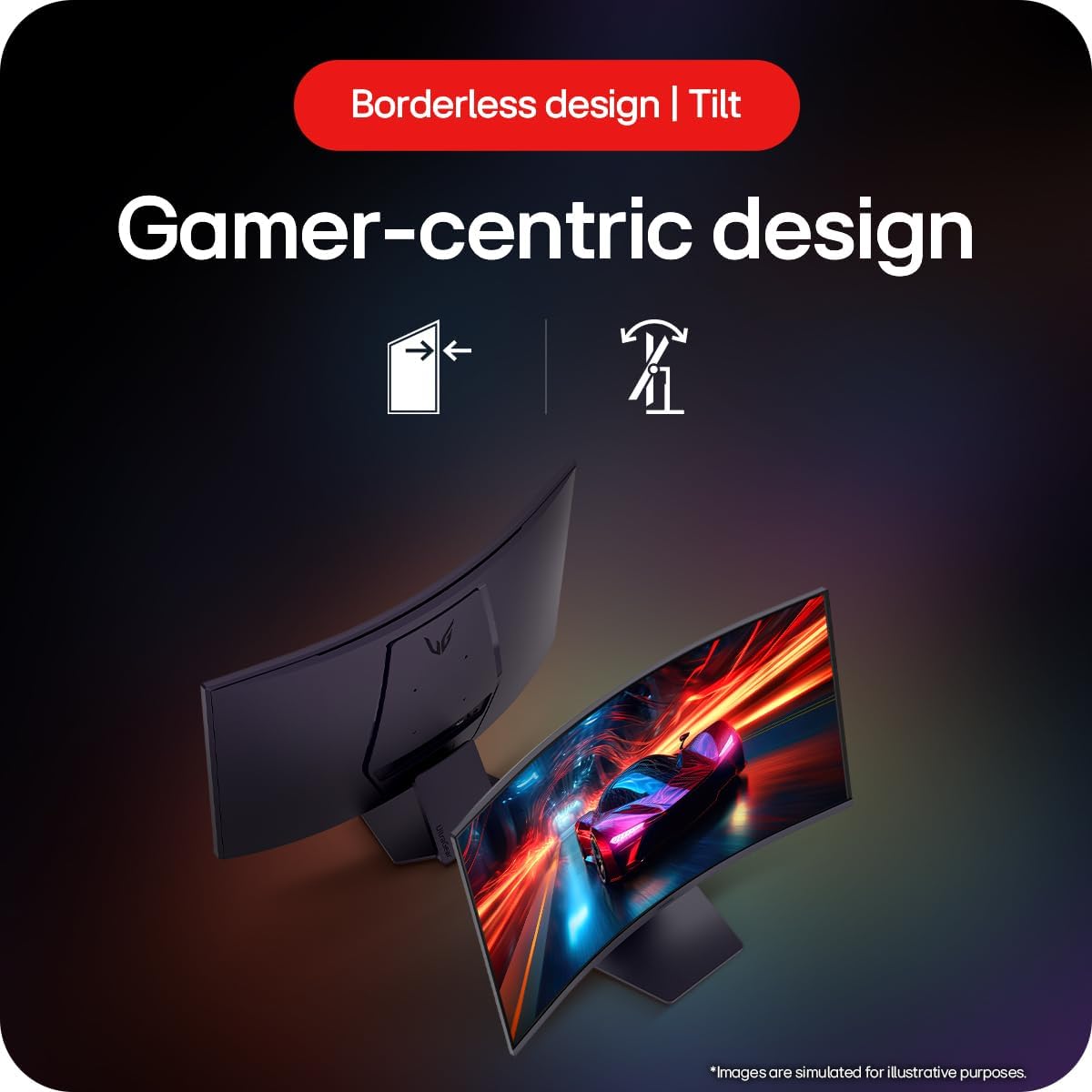
On the technical front, you get a rapid 180Hz refresh enabling quicker frame delivery, a 1ms response time to minimise motion blur and ghosting, and AMD FreeSync with AdaptiveSync to reduce tearing. The display also features a slim bezel on three sides, which helps when you set up a multi-monitor arrangement or simply creates a cleaner edge around the image. Tilt adjustment adds a bit more personalisation to find a comfortable viewing angle during long sessions.
Potential advantages and limitations
What you’ll notice day to day is the extreme smoothness of motion at high frame rates and the faster pixel response which helps keep fast scenes crisp. HDR10 support and near‑full sRGB coverage contribute to more convincing game environments. However, it’s important to temper expectations: this is a gaming-focused panel, so while it performs well for competitive shooters and racing sims, colour accuracy for photo editing isn’t the primary selling point. The VA panel provides strong contrast, but viewing angle consistency isn’t as wide as IPS panels, which can matter if you frequently sit off‑centre.
How it fits different use cases
- If you’re chasing competitive edge in esports titles, the 180Hz refresh and 1ms response time are compelling under typical gaming setups.
- For story-driven or cinematic games, the HDR10 support helps with HDR tones, though it’s not a dedicated colour-accurate monitor for professional colour work.
- If you’re building a compact or discreet desk, the slim bezels help preserve desk space aesthetically, and tilt adjustment allows a subtler setup.
Who it’s best for and who might skip it
- Best for players who want a big, immersive curved screen with high refresh rates and adaptive sync at a sensible price point.
- Not ideal if you require razor‑thin colour accuracy for professional photo/video work, or if you primarily sit off-axis and rely on perfect viewing angles.
When it makes sense to buy
Consider this model if you want a single monitor capable of high action performance without jumping to premium high‑end panels. It’s sensible for those upgrading from 1080p gaming to 1440p, or for someone who values a curved, focal gaming experience with modern adaptive sync tech. If your desk or room lighting is unusually bright, verifying HDR handling in your typical gaming scenarios will help set expectations.
What to check before buying
- Ensure your PC or console can deliver high frame rates at 1440p to truly benefit from 180Hz.
- Check the available inputs (DisplayPort, HDMI) and confirm they meet your setup needs.
- Consider desk space and the impact of the 32-inch curved panel on your seating position and peripheral reach.
- For HDR, assess how the monitor handles peak brightness and local contrast in the games you play.
Practical usage example

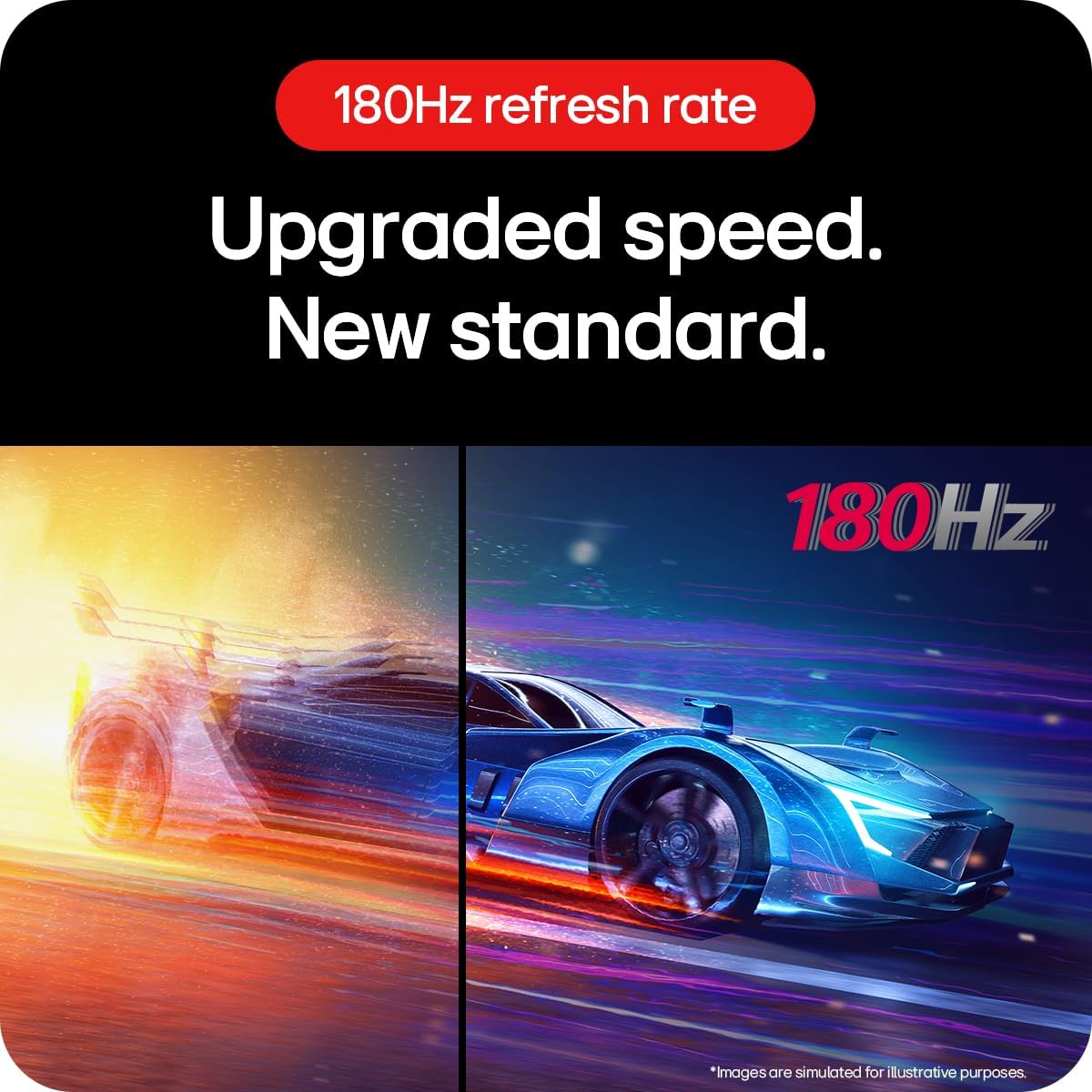
Imagine a fast‑paced shooter where you push to react to enemy moves. The 180Hz refresh keeps frames arriving smoothly, while the 1ms response time reduces blur during rapid transitions. The curved screen helps you keep the action in focus across the field of view, and AdaptiveSync minimises stuttering when frame rates dip momentarily.
What it costs you in choices and alternatives
This monitor sits in a mid‑to‑upper mid range for gaming displays: you’re paying for the balance of size, speed and HDR support without jumping to ultra‑premium panels. If you prioritise absolute colour accuracy for creative work, you might lean towards a monitor designed with that use case in mind. If you prioritise pure brightness and viewing angles, an IPS option could be more forgiving, however, that often comes with different trade‑offs in colour and contrast.
FAQ
- How does the 180Hz refresh improve gameplay? It reduces motion blur and allows your GPU output to feel more responsive during fast actions.
- Is HDR worth it on this panel? HDR10 is supported, which can improve scene contrast and colour depth in compatible games. Real-world impact depends on content and peak brightness.
- Can I use this with a console? Yes, via HDMI or DisplayPort depending on your console’s capabilities, check the frame‑rate support for your specific model.
Is it worth it?
Final verdict: If you want a sizeable, curved 1440p screen with high refresh and adaptive sync for smooth gaming experiences, this LG model offers a compelling balance of performance and value. It may not replace dedicated colour‑critical workstations, but for most gaming setups it delivers the essentials without overreach.