

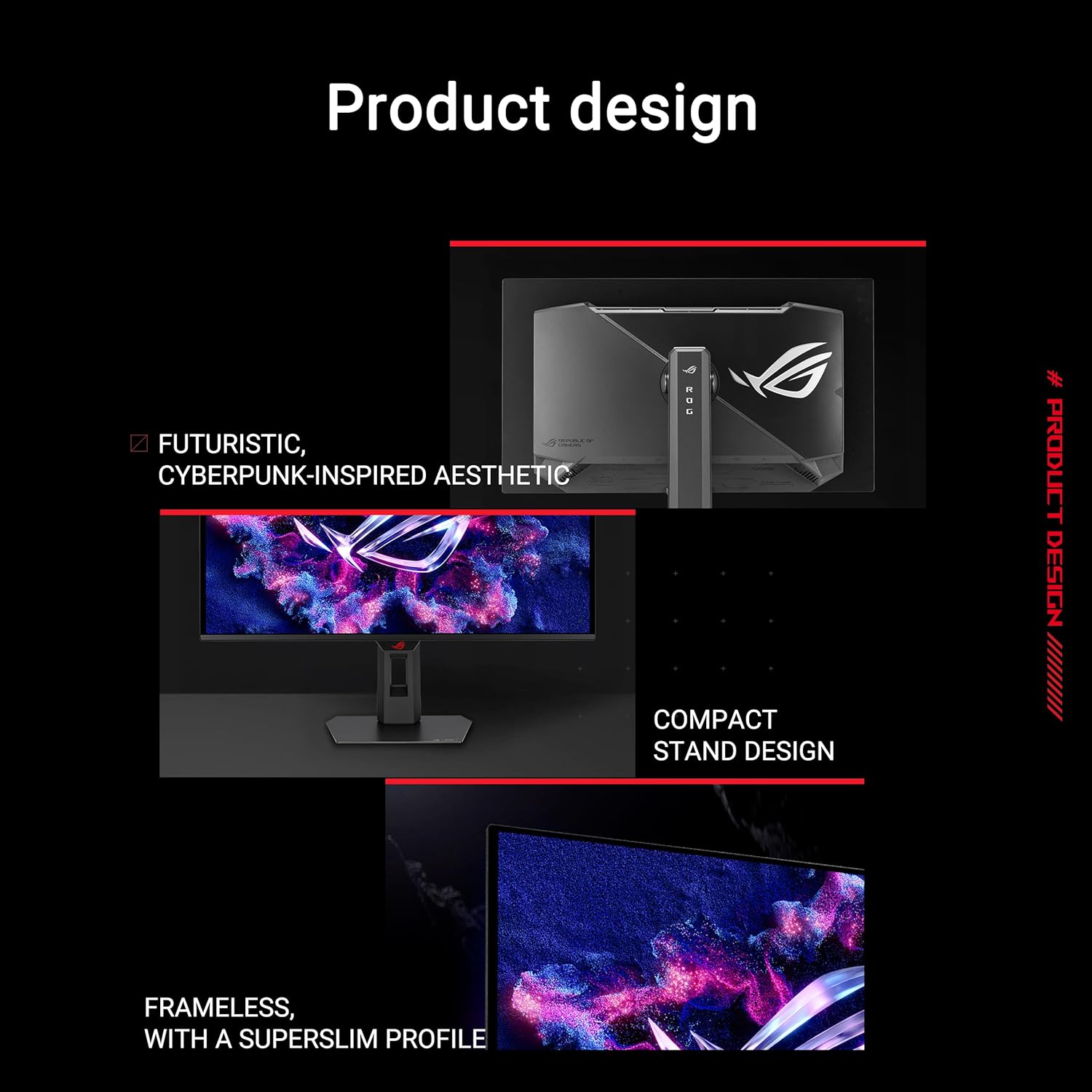
ASUS ROG Strix OLED XG27AQDMES Gaming Monitor
Product description
What it is
The ASUS ROG Strix OLED XG27AQDMES is a 27-inch gaming monitor with a 26.5-inch viewable panel, featuring 1440p QD-OLED and an ultra-fast 240 Hz refresh rate. It’s aimed at players who want fast blur-free motion and crisp, vibrant image quality without resorting to a traditional LCD.
Visuals and performance on paper
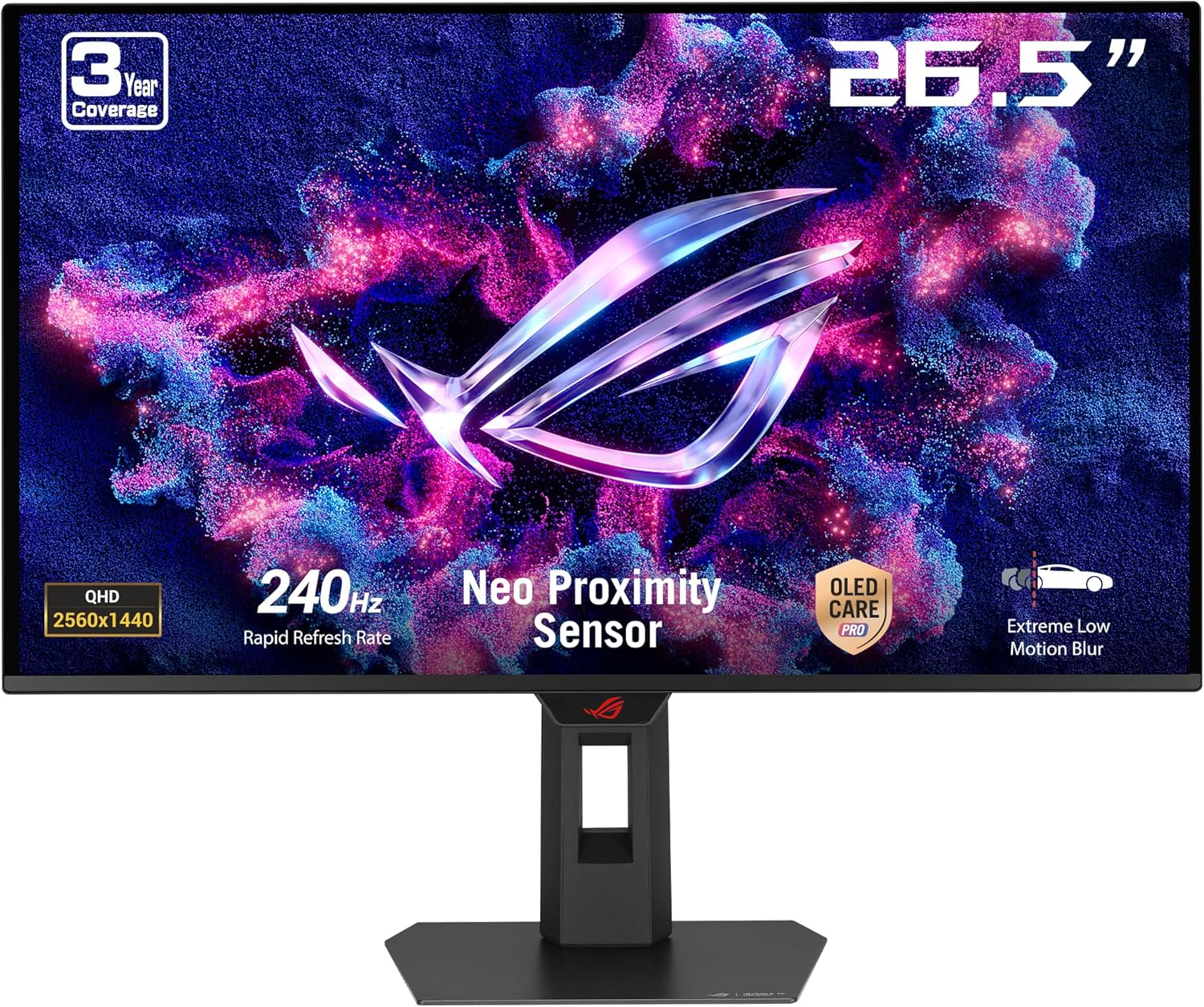
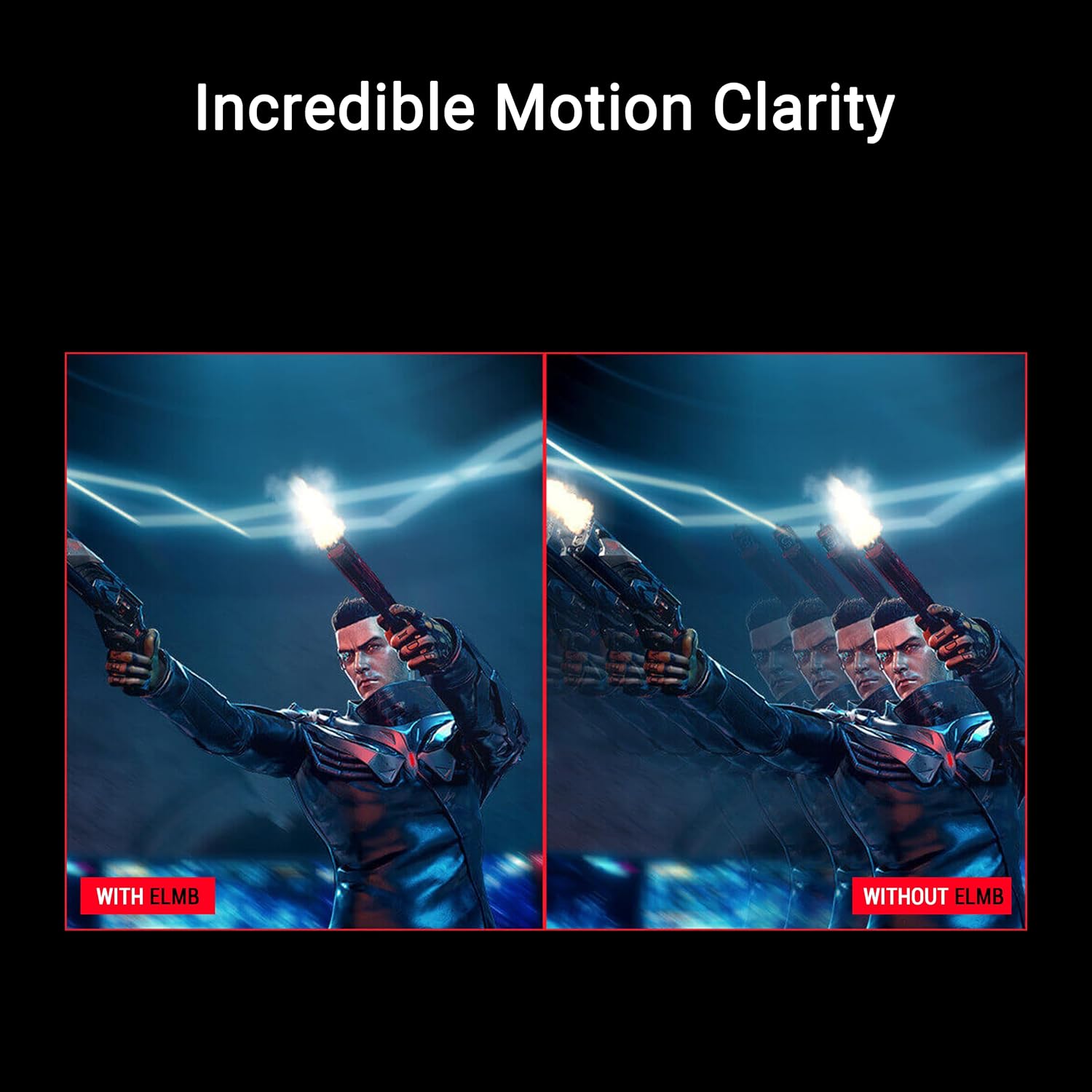
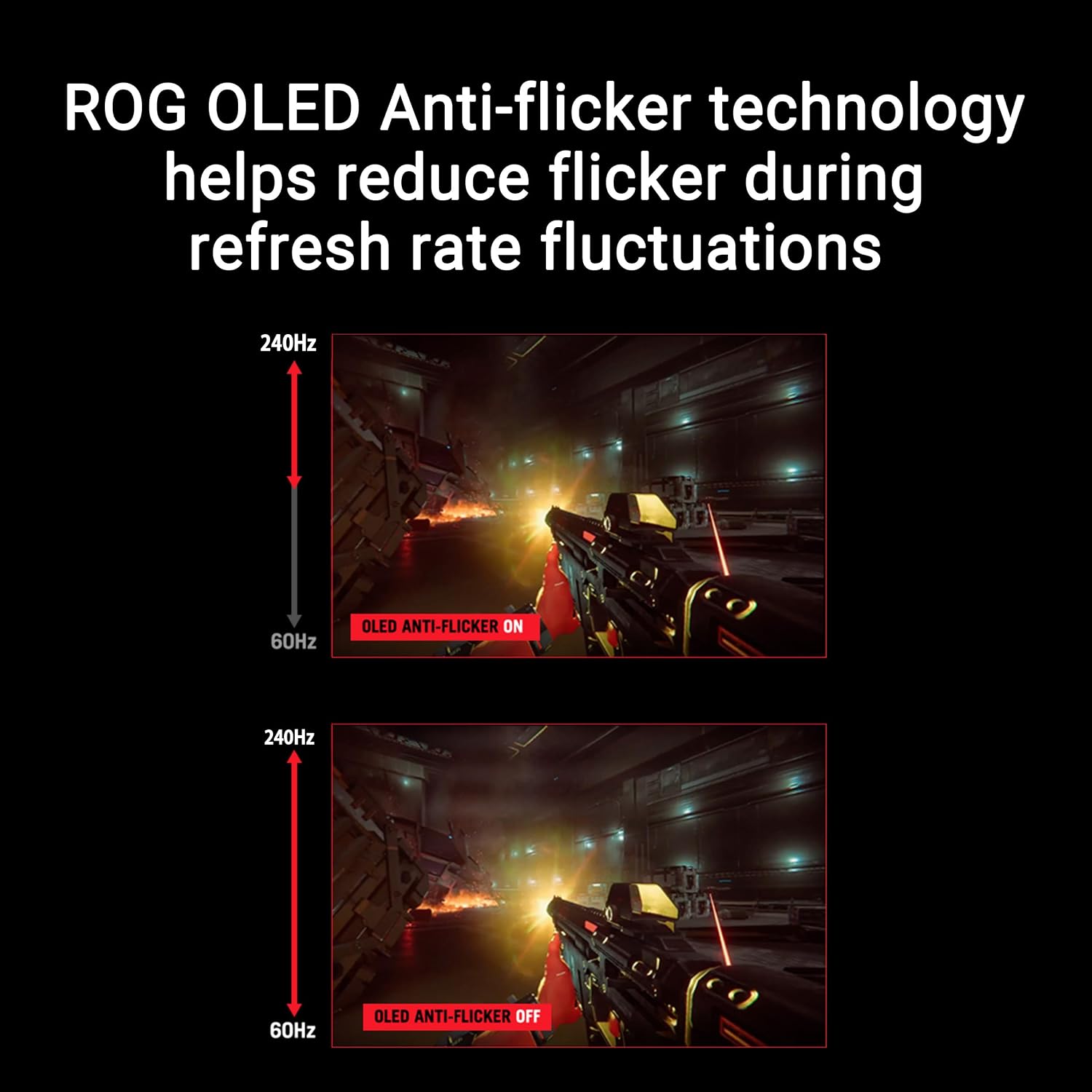
On paper, the XG27AQDMES pairs OLED colour, high contrast and wide colour coverage with a rapid 240 Hz refresh rate and a 0.03 ms response time. That combination is designed to deliver smooth, impactful motion and plenty of detail in fast-paced titles. The panel’s 99% DCI-P3 coverage suggests rich, saturated colours that can help distinguish enemies and terrain more clearly in-game. The inclusion of ELMB (Extreme Low Motion Blur) and G-SYNC compatibility indicates aims to reduce motion blur and screen tearing when used with supported systems, though exact performance will depend on your GPU and game settings.
Build and features that matter
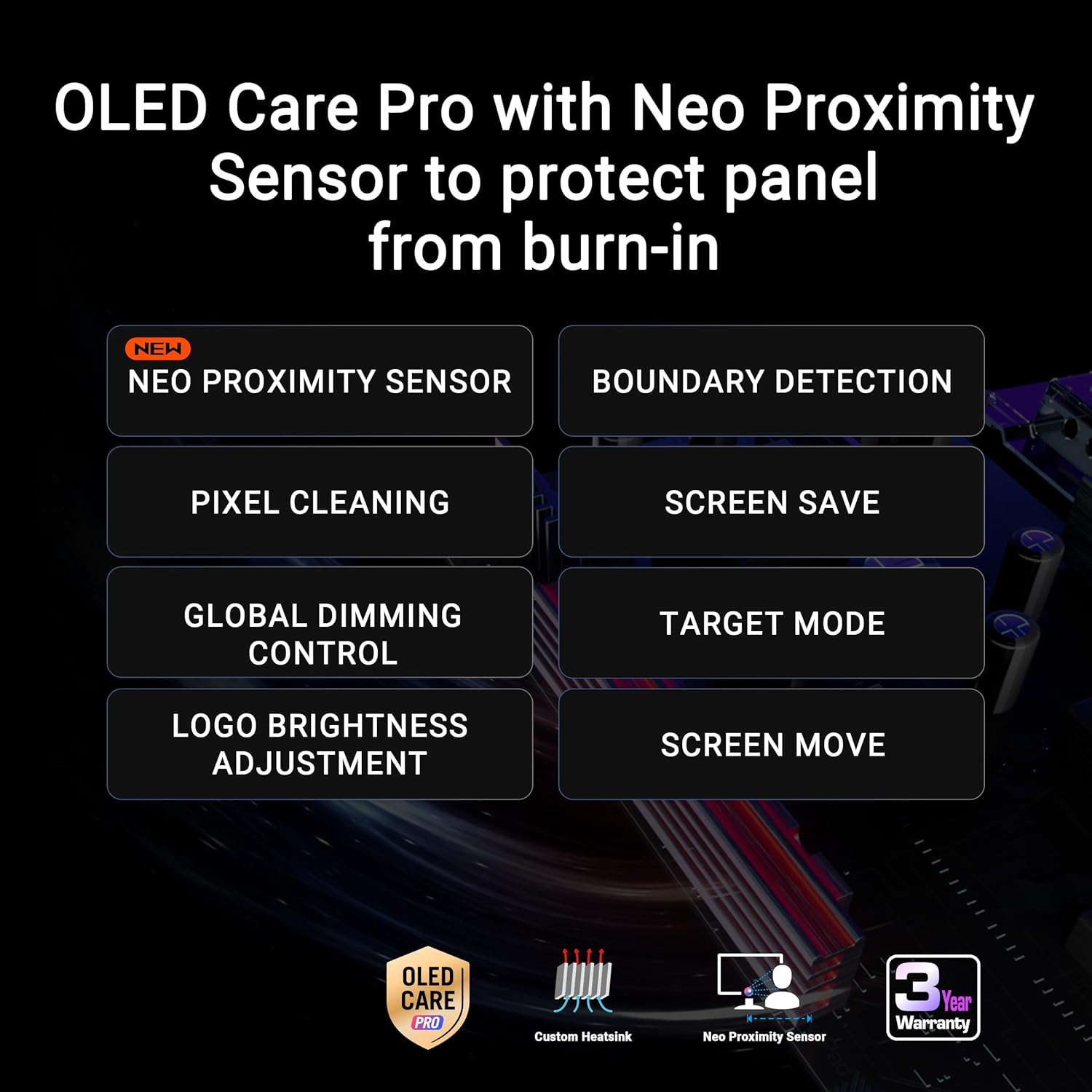
As a member of the ROG line, this model carries a focus on gaming ergonomics and software integration. DisplayWidget Centre offers a centralised place to adjust on-screen display and settings, while Care Pro hints at a service or support feature designed for long-term usage. The combination of OLED visuals with high refresh capability suggests a device that prioritises both image quality and responsive gameplay. However, it’s worth noting that OLED panels can exhibit characteristic concerns such as image retention in certain scenarios, depending on usage patterns.
What stands out
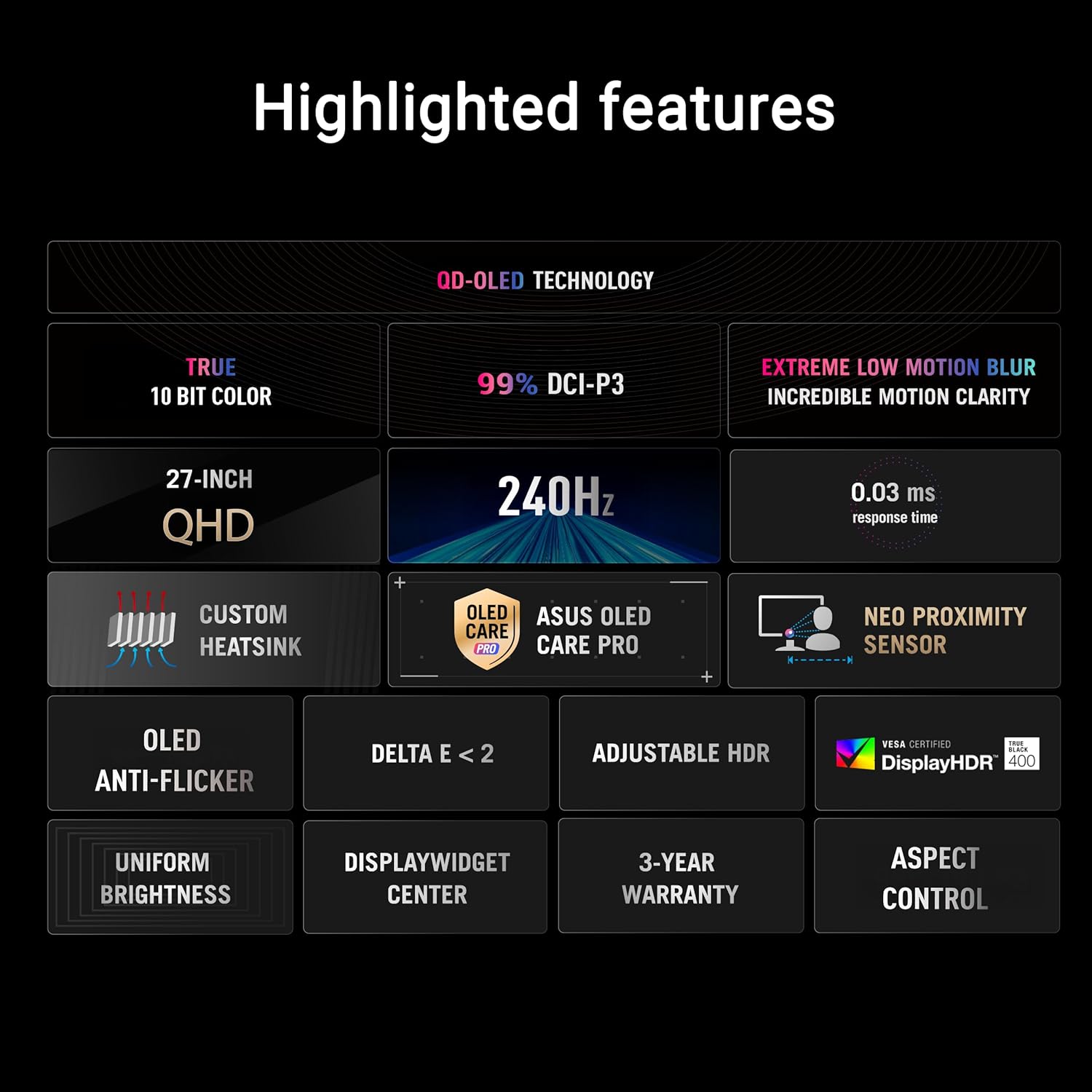
- Very high refresh rate (240 Hz) for smoother motion in competitive titles.
- OLED bountiful colour and deep blacks, with near-infinite contrast on supported content.
- G-SYNC compatibility can help reduce tearing when paired with the right GPU.
- ELMB support to reduce motion blur, useful in fast shooters.
- 99% DCI-P3 for vibrant, cinema-like colours that can make games feel more immersive.
Limitations and caveats
This panel’s OLED technology brings superb contrast and speed, but it may not be perfect for every setup. Some users prioritise peak brightness or long-term screen uniformity, OLED panels can show image retention if static images remain for extended periods. At a high price point, you’ll want to ensure your use case truly benefits from OLED’s strengths rather than just favouring a higher spec on paper.
Who it’s for
- Competitive gamers who value fast and fluid motion with sharp, punchy colours.
- Those who want deep blacks and high contrast in immersive titles like racing, shooters, or action RPGs.
- Users with compatible GPUs who can enable G-SYNC and ELMB for smoother visuals.
Who it isn’t ideal for
- If you primarily game in bright rooms where peak brightness and uniformity are decisive, an OLED panel may still underperform compared with high-brightness LCD alternatives.
- If you frequently display static images or UI overlays for long durations, you might want to monitor for image retention tendencies and run periodic pixel-refresh routines.
When to consider buying
- You want a single monitor that blends OLED image quality with very high refresh rates for competitive titles.
- You value colour precision (DCI-P3) and a robust software suite (DisplayWidget Centre) to tune your experience.
Before you buy, check this
- Ensure your GPU and cabling can drive 1440p at 240 Hz with OLED limits in mind.
- Consider your room lighting, OLED excels with high dynamic range but very bright spaces may affect perceived brightness.
- Investigate whether you’ll benefit from ELMB in your typical titles and whether you need to balance frame rate with visuals.
How it compares in practice
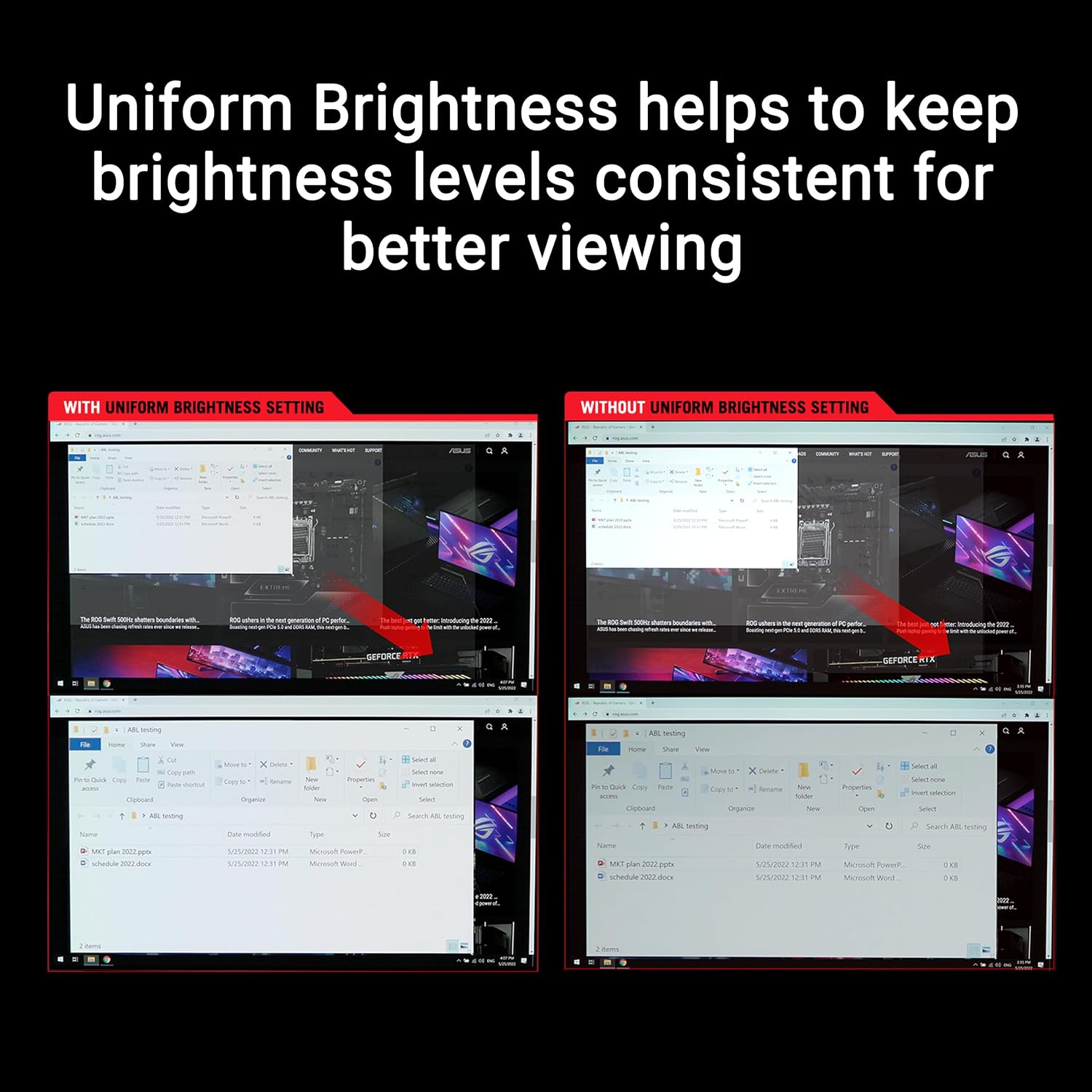
Compared with traditional high-refresh LCD gaming monitors, this model trades some potential brightness headroom for the benefits of OLED contrast and colour depth. If you’re after static UI work, you may weigh the risk of image retention, but for fast-paced gaming the combination of 240 Hz, 0.03 ms and G-SYNC compatibility can feel notably responsive.
Final decision
Is it worth it?
Worth considering if you prioritise fast motion and rich, punchy visuals and you can pair it with a capable GPU to exploit 240 Hz at 1440p. It suits players who want strong colour and deep blacks in a single panel and are comfortable managing OLED-specific considerations.
Quick FAQ
- Does it have G-SYNC compatibility? Yes, it is listed as compatible.
- What is the panel type and resolution? 27-inch (26.5-inch viewable) 1440p QD-OLED.
- What’s the refresh rate and response time? 240 Hz with 0.03 ms response time.
- Is ELMB supported? Yes, ELMB is indicated as part of the feature set.