

ARZOPA 16.1" Portable Monitor Z1C Grey — Full HD, 100% sRGB
Product description
What it is and who it suits
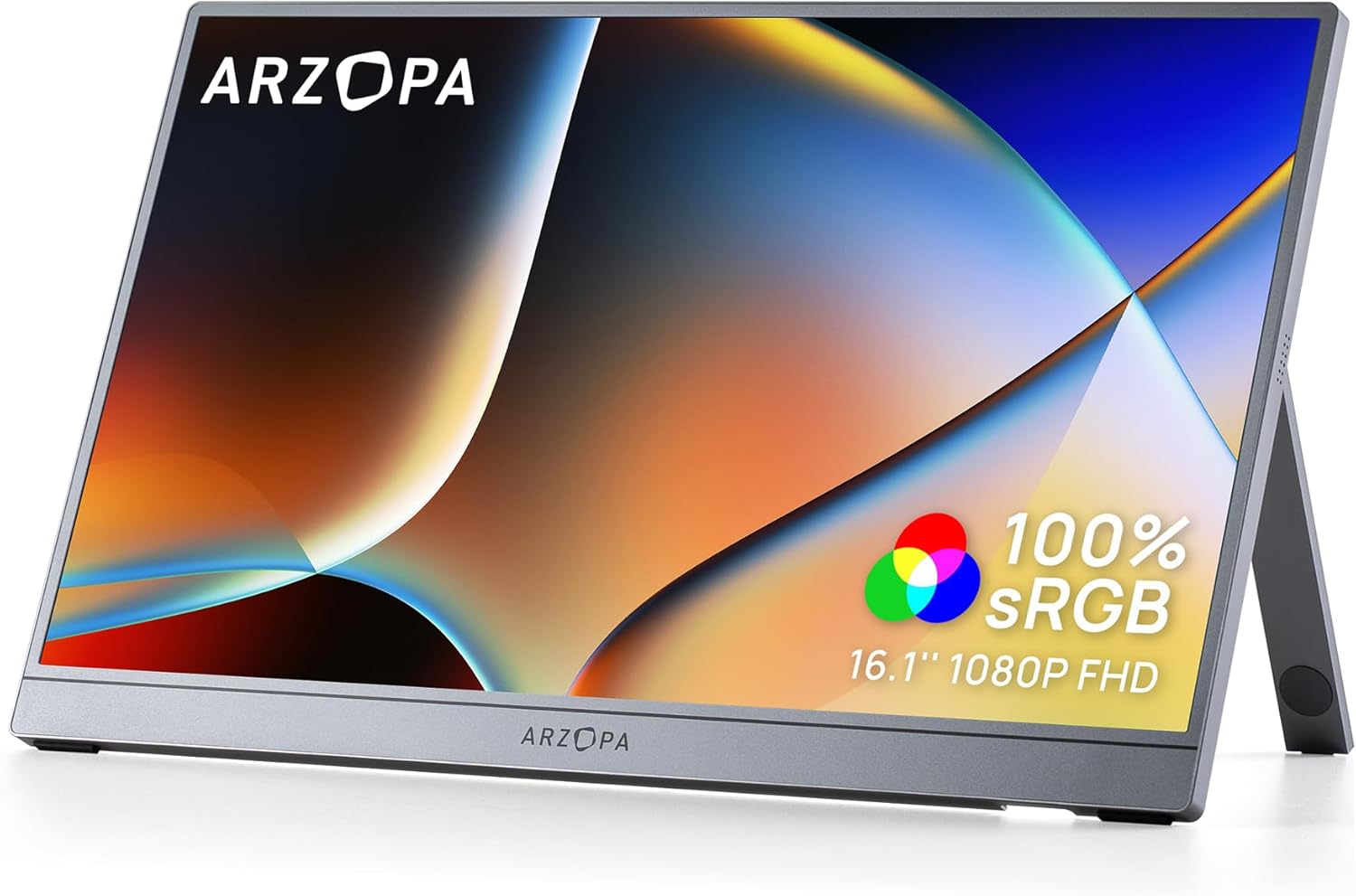
The ARZOPA Z1C Grey is a 16.1-inch portable monitor offering Full HD (1080p) clarity with a wide 100% sRGB colour gamut. It’s designed as a lightweight, secondary screen for laptops, desktops, consoles or mobile devices, aimed at professionals on the move, students and casual home users who want more screen real estate without the bulk.
How it helps in real life
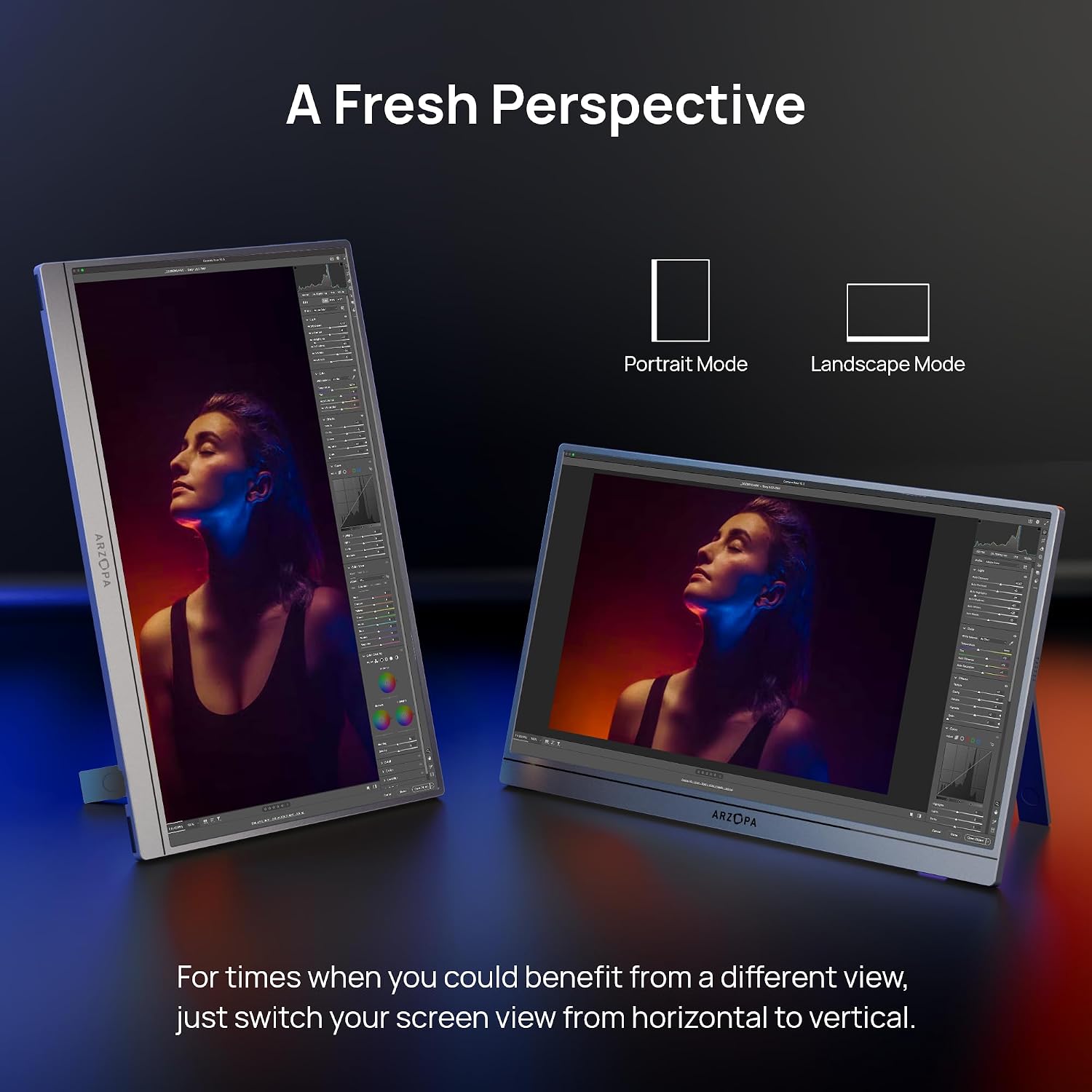
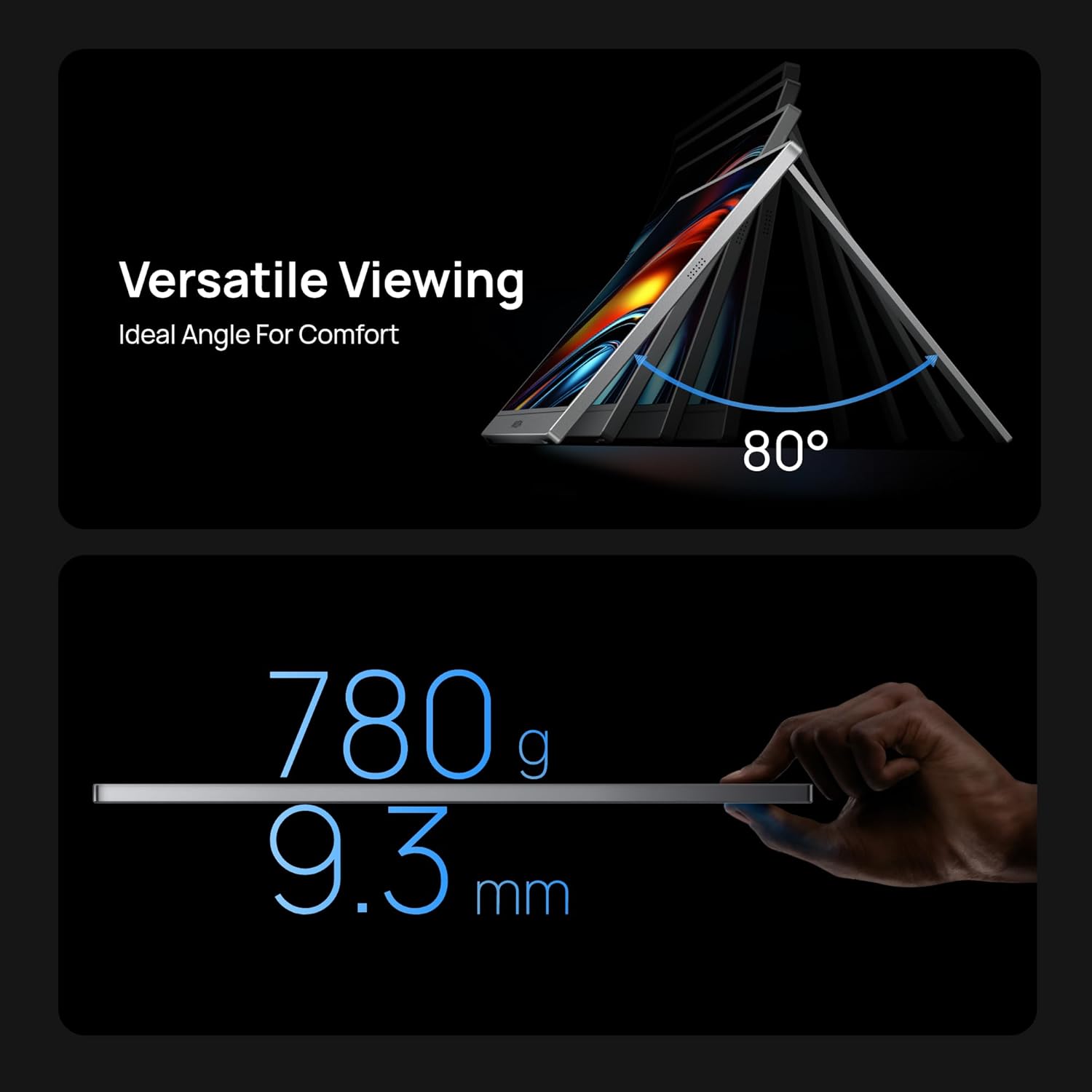
On the desk or on the road, this monitor acts as a flexible extension for work and entertainment. The dual-orientation setup lets you switch between landscape and portrait modes, which is handy for coding, writing, or reviewing documents and social media feeds. The 80° adjustable kickstand is built to stay stable on uneven surfaces, so it’s not just for neat office setups but also for travel or temporary workstations.
What stands out in use
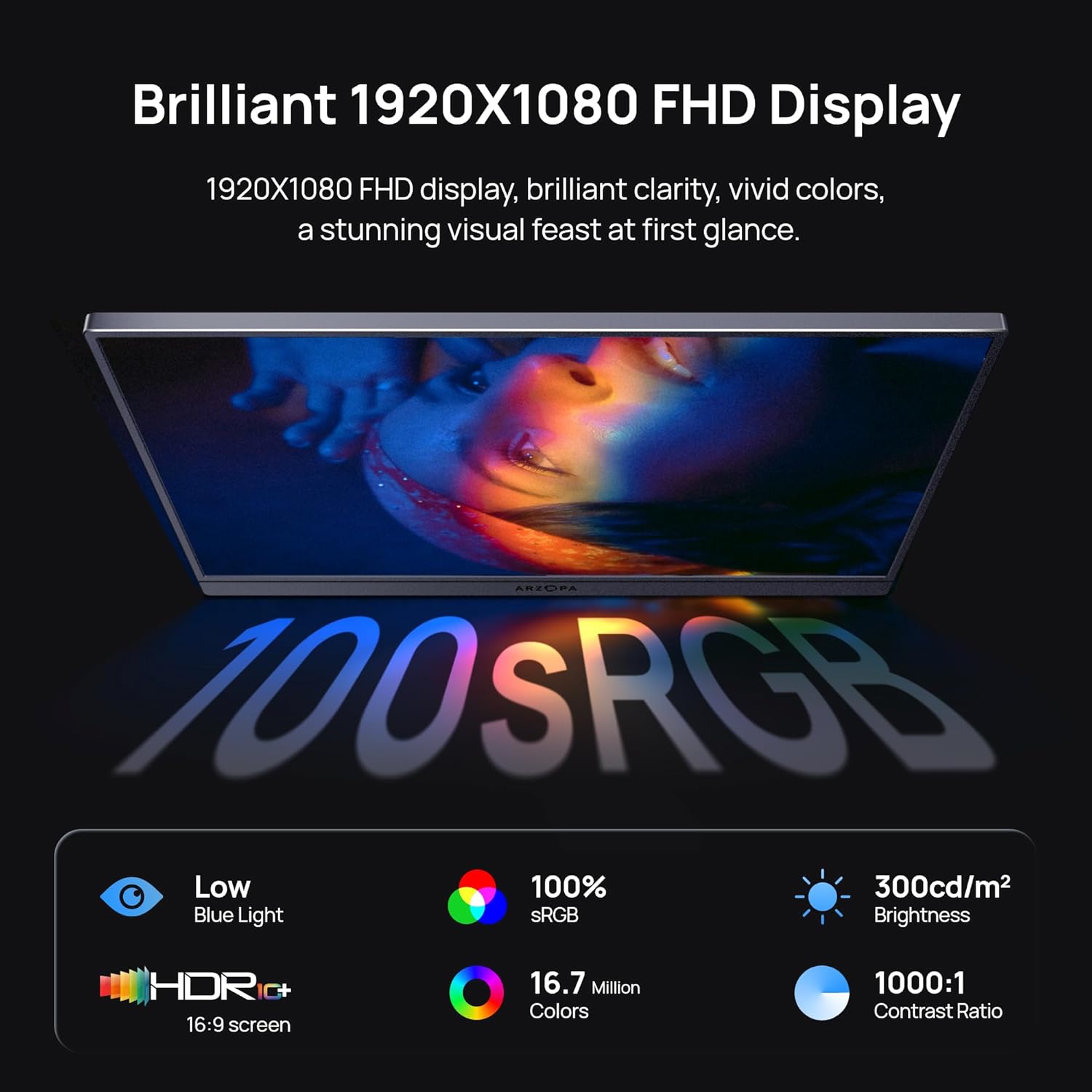
The panel is IPS, which tends to deliver wide viewing angles and reliable colour across different tasks. The 100% sRGB coverage promises vibrant, naturally-rendered colours suitable for photo editing, design work, or immersive video watching. At a slim 0.3-inch profile and about 1.7lbs, it is genuinely portable and easy to slip into a backpack or briefcase without adding noticeable bulk.
What you’ll notice day to day
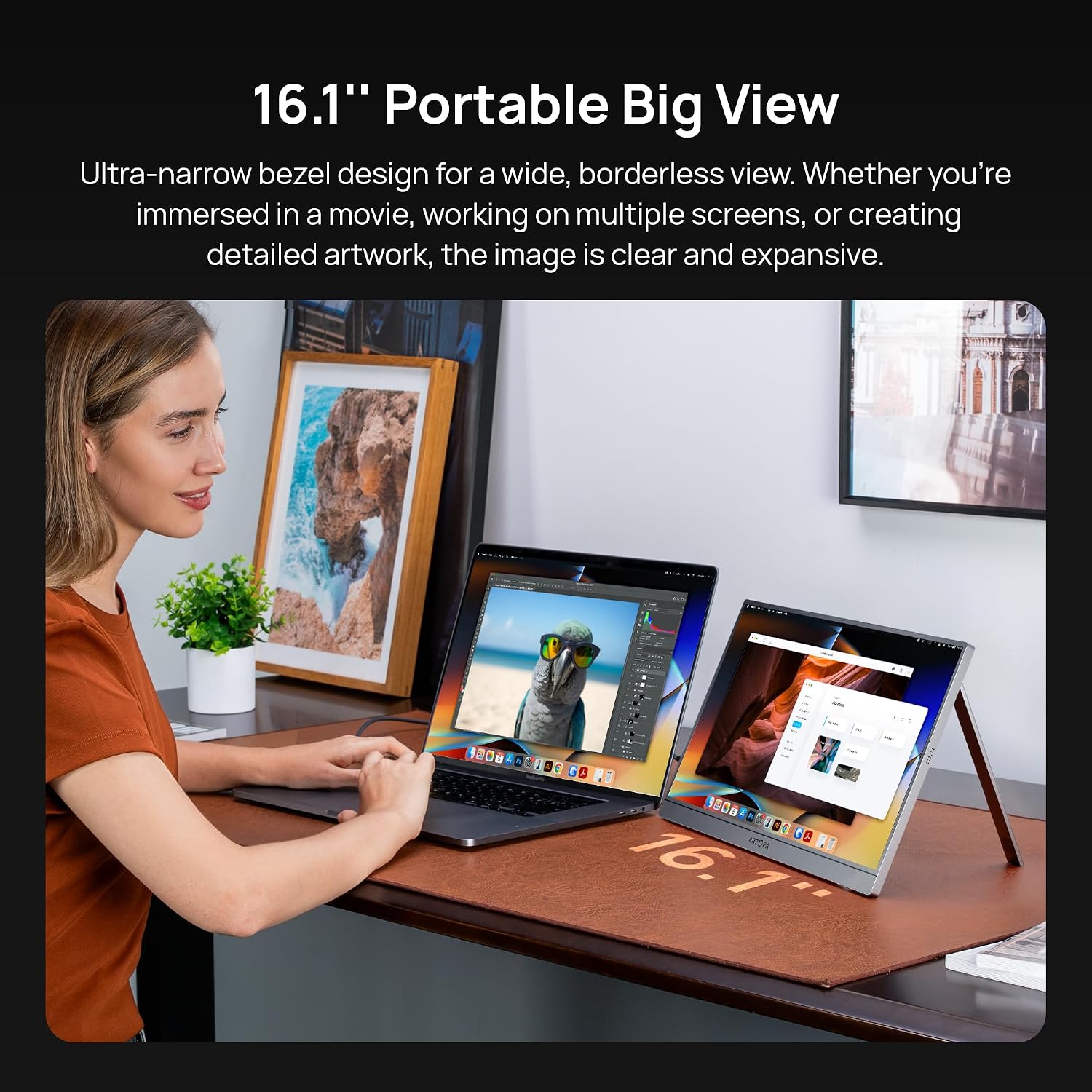
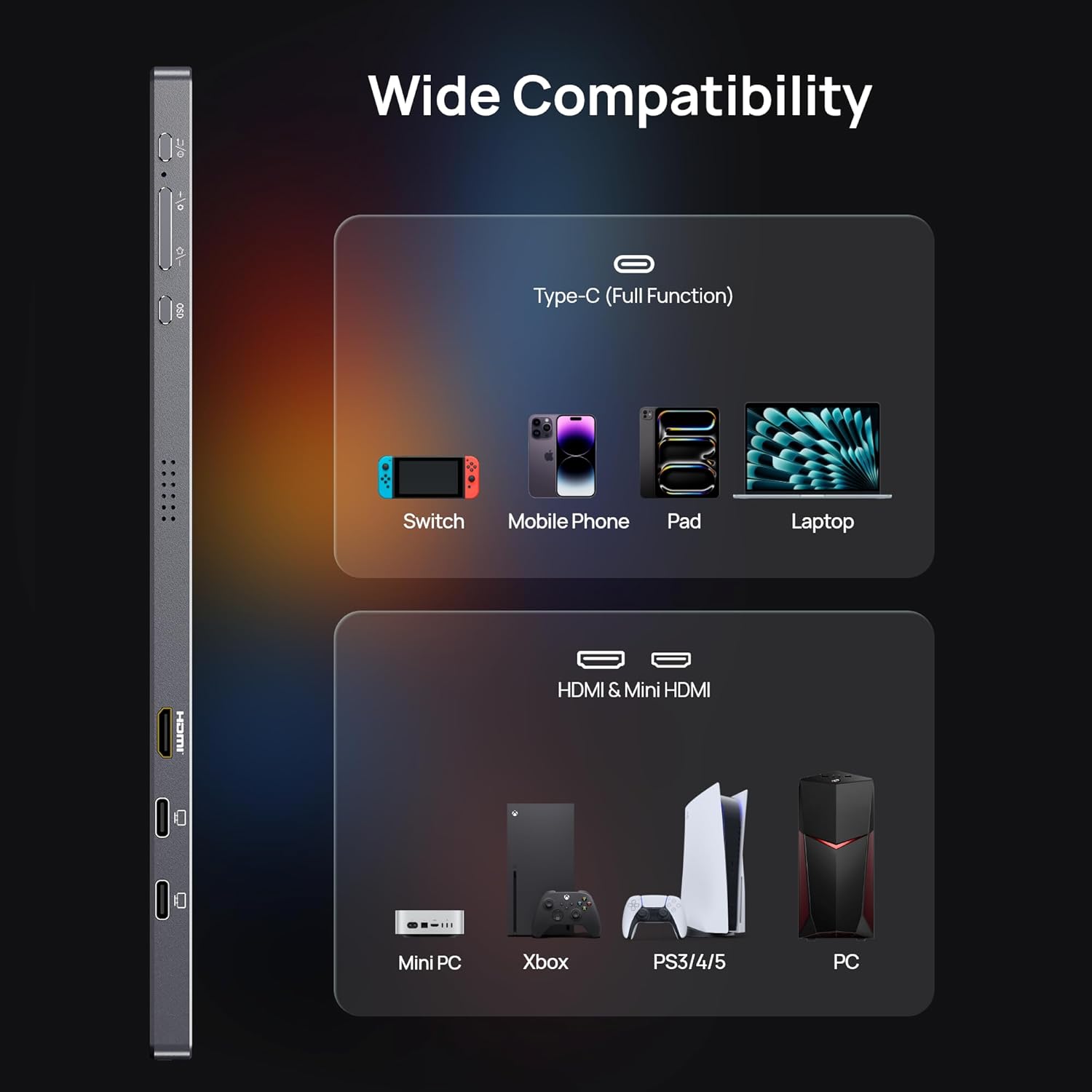
Connectivity is straightforward thanks to plug-and-play use with multiple devices. The unit is designed to work with laptops, PCs, Macs, smartphones (with full-function USB-C), and game consoles like Xbox/PS5/Switch. This means you can learn a workflow where your main screen stays put, while this portable display follows you for meetings, coding sessions, presentations or streaming.
Pros and cons in plain terms
Pros: lightweight design, strong colour range for a portable panel, flexible orientation, broad compatibility and easy setup. Cons: as a secondary screen, it won’t replace a high-end desktop monitor for intensive colour-accurate work, and you may want to check if your devices provide full USB-C support for seamless use.
Who it’s best for and who should think again
It’s well suited for professionals who travel, students needing extended workspace, or casual users seeking a second screen for entertainment or multi-tasking. If your priority is a top-tier colour-critical monitor for demanding photo or video work, you might find higher-end options more appropriate.
When to buy and when to pause
Consider this model when you need extra screen space without committing to a larger monitor setup, particularly if you value portability and ease of use on the go. If you rarely work away from a primary display or require the absolute fastest response times for competitive gaming, you may want to compare options with different refresh rates and latency characteristics.
What to check before buying
Ensure your devices support full-function USB-C for plug-and-play use, or be prepared to use alternative inputs if required. Consider how you’ll carry the monitor and whether your travel or work routine benefits from the 16.1-inch footprint without adding too much weight. Think about whether 1080p suffices for your tasks or if higher resolution would be preferred in your typical workflow.
Practical usage example
Imagine editing a document on your laptop while presenting data to a colleague via the portable screen. You extend your workspace in seconds, orient the screen vertically to skim through lengthy reports, and keep the main laptop screen free for edits. In a casual setting, you could attach the monitor to your laptop during a coffee shop session to watch presentations or stream videos without occupying a full desk.
Technical details
What to know
- 16.1" Full HD (1080p) IPS panel
- 100% sRGB colour gamut for vibrant tones
- Dual orientation (landscape/portrait)
- 80° adjustable kickstand for stability on uneven surfaces
- Weight around 1.7lbs, profile about 0.3 inches
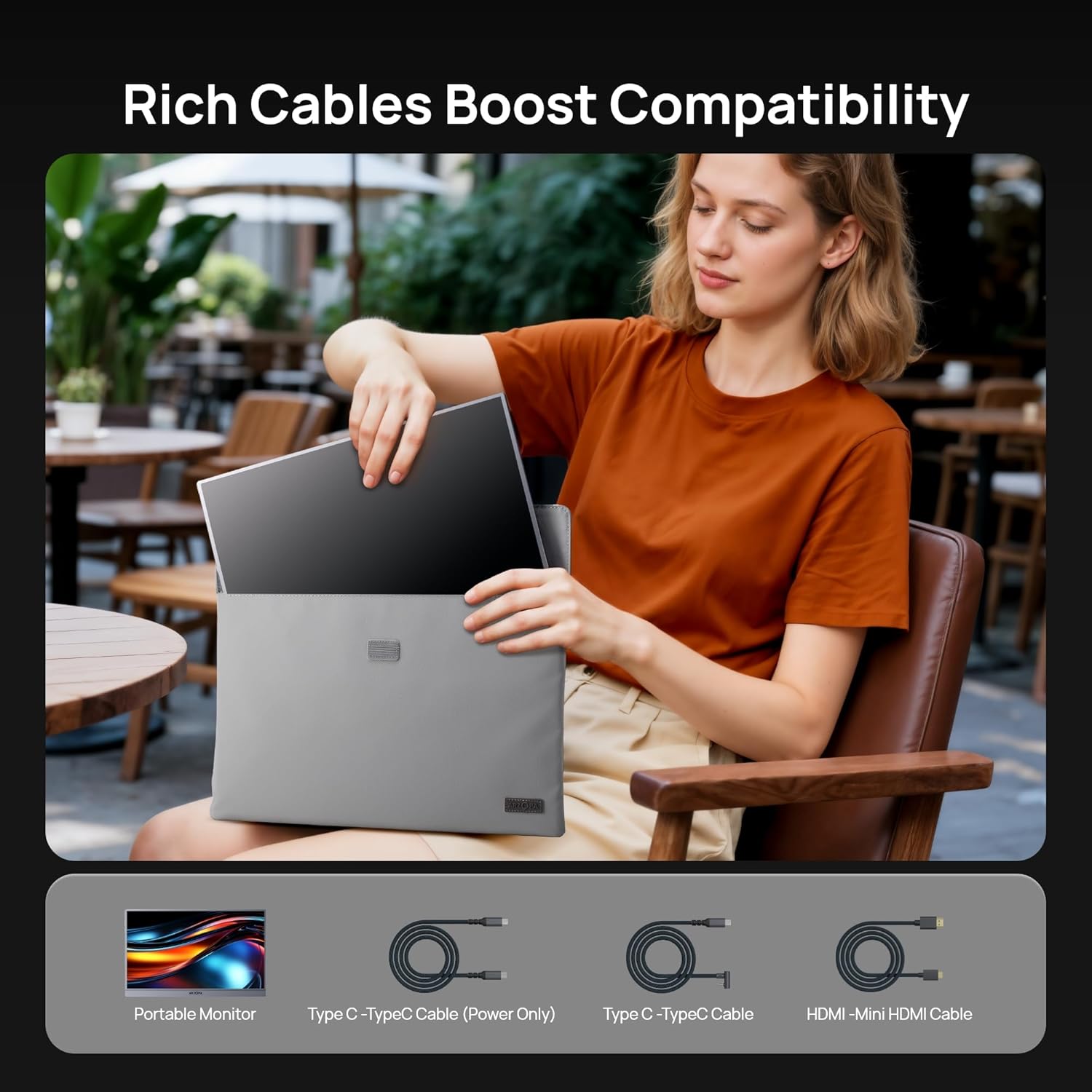
- Plug-and-play with laptops, PCs, Macs, smartphones (USB-C full function), and select consoles
- After-sales support: 24-months
What it works with
The monitor is designed for versatile use with a range of devices via USB-C or compatible inputs, making it a flexible second screen option for commuters, remote workers and gamers alike.
Care and maintenance
Simple wipe-clean surface, avoid excessive pressure on the kickstand mechanism to maintain stability over time.
Is it worth it?
Worth considering if you prioritise portability and a straightforward setup for a second screen on the move. It’s a practical choice for those who want more screen real estate without compromising on weight or bulk. It may not be the best option if you need a high-end colour-critical panel or the fastest possible refresh rate for competitive gaming. A practical test is to assess whether the added vertical or horizontal workspace delivers a noticeable productivity boost in your daily tasks.
FAQ
- Will it work with my laptop via USB-C? If your device supports full-function USB-C, you should be able to connect and extend your display without extra adapters.
- Can I use it as a primary monitor? It’s designed as a portable secondary screen, for professional-level main monitor use you might prefer a larger, purpose-built display.
- How durable is the kickstand? The kickstand is designed for stable support on uneven surfaces, but like any portable accessory, treat it with care to maintain long-term stability.
Final decision
Is it worth it? It makes sense if you need a lightweight, portable second screen that’s easy to carry and quick to set up for work or entertainment. It suits mobile workers, students and casual users who want flexibility without the burden of a full desktop display. If your priorities are top-tier colour calibration or aggressive gaming performance, you may want to explore higher-end options.