

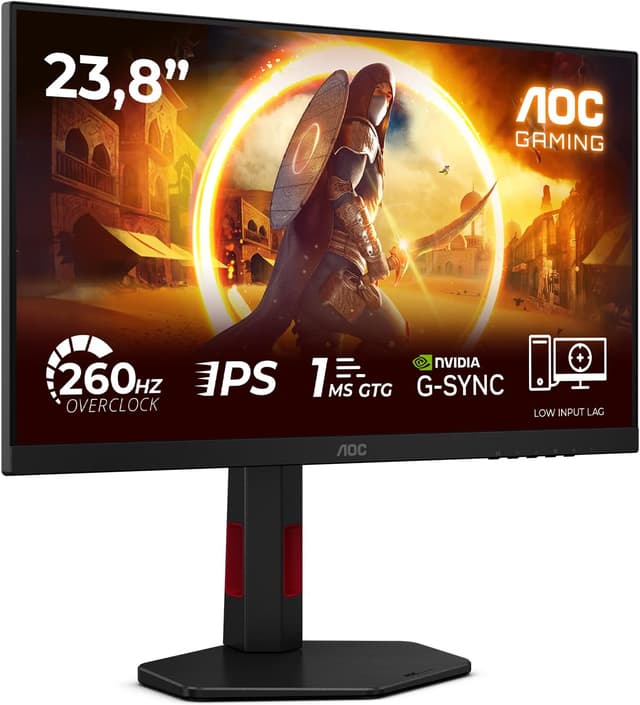
AOC Q27G42ZE 27-inch WQHD gaming monitor (260Hz, Fast IPS, HDR10, Adaptive Sync)
Product description
At a glance
If you’re shopping for a 27-inch WQHD gaming monitor, the AOC Q27G42ZE is aimed at people who want a fast, responsive panel for smoother play. It’s built around a high refresh rate and a Fast IPS approach, with features like Adaptive Sync and G-Sync compatibility included on paper.
What you get on the spec side is a lot of “gaming-led” thinking: the monitor is positioned for ultra-smooth motion, and it also mentions comfort-oriented adjustments such as reducing flicker and lowering blue light for longer sessions. That kind of balance can be genuinely useful if you game for a couple of hours more often than you mean to.
It’s not perfect for everyone, though. If your priority is purely image accuracy for colour-critical work, gaming-first specs can end up being more than you need. And because the provided info is fairly summary-level, you’ll still want to double-check the exact supported refresh range and HDR behaviour in your own setup.

Key features that matter for gaming
AOC pairs a Fast IPS panel with a 260Hz refresh rate and a very low response time figure (0.3ms MPRT is stated). In practical terms, that’s designed to help reduce blur in fast-moving scenes and keep transitions feeling more fluid—especially at higher frame rates.
Adaptive Sync and “G-Sync Compatible” are also part of the pitch. These are there to help keep the screen’s refresh and your graphics card’s output in step, which can reduce tearing and stutter when frame rates fluctuate. The monitor also supports HDR10, so if you play HDR content that your console/PC actually outputs, you may see better contrast and a more dynamic look versus standard SDR.
There’s also a mention of flicker reduction (to minimise flickering during extended use) and reduced blue light emissions to help with eye comfort. That’s a nice everyday touch, even though comfort is always a personal thing—some people find these settings helpful, others are more sensitive to brightness than blue-light filters.

The essentials (ports and signal options)
The monitor is described as offering: - HDMI 1x 2.0 - DP 1x 1.4
On a desk, having both HDMI and DisplayPort is usually the sensible baseline. It gives you flexibility for a PC (often DisplayPort) and many consoles/streaming boxes (often HDMI). Still, worth keeping in mind that the “best” refresh rate support depends on what your device is capable of and which cable/settings you end up using.
What you’ll notice day to day
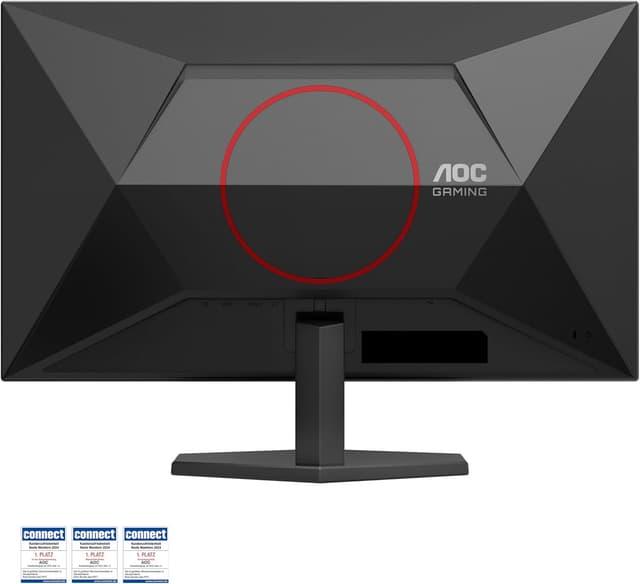
This setup is clearly tuned for people who care about motion smoothness. If you’re the sort of player who can tell the difference between “good enough” and “locked-in” responsiveness, the combination of high refresh and adaptive syncing is where this monitor is meant to earn its keep.
For everyday use beyond gaming, the comfort notes are the most relevant parts of the description: reducing screen flickering and blue light can make long sessions feel less fatiguing, particularly if you often do late-night gaming or you work at a PC for hours.
One small limitation to bear in mind: the description mentions “260Hz” and a response time figure, but it doesn’t include details like brightness, contrast, or colour gamut. So while it’s positioned as gaming-focused, you can’t assume it will automatically be the best choice for HDR looks or professional colour work without checking the fuller spec list.
How to decide if it’s a good fit for you

It makes sense if you mainly want: - A 27-inch WQHD gaming monitor with very high refresh rate - Fast response performance for action-heavy games - Adaptive Sync / G-Sync Compatible support - Some attention to extended-use comfort (flicker and blue light reduction)
It might not be a great match if you: - Only play at modest frame rates, where the jump to very high refresh won’t be fully used - Need colour-accuracy-first performance for critical creative tasks - Prefer to buy purely on HDR quality claims, since the info here doesn’t spell out the HDR performance beyond HDR10 support
Worth considering if you want to prioritise smooth gameplay and you’re comfortable tweaking settings based on your PC or console.
Is it worth it?
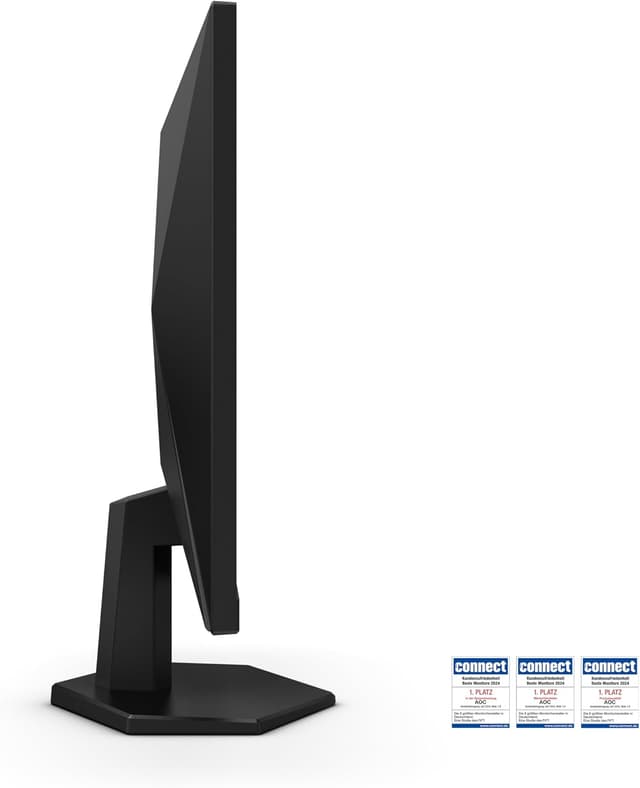
This AOC Q27G42ZE looks like a solid purchase for the right buyer: someone gaming on PC or console who values high refresh smoothness and wants syncing features to help minimise tearing and stutter. The Fast IPS panel approach and the comfort-focused notes (flicker reduction and reduced blue light) are also practical touches for longer sessions.
You may want to skip it if your usage is more about colour-accurate creative work than responsiveness, or if your system won’t regularly push frame rates where 260Hz makes much difference. On balance, for competitive and fast-paced gaming, it’s built for “feel”, not just specs.
Mini FAQ
What are the connection options?
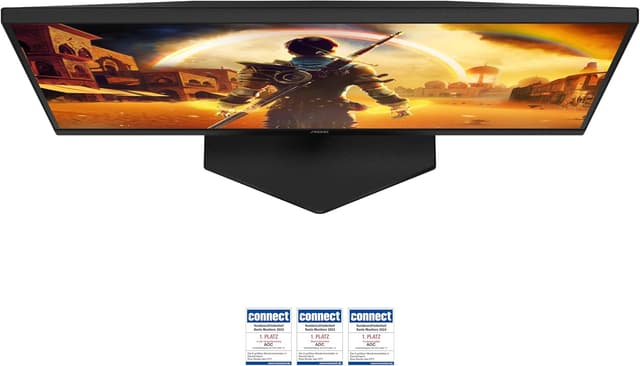
It’s listed with HDMI 2.0 (1x) and DisplayPort 1.4 (1x), giving you a straightforward mix for typical PCs and consoles.
Does it support HDR?
Yes, HDR10 support is stated. However, HDR impact can depend heavily on the device output and your in-game/OS settings, so it’s worth checking HDR behaviour in practice.
Will it help with screen tearing?
Adaptive Sync and G-Sync Compatible support are designed to help reduce tearing and stutter when frame rates vary.
Is the comfort feature useful for long gaming sessions?
The description specifically mentions reducing flicker and blue light emissions, which can be helpful for extended use. Comfort still varies, so consider it an advantage worth using rather than a guarantee.
What should I double-check before buying?
Before committing, double-check what refresh rate your PC/console can output at 2560x1440 over the relevant port, and confirm you’re using the right cable and settings for the smoothest experience.