

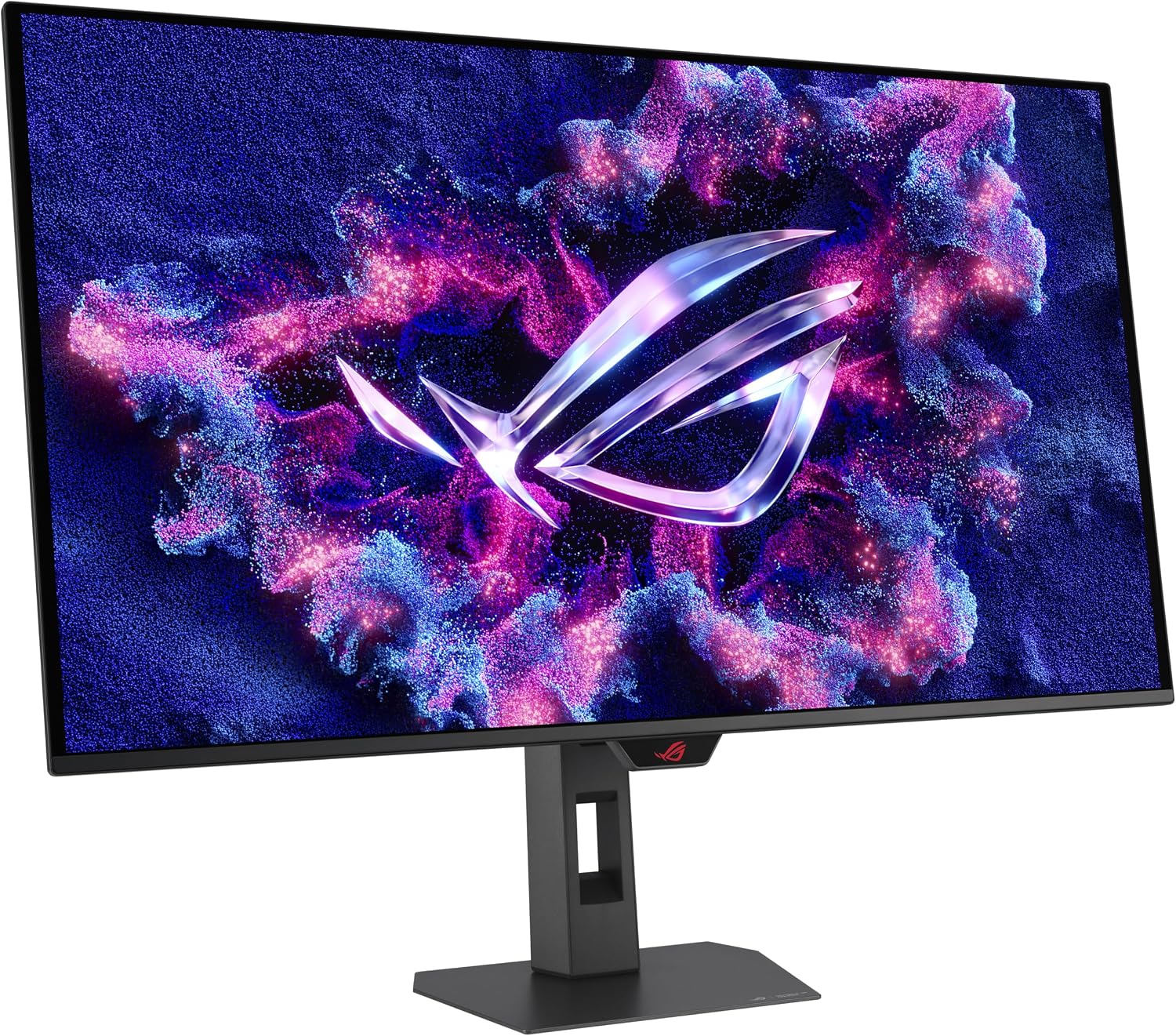
ASUS ROG Strix OLED XG32UCWMG 32-inch 4K gaming monitor with Dual Mode (4K@240Hz, FHD@480Hz)
Product description
The essentials
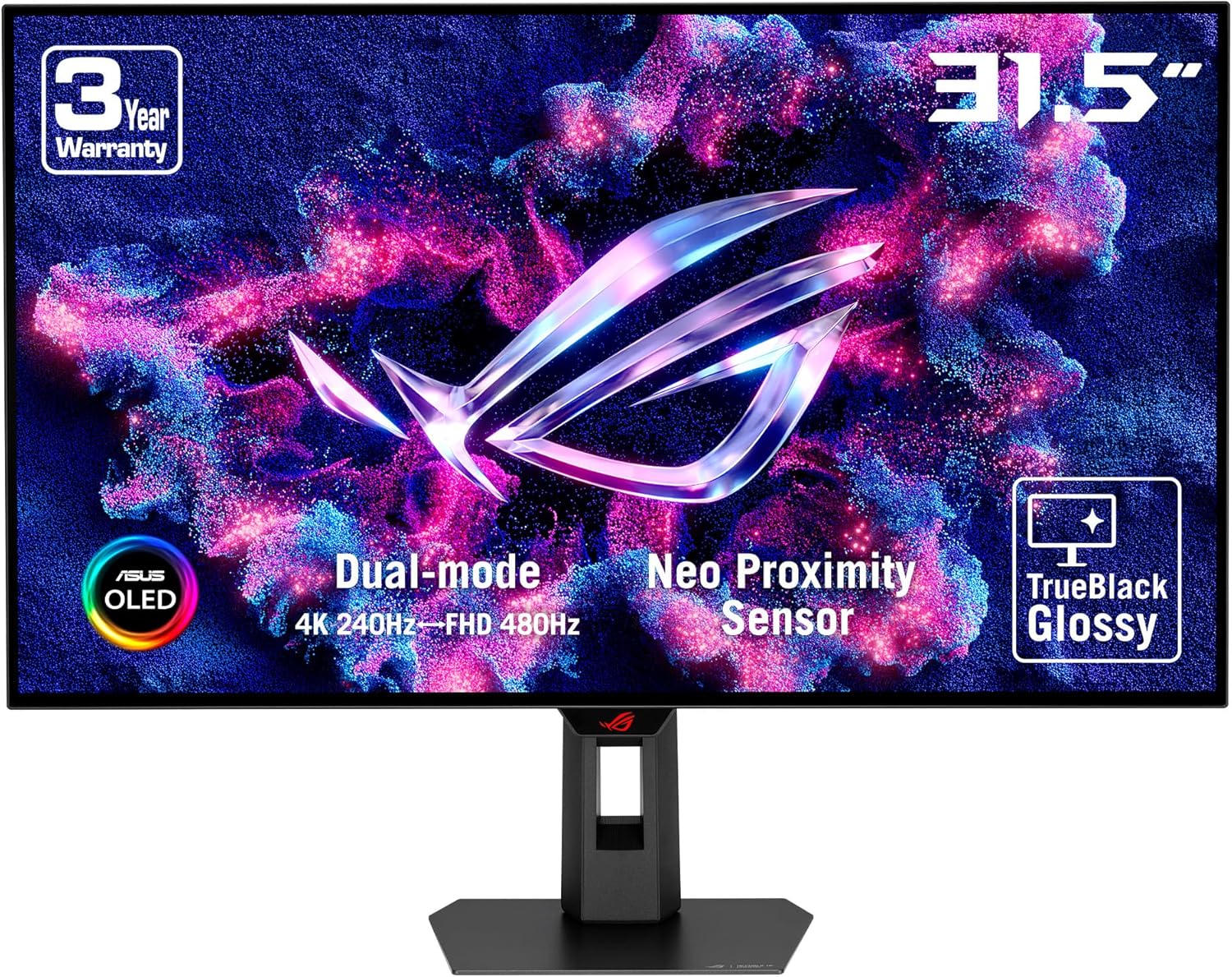
If you’re shopping for an OLED gaming monitor that doesn’t force you to choose between “sharp console-style 4K” and “high-refresh competitive play”, the ASUS ROG Strix OLED XG32UCWMG is built around a dual approach. On paper, it switches between 4K at up to 240Hz and FHD at up to 480Hz, which is exactly the kind of flexibility that makes a difference when your game mix changes.
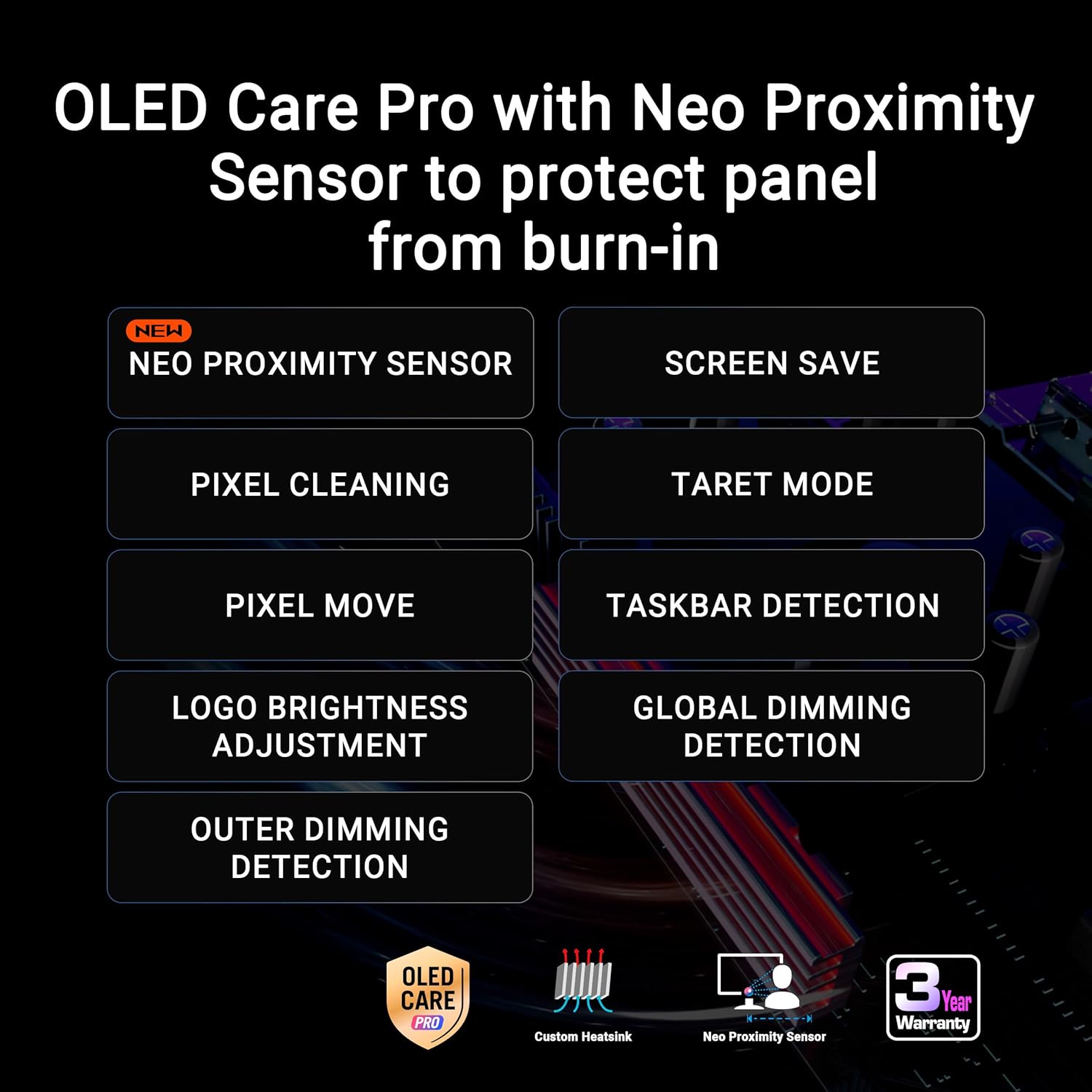
It also leans into OLED-specific protection. ASUS’ OLED Care Pro and the Neo Proximity Sensor are designed to detect when you’re away and switch to a black screen, aiming to reduce burn-in risk. That’s not something every buyer thinks about at the start, but if you leave static HUDs or desktop windows up for long stretches, it becomes a real decision factor.
That said, this isn’t a “set-and-forget” LCD replacement. OLED benefits depend on how you use it—especially around static content and long sessions. So it’s worth considering whether you’ll actually use the built-in protection features and adapt your habits.
What stands out in everyday use
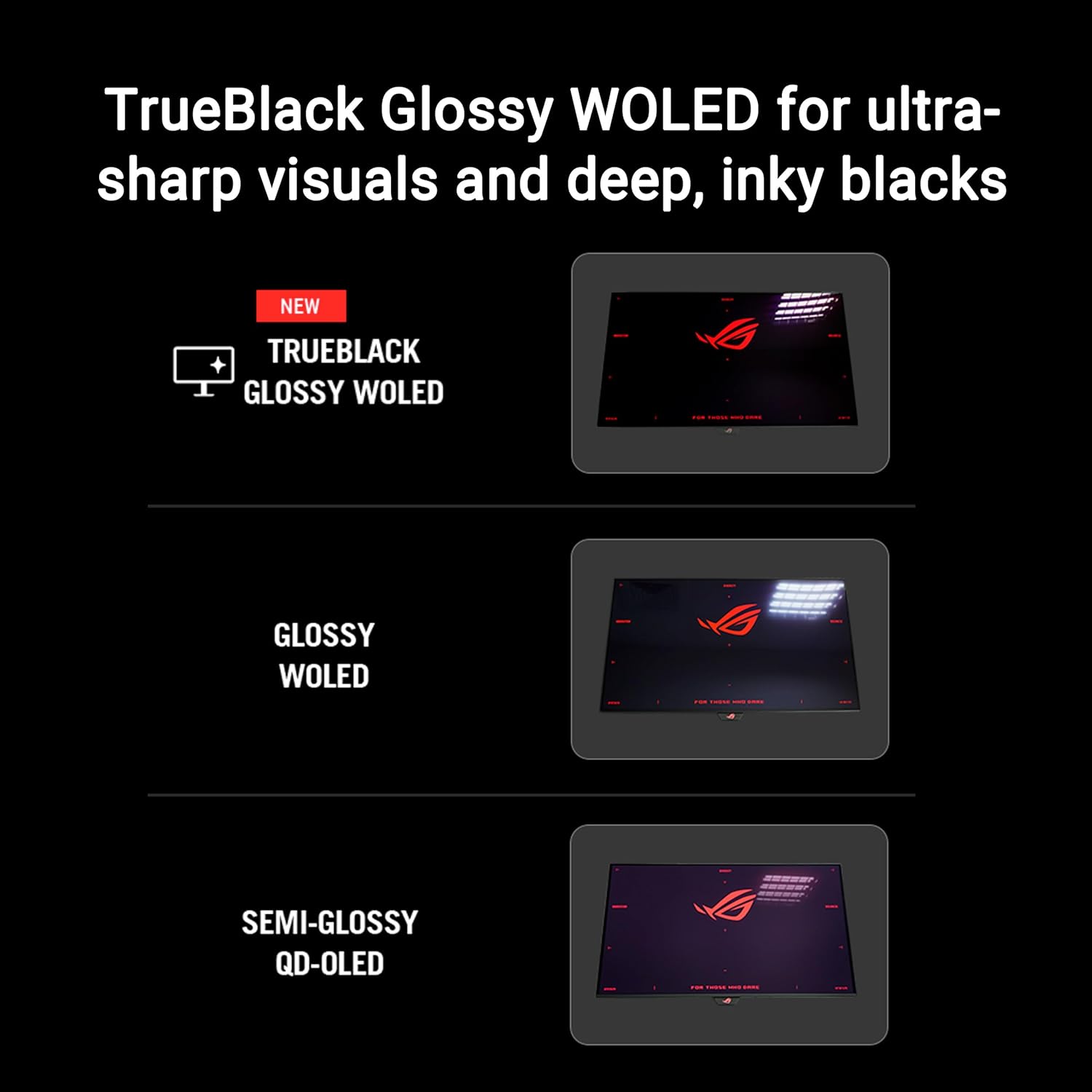
The TrueBlack Glossy WOLED panel is positioned to deliver a zero-haze surface and sharp imagery. In gaming terms, that usually translates to cleaner contrast and a more “punchy” look in dark scenes. It’s the kind of display spec that matters if you play at night or in story games where lighting and shadows do a lot of the work.
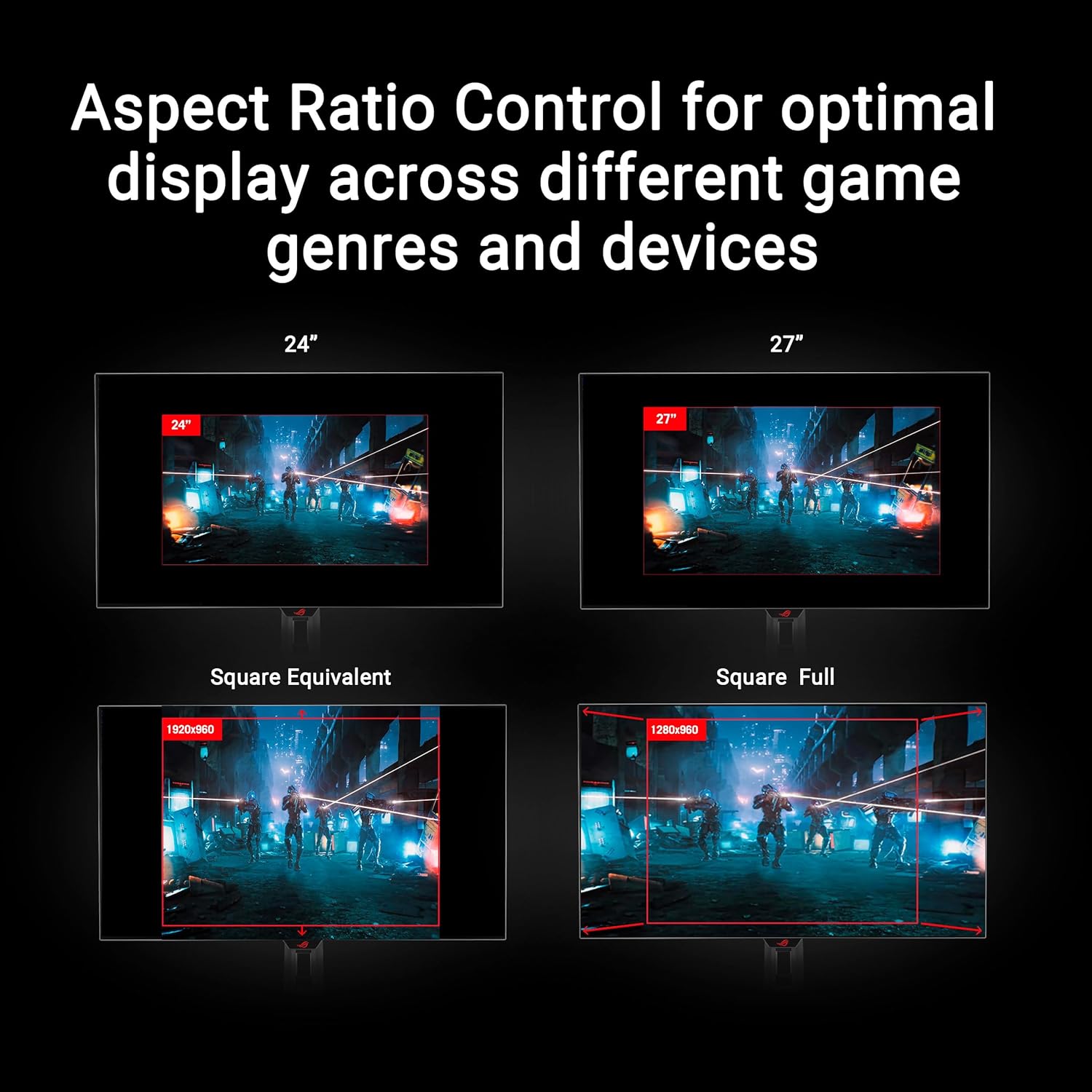
The “Dual Mode” is the other big practical point. You’re not stuck at one resolution/refresh pairing. If you prioritise higher frame rates in competitive titles, the FHD@480Hz mode is there. If you want a more detailed picture for single-player or editing-friendly work, the 4K@240Hz mode is the one to reach for.
There’s also a DisplayWidget Center mentioned in the spec. It’s meant to make OLED Care Pro functions and monitor settings easier to access using a mouse. That’s a small thing, but it can make setup and tweaks less fiddly.
And for HDR, the monitor supports VESA DisplayHDR 400 True Black, with “true 10-bit colour” and a wide colour gamut figure provided (99% DCI-P3). For photography and video workflows, those details are the sort of reassurance you look for—though, as with any HDR spec, the final result depends on content and calibration.
Key takeaways for gaming and creative work
You get a blend of features aimed at two audiences: competitive gamers who care about responsiveness, and creators who care about colour and image accuracy.
- For gaming, the headline pairing is 4K@240Hz and FHD@480Hz, supported by an extremely low response time figure of 0.03ms (as stated).
- For HDR and colour, VESA DisplayHDR 400 True Black plus 99% DCI-P3 and true 10-bit are the figures ASUS highlights.
- For creative work, the spec explicitly frames it as “perfect for photo and video editing”. That’s a useful direction, but it still helps to check whether you’re expecting professional grading-level behaviour or simply a strong colour-capable display for typical editing.
On the creative side, a practical micro-scenario: imagine you’re editing footage with dark scenes and bright highlights, then jumping straight into a game. The combination of True Black positioning and the OLED care approach is meant to help keep the look consistent, while the HDR mode support can make the jump feel less “washed out”.
Tech specs (quick reference)
- Panel type: WOLED
- Screen size: 32-inch
- Resolution: 3840 x 2160 (4K)
- Dual Mode: 4K@240Hz and FHD@480Hz
- Response time: 0.03ms (as stated)
- HDR support: VESA DisplayHDR 400 True Black
- Colour coverage: 99% DCI-P3
- Colour depth: true 10-bit colour
- Colour difference metric: Delta E < 2 (as stated)
- Connectivity: DisplayPort 1.4 (with DSC), HDMI 2.1, USB-C with 15W Power Delivery
- Other features mentioned: heatsink, OLED Care Pro, Neo Proximity Sensor, VESA DisplayHDR 400 True Black compliance, DisplayWidget Center, AI Assistant (Dynamic Crosshair, Dynamic Shadow Boost, AI Visual)

Who it suits (and who should pause)
This monitor makes sense if you want one display that can realistically cover two kinds of sessions: high-fidelity viewing and high-refresh competitive moments. The dual mode headline isn’t just marketing fluff here—it’s central to the product’s pitch.
It’s also a good match if you’re conscious about OLED longevity. The Neo Proximity Sensor and OLED Care Pro are clearly aimed at people who forget to switch monitors off, step away from their desk, or spend time with semi-static interfaces.
You may want to skip it if you’re primarily looking for a simple, basic gaming panel and you don’t want to think about OLED usage habits. Also keep in mind that “glossy” (TrueBlack Glossy) displays can look different depending on room lighting, and OLED performance and longevity can be influenced by how often you run static content for very long periods.
Finally, if you’re mostly doing either 4K-only workloads or pure competitive FHD play and never switch, you might find that the extra complexity doesn’t add much value for your specific routine.
Is it worth it?
Worth buying if you want an OLED 32-inch gaming monitor with dual resolution/refresh modes, strong HDR/colour claims (VESA DisplayHDR 400 True Black, 99% DCI-P3, true 10-bit), and built-in OLED care aimed at reducing burn-in risk—especially if you spend time away from your desk.
It’s not the best fit if you prefer a no-fuss LCD-style experience, you dislike glossy panels in bright rooms, or you mainly use static content for long stretches without any intention of using the monitor’s OLED care functions.
Before you commit, it’s sensible to check your setup for the inputs you plan to use (HDMI 2.1, DisplayPort 1.4 with DSC, or USB-C with 15W power delivery) and think about whether dual mode will actually be something you’ll use week to week.
Mini FAQ
Does the OLED Care Pro and proximity sensor help with burn-in risk?
The OLED Care Pro and Neo Proximity Sensor are designed to detect when you’re away and switch to a black screen to reduce burn-in risk, based on the manufacturer’s approach described in the spec.
What does Dual Mode mean in practice?
Dual Mode refers to switching performance between 4K@240Hz and FHD@480Hz. In practice, it’s there so you can prioritise detail in some games, and higher frame rate in others.
Is it suitable for photo and video editing?
ASUS explicitly positions it for photo and video editing, citing VESA DisplayHDR 400 True Black, 99% DCI-P3, and true 10-bit colour (with Delta E < 2 as stated). As always, results depend on your workflow and calibration goals.
What connections are available?
You’re given DisplayPort 1.4 (DSC), HDMI 2.1, and USB-C with 15W Power Delivery.
Is the glossy screen a potential downside?
It can be, depending on your room lighting and how you feel about reflections. The spec calls it “TrueBlack Glossy”, so it’s worth factoring that into your viewing environment.