

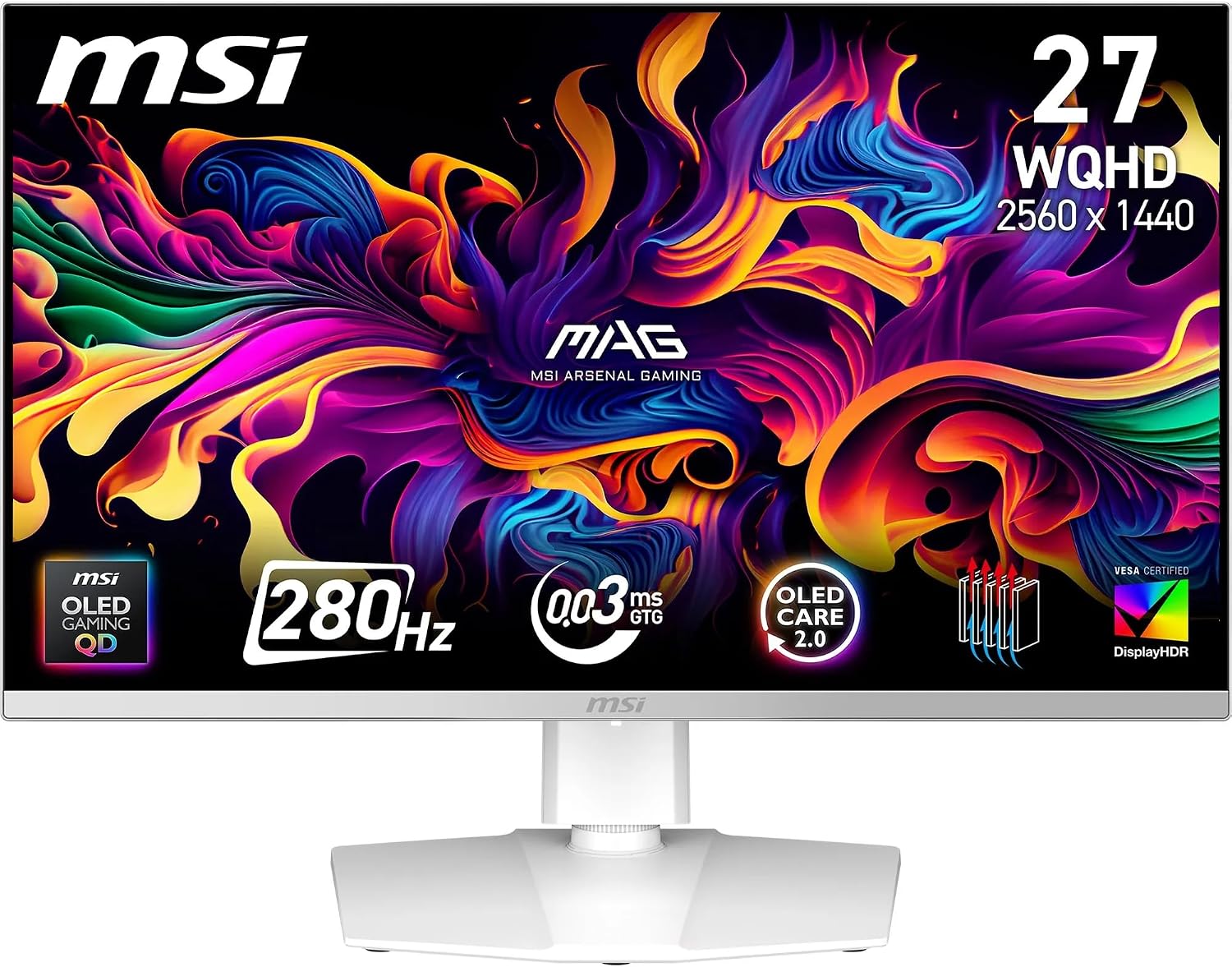
MSI MPG 341CQPX QD-OLED 34-inch UWQHD curved gaming monitor (3440 x 1440, 240Hz)
Product description
The essentials
If you’re shopping for a high-refresh curved gaming monitor, the MSI MPG 341CQPX is built around a QD-OLED panel rather than a more typical LCD approach. On paper, that matters because you’re getting 10-bit colour depth, a very high refresh rate, and DisplayHDR True Black 400 certification—so you’re not just chasing smooth motion, you’re also aiming for strong contrast and punchy visuals.
It’s also clearly designed for people who want more than “just a screen”. MSI includes OLED Care 2.0 to help reduce burn-in risk, plus a software bundle positioned around gaming features, firmware updates, and convenience tools like KVM-style functionality with PiP/PbB compatibility. Still, it’s worth being realistic: OLED needs sensible usage habits, and the benefits only really show if your setup can take advantage of high refresh rates and the ultrawide format.
Where it stands out
The headline spec is the 240Hz refresh rate paired with a quoted 0.03ms (GtG) response time. In practical terms, that combination is there to make fast movement feel more controlled—useful for competitive shooters and any game where you care about motion clarity.
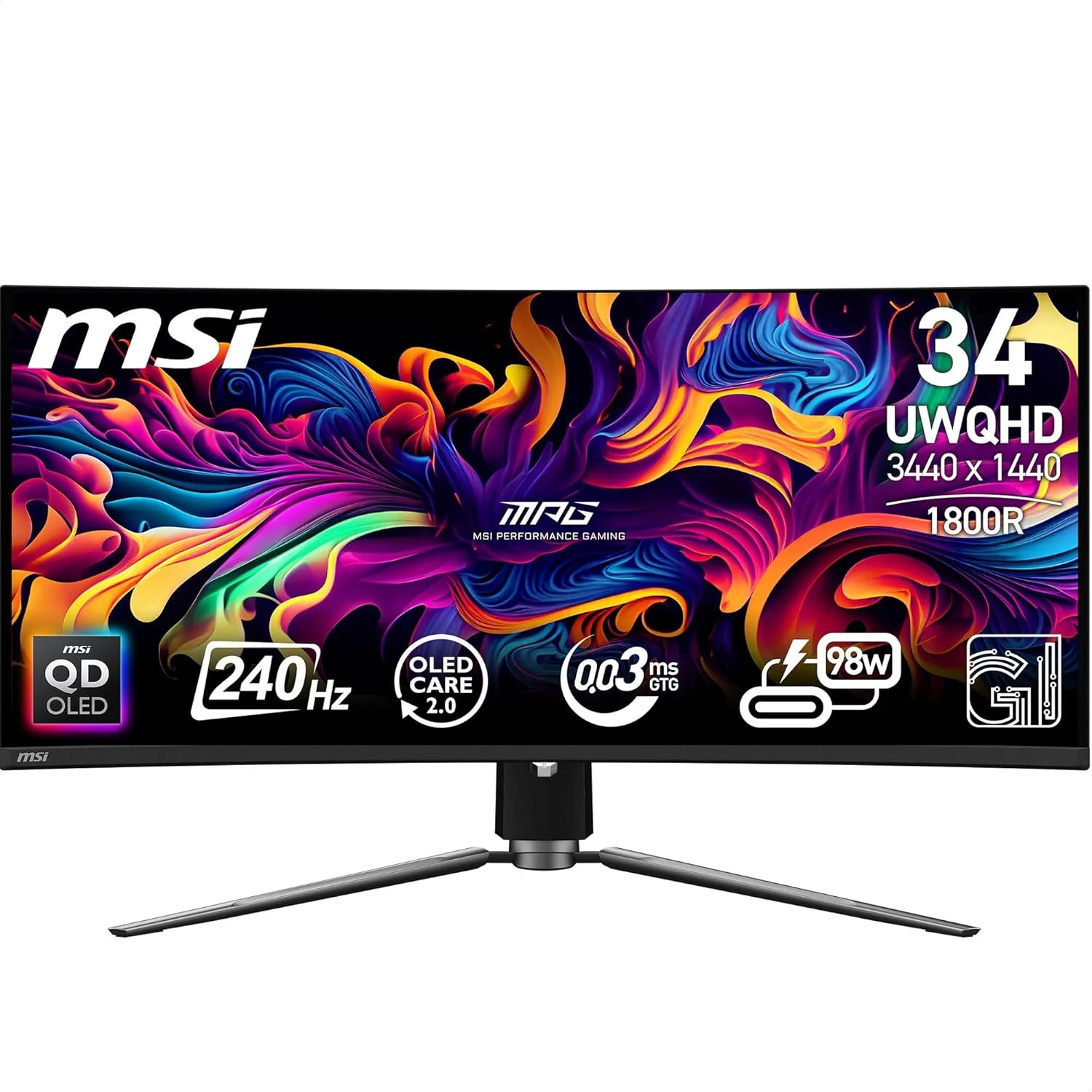
Colour performance is another strong angle. The panel is listed as 99.3% DCI-P3 with Delta E ≤2 colour accuracy and 10-bit colour (1.07 billion colours). If you do anything beyond gaming—like editing media or you simply notice colour banding on cheaper displays—this is the sort of spec sheet that tends to translate to fewer compromises.
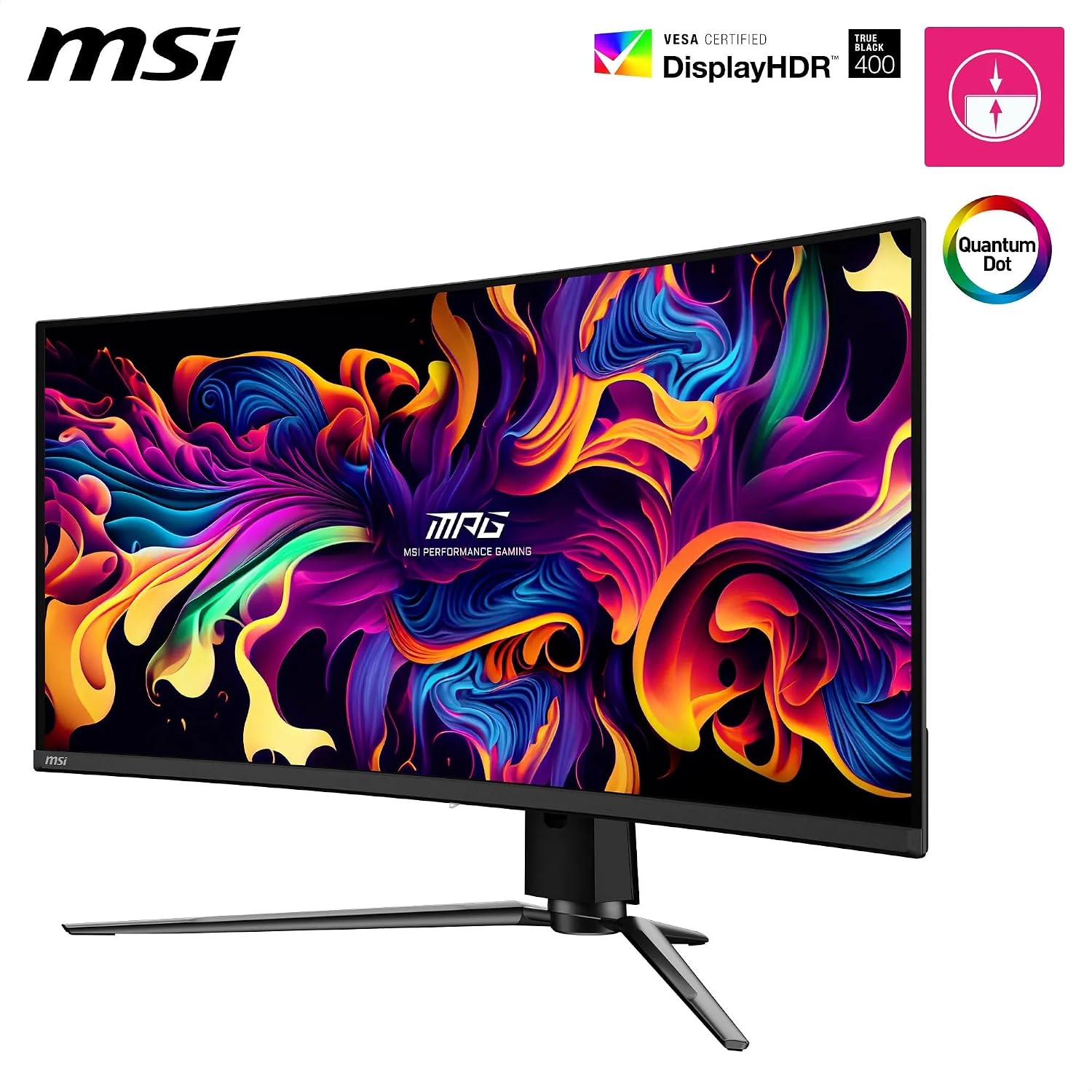
For HDR, it’s DisplayHDR True Black 400 certified, with a “True Black 400” positioning and a quoted native contrast ratio. You can also expect up to 1000 nits peak brightness mentioned in the base description (while the certification language is True Black 400). The key point: this isn’t aimed at people who only need SDR performance.
Where it gets a bit more practical is the heat-handling and longevity approach. MSI mentions Graphene Film and a custom heatsink, tuned for efficient fanless heat dissipation. It’s not a guarantee you won’t need to think about OLED care, but it signals MSI has designed this around the realities of QD-OLED operation.
Tech specs that affect real use
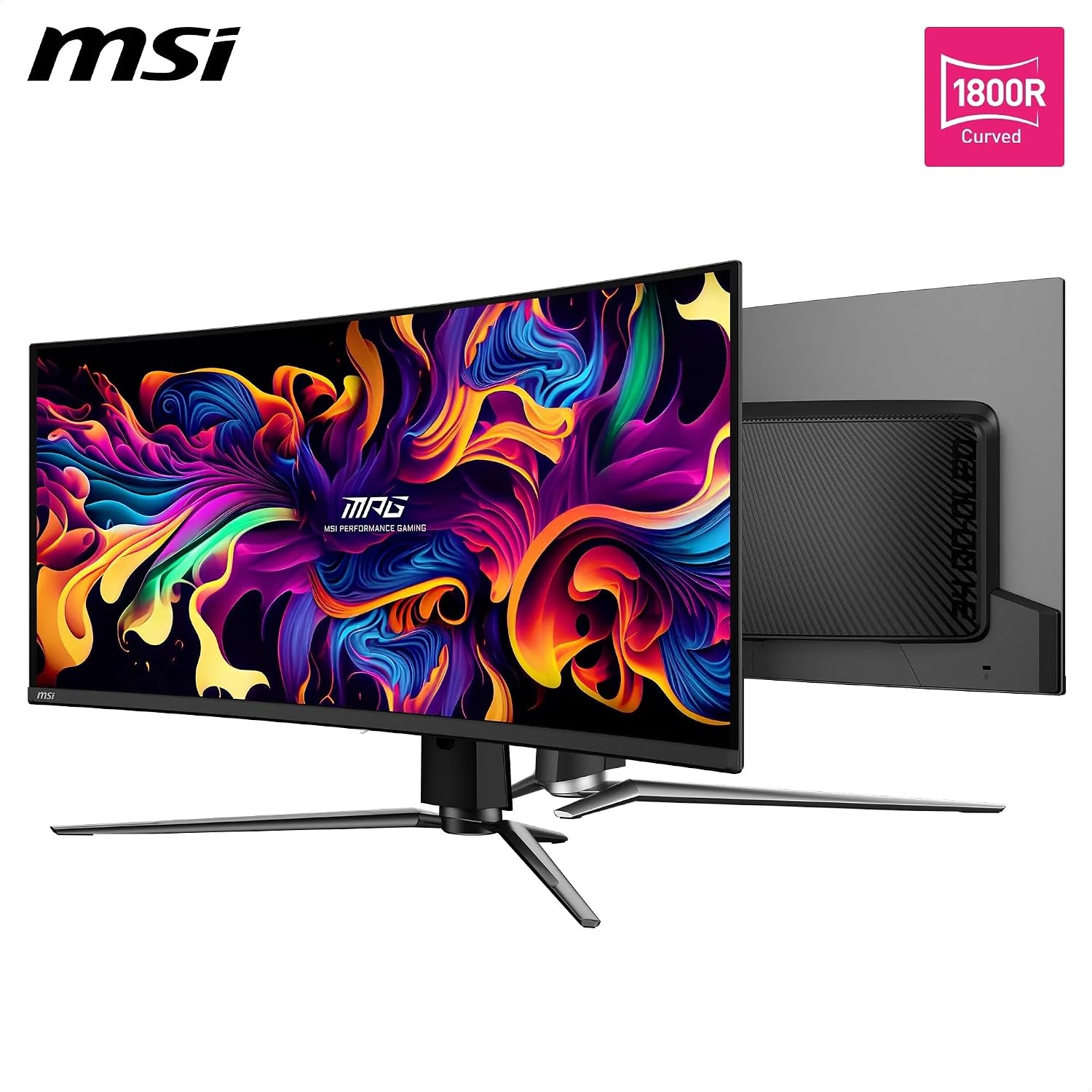
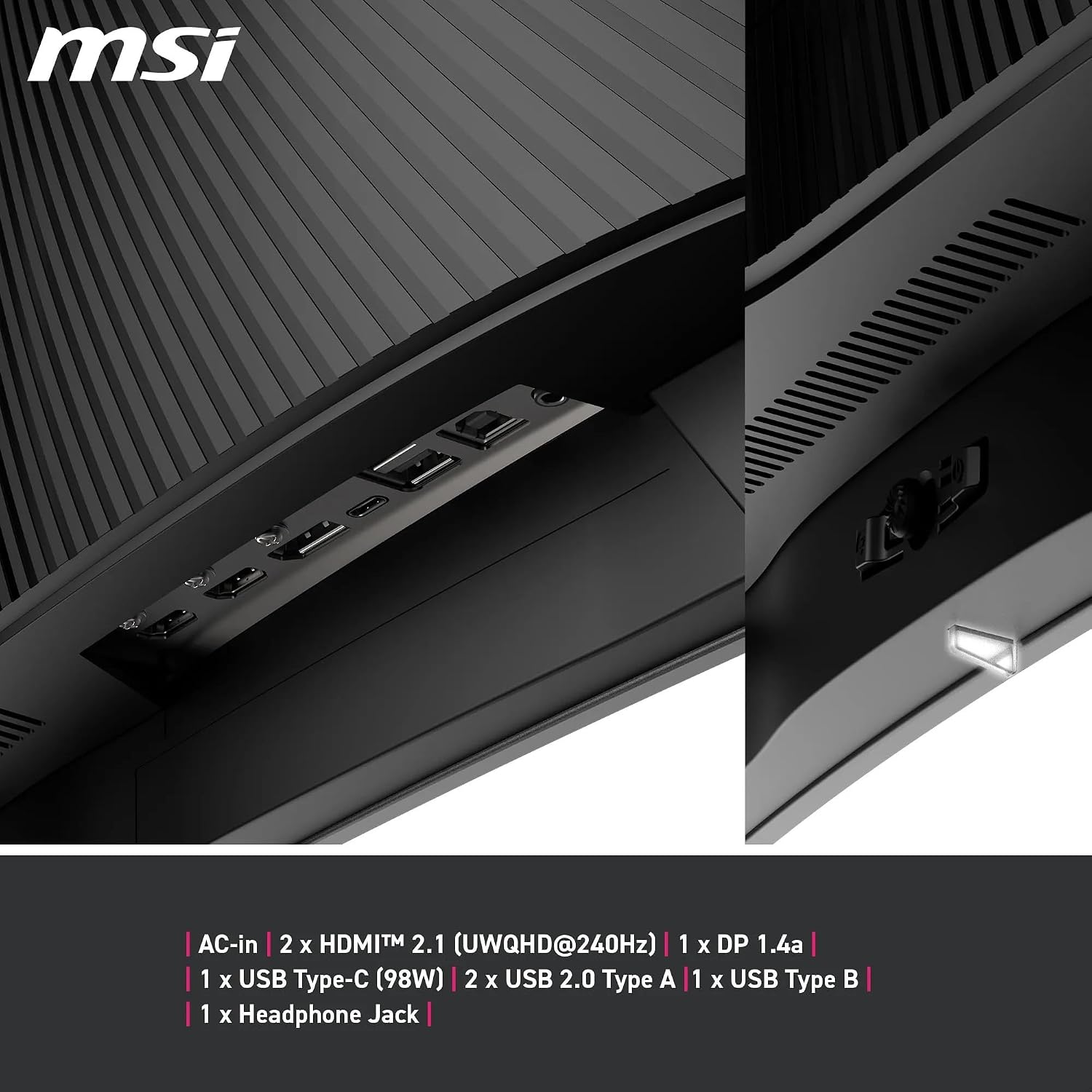
This monitor is specified as a 34-inch UWQHD curved display with a resolution of 3440 x 1440 (21:9). It also supports DisplayPort 1.4a and HDMI 2.1 connections, plus a USB Type-C port with Power Delivery (98W).
Connectivity is one of the areas where this model looks built for mixed setups. The base description calls out support for PC, console, and laptop—targeting UWQHD/240Hz max. on compatible inputs—and includes multiple USB ports: 2 x USB 2.0 Type-A, 1 x USB 2.0 Type B, and the USB Type-C with PD.
It also includes features intended to keep the screen healthy over time. MSI’s “OLED Care 2.0” is part of the gaming intelligence stack, and the software is described as using AI-supported assistance such as Smart Crosshair and Game Assistance (Optix Scope), alongside firmware update support.
One thing to keep in mind: details like whether every source will reliably hit 240Hz at UWQHD depend on your device outputs and cables. The monitor supports the right standards, but your PC/laptop still needs to cooperate.
What you’ll notice day to day
A curved 34-inch UWQHD screen can feel like the “sweet spot” between standard ultrawide immersion and a more compact desktop footprint. In day-to-day play, the extra width helps with situational awareness—maps, HUD elements, and inventory panels fit more comfortably without you constantly resizing windows.
For a micro example: if you’re playing a fast FPS, you’ll likely appreciate how the 240Hz + low response time setup is meant to keep motion looking cleaner during tracking and quick turns. Then, in the quieter moments—menus, item screens, and HDR scenes—the QD-OLED contrast and colour accuracy are the kind of things you notice without needing to think about it.
That said, OLED benefits are also tied to how you use it. Static UI elements, long sessions with the same layout, and heavy always-on brightness can increase the need for sensible OLED care. It’s not perfect for “set-and-forget” use cases.
Who it suits (and where it may fall short)
It’s a strong match if you want an ultrawide gaming monitor with high refresh performance, serious colour accuracy, and HDR True Black 400 certification — and you’re the sort of user who will actually enable the right settings.
It can be less ideal if you mainly need office-style work, spreadsheets, and occasional gaming, because the spec focus on motion clarity, HDR, and OLED longevity features may be more than you strictly need. Also, if you’re not willing to adopt basic OLED-friendly habits (varying content, managing brightness, letting the built-in care features do their job), you may prefer a more straightforward LCD-based approach.
Worth considering if you value quick switching in a desk workflow, because the base description mentions KVM with PiP/PbB compatibility and a mix of input options.
Maintenance and buying checks
Before you buy, it’s worth checking a few practical items based on what’s stated.
- Confirm your sources (especially your laptop/PC) can output UWQHD at 240Hz via DisplayPort or the relevant HDMI mode you plan to use.
- If you want one-cable convenience, double-check your laptop’s USB-C capabilities for the 98W Power Delivery approach.
- Make sure you’re comfortable with an OLED care mindset. MSI provides OLED Care 2.0, but the best results still come from using OLED responsibly.
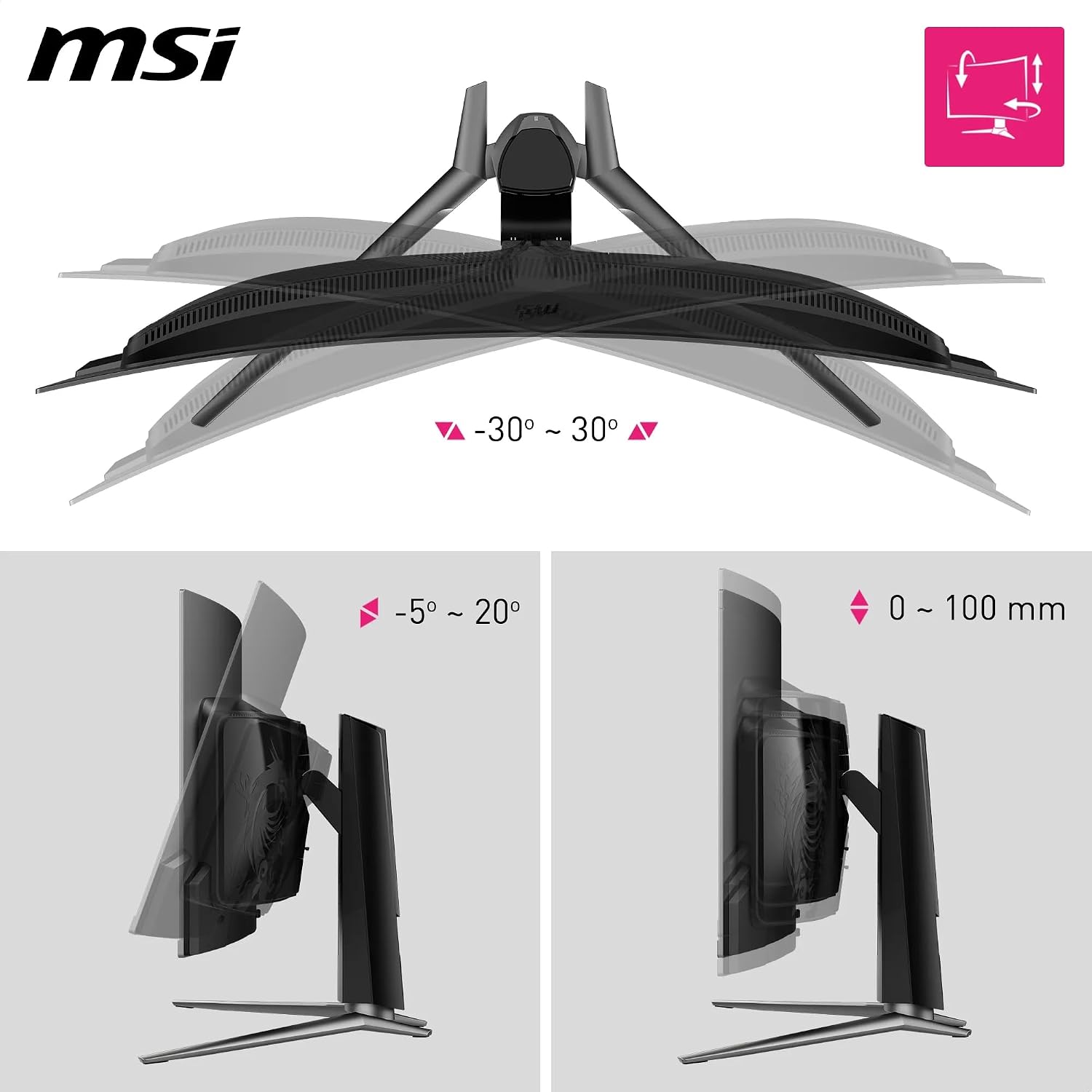
Also, because it’s curved, think about your viewing distance and how it sits on your desk—curvature feels great when it matches your setup, but it can be less forgiving if your monitor placement is awkward.
Should you buy it?
This monitor makes sense if you’re specifically after a 34-inch curved UWQHD gaming display that prioritises smooth 240Hz performance, strong colour accuracy (10-bit, 99.3% DCI-P3, Delta E ≤2), and DisplayHDR True Black 400 certification, all wrapped up in a QD-OLED panel with OLED Care 2.0.
You may want to skip it if you’re mainly buying for basic productivity with minimal gaming, or if you don’t want to think about OLED care and content habits. On balance, it reads like a mid-to-upper spec gaming monitor where the “value” comes from pairing the panel type and high-refresh ambitions with the right source devices.
Mini FAQ
Does it support high refresh at full ultrawide resolution?
The base description states PC, console and laptop interface options aimed at UWQHD/240Hz max., but the exact outcome depends on your device outputs and which connection you use.
Is it good for HDR content?
It’s DisplayHDR True Black 400 certified, and the description references peak brightness figures, so it’s positioned for HDR use rather than being SDR-only.
Will it help reduce burn-in risk?
MSI mentions OLED Care 2.0 designed to help prevent burn-in. That’s a plus, but OLED still benefits from sensible usage.
Can it charge a laptop via USB-C?
USB Type-C is listed with Power Delivery (98W), so if your laptop supports charging over USB-C, it’s designed to cover that.
What connectivity does it include?
The description lists DisplayPort 1.4a, HDMI 2.1 ports, USB Type-A and Type-B ports, and USB Type-C (PD:98W). It also mentions KVM with PiP/PbB compatibility.