

MAGICRAVEN 15.6in Portable Monitor – Full HD IPS, Plug & Play Second Screen
Product description
What matters most
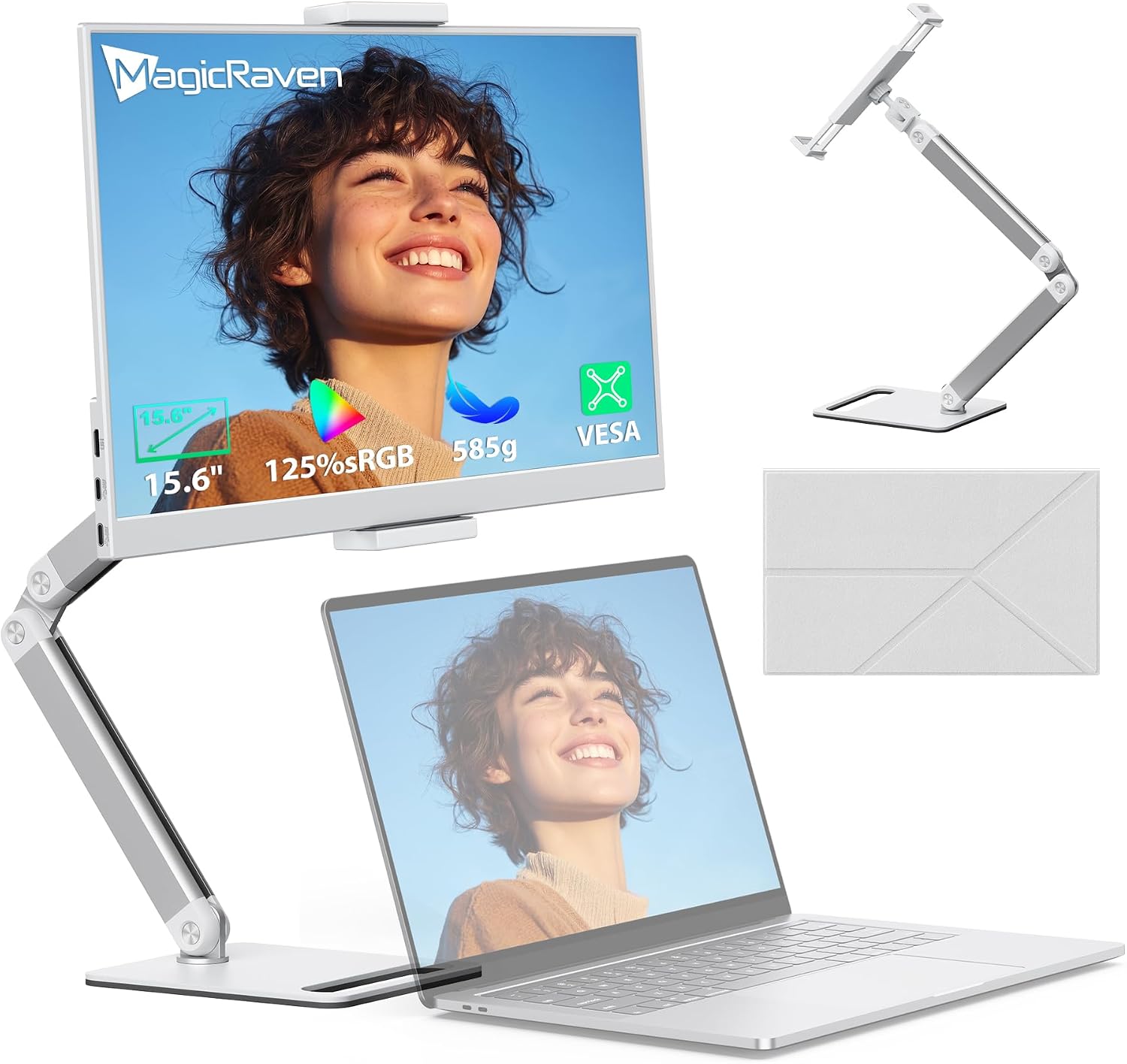
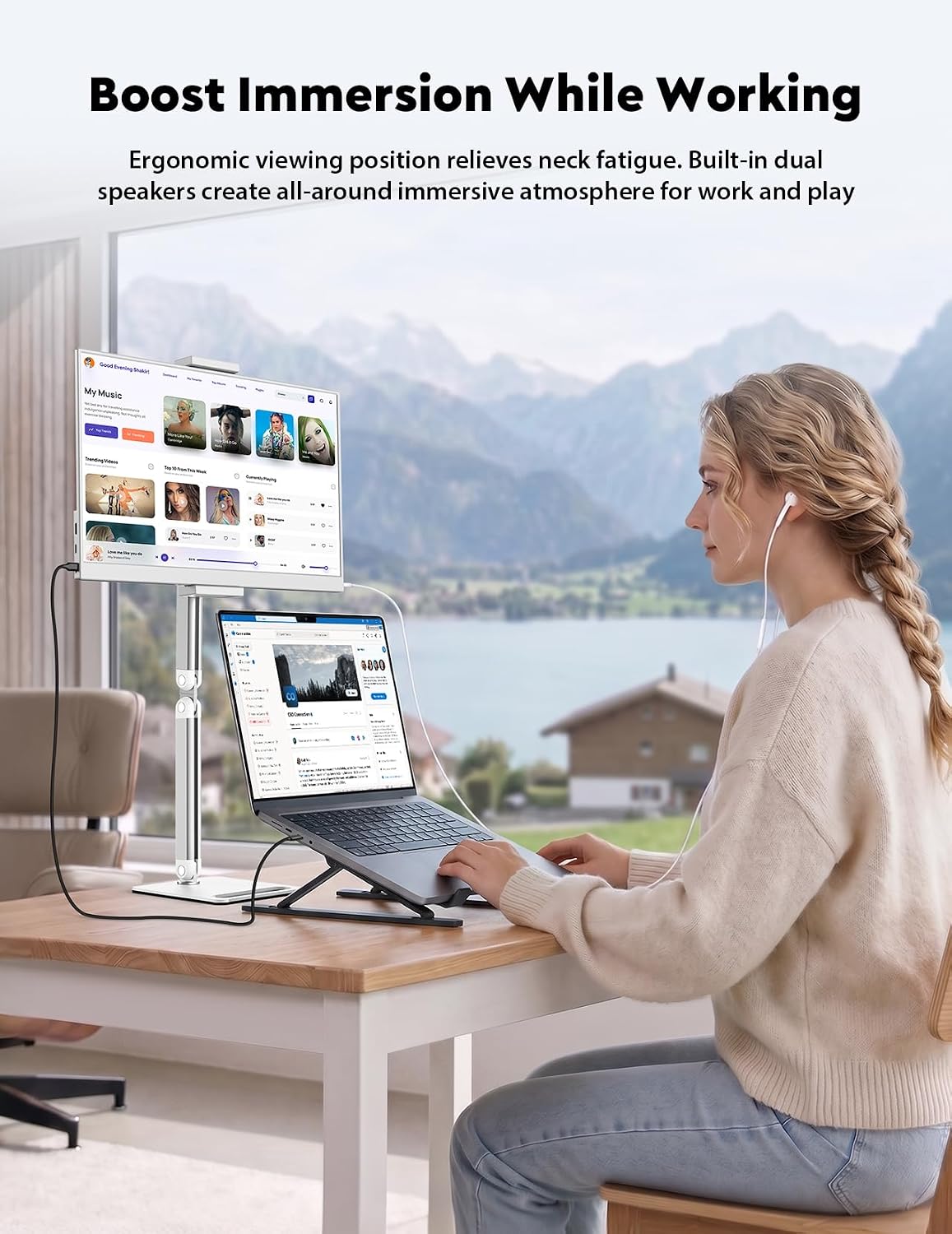
For anyone needing a larger, flexible workspace, the MAGICRAVEN 15.6 inch portable monitor offers a substantial screen upgrade without a heavy or complicated setup. It’s designed to be plug & play through USB-C, so you can get a usable second screen quickly on the move. The built-in dual speakers and 3.5mm jack add convenience for multimedia tasks, while the lightweight design means you can slip it into a bag and take it to cafés, meetings, or remote work locations.
Tech specs
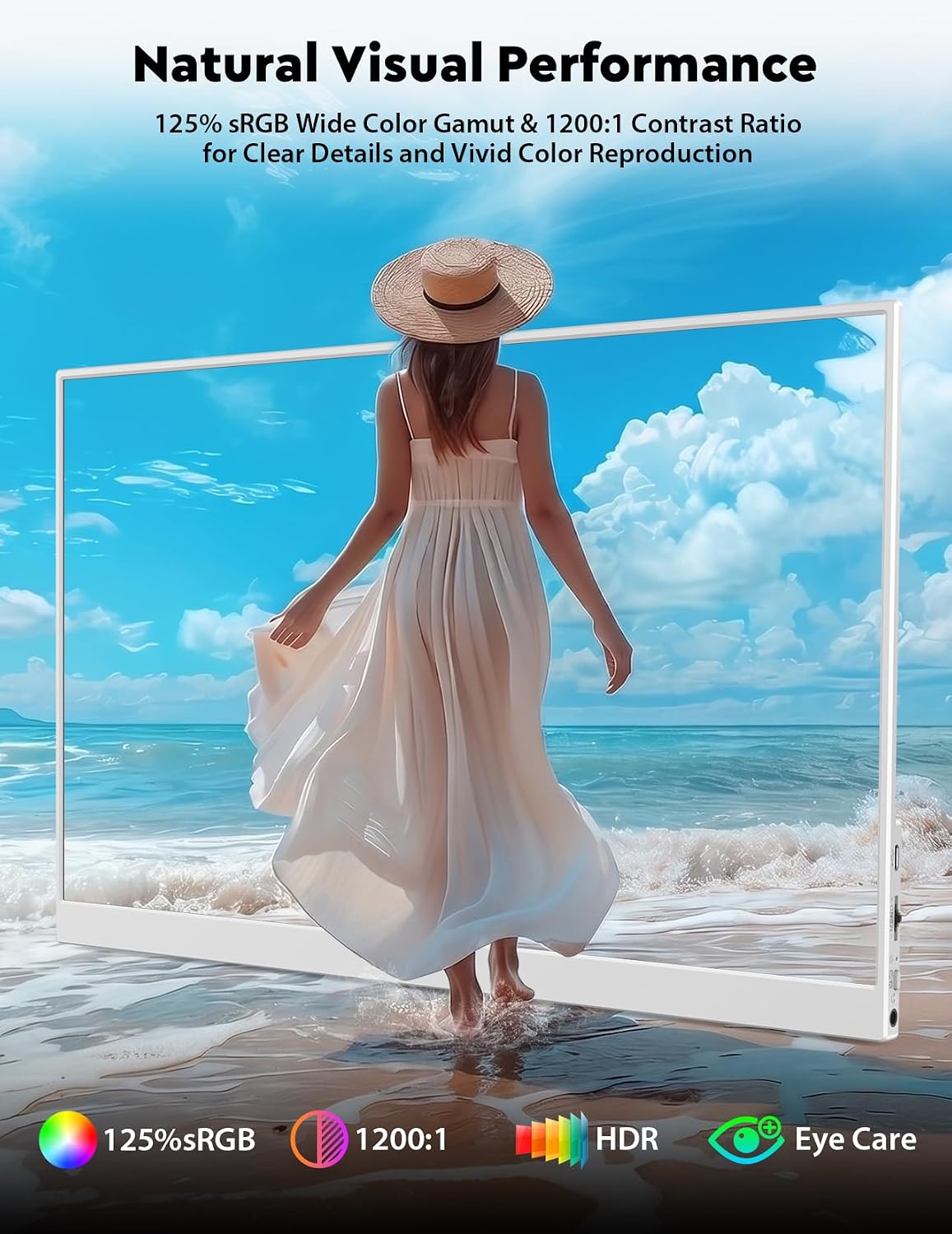
This monitor measures 15.6 inches with a Full HD 1920×1080 IPS panel. It shares the common strengths of IPS: wide viewing angles and solid colour reproduction, with a claimed 178° viewing angle. The display supports HDR and 16.7 million colours for a more vivid image, and it aims for a 2 ms response to keep footage and games looking smooth. Contrast sits around the 1000:1 mark, which is typical for a portable IPS panel and can influence how well bright and dark scenes hold detail.
What stands out
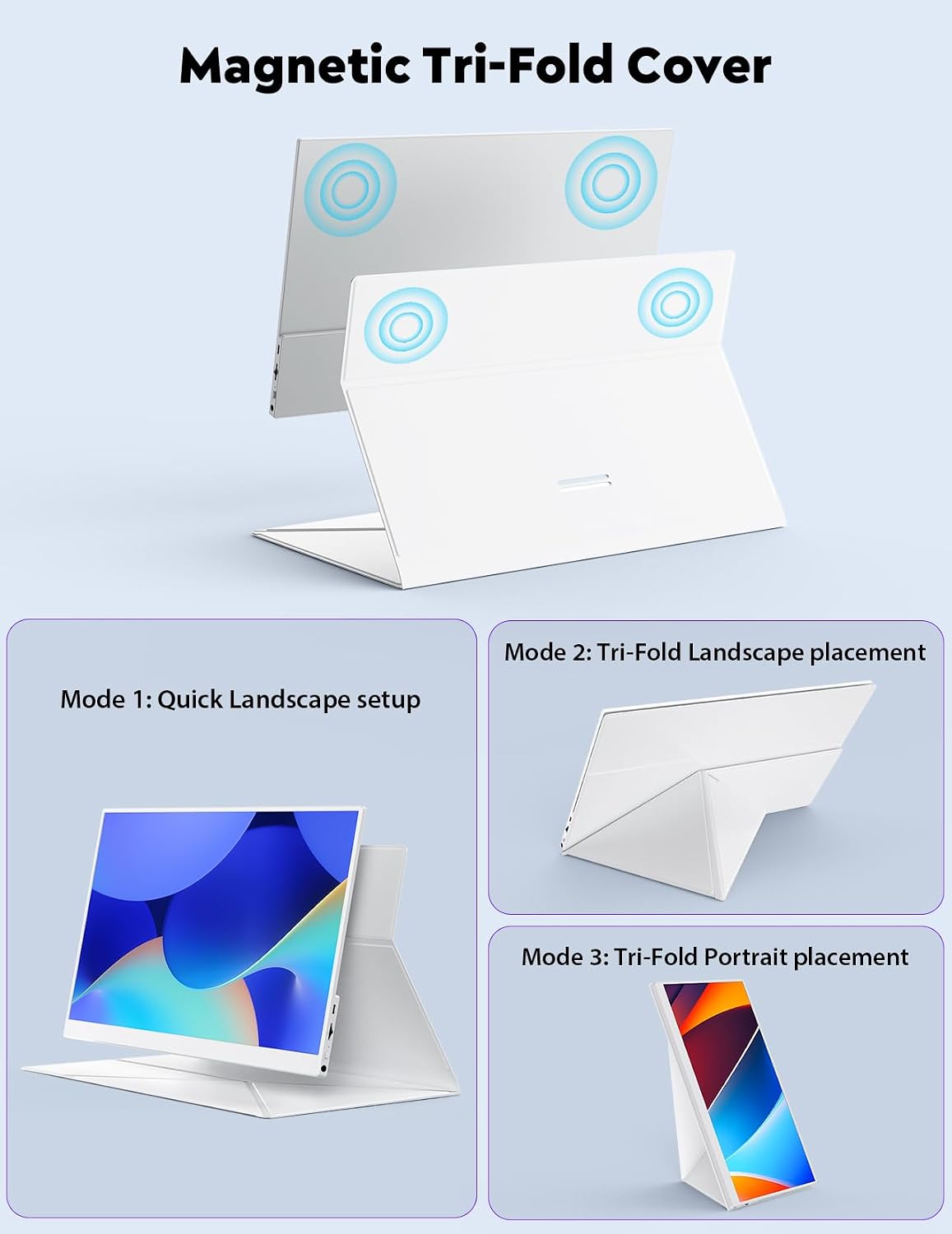
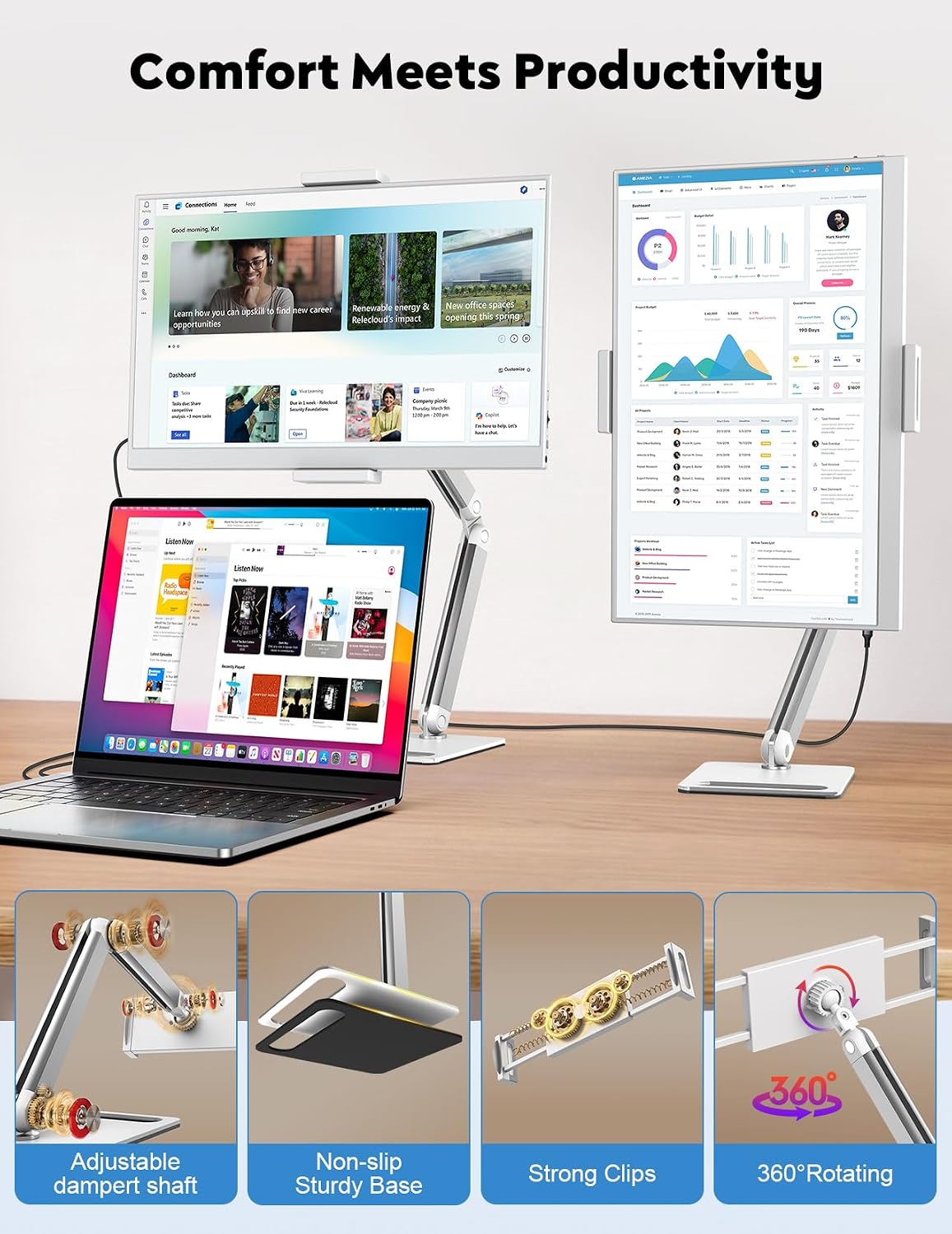
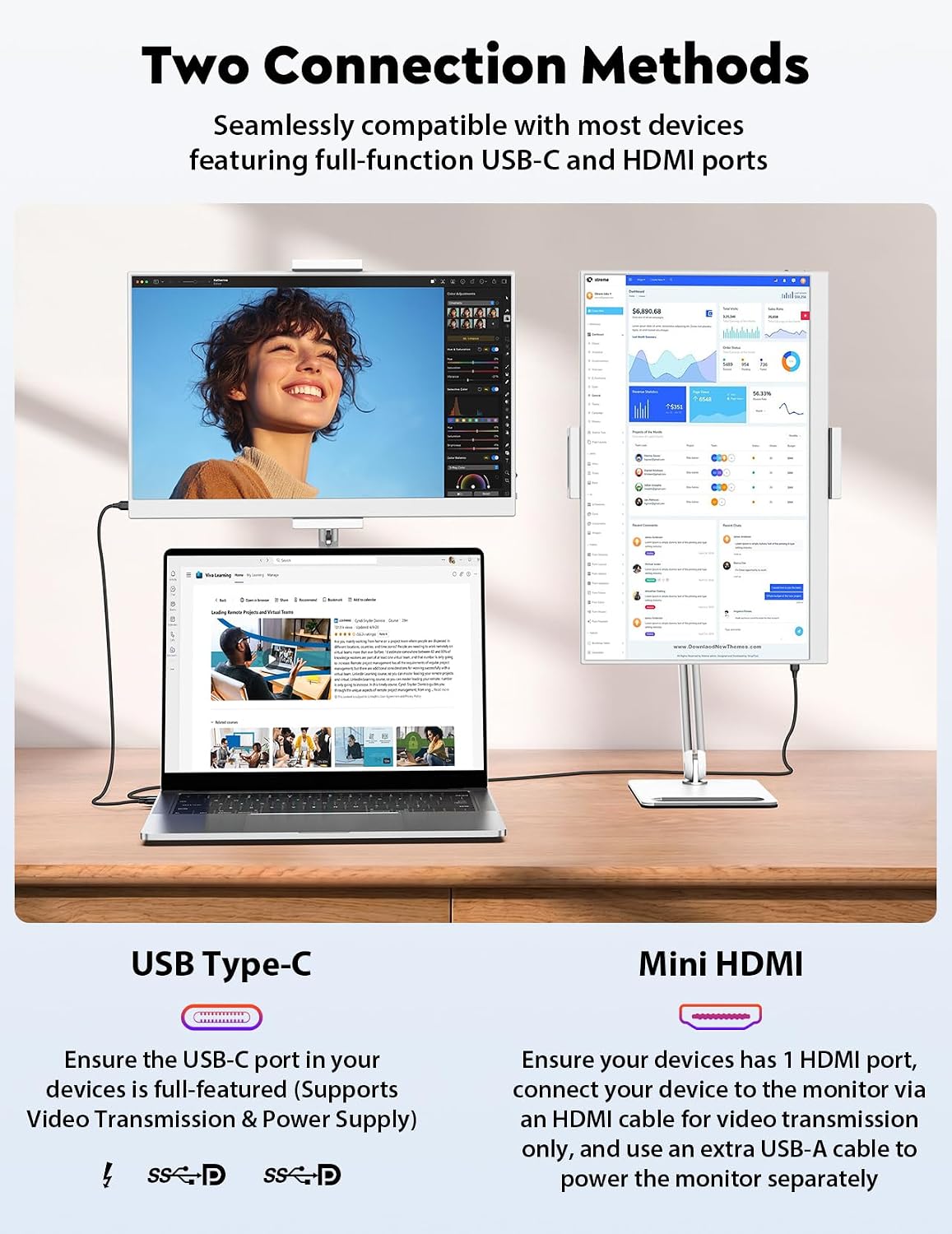
On paper, the standout features are its true plug & play nature, broad compatibility, and the upgraded bracket. You won’t need to install drivers or software, a USB-C connection is enough if your device supports video transfer. If you opt for HDMI, you’ll need both an HDMI-to-MINI HDMI and a USB-A to USB-C cable. The bracket is described as sturdy and able to rotate 360°, with adjustable angles to suit different reading or working postures. A magnetic PU protective cover doubles as a stand, which is handy for quick setup and portability.
Practical use and scenario fit
It’s aimed at professionals, students, and casual users who want more screen real estate without committing to a larger, desktop setup. The portability makes it practical for travellers who need a bigger display for work documents or for gamers who want a bigger view for handheld play on the go. Bear in mind the device does not include its own battery, so it requires a power source during use.
What to review before buying
Check that your device can deliver video over USB-C if you plan to use USB-C only, and be aware that HDMI use requires both cables to power and signal the display. Consider where you’ll use it most: indoors or outdoors, as brightness and outdoor visibility are not specified. If you prioritise ultra-fast gaming reflexes or top-tier colour accuracy, you may find this panel mid-range for a portable solution, but it offers a balanced mix of size, weight, and convenience for everyday use.
In-use experience: a practical snapshot
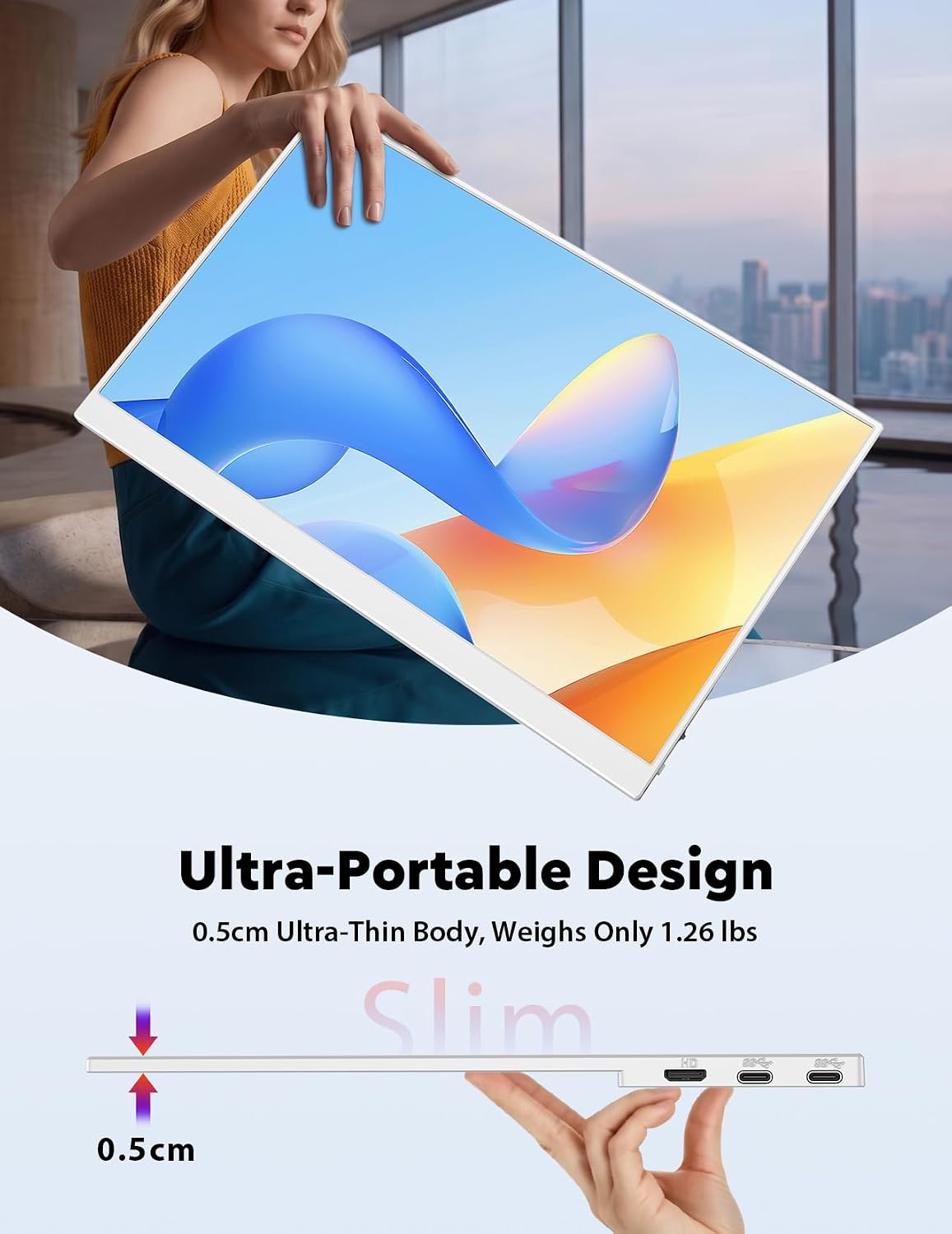
Imagine working on a document while having reference material on the extra screen, or streaming a video while keeping notes on the laptop screen. The slim 0.21 inch body and a weight around 1.26 pounds make it easy to carry alongside your laptop. The included stand and cover add versatility when you’re sitting at a desk or working from a temporary setup.
Final notes and cautions
If you expect a premium-grade mobile workstation display with extreme brightness or colour accuracy, this model may not fully satisfy. Its value lies in offering a larger screen with convenience and flexibility rather than a high-end design. Also, power delivery depends on your connected device and the monitor’s need for external power, plan accordingly for longer sessions.
Is it worth it?
Worth considering if you want a lightweight, universally compatible second screen that’s easy to deploy with multiple devices. If you need a high-end panel with advanced calibration or built-in battery, this isn’t that option. For practical, on-the-go productivity and media consumption, it sits in the mid-range ladder with useful features that align with daily use.
Frequently asked questions
- Does it need its own battery? No. The monitor requires an external power source during use.
- Which connections are supported? It supports HDMI and USB-C connections, with specific cable requirements depending on the chosen input.
- Is it suitable for gaming? The 2 ms response and 178° IPS panel support smooth gameplay, but performance will depend on the connected device and content.
- Can I use it outdoors? Usage outdoors isn’t described in the base data, consider brightness and glare factors for outdoor work or gaming.