

UGREEN Maxidok Thunderbolt 5 Docking Station (Revodok 10-in-1) — 120Gbps, single 8K@60Hz, triple 4K, up to 100W charging
Product description
If your laptop desk setup is starting to feel cramped, a proper docking station is often the quickest way to tidy things up and stop swapping cables all day. The UGREEN Maxidok Thunderbolt 5 Dock is built for people who already use (or want to upgrade to) Thunderbolt for faster, steadier connections, with enough ports to cover displays, storage, and a wired network.
On paper, it’s the kind of dock that suits a modern, multi-device workstation. But it does come with a few “check before you buy” notes—especially around display support and the fact that some phone/tablet use isn’t recommended.
The essentials
UGREEN’s Revodok Thunderbolt 5 docking station is a 10-in-1 desk hub designed to extend what your laptop can do. It combines two Thunderbolt 5 ports (with stated max speeds), a DisplayPort output for up to 8K@60Hz, three USB-A 3.2 10Gbps ports for everyday peripherals and drives, Gigabit Ethernet for stable networking, and SD/TF card slots.
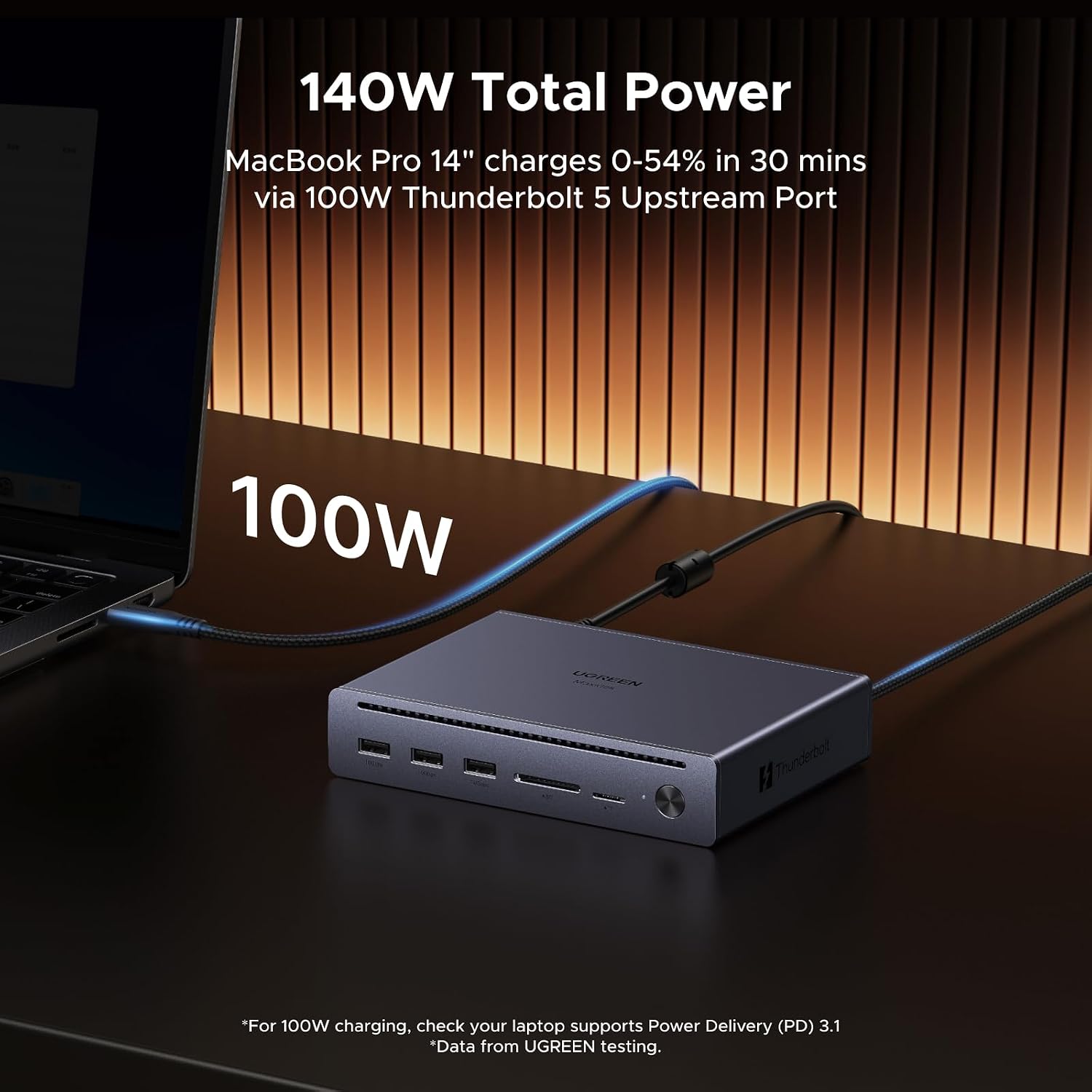
For charging, it’s aimed at keeping your laptop topped up: it states a max laptop charging output of up to 100W, while also powering the dock’s peripherals properly.
Where it shines (and what you’ll notice day to day)
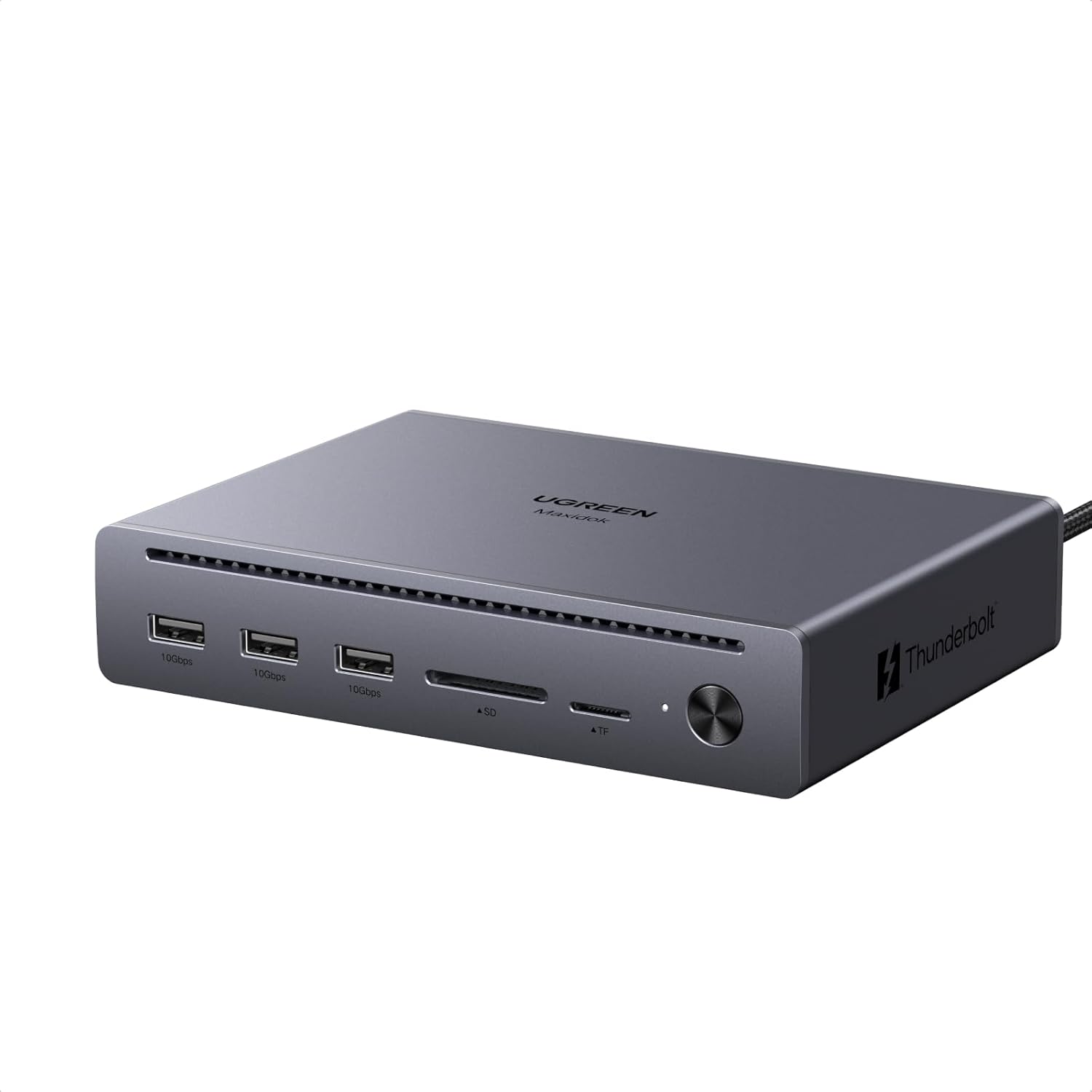
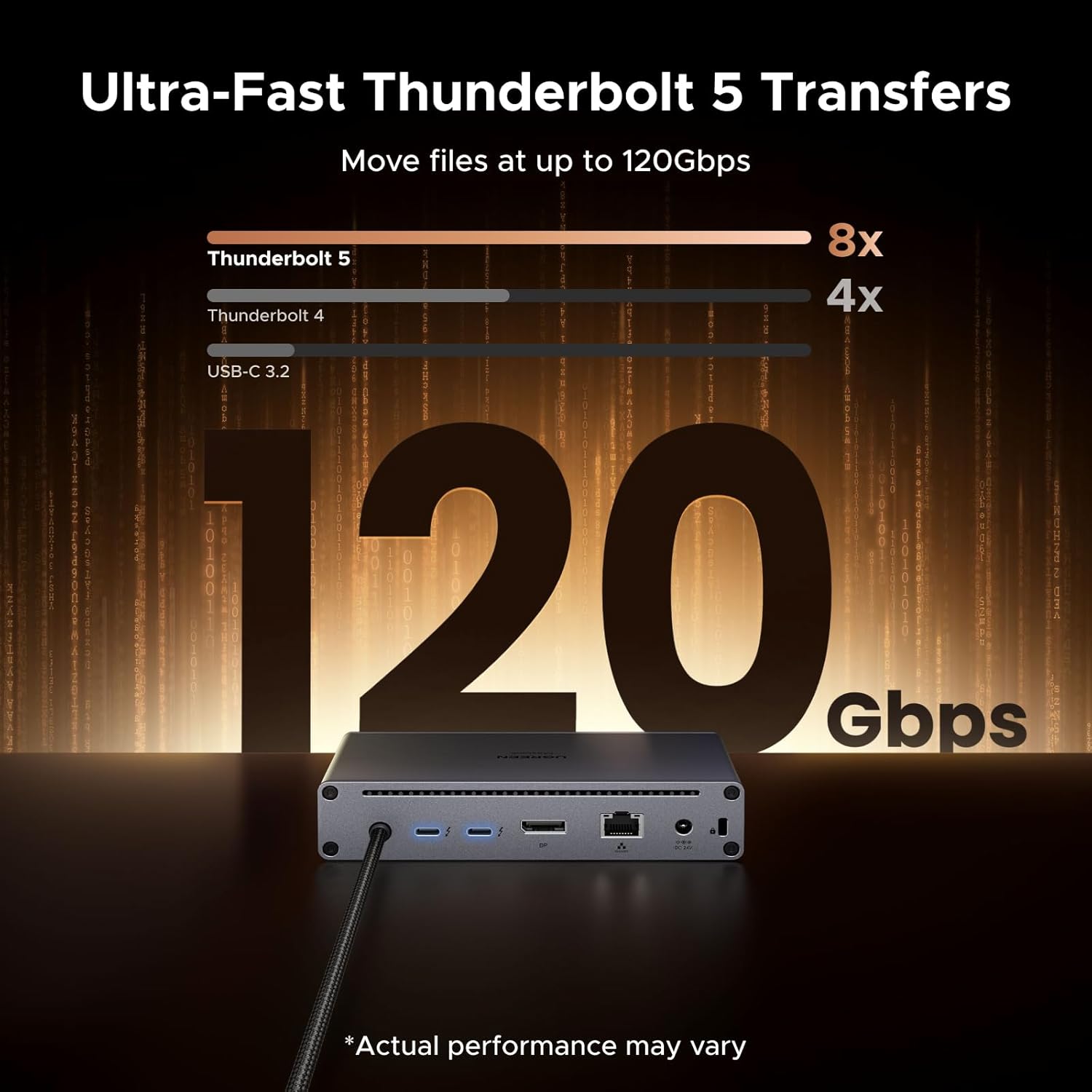
The headline here is the Thunderbolt 5 approach. The dock supports the Thunderbolt 5 protocol and advertises a maximum transfer speed up to 120Gbps unidirectional (and up to 80Gbps bidirectional). Practically, that’s the dock’s “best case” for high-throughput data transfer—useful if you move large files, run external storage, or want a responsive multi-device setup without bottlenecks.
Another thing you’ll likely appreciate is how it organises your desk connections. Instead of plugging and unplugging cables each time you sit down, this dock gives you a wired Ethernet link, multiple USB-A ports for peripherals, and space for memory cards. A small detail worth noting: UGREEN advises connecting the included power adapter before use, to help ensure the dock functions correctly.
Multi-display support: the bit to double-check
Display support is one of the most important buying decisions, because it depends on your laptop model and how video output is handled.
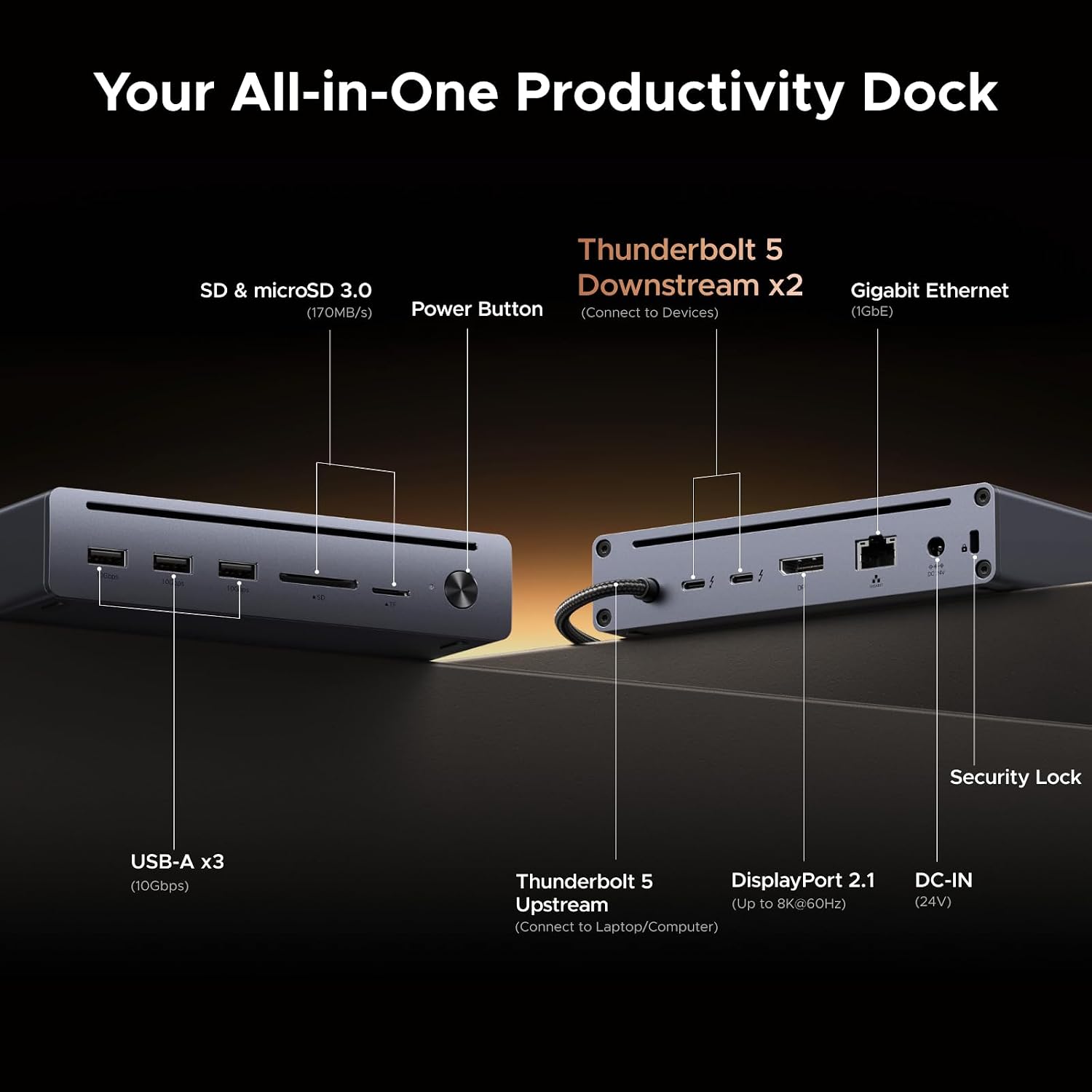
The dock includes 2× Thunderbolt 5 ports plus 1× DisplayPort. The guidance provided says:
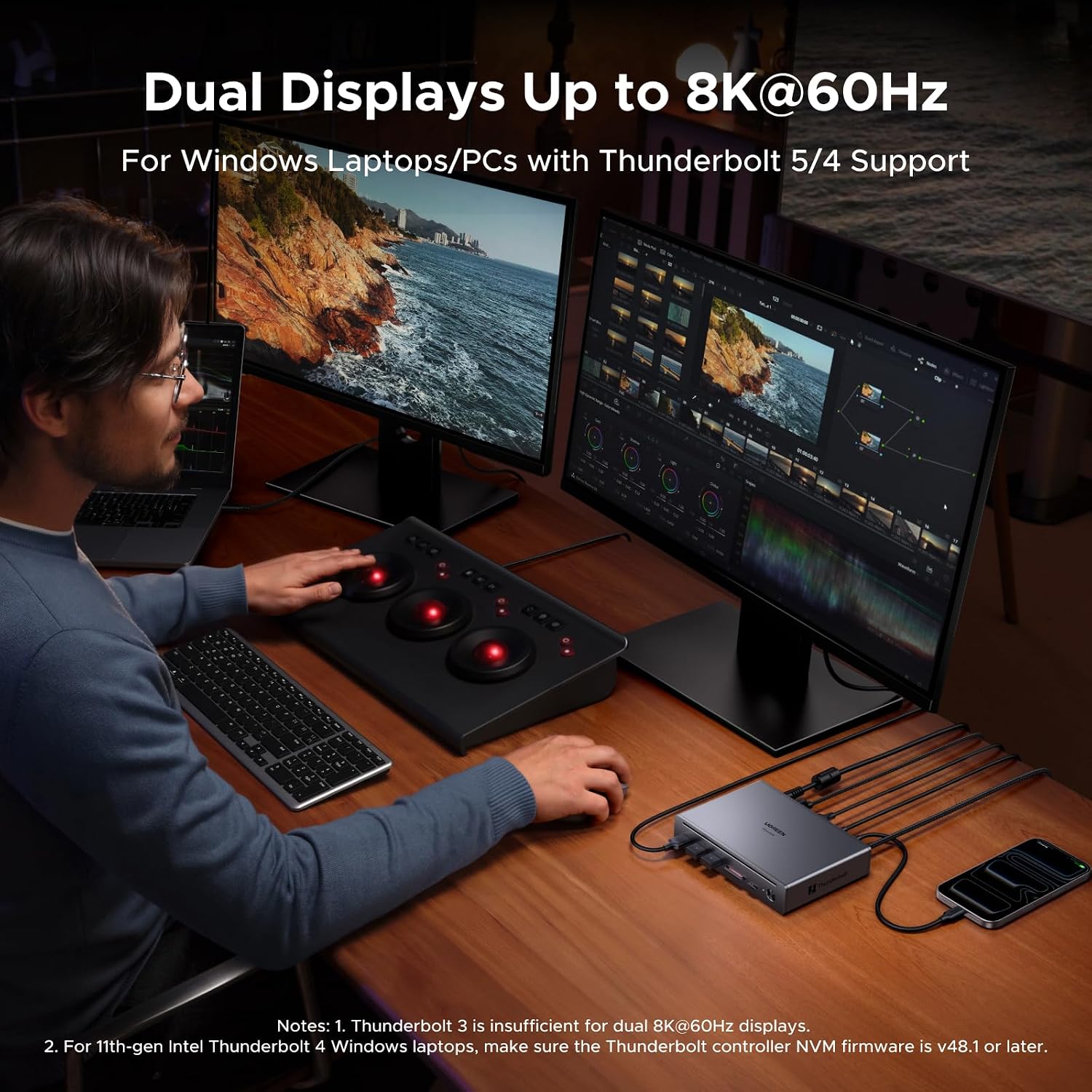
- On Windows laptops with Thunderbolt 5, it’s possible to connect 3 external displays.
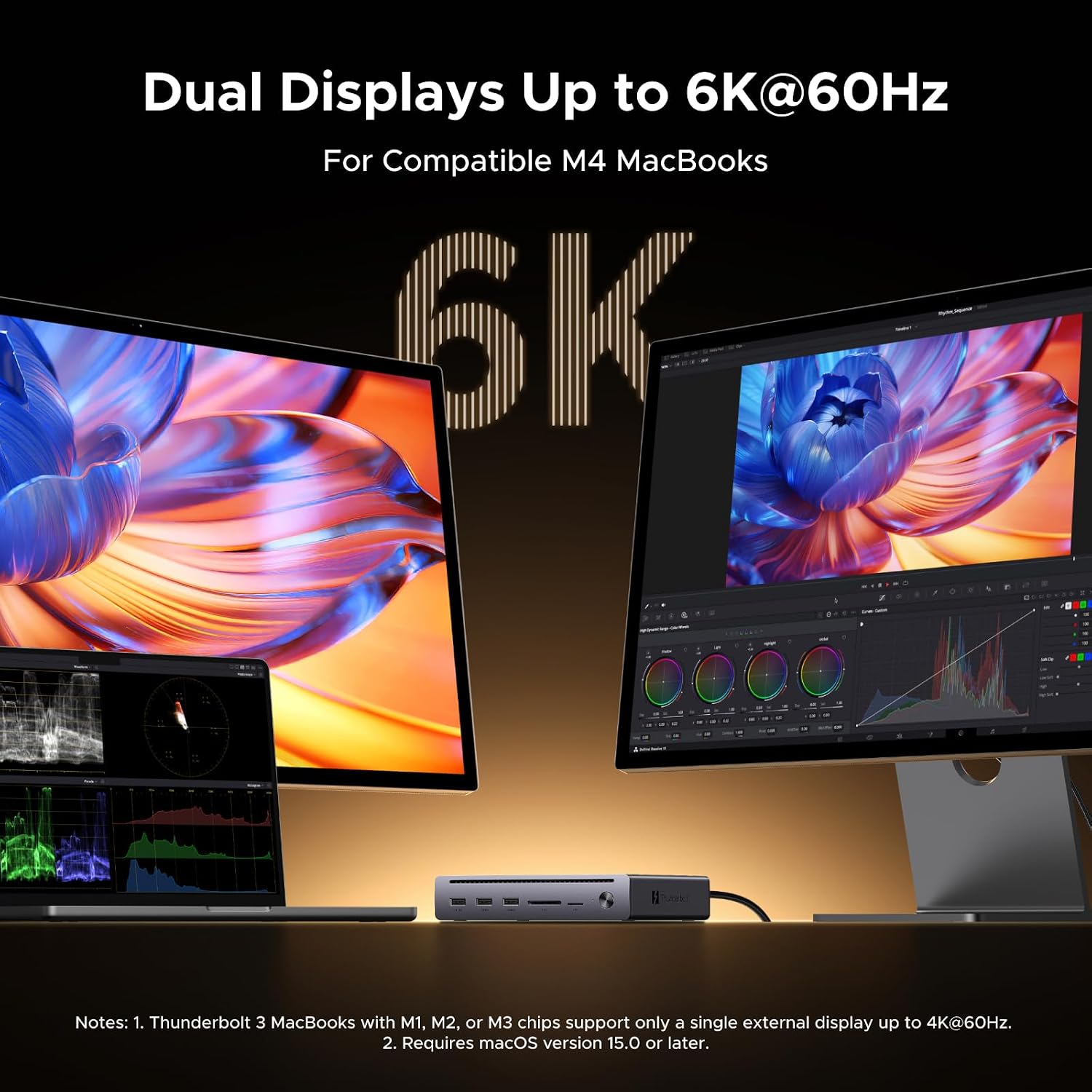
- On MacBook models listed (M4 standard/pro/max, M3 pro/max, M2 pro/max, M1 pro/max) and on Windows TBT4/USB4, it’s possible to connect 2 external displays.
- Windows laptops using USB-C DP Alt Mode and MacBook M1/M2/M3 standard are limited to one external display.
It also mentions a “single 8K@60Hz” capability in the product description, alongside “triple 4K” wording. The safe takeaway is: this dock can do serious multi-screen work, but you’ll want to match it to your laptop’s exact video capabilities rather than assuming the maximum display count will apply to every setup.
Also, note one limitation stated clearly: the dock’s DP port does not support passive DP-to-HDMI adapters. If you rely on that kind of adapter, you may need an alternative approach.
Ports, storage, and networking: the day-to-day kit
Beyond displays, the dock targets the “real life” desk needs:
- 3× USB-A 3.2 ports with data transmission up to 10Gbps, suited for keyboards, mice, and external drives.
- 2× SD/TF card slots for quick card transfers.
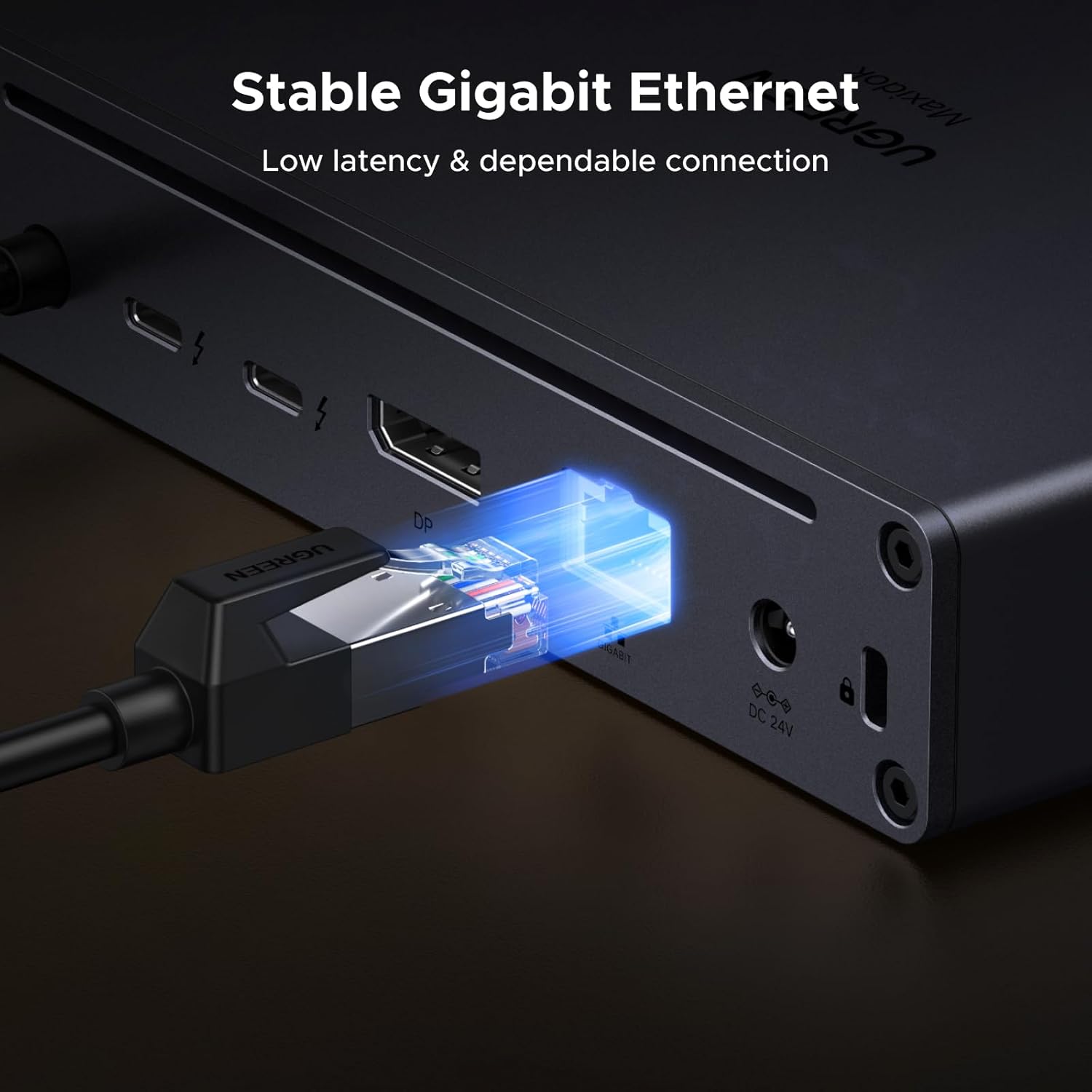
- Gigabit Ethernet for a reliable wired connection.
There’s also a note that Thunderbolt 5 downstream ports are compatible with USB-C to HDMI/USB-C to DisplayPort adapters—so if you’re planning your monitor mix, it’s worth designing around those supported adapter types.
One practical example: if you edit photos from an SD card, plug in your card reader-less workflow—insert the SD card into the dock’s slot, transfer via USB devices already attached to the dock, and keep your laptop charging through the docking power. That’s the sort of “desk flow” this is built for.
Tech summary (so you can sanity-check your setup)
The UGREEN Maxidok Thunderbolt 5 Dock (Revodok 10-in-1) is positioned around high-speed connectivity and a capable charging/power delivery setup. Key specs mentioned include stated max transfer up to 120Gbps (unidirectional) and up to 8K@60Hz video support, plus a maximum laptop charging output of up to 100W.
What matters most: confirm your laptop port supports the video output signal. The guidance explicitly says to ensure your laptop’s USB C port supports video signal output, and it also calls out adapter compatibility for the DP output.
Pros, limits, and who it’s for
It’s not for everyone, but it does fit a clear type of buyer.
It’s a good fit if
- You have a Thunderbolt 5, Thunderbolt 4, or USB4 laptop (or one of the listed MacBook Pro/Max models) and want proper dock-based expansion.
- You care about faster data transfer and a cleaner desk setup with a wired network.
- You need multiple ports for daily peripherals plus occasional storage/card transfers.
You may want to skip it if
- You expect the highest multi-display outcome on every laptop. The display count and support vary quite a bit depending on the laptop model and video output mode.
- You use passive DP to HDMI adapters on a regular basis (the DP port doesn’t support them, per the notes).
- You’re mainly docking a phone or tablet—UGREEN explicitly says it’s not recommended for those uses.
Final verdict
Should you buy it?
Choose the UGREEN Maxidok Thunderbolt 5 Dock if you’re building a modern workstation around Thunderbolt, want multi-display capability (within the laptop-dependent limits), and prefer one-cable docking with Ethernet, USB-A peripherals, and card slots.
Skip it or investigate further if your laptop is outside the listed compatibility guidance for multi-screen support, or if your display connections rely on passive DP-to-HDMI adapters. In short: it’s a capable Thunderbolt 5 docking station “on paper” for desk expansion, but it rewards buyers who double-check video output modes before committing.
Mini FAQ
Does it work with Thunderbolt 5 laptops?
The dock is designed for Thunderbolt 5 and is also described as retrocompatible with TBT4/3 and USB4.
How many displays can I connect?
It varies by laptop type. The guidance provided covers Windows TBT5 (up to 3 displays), listed MacBook Pro/Max and Windows TBT4/USB4 (up to 2 displays), and some models limited to one display.
Can I use a passive DP to HDMI adapter?
The notes say the dock’s DP port does not support passive DP to HDMI adapters.
Is Ethernet included?
Yes—there’s a Gigabit Ethernet port for a stable wired network connection.
Does it charge laptops?
Yes. The product description states a maximum laptop charging output of up to 100W, alongside the dock’s power handling for peripherals.