

Minifire MFG27C1L 27in Curved Gaming Monitor 160Hz
Product description
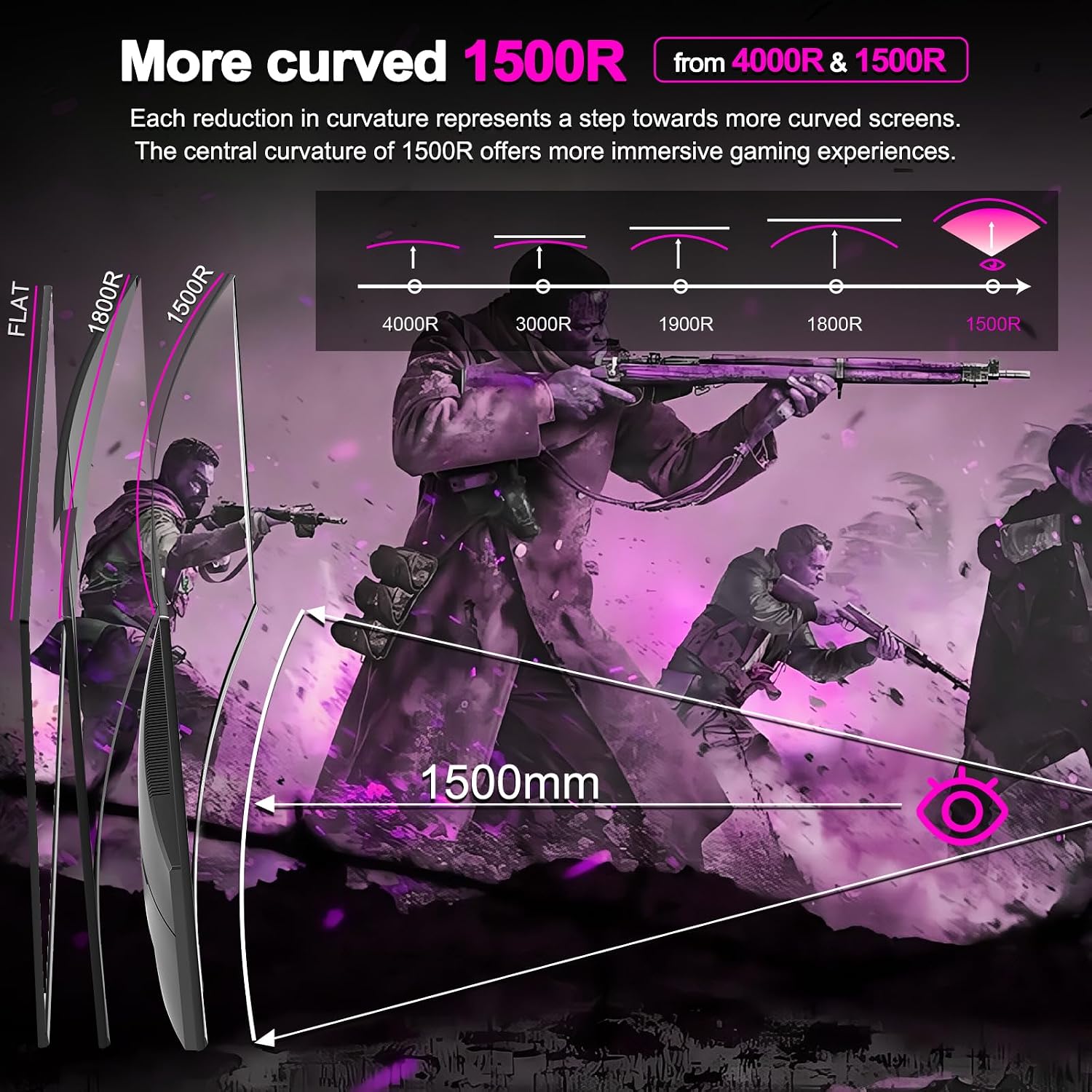
This 27 inch curved gaming monitor from Minifire brings a focused combination of speed and immersive viewing for desktop gaming and multimedia. The 1500R curvature and VA panel work together to deepen the sense of immersion, while the fast refresh and low response time help keep on-screen motion smooth for competitive play.
Key Points
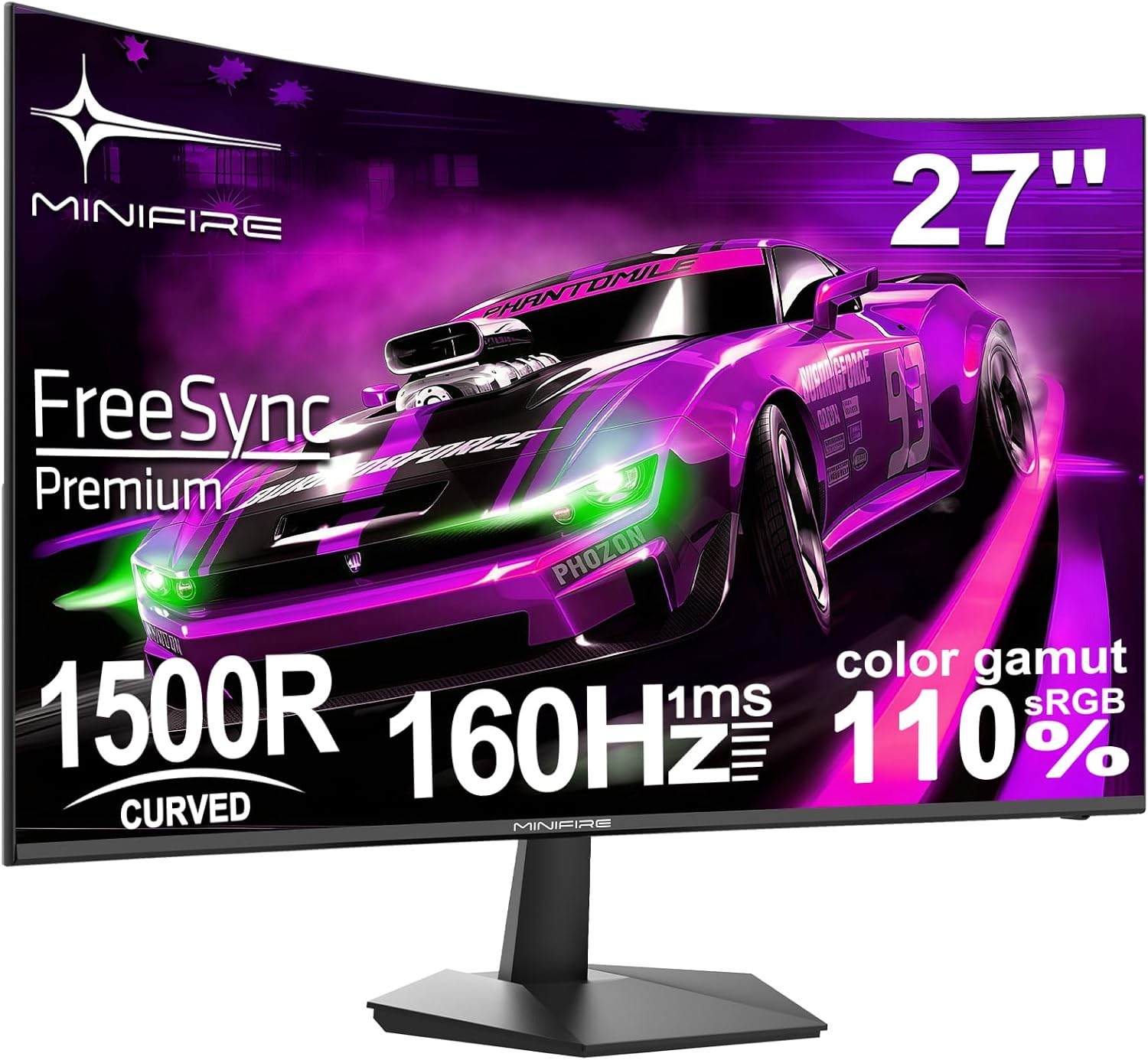
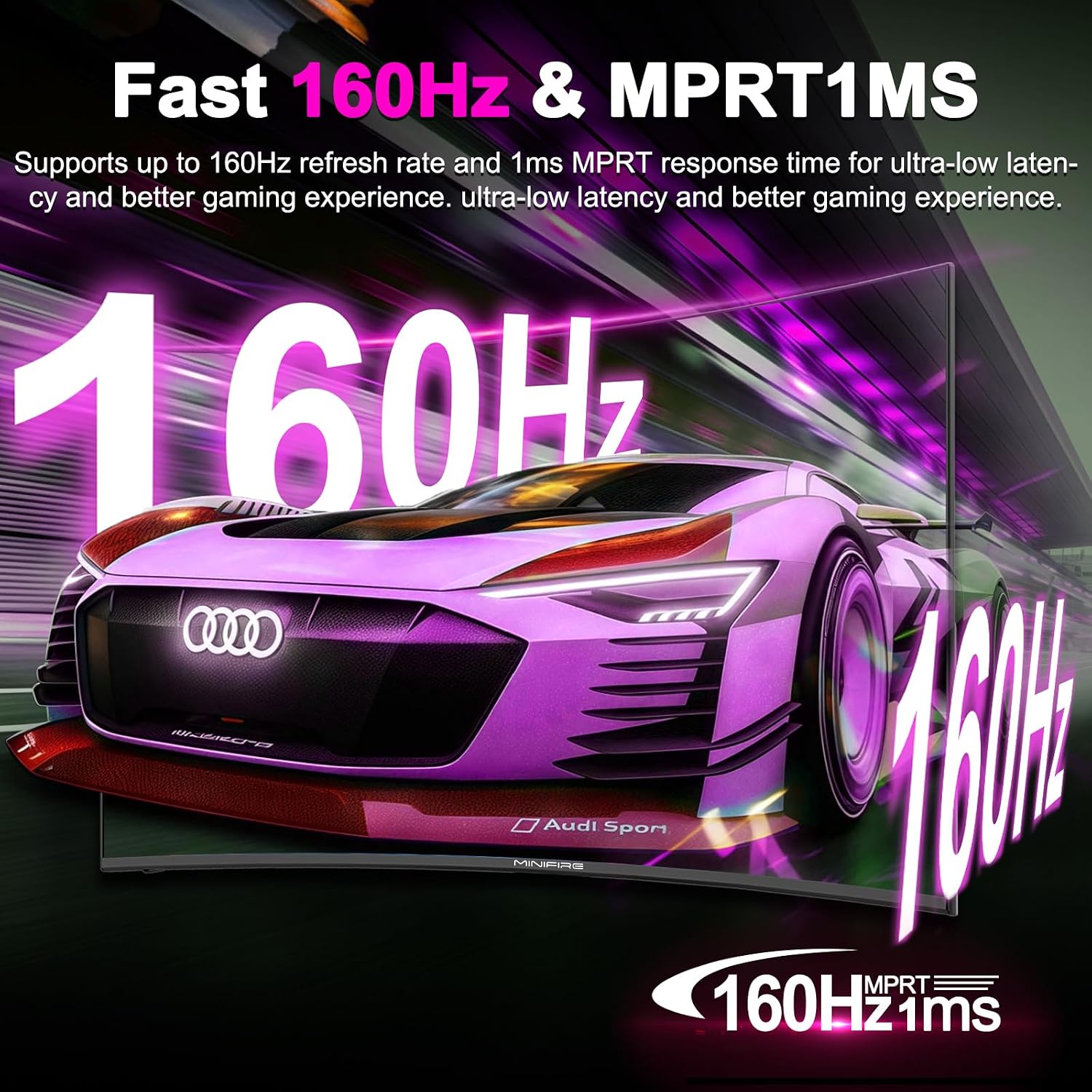
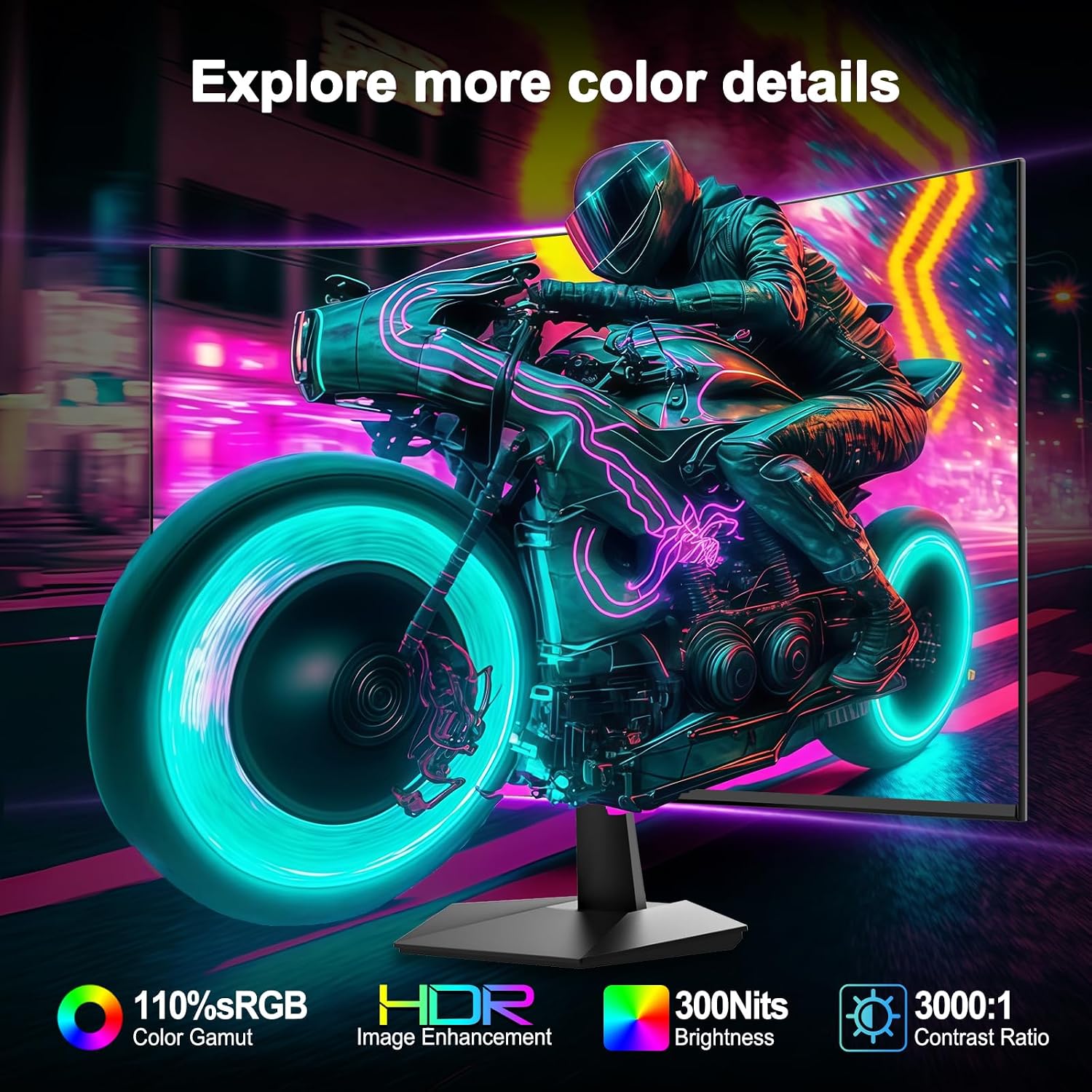
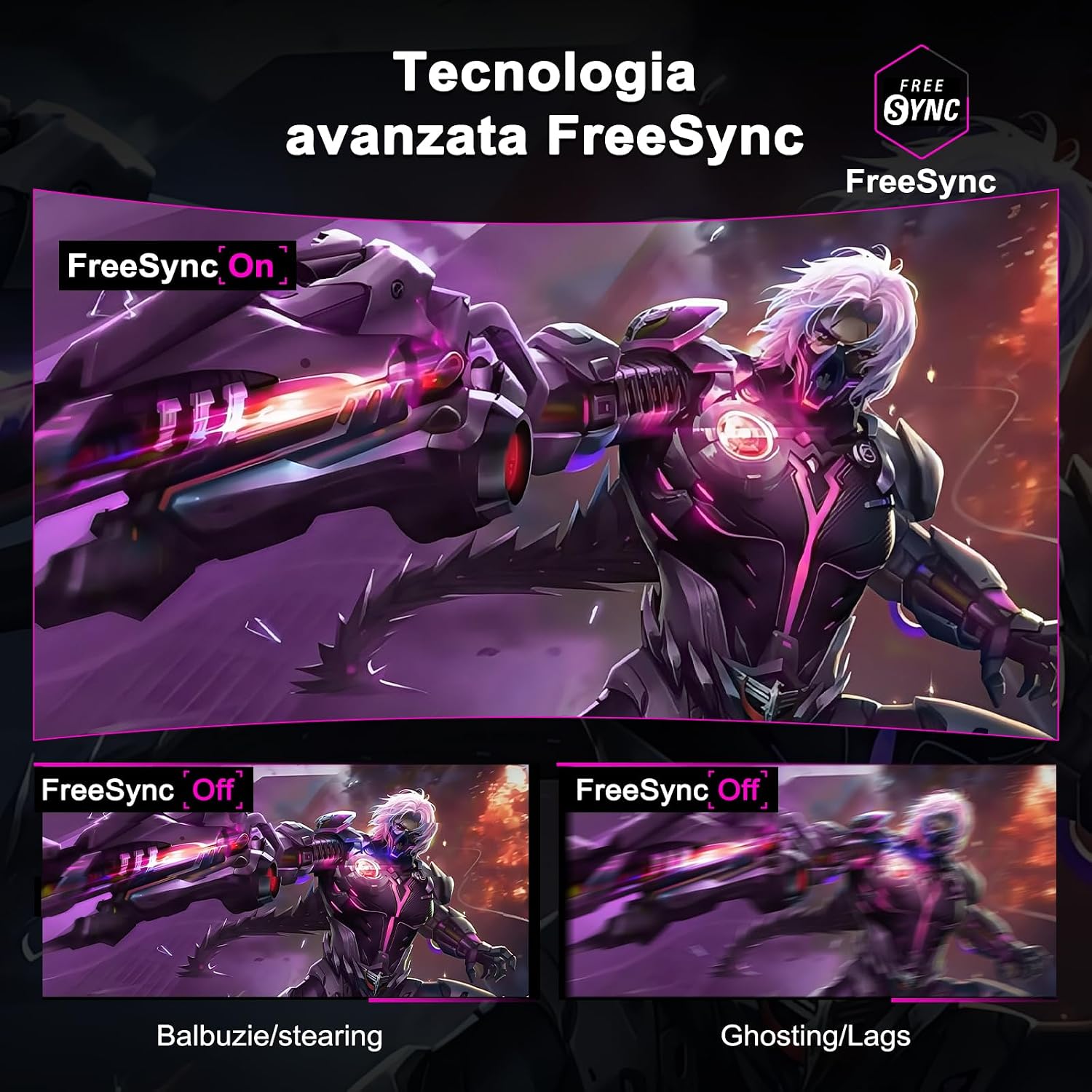
The monitor features a Full HD 1920 x 1080 panel with a 160Hz refresh rate and 1ms GtG response, which aims to reduce motion blur and tearing during fast scenes. It offers wide colour coverage, with the manufacturer stating sRGB130% for more vivid hues compared with standard displays. The design includes slim bezels to maximise visible area while keeping a compact footprint on the desk.
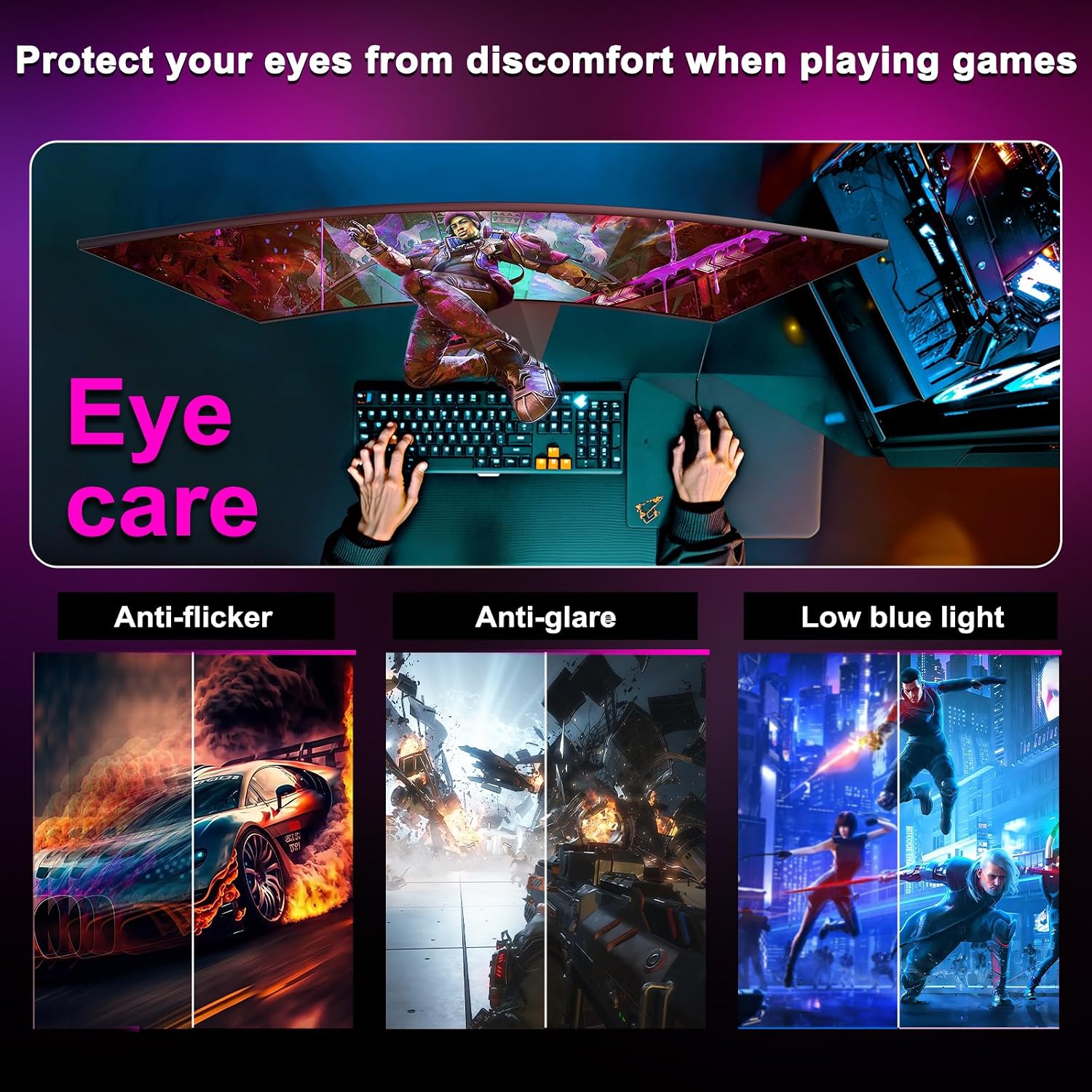
Connectivity includes HDMI and DisplayPort inputs so you can link a PC and a console without swapping cables. The screen is VESA compatible which allows wall- or arm-mounting if you prefer a cleaner setup. For long sessions the monitor provides eye-care features such as flicker-free backlighting and low blue light modes to reduce strain, according to the manufacturer.
Technical Specifications
- Name: Minifire MFG27C1L
- Panel type: VA
- Screen size: 27 inch
- Resolution: 1920 x 1080 (Full HD)
- Refresh rate: 160Hz
- Response time: 1ms GtG
- Curvature: 1500R
Benefits
Colours tend to appear richer on VA panels, which helps when watching films or editing photos casually, and the stated wide sRGB range expands the palette for games and media. The high refresh rate and low response time mean gameplay feels smoother and more responsive, especially in fast-paced titles. The curved format narrows perceived focus distances and can make large displays feel more natural to the eyes.
Ergonomic adjustments for tilt and height make it easier to position the screen at the right viewing angle, reducing neck strain over longer periods. The slim-bezel aesthetic also complements multi-monitor arrays with fewer distracting borders. Note that as a Full HD 27 inch screen, pixel density is lower than on 4K panels so text and very small details will be less crisp at very close viewing distances.
Usage Recommendations
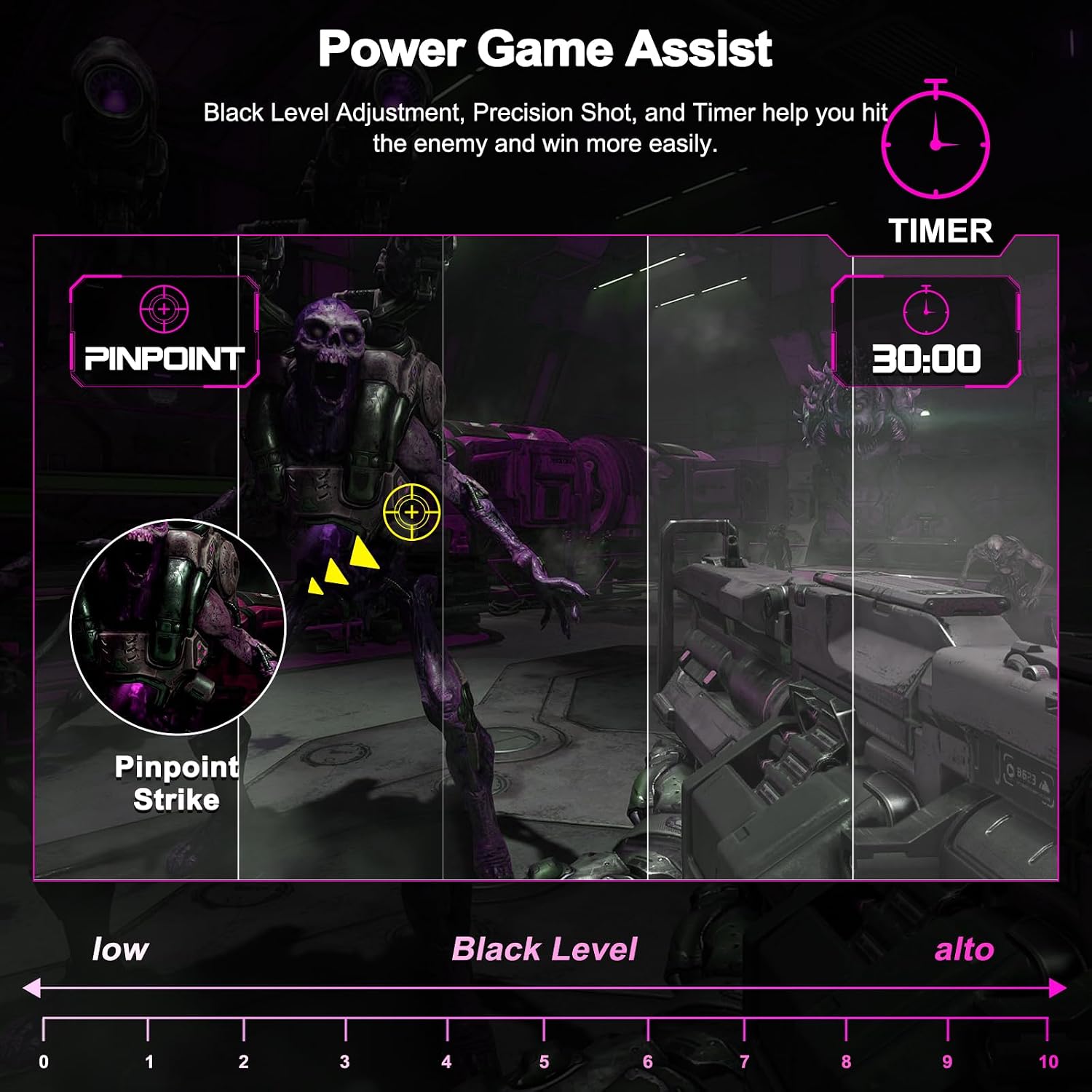
For gaming, connect via DisplayPort to take full advantage of the 160Hz capability and pair the monitor with a GPU that can deliver high frame rates for the best experience. The eye-care modes are useful for late-night sessions, and swapping between profiles for gaming and content playback helps keep colours balanced. 🎮
If you plan to mount the display use the VESA holes and choose an arm that supports the weight and tilt range. For general productivity the large screen area and thin bezels aid multitasking, though users who need higher pixel density for photo editing may prefer a higher resolution panel. 🖥️ .