

KTC Flat 32 Inch Monitor QHD 1440p 120Hz IPS
Reviews
Price
Product description
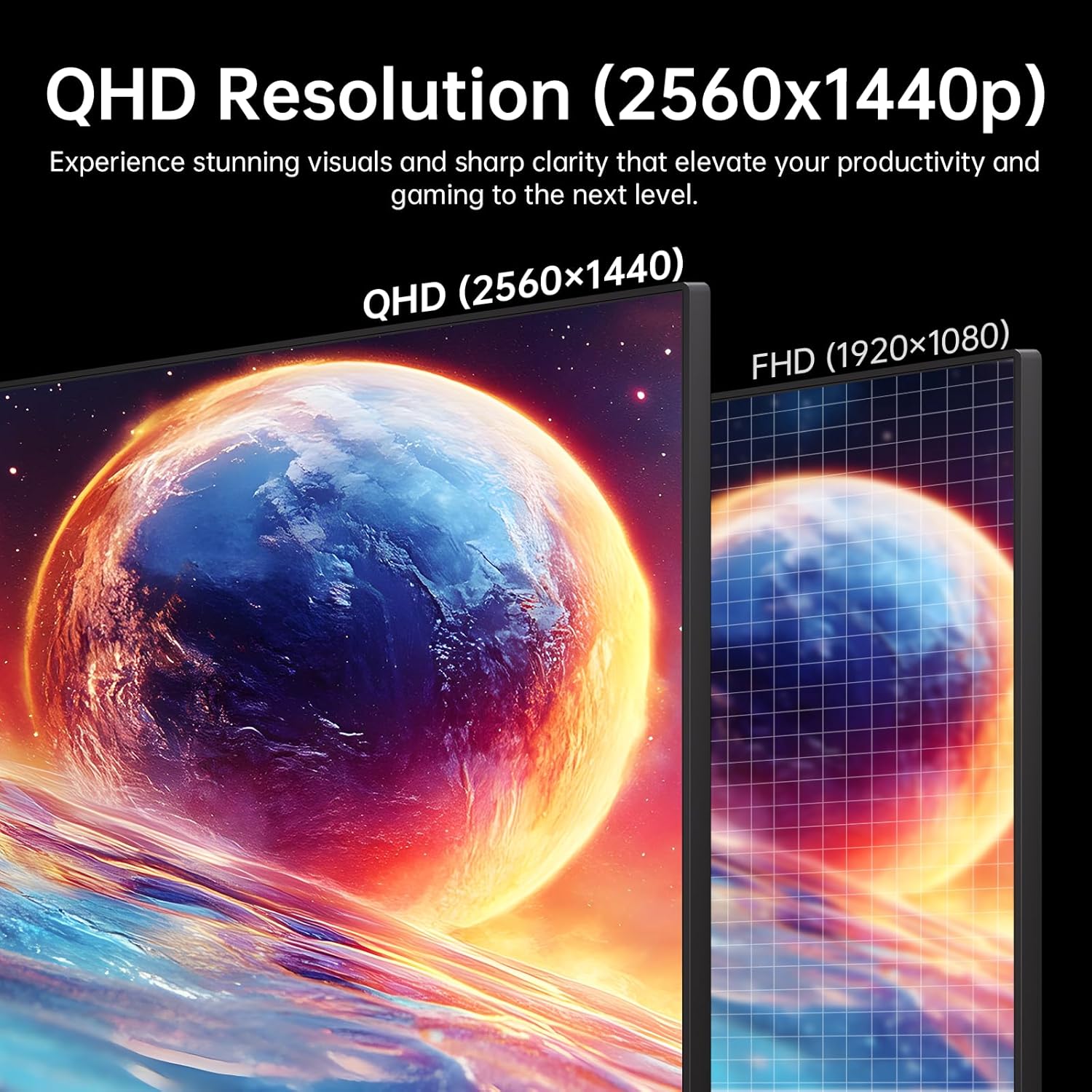
This 32 inch flat monitor from KTC brings a QHD 2560 x 1440 panel with a 120Hz refresh rate to both work and casual gaming, combining a large screen with precise colour reproduction and adaptive sync for smoother motion. It suits desktop setups where screen real estate and visual fidelity matter, offering HDR10 support and an anti-blue light filter to reduce eye strain during long sessions.
Key Points
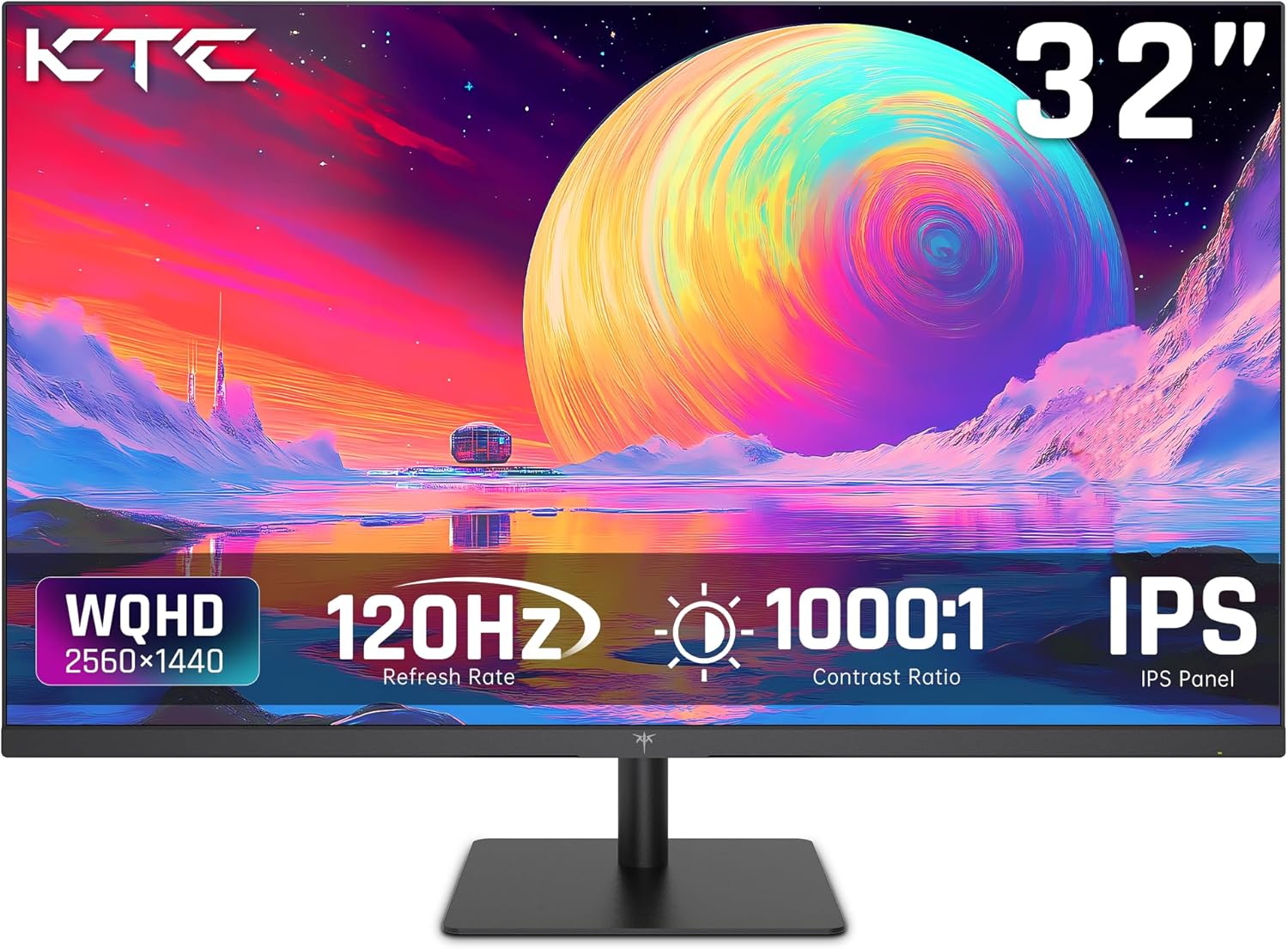
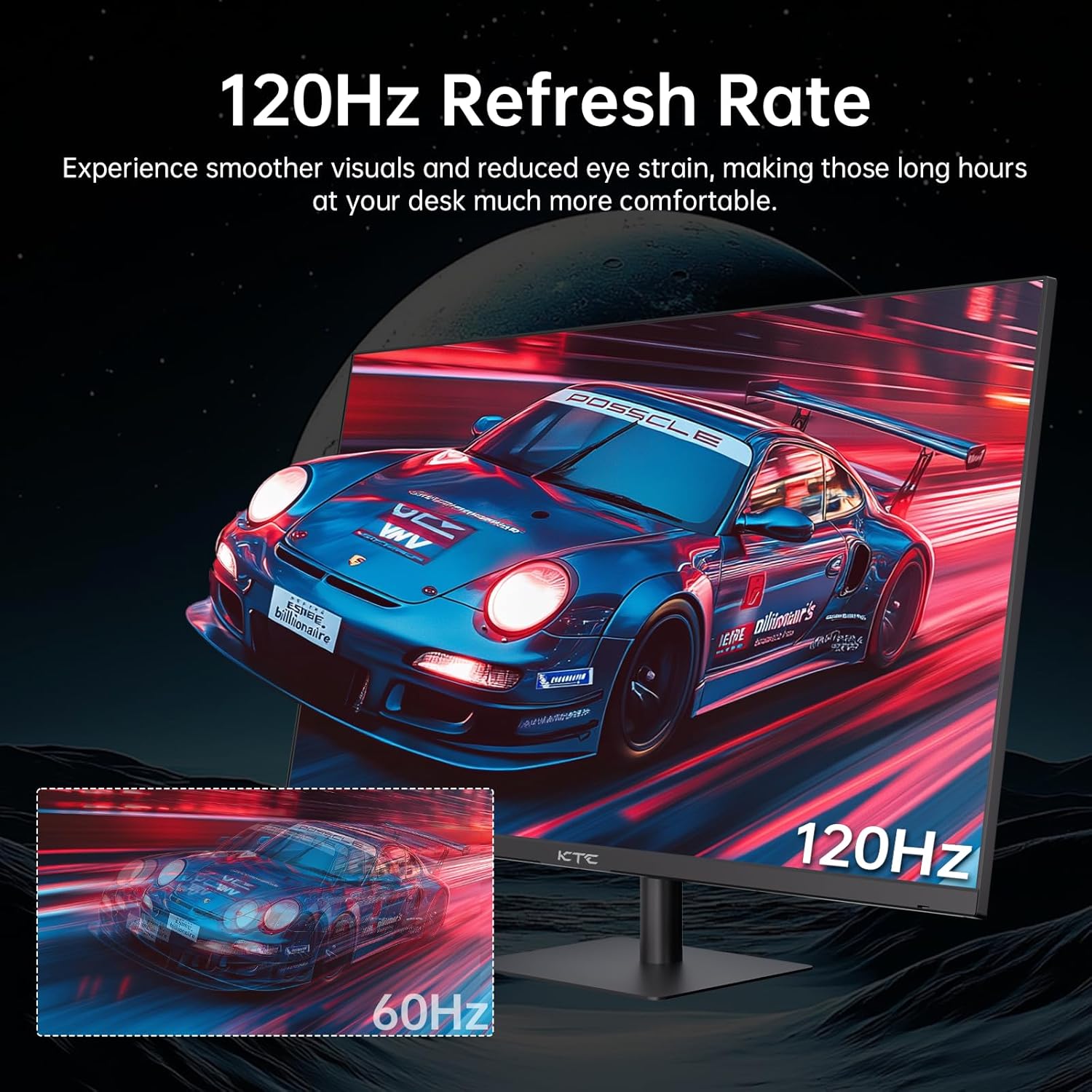
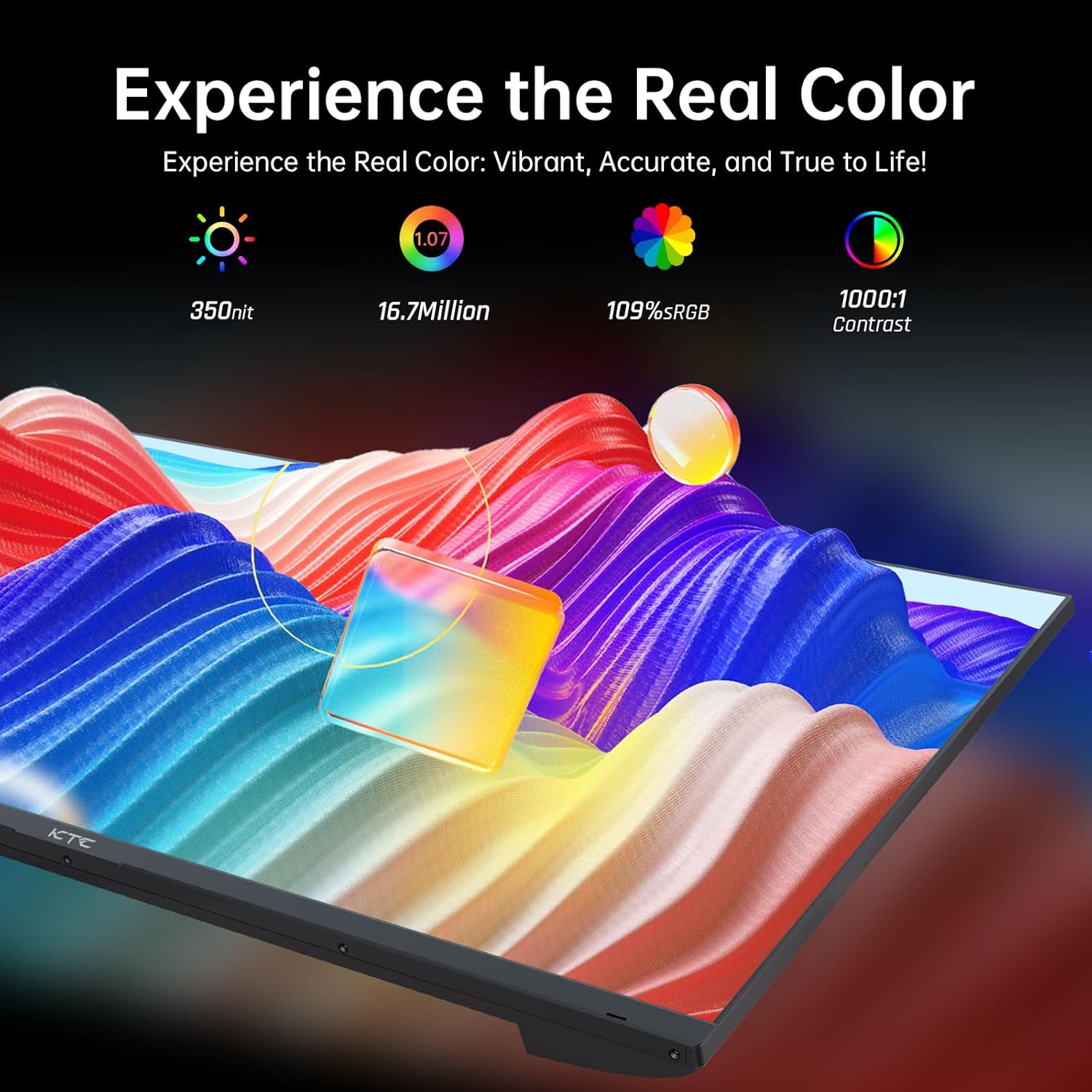
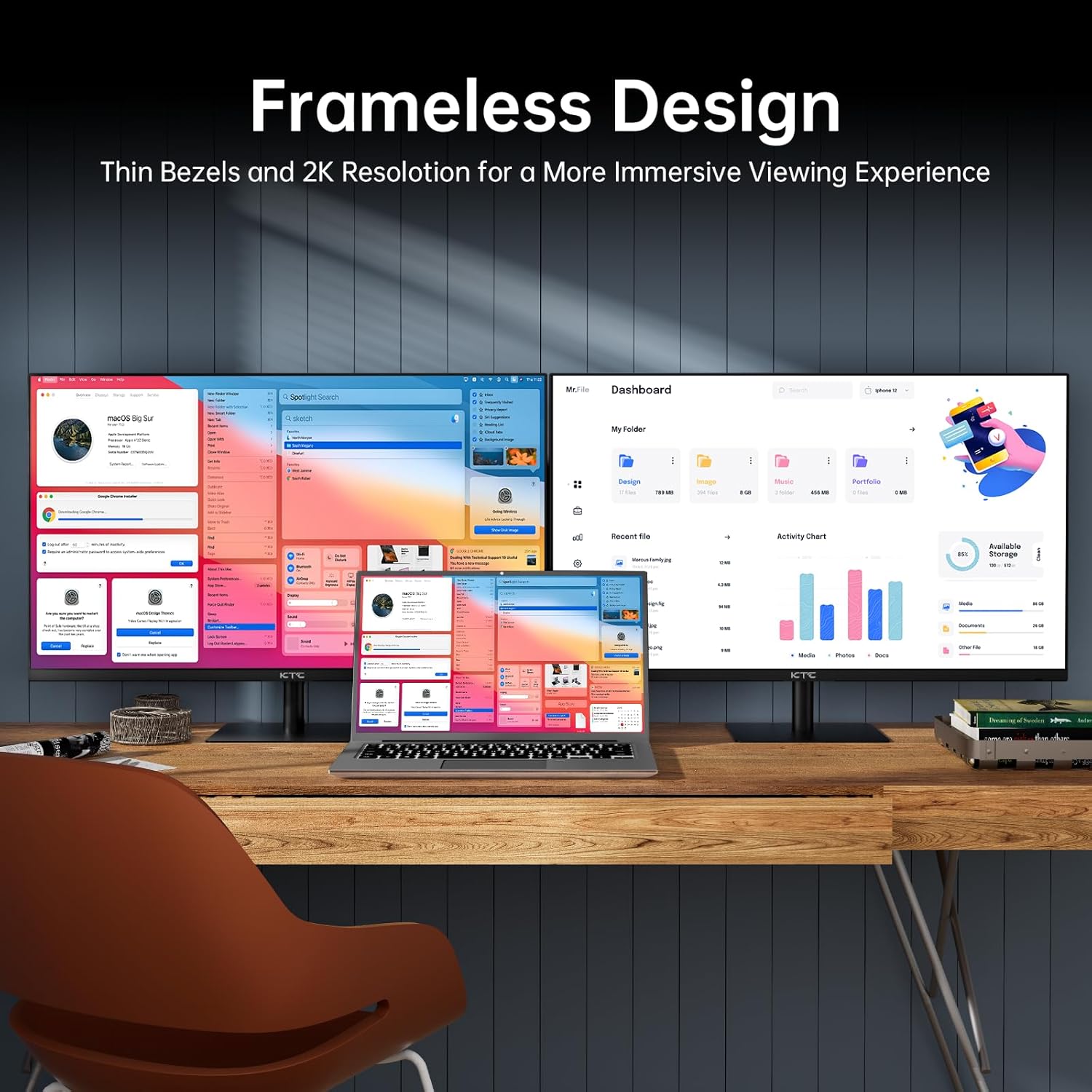
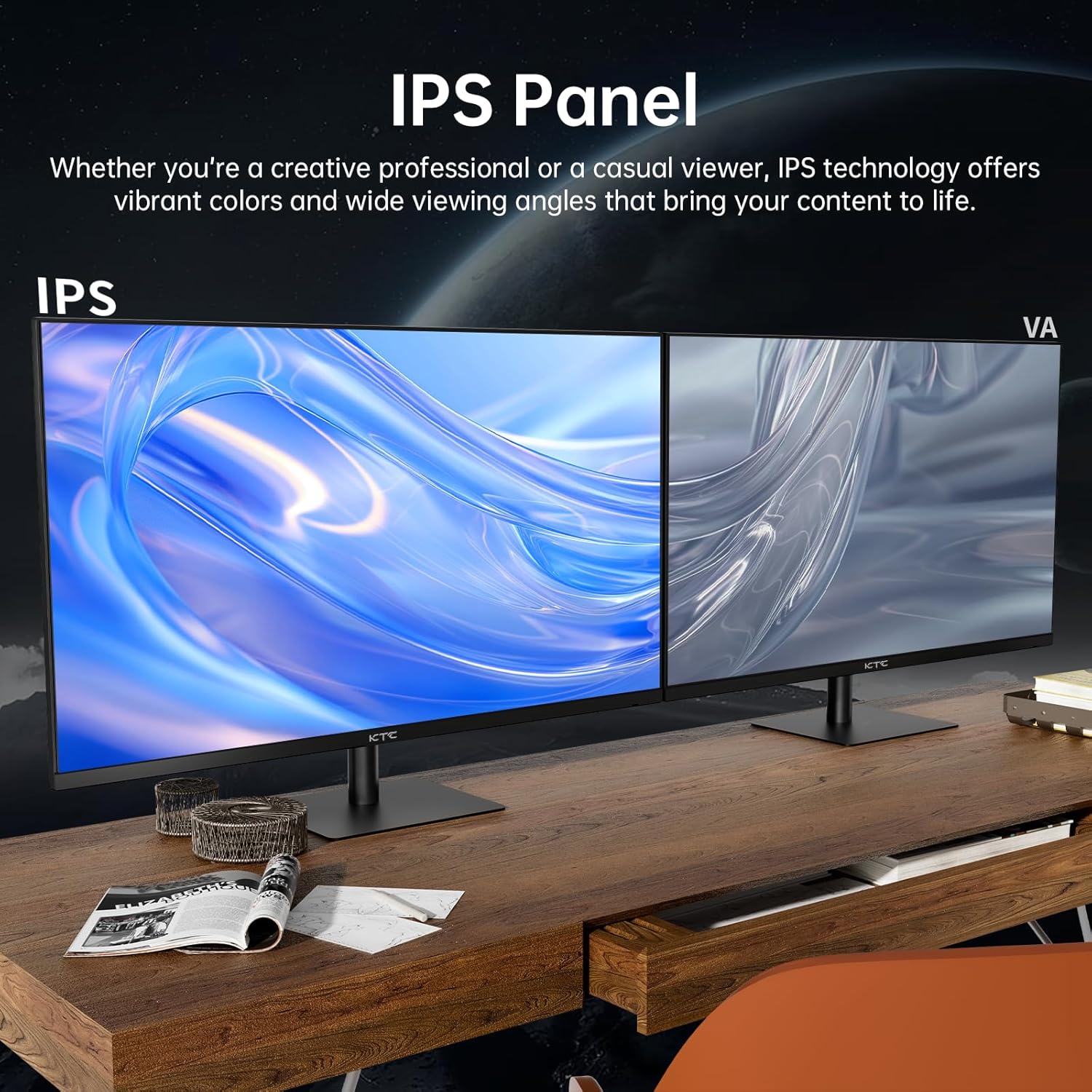
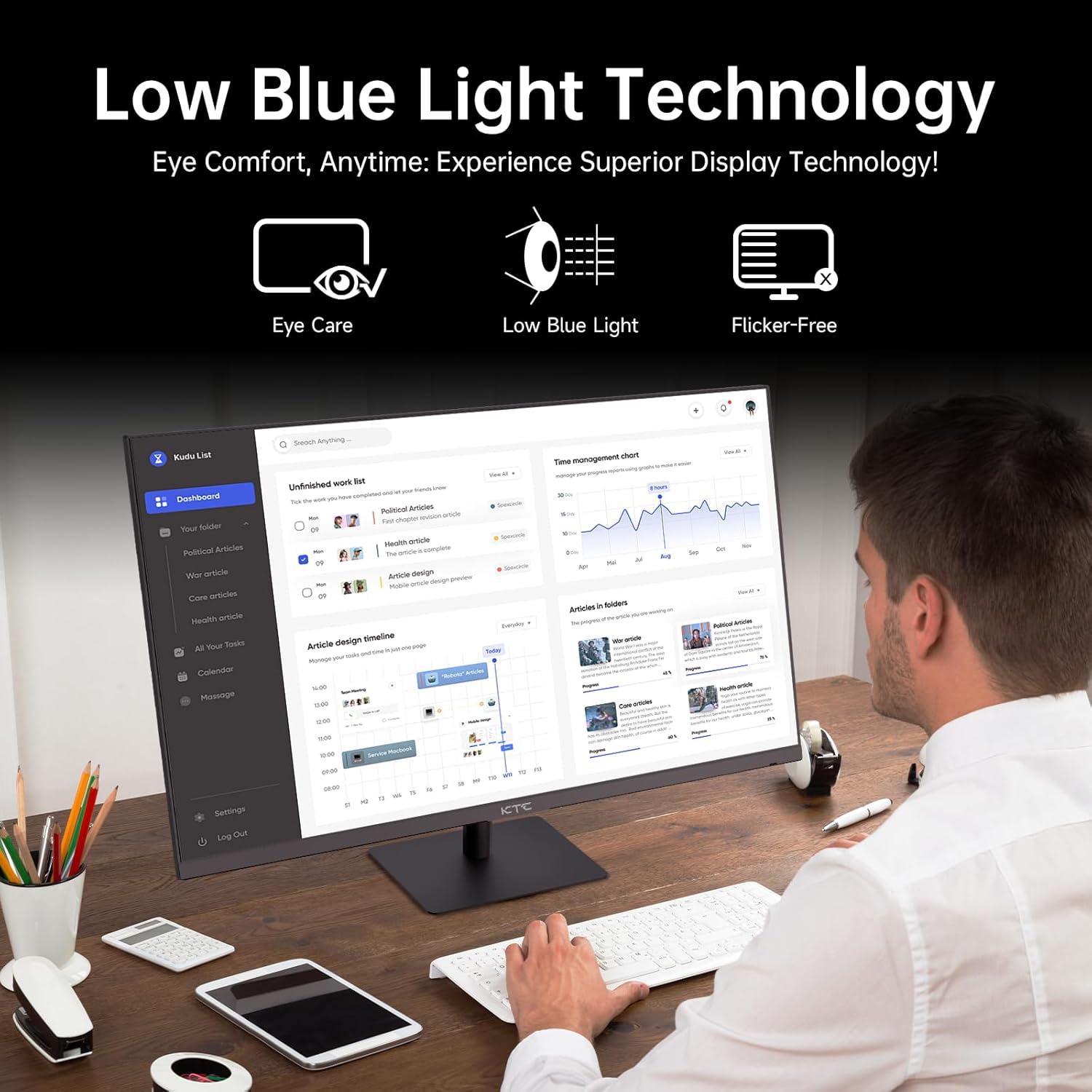
The display uses an IPS panel that keeps colours consistent across wide viewing angles while maintaining a quick 3ms MPRT response for reduced motion blur. Colour coverage is strong, with manufacturer-stated figures of 103% sRGB and 86% DCI-P3, which helps when editing images or watching HDR content. Connectivity is generous for the price bracket, including two HDMI ports and two DisplayPort inputs, plus a headphone jack for private listening. The screen is framed by ultra thin bezels, which makes multi-monitor setups neater and puts more focus on the image rather than the frame. For users who work long hours there is an anti-blue light feature that lowers high-energy wavelengths so eyes feel less fatigued after prolonged use. 😊
Technical Specifications
- Name: KTC Flat 32 Inch Monitor
- Resolution: 2560 x 1440 (QHD / 2K)
- Refresh rate: 120Hz (overclockable)
- Panel type: IPS, 3ms MPRT
- Colour gamut: 103% sRGB, 86% DCI-P3
- Brightness: 350 nits
- HDR: HDR10 support
- Inputs: 2 x HDMI, 2 x DisplayPort, 1 x headphone jack
- Adjustability: Tilt -5° to 15°
Usage Recommendations
For office work, the 32 inch QHD canvas helps fit multiple documents and spreadsheets without scaling that reduces clarity. Photographers and content creators will appreciate the wide sRGB coverage for web-oriented colour work, though those needing absolute professional colour accuracy should confirm calibration results with their own instruments. Gamers who play fast-paced titles will notice smoother frame pacing with 120Hz and Adaptive Sync, especially with compatible graphics cards, while casual single-player titles benefit from the HDR10 enhancement of contrast and brightness detail. 🎮
Consider that peak brightness of 350 nits may be moderate under very bright lighting, so placement away from direct sunlight or stronger desk lamps is advisable. Also, the tilt adjustment is available but there is no mention of height or swivel adjustment according to the provided data, which could limit ergonomic positioning for some desks.