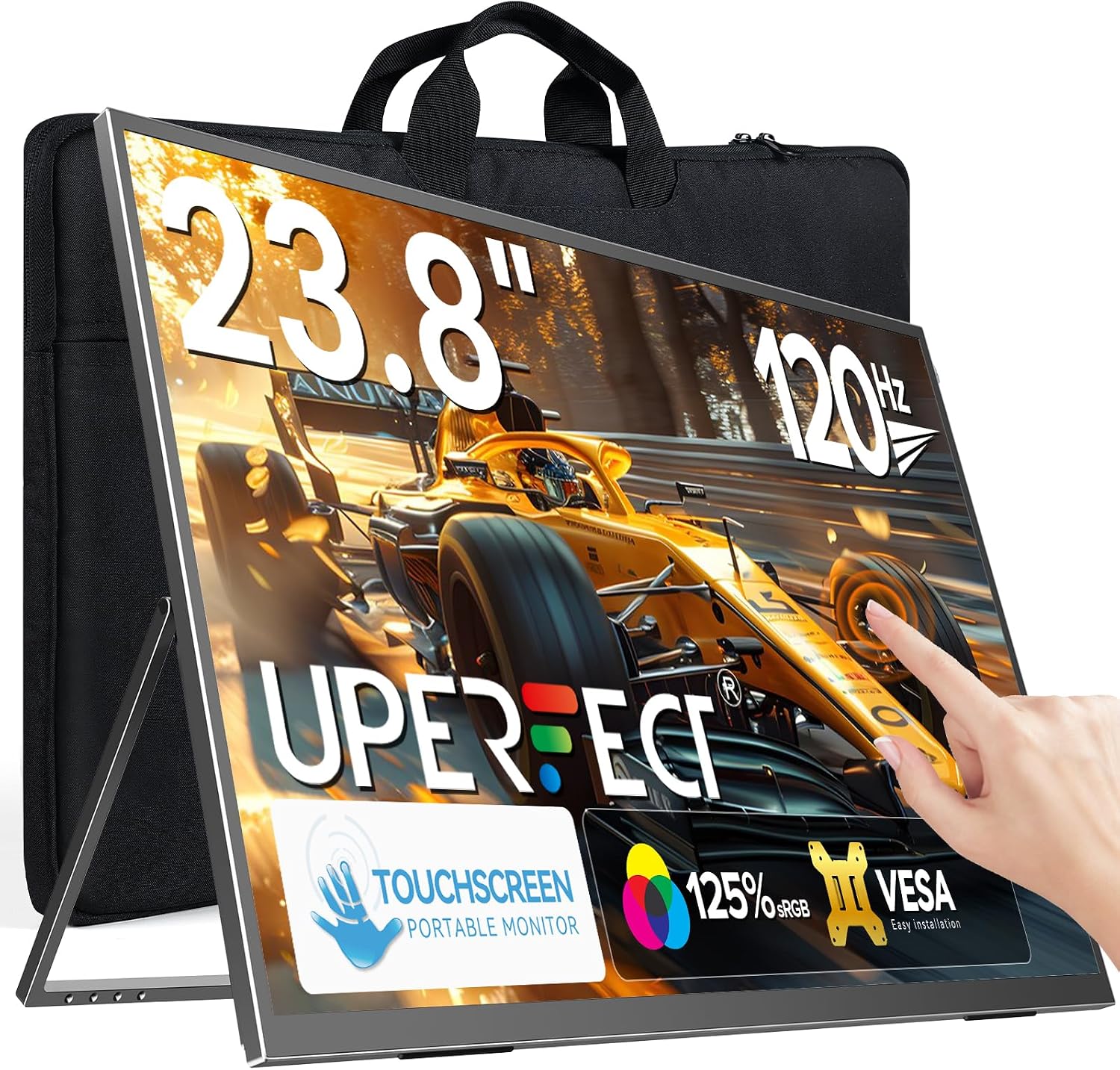
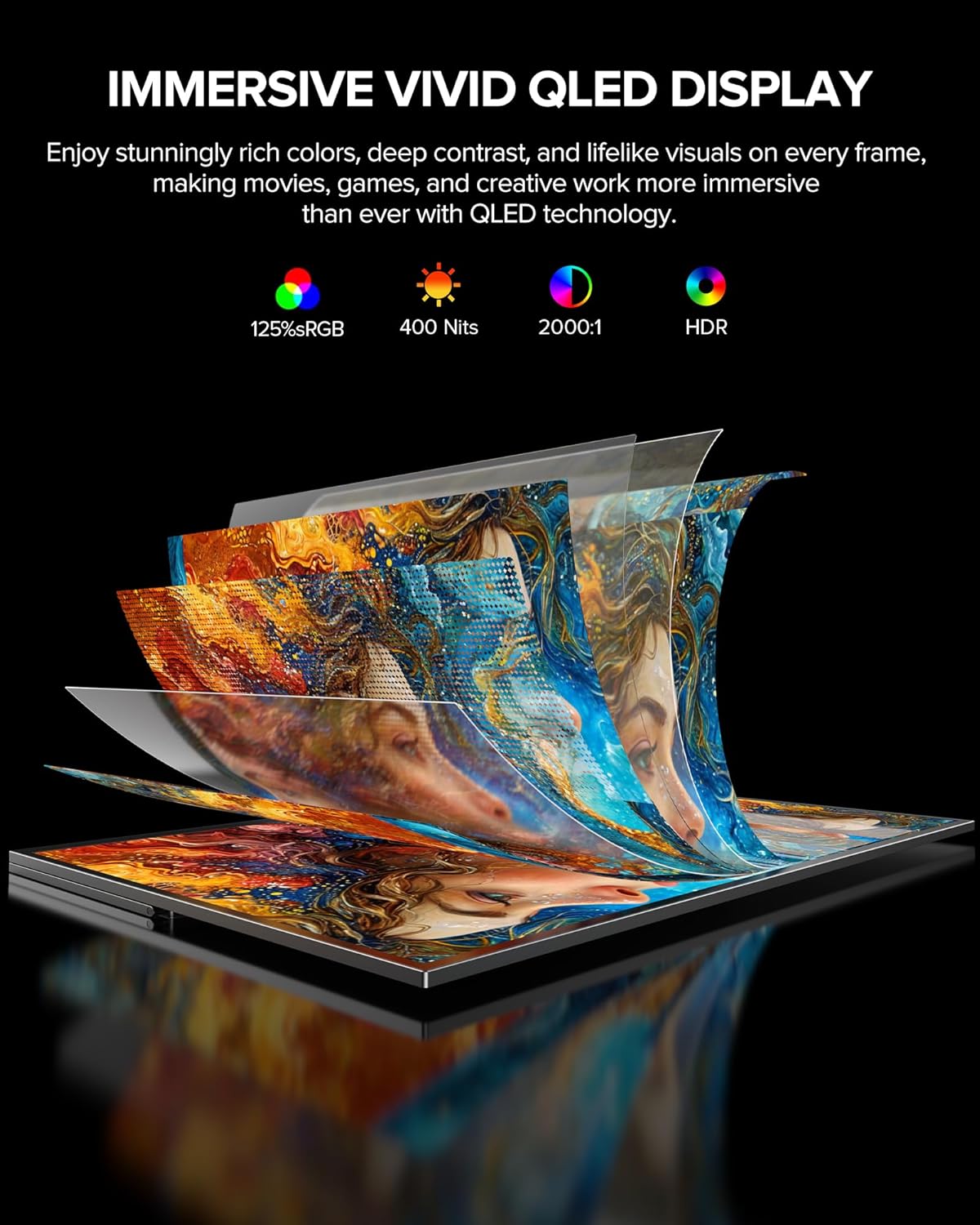
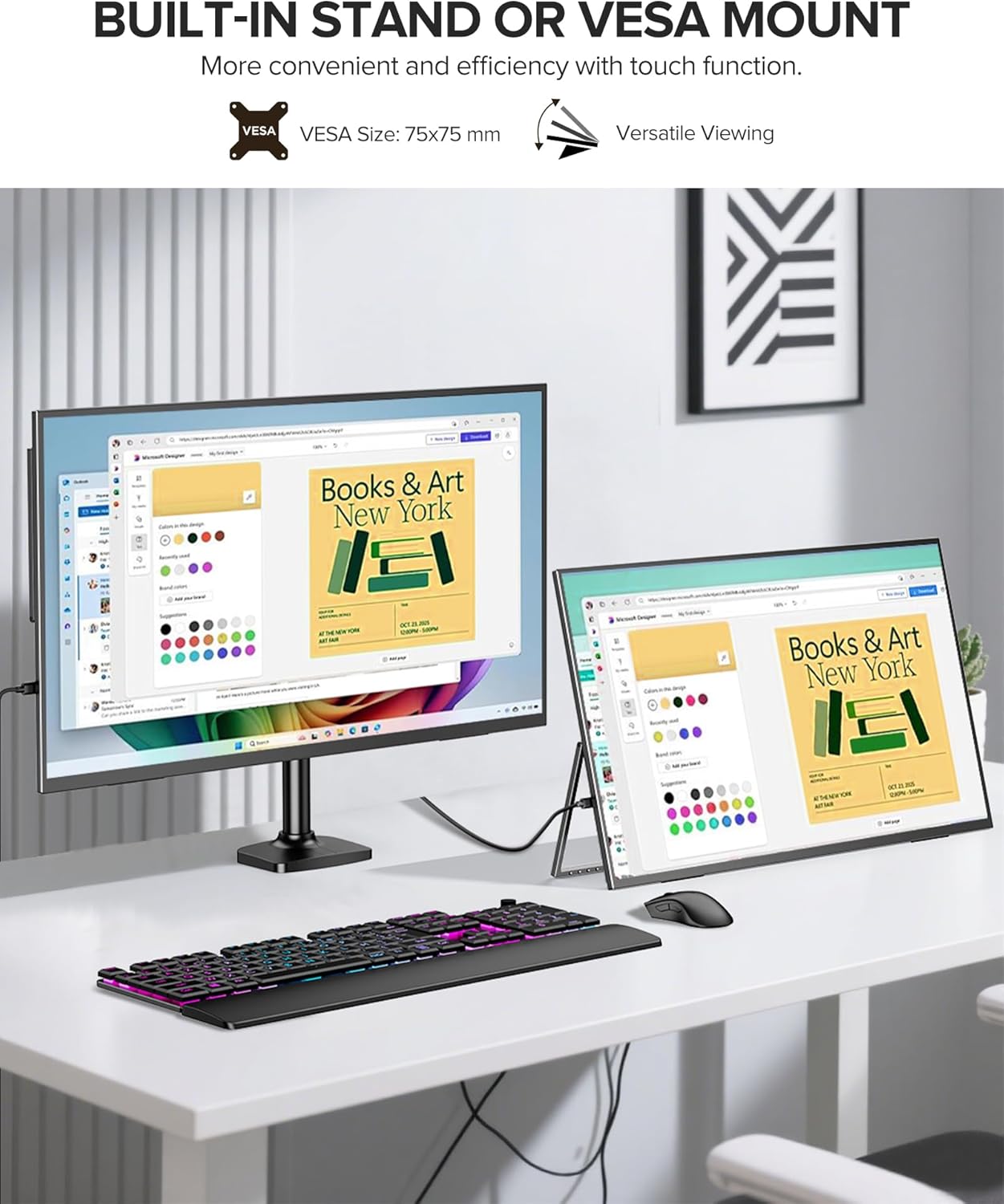
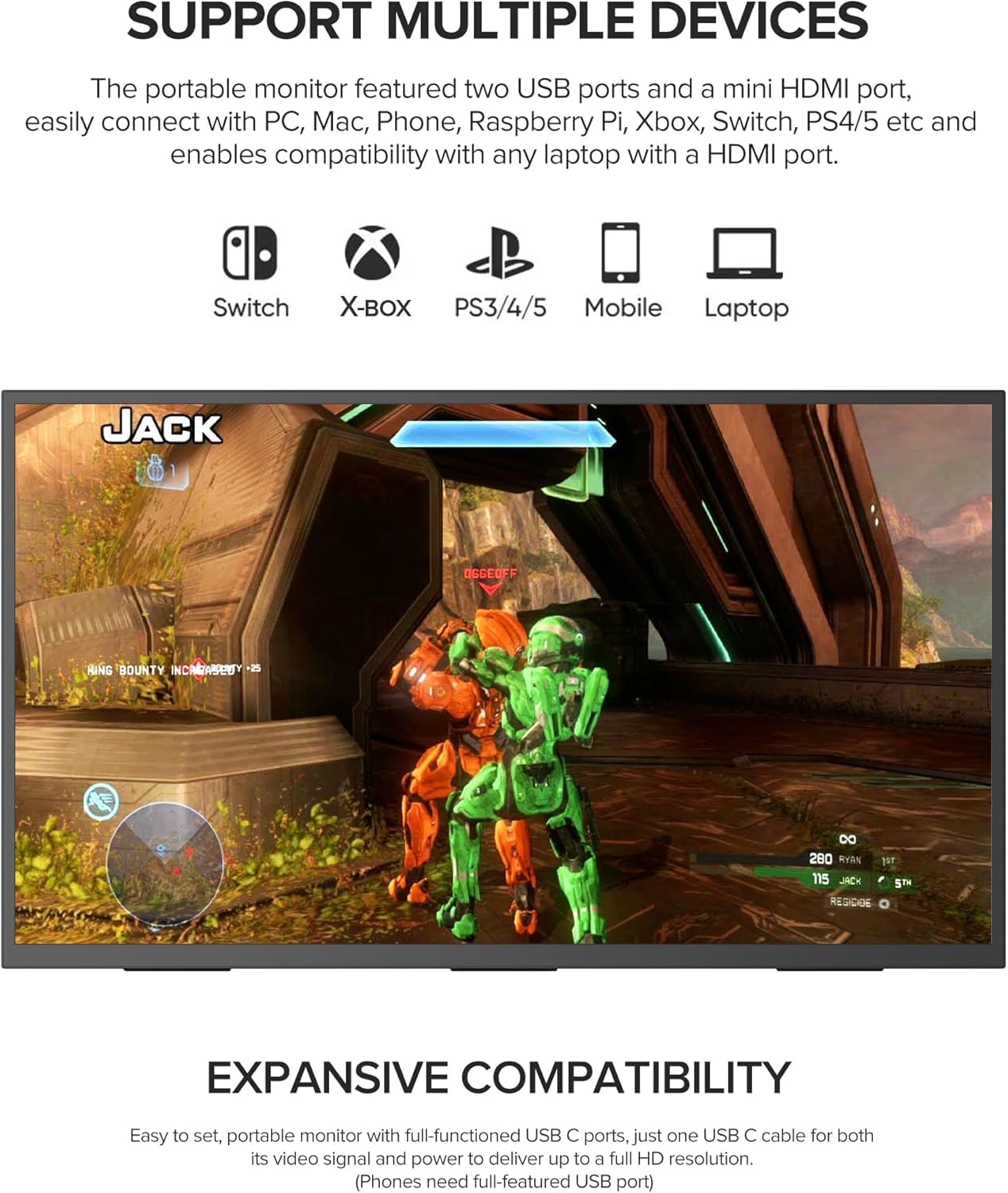
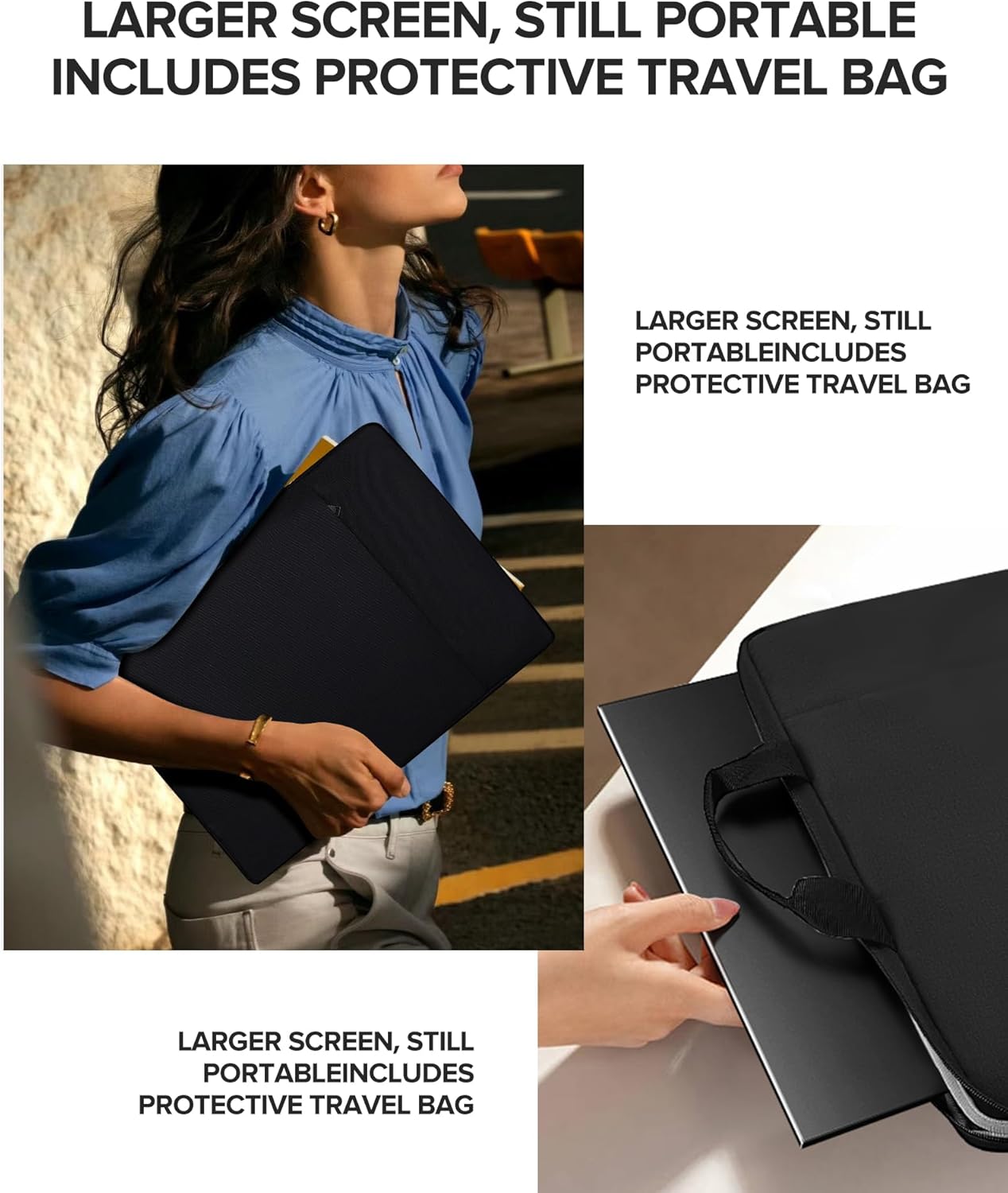
What it is and what it aims to solve\nThe UPERFECT 23.8” touchscreen portable monitor is a compact, plug‑and‑play display designed to expand the screen real estate of a laptop, PC, game console or phone. It combines a 23.8‑inch QLED panel with a responsive touch surface and a 120Hz refresh rate, positioning itself as a practical option for on‑the‑go productivity, casual gaming and multimedia viewing. If you frequently switch between devices or need a larger screen for mobile setups, this model offers a straightforward solution without committing to a larger desk monitor.\n\n## How the picture quality stacks up\nClaimed as a premium QLED experience, the panel is designed to deliver richer colour depth and higher contrast than standard displays. In real‑world use, that translates to punchier greens and deeper shadows, which helps when editing photos or videos in a portable workflow. It’s not a full professional grading panel, but for creative work on the move, it can be a meaningful upgrade over an average external screen. The 400 nits brightness helps in well‑lit environments, though extreme glare can still wash out detail in bright rooms.\n\n## Touchscreen and interaction\nBuilt‑in multi‑touch support enables taps, swipes and drags, which can simplify common tasks when you’re away from a keyboard or prefer direct control. This makes it convenient for quick content browsing, annotating documents or navigating media apps without relying solely on a connected laptop or console. However, if you’re primarily using it as a traditional display, the touch feature may be more of a convenience than a necessity.\n\n## Performance for motion and gaming\nA 120Hz refresh rate is designed to minimise motion blur during fast‑paced gaming, video playback and smooth panning. For casual console gaming or mobile‑to‑screen play, the experience should feel noticeably smoother than typical 60Hz panels. It’s important to temper expectations: the portable nature and brightness mean it isn’t a desktop‑class gaming monitor, and response times and input lag aren’t specified here. If you prioritise ultra‑competitive gaming, you may want to test it with your setup before committing.\n\n## Connectivity and versatility\nThe monitor offers full‑featured Type‑C and HDMI inputs, aiming for easy plug‑and‑play connections with laptops, phones, game consoles and other devices. That makes it a flexible companion for travel or a pop‑out screen in a shared workspace. Be mindful that the exact compatibility with PD charging or USB‑C video output can depend on your host device, so checking your device capabilities beforehand is sensible.\n\n## Practical use cases and who it’s for\nIf you’re a photographer, designer or video creator who travels light, the combination of a large touchscreen, good colour depth and portability can help when reviewing edits away from your main workstation. It also suits students or remote workers who want a second screen for multi‑tasking, document review or entertainment on downtime. For those who mainly need a sturdy, high‑contrast external display for desktop gaming, there are still more feature‑rich or faster options available, but this model trades a bit of desktop grandeur for portability and convenience.\n\n## What to check before you buy\n- Ensure your devices support HDMI or USB‑C video output to take full advantage of the inputs.\n- Consider the viewing environment: at 23.8 inches, the screen is noticeable but still portable, brightness and glare can affect readability in bright rooms.\n- If you plan to use touch extensively, confirm compatible touch gestures with your operating system and software.\n- Check the stand stability and placement at eye level to avoid awkward angles that could stress the mount.\n\n## How it compares to other approaches\nThis portable solution sits between a basic external monitor and a larger, desk‑bound display. It’s more versatile than a basic screen thanks to its touch input and compact form, but it won’t replace a dedicated editing monitor or a high‑end gaming panel in terms of colour accuracy, maximum brightness or gaming pixel response. If you need true on‑the‑road editing or a no‑compromise gaming setup, you might prefer dedicated desktop options. For travel, presentations and supplementary workflow, it offers a practical middle ground.\n\n## Final decision — is it worth it?\nIf you prioritise portability, versatile connectivity and a responsive touchscreen in a single package, this UPERFECT model is worth considering. It balances display quality and practical features for everyday use, with the caveat that it isn’t a specialist professional monitor or a high‑end gaming rig. It suits users who want a larger, touchable canvas for light editing, media consumption and secondary screen tasks on the go. Consider alternatives if your primary need is studio‑grade colour accuracy, extreme brightness or ultra‑fast competitive gaming.\n\n## Quick FAQ\n- Can it replace a primary monitor? It can supplement one, especially for portable use, but for critical colour work you may want a dedicated calibration workflow.\n- Is the screen easy to transport? Yes, its portable design is intended for on‑the‑go use, though the weight and thickness should be considered for frequent travel.\n- Does it charge devices via USB‑C? The description mentions Type‑C input but does not specify charging, verify your host device capabilities before relying on USB‑C power delivery.\n