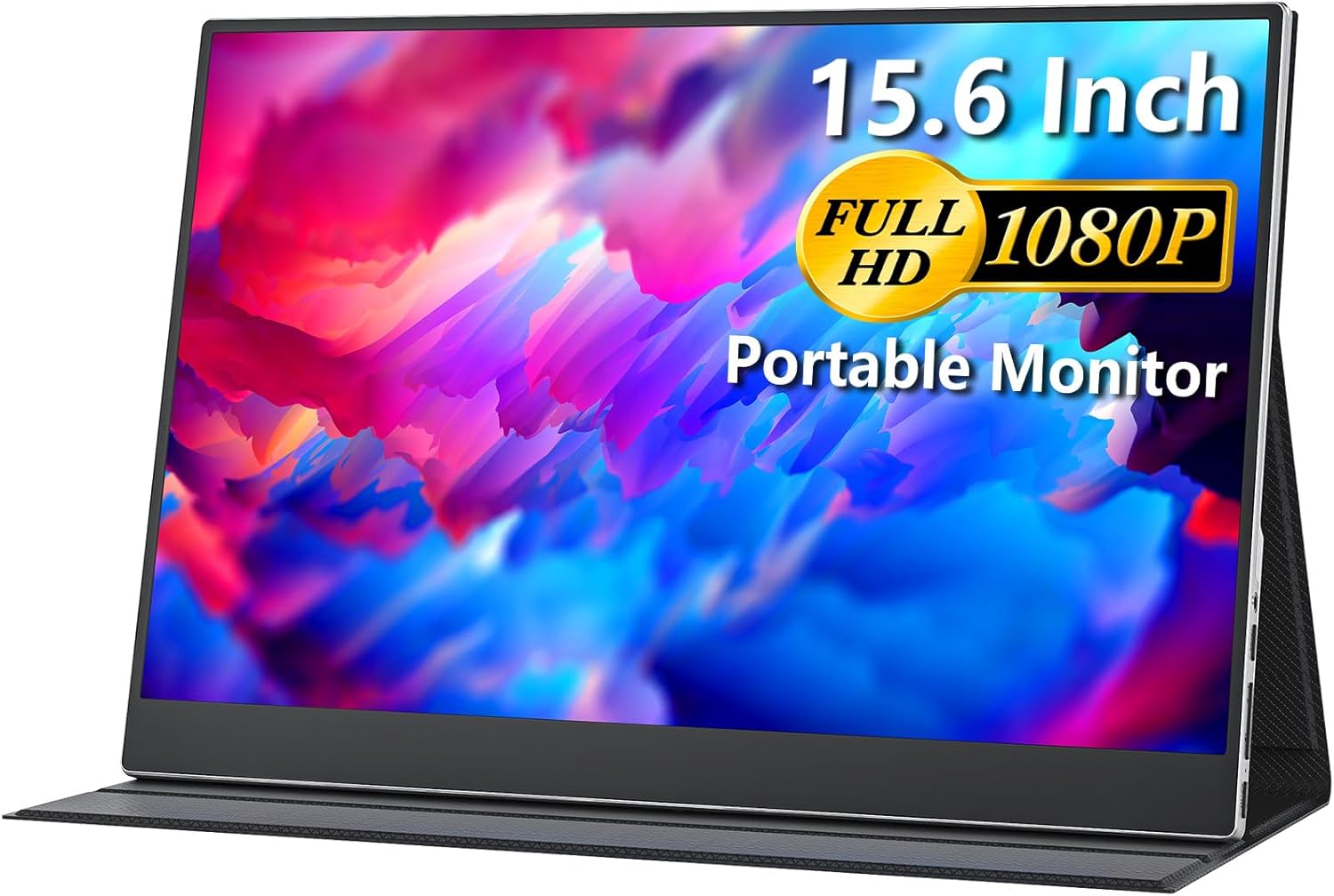
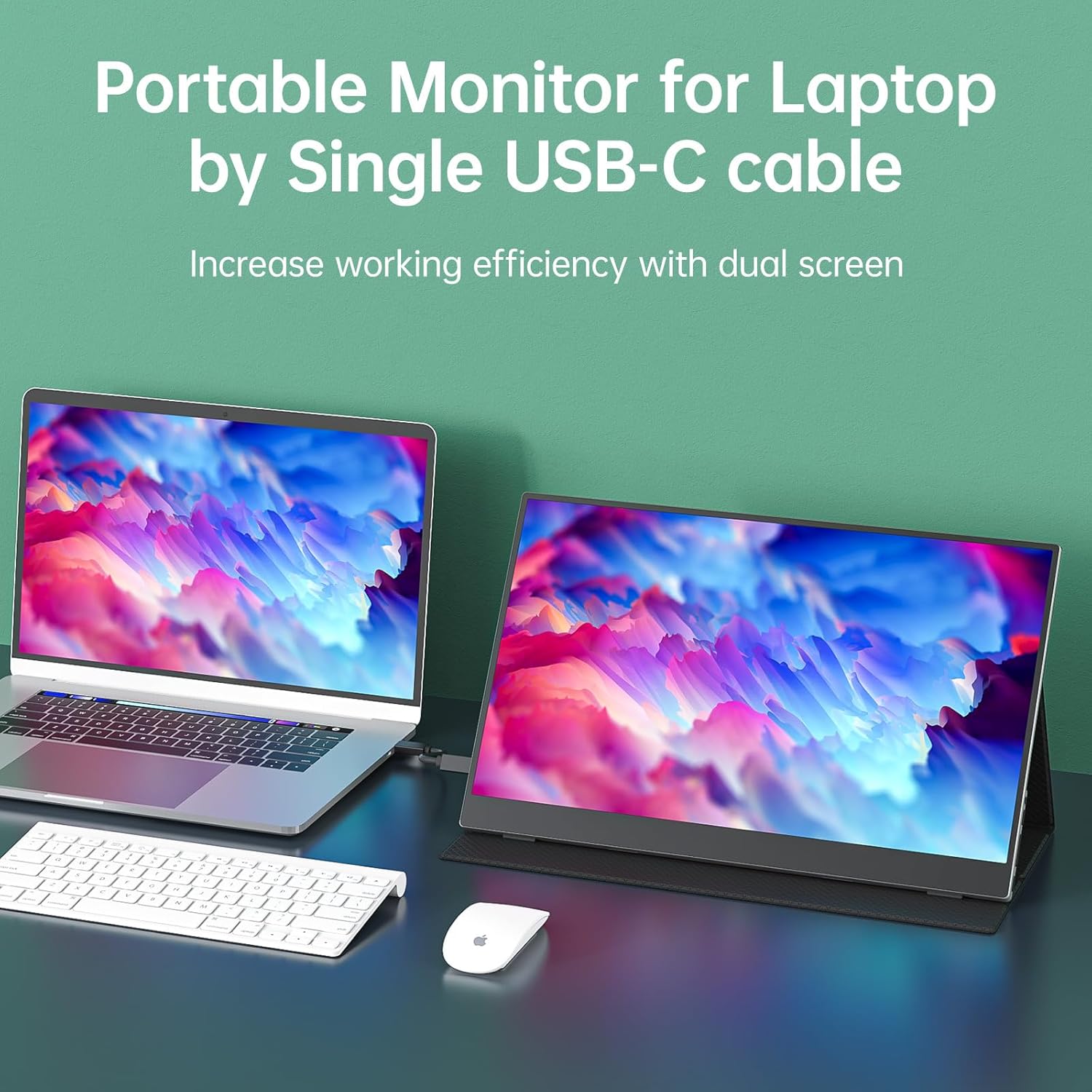
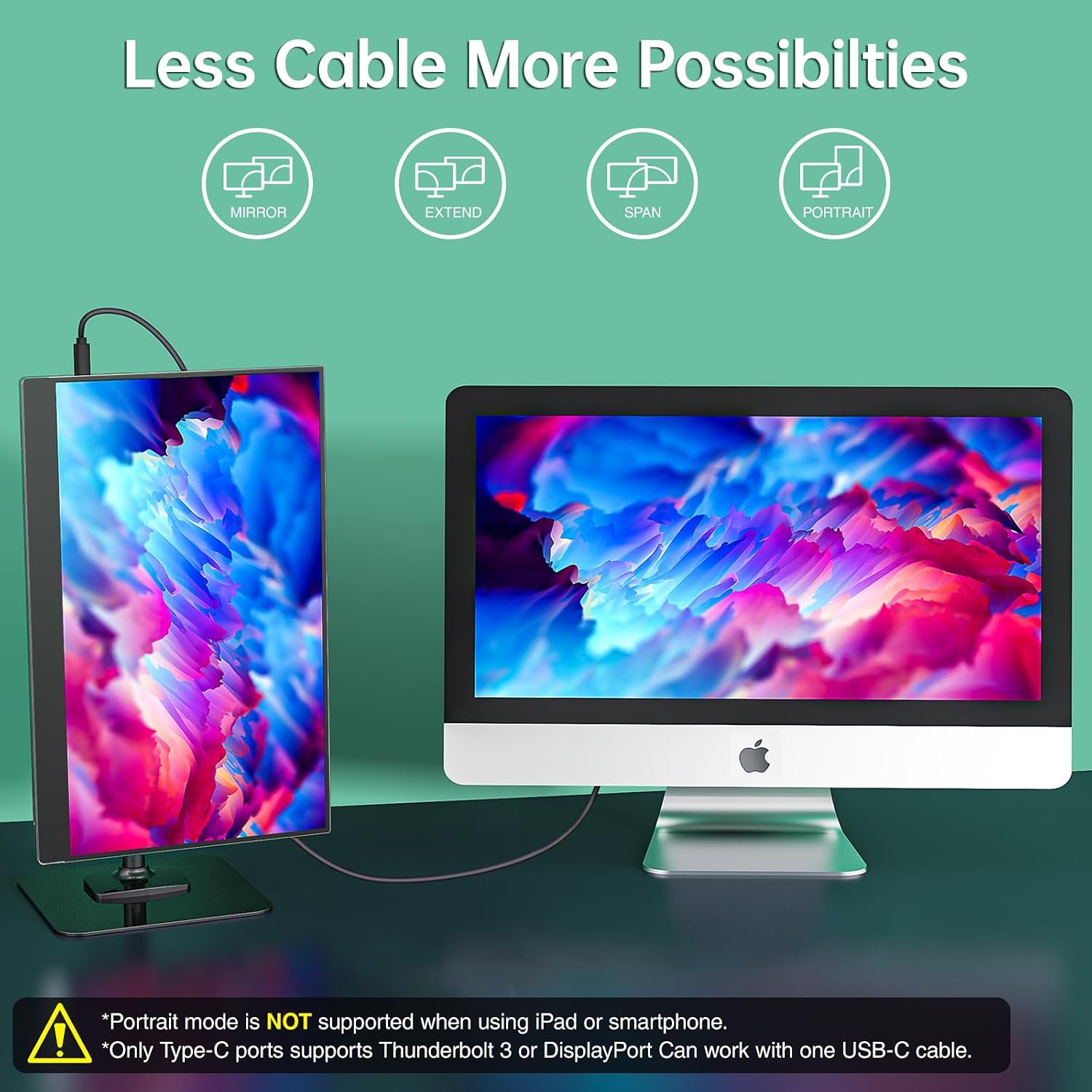
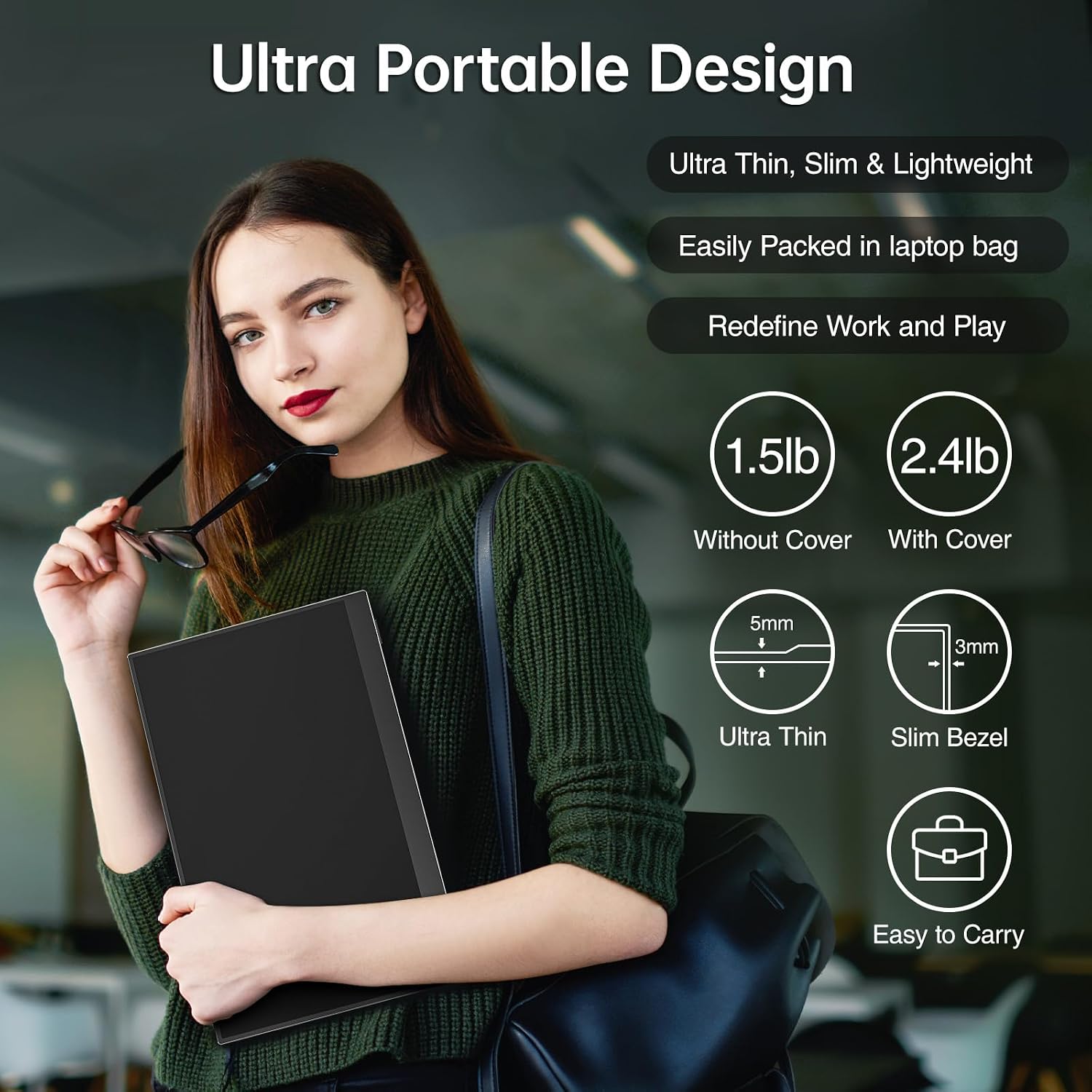
What it is and what problem it solves\nCocopar’s 15.6 inch portable monitor is a lightweight, plug-and-play extension for laptops and other devices. If you recently started working remotely, travelling with a compact setup, or need a second screen for presentations, this display promises a simple way to expand real estate without carrying a full-sized monitor. On paper, it’s designed to mirror or extend your laptop screen, turning cramped desks and hotel rooms into a more productive workspace.\n\n## How it’s designed to perform\nThe panel is a 15.6 inch full HD (1080p) IPS screen with wide viewing angles. The 178° angle helps viewing from the side, which matters for collaborative work or when presenting to a small group. The panel advertises HDR and FreeSync capabilities, and it includes low blue light features for extended use. The combination aims to produce respectable colour reproduction and clear text, which is important for reading long documents or editing spreadsheets. It’s advertised as a practical second screen for laptops, desktop PCs, and gaming consoles, with a focus on versatility rather than specialist use.\n\n## Core connectivity and power model\nTwo full-featured USB-C ports are offered, with a single USB-C cable expected to carry both power and signal where the host supports Thunderbolt 3.0 or DP Alt Mode. An HDMI port is also present, increasing compatibility with a wider range of devices. The idea is simple: fewer cables and a straightforward setup. Note that real-world performance depends on your device’s USB-C capabilities and whether you’re using power delivery and video over the same cable.\n\n## Design, protection and placement\nA magnetic leather cover serves as a protective case and also doubles as a stand with multiple viewing angles. For work setups that require landscape or portrait modes, the monitor’s stand feature is a handy touch, especially when you’re on the move between meetings. The cover’s magnetic connection should feel reliable in day-to-day use, though it’s worth considering how often you’ll reposition the screen when taken in and out of a bag.\n\n## What stands out in everyday use\n- Dual USB-C ports simplify setup: one cable can power the panel and transmit the signal, reducing clutter.\n- The included cover/stand adds convenience for casual desks and travel, making it easier to adjust for different tasks.\n- Built-in speakers provide basic audio without needing external hardware, which can help when you’re in a tight space or a hotel room.\n- The VESA mounting option is a plus for more permanent desk arrangements or if you want to mount it on a stand for various work angles.\n\n## Limitations and caveats\nIf you prioritise speed and ultra-high refresh for competitive gaming or demanding design work, 60 Hz is modest compared with higher-end portable monitors. HDR support is advertised, but the quality of HDR on inexpensive panels often depends on content and viewing conditions. Some users may find brightness levels adequate indoors but less impressive in bright ambient light. Additionally, the effectiveness of the USB-C power/Display signal hinge hinges on having a compatible host, not all devices deliver both through a single USB-C port.\n\n## Who it’s for\nThis monitor fits someone who travels frequently, works with occasional remote presentations, or wants a secondary screen without adding bulk. It’s a practical option for students, remote workers, and casual gamers who don’t need professional-grade colour accuracy or extremely fast response times. It isn’t the ideal choice if you require top-tier HDR performance or a high-end, colour-critical display for photo or video work.\n\n## What to check before buying\n- Ensure your device supports DP Alt Mode over USB-C if you plan to use the USB-C power/display setup with a single cable.\n- Consider your environment: indoors with controlled lighting will make the 1080p presentation more readable than bright daylight scenarios.\n- If you value sound, test the built-in speakers since they’re convenient but not a replacement for dedicated audio.\n- If desk space is at a premium, the foldable cover-stand and VESA mount option can be beneficial, but verify your mounting setup supports the monitor’s size and weight.\n\n## Comparison in context\nIn practice, this kind of portable display sits between a basic travel monitor and a more feature-rich but bulkier alternative. If you mainly need extra screen real estate for document review or multi-tasking on the go, this model offers a balanced mix of portability, connectivity and value. For those who demand high brightness, vibrant colour accuracy, or 120 Hz+ gaming refresh, you’d likely look elsewhere.\n\n## What you’ll notice day to day\nYou’ll likely appreciate the straightforward plug-and-play approach, especially if your notebook has compatible USB-C outputs. The dual USB-C ports reduce cable clutter, and the stand/cover makes it easy to set up on a plane tray table or coffee shop desk. The caveat is that 60 Hz might feel limiting for fast-paced games or highly detailed design work, and HDR performance will depend on your source content.\n\n## Final buying decision\n### Is it worth it?\nYou’ll like it if you want a practical, travel-friendly second screen that’s quick to deploy and easy to carry. It makes sense for basic work tasks, presentations and light multimedia, provided you accept the 60 Hz refresh rate and the typical colour performance of mid-range panels.\n\n## FAQ (brief)\n- Do both USB-C ports transmit video and power? It’s possible with a compatible host (Thunderbolt 3.0/DP Alt Mode), check your device’s specifications.\n- Can I use this with a gaming console? Yes, via HDMI.\n- Is the cover purely protective or also a stand? It functions as both, with adjustable angles.\n