

Ingnok 15.6" Portable Monitor (FHD 1080P IPS), USB-C & Mini HDMI, for a second screen on the go
Product description
If you’re forever juggling tabs on a laptop or you need a proper secondary display while travelling, a portable monitor can be a real quality-of-life upgrade. The Ingnok 15.6" portable monitor is aimed at that “second screen anywhere” use case, with an IPS Full HD panel and a built-in kickstand to keep setup simple.
That said, portable monitors live in a slightly different world to full-size desk displays. They’re convenient, but the experience can depend quite a bit on how your device handles USB-C video/power, and on the ports you actually have available.
At a glance: what you get and what it’s for
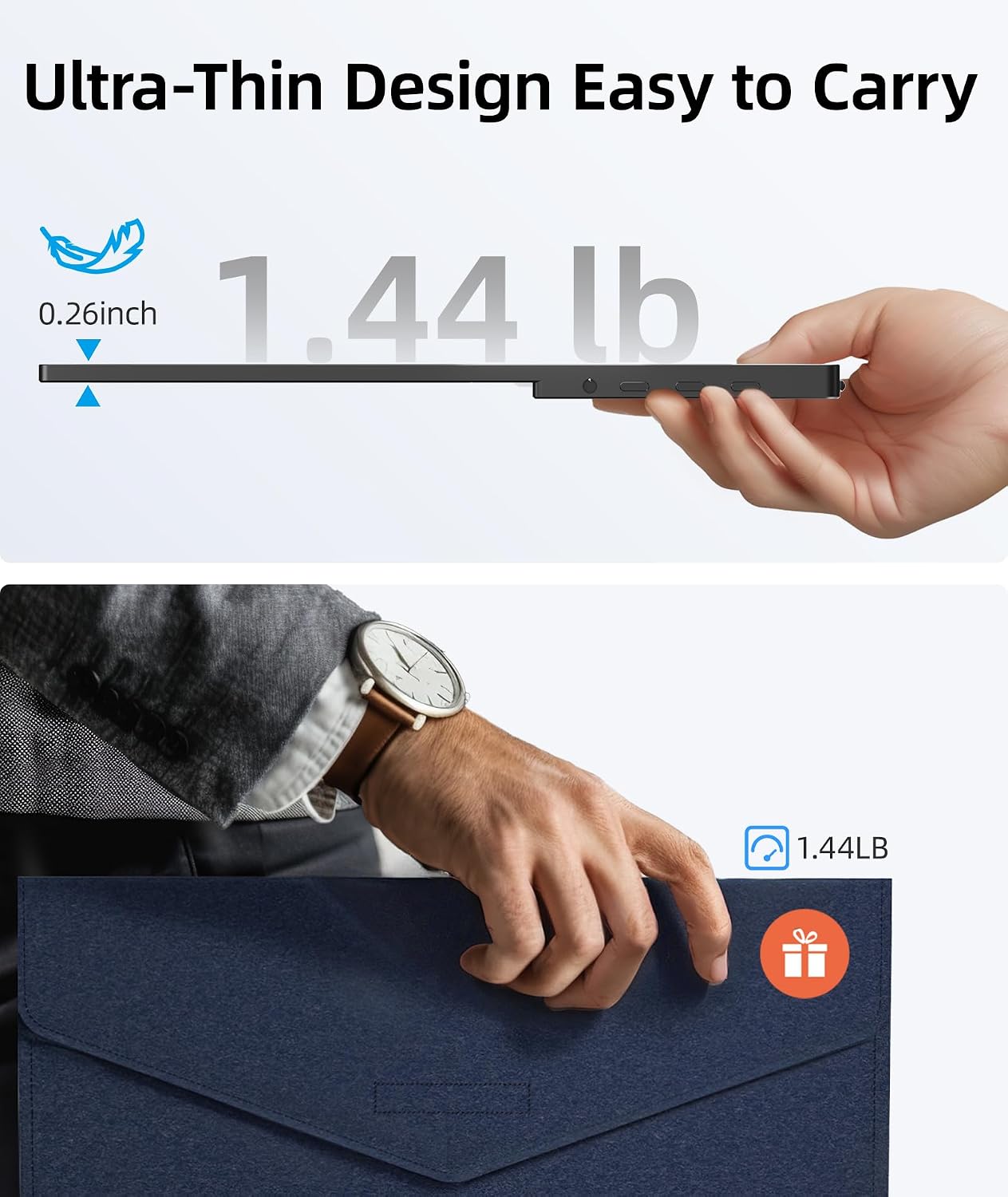
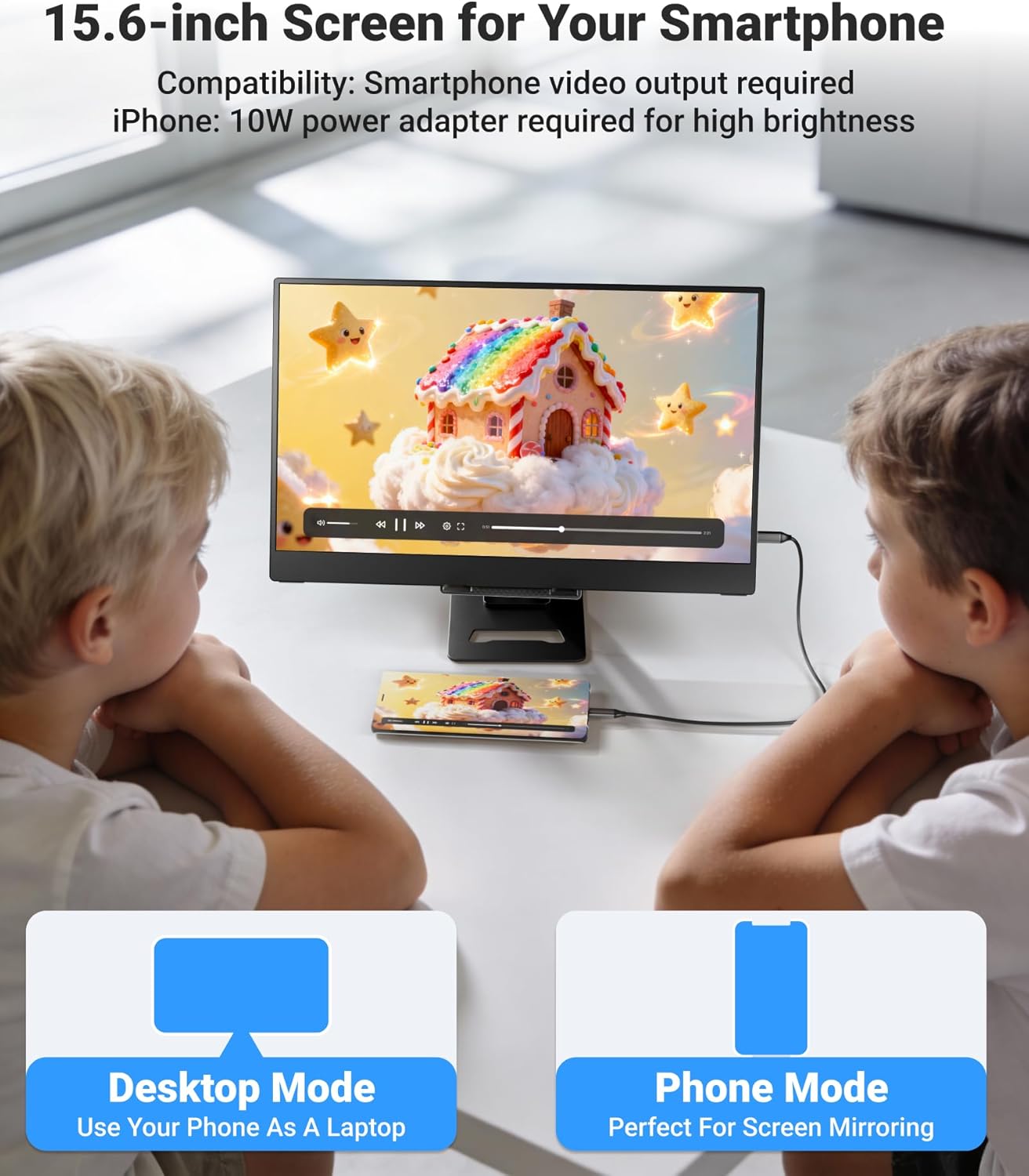
The core idea here is straightforward: a thin 15.6-inch FHD (1080p) IPS screen that’s designed to act as an external display for laptops, PCs, and even some phones and gaming devices. The listing positions it as an “eye-caring” travel companion, with the practical selling points being readability (Full HD), comfortable viewing angles (IPS), and a weight that’s meant to travel well.
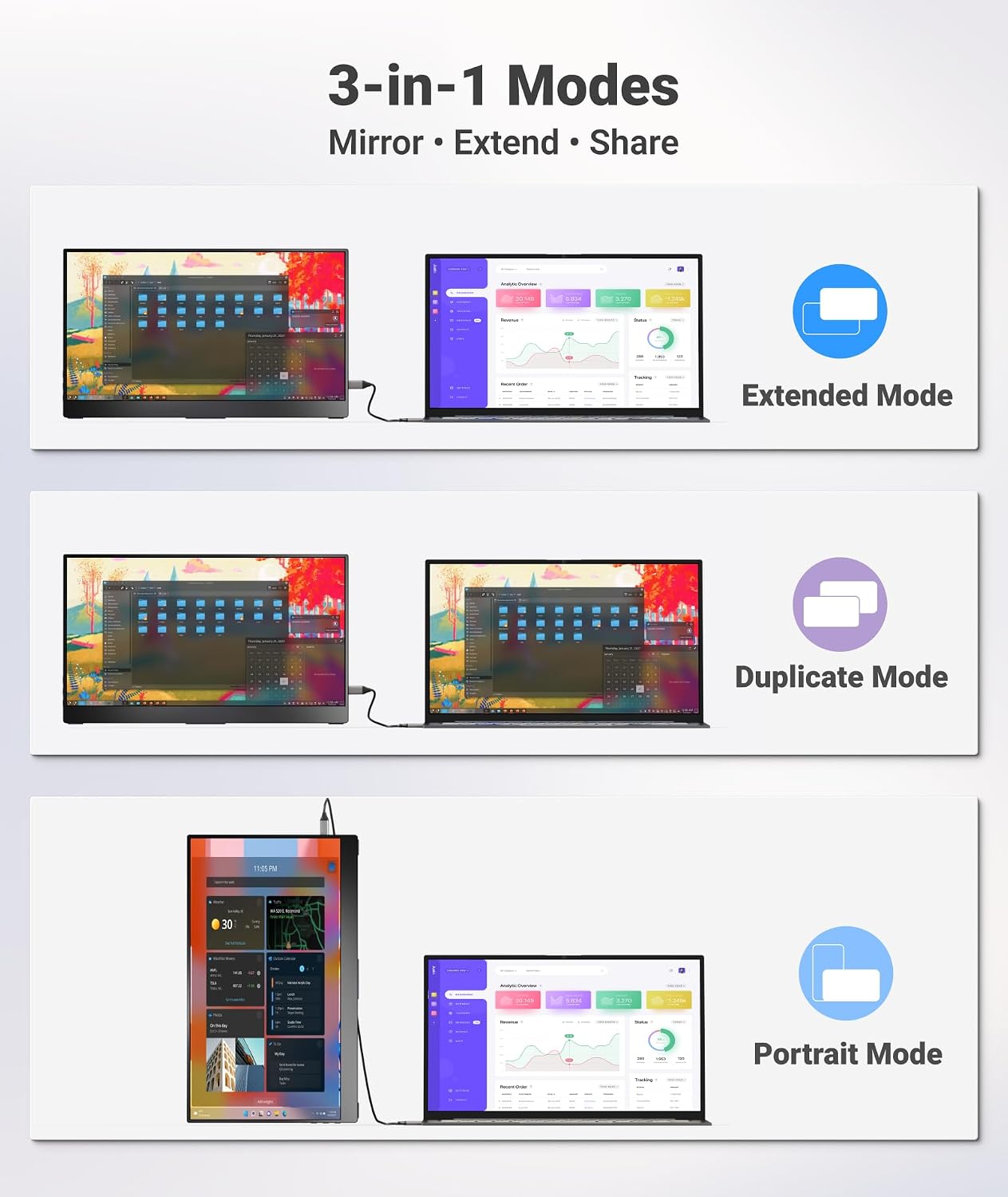
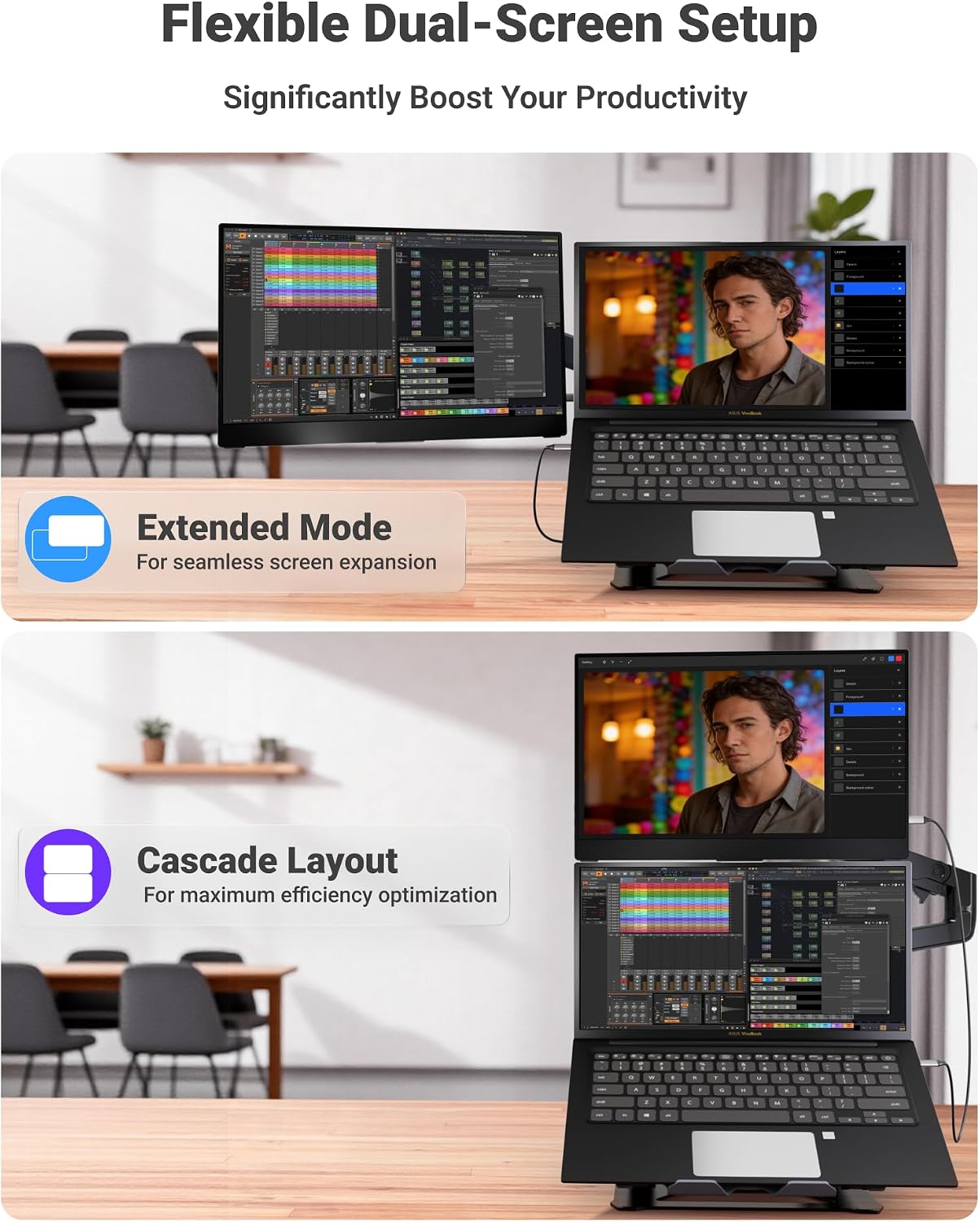
It’s also built around flexibility in how you use it. You’re not just looking at a screen—you’re effectively creating a dual-screen workflow. Depending on your setup, you can extend your display or mirror it for presentations and quick demos.
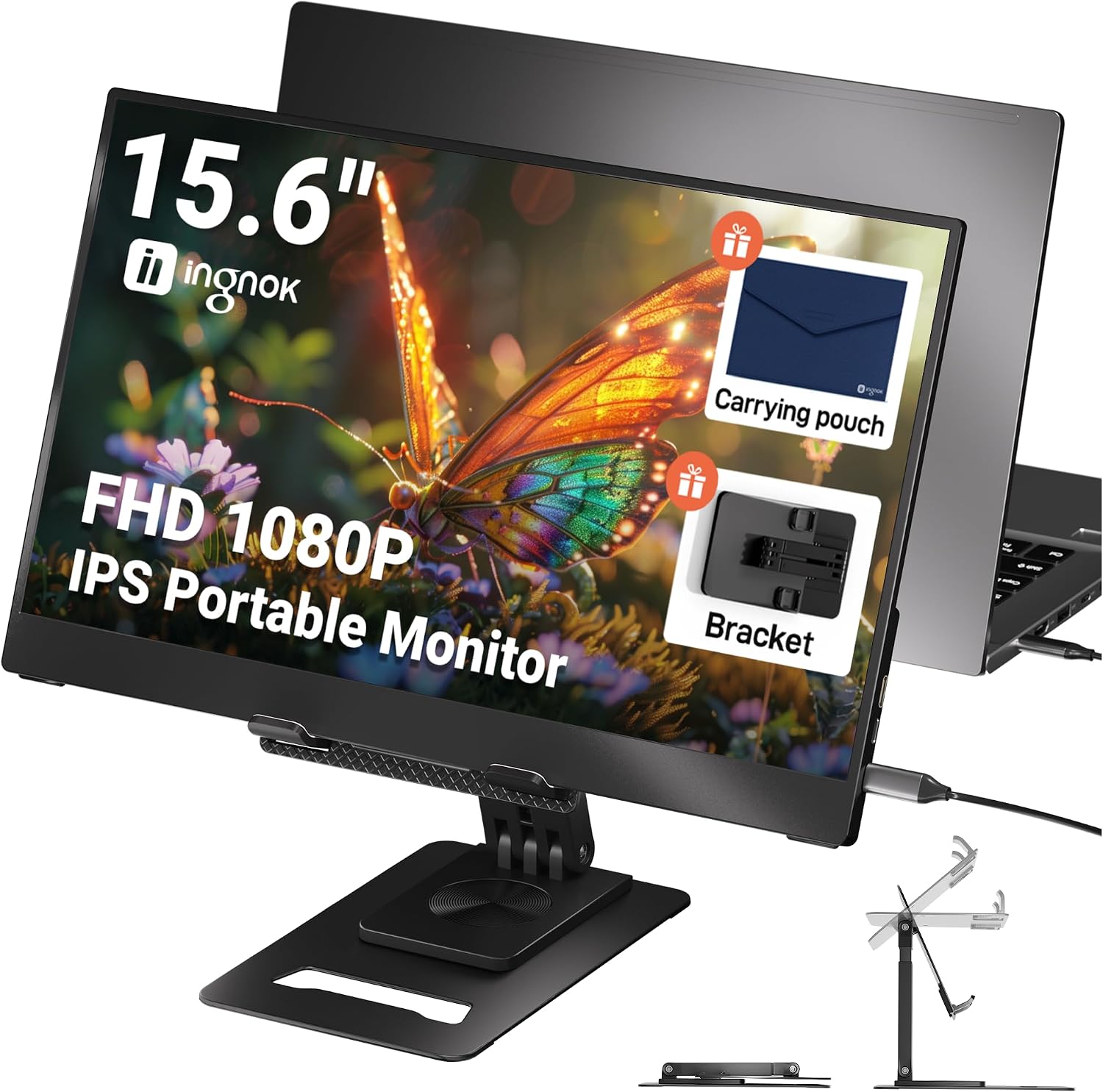
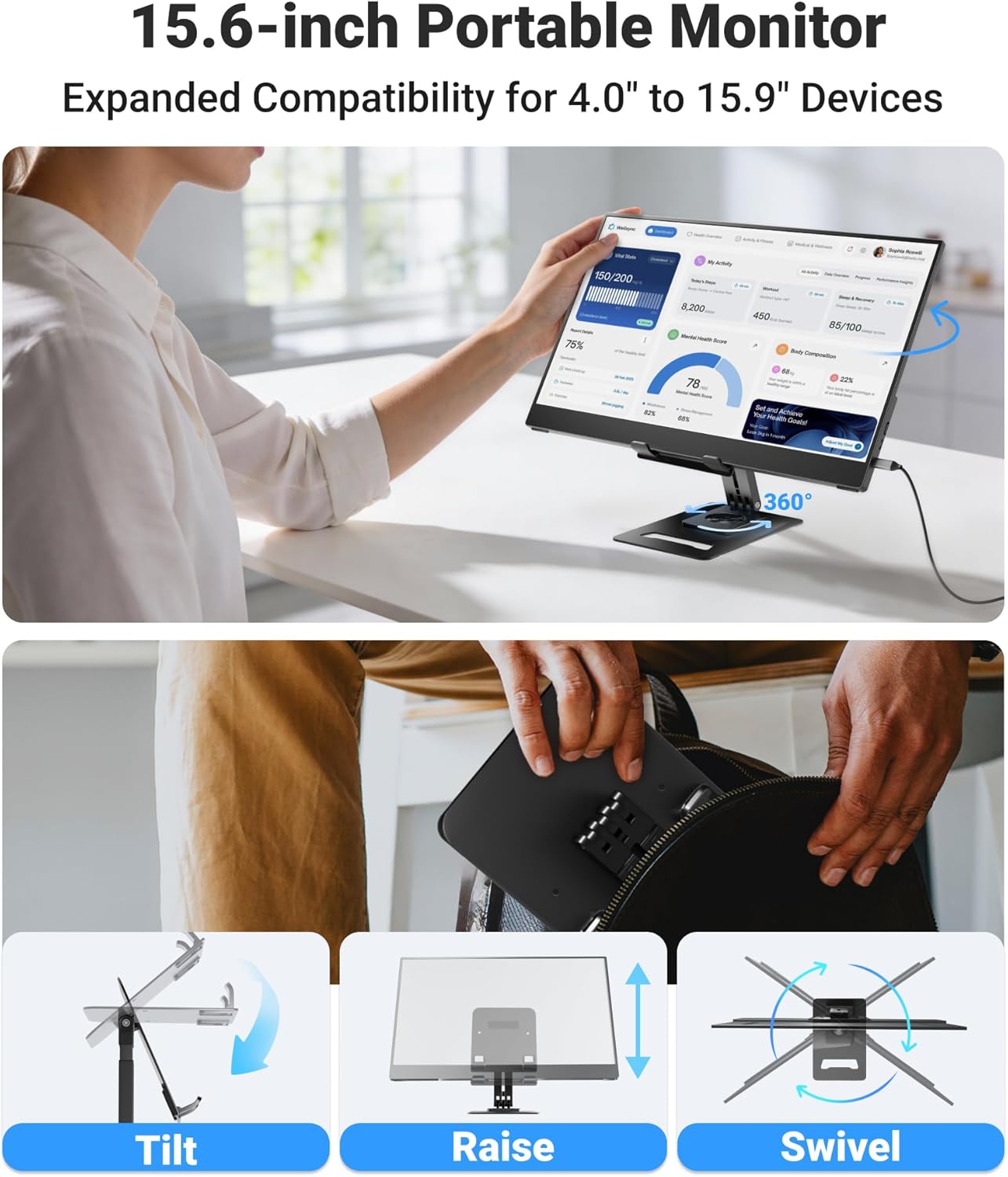
One small detail that matters more than it sounds on paper is the included adjustable kickstand. Having tilt/position options helps when you’re working on a train table, in a hotel room, or anywhere you can’t guarantee a good desk height.
Key features that affect day-to-day use
This monitor leans on a few features that typically make the difference between “nice” and “actually useful” in a portable second-screen.
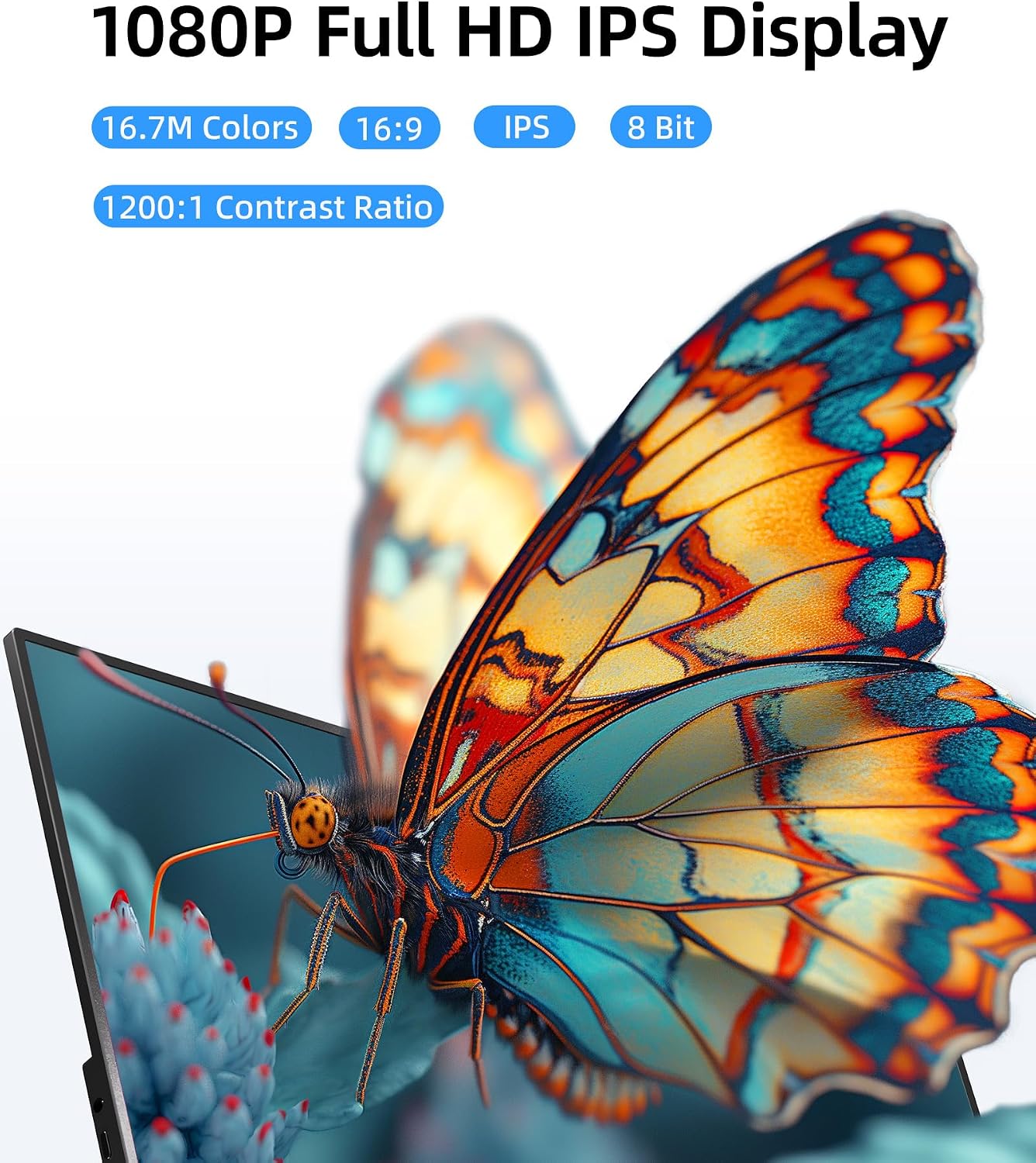
First up, the display: it’s an IPS panel delivering Full HD 1080p clarity. IPS tech is commonly chosen for better viewing angles, so the image shouldn’t degrade as quickly when you’re not perfectly head-on.
Next, the stand. The built-in stand is described as continuously adjustable, with the ability to set the viewing angle. The claim isn’t just about tilt, it also mentions left/right orientation, which can be handy if you’re setting it up on the side of a laptop.
Finally, connectivity. The listing highlights: - USB-C support (with the idea of plug-and-play, and a single cable for both video and power depending on your device) - HDMI 2.0 - An audio-out jack - Dual USB-C ports
That combination is what gives the monitor its “universal” feel for different devices. Still, “universal” on paper only goes as far as your specific device’s output capabilities, especially for USB-C.
Tech specs (the bits worth checking)
Here are the concrete details provided for the product: - Name: Ingnok 15.6" Portable Monitor - Type: Portable monitor / external second screen - Format: 15.6-inch screen, Full HD (1080p) - Display: IPS - Ports: Dual USB-C ports, HDMI 2.0 port, audio-out jack - Inputs/outputs: USB-C and mini HDMI (as referenced in the product name), plus HDMI 2.0 - Stand: Adjustable built-in kickstand - Weight: 662g
What you’ll notice in real use (and where it can fall short)
In practice, the biggest win is the quick swap from “single-screen laptop” to “two-screen workflow”. Picture this: you’re coding on your laptop, and you pop the portable monitor on the next surface. You can keep your IDE on one screen and documentation, a browser, or your terminal output on the other. With an IPS panel and Full HD resolution, you’re less likely to feel like everything is tiny or washed out compared with lower-spec travel displays.
For presentations, mirroring can also be useful. Instead of squinting at your laptop screen while you talk, you can put the larger secondary display in front of you (or closer to an audience arrangement), depending on your setup.
However, it’s worth being realistic. Portable monitors can’t fully replace a proper desktop screen experience. If you’re someone who needs very precise colour work or high-end gaming performance, this is more of a “second screen for getting things done” product than a specialist powerhouse.
Also, the USB-C convenience depends on your device. The listing suggests that one USB-C cable may provide both video signal and power “depending on your device’s capability”. If your laptop/phone doesn’t support that, you may need to adjust your power/video approach.
Who it suits, and who should look elsewhere
It’s not a bad pick if you: It makes sense if you want a genuinely portable second screen for travel, quick work sessions, or multi-tasking, and you’ll use it mainly with laptops/PCs where you can access USB-C or HDMI.
You may want to skip it if you: It might not be a great match if you expect it to behave like a single-device all-in-one display that always runs happily from USB-C alone, regardless of what you plug it into. In that scenario, you’d want to double-check your device’s supported video output method first.
A reasonable way to think about it: if your priority is flexibility (ports, modes, and portability), it’s aimed squarely at that. If your priority is “set and forget” with no cable/power surprises across every device you own, you’ll want to verify compatibility before committing.
Getting the most from it: setup and usage tips
Start by deciding how you want to use it: extend or mirror. Extend is typically what you want for coding, multitasking, and long work sessions, mirroring is more relevant for presentations.
Then, plan around your ports: - If your device supports USB-C video (and ideally power), it can be the cleanest setup because the listing emphasises a single USB-C cable approach. - If you’d rather rely on HDMI, the monitor includes HDMI 2.0 support.
Finally, use the adjustable stand from the start. On a hotel desk or an awkward table, tiny changes to tilt and position can make the difference between “comfortable for an hour” and “why is this straining my neck?”.
Final verdict
Should you buy it? This Ingnok 15.6" portable monitor is worth considering if you need a practical external second screen with a Full HD IPS panel, adjustable kickstand, and connectivity options (USB-C plus HDMI 2.0) for laptops, PCs, and other devices you actually use on the move. The weight and the plug-and-play positioning make it feel designed for real travel days, not just office use.
But you might want to pass if your main expectation is that USB-C will handle everything consistently across every device you own, with zero fuss. Because the USB-C video/power behaviour is described as dependent on your device’s capability, it’s sensible to check that part before you commit.
Mini FAQ
Does it need drivers?
The listing says it requires no drivers, and that setup should be quick.
Can I use it as a second monitor or only mirror?
The monitor is described as supporting 3-in-1 display modes, including extending or mirroring your laptop’s display.
What connections does it offer?
It’s described as having dual USB-C ports, an HDMI 2.0 port, and an audio-out jack.
Is it suitable for travel?
It’s presented as ultra-slim and lightweight (listed weight of 662g), with a built-in adjustable stand for on-the-go positioning.
What kind of work is it aimed at?
The description points to multitasking, coding, and presentations—essentially work where having extra screen space helps you stay organised.