

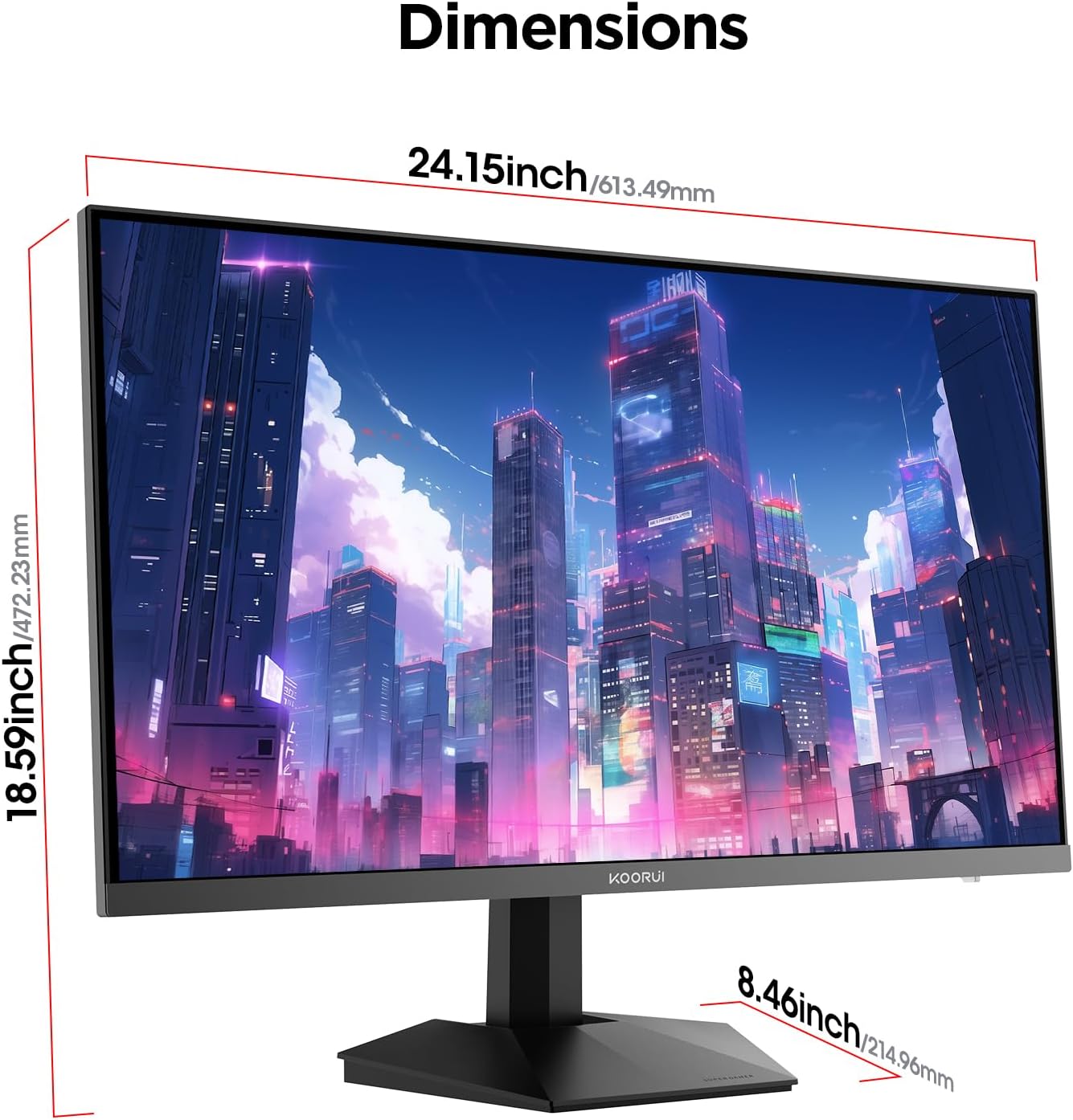
KOORUI 27-Inch QHD Gaming Monitor G2721P: Fast IPS, 200Hz, HDR400, 1ms
Product description
What this monitor is
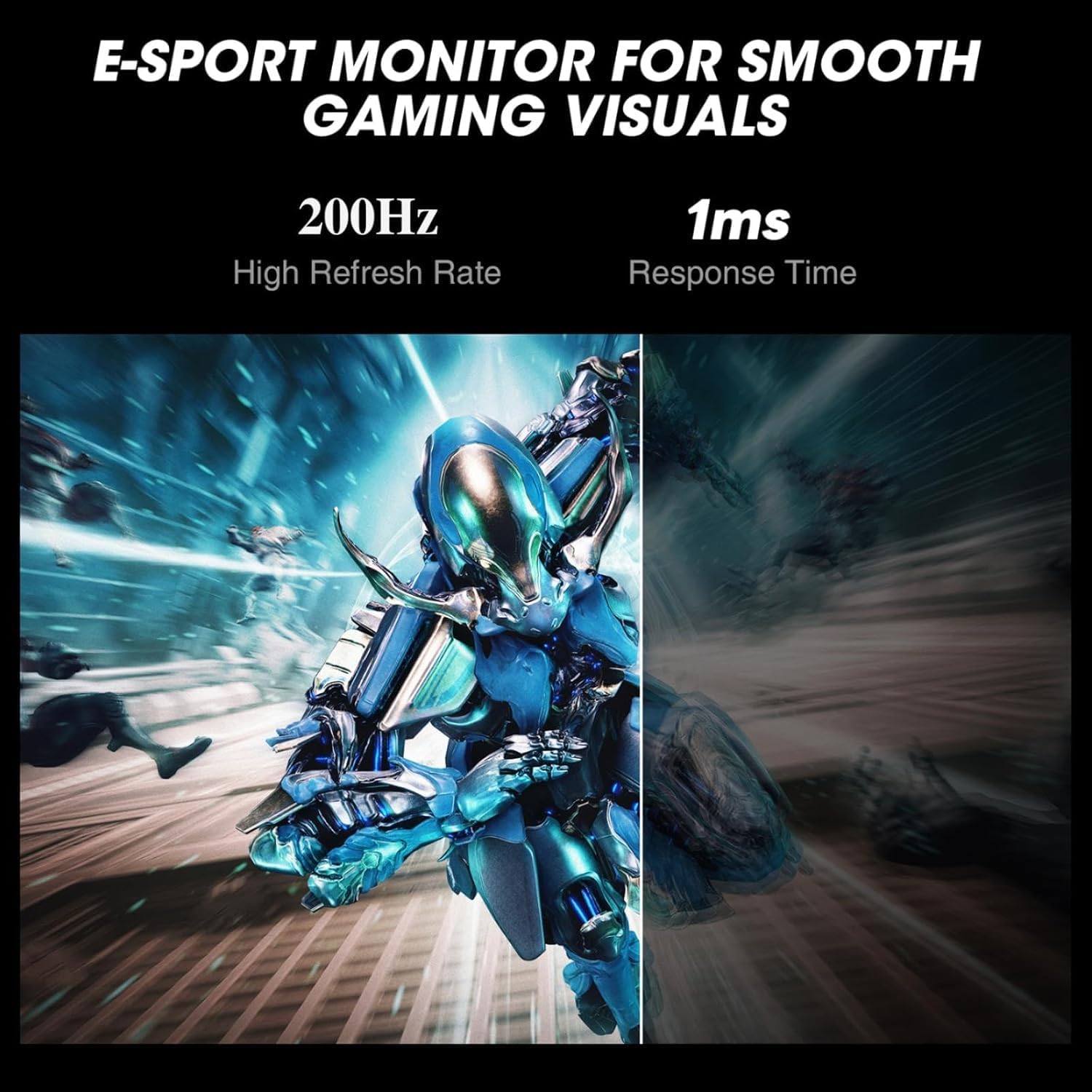
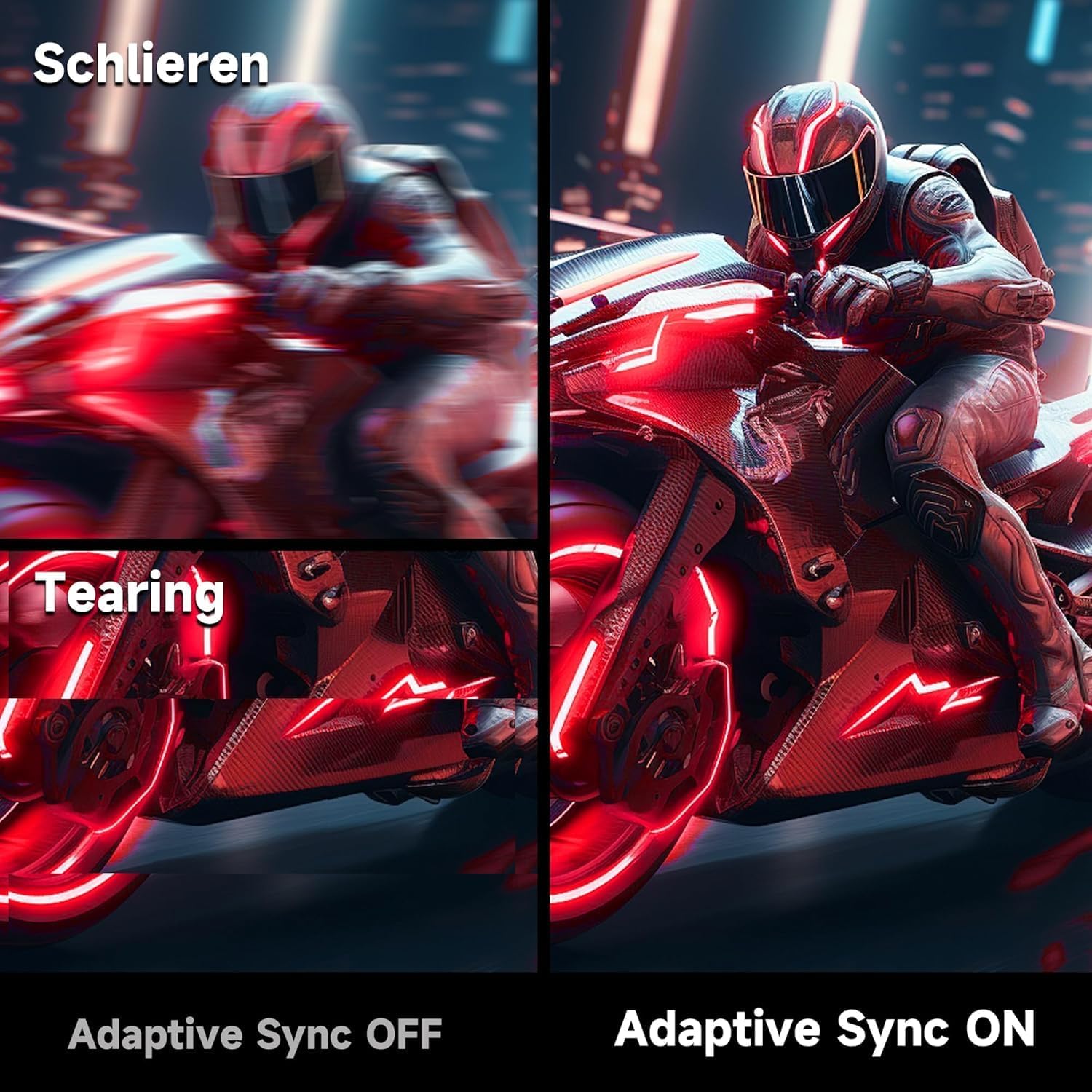
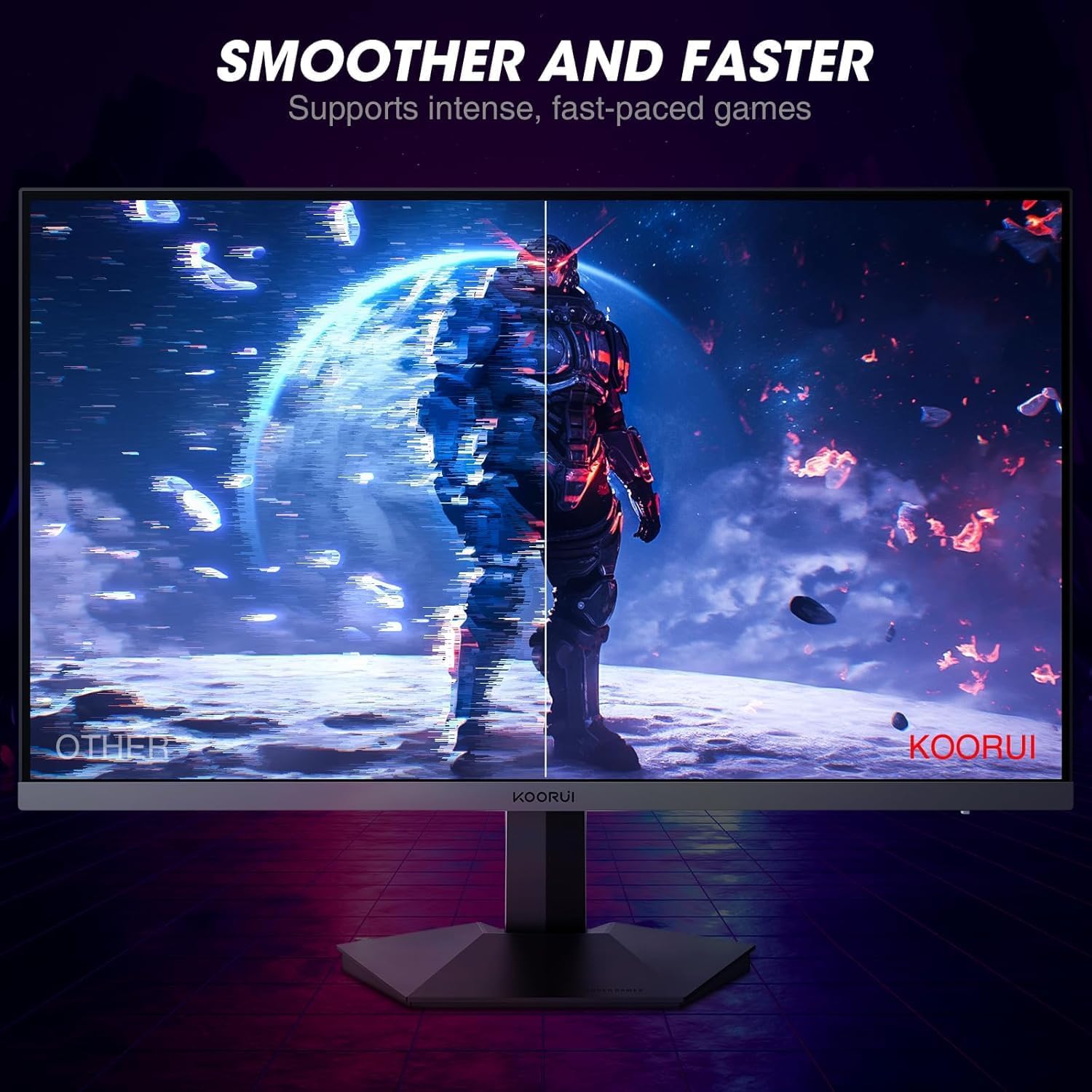
The KOORUI 27 inch QHD gaming monitor is a 2560x1440 model with an IPS panel designed to deliver clear, detailed images across a wide viewing angle. It aims to balance gaming speed with day‑to‑day tasks, offering a 200Hz refresh rate and a 1ms response time to reduce motion blur in fast‑paced titles. The panel supports 90% DCI-P3 for richer colours and a dynamic contrast ratio claimed at 20,000,000:1, which can make both dark scenes and bright environments feel more immersive. The display is also equipped with Adaptive Sync to help eliminate screen tearing and a set of pre‑tuned RTS/FPS profiles so you can get into Valorant, Civilization VI or similar titles with visuals tuned for that genre.
Who this is for
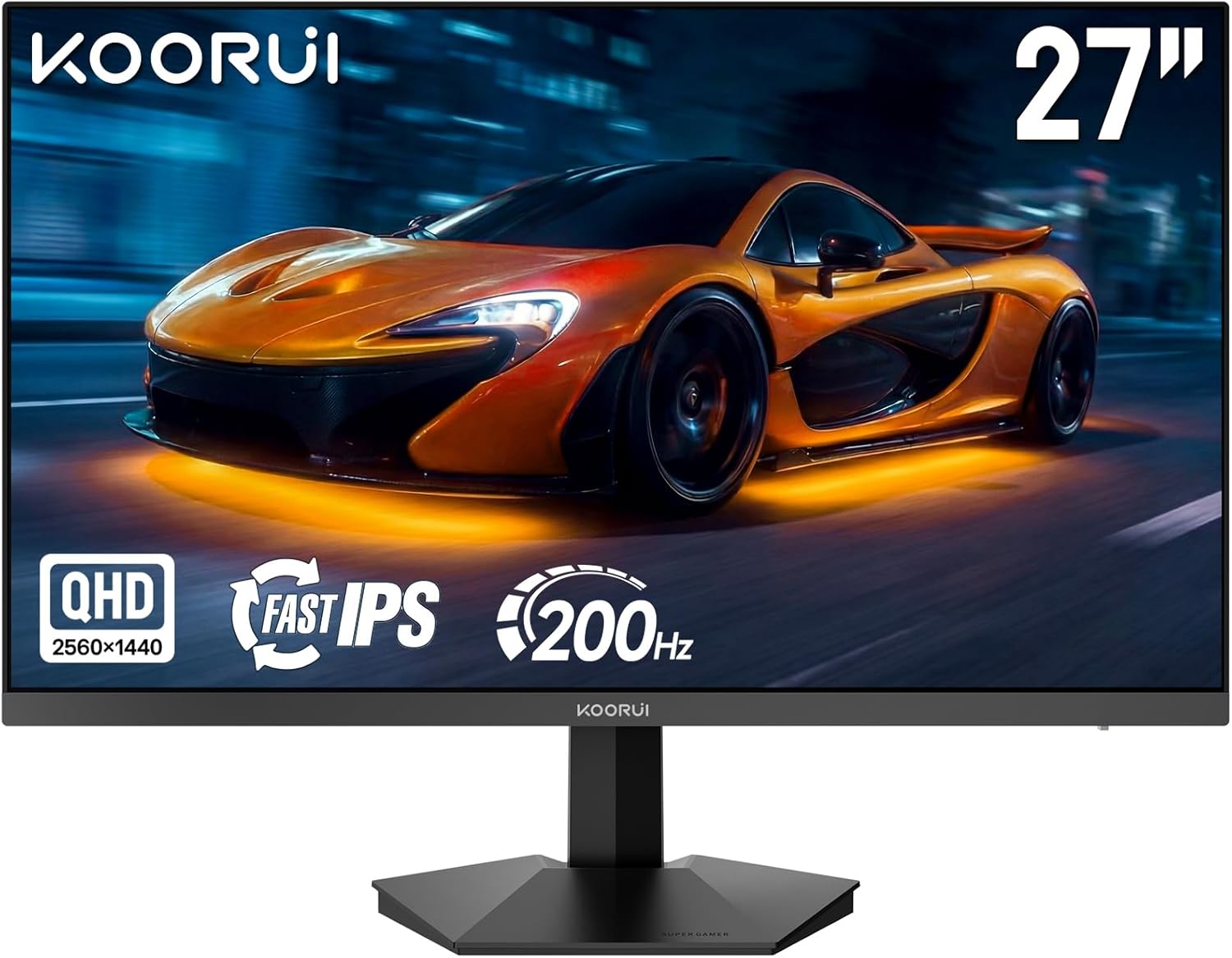
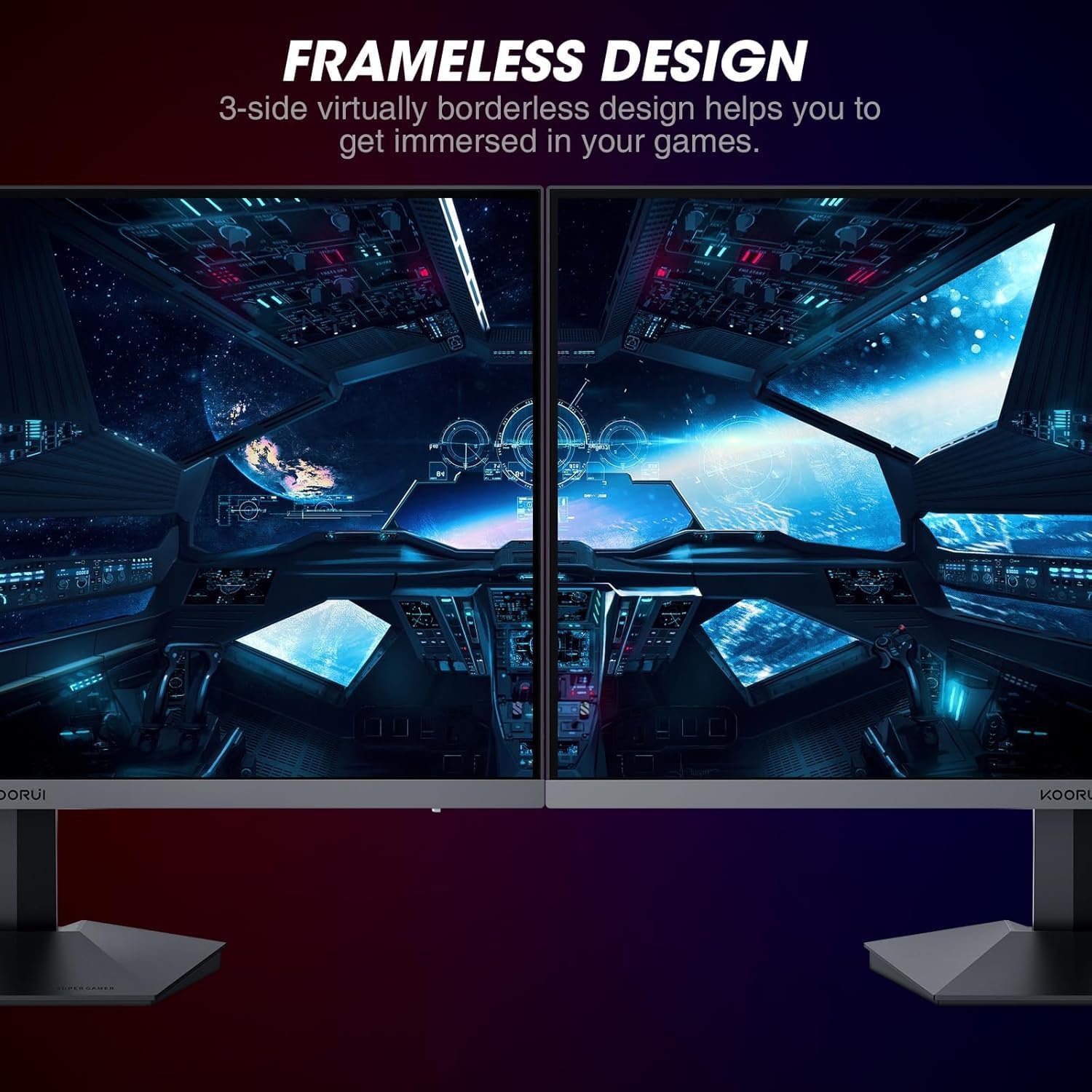
If you prioritise a high refresh rate for competitive games but still want solid detail for exploration or design work, this monitor covers a lot of bases. It’s suitable for someone who plays fast shooters or racing sims and also spends time on creative tasks that benefit from a sharp 1440p image. The 178° viewing angle makes it practical to share content with teammates without noticeable colour shift. For a desk setup where space is a consideration, the ultra‑slim 6mm bezel helps keep the footprint tidy and unobtrusive.
What stands out in daily use
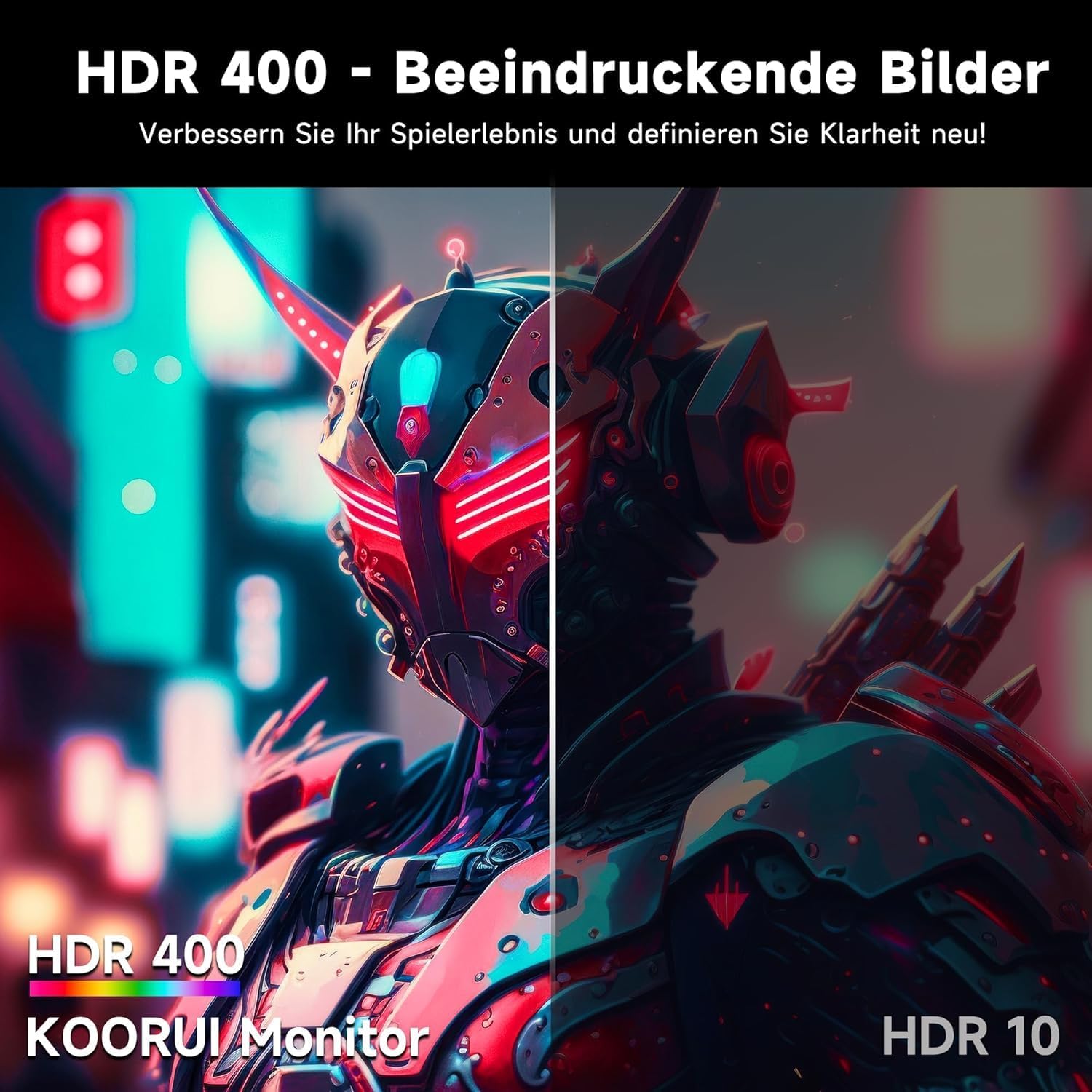
On paper, the 200Hz/1ms spec is a strong selling point for visibility during rapid action, helping you track threats and respond quickly. The HDR400 level is modest by flagship standards, but it can still contribute to more nuanced brightness in scenes with a mix of light and shadow. Eye care features—flicker‑free operation and a blue light filter—are a welcome inclusion for long sessions, whether you’re raid planning late at night or compiling work with long stretches on screen. The combination of 1440p clarity and IPS colour accuracy can also appeal to those who do graphic work or video tasks alongside gaming.
What could be better
No single panel can tick every box, and there are trade‑offs to consider. The HDR capability is listed as HDR400, which is the entry level for HDR, it won’t deliver the punch of higher‑tier displays when it comes to peak brightness or local dimming. While Adaptive Sync helps reduce tearing, it depends on the game and system to behave optimally. The stand offers tilt but not height adjustment, so you’ll want to position it carefully for comfortable long sessions or consider a VESA‑mount with an alternative arm. Also, the panel size and resolution are compelling, but if you primarily game on ultra‑high settings or require the absolute fastest response times, some enthusiasts may look for even higher refresh rates or different panel types.
What it’s best for
This monitor suits players who want a balanced, mid‑to‑high end gaming experience without stepping into the most niche or expensive models. It’s a practical choice for a mixed use setup: gaming in 1440p with a rapid response for action scenes, paired with desk tasks like design work, editing or general productivity. The proximity of pre‑tuned RTS/FPS modes helps you jump into genres with visuals already optimised for those playstyles.
Who it isn’t ideal for
If you primarily need absolute top‑tier HDR, you might be disappointed by the HDR400 limit. If you require full ergonomic adjustability, the fixed tilt stand could be a constraint. And if you’re after a very compact desk footprint beyond a 27 inch screen, this model’s size still demands space and a suitable viewing distance to avoid eye strain.
Before you buy: quick checks
- Confirm your PC or console can drive a 2560x1440 image at 200Hz to enjoy the full refresh capabilities.
- If you value height adjustability, plan how you’ll mount the monitor or select a compatible arm/VESA setup.
- Consider how often you’ll rely on the pre‑tuned RTS/FPS profiles, you may still tweak a few settings for personal preference.
- Check the ports (DP & HDMI) to ensure compatibility with your rig and any external devices.
Practical usage example
Imagine you’re mid‑raid with a squad in a dim dungeon and suddenly a sniper beam crosses your screen. The 200Hz refresh helps you perceive the movement crisply, while the IPS panel preserves colour integrity as you pivot to flank an enemy. For a midday planning session, you can switch to productivity tasks with comfortable viewing thanks to the blue light filter and flicker‑free operation—helping reduce fatigue after hours at the desk.
Decision time
Is it worth it?
Worth considering if you want a capable 27 inch 1440p gaming monitor that blends rapid response with solid colour accuracy and a space‑saving design. It isn’t the absolute pinnacle for HDR brightness or ergonomic adjustment, but it offers a pragmatic balance for diverse use, especially for players who also do design work or long sessions at the desk.
FAQ (short)
- Can I use this for both gaming and work? Yes, the 1440p resolution with IPS colour and eye‑care features makes it suitable for mixed use.
- Does the stand adjust height? No, only tilt, you may prefer a VESA arm for height and reach.
- What genres benefit most from the pre‑tuned modes? RTS and FPS titles typically benefit from the optimised profiles.