

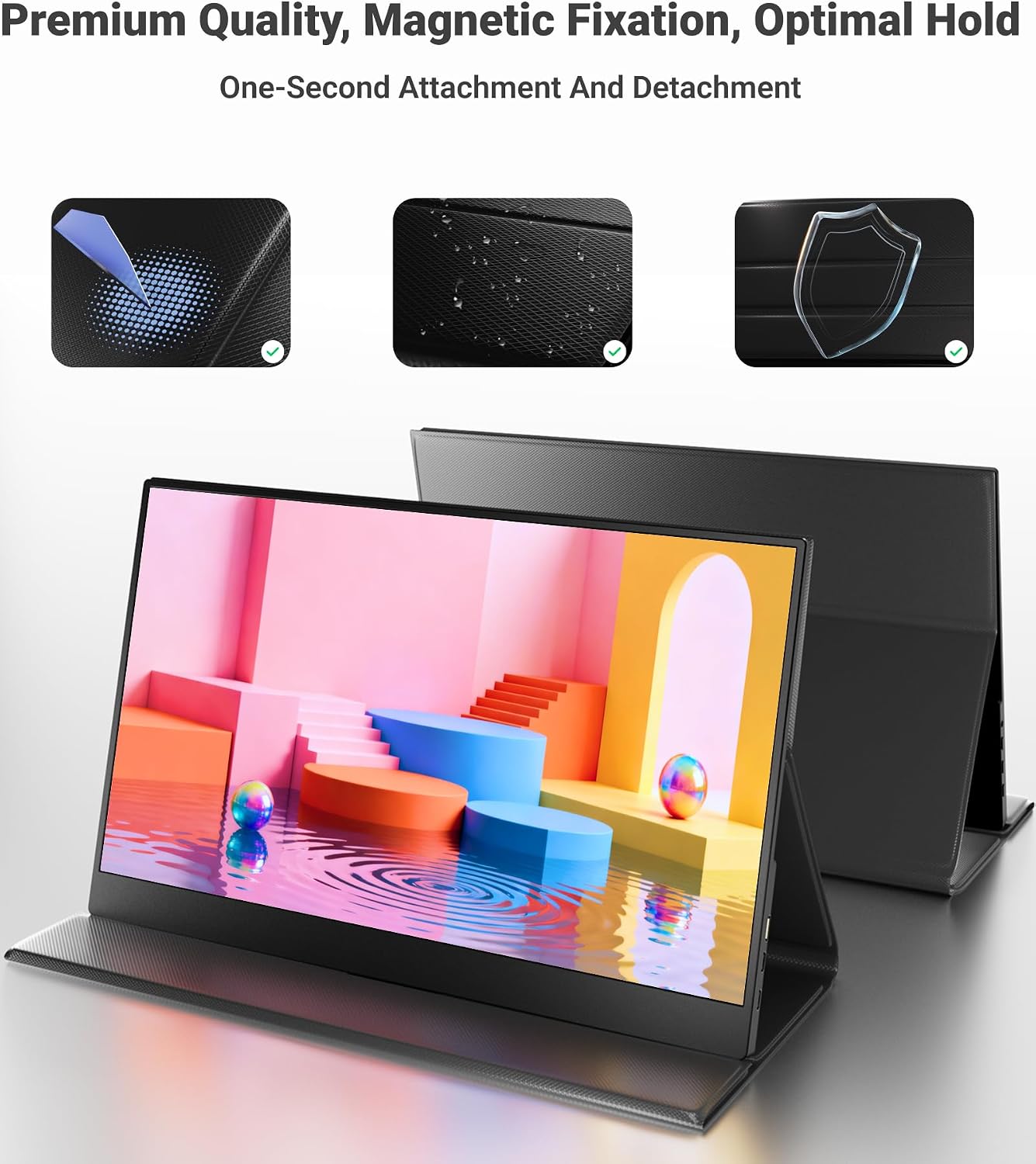
Ingnok 15.6-inch Portable Touchscreen Monitor with USB-C/HDMI and 360° Kickstand
Product description
What it is and what it’s for
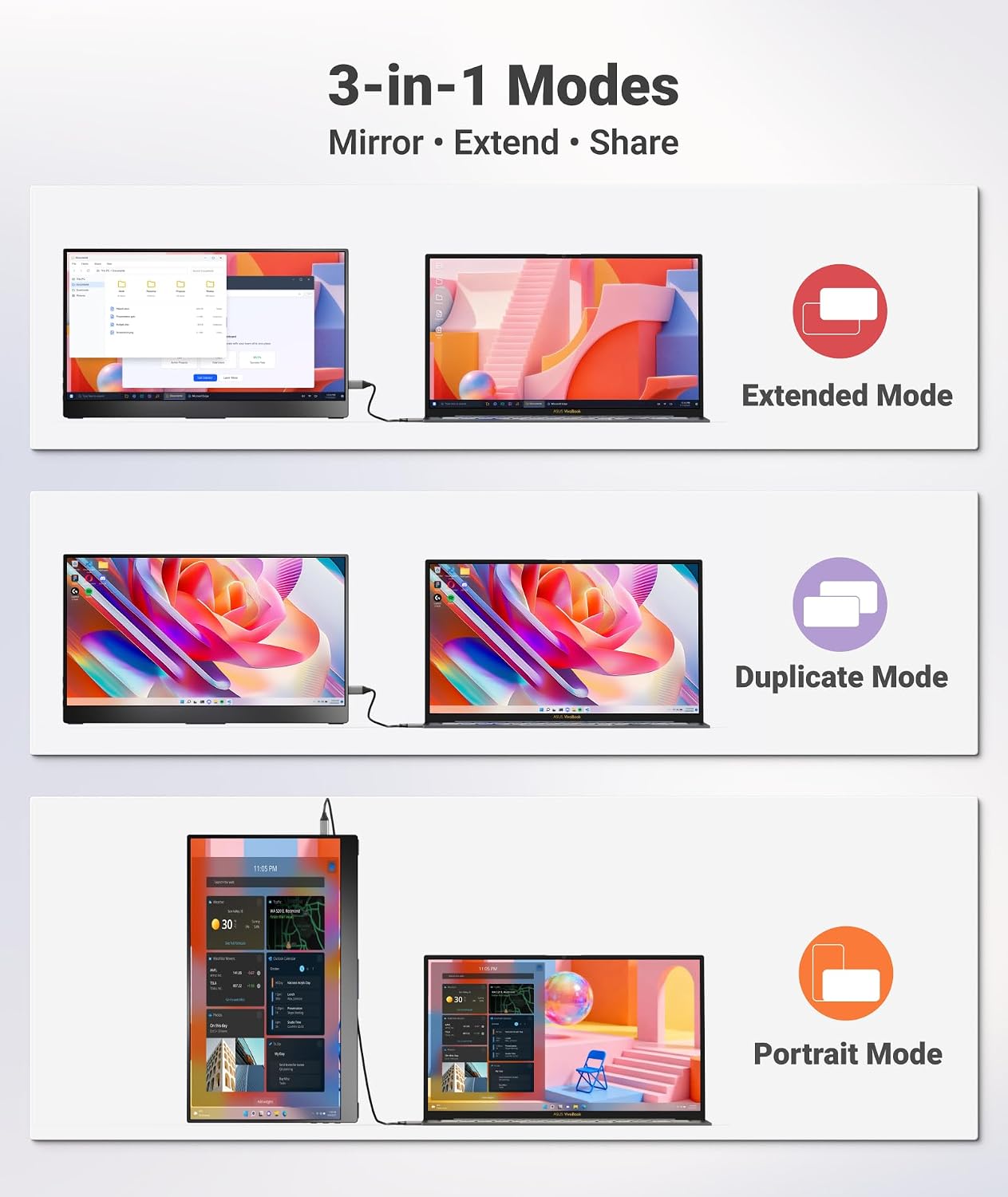
This is a lightweight, 15.6-inch portable touchscreen monitor designed to expand a laptop, PC, or mobile setup. It’s handy when you need a second screen on the move, for remote work, or when giving presentations. On the surface it’s a simple second display, but the big selling point is its multi-touch capability and slim profile, which can streamline workflows without extra peripherals.
How it works and what you need
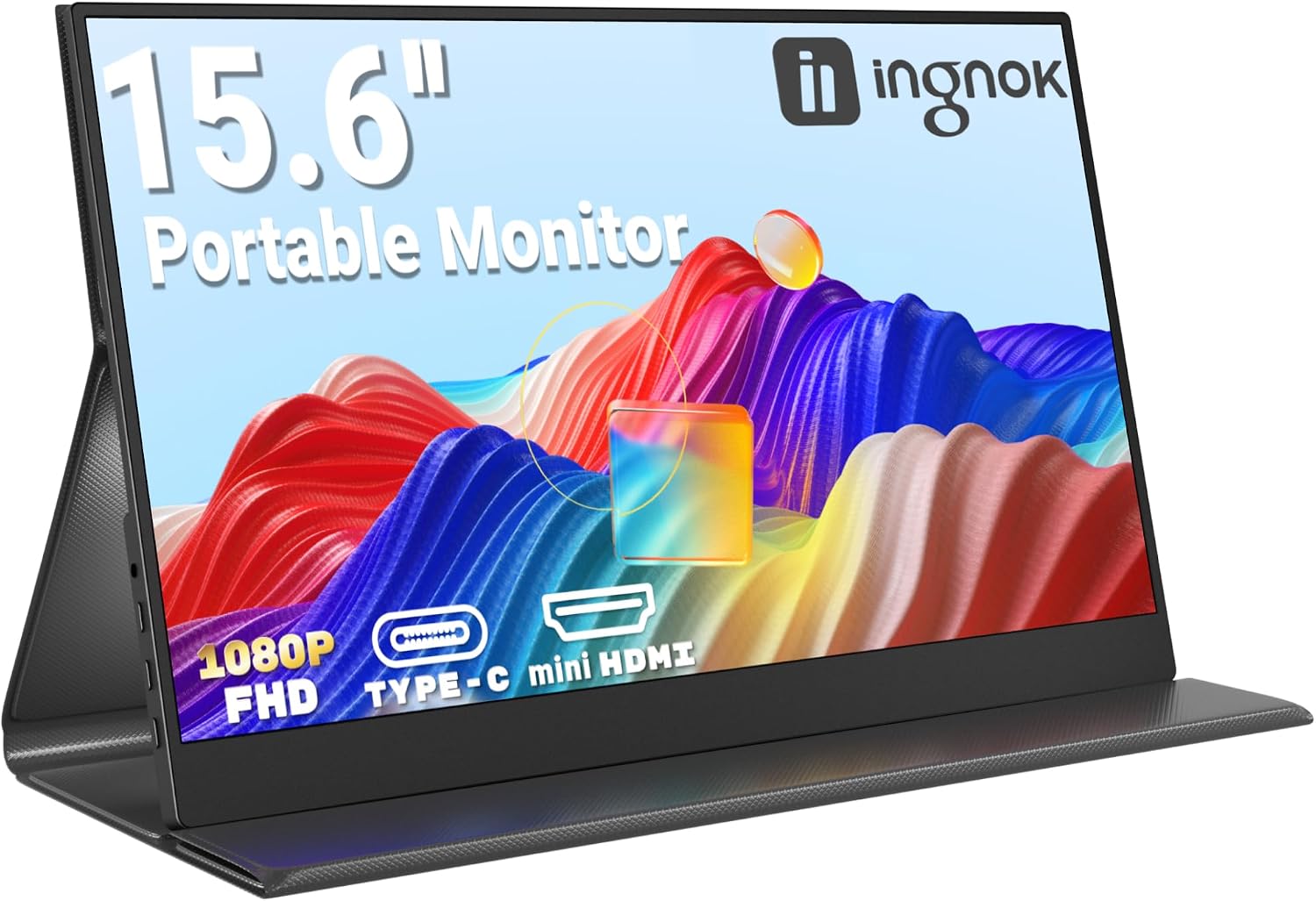
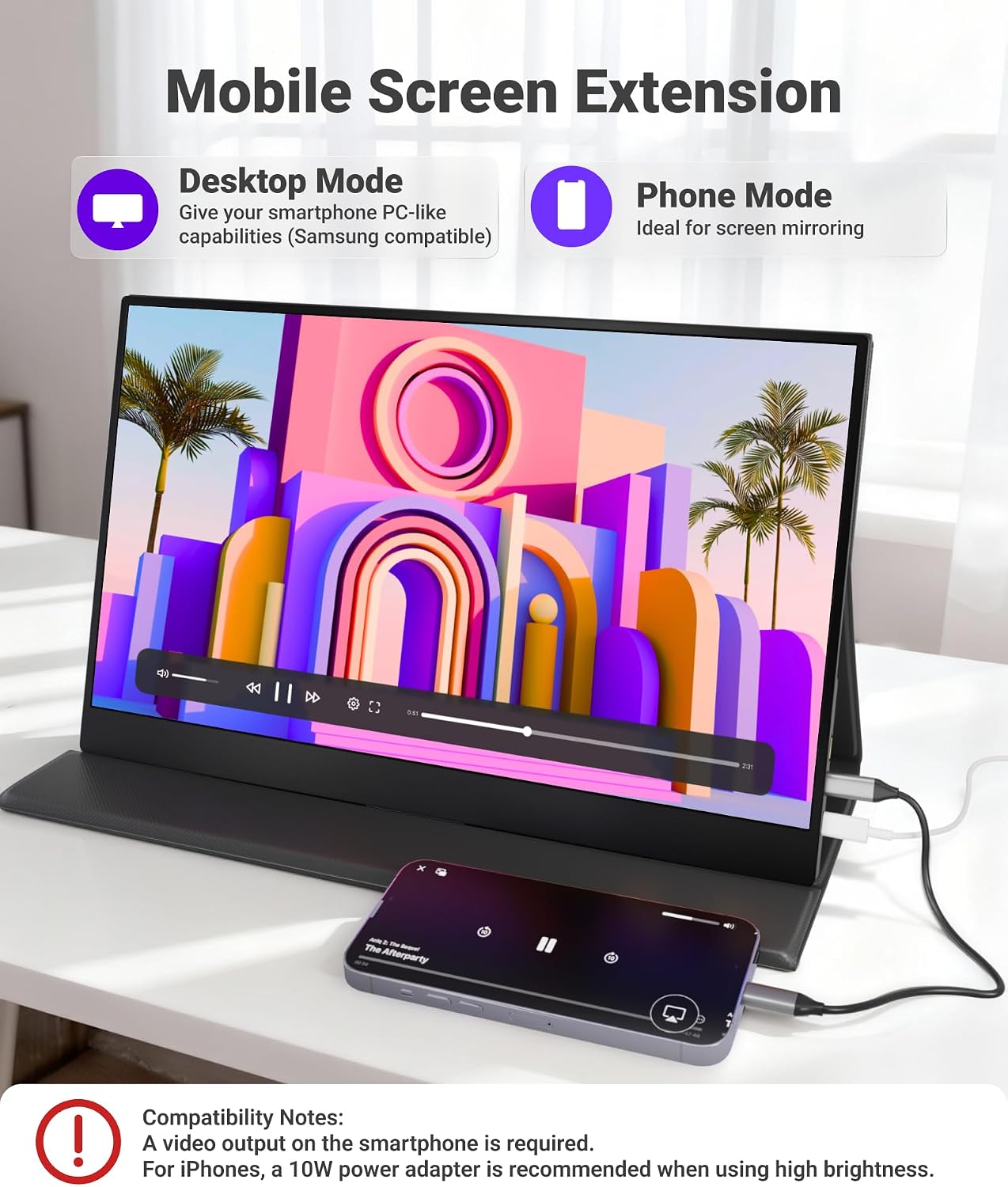
The monitor uses a 10-point capacitive touchscreen, so you can navigate with gestures—pinch to zoom, rotate, and smooth scrolling—directly on the screen. It connects via USB‑C (with USB‑C DP Alt Mode or Thunderbolt 3/4) or HDMI, making it practical for modern laptops, phones, or consoles. Plug and play means you don’t need extra drivers, which helps when you’re travelling or working in a temporary space.
Display quality and viewing experience
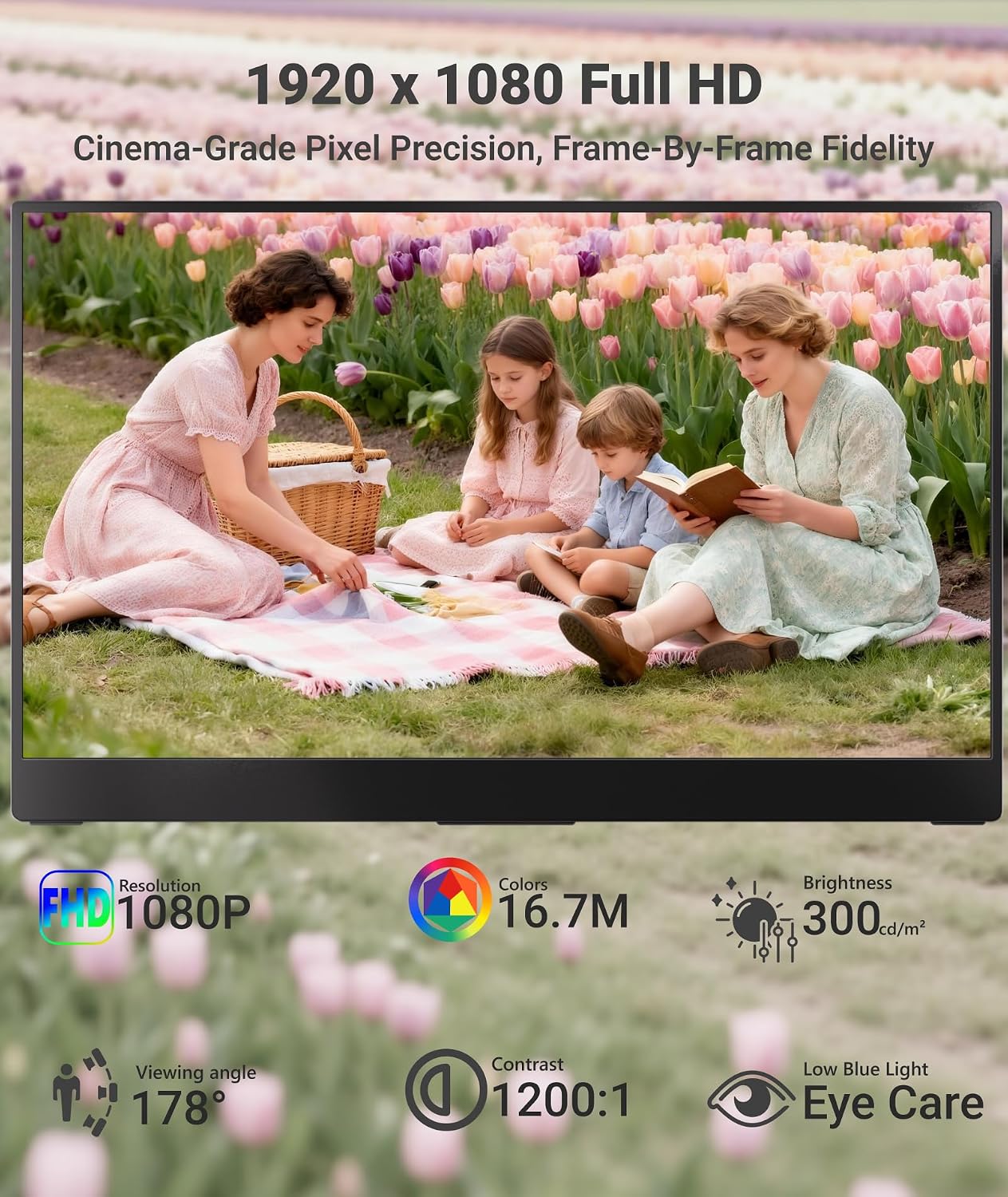
The panel is full HD IPS, delivering 1920×1080 resolution with wide 178° viewing angles. The glossy surface tends to boost colour saturation and perceived sharpness, which can be a plus for photo edits or design work. The 1200:1 contrast ratio offers decent depth for everyday tasks, but if you’re in a very bright environment, reflections may be noticeable on the glossy finish.
Portability and build quality
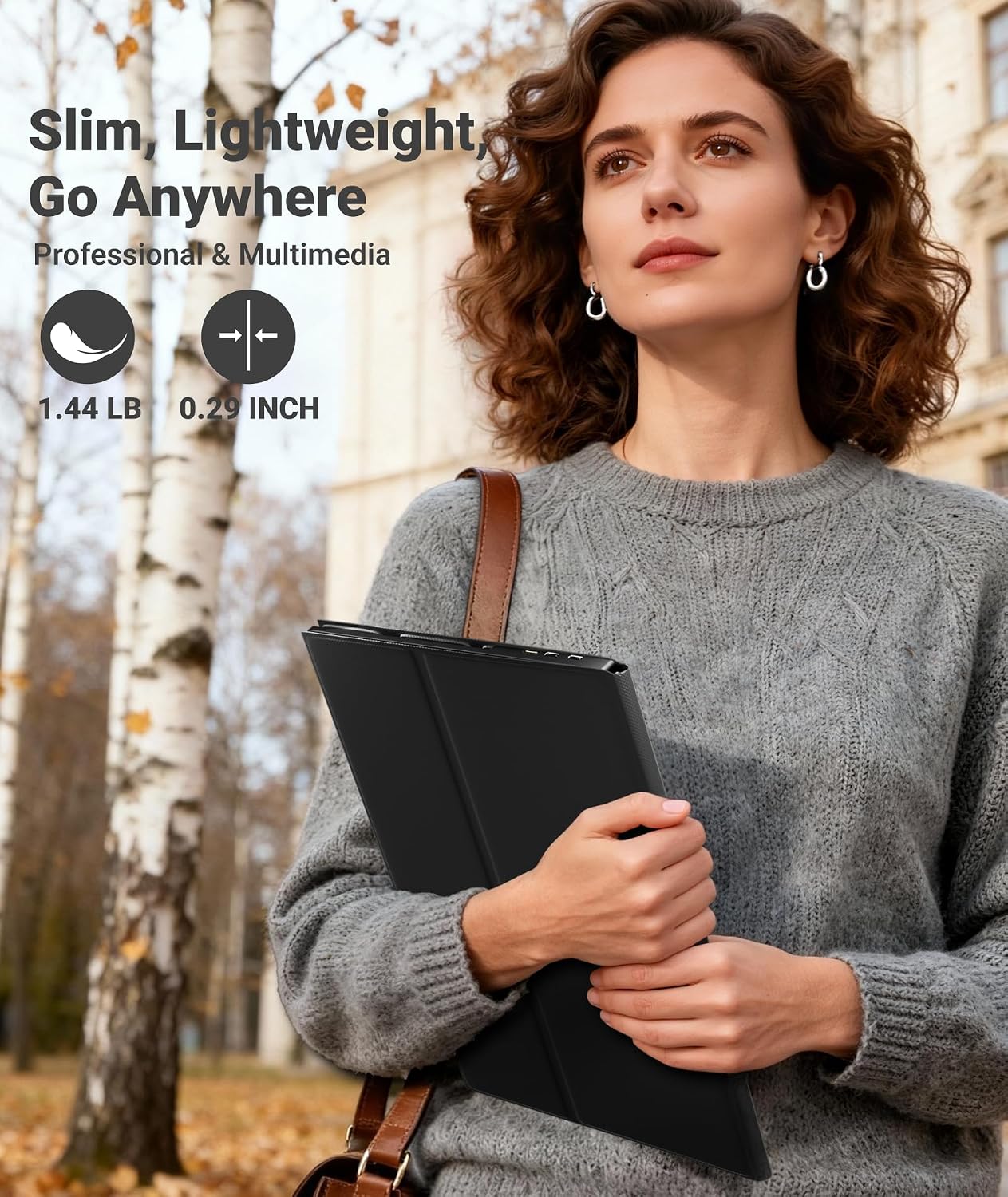
At around 1.65 lbs with a slim depth of roughly 0.23–0.46 inches, it’s easy to slip into a bag or laptop sleeve. The kickstand supports 0–360° positioning, so you can angle the screen for laptop, desk, or lap use. The stand’s stability is generally solid in quiet environments, though like any portable screen, it benefits from a stable surface when typing or gesturing actively.
Compatibility and use scenarios
On macOS devices, the monitor supports multi‑touch navigation, which is a useful bridge for working between projects or spreadsheets without a traditional mouse. It also works well as an external touchscreen for other systems when you want touch input on a larger display. For travel, remote work, or a flexible office setup, it acts as a credible secondary screen that can be deployed quickly.
Pros and where it shines
- True multi‑touch input adds a natural way to interact with content beyond a mouse or keyboard.
- Very portable, a solid option for travellers who still want an immersive second screen.
- Wide compatibility with USB‑C and HDMI devices keeps options open across laptops, phones, and consoles.
- The 360° kickstand provides flexible positioning for viewing and interacting in different environments.
Considerations and potential drawbacks
- The glossy panel can reflect bright light, it may require shading in sunny or brightly lit rooms.
- As a purpose‑built portable monitor, it isn’t a full replacement for a high‑end desktop display in accuracy‑critical workflows, and the touch input may not suit everyone compared with dedicated drawing tablets.
- It relies on compatible connections (USB‑C DP Alt Mode or Thunderbolt) for the best experience, older devices may require adapters or different cabling.
Who it’s for
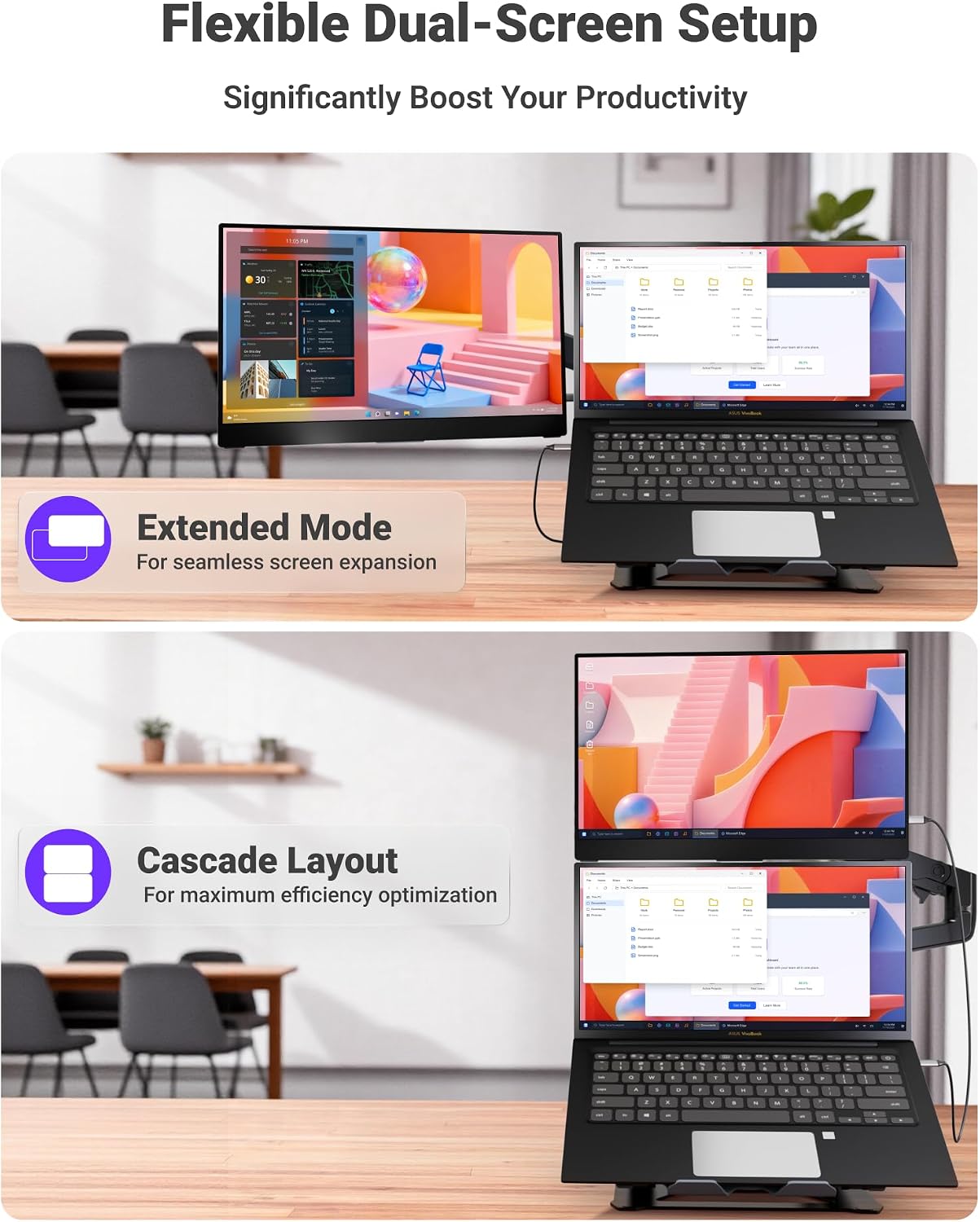
- Freelancers, digital nomads, and remote workers who need a lightweight second screen.
- MacBook users who want macOS‑friendly gesture control on an external display.
- Anyone needing a portable touch screen for presentations, on‑set edits, or collaborative work on the go.
Who may want to look elsewhere
- If you prioritise peak colour accuracy and calibration, or a non‑glossy finish, this model may feel limited compared with higher‑spec desktop panels.
- If you don’t plan to use touch frequently, a non‑touch portable monitor could be cheaper and lighter.
Before you buy: quick checks
- Confirm you have a USB‑C port with DP Alt Mode or a Thunderbolt 3/4 port for best compatibility. If not, you’ll rely on HDMI and may need adapters.
- Think about ambient light, a glossy screen helps colour but can reflect glare. If you often work near windows, a matte alternative might suit you better.
- Consider how you’ll use the kickstand, ensure your surface can accommodate the 0–360° range without obstruction.
Practical usage example
Imagine presenting a design brief to a client in a coffee shop. You connect the monitor via USB‑C to your laptop, open the document, and use two‑finger gestures to zoom into a chart while the second screen shows notes. The touch input lets you pivot between slides and documents without reaching for a keyboard, and you can tilt the screen to a comfortable angle on the table to keep eye contact with the client.
FAQ (based on available information)
- Is it plug and play with macOS? Yes, it supports multi‑touch gestures on macOS and works as a second screen without drivers.
- What connectivity does it use? It offers USB‑C with DP Alt Mode or Thunderbolt 3/4 and HDMI for broader compatibility.
- How portable is it really? It weighs about 1.65 lbs and is around 0.23–0.46 inches thick, designed for travel and on‑the‑go use.
Is it worth it?
Worth considering if you need a mobile, touch‑enabled second screen and value quick setup over absolute peak image fidelity. It may not be the best choice if you prioritise colour accuracy, glare resistance, or a non‑touch external display for long, stationary work sessions.