

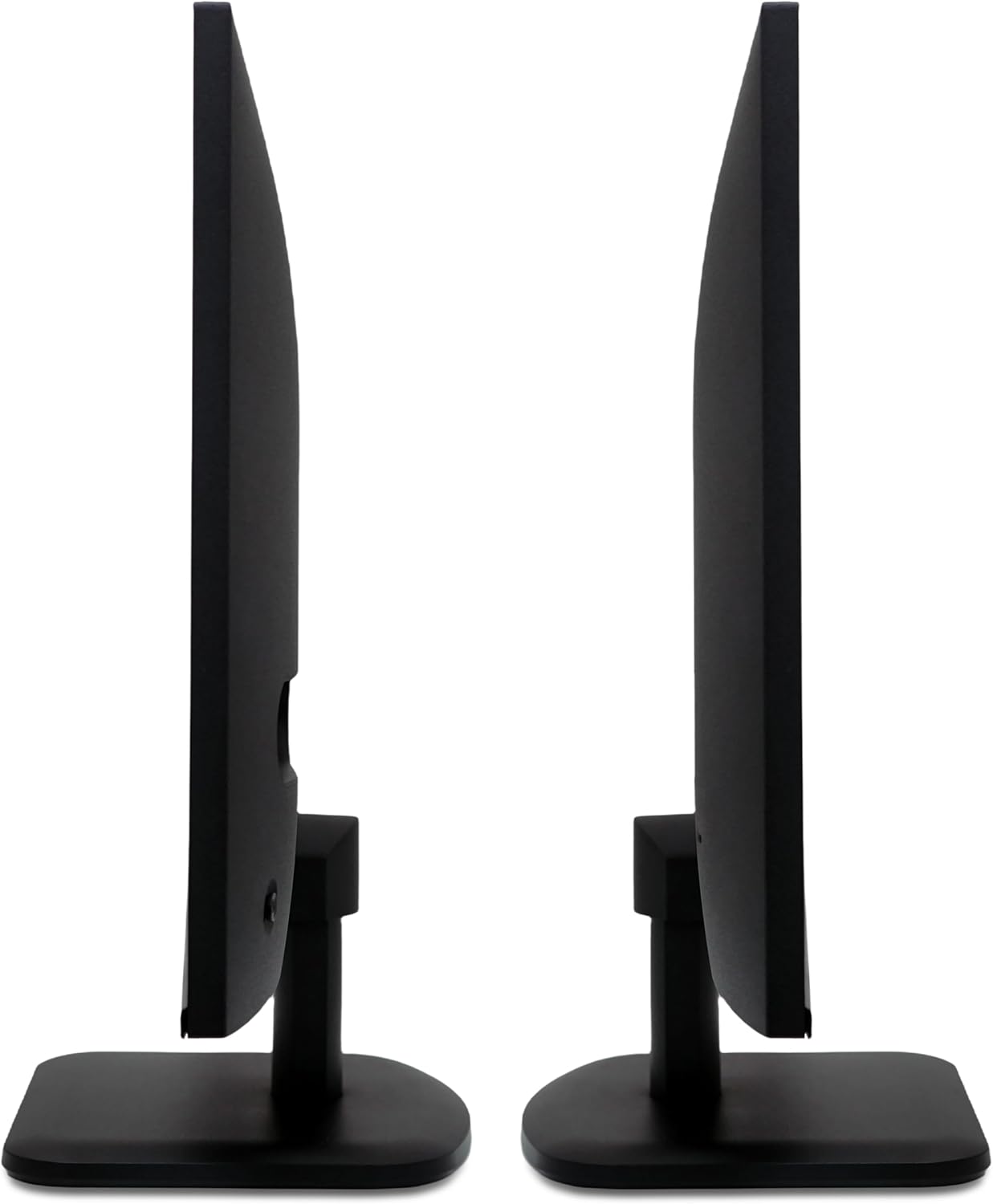
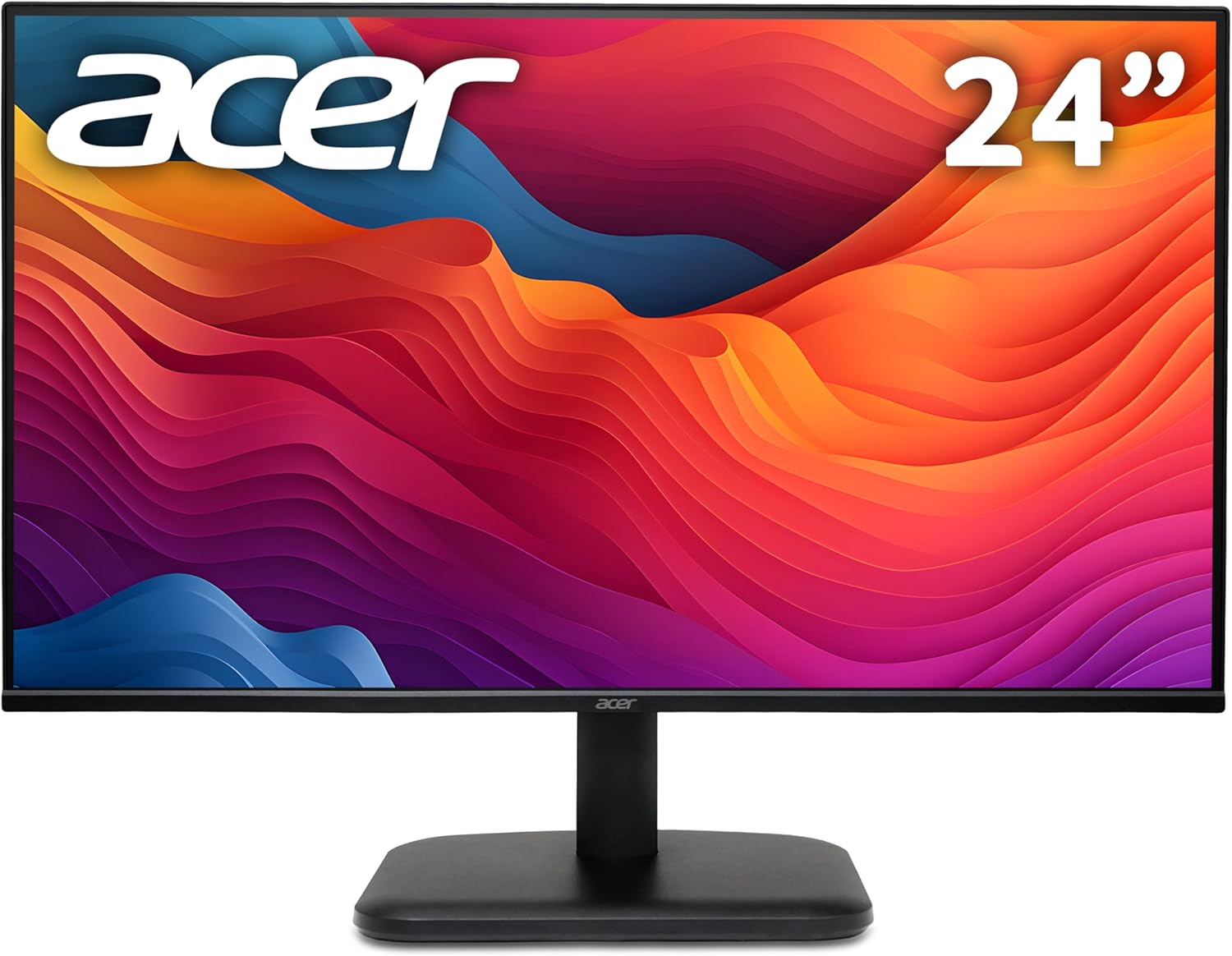
Acer EK241YG 24-inch Full HD Monitor review: solid everyday IPS with fast response
Product description
What it is and who it’s for
The Acer EK241YG is a 24-inch full HD monitor aimed at home and small‑office use. It centres on a practical mix of speed and colour accuracy for everyday tasks, casual gaming and multimedia viewing. If you prioritise extra screen real estate for multitasking without stepping up to a higher resolution, and you want smooth motion for everyday games or fast-moving content, this model offers a straightforward, value‑oriented option.
Why it matters on paper
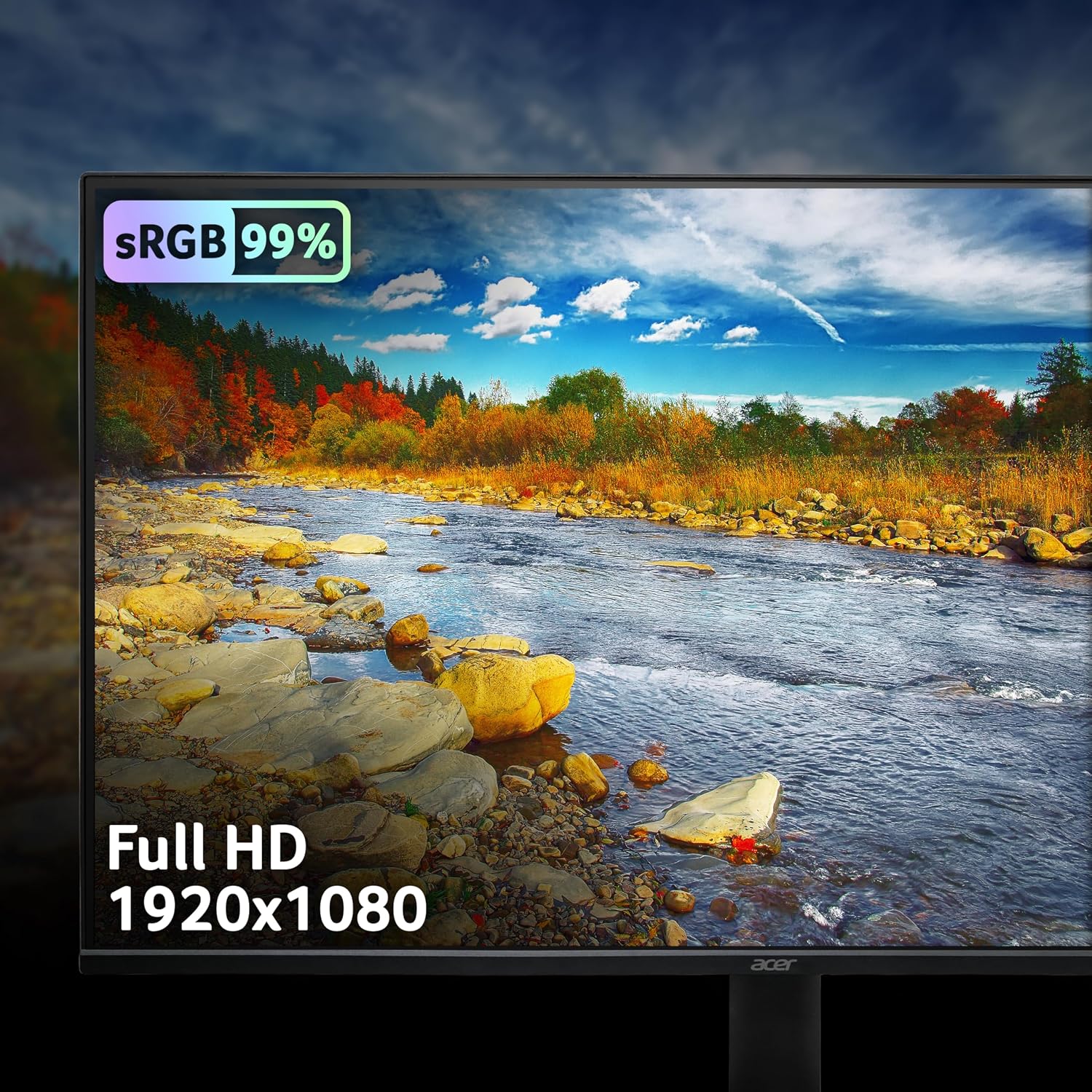
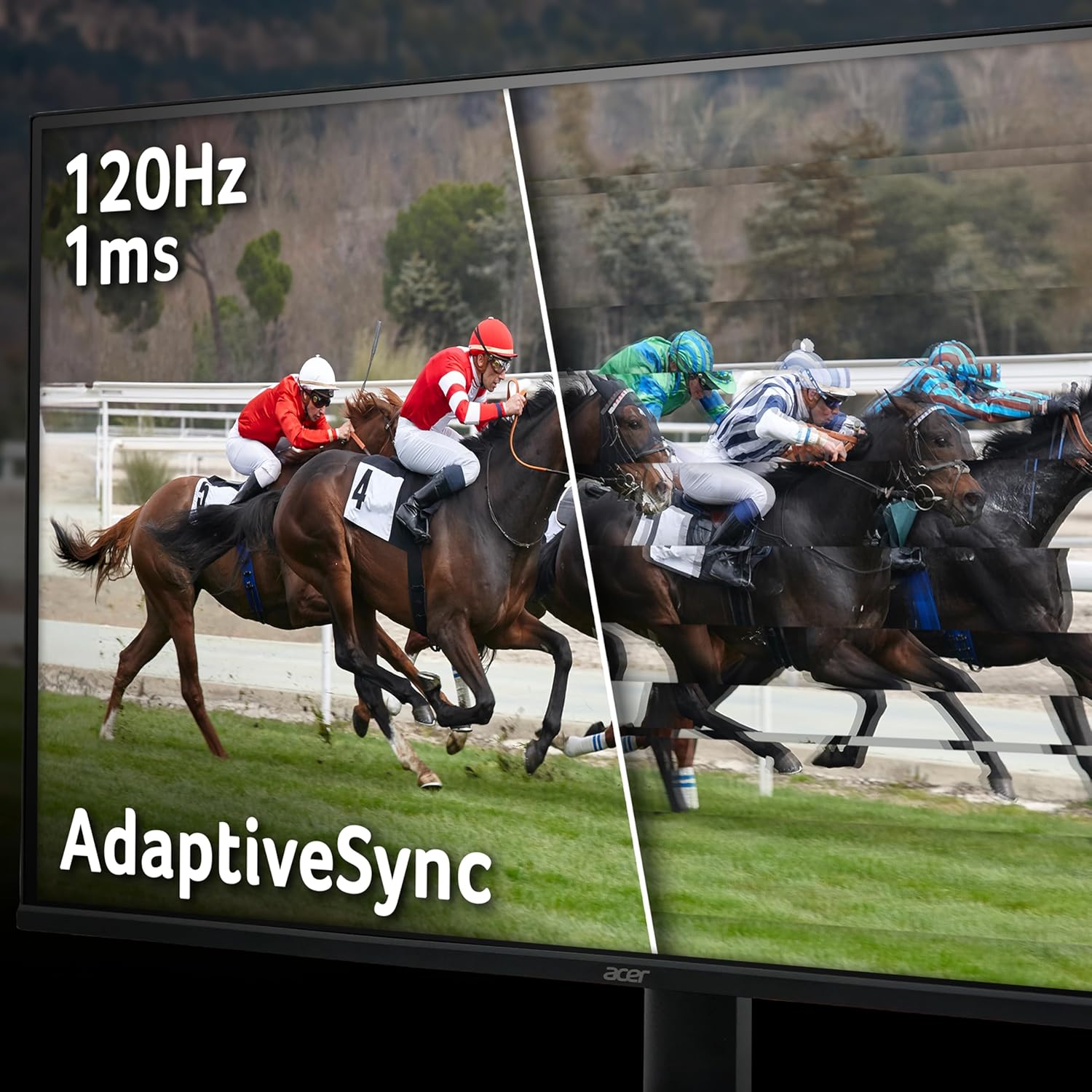
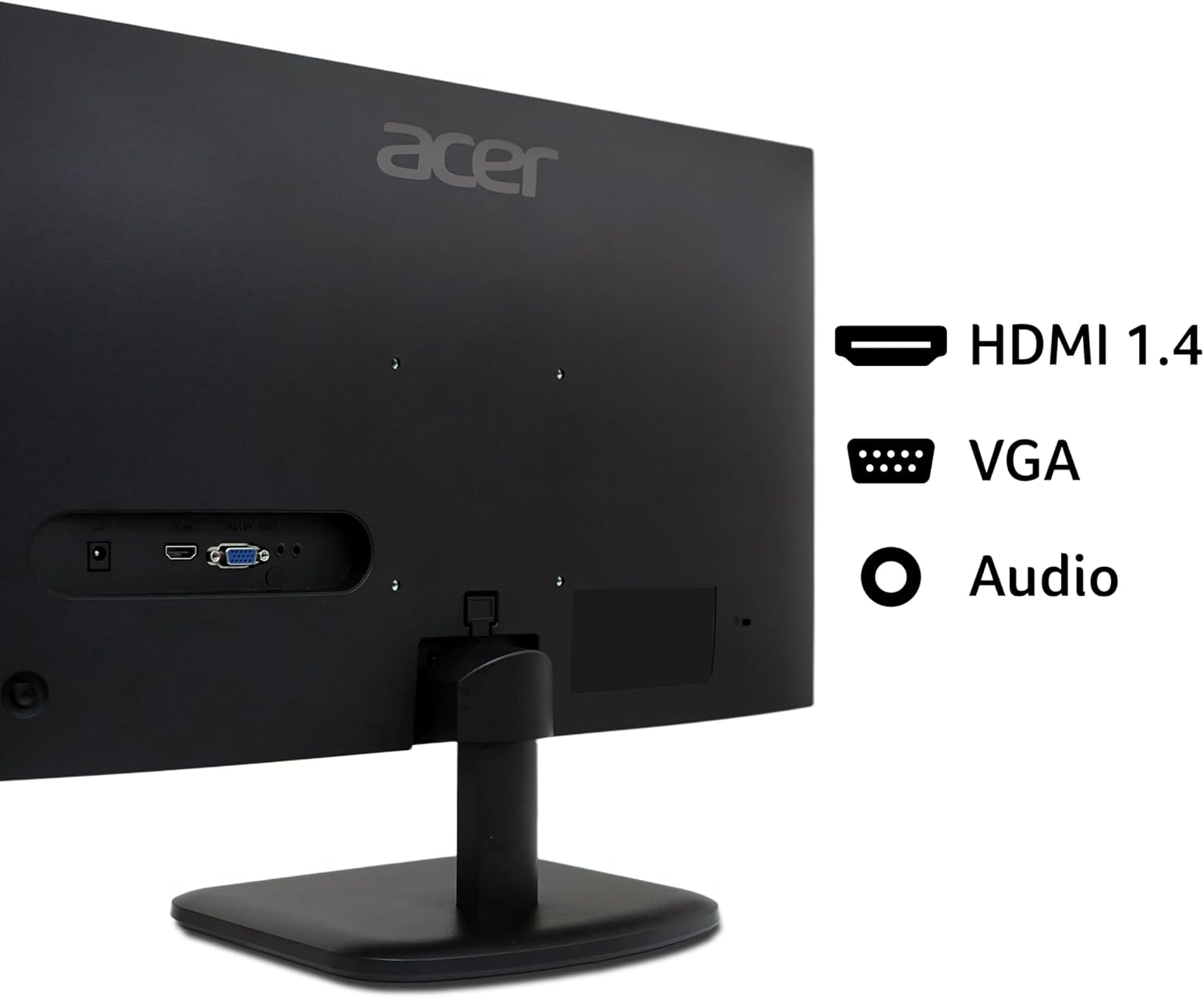
This monitor presents Full HD (1920x1080) with a 120Hz refresh rate and a 1ms response time spec. Paired with an IPS panel, you gain wider viewing angles and more consistent colour, which helps when editing documents or sharing content with others. Adaptive Sync is included to align the refresh rate with a compatible GPU, which can reduce tearing in fast-paced scenes. The 99% sRGB coverage aims to deliver more natural skin tones and clearer colour reproduction for everyday media work. Input options include HDMI and VGA, which keeps compatibility broad, especially with older devices.
The upside you’ll notice
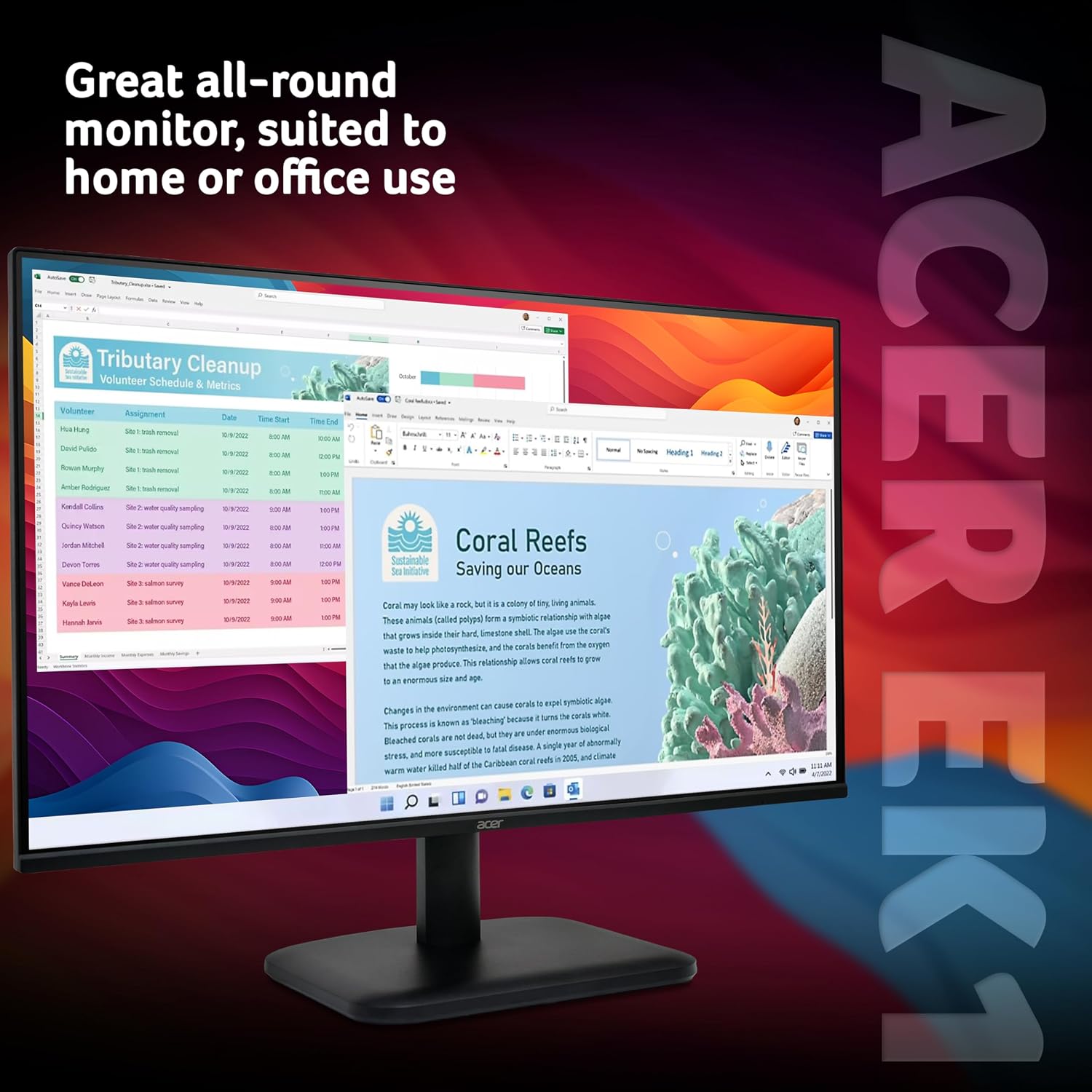
On the desk, the EK241YG feels like a sensible upgrade from a laptop screen, giving you more space for windows and timelines. The 120Hz panel isn’t a high‑end gaming panel, but for general use and casual titles it should feel noticeably smoother than standard 60Hz displays. The IPS panel helps with consistent colours when you’re viewing from the side and around the room, not just head-on.
Where it might fall short
If you work with higher resolutions or need the sharpest possible image for photo or video work, 1080p on a 24-inch screen is acceptable but not premium. The 1ms figure typically refers to transitional blur under certain tests and may vary with panel quality and brightness settings in real use. Depending on your GPU and the games you play, you could still experience occasional tearing if Adaptive Sync isn’t supported by your system or isn’t tuned for your title. And while 99% sRGB is good for day‑to‑day visuals, it isn’t a colour‑critical spec for professional colour work.
Practical use and everyday scenarios

If you’re setting up a home office or a secondary display for a living room PC, the EK241YG can support multi‑tasking, streaming and light gaming without taking up too much space. It’s a sensible choice when you need a reliable display without a premium price tag, especially if you already own a GPU that can feed 120fps in titles you play casually.
Who this is for and who it’s not
You’ll likely value this monitor if you want a dependable all‑rounder for web browsing, document work and light entertainment, with decent motion handling for non‑competitive gaming. It may not be the best option if you require a higher resolution, a true colour‑critical panel for photo/video work, or the absolute peak brightness for bright rooms.
What to check before you buy
- Confirm your device has an HDMI output and, if you plan to use older hardware, that VGA is sufficient for your needs.
- Consider how you’ll use it: if you’re mixing productivity with quick gaming sessions, the 120Hz and 1ms specs are appealing, but real‑world performance depends on your graphics card and settings.
- Be mindful of panel brightness and anti‑glare properties in bright environments, 1080p on a 24‑inch screen generally looks good, but glare can affect perceived contrast.
Comparison in context
For those debating between a basic 60Hz/1080p screen and something a touch more responsive, the EK241YG sits in the practical middle ground: it offers smoother motion and better colour fidelity without venturing into high‑end price brackets or 4K resolutions. If you mainly use it as a productivity monitor or for casual gaming, it’s a well‑rounded fit, if your work requires precise colour matching or you’re after the sharpest image for image editing, you could prefer a monitor with higher colour accuracy and resolution.
Final decision
Final verdict
It’s worth considering if you want a straightforward, all‑rounder 24‑inch screen that blends a reasonably fast response with good colour coverage and broad compatibility. It isn’t likely to impress enthusiasts seeking top‑tier colour or high‑end gaming features, but for everyday tasks and light gaming it offers real value.
Frequently asked questions
- What does 120Hz bring to everyday use? It makes scrolling and moving content feel smoother, especially in fast motion videos or casual gaming.
- Is 1080p on a 24‑inch panel satisfying? For many office tasks and streaming, yes, if you’re doing professional photo or video work, you may notice the limits of 1080p.
- Can I use this with older PCs? Yes, thanks to VGA and HDMI inputs, it should work with a wide range of devices.
Is it worth it?
Worth considering if you want a dependable, no‑nonsense monitor that handles daily tasks with a smoother motion feel and decent colour breadth, without stepping up to premium pricing. It may not be the best fit if you require professional colour accuracy or 4K resolution for specialised work.