


Gawfolk 34 Inch Ultrawide Curved 200Hz Gaming Monitor
Product description
What kind of product is this and who is it for
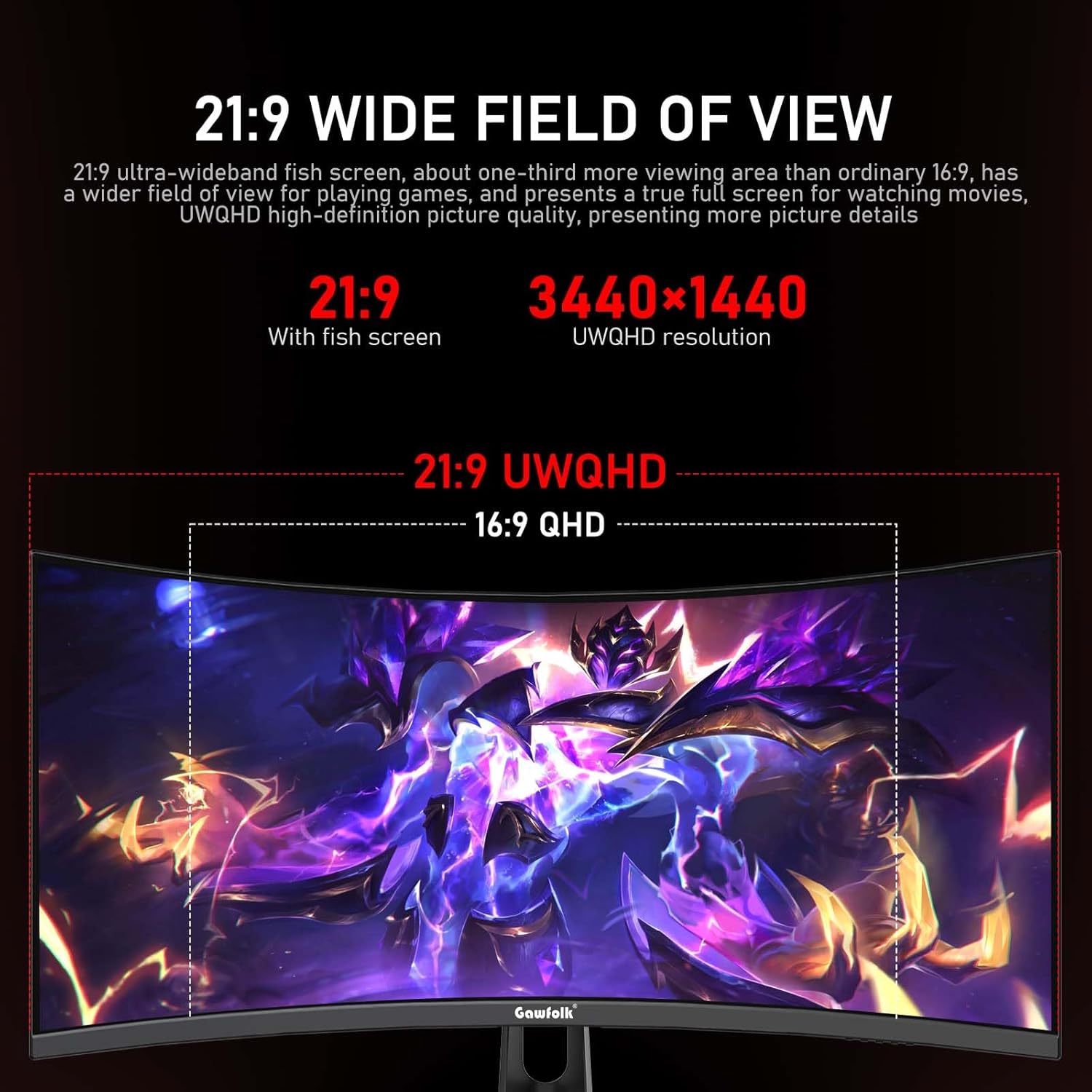
The Gawfolk 34 Inch Ultrawide Curved monitor is a 34-inch curved screen designed for immersive gaming and productive work. With a 21:9 UWQHD resolution (3440x1440), it suits users who want more horizontal workspace and deeper image detail without jumping to a multi-monitor setup. If you value a wide field of view for gaming or tackling complex spreadsheets and timelines, this screen aims to balance visual breadth with usable clarity.
Display quality and visual performance
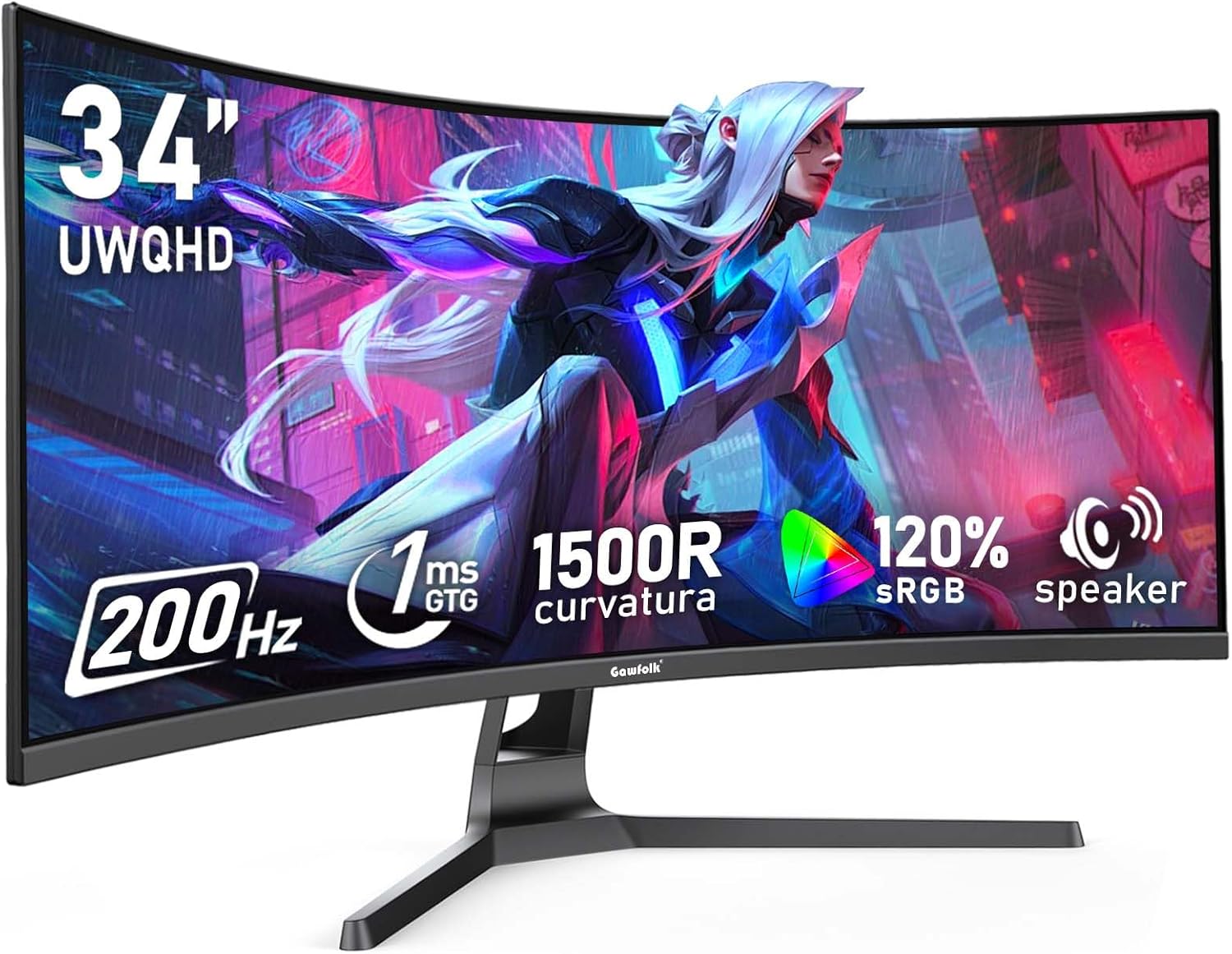
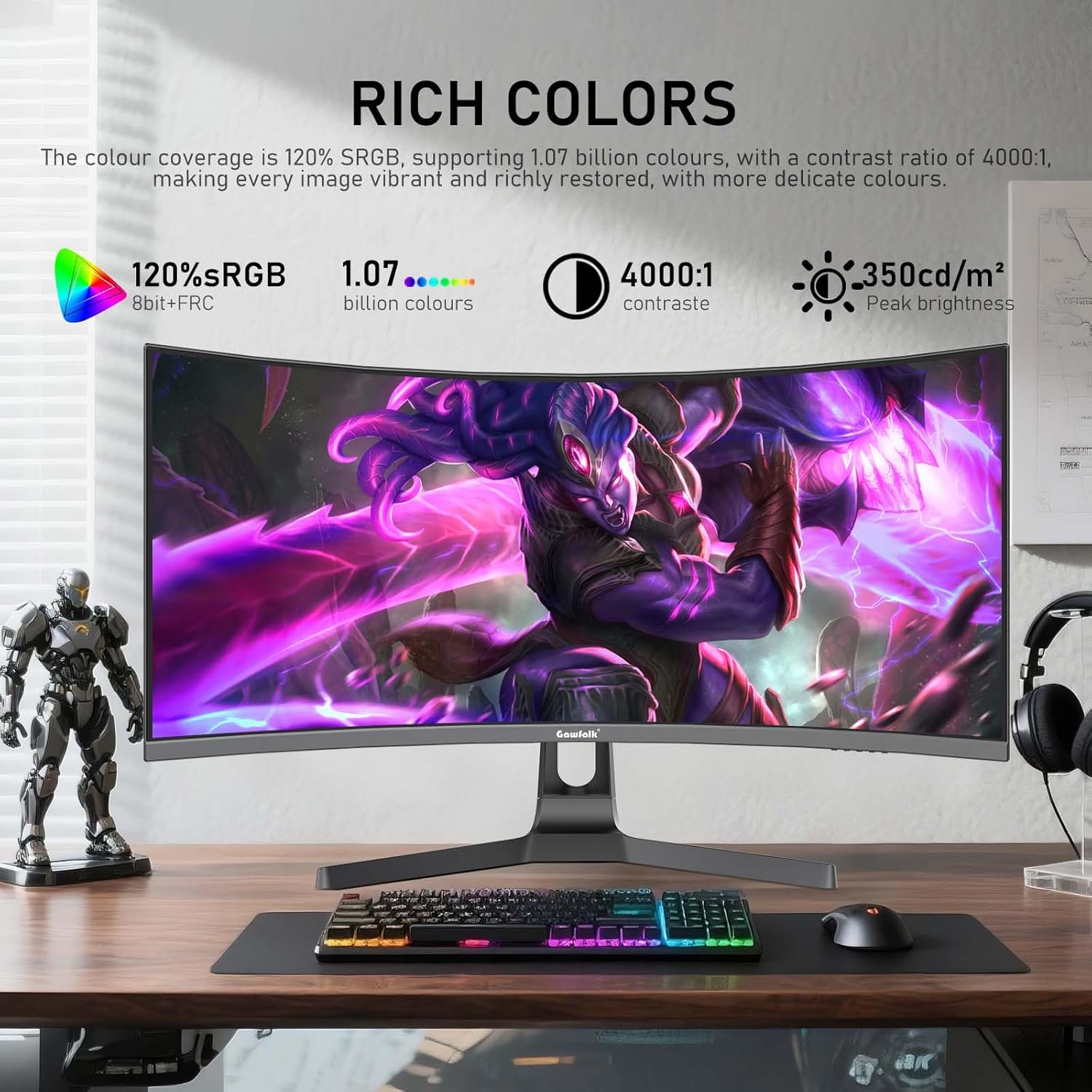
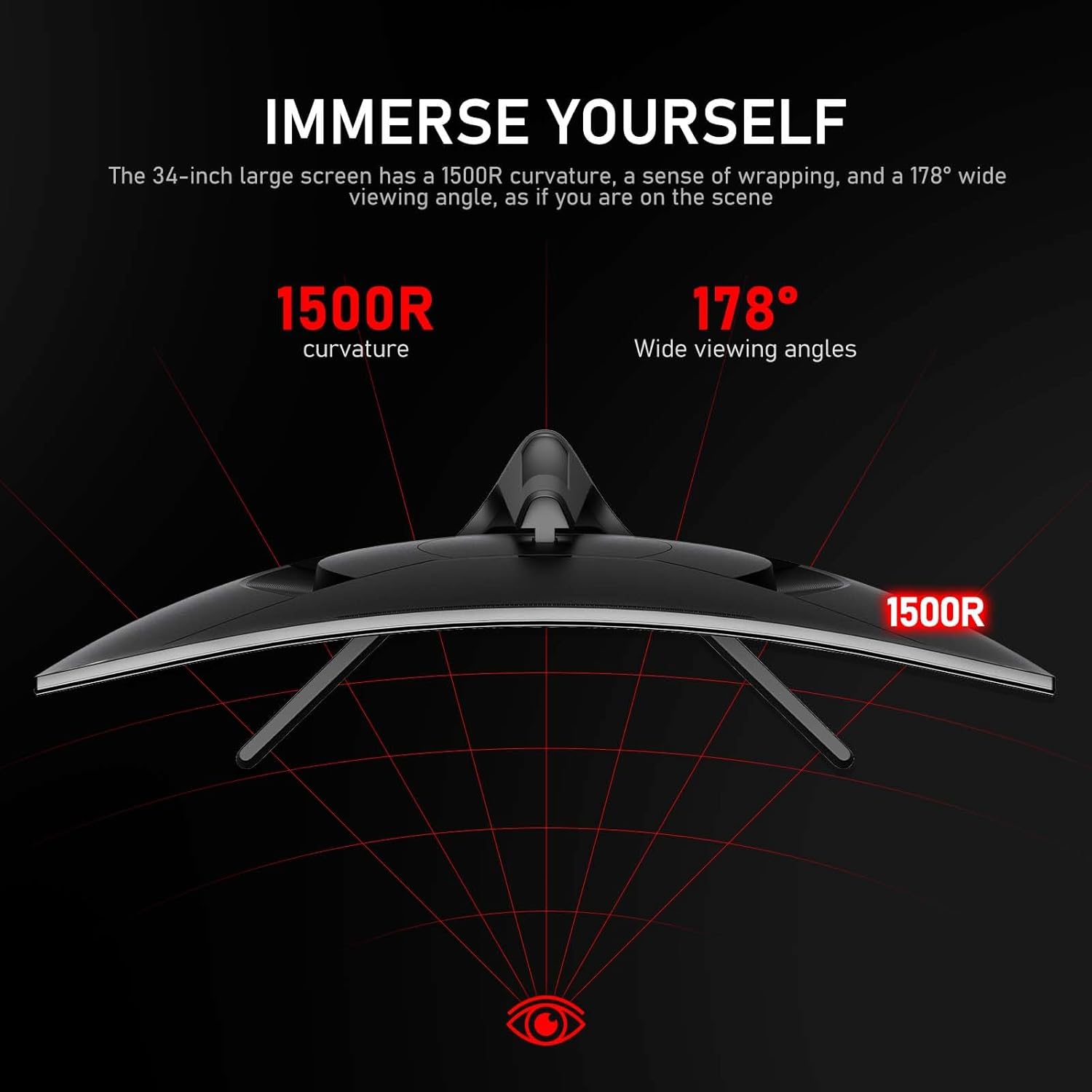
On paper, the panel delivers a 1500R curve and a brightness of 350 nits, with 8-bit colour depth via FRC and a claimed 1.07 billion colours. The result is a broader colour gamut (120% sRGB) that should translate to richer greens, longer colour nuance, and more detailed shadows and highlights. The contrast ratio is listed at 4000:1, which can help with both dark game scenes and cinematic footage. It’s not a flagship HDR spec, but for everyday gaming and media, the combination aims to provide more engaging visuals than a standard 16:9 screen.
Gaming performance and motion handling
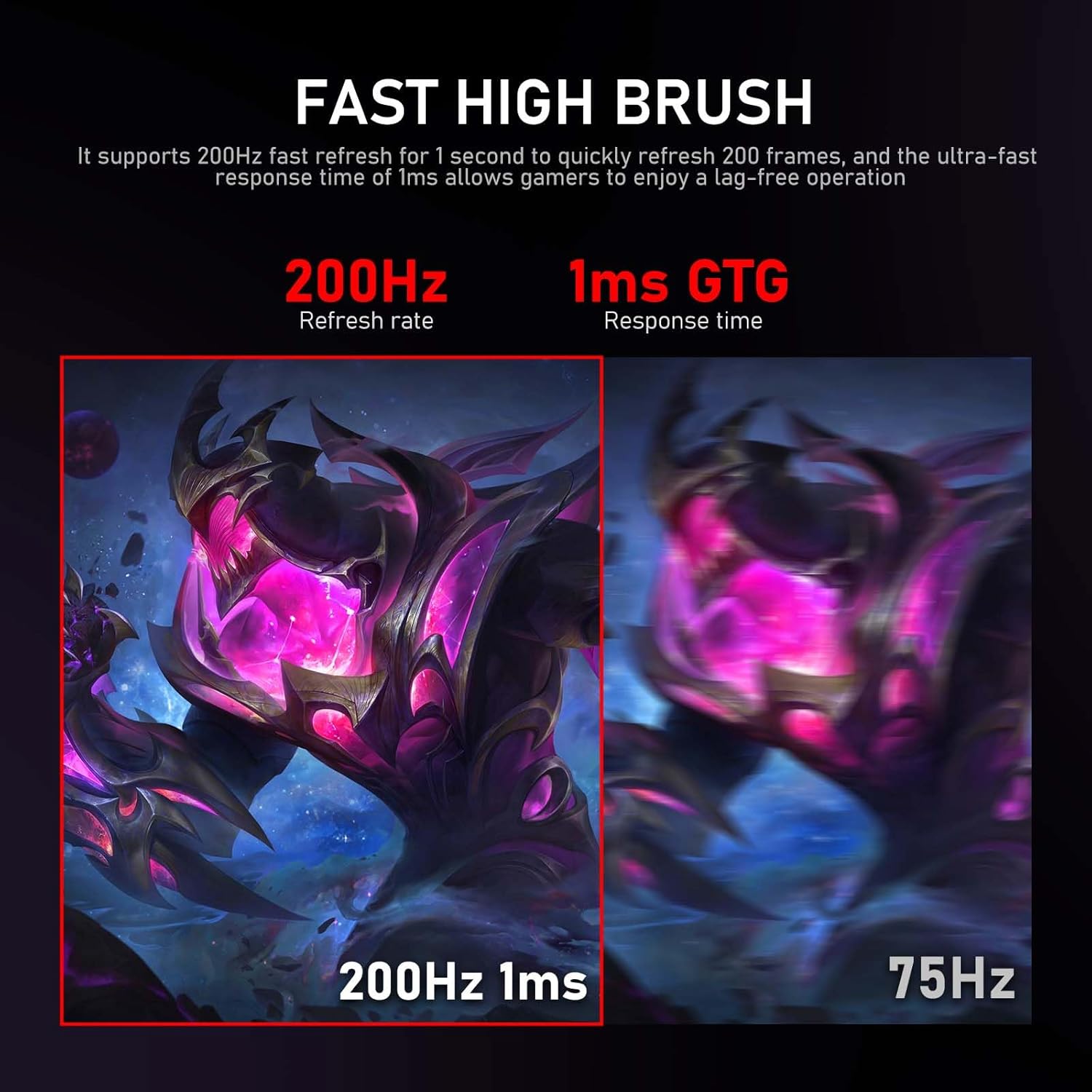
A notable feature is the 200Hz refresh rate, which can make motion look smoother and reduce perceived stutter. However, the default refresh rate is 60Hz, and maximums depend on connection: HDMI up to 100Hz and DisplayPort up to 200Hz. If your graphics card can push 180Hz or higher, using the DP cable and adjusting settings in your OS is worth trying. Still, real-world gains depend on system capability and game FPS targets. Adaptive Sync is included to help minimise tearing by syncing the panel refresh to the GPU.
Connectivity and ergonomics
The monitor offers HDMI and DisplayPort inputs and is compatible with wall mounting, which adds flexibility to your setup. Built-in speakers are a handy convenience, though they are unlikely to substitute for external audio in a serious gaming or home cinema environment. The long, ultra-wide format can pose a challenge for desk footprint and cable management, check your desk depth and mounting options before purchase.
What stands out and potential limitations
On the upside, the ultra-wide 21:9 aspect and the 3440x1440 resolution provide more horizontal real estate, which can enhance productivity and cinematic immersion. The high refresh rate option is appealing for fast-paced titles, especially if you can drive high frame rates with your GPU. On the downside, the brightness figure sits at 350 nits in typical use, which may be borderline in very bright rooms, also, the panel’s reliance on 8-bit colour with FRC means you might not see the same colour precision as higher-bit panels in professional editing environments. If you prioritise HDR brightness, colour-critical work, or standalone high-fidelity audio, you may want to weigh alternatives.

Who this is for and when to buy
This monitor seems suited to gamers who want a wide field of view without multiple monitors, and to general users who could benefit from more horizontal screen real estate for work tasks. It may also appeal to multimedia enthusiasts who enjoy immersive films or racing sims at wide aspect ratios. If your PC can deliver consistently high FPS and you value a smooth, tear-free experience, this could be a sensible choice. If you mostly game at 60–120fps and have limited desk space, the benefits of the ultra-wide, 200Hz setup might feel less compelling.
What to check before you buy
- Ensure your GPU and games can target high frame rates to leverage the 200Hz potential, especially via DisplayPort.
- Consider desk depth and mounting space if you plan to wall-mount the monitor.
- If you rely on colour-critical work, note the 120% sRGB coverage, you may want to calibrate against your workflow needs.
- Don’t discount the built-in speakers as a stopgap rather than a primary audio solution.
Practical use idea
Picture editing a wide automotive panorama or plotting a multi-stage software timeline. The extra horizontal space helps keep toolbars and panels visible at a glance, while the curved panel can feel more immersive during racing sims or expansive open-world titles.
Final decision and who should consider it
Final verdict
Worth considering if you prioritise a wide, immersive canvas and the potential for high refresh rates, provided your system can push the required frames and you have adequate desk space. It isn’t a perfect fit for everyone—especially if you need peak colour accuracy for professional editing or prefer brighter HDR performance.
Quick FAQs
- Does the monitor support high refresh rates out of the box? Yes, up to 200Hz via DisplayPort, HDMI supports up to 100Hz.
- Is the built-in sound enough for gaming audio? It’s convenient for basics but not a substitute for dedicated speakers or headphones.
- Can I mount this on a wall? Yes, it is compatible with wall mounting.
Tech specs
- Name: Gawfolk 34 Inch Ultrawide Curved 200Hz Gaming Monitor
- Type: Monitor
- Format: 21:9 UWQHD
- Size: 34 inch
- Display: 21:9 ultrawide curved panel
- Resolution: 3440x1440
- Refresh rate: 200Hz (DP up to 200Hz, HDMI up to 100Hz via standard cabling)
- Colour: 120% sRGB, 1.07 billion colours (8-bit + FRC)
- Brightness: 350 nits
- Contrast: 4000:1
- Additional: Adaptive Sync, built-in speaker, wall mount compatible