

COOLHOOD Portable Monitor 15.6" 1080p portable monitor
Product description
This 15.6-inch portable monitor delivers a full HD second screen for travel and remote work, combining a slim profile with flexible connectivity to expand a laptop, phone or console display. With plug-and-play operation and a smart magnetic cover that doubles as a stand, it is practical for presentations, multitasking on the move and casual gaming.
Key Points
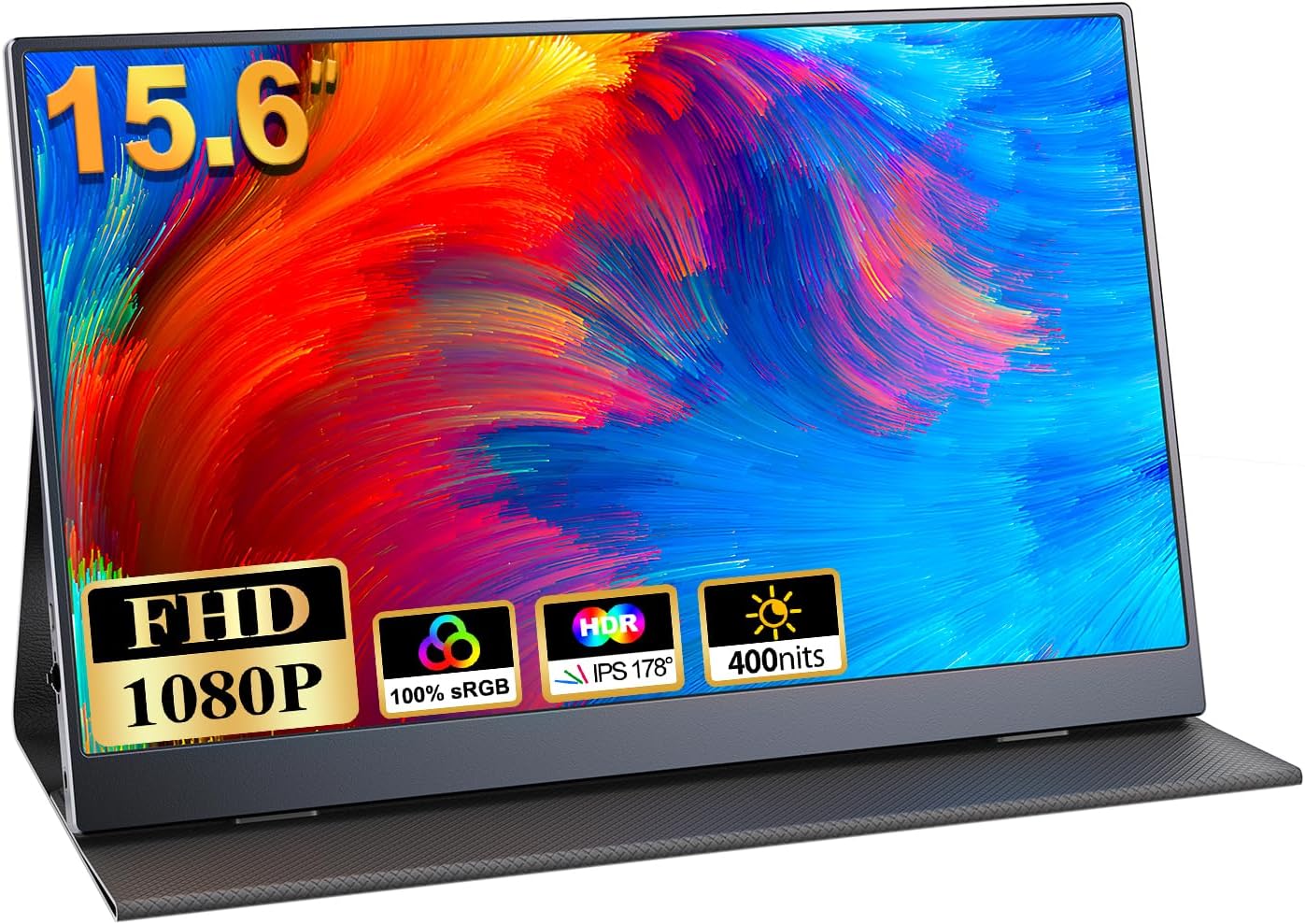
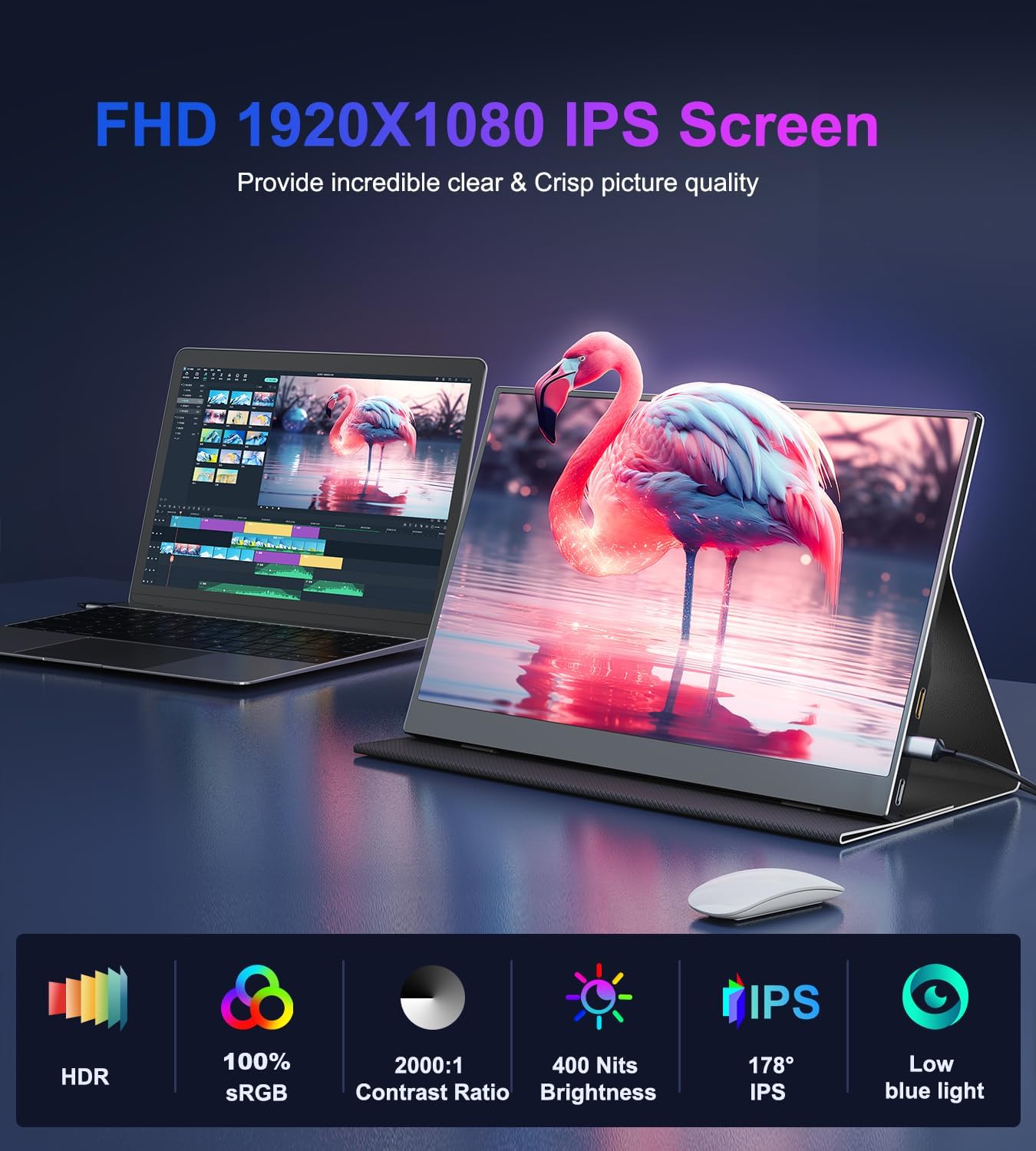
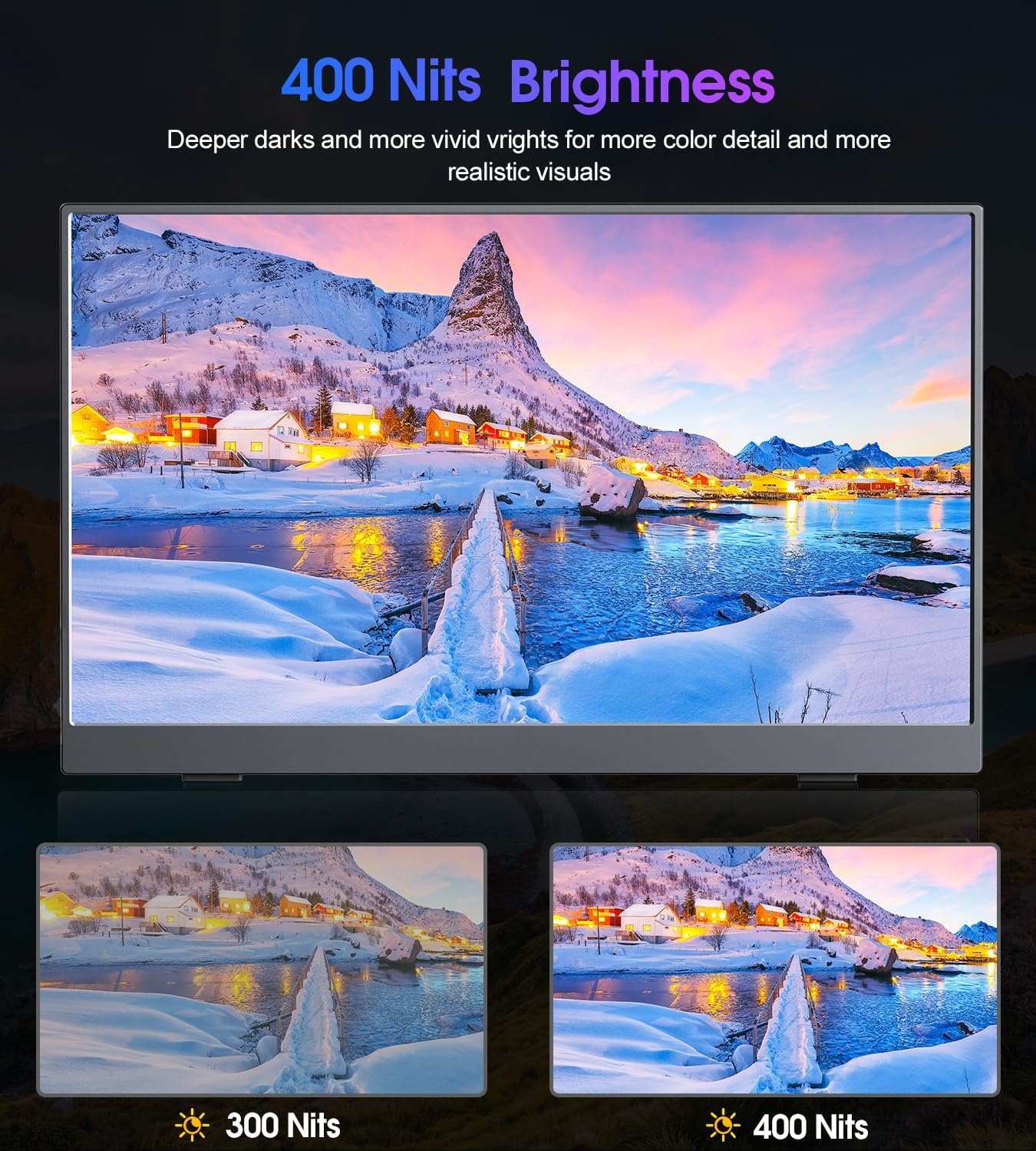
The screen offers a 1920 x 1080 IPS panel that emphasises colour accuracy and wide viewing angles for consistent images from different positions. According to the manufacturer, it covers 100% of the sRGB gamut and provides a 2000:1 contrast ratio, which helps create clear distinction between light and dark scenes. Eye-care technology reduces blue light to make extended use more comfortable for work or study. 🎮
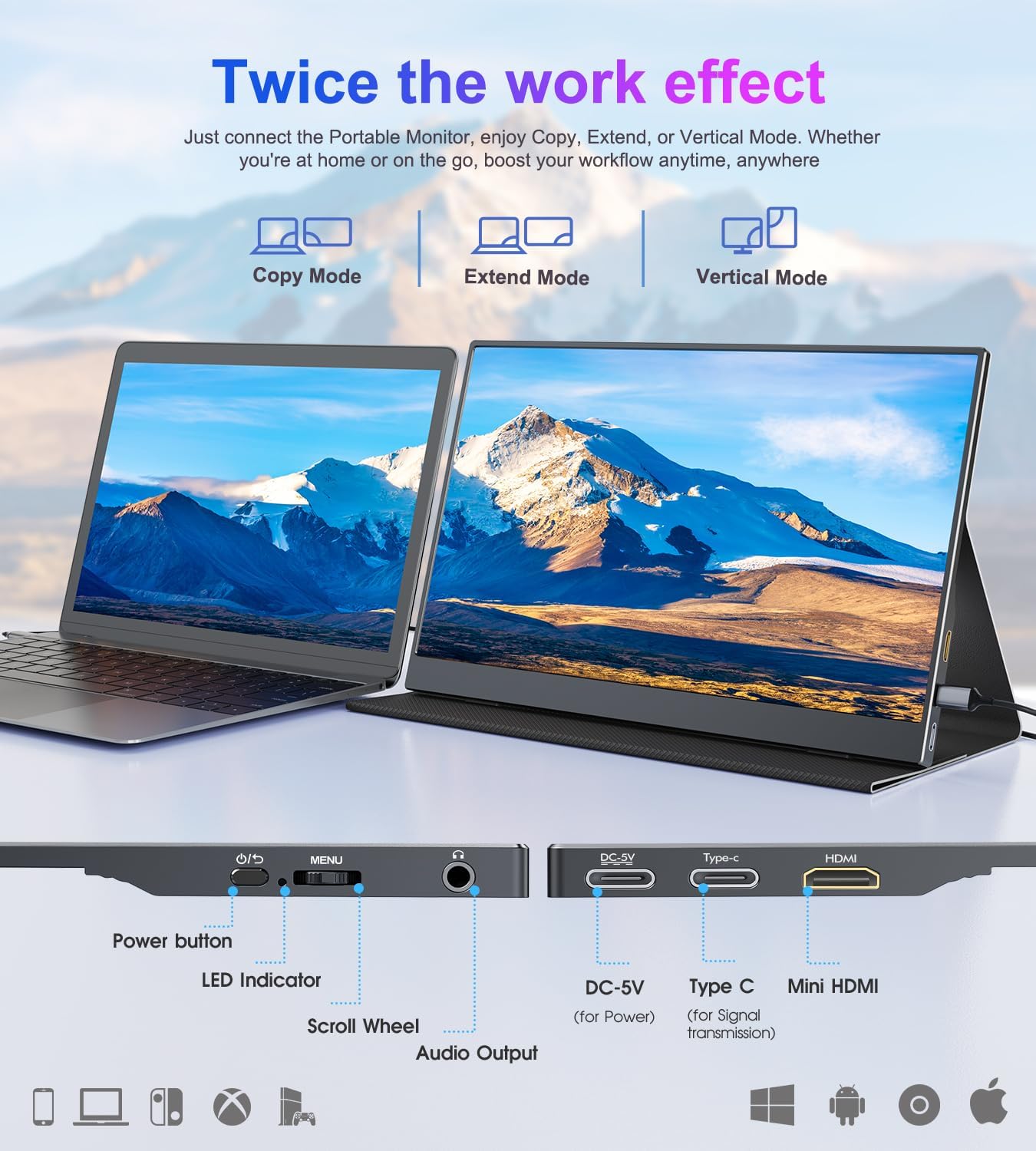
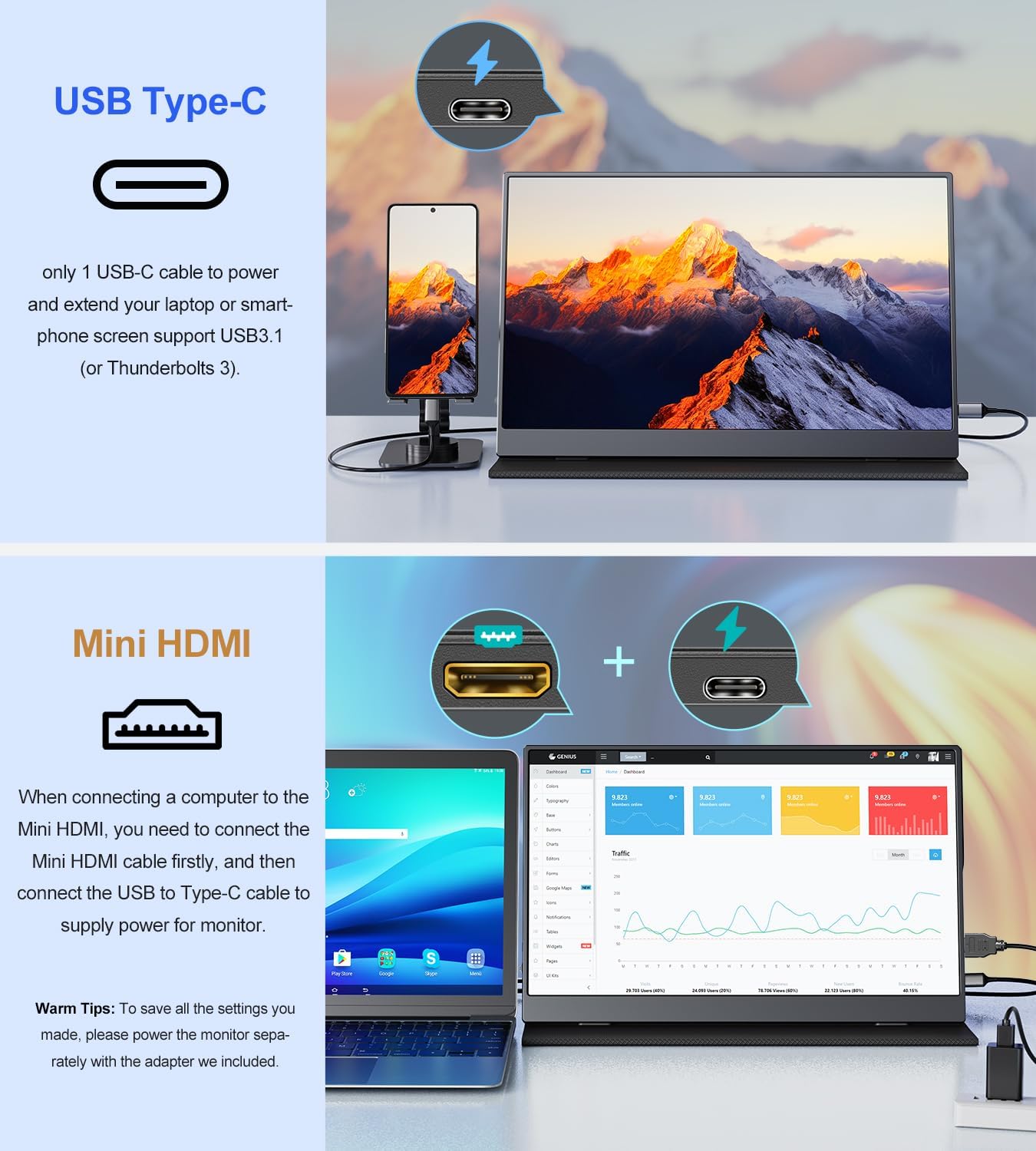
This portable display connects via USB-C and mini HDMI, so it can work with modern laptops, some phones and gaming consoles. If the USB-C port on the host device is not USB 3.1 or Thunderbolt 3, the USB-C input may supply power only and not transmit video. The monitor includes dual stereo speakers and a 3.5 mm audio output for external sound systems. ✈️
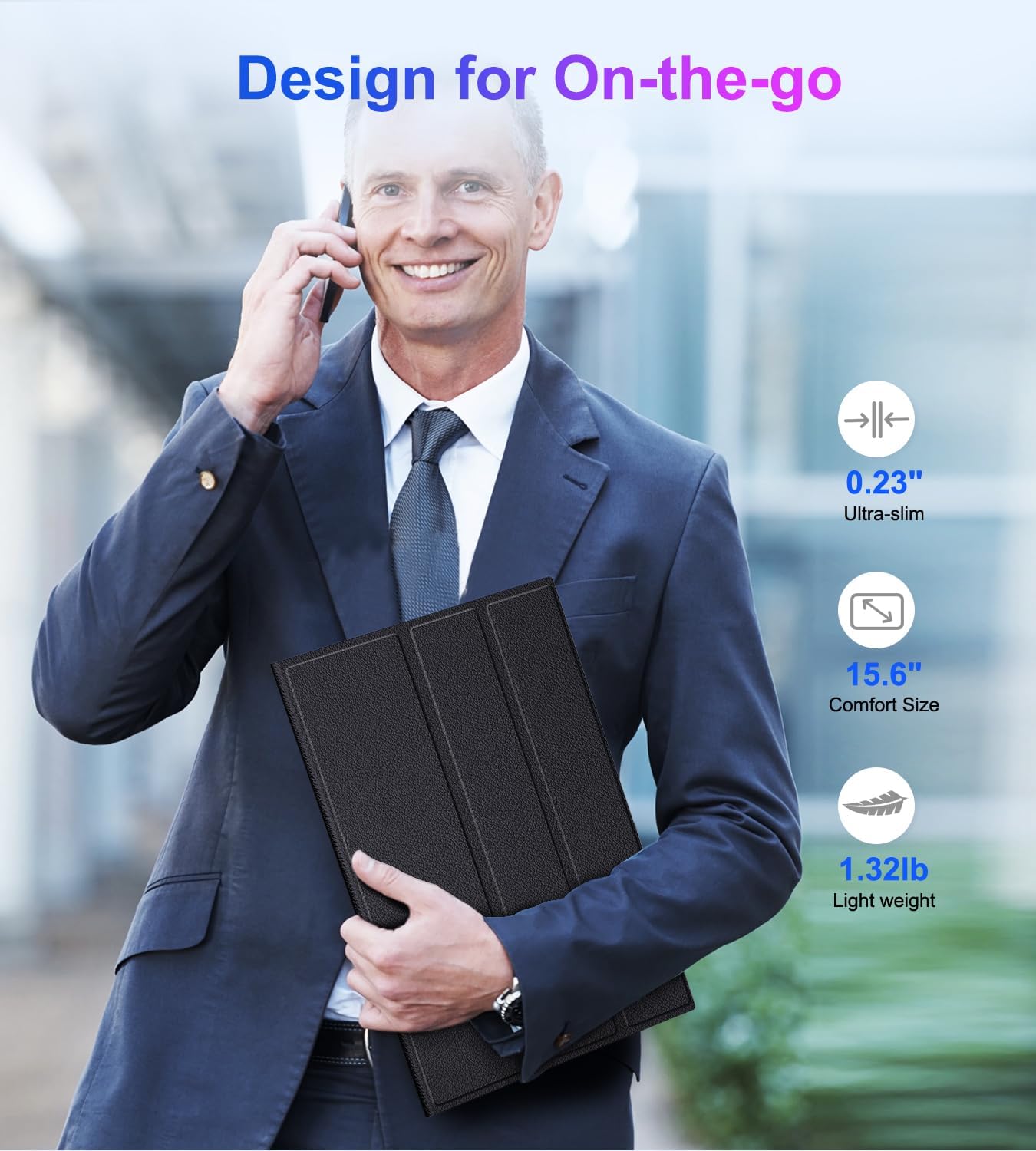
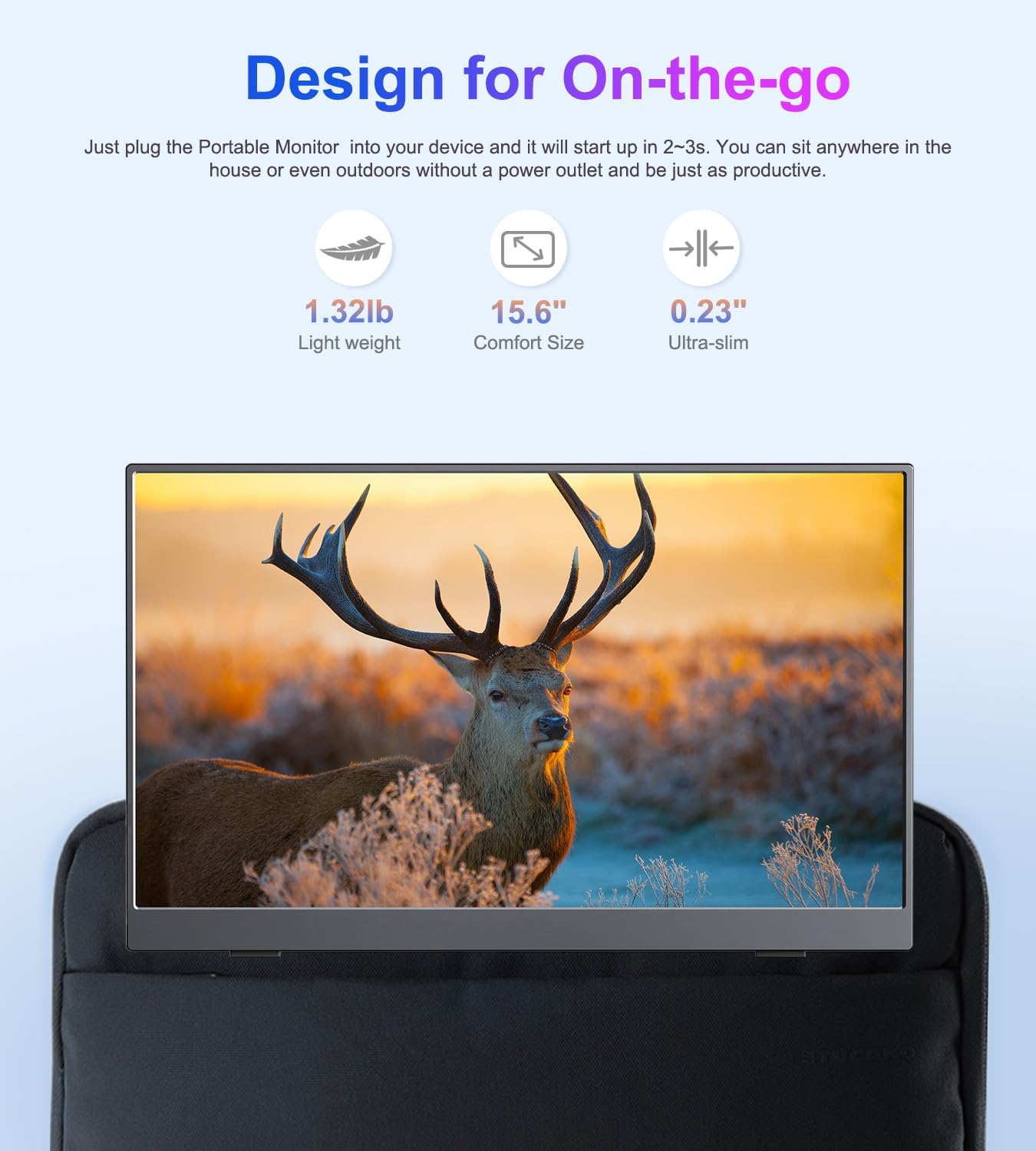
The included PU magnetic smart cover protects the panel and serves as an adjustable stand with two viewing grooves. This makes the monitor easier to position on desks or laps while commuting. The unit is lightweight and thin, which suits people who regularly carry tech between locations.
Technical Specifications
- Name: COOLHOOD Portable Monitor 15.6'' 1080P FHD
- Panel: 15.6 inch IPS, 1920 x 1080 resolution
- Colour and contrast: 100% sRGB, 2000:1 contrast ratio
- Ports: USB Type-C (power and video when supported), mini HDMI
- Extras: Built-in dual stereo speakers, 3.5 mm audio output
- Accessories: PU magnetic smart cover stand
Usage Recommendations
For the smoothest experience use a laptop or phone whose USB-C port supports video output, for example USB 3.1 or Thunderbolt 3. When connecting a console such as Xbox or PlayStation, use the mini HDMI input and adjust the display mode on the host for duplicate or extended desktop. If audio quality is important, consider pairing the monitor with external speakers via the headphone jack. 🎧
Position the magnetic cover in the deeper groove for a steeper viewing angle when working at a desk, and use the shallower groove for a more relaxed angle on a lap. Keep in mind that very small phones may require a compatible adapter or cable to deliver both power and video.