

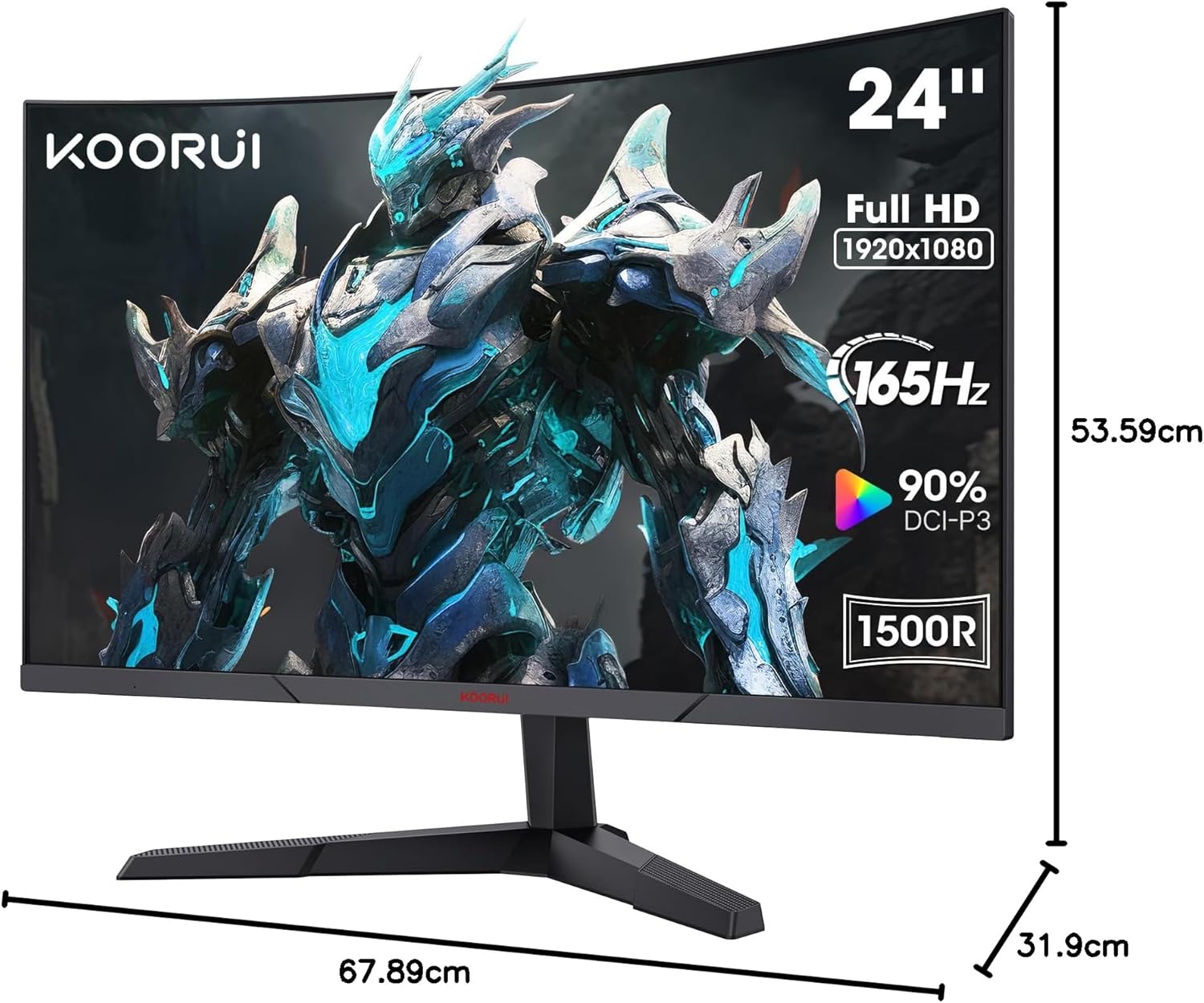
KOORUI 24 Inch Gaming Monitor review: 180Hz curved VA, 1500R, 1ms response
Reviews
Price
Product description
What this is and what it aims to solve
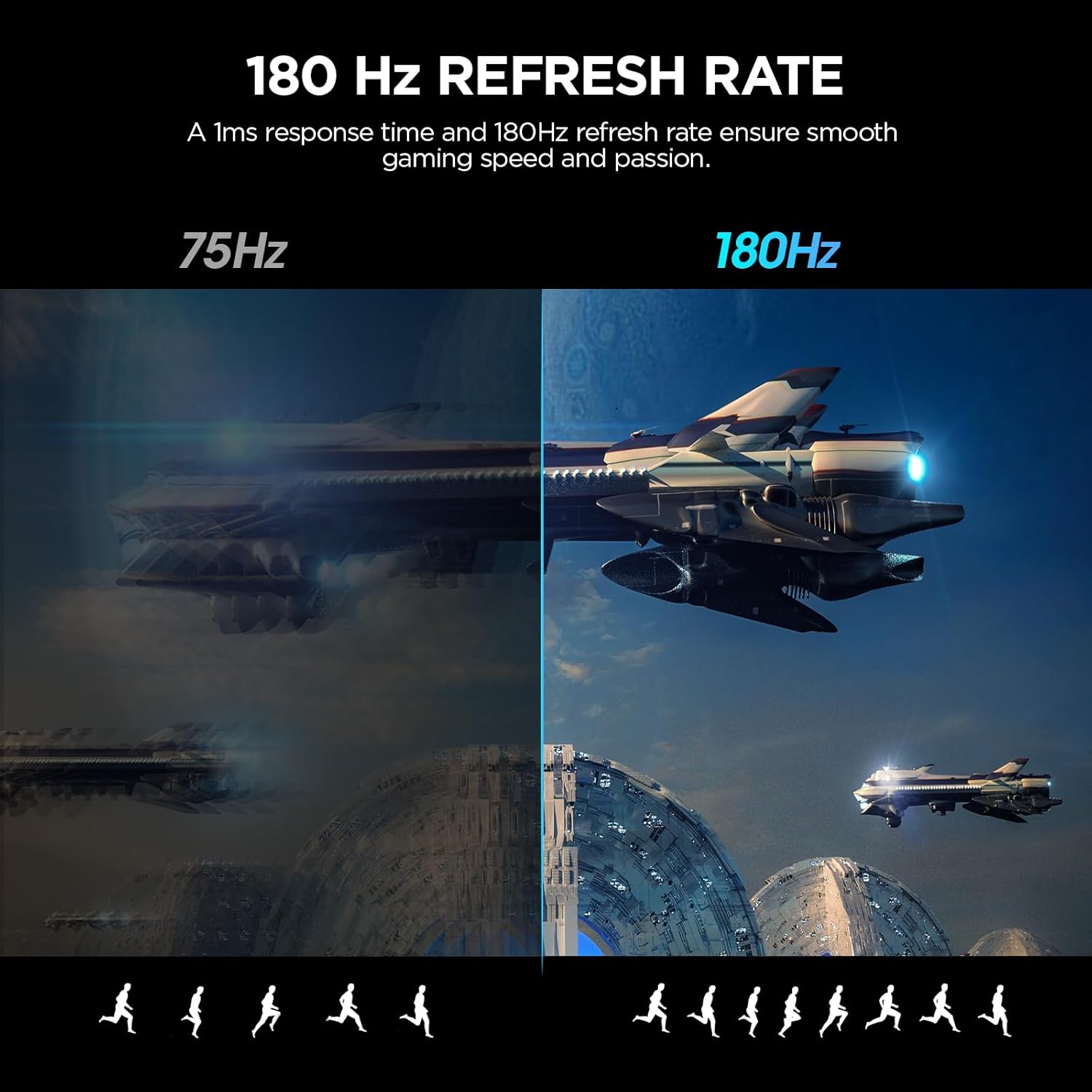
The KOORUI 24 Inch Gaming Monitor is a mid‑size, curved display designed to balance fast response with a reasonably vivid image for gaming and everyday computing. It uses a 1080p (FHD) VA panel with a generous 1500R curvature, aiming to deliver a more immersive feel when you’re in front of the action. The combination of a 180Hz refresh rate and 1ms response time targets smoother motion and reduced blur, which can be meaningful in fast‑paced titles. This is not a 4K or ultra‑high‑end panel, but for gamers seeking a responsive screen without breaking the bank, it sits in the middle of the market.
How the panel performs in real life
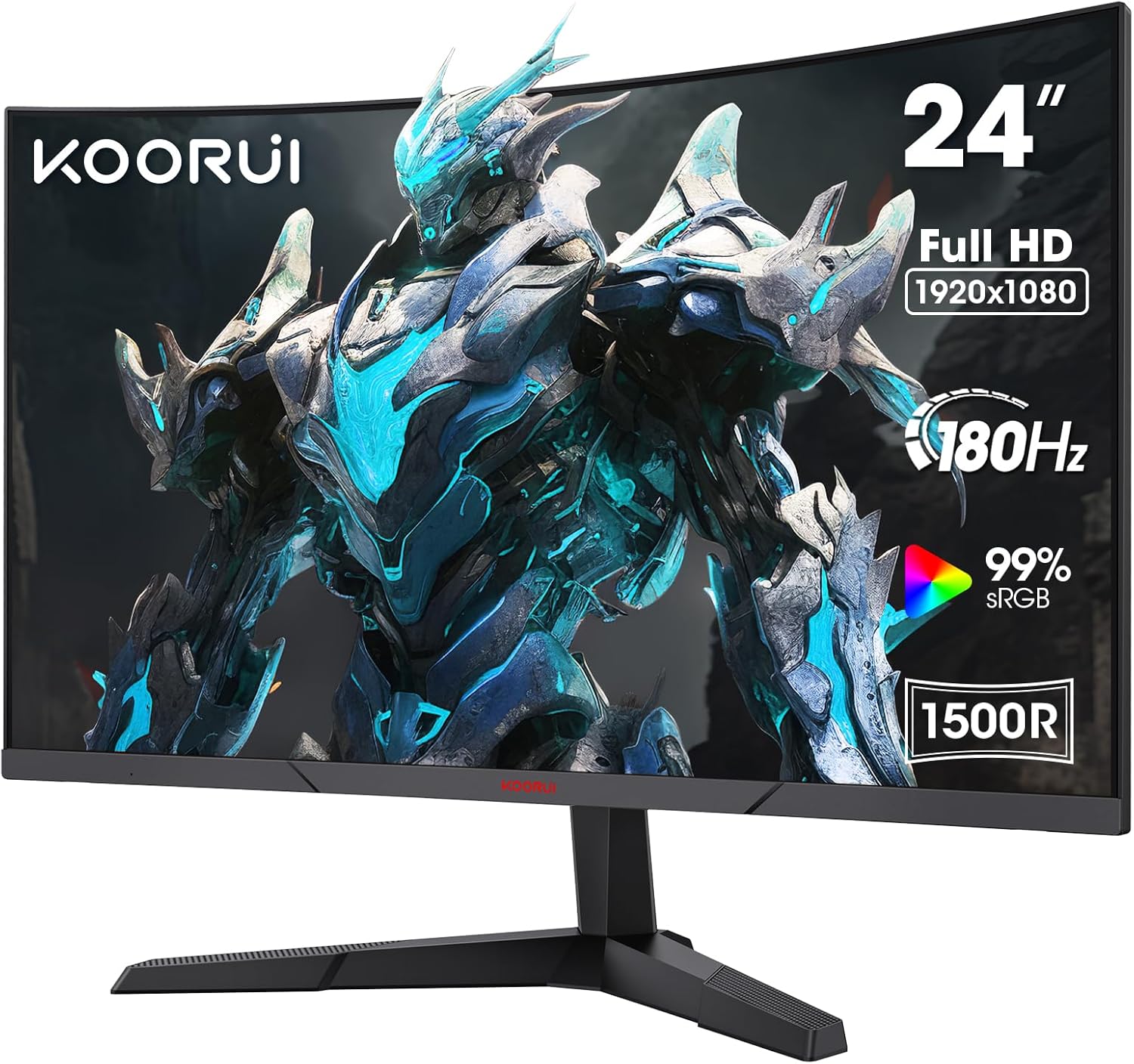
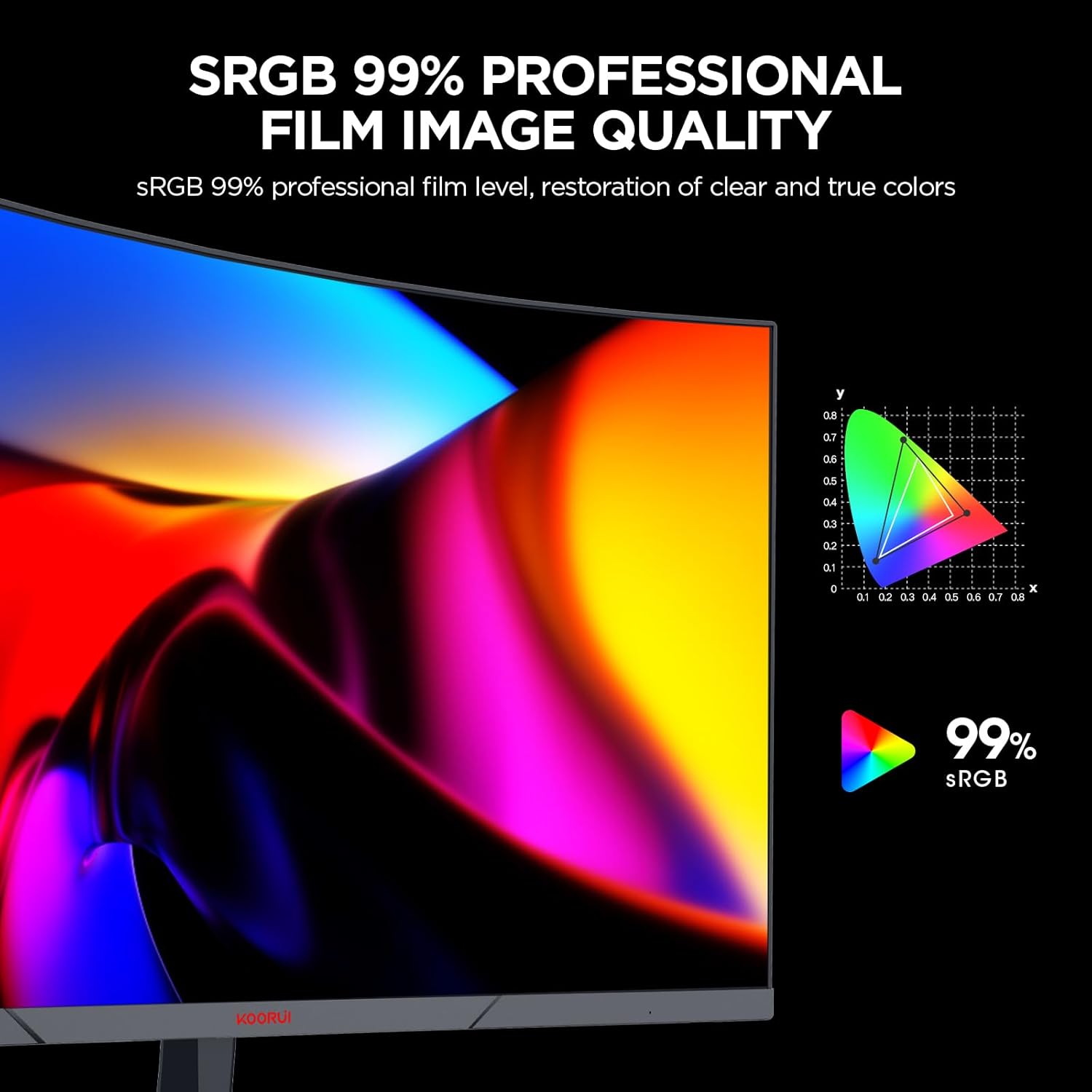
On paper, the monitor offers 250cd/m2 brightness, an 8‑bit colour depth with 16.7 million colours, and a dynamic contrast of 3000:1. That translates to generally solid colour fullness and decent dark detail in well‑lit rooms. The display is designed with eye care in mind, including Flicker‑Free technology and a Blue Light Filter, which may help those who game for longer sessions. The sRGB coverage is listed at 99%, with NTSC at 72%, implying reliable colour reproduction for typical gaming and everyday media work, though it isn’t meant to compete with higher‑end colour‑critical monitors.
What stands out and what may fall short

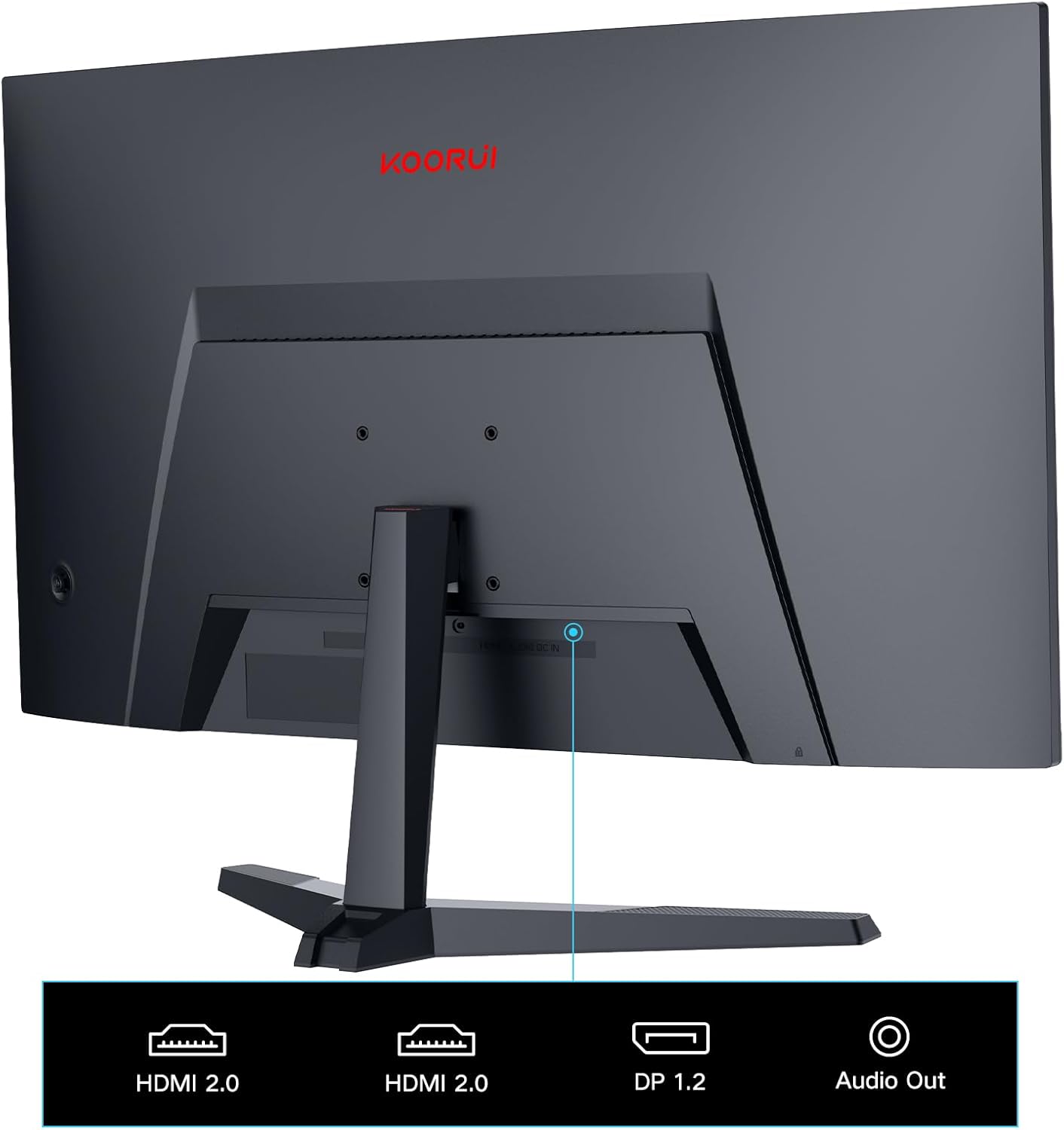
On the positive side, the 180Hz refresh and 1ms response are meaningful for motion clarity in competitive games. The 1500R curvature adds a sense of immersion without moving too far from a conventional viewing experience. The connectivity is practical, with HDMI 2.0 x2 and DisplayPort 1.2, plus an audio out, and VESA 100x100 mounting compatibility, which is handy if you’re integrating it into a multi‑screen setup or a wall/arm mount. The stand supports tilt adjustment, which helps align the screen to your eye level or desk configuration.
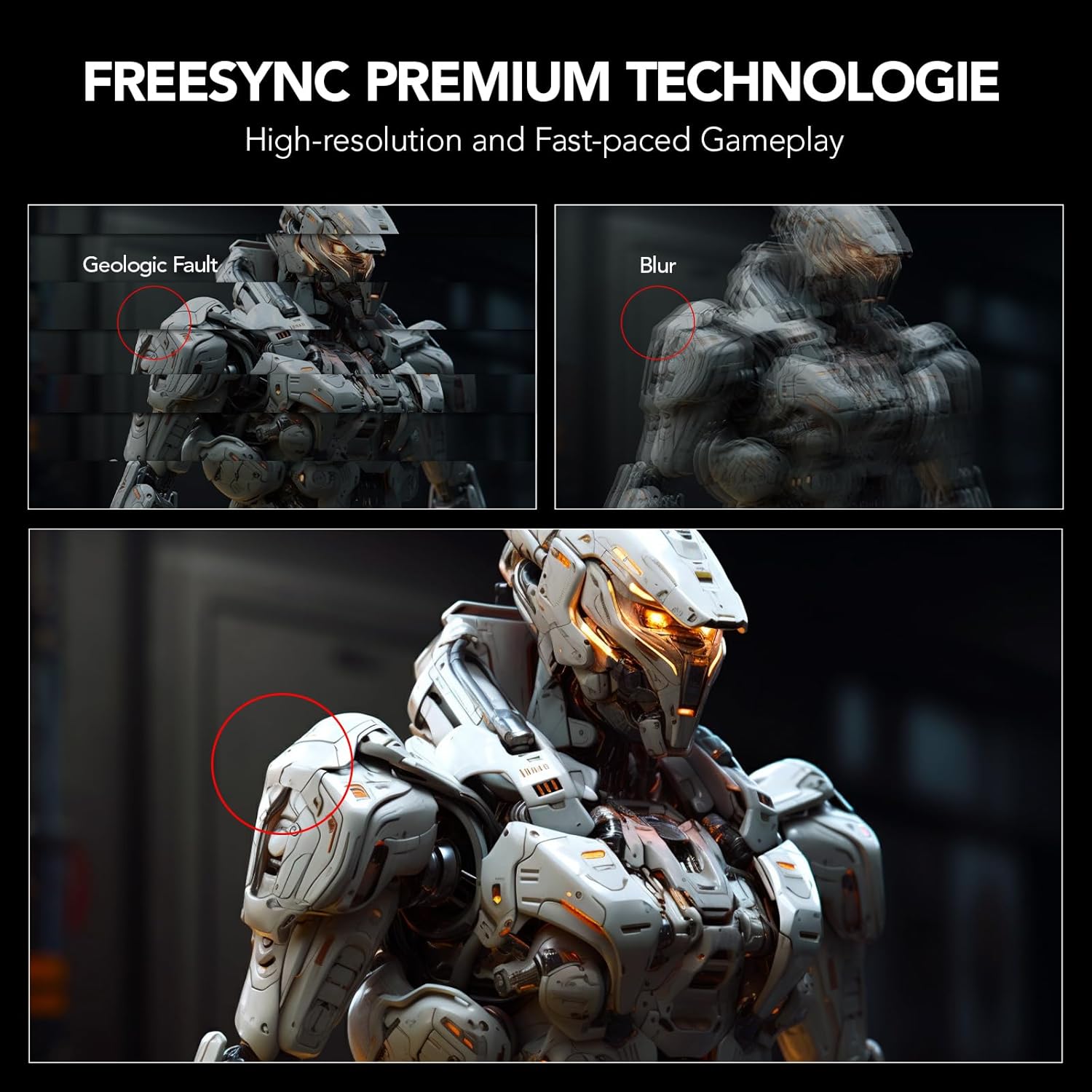
On the downside, 1080p resolution, while common in gaming monitors at this size, won’t satisfy users who want image sharpness for productivity or multi‑monitor work. Colour accuracy is adequate for gaming, but not a substitute for a monitor aimed at photo or video editing. The brightness figure is modest, and you’ll notice more when subject matter is bright or in glare‑prone rooms. Finally, while the Adaptive Sync feature helps reduce tearing, the impact depends on your GPU and the game, it’s not a universal cure for all stuttering.
Who it’s best for
If you prioritise a large, curved panel that offers very responsive gaming without paying a premium price, and you primarily game at 1080p, this monitor can be a sensible choice. It’s also suitable for a compact desk where a 24‑inch, 16:9 panel fits neatly while still offering a broad field of view. The build is simple and straightforward, which suits users who want a reliable screen without complex features.
Who might want to skip it
If you need high colour fidelity for professional photo or video work, or you regularly push beyond 1080p for sharper text and detail, you’ll likely prefer a higher resolution panel with stronger colour calibration. If you value elite brightness for bright rooms or HDR content, this display is not designed with HDR in mind and its peak brightness may feel limited. If you’re chasing ultra‑tight colour accuracy or wide‑gamut coverage beyond the listed specs, this model may feel average by comparison.
When it makes sense to buy
Consider this monitor if you want a budget‑friendly, responsive screen for gaming or general use, a curved‑feel without the premium price, and you’re happy with 1080p clarity. It’s sensible for a single‑screen setup or a compact multi‑monitor array where the rest of your kit supports the performance envelope (e.g., capable GPU, adequate desktop space).
What to check before buying
- Confirm your GPU can push games at high refresh rates and 1080p to truly benefit from 180Hz.
- If you plan a multi‑screen setup, ensure enough desk depth for the 24-inch footprint and the curved field of view.
- Check the stand’s tilt range to ensure comfortable seating alignment, if you need more ergonomic adjustment, plan for a mounted solution.
- Think about the room lighting, the brightness and contrast are decent but not exceptional, so glare control helps.
Practical usage example
Imagine streaming a fast‑paced shooter and noticing how smooth the motion feels when you sweep the mouse across the screen. The 1ms response time helps keep action responsive, while the 1500R curvature makes peripheral motion feel a touch more natural, which can contribute to quicker reaction times in heated moments. For general tasks like browsing or document work, the 1080p clarity is serviceable, but you’ll likely notice text appears crisper on higher‑resolution displays.
Tech spec snapshot
- Resolution: FHD 1920x1080p
- Panel: VA, 1500R curvature
- Refresh rate: 180Hz
- Response time: 1ms
- Colour: 8bit, 16.7M colours, NTSC 72%, sRGB 99%
- Brightness: 250cd/m2
- Contrast: 3000:1 (typical)
- Connectivity: HDMI 2.0 x2, DisplayPort 1.2 x1, Audio out
- Mounting: VESA 100x100mm
- Tilt: -5° to -15°
- Design: 3‑sided bezel‑less
- Extras: Flicker‑Free, Blue Light Filter, Adaptive Sync
Is it worth it?
Worth considering if you want a curved, fast‑refresh screen for gaming on a sensible budget and you’re comfortable with 1080p. It’s not the best choice for colour‑critical work or for those who want top brightness or HDR, but it satisfies a pragmatic need for smoother gameplay and a compact, modern look.