

Z-Edge 24 Inch Curved Gaming Monitor (200Hz, 1ms MPRT, VA, FreeSync) – Full HD 1080p, HDMI & DisplayPort
Product description
The essentials
If you want a 24-inch curved gaming monitor that leans into responsiveness, the Z-Edge 24 Inch Curved Gaming Monitor is built around a 200Hz refresh rate and a claimed 1ms MPRT response figure. On paper, that combination is aimed at smoother motion in fast games and action-heavy viewing, rather than focusing on the kind of high-end image tech you’d expect in much more premium tiers.
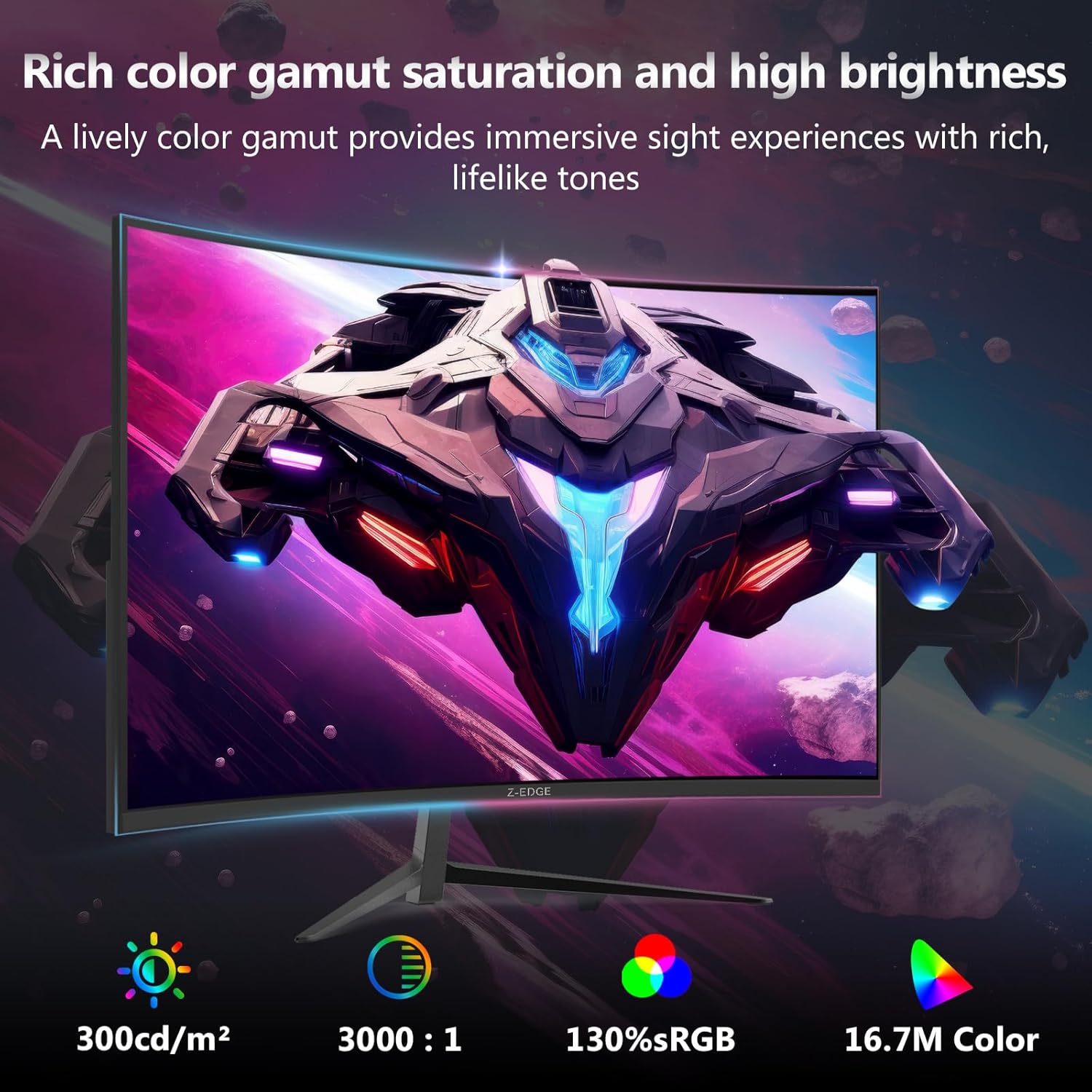
This model also uses a 16:9 Full HD 1080p resolution on a VA panel, with a brightness rating of 300cd/m² and an 1650R curved screen radius. It’s a straightforward spec set: good for competitive-style play where frame smoothness and reduced tearing matter, as long as your setup can actually make use of the high refresh rate.
Key features for gamers (and what they mean in practice)
The headline here is the 200Hz refresh rate. For day-to-day gaming, that translates to a display that can update motion more frequently than typical 60Hz screens—useful when your PC or console output can keep up.
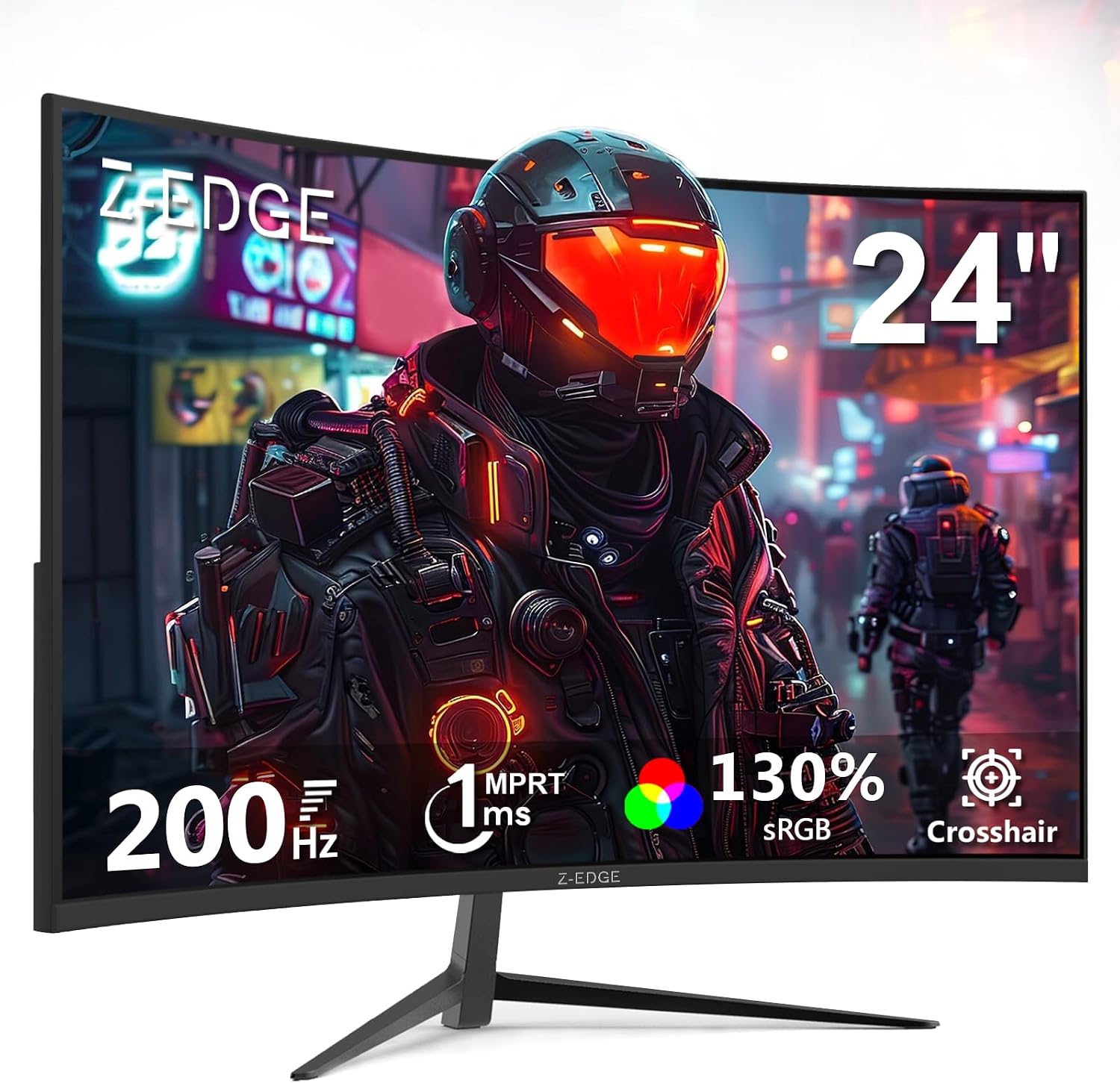
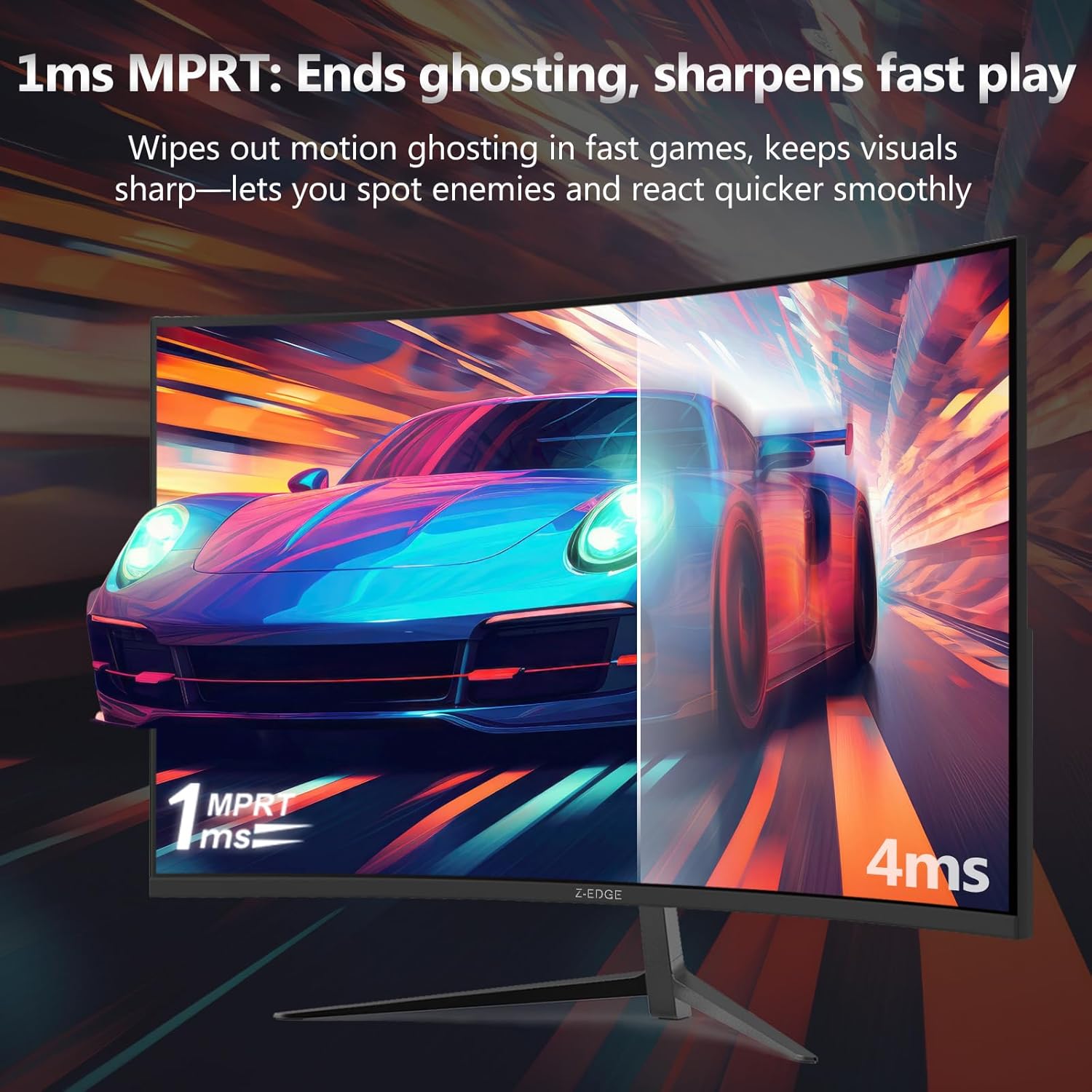
The 1ms MPRT figure is another speed-led claim. MPRT-style response ratings are often marketing-friendly, but the intent is clear: less visible blur/smear during quick movements. It won’t magically fix low frame rate or poor motion clarity from the source, so it’s best viewed as part of an overall “smooth motion” package.
FreeSync and gaming smoothness
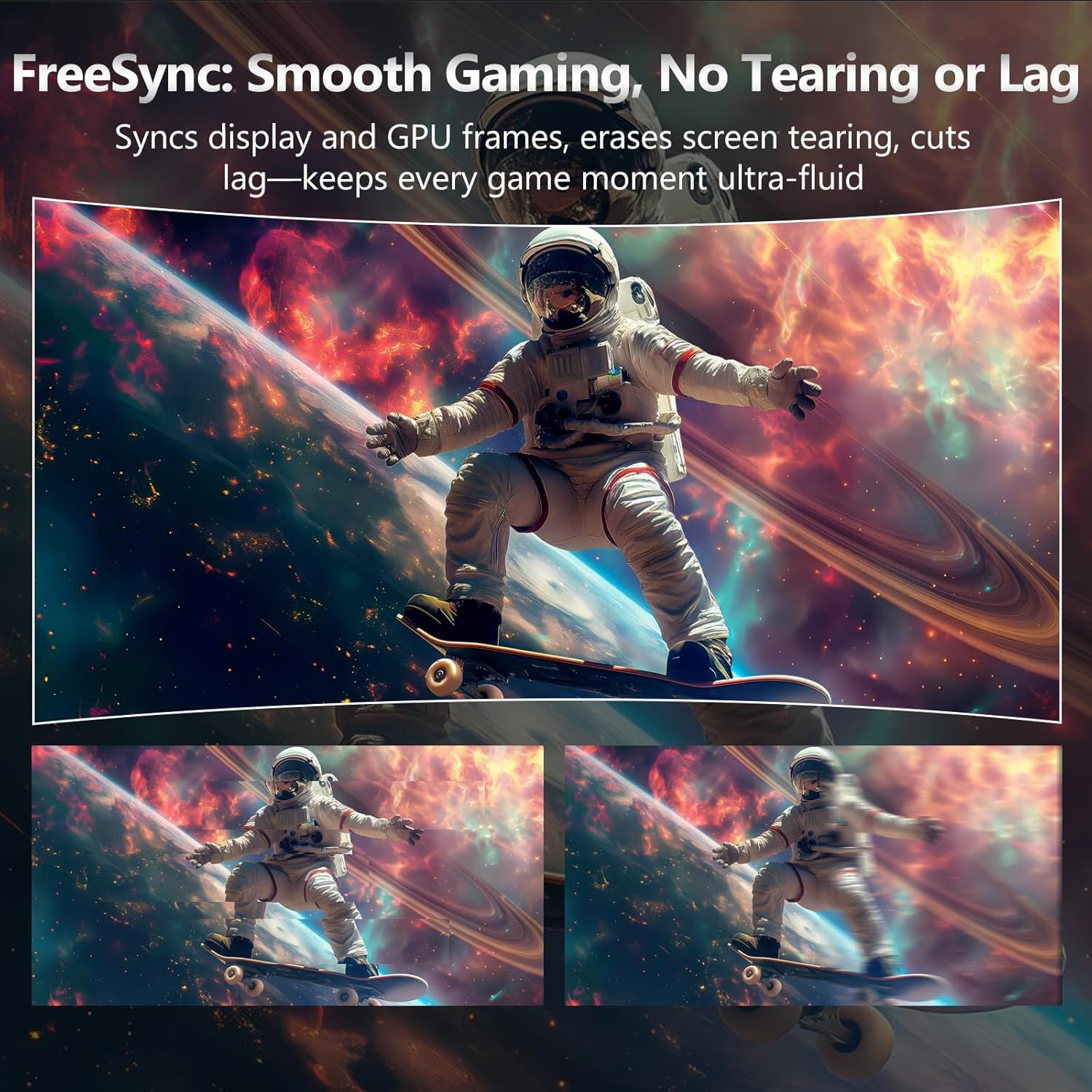
One of the more convincing parts of the spec is AMD FreeSync Premium. The idea is to virtually eliminate (or at least heavily reduce) screen tearing, stutter, and input latency variations that can show up when the frame rate doesn’t stay perfectly synced to the monitor’s refresh.
In practical terms, if you’re gaming on a PC setup where frame rates fluctuate, FreeSync Premium can be the difference between “mostly okay” and “feels noticeably steadier”. That said, you’ll want to set expectations: if the GPU output is far below what you’re targeting, 200Hz won’t be fully utilised.
The curved Full HD setup (1650R)
The 1650R curvature is designed to create a more immersive field of view. With a 24-inch size, it can feel like the screen wraps a bit closer to you during gameplay or movies, rather than sitting flat and demanding more head movement.
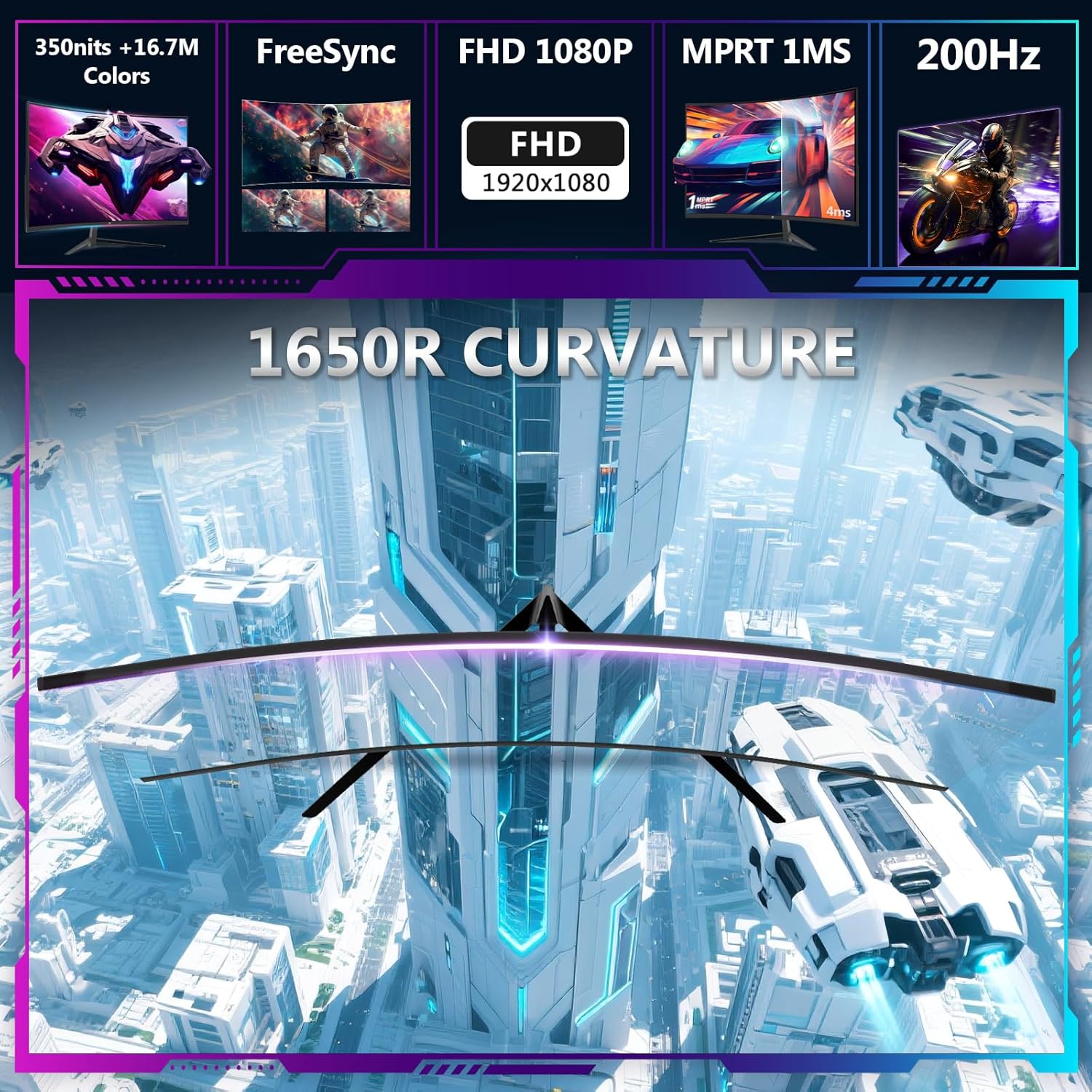
It’s also a Full HD 1920x1080 16:9 panel with HDR10 mentioned in the description. If you’re mostly playing at desk distance and you want a monitor that’s comfortable for long sessions, the curvature plus “good-enough” resolution can make a real difference. But it’s still Full HD—so if you’re chasing ultra-fine detail for productivity or very high-resolution content, this may feel more like a gaming-first choice than an all-round powerhouse.
Connections and setup: HDMI & DisplayPort
For connectivity, the monitor includes one HDMI 2.0 input and one DisplayPort 1.4 input. Both are stated to support up to 200Hz refresh rate.
Worth noting: you do need a graphics card (or source device) that supports 200Hz for that to actually happen. If your GPU can only output at lower rates, you’ll still get a working monitor, but the “200Hz” advantage won’t be realised.
In a typical setup, you’d plug in DisplayPort for a PC gaming rig, adjust refresh rate in your operating system/graphics settings, then test responsiveness in your main games. Don’t skip the settings—this is one of those “it’s there, but only if you enable it” situations.
Eye-care and daily comfort
The listing also points to flicker-free and low blue light features, which are aimed at reducing eye fatigue during prolonged use. This is the sort of addition that won’t make a dramatic difference in a single gaming session, but can matter if you’re using the monitor for a mix of gaming and browsing or late-night movies.

As with most comfort features, results vary from person to person and room conditions, but it’s a sensible inclusion for a monitor you may keep running for hours.
Tech specs (quick read)
- Refresh rate: 200Hz
- Response time: 1ms MPRT
- Panel type: VA
- Resolution: Full HD 1920x1080
- Aspect ratio: 16:9
- Brightness: 300cd/m²
- Curved screen: 1650R
- Connectivity: HDMI 2.0, DisplayPort 1.4
- Adaptive sync: AMD FreeSync Premium
- Eye-care: flicker free, low blue light
- Mounting: VESA-compatible
- Colour: Black
¿Merece la pena? A practical buying decision
It’s a good fit if you want a curved 24-inch gaming monitor where smooth motion is a priority, and your PC setup can support high refresh rates (the 200Hz claim only really matters if you can actually run it). FreeSync Premium is also a sensible choice for games where frame rates may not be perfectly locked.
It may not be for you if you’re buying mainly for crisp office-style work or you expect a top-tier HDR/colour experience beyond what a VA Full HD panel can reasonably deliver. It’s more of a mid-range gaming-centred pick than a “do everything at the highest visual standards” monitor.
Who it suits best (and who should skip it)
This monitor suits you if you’re building a desk setup for competitive play or fast action viewing, and you’re comfortable tuning your display settings to get the refresh rate and adaptive sync working properly.
You may want to skip it if you only plan to run at lower frame rates, or if you’re looking for a more premium display experience where resolution and image performance are the main selling points.
Mini FAQ
Will I get 200Hz on this monitor?
The monitor is stated to support up to 200Hz over both HDMI 2.0 and DisplayPort 1.4, but you’ll need a graphics card/source device that supports 200Hz and the right settings.
Is FreeSync Premium included?
Yes—AMD FreeSync Premium is mentioned, designed to help reduce tearing, stutter, and input latency effects when frame rates aren’t perfectly stable.
Is it good for movies as well as games?
The curved screen and HDR10 mention suggest it’s intended for mixed viewing. Real-world results depend on content and lighting, but it’s built to be immersive rather than strictly gaming-only.
Does it support wall mounting?
Yes, it is VESA-compatible, so wall mounting should be possible if you have the right VESA mount hardware.
Does the monitor help with eye comfort?
Flicker free and low blue light features are included, which may reduce eye fatigue during longer sessions—though personal comfort still varies.