

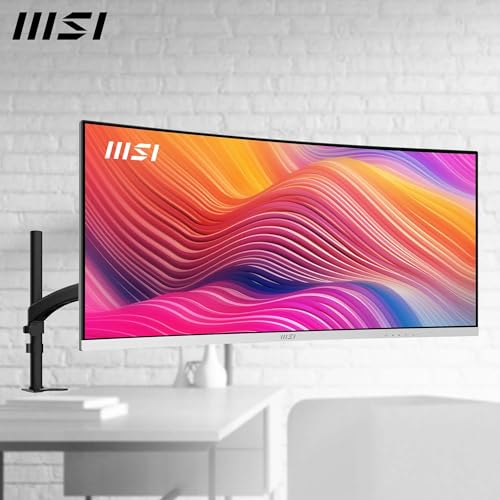
MSI Modern MD342CQPW 34-inch UWQHD curved monitor
Product description
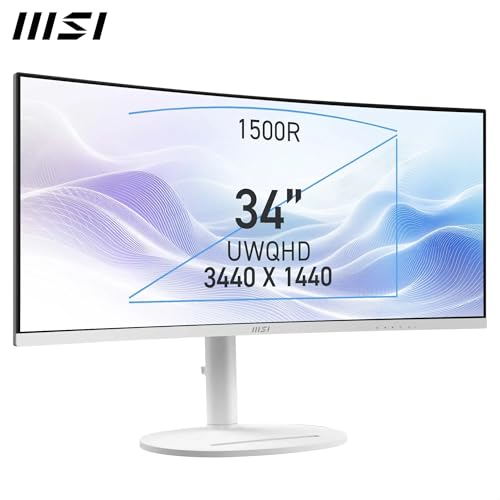
This 34 inch curved UWQHD monitor from MSI focuses on immersive productivity with a 1500R panel that wraps the field of view and increases on-screen workspace for editing, spreadsheets and multitasking. It combines a high-resolution 3440 x 1440 VA display, KVM support and built-in speakers to simplify a desktop where one screen needs to do more of the work.
Key Points
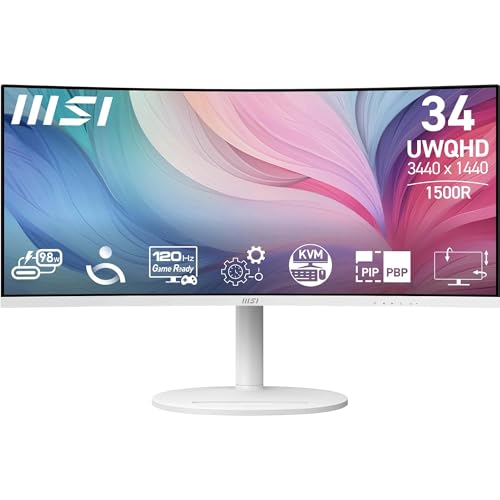
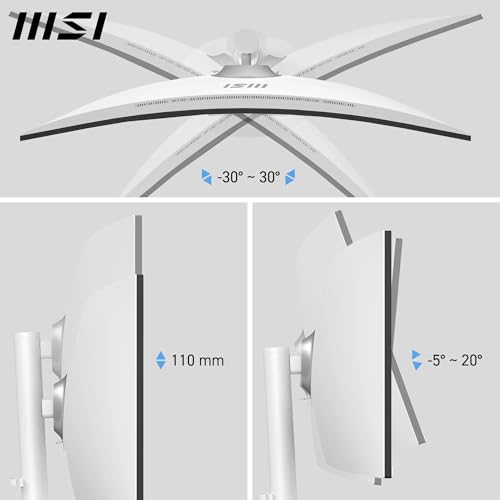
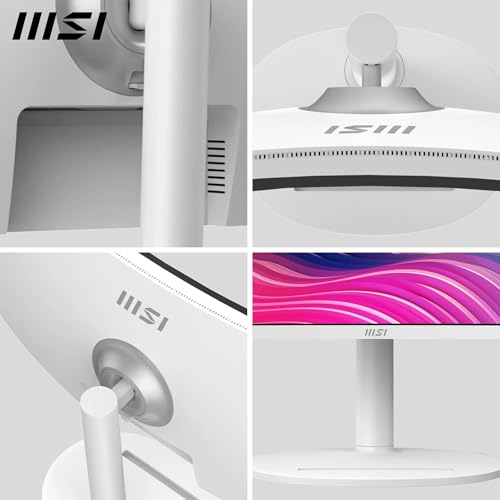
The screen offers a wide colour gamut and higher contrast, which helps with photo and video review as well as everyday content. Picture-in-picture and picture-by-picture modes let you view multiple inputs at once, while KVM functionality allows control of two connected systems with a single keyboard and mouse. The stand offers three-way adjustment and a cable clip for neater setups, and the panel includes an anti-glare coating to reduce reflections during long sessions. Note that the manufacturer specifies TÜV Rheinland Eye Comfort certification and blue light reduction to ease eye strain during extended use.
Technical Specifications
- Name: MSI Modern MD342CQPW
- Panel type: VA
- Resolution: 3440 x 1440 (UWQHD)
- Curvature: 1500R
- Colour gamut: 92% Adobe RGB, 95% DCI-P3, 119% sRGB
- Brightness: 300 cd/m²
- Contrast ratio: 3500:1
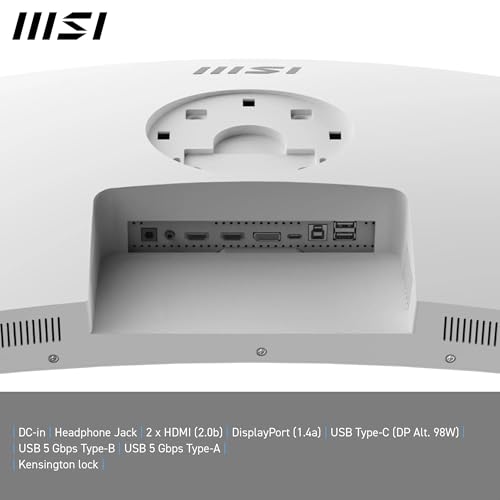
- Ports: HDMI 2.0b, DisplayPort 1.4a, USB-C (DP Alt Mode, 98W PD), USB-B 5 Gbps, two USB-A 5 Gbps
- Audio: Dual 3 W built-in speakers, headphone output
Benefits
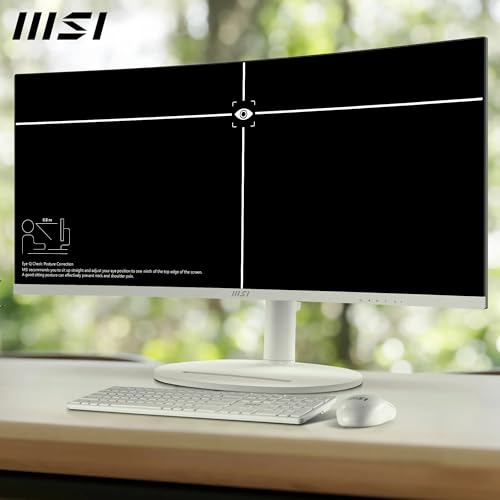
The expanded horizontal workspace reduces the need for multiple monitors in many tasks and keeps timeline and asset panels visible in creative apps. Colour coverage approaching professional ranges means more accurate previews for colour grading, according to the manufacturer. The high native contrast of the VA panel helps deliver deeper blacks than many IPS alternatives, which may be useful for watching films or working with HDR-like content. USB-C with 98W power delivery also allows a compatible laptop to be charged while sending video and data, reducing cable clutter.
Usage Recommendations
Use PIP or PBP when presenting or referencing material from a second computer, and enable the KVM to switch control without swapping peripherals. For extended editing or office days, turn on the Eye Comfort mode to reduce blue light and enable the anti-flicker setting to help prevent fatigue. For wall or arm mounting, the 75 mm VESA holes are compatible with common mounts; if you rely on highly calibrated colour work, consider a hardware or software calibration step, since panel characteristics can vary unit to unit.
Consider that the VA panel’s viewing angles are narrower than some IPS models, so side viewing may shift colour or contrast at extreme angles. Also, the listed brightness is moderate at 300 cd/m², which may be less suitable in very bright ambient environments.