

Z-Edge 34 Inch Ultrawide Curved Gaming Monitor review
Product description
What it is and who it’s for
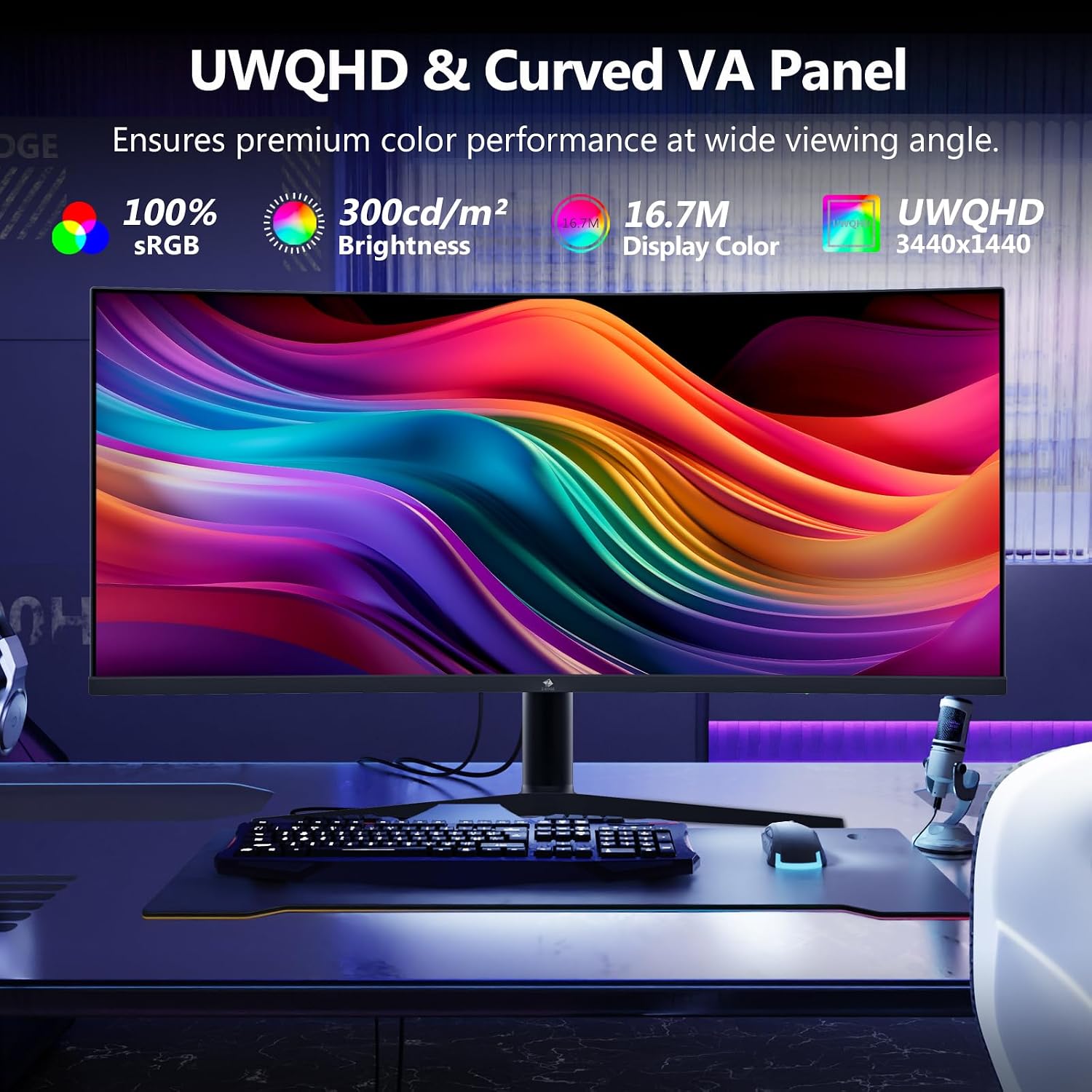
The Z-Edge 34 Inch Ultrawide Curved Monitor is designed to widen your visual field with a 21:9 UWQHD panel. It’s aimed at gamers and productivity users who want immersive visuals without swapping between multiple monitors. If you prioritise a broad workspace, fast response, and flexible mounting, this model could sit well in a gaming setup or a home office.
Performance and image quality in use
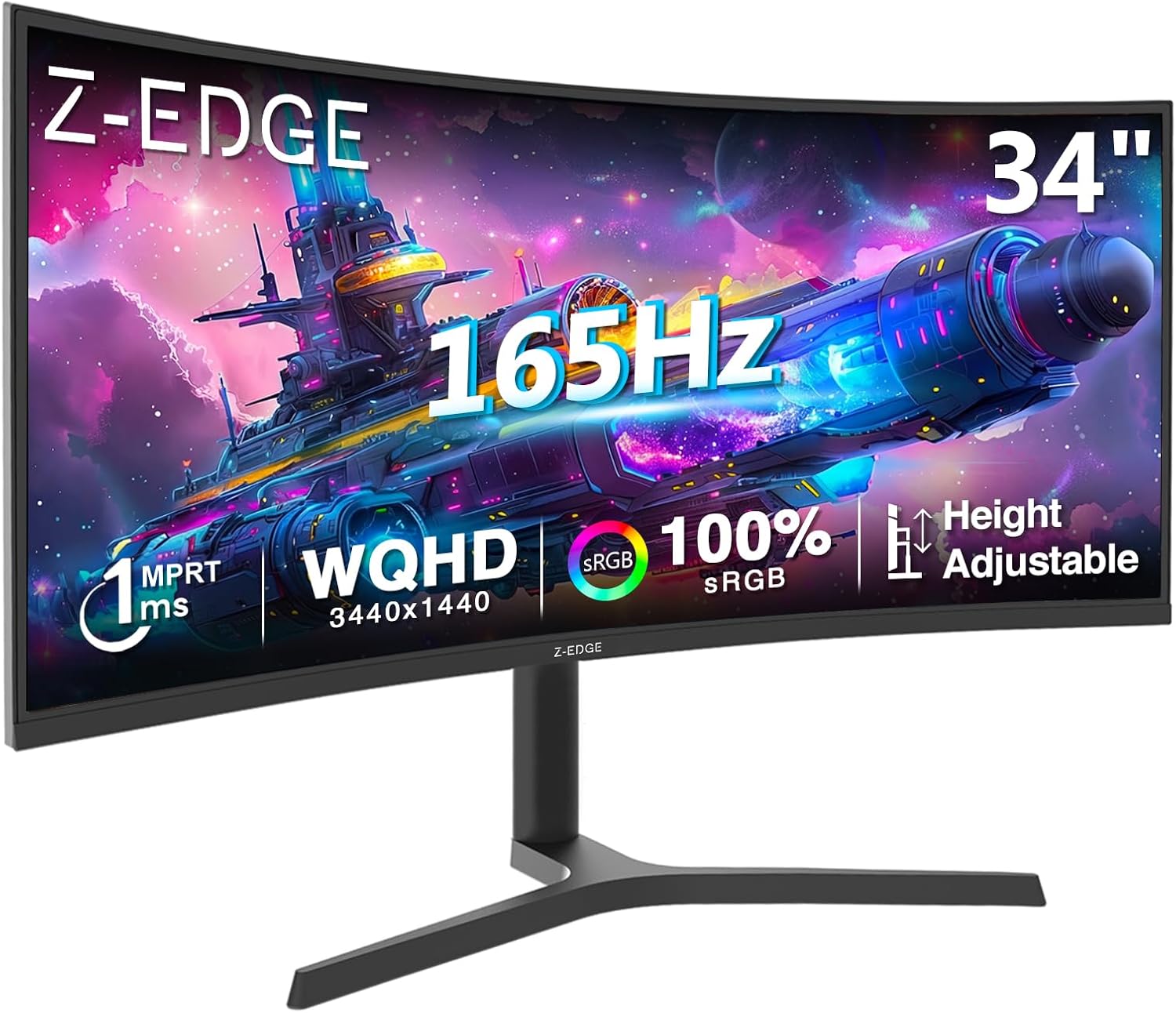
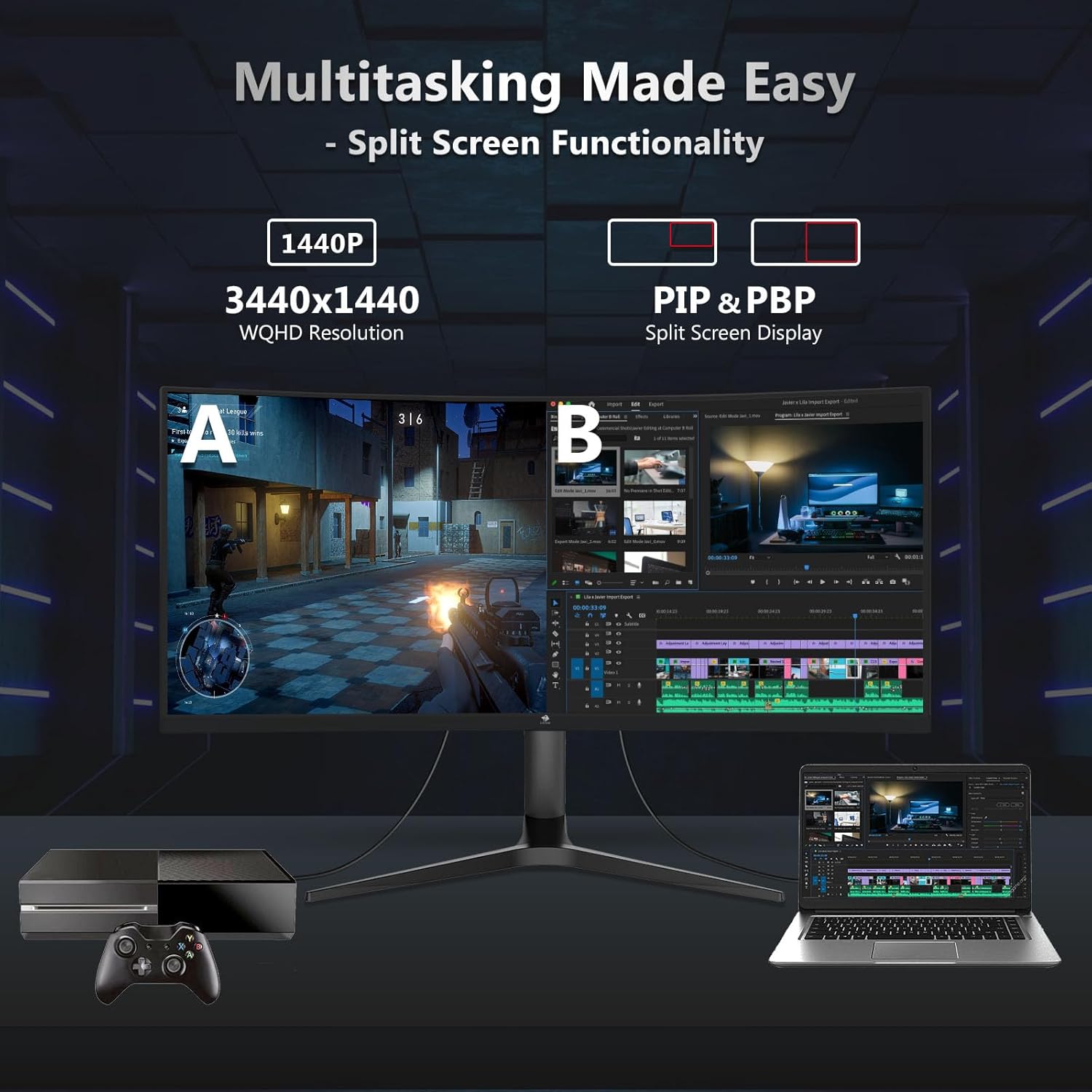
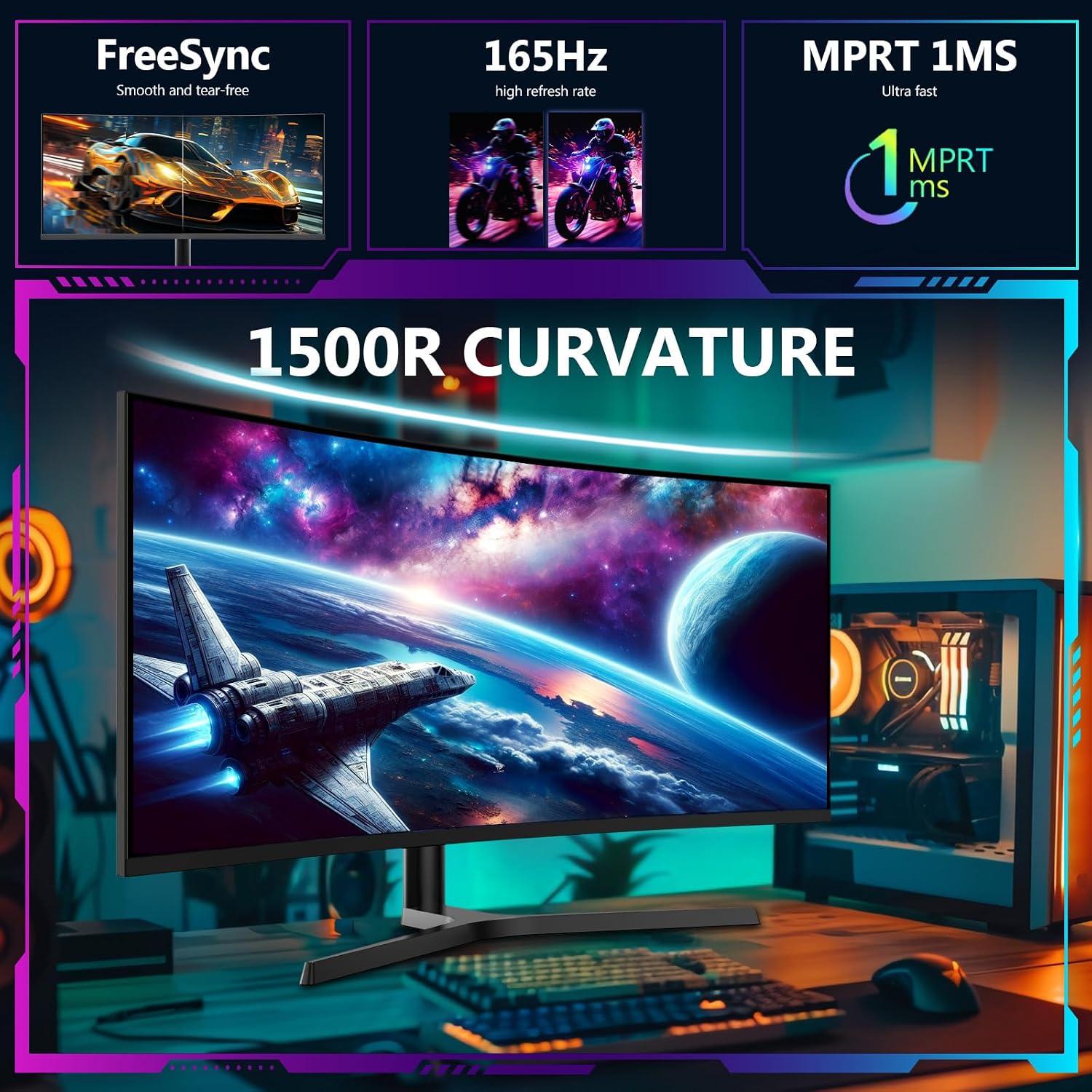
On paper, you get a 3440x1440 resolution, a 165 Hz refresh rate over DisplayPort, and a 1 ms MPRT ghosting reduction. The 21:9 ultrawide format helps with racing titles and cinematic scenes, while PIP & PBP keep multitasking from a single screen. The backlighting RGB light adds ambience but doesn’t affect core performance. Real-world experience will hinge on your GPU and game settings, you may find 165 Hz demanding to sustain in newer titles at the elevated resolution.
The good bits
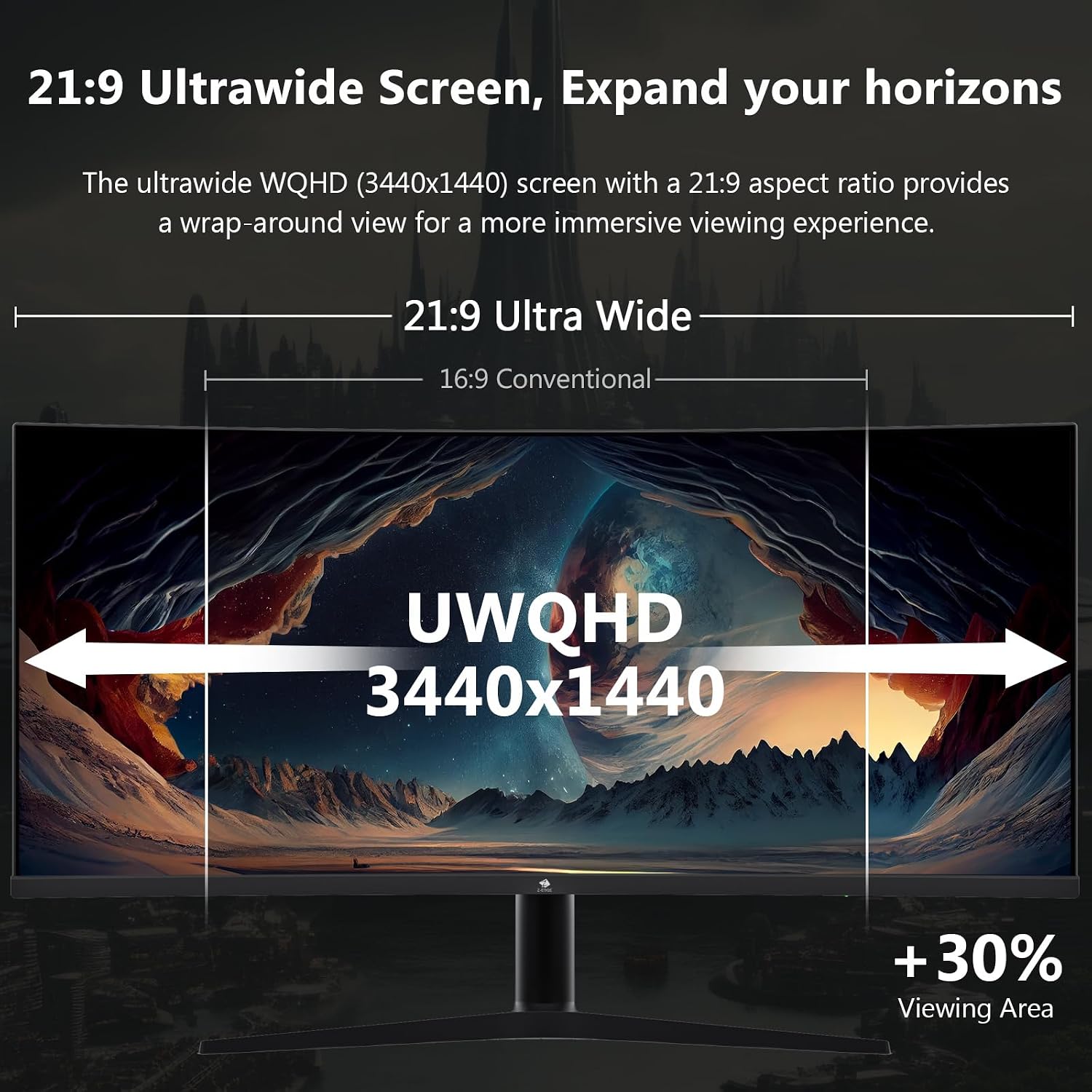
- Immersive ultrawide screen for racing games and productivity multitasking.
- High refresh with quick response helps reduce motion blur when esports timing matters.
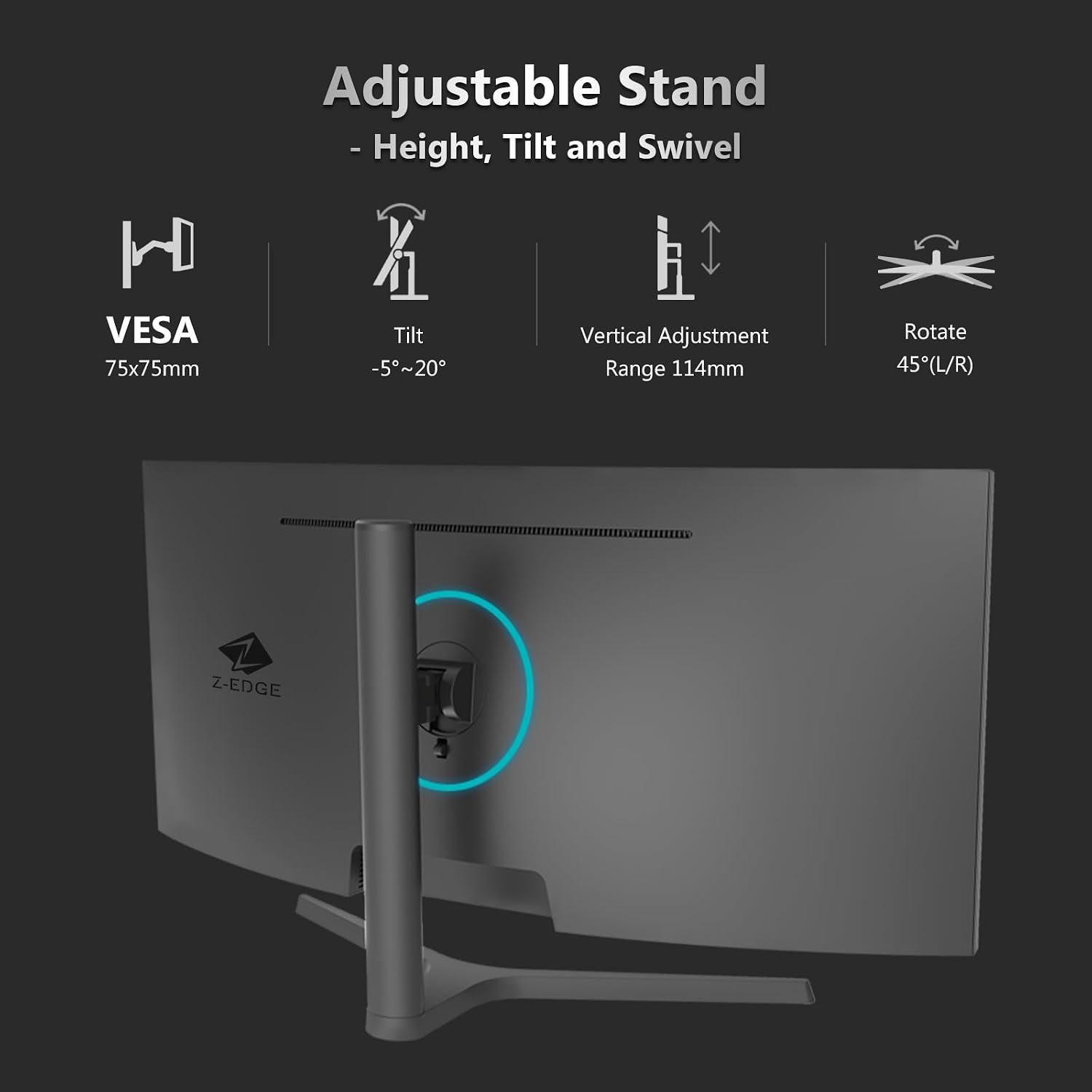
- Flexible stand with height adjust, tilt and swivel for comfortable viewing angles.
- Multiple inputs (two HDMI, two DisplayPort) support easy switching between devices.
- VESA compatibility for wall mounting to free desk space.
The caveats and limitations
- Built-in speakers are not included, you’ll need external audio.
- The HDMI refresh rate tops out at 100 Hz, which is still good but not the maximum the DP offers.
- As with any ultrawide panel, you may notice letterboxing in some 16:9 games or apps.
- No numerical data on peak brightness or contrast is provided here, so you’ll need to judge on your own viewing needs and lighting.
Who it suits best
- Gamers who want a wide field of view without a dual-monitor setup.
- Home workers or content creators who can benefit from multitasking with PIP/PBP.
- Desk users who can utilise VESA mounting to save space.
Who might want to steer clear
- If you rely on built-in speakers, you’ll need external audio, if space is extremely tight, the ultrawide footprint could be a constraint.
- If you primarily game at 1080p or 4K, some workflows may not leverage the full 3440x1440 advantage.
How to decide when to buy
Think about whether your favourite titles benefit from a wider canvas and whether your GPU can consistently push high frame rates at UWQHD. If you value fluid motion in fast games and the ability to run many applications side by side, this model can offer a sensible balance between immersion and productivity.
What to check before buying
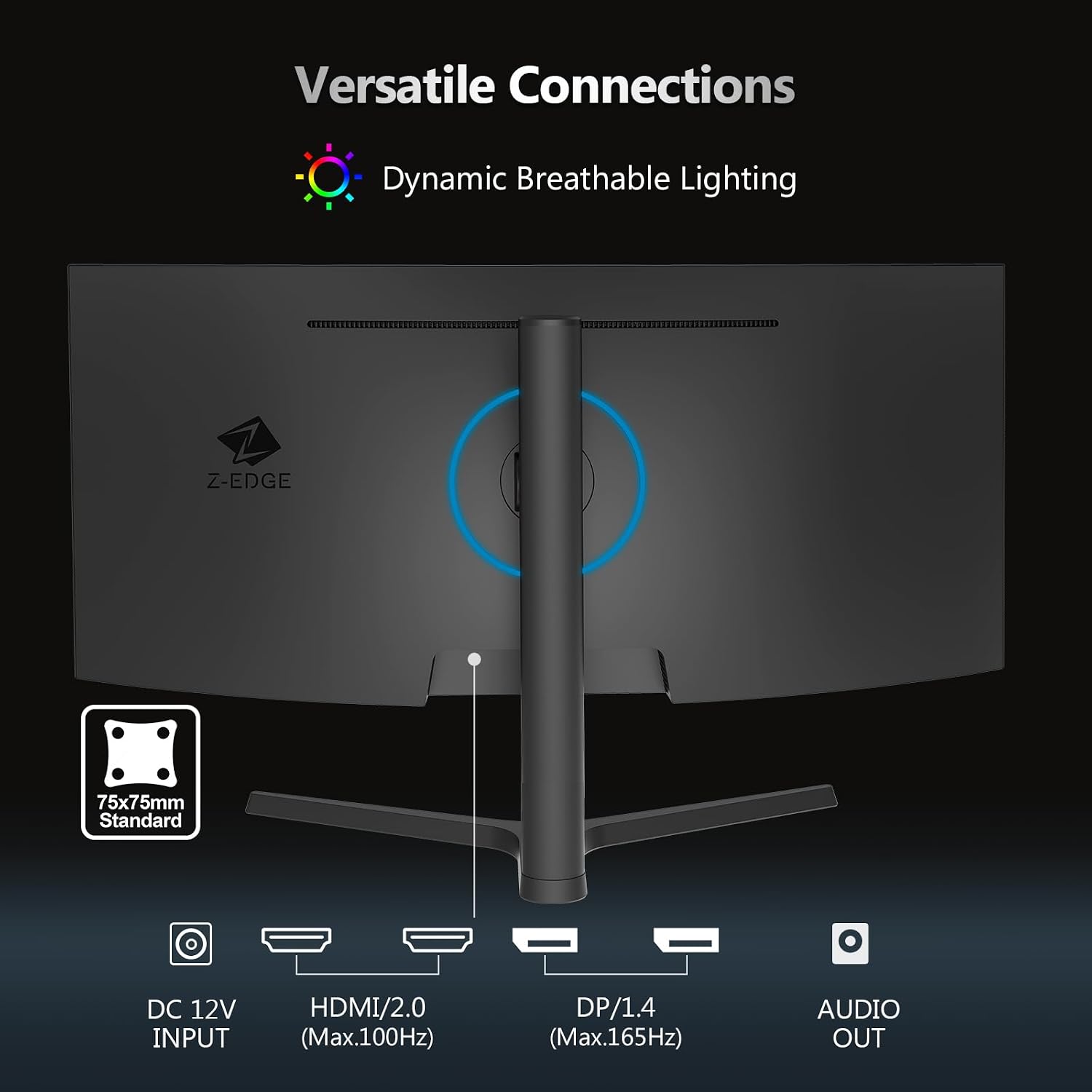
- Ensure your graphics card and cables can support 165 Hz on DisplayPort at 3440x1440, HDMI offers up to 100 Hz, which is still fast but different on not all GPUs.
- Confirm your workspace can accommodate a 34-inch curved panel and a height-adjustable stand for ergonomic comfort.
- Consider whether you’ll use wall mounting via VESA and whether your desk layout supports ultrawide screens without obstruction.
Practical usage snapshot
Imagine driving a highway race while keeping an eye on a streaming chat or reference documents on the side. The curved, ultrawide screen helps keep both into view at once, though you may still need to tweak in-game FOV and window placements to match your line of sight.
FAQ
- Do I get speakers? No built-in speakers are mentioned, plan for external audio.
- Can I run 165 Hz on HDMI? The monitor supports up to 165 Hz on DisplayPort and up to 100 Hz on HDMI.
- Is this good for work or only gaming? The PIP/PBP features and widescreen real estate also aid multitasking for productivity.
The final decision
Final verdict
It’s worth considering if you prioritise an expansive viewing area and smoother motion in fast titles, and you have space for a 34-inch ultrawide. It won’t be perfect for everyone—HDMI limits and absence of speakers are factors to address. If you value immersion with practical multitasking, this model offers a measured balance between gaming performance and day-to-day use.