

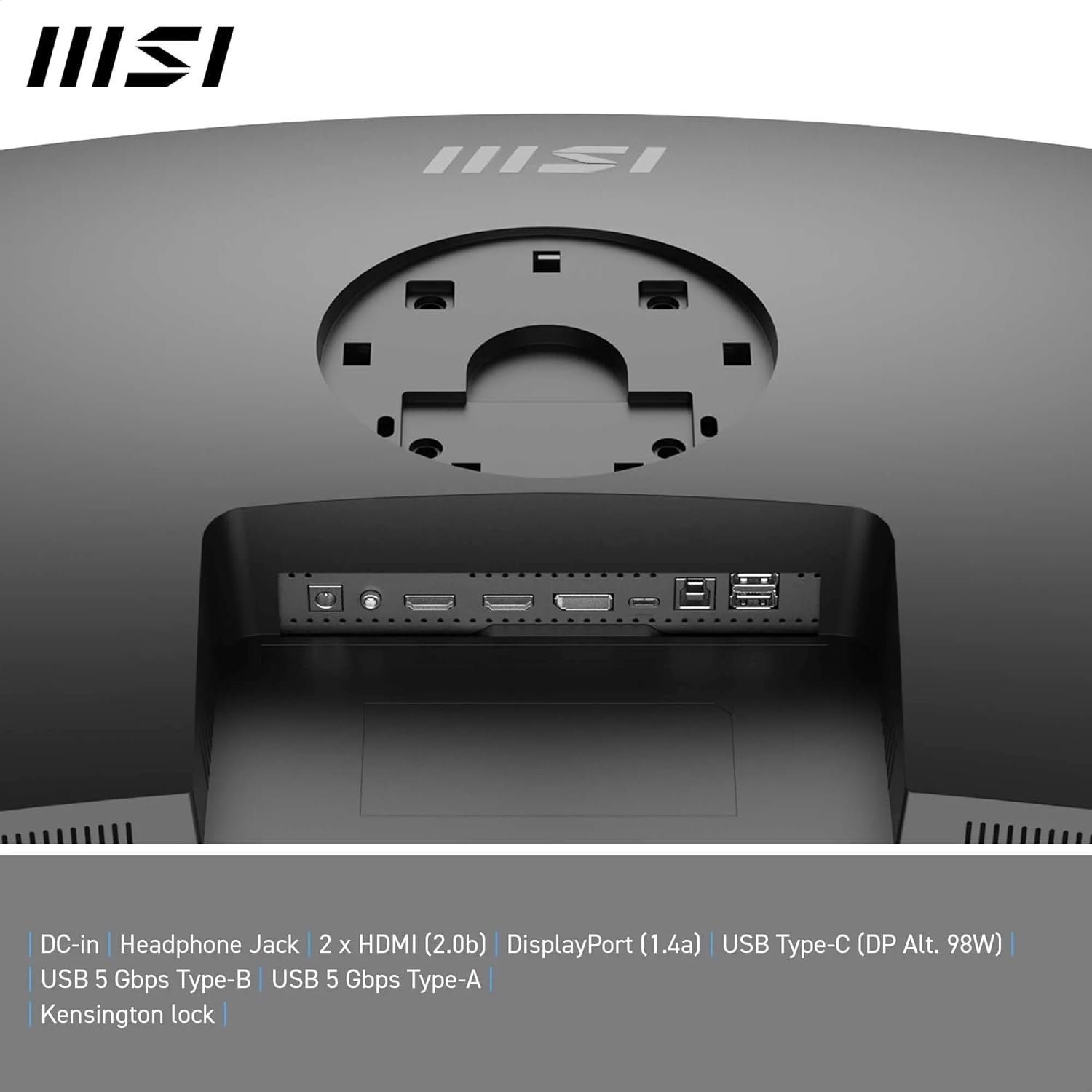
MSI Modern MD342CQP 34-Inch UWQHD Curved Monitor review
Product description
What it is and who it suits
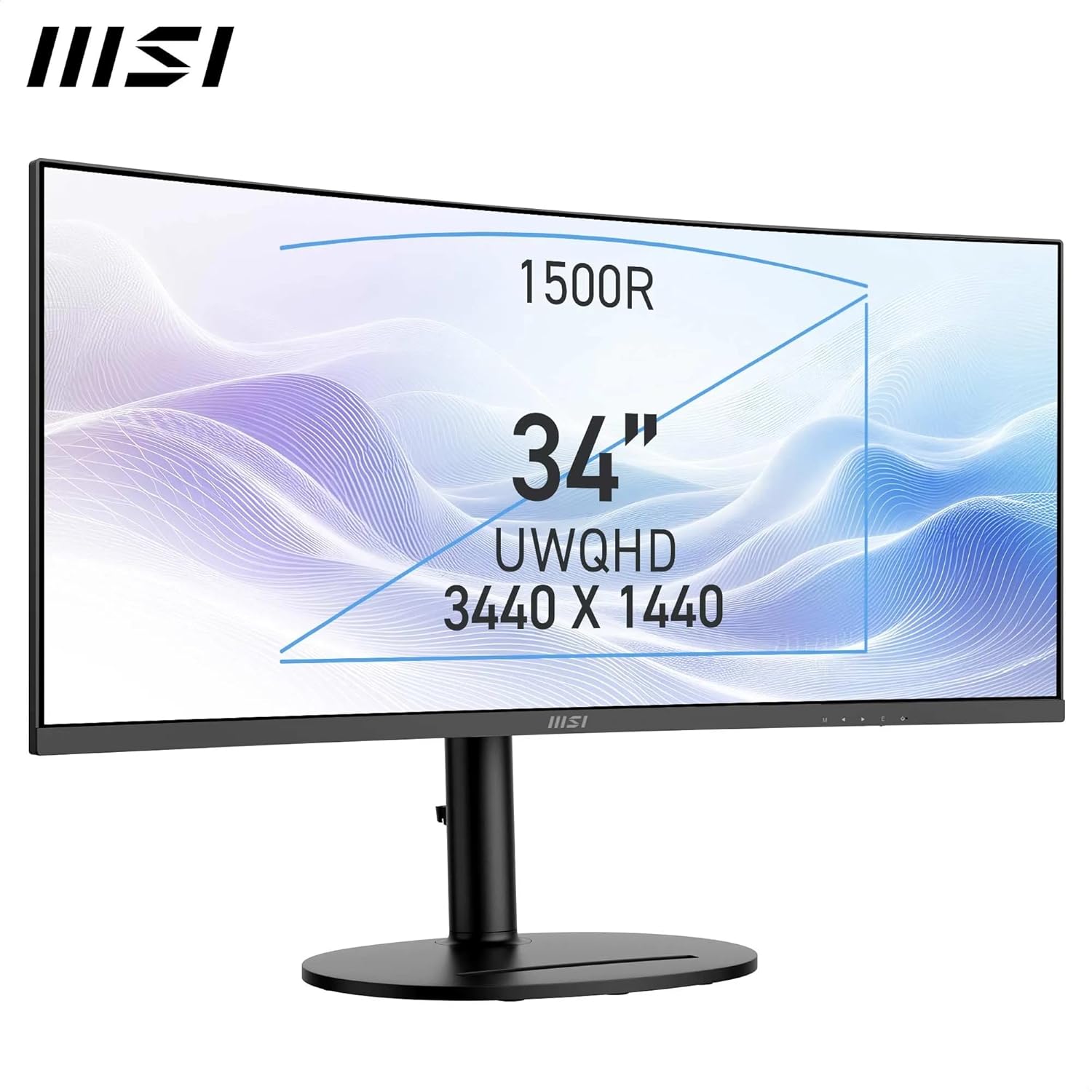
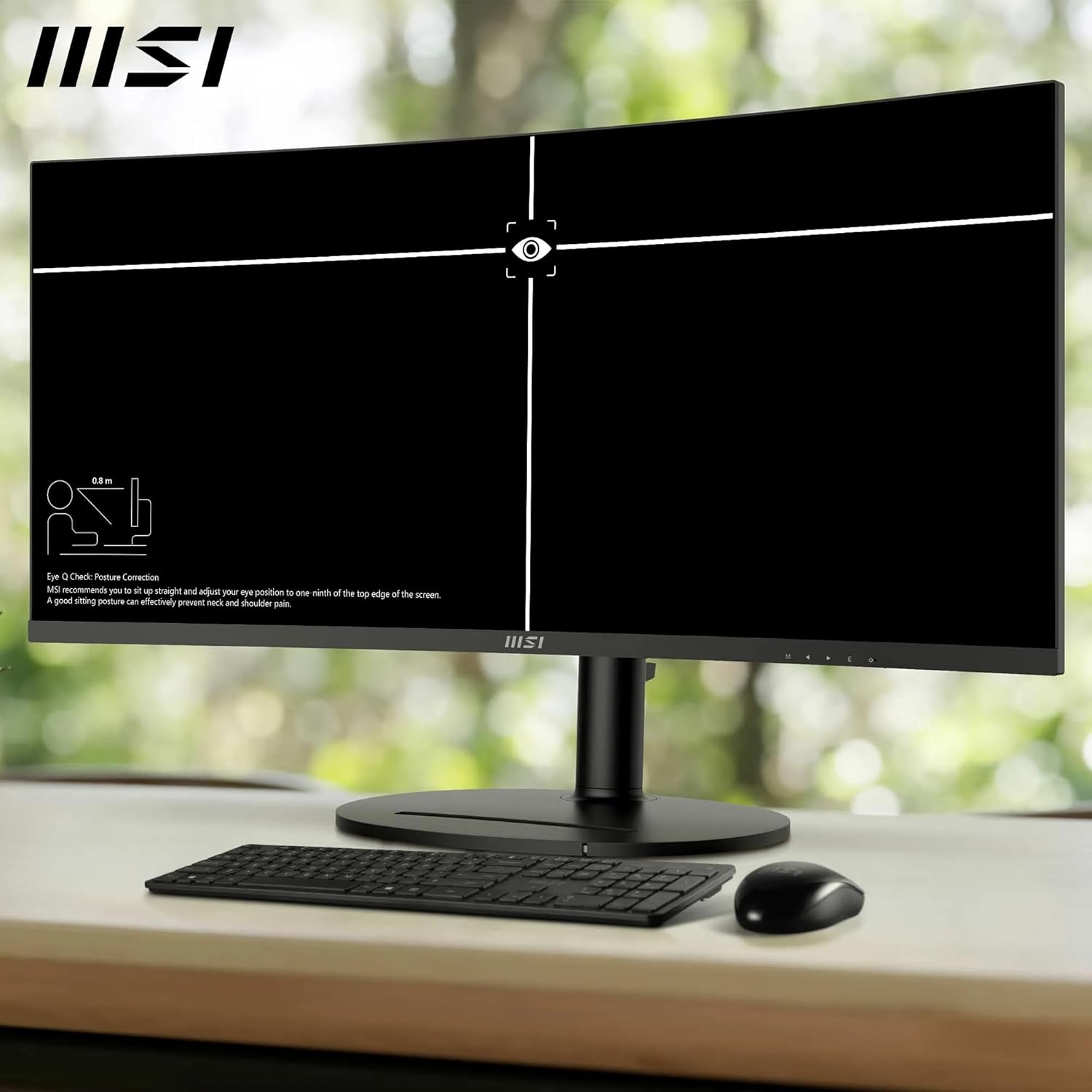
The MSI Modern MD342CQP is a 34-inch curved monitor delivering UWQHD (3440 x 1440) resolution on a 1500R VA panel. It’s aimed at multi-tasking and productivity, with features like PIP/PBP, KVM, built‑in 3W speakers and a wide colour gamut. If your setup benefits from a single, expansive display for both work and media, this model promises to streamline workflows without swapping between devices.
How it performs on paper
On paper the panel offers a respectable 300 nits of brightness and a high contrast of 3500:1, with wide colour coverage (92% Adobe RGB, 95% DCI‑P3, 119% sRGB). That translates to more vibrant images and clearer text at its UWQHD resolution. The MSI Productivity Intelligence software adds on-screen controls and adjustments which can help tailor the image to different tasks. Eye comfort features are part of the package, including TÜV Rheinland Eye Comfort certified Less Blue Light and anti‑flicker tech, plus Eye‑Q Check to reduce fatigue during long sessions.
What stands out day to day
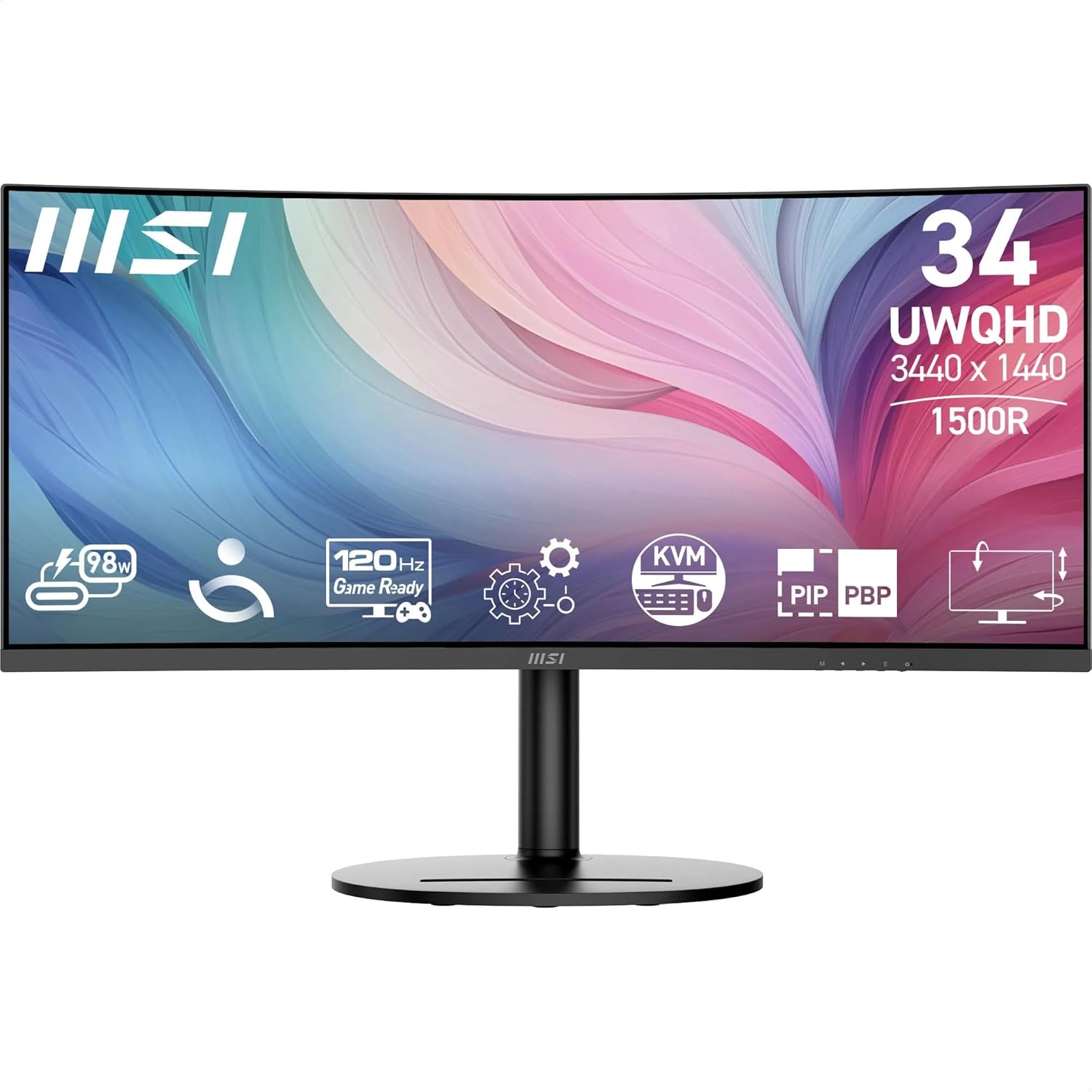
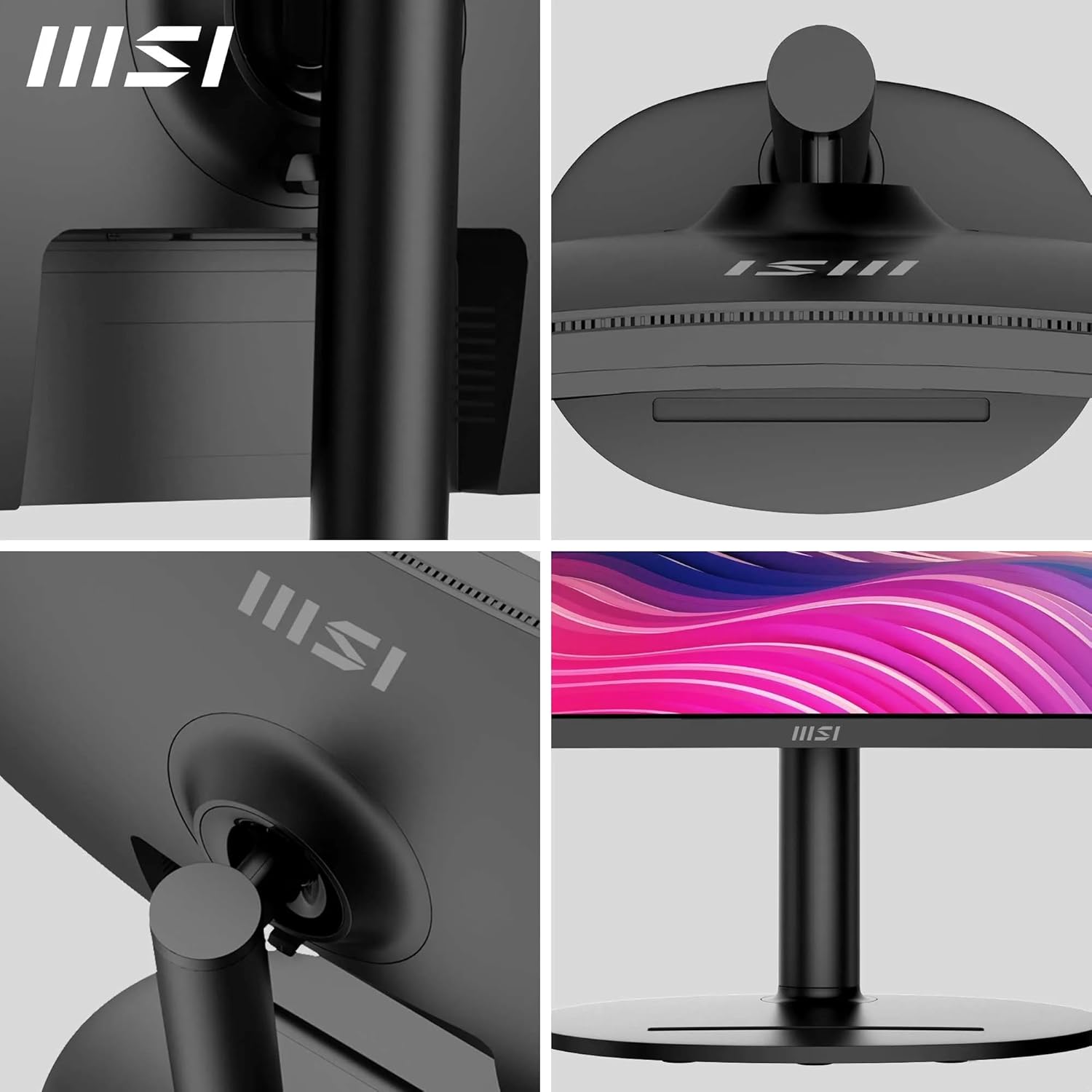
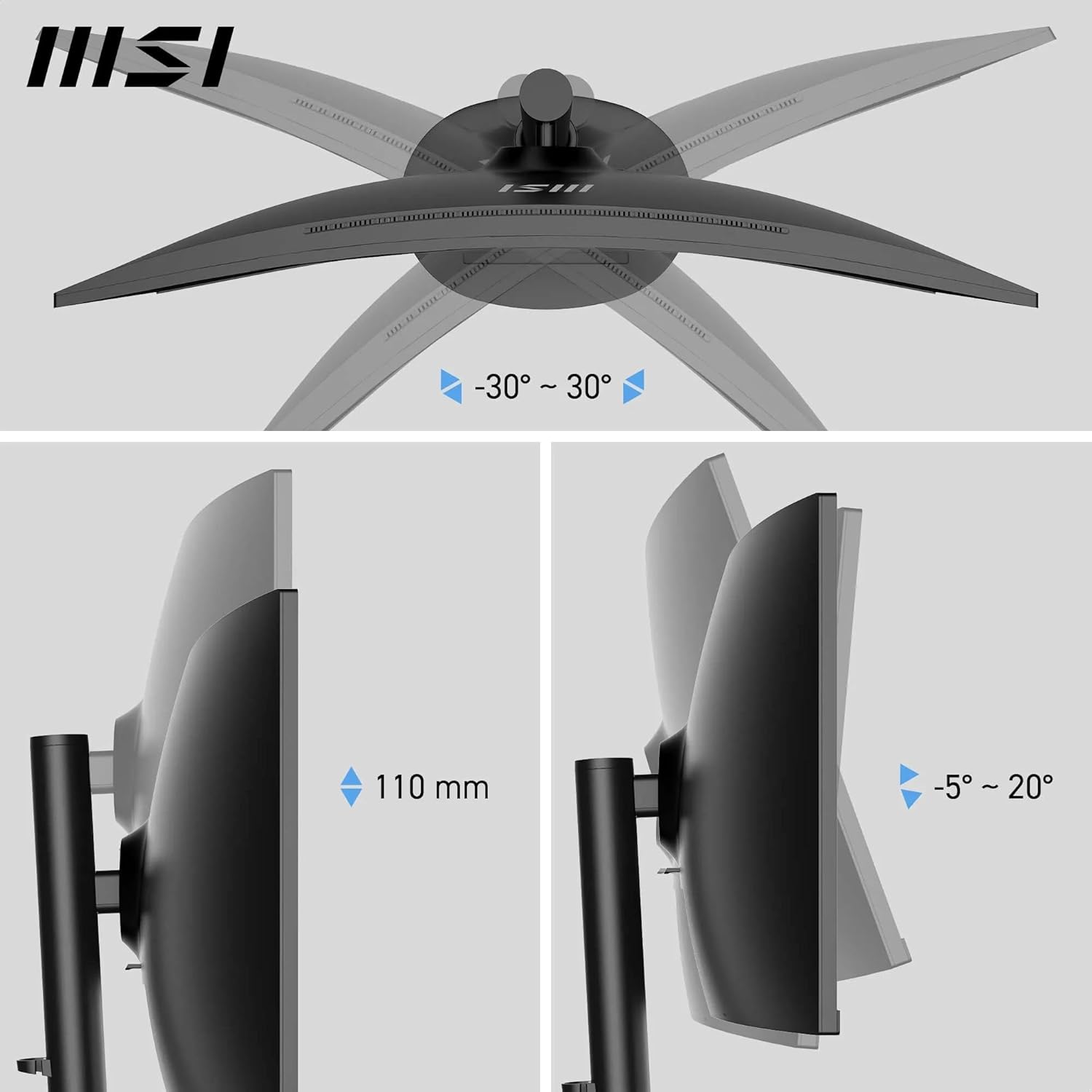
The stand offers 3‑axis adjustability and there’s a 75mm VESA mounting option if you prefer wall or arm mounting. The monitor includes a practical 3W built‑in speaker and multiple inputs: HDMI 2.0b, DP 1.4a, and a USB‑C/DP Alt‑PD capable port, with USB Type‑B 5Gbps and two USB‑A 5Gbps ports for peripherals. For multi‑system users, the KVM functionality simplifies switching between devices without a separate switch. There’s also a PIP/PBP mode to keep two data streams visible at once.
What could be better in practice
Three things to note: first, brightness at 300 nits is adequate for typical indoor lighting but may feel restrained in very bright rooms or with HDR expectations. Second, VA panels can exhibit slower response times and viewing‑angle dependency compared with IPS panels, so fast gaming or critical colour work might show trade‑offs. Third, while the built‑in speakers are convenient, they aren’t a replacement for dedicated audio. If sound quality matters, external speakers or a headset will beat the on‑board audio.
Who it’s for
It’s a solid option for professionals who want a wide, immersive workspace on one screen and value features like PIP/PBP, KVM and USB‑C connectivity for a tidy desk. It’s suited to engineers, developers, designers, and knowledge workers who juggle multiple documents, browser windows and media feeds simultaneously. If you prioritise colour accuracy, the wide gamut helpfully expands your palette for creative tasks, albeit within the constraints of a VA panel.
Who it isn’t for
If you’re chasing the snappiest gaming performance or top‑tier colour accuracy, this model may not be the best fit. The 300 nits brightness and VA/colour characteristics imply more compromise for high‑end gaming or critical photo/video work. And if you rely heavily on ultranarrow bezels or a higher refresh rate, you’ll want to consider alternatives.
When to buy it
Consider MD342CQP when you need a large, unified display to simplify multi‑task work across sources (laptop, desktop, or another PC) and you value built‑in KVM, PIP/PBP and a practical set of I/O. If your workflow benefits from a single screen with room to spread out several windows, this monitor delivers the scale and flexibility to support that approach.
What to check before purchasing
- Ensure your devices can use HDMI 2.0b, DP 1.4a or USB‑C with DP Alt/PD as expected.
- If colour critical work is planned, test the panel’s gamut in real life as VA panels can show colour shifts in certain angles.
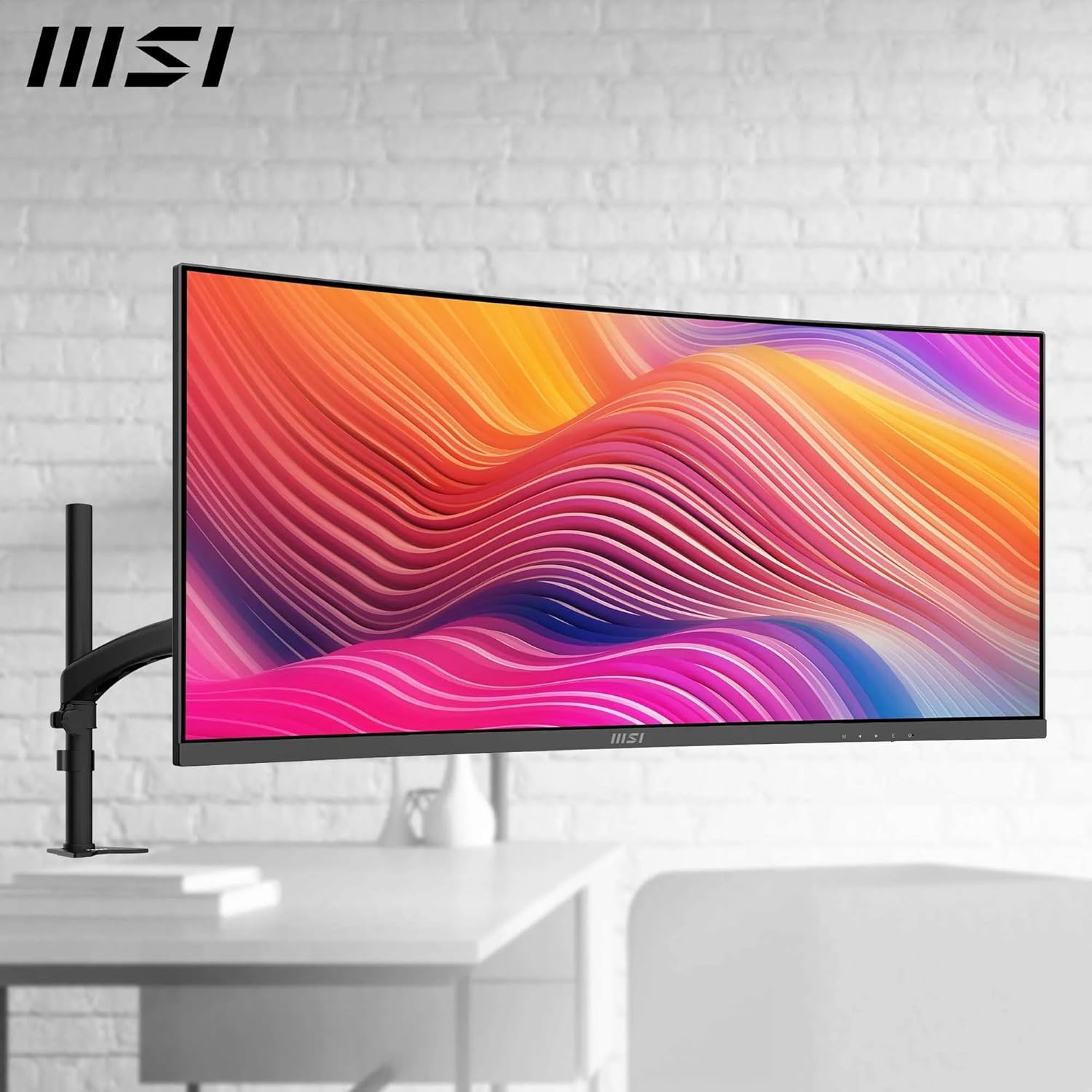
- Consider wall or arm mounting needs and verify desk space for a 34-inch curved display.
Practical usage snapshot
Picture a typical day: you’ve got two browser windows, a code editor, and a video meeting all visible at once thanks to PIP/PBP. You reach for a keyboard shortcut to switch signal inputs across devices via the KVM. The curved screen wraps your field of view a touch more than a flat panel, which helps with immersion during long sessions—though you might want a pair of good monitors for colour‑critical tasks elsewhere in the studio.
FAQ
- Does it support USB‑C with Power Delivery? Yes, the monitor includes a Type C port with DP Alt/ PD support up to 98W.
- Is the display good for office use? Yes, it provides a wide workspace and eye‑comfort features suitable for long days.
- Can I rely on the built‑in speakers? They’re handy for occasional video calls, but for serious audio you’ll want external speakers or headphones.
Is it worth it?
When you value a spacious, flexible workstation with built‑in multi‑device control and decent image quality for everyday productivity, the MD342CQP offers pragmatic features at a sensible price point. It isn’t a high‑end colour or gaming monitor, but for a professional desk where screen real estate and workflow efficiency matter, it makes sense to consider. If your priorities lean toward the absolute best gaming visuals or critical colour accuracy, you may want to look at higher tier options or different panel types.
Quick verdict
Worth considering if you need a capable, sizeable curved screen with multi‑device control and good enough colour for general work and light creative tasks.