

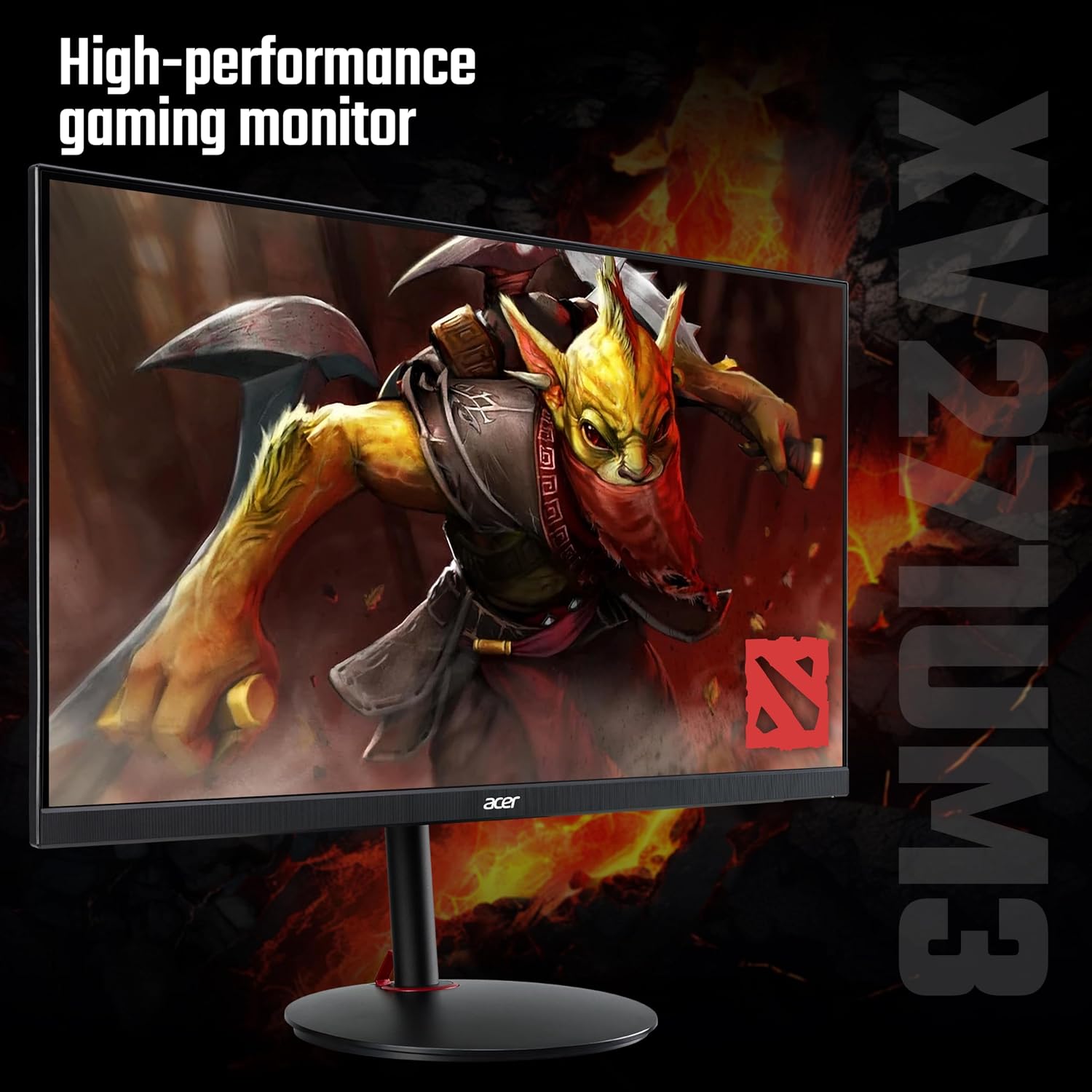
acer Nitro XV271UM3bmiiprfx 27-inch QHD 180Hz gaming monitor
Product description
This 27 inch gaming monitor from Acer brings Quad HD clarity and a high refresh rate to competitive play, helping make fast movements look smoother and fine detail more visible. If you're looking for a 27 inch Quad HD gaming monitor with 180Hz responsiveness, this model aims to balance fluid motion with vibrant colour for varied gaming and media use.
Key Points
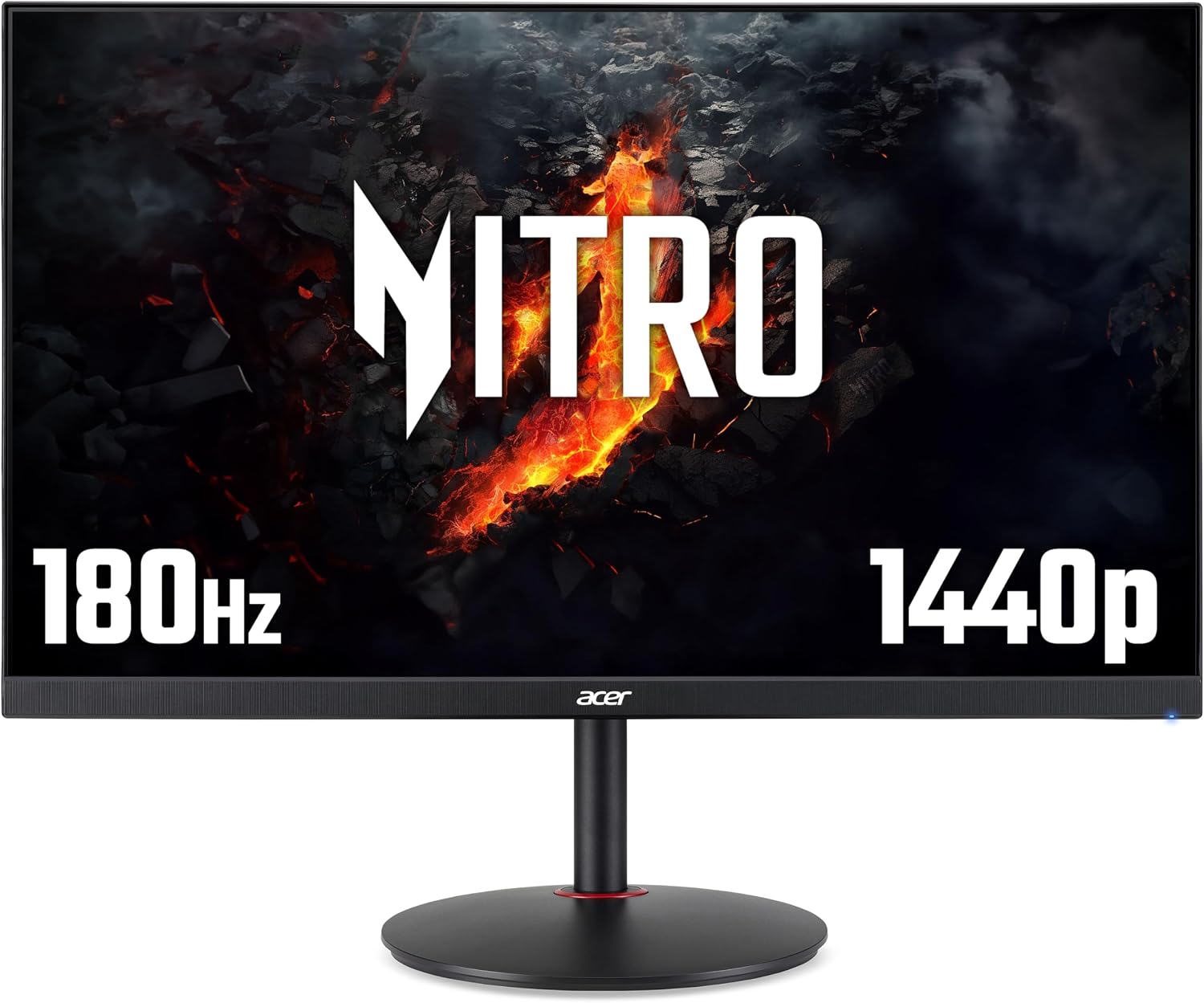
The screen uses an IPS panel that keeps colours consistent across wide viewing angles while maintaining quick pixel response. With a 2560 x 1440 resolution, textures and HUD elements appear sharper than on Full HD panels, which can help in both immersive single player games and fast-paced multiplayer matches. 🎮
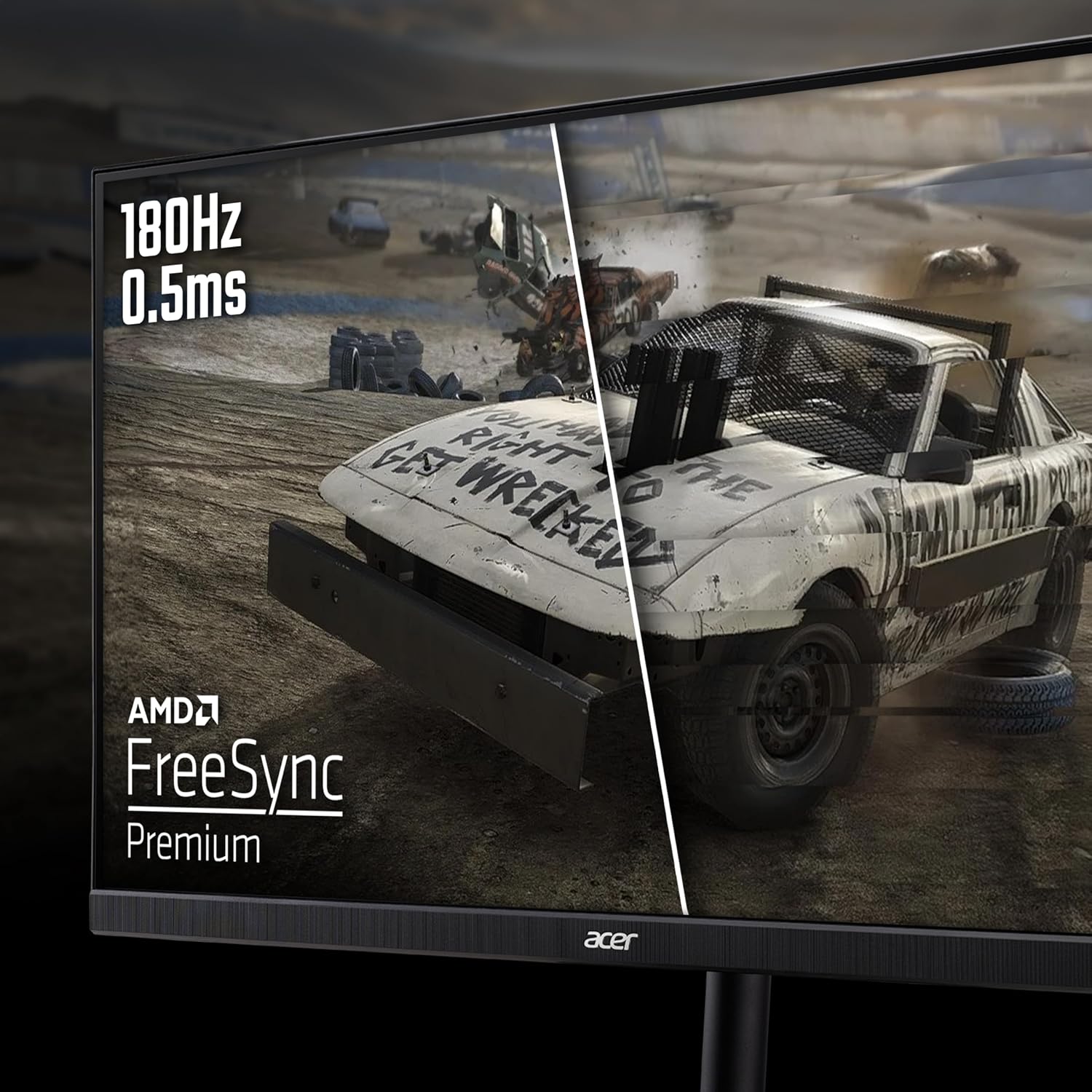
Adaptive sync is covered by AMD FreeSync Premium, so compatible graphics cards can reduce tearing and stutter for a steadier image during intense sequences. The monitor includes HDR10 support for improved contrast and detail in supported titles, although the peak brightness is modest by HDR standards and may limit the impact of HDR highlights according to the manufacturer. 🔆
Built-in audio is provided by two 2W speakers and there is an audio out port for connecting headphones or external speakers. The design suits desktop setups where a compact 27 inch panel and straightforward connectivity are required.
Technical Specifications
- Name: Acer Nitro XV271UM3bmiiprfx
- Panel type: IPS
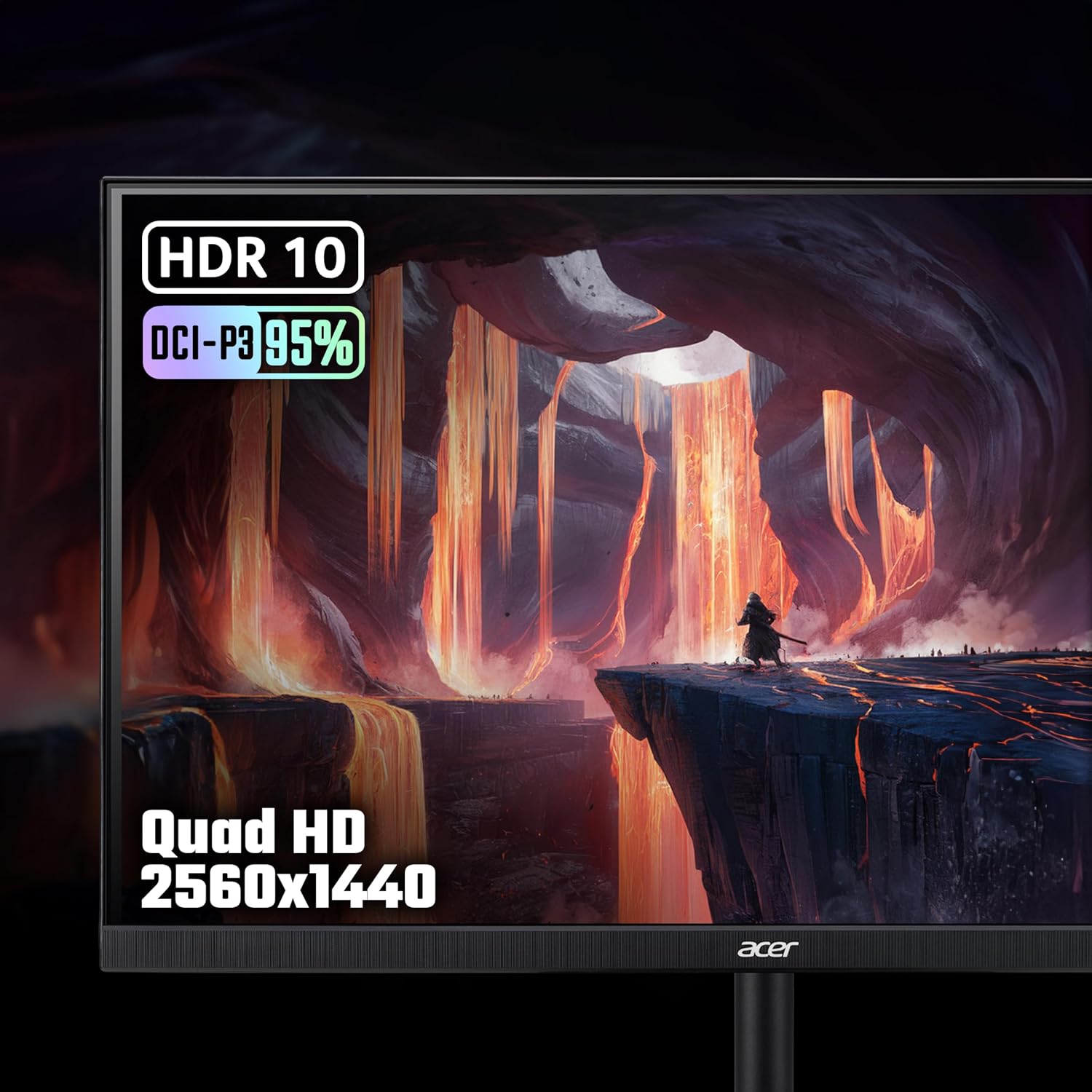
- Resolution: 2560 x 1440 (Quad HD)
- Refresh rate: 180Hz
- Response time: 0.5 ms
- Colour gamut: 95% DCI-P3
- Brightness: 250 nits
- HDR: HDR10
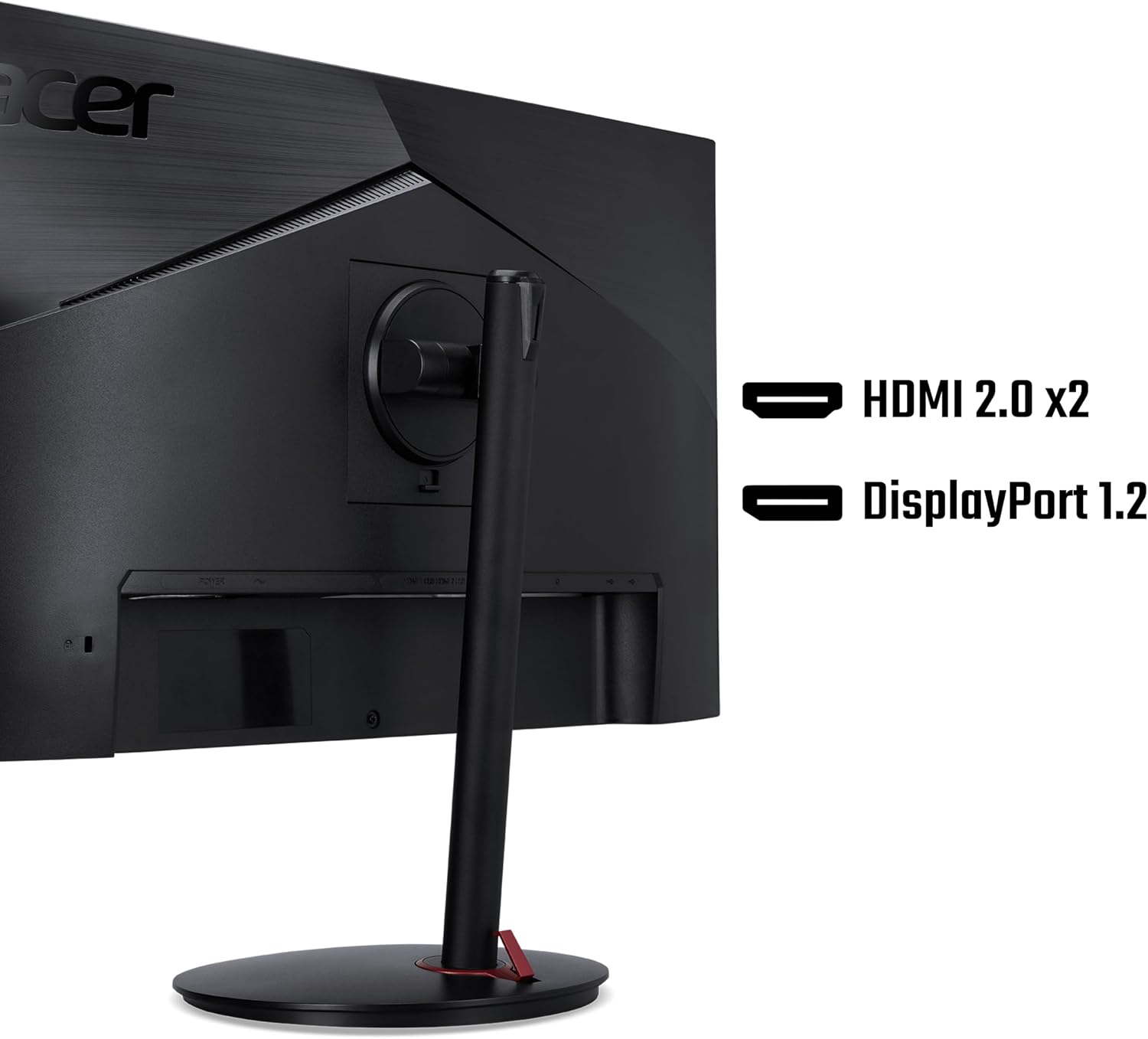
- Inputs: DisplayPort 1.2, HDMI 2.0 (2 ports)
- Audio: 2 x 2W speakers, Audio Out
Benefits
Colours appear richer and more faithful than on standard sRGB panels, which is useful when you want better colour grading or media playback. The high refresh rate and fast response time reduce perceived motion blur and ghosting in fast scenes, which can make aiming and tracking feel more precise. Connectivity options include both DisplayPort and HDMI, so switching between a gaming PC and a console is straightforward. 🎧
Usage Recommendations
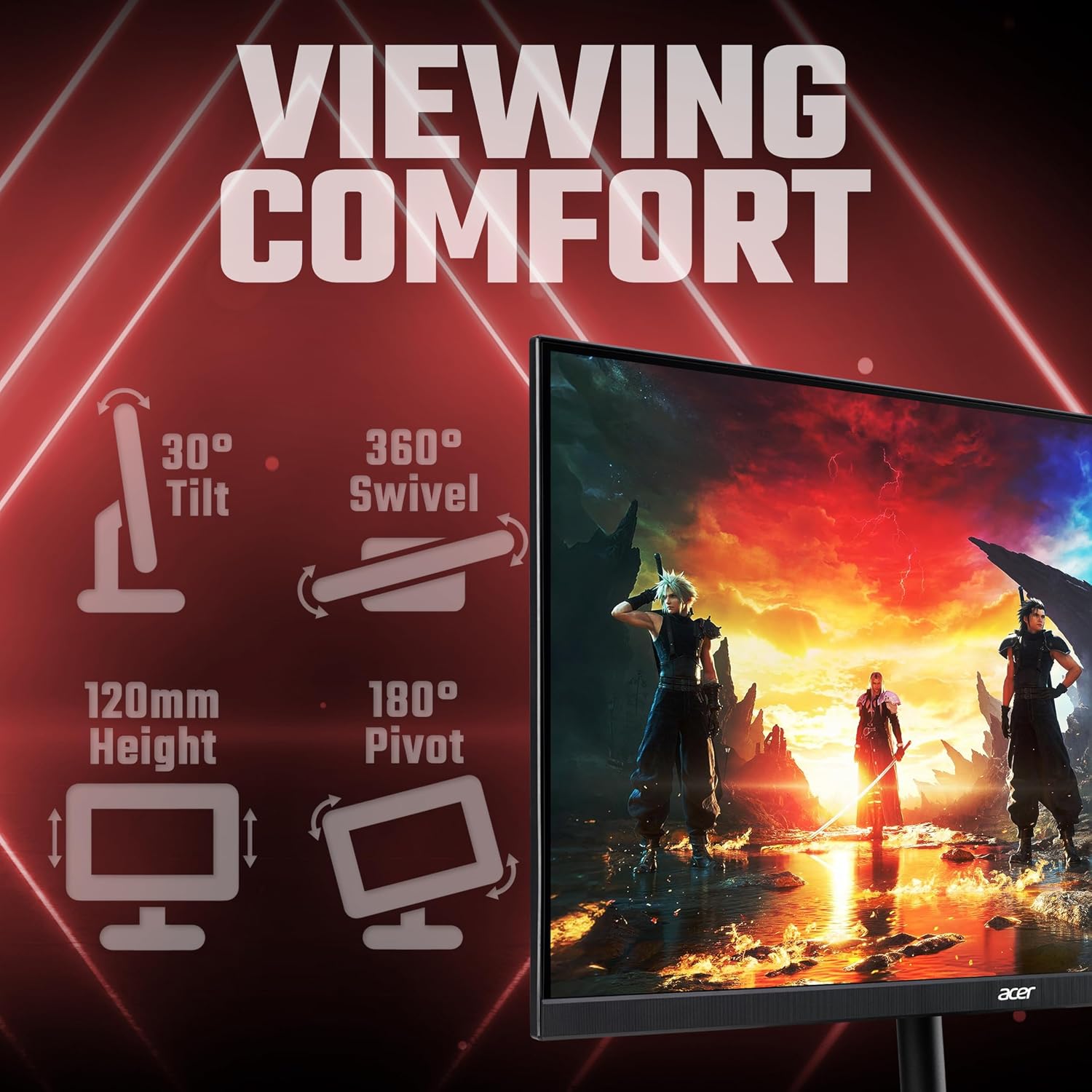
Position the monitor at eye level to take full advantage of the IPS viewing angles and to reduce neck strain during long sessions. For HDR content, consider pairing the monitor with games or media that support HDR10 and be aware that extreme highlight detail may be limited by the 250 nit brightness. For competitive play, enable FreeSync Premium in your graphics driver and set the refresh rate to 180Hz to benefit from the lowest input lag and smoothest motion.