


HP Series 5 23.8" FHD monitor 100 Hz
Product description
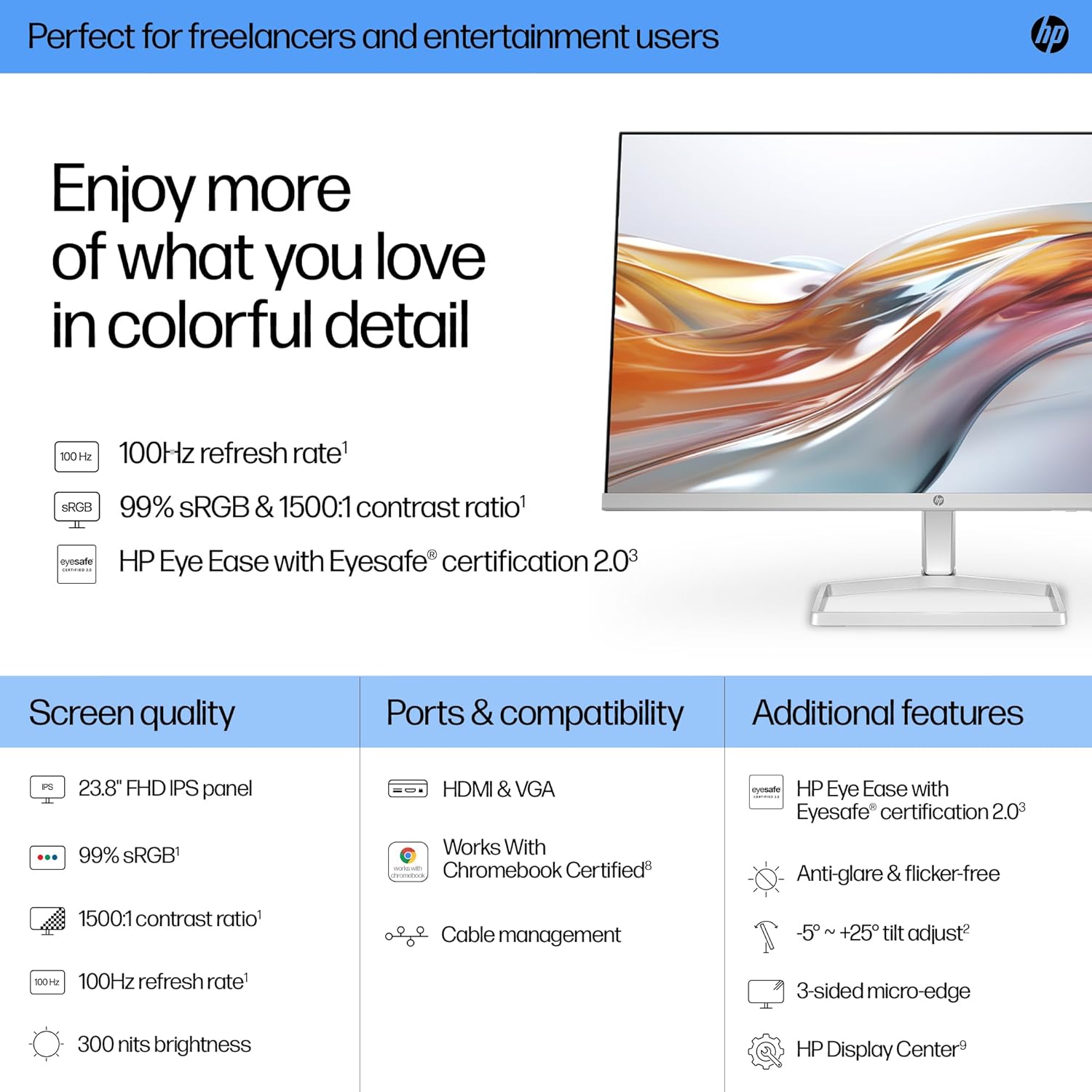
This 23.8-inch FHD monitor brings clearer colour and smoother motion to everyday computing, whether you are studying, streaming or gaming casually. It combines a Full HD IPS panel with a 100 Hz refresh rate for reduced motion blur and a bright 300 nits output, helping images look more lively and readable during long sessions.
Key Points
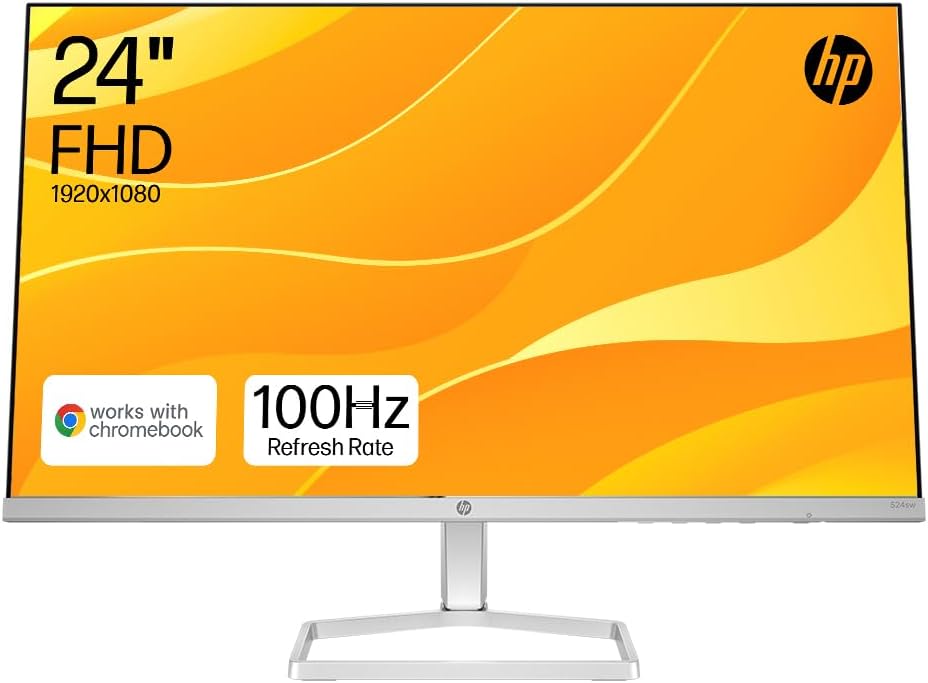
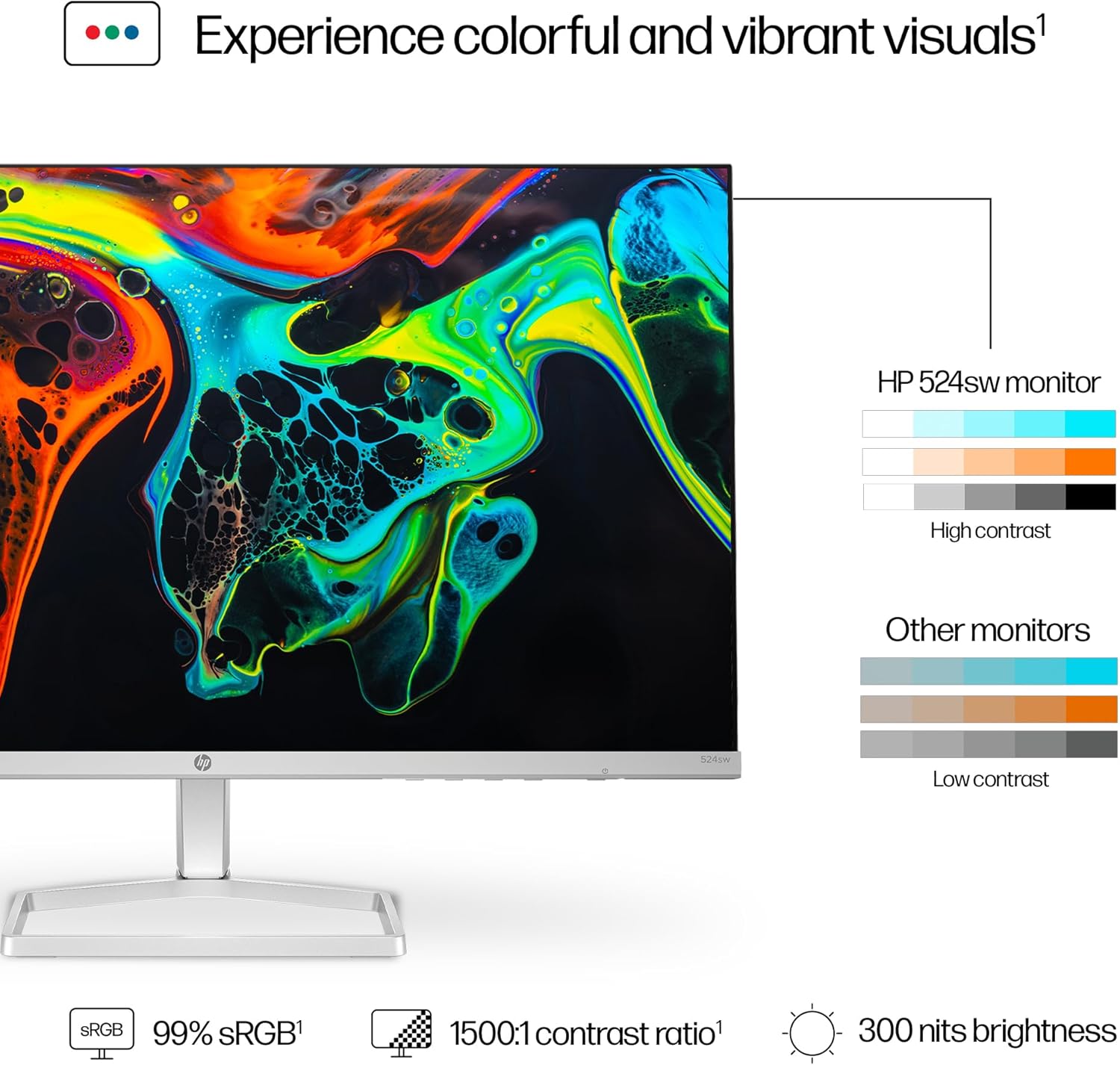
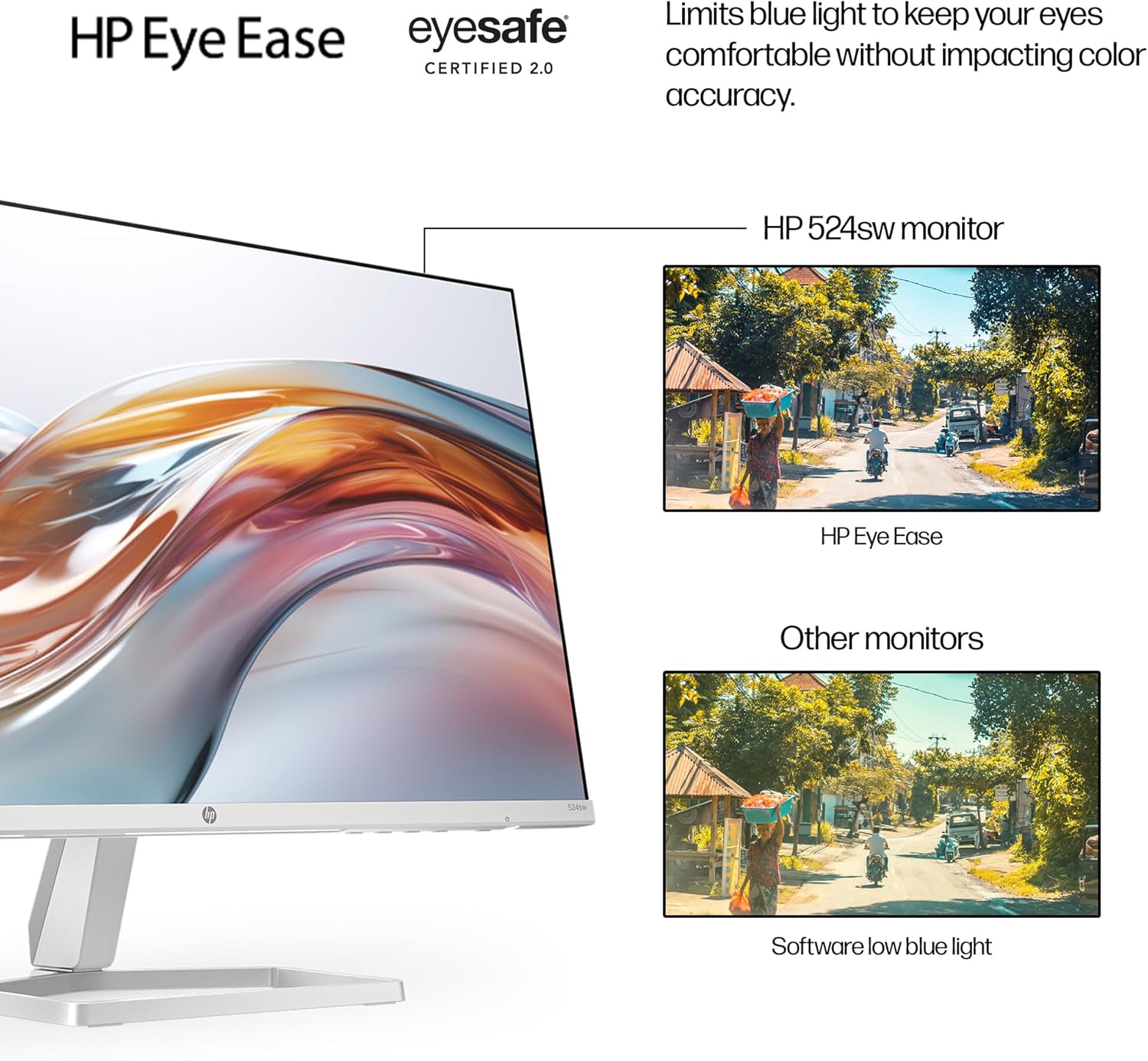
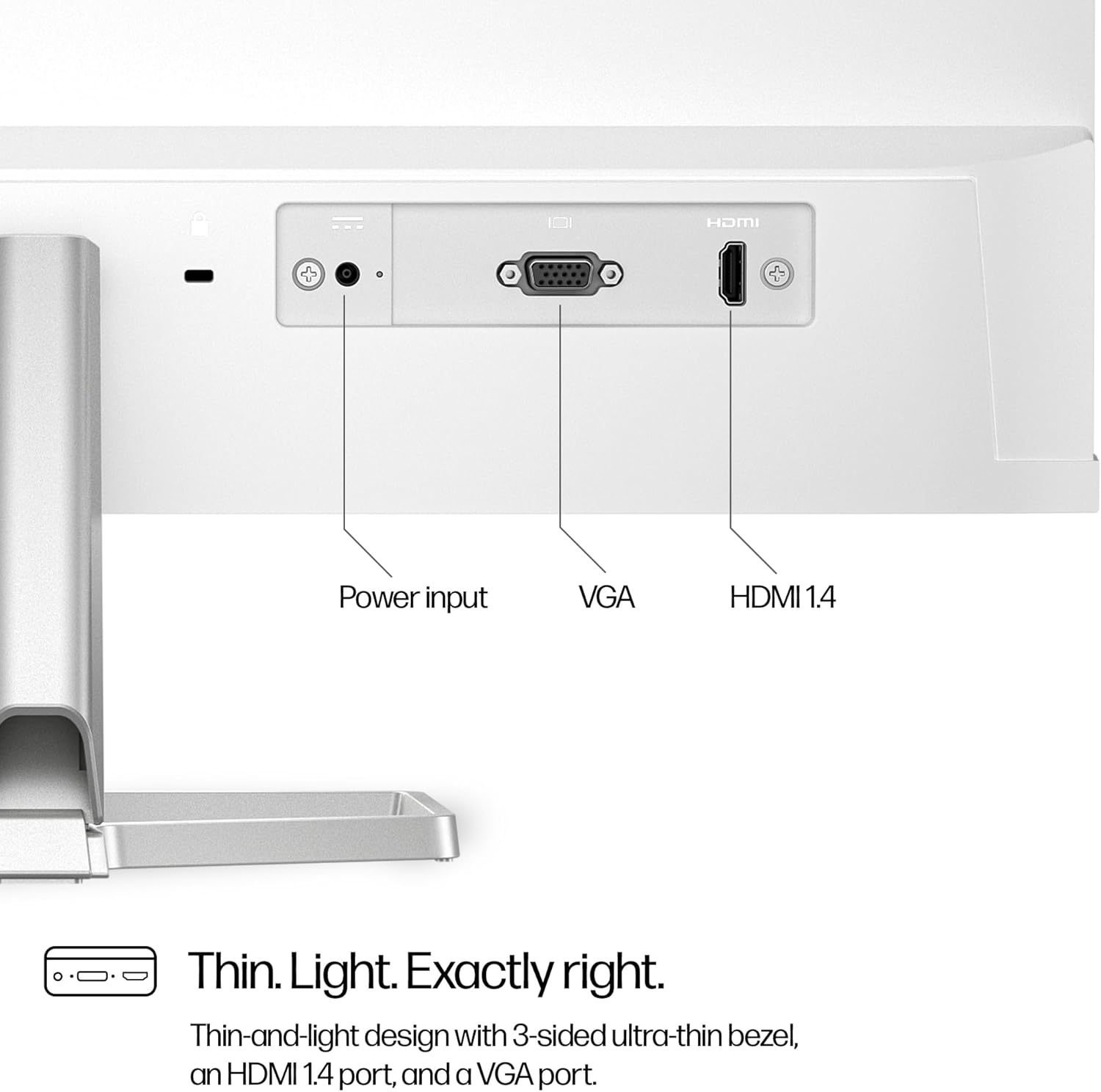
The panel covers 99% sRGB which means colours are closer to how creators intended, useful for photo editing and multimedia. The 1500:1 contrast ratio increases perceived depth between dark and light areas, while the ultra-thin three-sided border makes multi-monitor setups neater and less distracting. Comfort features include a tilt-adjust stand and HP Eye Ease with Eyesafe certification, designed to limit blue light without affecting colour fidelity 😊. Connectivity is straightforward with HDMI 1.4 and VGA ports, and the monitor is also listed as compatible with Chromebook systems.
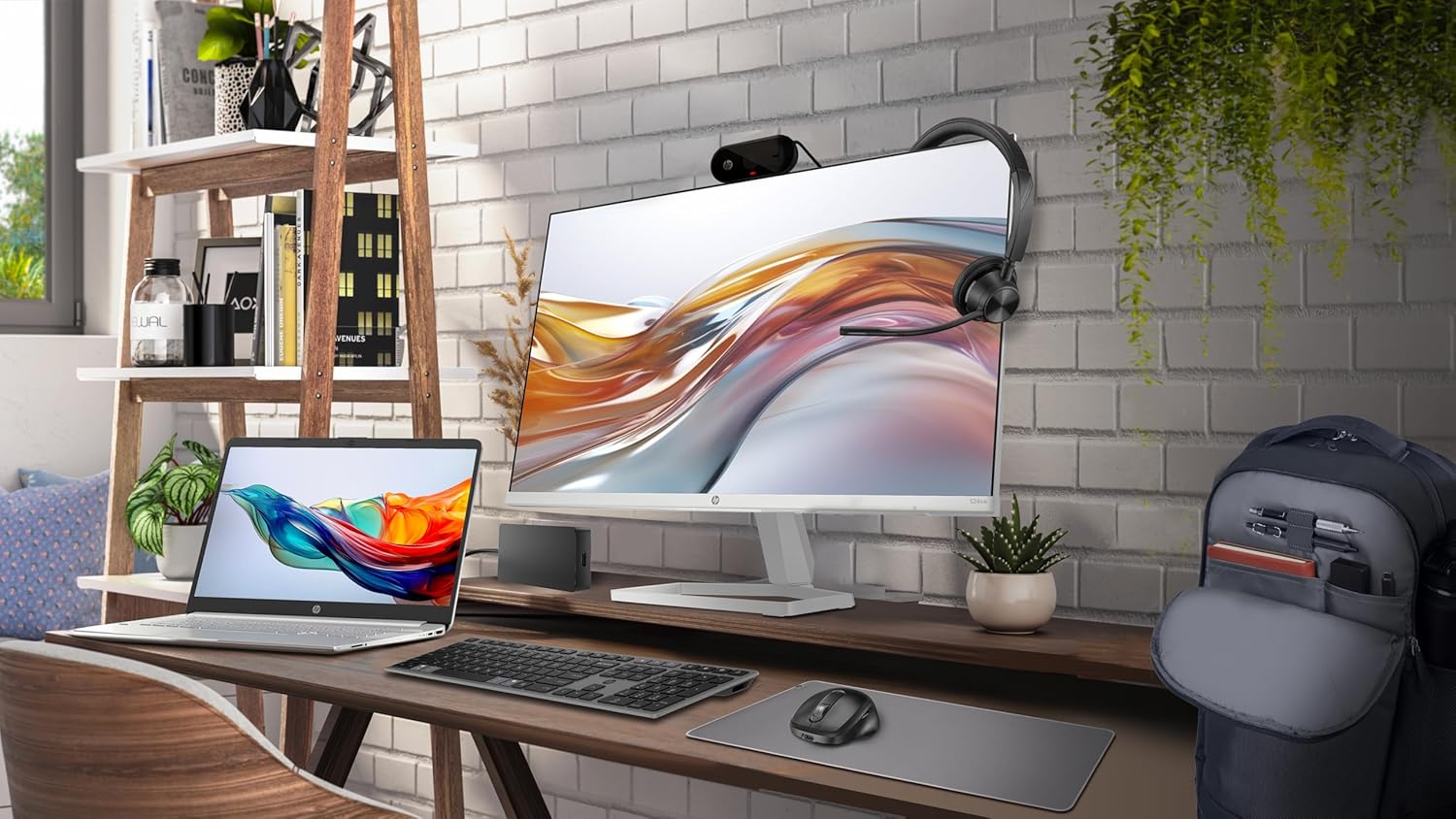
Technical Specifications
- Name: HP Series 5 23.8” Monitor (524sw)
- Panel size: 23.8 inches
- Resolution: Full HD (1920 x 1080)
- Refresh rate: 100 Hz
- Colour gamut: 99% sRGB
- Brightness: 300 nits
Usage Recommendations
Place the monitor at a distance and height that keep your eyes level with the top third of the screen to reduce neck strain. For colour work, allow 15–30 minutes warm-up so the panel reaches stable colour and brightness. If you plan to use two displays, the borderless design eases alignment and reduces visual interruption. Consider that this is a Full HD screen, so users seeking higher resolution for detailed CAD work or desktop publishing may prefer a 4K option instead, according to the manufacturer. The simplified cable management under the stand helps keep desks tidy and reduces clutter while setting up multiple peripherals.