

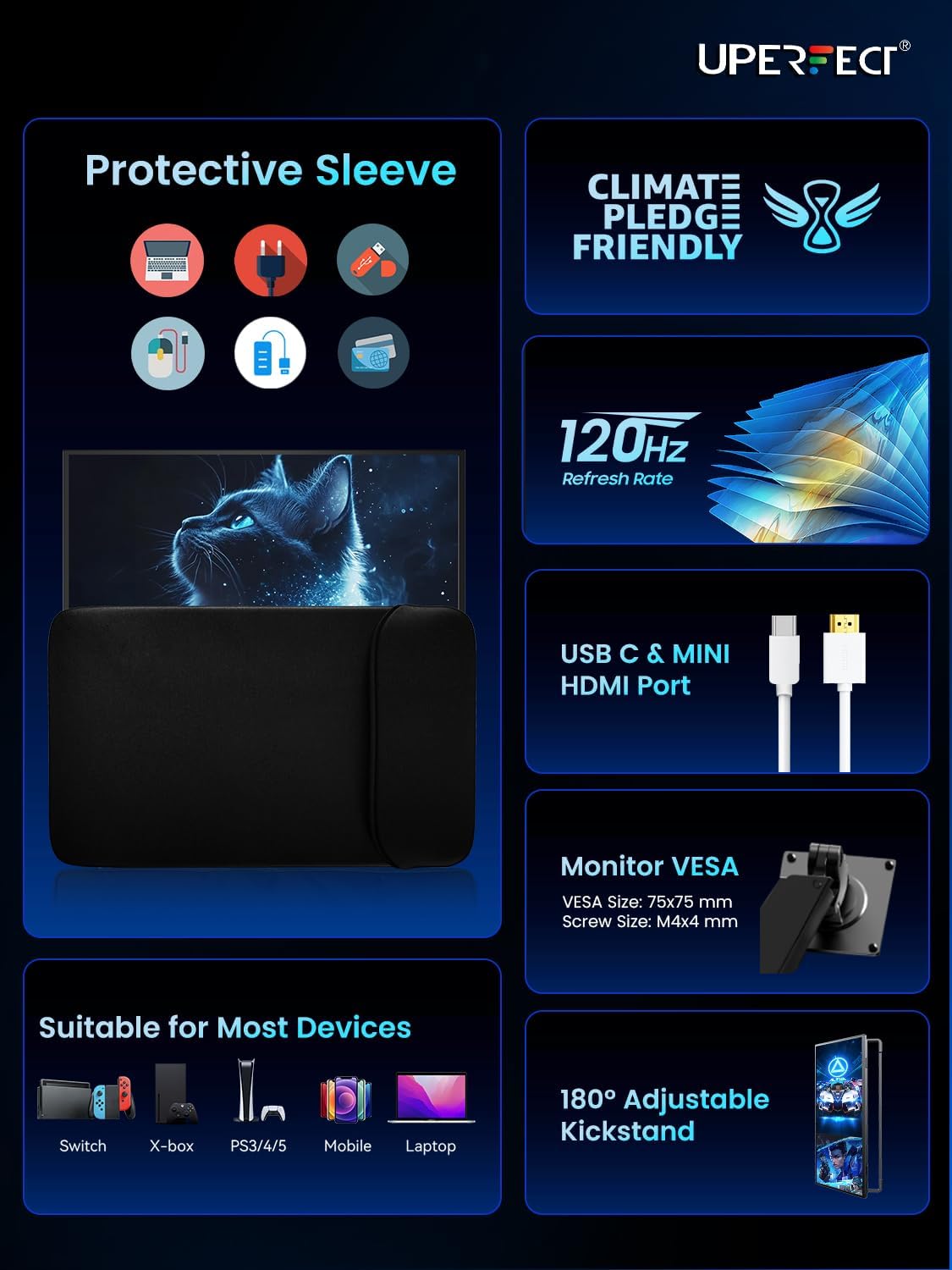
UPERFECT 18.5-inch Portable Monitor: 120Hz, FreeSync, 1080p with USB‑C & HDMI
Product description
What this is
The UPERFECT 18.5-inch portable monitor is a compact external display designed to serve as a second screen for laptops, desktops, and mobile devices. It emphasises a larger-than-usual portable panel, with a 120 Hz refresh rate and FreeSync for smoother motion in games and scrolling, plus a 1080p resolution for clear everyday work.
Why consider this kind of portable monitor
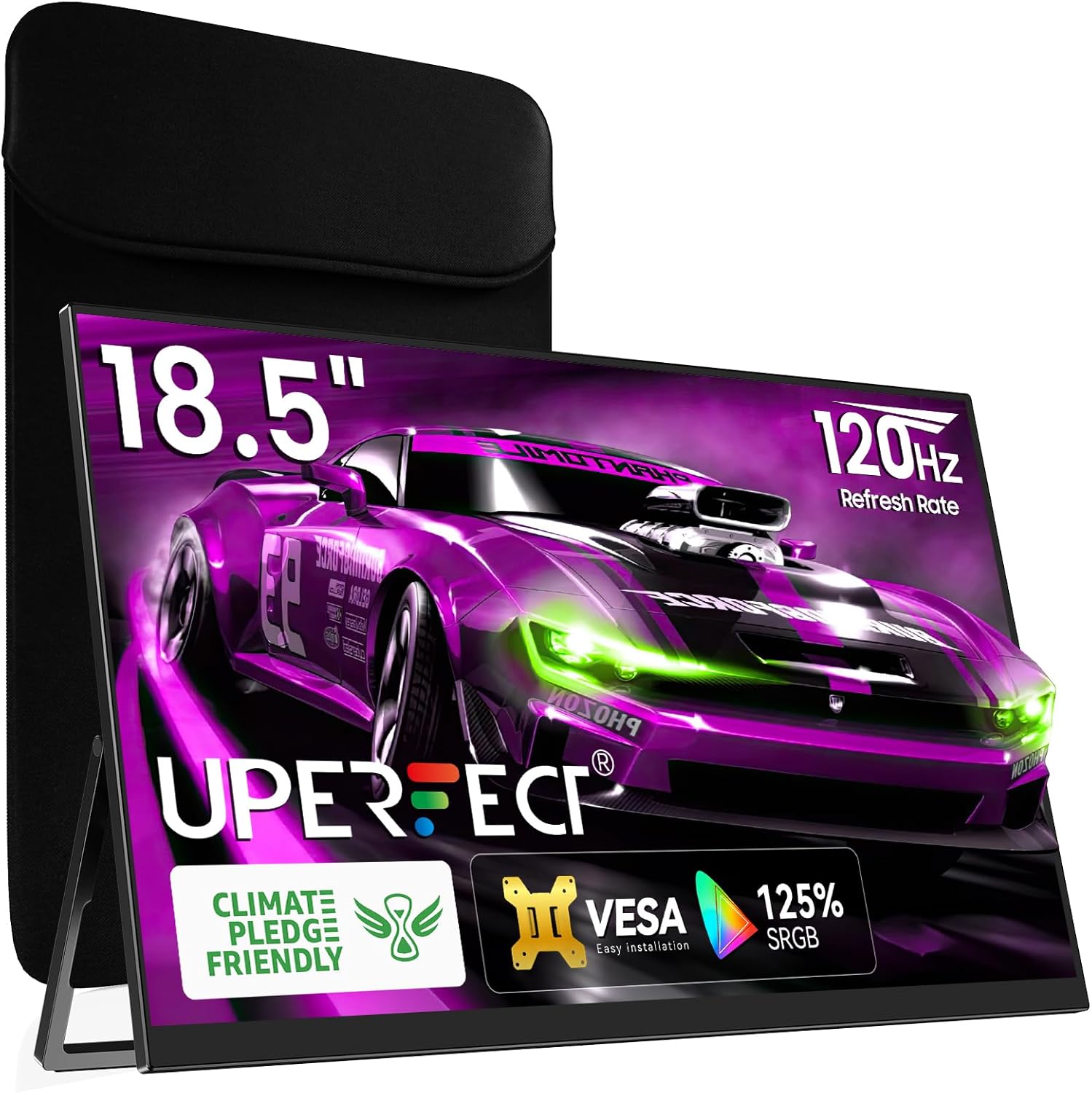
If you frequently work remotely, travel with a laptop, or want a larger screen for gaming on the go, a portable monitor like this can extend your workspace or boost entertainment without committing to a second, bulky desktop setup. It’s aimed at users who value extra screen real estate and a reasonably responsive gaming experience while keeping things lightweight enough to carry.
What stands out in use
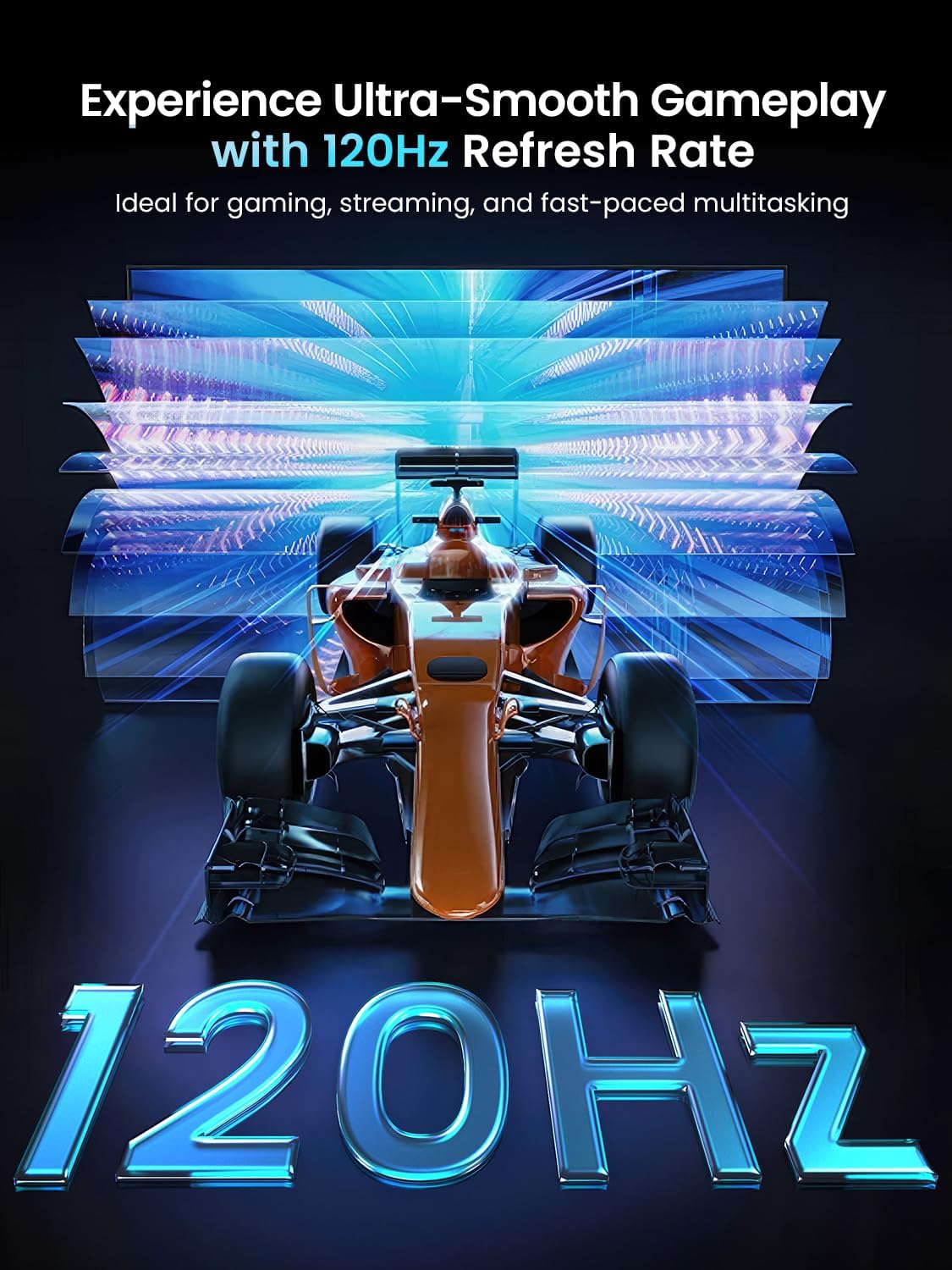
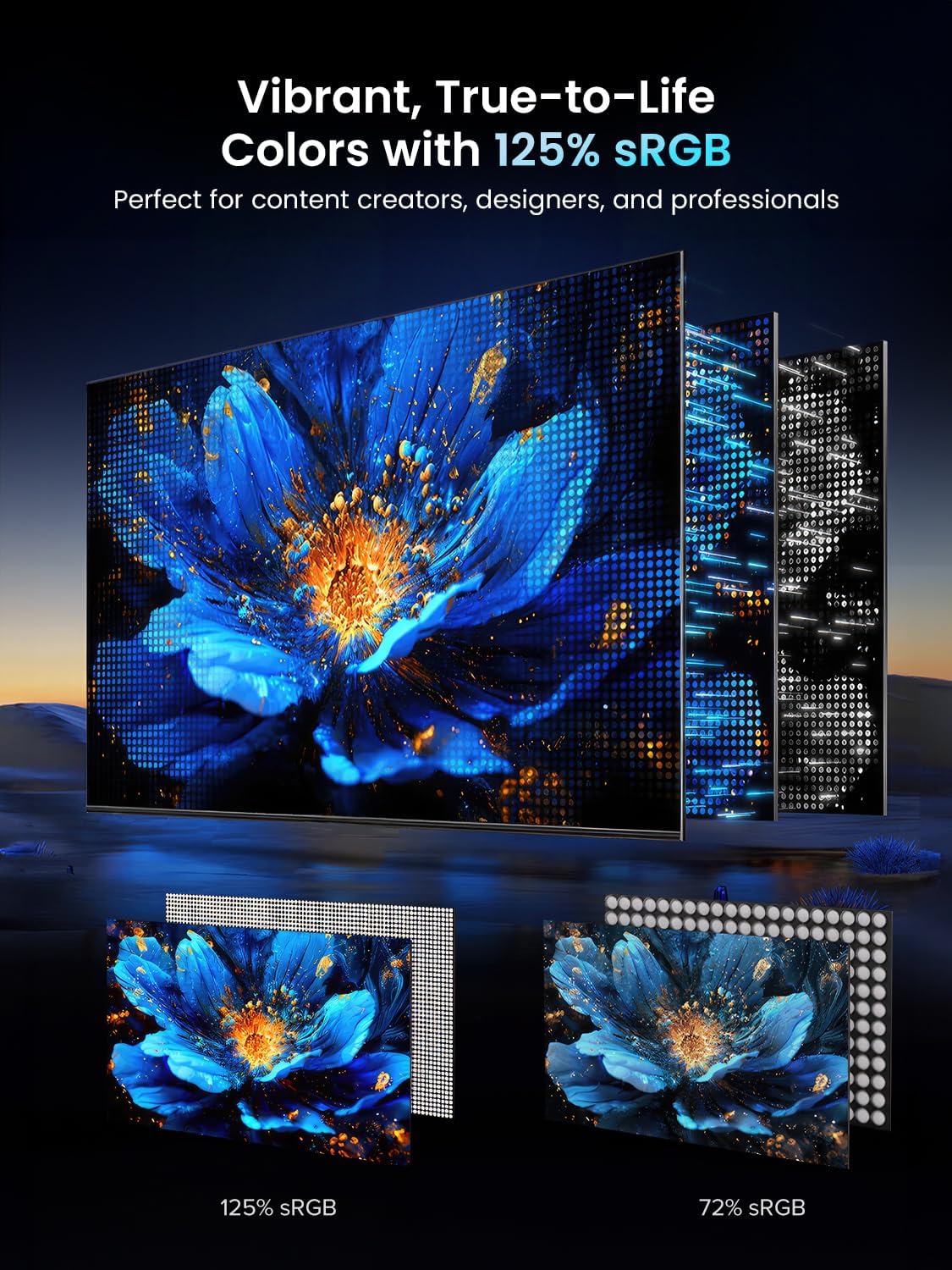
On paper, the 120 Hz refresh rate makes frame transitions appear smoother than standard 60 Hz displays. FreeSync helps reduce tearing, which matters if you’re gaming or scrolling through fast-moving content. The screen brightness of 350 nits should be adequate for typical indoor lighting, and the 125% sRGB colour gamut offers richer colour reproduction than many everyday portable panels. The 18.5-inch size sits between a laptop screen and a full desktop monitor, giving a noticeable upgrade without the weight of a larger screen.
Limitations and caveats
The description mentions 125% sRGB and a 72% NTSC gamut, which can influence how vivid colours appear depending on content. As a portable solution, it is still subject to the performance and connectivity limits of a secondary display: you’ll rely on USB‑C and mini HDMI for input, which means you’ll need compatible devices or adapters. The panel is good for general productivity and casual gaming, but it’s not a high-end workstation display, colour accuracy for professional photo or video work may require caveats or calibration.
Who it’s for
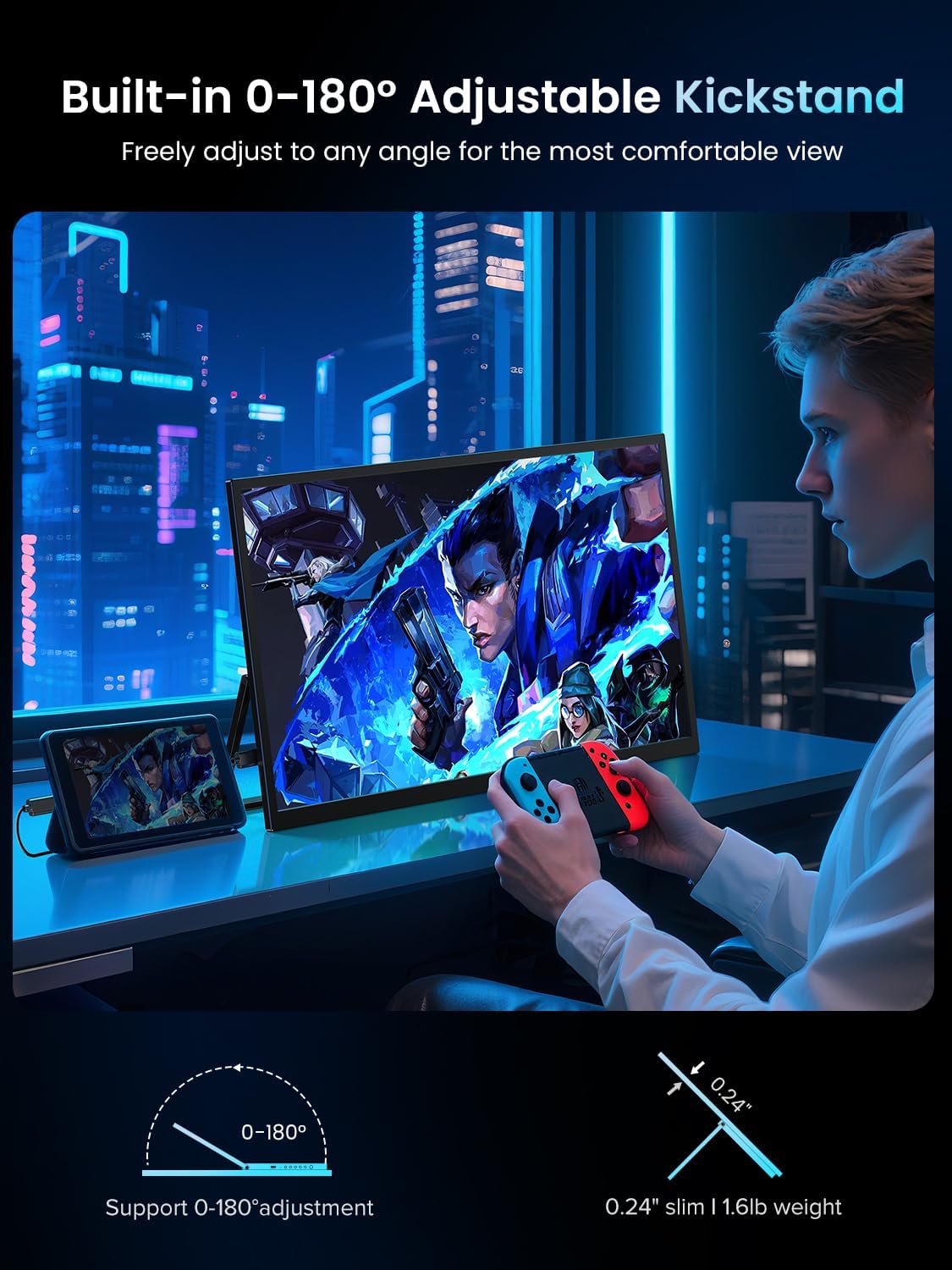
This monitor fits travellers, students, and remote workers who want a larger, spill‑proof screen without a desk‑bound setup. It’s also suitable for casual gamers who benefit from a larger display and smoother motion than a standard portable panel, provided you’re using devices with USB‑C or HDMI output.
Who it isn’t for
If you prioritise ultra-wide colour accuracy for professional editing, or need peak brightness for direct sunlight, this model may not be the best choice. And if you require a higher resolution than 1080p on a portable screen, you’ll want to look elsewhere.
What to check before buying
– Confirm your devices provide USB‑C or mini HDMI output and whether power delivery is supported via USB‑C (to avoid extra cables). – Consider how you’ll carry it: the aluminium alloy chassis suggests sturdiness, but it remains a portable display and will add weight to a bag. – Think about your typical lighting and content: if you rely on precise colour work, check whether the 125% sRGB/72% NTSC suits your workflow and whether calibration is readily possible.
How this compares to other approaches
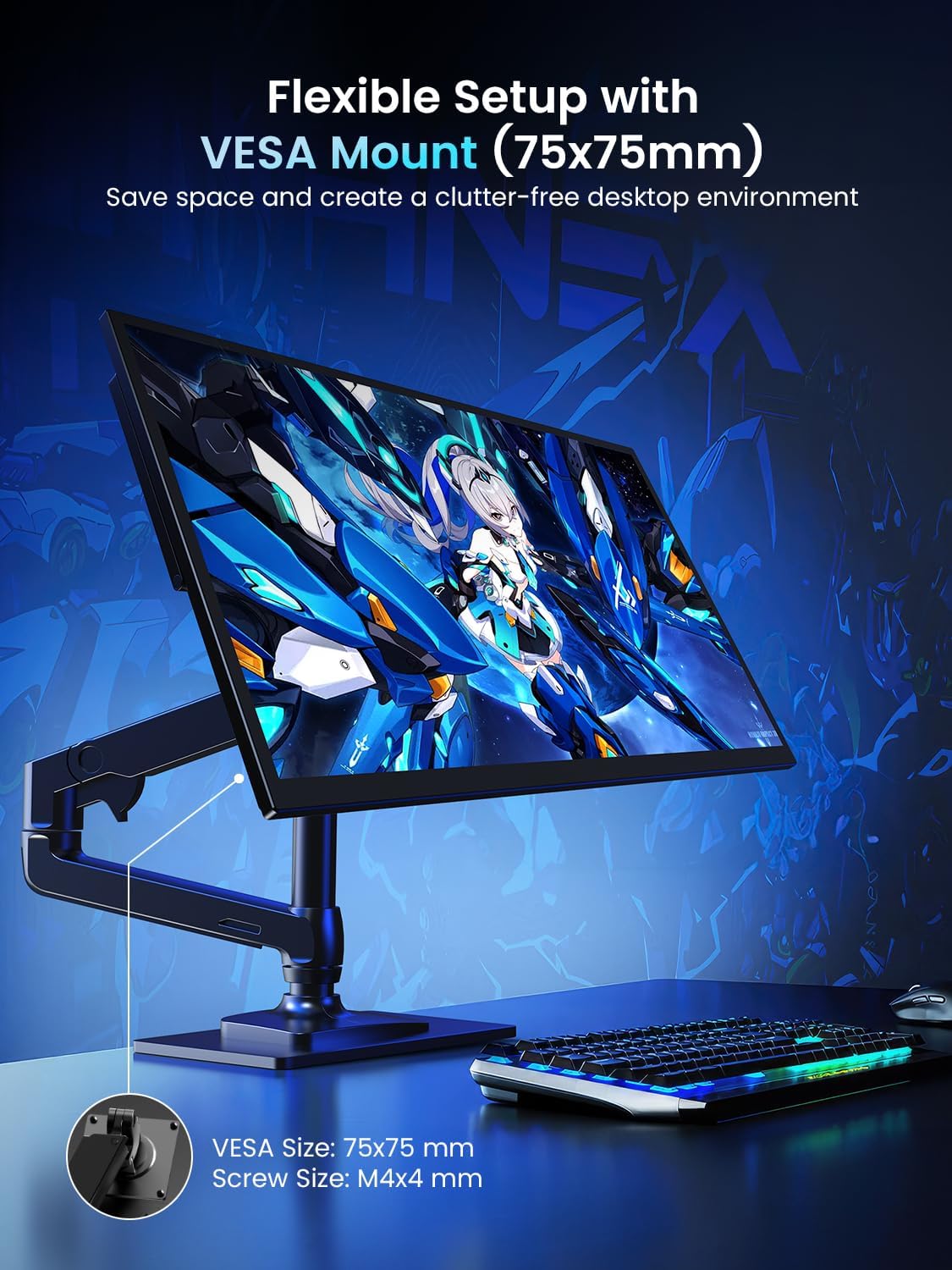
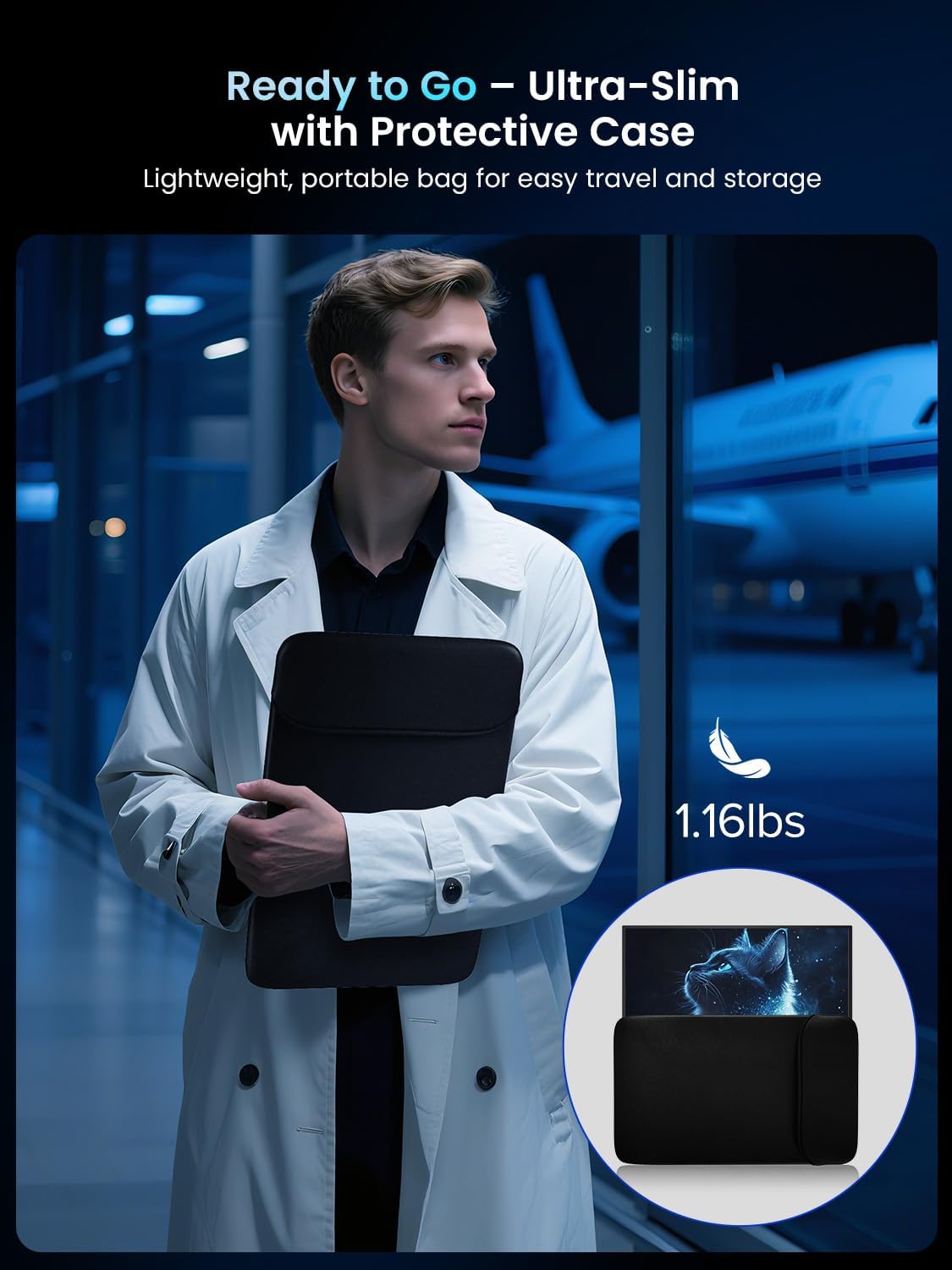
If you need more screen real estate for travel, a dedicated portable monitor offers a middle ground between a laptop screen and a full-size monitor. For those who already carry a tablet or phone as a secondary screen, a proper 18.5-inch display can feel much more usable for document editing, coding, or gaming when connected to a laptop. If you only need occasional use, a lighter or smaller model could suffice, for constant multi‑screen setups, a larger desk‑bound monitor might be more efficient in the long run.
Practical use example
imagine pairing this with a thin ultrabook on a coffee shop table: you extend your workspace by dragging a browser window onto the 18.5-inch panel while leaving a document on the laptop screen. In the evening, you switch to a casual game and benefit from smoother frames thanks to 120 Hz, provided the game supports FreeSync.
Final decision
Is it worth it?
Worth considering if you prioritise extra screen real estate on the go and want a reasonably responsive display without a full desk setup. It makes sense for remote work, travel, and casual gaming, especially if your devices can connect via USB‑C or mini HDMI.
FAQ (practical questions)
– Will this monitor work with my MacBook? Yes, via USB‑C or HDMI, subject to your MacBook’s output capabilities. – Is it durable for travel? The aluminium alloy build suggests sturdiness, but it is a portable device and should be treated as such. – Can I use it as a primary monitor? It can be used as a secondary screen, for long‑term primary use, assess brightness and colour needs against the task.