

Gawfolk 49 inch Ultra-wide Gaming Monitor
Product description
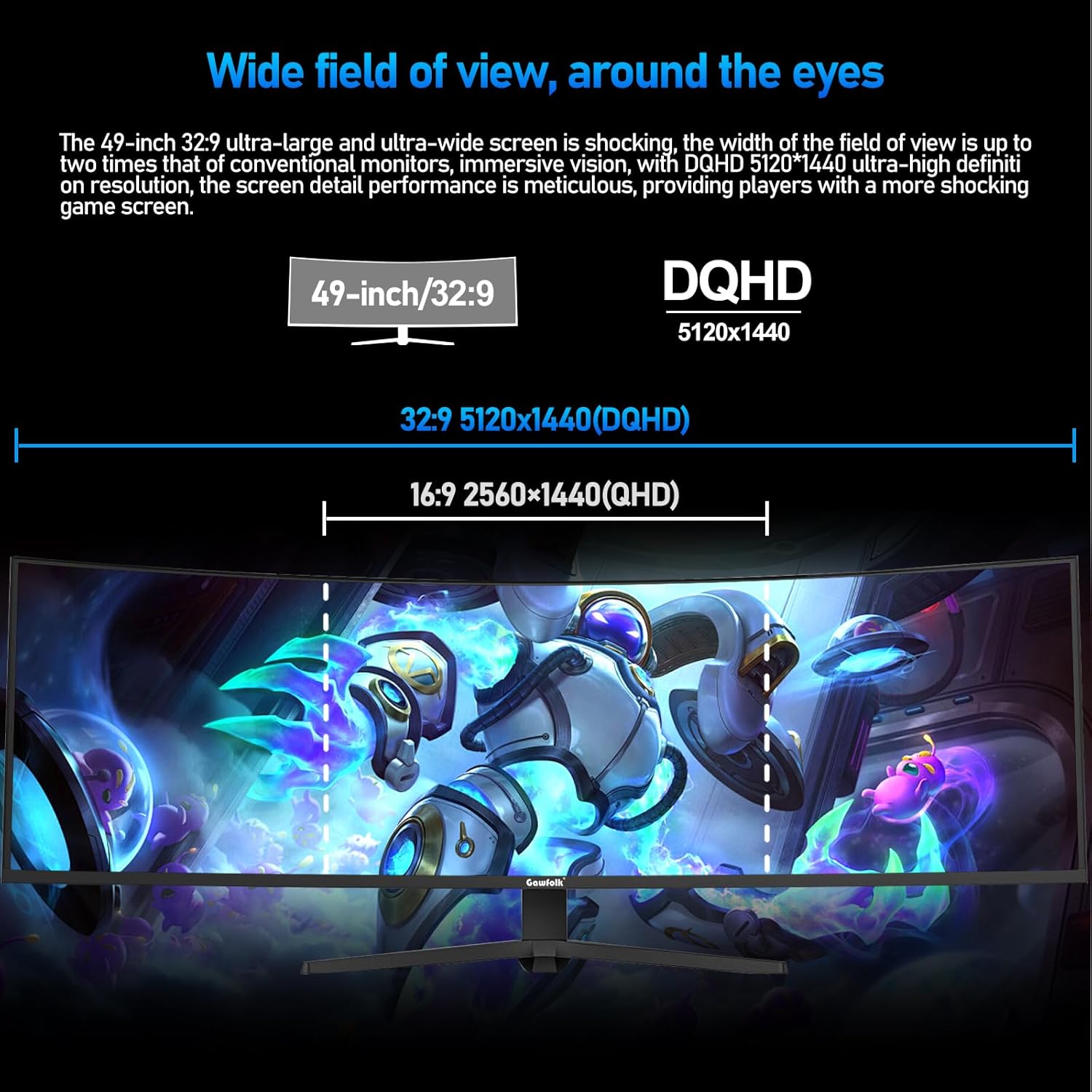
A 49 inch ultra wide curved gaming monitor can make everyday work feel more immersive, with extra screen real estate for spreadsheets, documents and side by side windows. The Gawfolk 49 inch Ultra-Wide Curved gaming display combines a wide 32:9 style layout with a 5120 by 1440 DQHD resolution, so you can see more at once and keep focus during long sessions. If you play games that benefit from smoother motion, the 120Hz refresh rate and Adaptive Sync support can help reduce distracting tearing and stutter. 🎮
The essentials
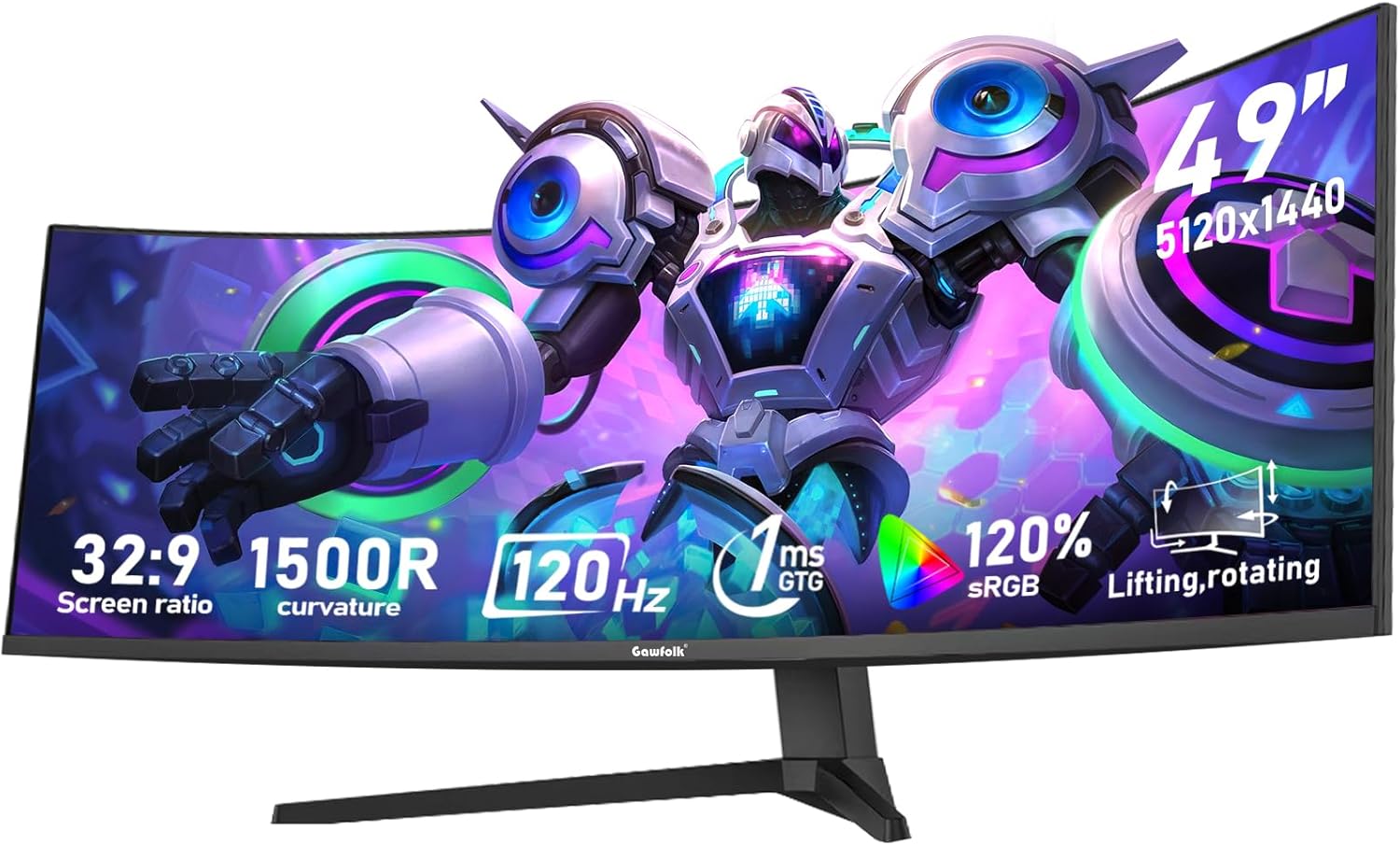
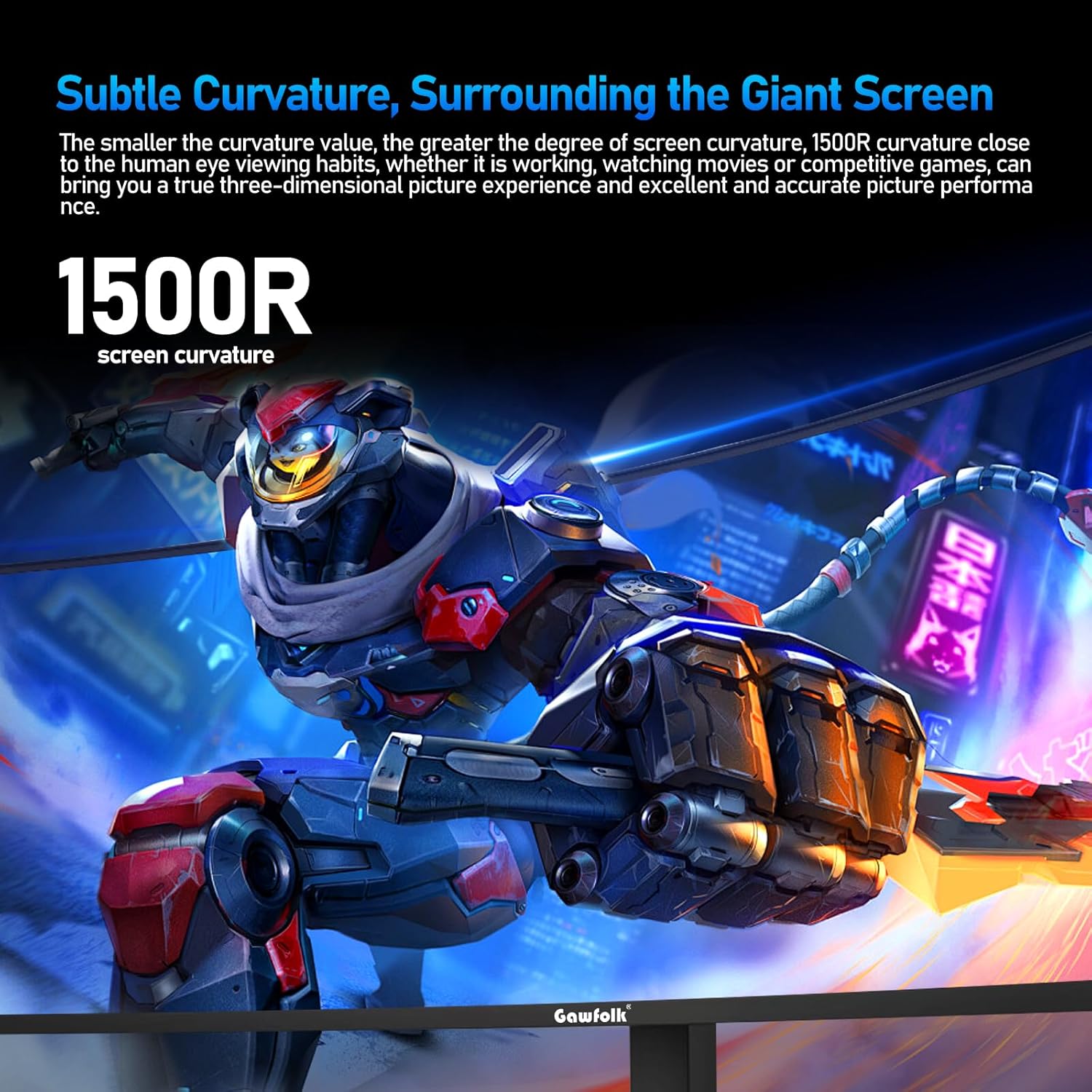
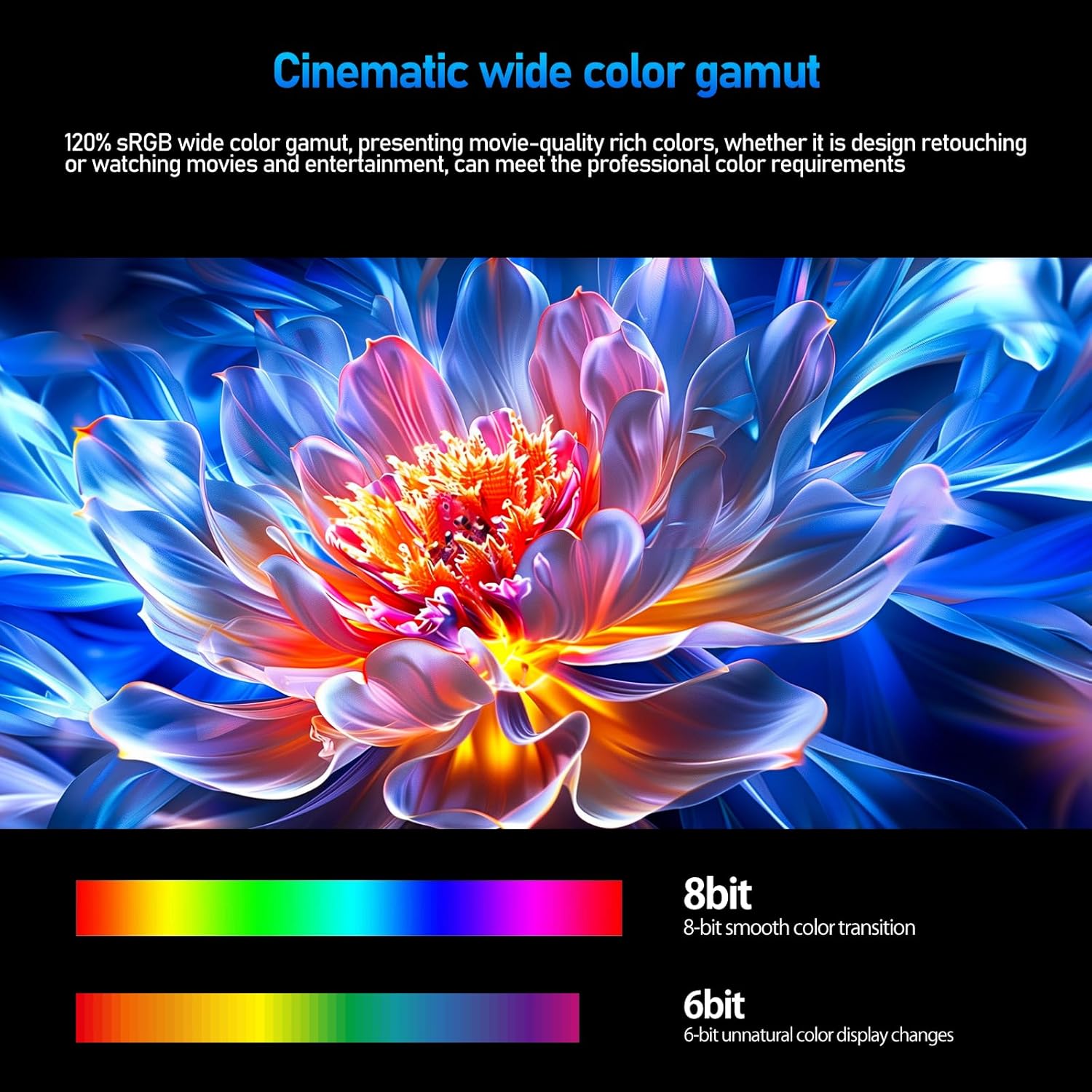
If you want a single monitor that covers both gaming and daily computing, this curved ultrawide format is a practical choice. The 1500R curve is designed to wrap around your field of view, which can make it easier to stay locked in while you’re navigating menus or browsing large pages. According to the manufacturer, the screen offers 120% sRGB and an 8 bit colour setup for 16.7 million colours, aiming for brighter and more vivid tones than typical budget panels. The result is a display that can look more detailed in games, and clearer when you’re working with images or dense spreadsheets.
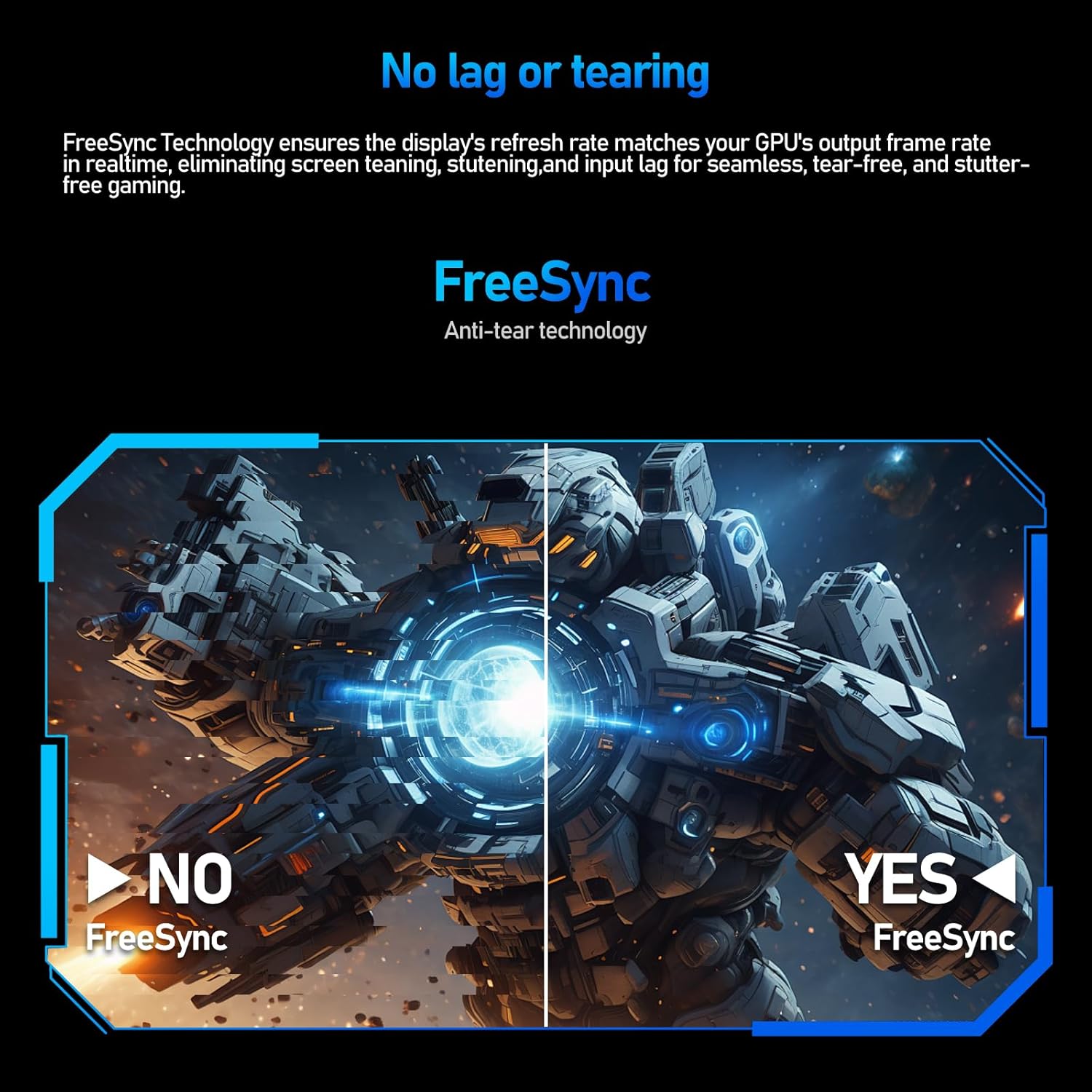
Another key factor is motion smoothness. With a 120Hz refresh rate, fast movement is shown more clearly, and it can help minimise screen stuttering for a steadier feel in supported content. The monitor also includes Adaptive Sync features, which align the display refresh rate with your graphics card output to reduce tearing and image errors. 🎮
It’s also built around comfort for longer sessions. The monitor uses low blue light mode and DC global dimming technology, which the manufacturer says helps reduce flicker, and after enabling the low blue light setting it can filter short wave blue light. For home desks where you might switch between gaming and work, this matters more than it sounds.
Key features and tech specs
This is a curved ultrawide display tuned for smoother gameplay and everyday usability, with connectivity options that suit common PC setups. For refresh rate behaviour, it’s worth noting that the default refresh rate is 60Hz, and the manufacturer states HDMI cables can support up to 100Hz while DisplayPort can support up to 120Hz. If you’re aiming for the higher refresh settings, matching the cable type to your source is the simplest way to get the most from it.
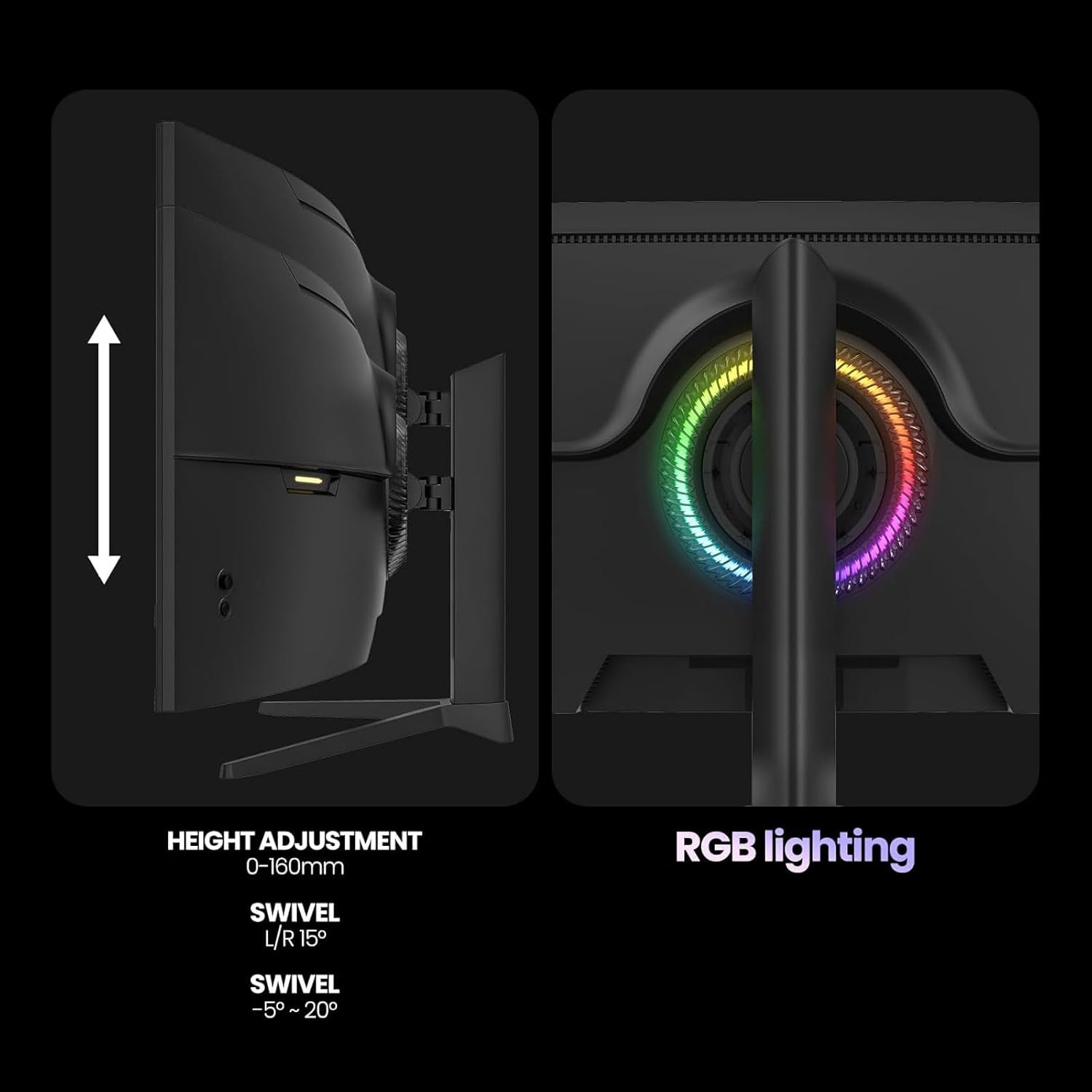
The stand is designed to help you find a comfortable height without stacking books or rushing to a desk redesign. The multi functional support can be adjusted in height from 3.42 to 7.82 inches, and it includes tilt and angle adjustments so you can align the screen to your preferred viewing position. There is also wall mount compatibility with a 75 by 75mm pattern if you prefer a cleaner setup. The mix of height adjust and curvature tends to work well for both gaming posture and day to day desk use.

Adaptive Sync support helps keep frame delivery calmer, particularly when your game’s output fluctuates. For visual clarity and colour range, the manufacturer specifies 120% sRGB and DC global dimming alongside low blue light mode. You can also connect via HDMI 2.1 and DisplayPort, giving you options depending on what your PC or laptop supports. 🖥️
- Name: Gawfolk 49 inch Ultra Wide Curved Gaming Computer Monitor
- Type: Gaming computer monitor
- Size: 49 inch
- Resolution: DQHD 5120 by 1440
- Refresh rate: 120Hz
- Colour coverage: 120% sRGB
- Curved: 1500R
Usage tips
Start by checking the cable you’ll use for your target refresh rate. If you want to run closer to the top end, the manufacturer states HDMI supports up to 100Hz and DisplayPort supports up to 120Hz, so picking the right connection can make a noticeable difference. Once connected, enable Adaptive Sync in the relevant display settings so the monitor and your graphics card stay in step when frame rates vary.
Next, set your viewing angle using the height adjustable stand. The range from 3.42 to 7.82 inches gives you room to fine tune desk posture, and tilt and angle adjustments help reduce glare and neck strain during longer sessions. If you’re wall mounting, confirm your bracket uses the 75 by 75mm pattern before installation.
For comfort, switch on low blue light mode and keep DC global dimming enabled for extended use. It’s also a good idea to keep your brightness sensible for the room lighting, rather than pushing the panel all the way up. After a short adjustment period, the ultrawide 32:9 layout can feel natural for multitasking and gaming HUD management.
The practical value here is that you can keep the same monitor for work and play. You get a wide canvas for spreadsheets and documents, then flip to faster motion and smoother gameplay without changing displays. It’s also designed to be manageable at the desk, thanks to the adjustable stand rather than relying on fixed height.
It’s a good fit if you want a single curved ultrawide monitor that supports gaming smoothness and daily productivity, with HDMI 2.1 and DisplayPort connectivity and a height adjustable stand. You may want to skip it if you prefer a standard flat 16:9 monitor setup, or if your source device or cable choices limit you to 60Hz default refresh settings.
Tech specs
The 49 inch display is built for a wide 32:9 ultrawide experience, combining a 1500R curve with high resolution for sharper detail. The manufacturer quotes 250 nits brightness and an 8 bit colour system for 16.7 million colours, aiming to make images feel more vivid. For smoothness, the 120Hz refresh rate is intended to reduce motion blur and screen stuttering, while Adaptive Sync works to help prevent tearing and image errors.
If colour accuracy is important in your workflow, the specified 120% sRGB coverage is designed to deliver a wider colour gamut than many traditional monitors. For eye comfort, the monitor uses DC global dimming technology and a low blue light mode that filters short wave blue light. After sales support is listed as 12 months, so you have a baseline safety net if something does not perform as expected after setup.
- Brightness: 250 nits
- Colour depth: 8 bit
- Colours: 16.7 million colours
- Display technology: FreeSync Adaptive Sync
- Brightness management: DC global dimming
- Low blue light mode: short wave blue light filtering
- Wall mount compatibility: 75 by 75mm