


LG UltraWide Curved 34WR55QK: A practical 34-inch 3440x1440 desk‑friendly ultrawide
Product description
What type of product is this
The LG 34WR55QK is a 34-inch curved ultrawide monitor designed to improve multitasking and desk real estate without stepping up to a higher-end professional panel. It uses a VA panel with a 3440x1440 resolution, placing it squarely in the ultrawide, productivity-focused space rather than the latest high-refresh gaming category.
Why it matters
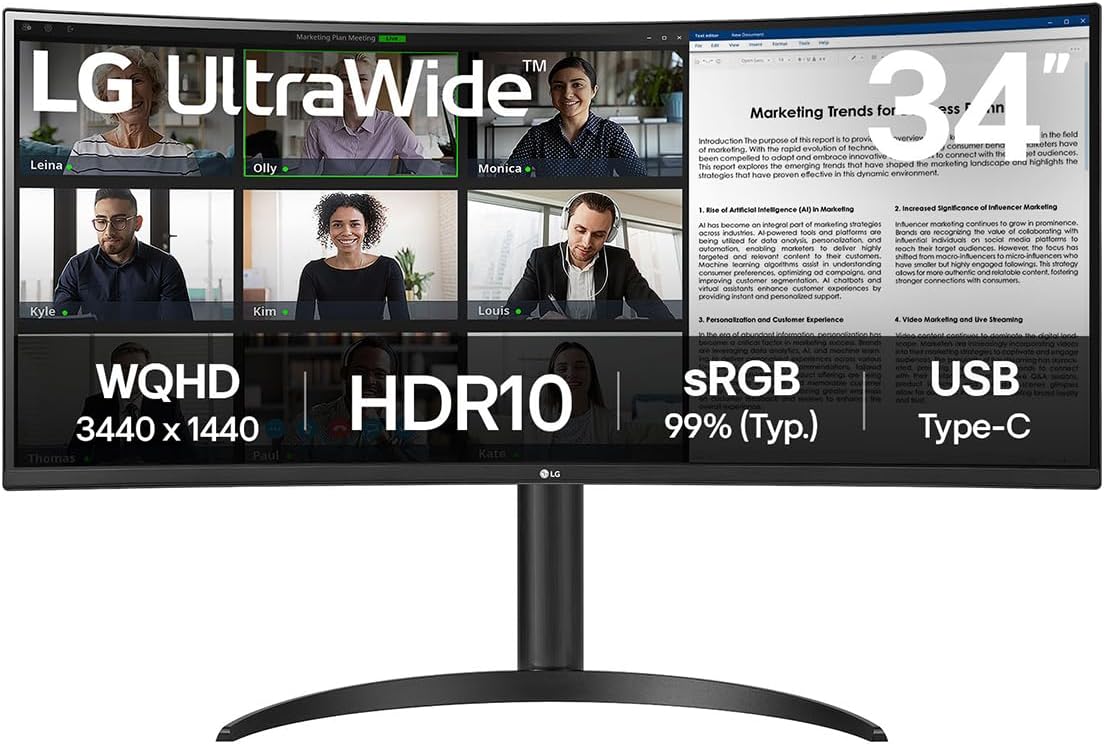
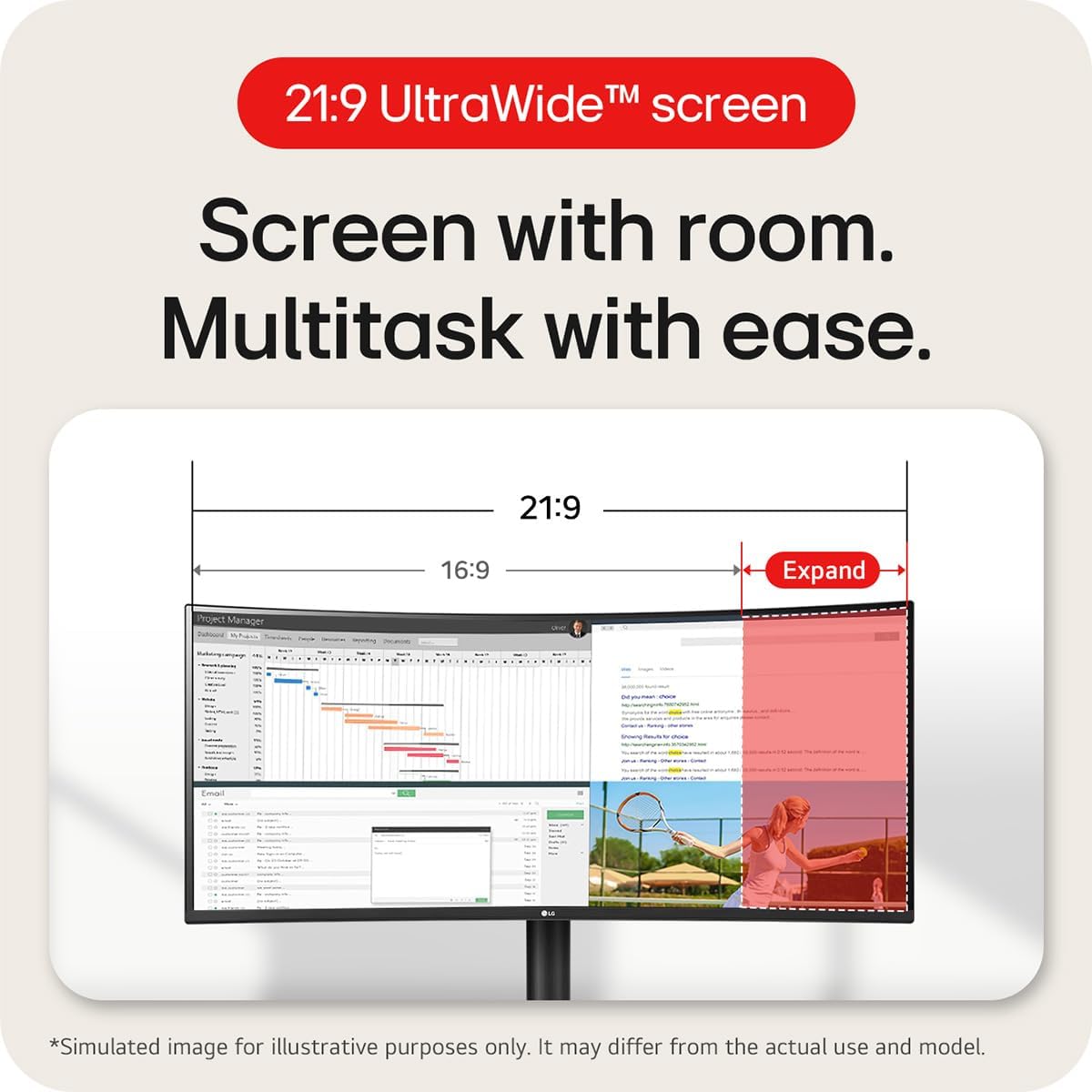
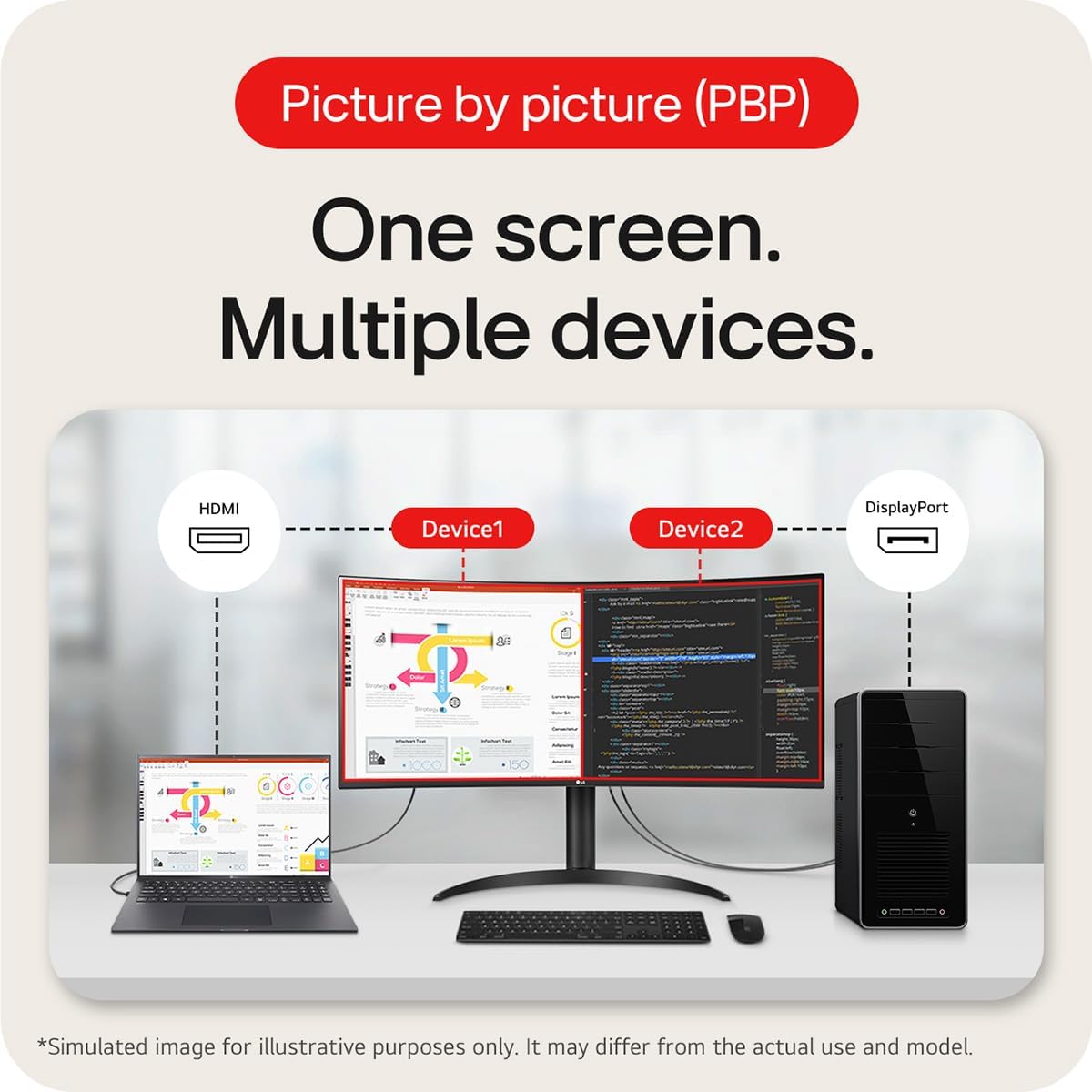
The 21:9 curved screen helps keep multiple apps visible side by side, which can be useful for dashboards, documents, and browser work while reducing the need to constantly switch windows. Its HDR10 support and sRGB 99% colour coverage imply a reasonable colour experience for casual content creation and media viewing, though it isn’t pitched as a colour-critical professional display.
How it performs in daily use
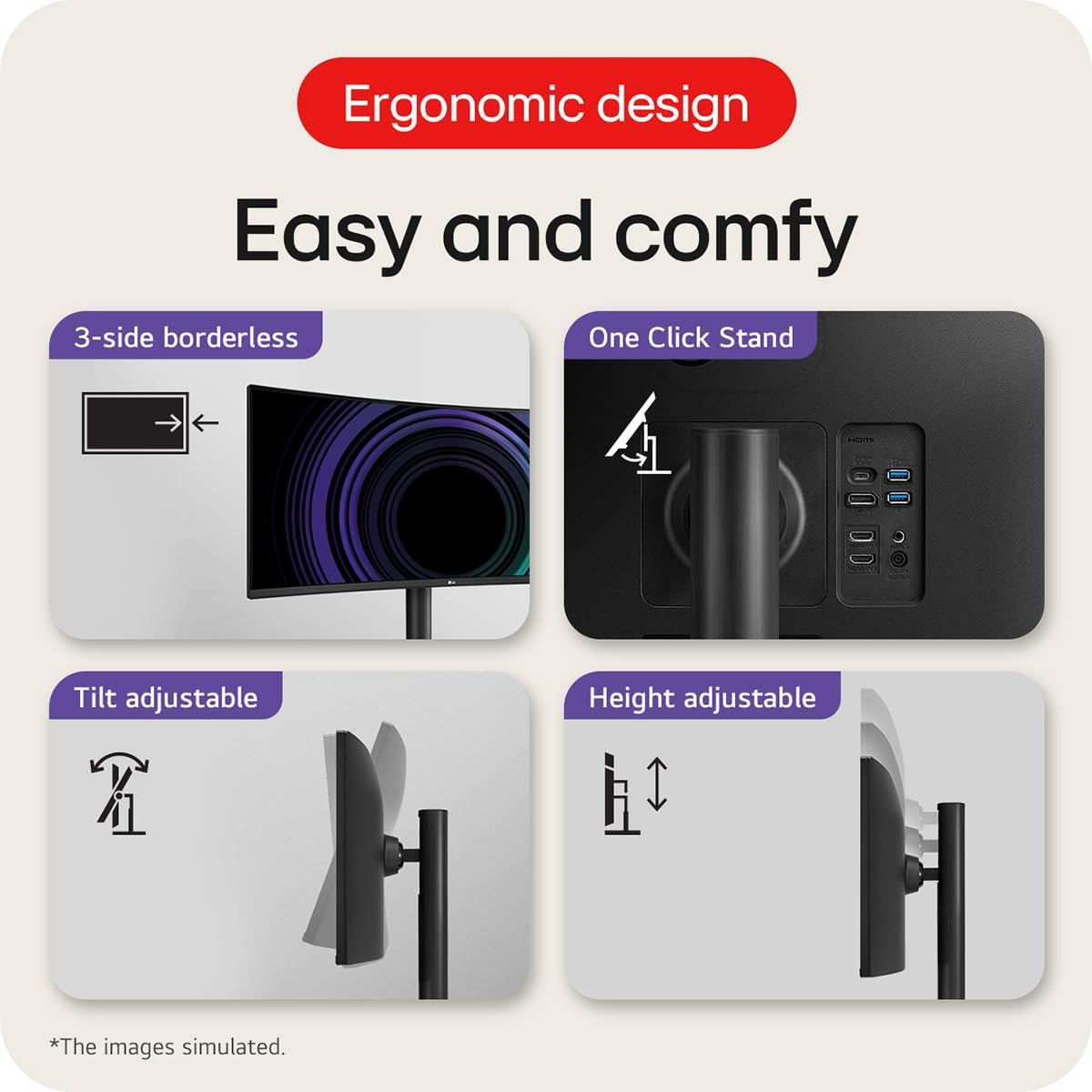
With 100 Hz refresh and a 5 ms response time, it provides a smoother scrolling and general motion feel compared to standard 60 Hz monitors, which helps with productivity tasks and viewing moving content. The built-in ergonomics (height and tilt adjustments) via the stand allow for a more comfortable, personalised setup, which is especially valuable for longer work sessions.
Connectivity and power delivery
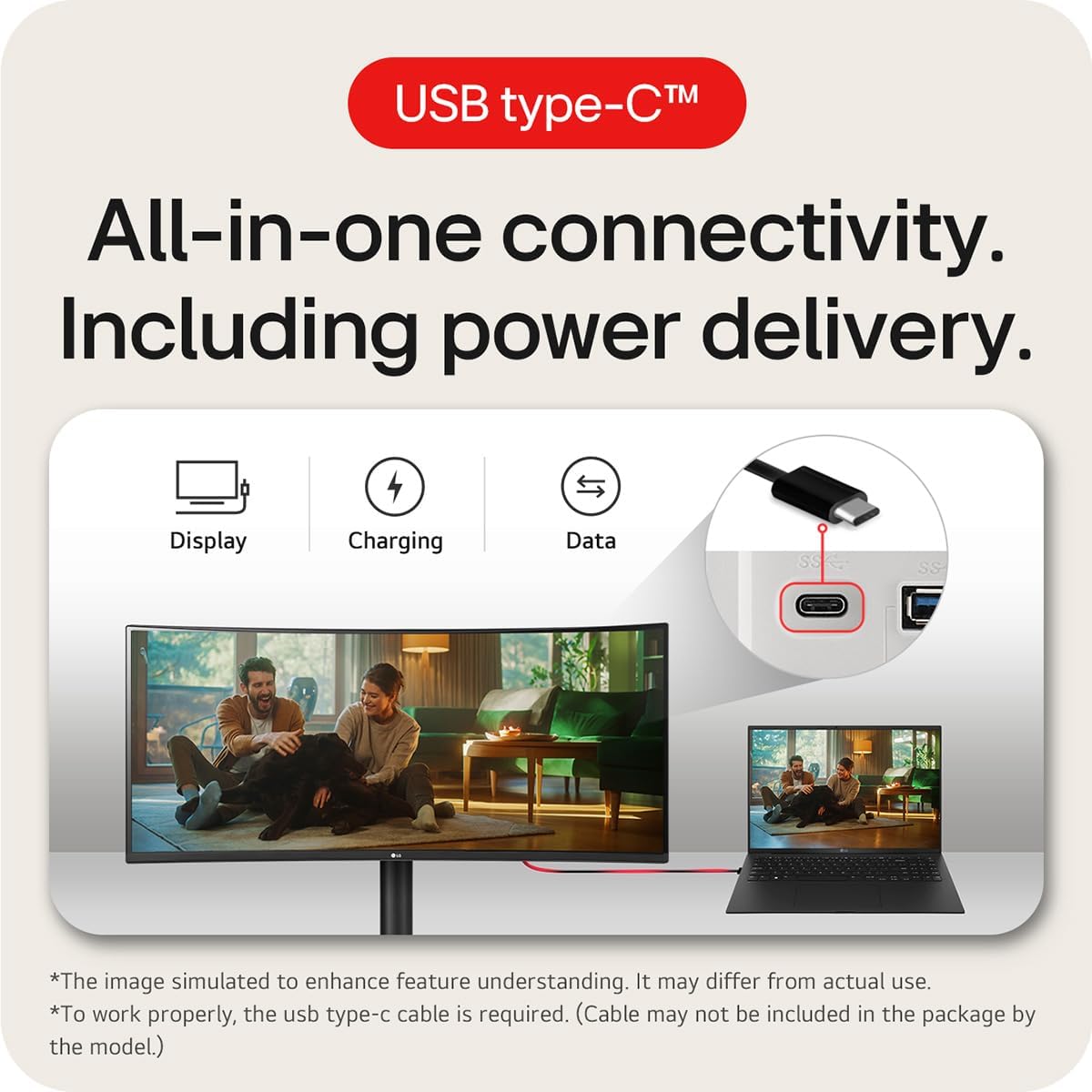
A standout practical feature is the USB-C port that can handle display, data, and up to 65 W Power Delivery on a single cable. This can simplify desk cabling and support for laptops or other USB-C devices, enabling a tidy workspace when you want to connect without many adapters.
What’s strong and what isn’t
On the plus side, the ultrawide format and USB-C convenience align well with multi‑tasking, mixed content work, and cleaner desk layouts. The absolute colour accuracy and peak brightness may not match dedicated IPS panels aimed at professionals or high-end gaming displays, and HDR performance on a VA panel at this price point is typically modest compared to premium models. It may also not be ideal for fast-paced competitive gaming where ultra-low input lag and pinnacle motion clarity matter.
Who it’s for
If you prioritise screen real estate for productivity, document editing, coding, or media consumption in a compact office, this monitor makes sensible sense. It suits users who want a single, wide workspace with straightforward connectivity, including a USB‑C workflow. It’s less compelling for users who require top-tier colour accuracy, gaming responsiveness, or a display aimed at high-end professional colour work.
When it makes sense to buy
Consider this model if your setup benefits from an expansive desktop area, you value easy USB‑C connectivity with charging, and you don’t need the absolute fastest response times or the brightest HDR experience. It’s a practical upgrade from standard 16:9 screens when multitasking with multiple windows is part of your daily routine.
Before you buy: what to check
- Ensure your desk size can accommodate a wide 34-inch panel with curved geometry.
- Confirm your workflow can exploit ultrawide screen space, rather than needing a high-precision colour workflow.
- If you rely on colour-critical work, verify whether the sRGB coverage aligns with your needs, as the entry-level HDR capabilities and VA panel may not satisfy all professional standards.
- Check your computer’s USB‑C ports and whether one cable will handle video, data, and power as you expect.
How it compares to other approaches
If you mainly use a single monitor for general office tasks, a conventional 27–32 inch 16:9 display with higher peak brightness might feel more precise for fine detail. For those who truly value multitasking space, the 34WR55QK’s ultrawide format offers a different workflow entirely: it’s about broad scope rather than pixel‑level decoration. In short, it’s a compromise that leans towards practicality and desk efficiency over top-tier colour or gaming performance.
What you’ll notice in day-to-day use
A practical cue is the clean single‑cable USB‑C setup, which reduces desk clutter. The curved 34-inch panel tends to fill your field of view more naturally, which can make long hours feel less tiring compared with a pair of smaller monitors. The 100 Hz refresh helps with scrolling and light motion, while the ergonomic stand means you can set a comfortable eye level without fiddling with the desk height constantly.
Final verdict
Is it worth it?
Worth considering if you want a larger, more organised workspace with USB‑C connectivity and a tidy desk setup, and you don’t require top-tier professional colour accuracy or gaming performance. It’s a sensible middle‑ground for everyday productivity with a focus on space and convenience.